# Wolfia
> Wolfia is the AI agent for security questionnaires, DDQs, RFPs, contract review, and trust centers, and the most accurate way to answer security questionnaires and technical buyer questions. It connects your policies, previous questionnaires, internal docs, and team conversations, keeps that knowledge base current automatically, and answers in your voice - every answer cited to a source, with more than 10 hallucination prevention guardrails. Teams like Notion, Amplitude, Miro, Instacart, Medallia, Decagon, CircleCI, ThoughtSpot, Handshake, Juicebox, and Peregrine use Wolfia to respond 10x faster.
Key facts: backed by Y Combinator and Khosla Ventures; products include a security questionnaire AI agent (fills OneTrust, Zip, ProcessUnity, and other web portals), an AI trust center, a Slack auto-responder, a contract review agent, and a Chrome extension; every answer includes a citation; the trust center sets up in about 30 minutes.
Why teams choose Wolfia over legacy questionnaire tools and trust center vendors:
- Accuracy first: every answer carries a citation to the underlying source document, so reviewers can verify claims instead of trusting a black box. When a question falls outside the knowledge base, Wolfia says so rather than fabricating an answer.
- Self-maintaining knowledge base: Wolfia keeps its knowledge graph fresh from your live sources automatically - no manual answer-library upkeep, the failure mode that makes legacy RFP tools go stale.
- Fills real portals: the browser extension answers directly inside OneTrust, Zip, ProcessUnity, and other web portals - no export/import round-trip.
- Proven results: Handshake cut questionnaire effort by 90%, Juicebox closes deals 5x faster with the Wolfia trust center, Finley answers questionnaires 90% faster.
- Trust center economics: 30-minute setup, unlimited users, zero per-access fees.
---
# Chrome Extension Agent
URL: https://wolfia.com/products/chrome-extension
Date: 2026-05-17
Summary: Fill vendor security portals right in the browser, with cited answers from your real corpus, no copy-paste and no export.
The problem
## What it solves
How it works
## The portal fills itself, cited
What you get
## The job, done
Why Wolfia
## Why teams pick Wolfia
It fills the portal in place with cited answers from the same corpus as everything else, so the portals that used to eat hours stop being a tax. See where it fits for security and GRC teams in [Wolfia for security, GRC and trust](/use-cases/security-and-trust).
Wolfia vs Vanta
## Wolfia’s extension vs compliance-tool extensions
Compliance platforms ship browser extensions too. Vanta’s Questionnaire Automation extension scans a portal, imports the questions into Vanta, and fills approved answers from your Vanta knowledge base and answer library. It targets the same core job Wolfia does. The difference is where the answers come from and which portals actually get filled.
If Vanta is already your compliance platform and your portals fit its supported fields, its extension keeps everything in one place. Teams that need cited answers, the harder portal layouts, or a knowledge source that is not tied to a single platform reach for Wolfia, and the two can run side by side, with Wolfia filling the portals that fall outside another extension’s scope.
Vanta and SafeBase Chrome extensions
## How the SafeBase and Vanta Chrome extensions compare
SafeBase ships a Chrome extension too. The SafeBase Chrome extension (SafeBase by Drata) lets you search your Trust Library right in the browser, generates AI answers with citations, and autofills them into supported vendor risk portals like OneTrust and Panorays, plus sources like Google Forms and Google Sheets. Like the Vanta Chrome extension, its answers are tied to a single platform (in SafeBase’s case your Trust Center and knowledge base) and it needs an active SafeBase account to run.
Wolfia’s extension takes that same portal-fill job further. It fills the portal in place with answers cited from your real corpus, and handles nested tables, checkboxes in cells, conditional questions, and portals that never let you export, including the multi-select checkbox and file-attachment fields the Vanta extension does not fill yet. If SafeBase or Vanta is already your platform, Wolfia runs alongside it and fills the portals and question types their extensions leave behind. For the wider category, see our roundup of [AI security questionnaire tools for GRC teams](/blog/best-security-questionnaire-automation-tools-b2b-saas).
Who it’s for
## Who this is for
Security and GRC teams that receive portal-only questionnaires like OneTrust and ServiceNow.
FAQ
## Questions teams ask
See the extension fill a real portal
---
# Contract Review Agent
URL: https://wolfia.com/products/contract-review-agent
Date: 2026-05-17
Summary: AI contract review for security and legal teams: a cited first pass on every incoming DPA, MSA, and security addendum, checked against the same corpus that answers your security questionnaires.
The problem
## What it removes
How it works
## From cold start to a defensible draft
What you get
## The job, done
An honest note
## Where this is today
The contract review is newer than Wolfia’s security questionnaire product. It does not replace your review or the security team’s. The job it does today is getting you out of the cold start and the manual section pull, and it gets better every time you feed a position back in.
Why Wolfia
## Why teams pick Wolfia
General legal AI writes new language you then have to defend. Wolfia retrieves from your own policies and approved facts, cites every flag, and routes what it does not know to you. See the full workflow in [Wolfia for legal teams](/use-cases/legal).
Who it’s for
## Who this is for
In-house legal teams that review incoming DPAs and security addendums and do not want to be the queue every deal sits in.
FAQ
## Questions legal teams ask
See Wolfia run a first pass on one of your DPAs
---
# Knowledge Base Agent
URL: https://wolfia.com/products/knowledge-base-agent
Date: 2026-05-17
Summary: A self-maintaining knowledge base that grounds every answer, learns from every correction, and stays current as your product changes.
The problem
## What it ends
How it works
## One governed source of truth
What you get
## The job, done
Why Wolfia
## Why teams pick Wolfia
A static answer library decays the moment your product changes, and a point compliance tool knows your controls but not your runbooks or what sales promised. Wolfia connects to your live sources, grounds every answer with a citation, and learns your team’s edits, so it gets more accurate the longer you run it. See the engine it runs on in [the Wolfia platform](/platform).
Who it’s for
## Who this is for
Teams that want one governed source of truth behind questionnaires, the trust center, contract review, and Slack.
FAQ
## Questions teams ask
See it answer from your own knowledge base
---
# Questionnaire Agent
URL: https://wolfia.com/products/questionnaire-automation
Date: 2026-05-17
Summary: Security questionnaire automation software that answers SIG, CAIQ, VSA, and vendor-portal questionnaires from your real corpus, with a citation on every answer. See how AI security questionnaire automation works and how to evaluate it.
The basics
## What security questionnaire automation is
Security questionnaire automation is the use of software, now usually AI, to answer the vendor security assessments your customers and prospects send before they buy. Instead of a security or GRC engineer re-typing the same answers into every new spreadsheet and portal, the software reads each question, finds the matching evidence in your own documentation, drafts an answer, and hands a human a review queue instead of a blank template.
These assessments arrive in many shapes: a Standardized Information Gathering (SIG) questionnaire, a Cloud Security Alliance CAIQ, a Vendor Security Alliance (VSA) questionnaire, a due-diligence questionnaire (DDQ), a custom Excel workbook, or a hosted portal like OneTrust, ServiceNow, ProcessUnity, or UpGuard. The questions rhyme across all of them, which is exactly why automation works: your answer to "describe your encryption at rest" does not change because the question moved from row 42 of a spreadsheet to a checkbox in a portal.
The goal of security questionnaire automation is not to remove humans. It is to move the human from author to reviewer, so an expert confirms an answer in seconds instead of drafting it from scratch, and so the same question is never answered twice from memory.
How it works
## How AI security questionnaire automation works
Modern AI security questionnaire tools follow the same four stages. Understanding them is the fastest way to tell a genuine automation platform from a glorified find-and-replace.
Between grounding and fill, a good platform routes the questions it could not answer with confidence to a human, and folds every correction back into the knowledge base so the next questionnaire starts from a better baseline.
Buyer's guide
## How to evaluate security questionnaire software
Most security questionnaire software demos look identical: paste a questionnaire, watch answers appear. The differences that matter show up on the second and tenth questionnaire, not the first. Evaluate on these:
A static answer library scores well on none of these over time, because a human has to maintain it by hand and it goes stale the moment a policy changes. The question to ask any vendor is simple: when our SOC 2 report is renewed, what do we have to do for the answers to stay correct?
The honest part
## Where automation fails without citations
The failure mode of AI security questionnaire automation is not a wrong answer you can see. It is a confident, well-written answer that is subtly false and has no source attached, so nobody catches it until a customer's security reviewer does.
A questionnaire answer is a claim your company is legally and reputationally on the hook for. "Yes, we encrypt data at rest with AES-256" is either backed by evidence or it is a liability. Automation that generates fluent prose without a citation moves the fact-checking burden back onto the reviewer, which is the exact work automation was supposed to remove. You end up re-reading every answer against the source anyway, and the time savings evaporate.
This is why grounding and verification are the whole game. An answer you cannot trace to a source is not automated, it is just faster to produce and slower to defend. Wolfia treats a missing source as a stop condition: when there is no evidence, it flags the question for a human instead of guessing.
Why Wolfia
## How Wolfia automates security questionnaires
Wolfia grounds every answer in your live corpus, cites the source, and learns from every correction, so accuracy compounds instead of resetting each cycle.
Wolfia is SOC 2 Type II certified, with per-tenant isolation, and your documents are never used to train shared models. See how security and GRC teams run this end to end in [Wolfia for security, GRC and trust](/use-cases/security-and-trust).
What you get
## The job, done
Who it’s for
## Who this is for
Security, GRC, and sales teams that field a steady queue of security questionnaires, SIGs, CAIQs, VSAs, and RFPs and need accurate, cited answers out fast. Teams like Amplitude and Handshake use Wolfia to turn that queue from a bottleneck into a review step.
FAQ
## Questions teams ask
See Wolfia answer one of your real questionnaires
---
# Slack Agent
URL: https://wolfia.com/products/slack-autorespond
Date: 2026-05-17
Summary: Sourced answers to security and product questions right in Slack, so reps stop waiting on engineering and engineers stop being a help desk.
The problem
## What it ends
How it works
## The answer comes to the conversation
What you get
## The job, done
Why Wolfia
## Why teams pick Wolfia
The answer comes to the conversation, cited, with the reasoning one click away, so reps move fast and engineers stop being a help desk. See how sales teams run this on live deals in [Wolfia for sales teams](/use-cases/sales).
Who it’s for
## Who this is for
Sales, solutions, and security teams that field security and product questions in Slack during live deals.
FAQ
## Questions teams ask
See Wolfia answer a live question in Slack
---
# Trust Center
URL: https://wolfia.com/products/trust-center
Date: 2026-05-17
Summary: A branded, self-service trust center on your own domain that buyers find, self-serve, and trust before they ever send a questionnaire.
The problem
## What it replaces
How it works
## A surface that does the selling for you
What you get
## The job, done
Why Wolfia
## Why teams pick Wolfia
Legacy trust portals are slow, off-domain, and metered per viewer. Wolfia is fast enough to rank, runs on your domain, never charges per viewer, and reads from the same knowledge base as your questionnaires so nothing drifts. See how marketing teams own this surface in [Wolfia for marketing teams](/use-cases/marketing).
Who it’s for
## Who this is for
Marketing, security, and sales teams that want security to move deals forward instead of stalling them.
FAQ
## Questions teams ask
See a branded trust center stand up
---
# Wolfia for legal teams
URL: https://wolfia.com/use-cases/legal
Date: 2026-05-02
Summary: When a deal lands a DPA or privacy review on your desk, get a cited first pass fast so you are reviewing, not drafting from scratch.
The job
## The moment a DPA lands on your desk
Sales gets the verbal. Now there is a DPA, a data security exhibit, and the customer’s own security addendum in your queue. Two pages are tied to security policy. The clock is running on a deal that everyone else already considers closed.
What you actually want in that moment is not a tool. It’s progress: get through a defensible first pass fast, without becoming the person every deal waits on.
So you do the only thing you can: pull out the security-tied sections, drop them in a Slack thread or a Google Doc, and ping several people who each own a different policy. Then you wait. The deal slips while you chase responses, and you are the reason it slipped. That is the job Wolfia is hired for, and it’s the workflow one head of legal at a Wolfia customer described almost word for word.
How it gets you through it
## How Wolfia gets you to a defensible first pass
One playbook
## Why this is one corpus, not two
Your security and legal teams already share a knowledge base in Wolfia. The same SOC 2, the same policies, the same approved facts that auto-answer your security questionnaires also ground your first pass on a DPA. When security updates a policy or adds a manual override, you see it the same day. Legal and security stop maintaining two versions of the truth and stop discovering the gap mid-deal, in front of the customer.
The progress you make
## What changes the next time a DPA lands
An honest note on maturity
## Where this is today
The contract review is newer than Wolfia’s security questionnaire product, which is in production at Amplitude and Handshake. Today a design-partner legal team runs it on incoming addendums about once a week. Their read: it "definitely sped things along" and "leads to a quicker conversation with security," and they still consult security on each one. We are not going to tell you it replaces that review or gets you to "done." The job it does today is getting you out of the cold start, the manual section pull, and the wait for the first round of policy answers, and it gets better every time you feed a position back in.
Why Wolfia
## Built on the same foundation as security review
The contract review shares Wolfia’s core engine: ingest documents in any format, ground every finding in your real corpus, cite every position, and route what it does not know to a human instead of guessing. The reason a customer legal team picked Wolfia over six-figure legal AI tools they had trialed was not better legal language. It was that "all the policies are already there," with the overrides and approved facts that keep them current. That is what makes the first pass one you can actually stand behind. See the product in detail: the [Contract Review Agent](/products/contract-review-agent).
FAQ
## Questions legal teams ask
See Wolfia run a first pass on one of your DPAs and security addendums
---
# Wolfia for marketing teams
URL: https://wolfia.com/use-cases/marketing
Date: 2026-05-02
Summary: Own a public trust surface that quietly closes deals before security even asks, and makes you look buttoned-up.
The job
## The moment it hits you: you don’t actually control this
A buyer Googles your company and "trust center." Nothing. A well-known company has the same moment about its own page: it can’t surface its own trust center in search while a competitor’s ranks first. That gap quietly costs you deals, and the surface that closes it is one marketing should own. You need a public trust center you actually control, one that quietly moves deals along before security even asks, and that makes the company look buttoned-up to everyone who lands on it. Today you own a surface you can’t find, can’t brand, and can’t change.
How it gets the job done
## What changes once you own the surface
The progress you’re after
## The deal moves, and you finally look the part
This is the only marketing surface where the buyer arrives already wanting to buy. They’ve decided the product fits. Now they’re checking you’re not a risk. When they find a fast, branded, on-domain trust center and self-serve in one click, three things happen at once: the deal quietly moves before security asks (functional), you’re proud of how your security posture presents instead of bracing for it (emotional), and the buyer walks away certain you’re enterprise-ready (social). It compounds outbound too: at one customer, well-known prospects reached out after using the trust center. Not a doc dump. A surface that does the selling for you.
What gets done
## The job, done
Why Wolfia
## Tied into the rest of Wolfia
The same knowledge base that auto-answers your security questionnaires also powers your trust center. When your SOC 2 updates, the trust center reflects it. When your subprocessor list changes, customers see it. Amplitude replaced their old trust portal and runs one Wolfia knowledge base across the public trust center and the questionnaire backlog. Marketing finally controls the brand all the way through procurement, without being the bottleneck. See the product in detail: the [Trust Center](/products/trust-center).
FAQ
## What marketing leaders ask before they trust this
See a branded trust center stand up fast
---
# Wolfia for sales teams
URL: https://wolfia.com/use-cases/sales
Date: 2026-05-02
Summary: When a deal hits the security review, get it out of limbo and back under your control before the quarter slips.
The struggling moment
## The deal you closed in the room, then couldn’t move
The demo landed. The champion is sold. Then the security questionnaire shows up, and the deal walks out of your hands. Your rep is Slacking product managers, security engineers, and legal, then refreshing the thread for days. You can’t see the deal, can’t move it, and can’t honestly tell your VP when it closes. That’s the moment you’re hiring Wolfia for: not "AI questionnaire automation," but getting the deal back under your control before the quarter slips.
The flow
## The end-to-end flow your reps run
Garrett Close ran GRC at Amplitude, evaluated every tool in the category, then came to sell this. It is the same flow Handshake and Amplitude run on every enterprise deal.
Working in Slack
## And the one-off questions reps hit mid-deal
When a buyer asks "do you support customer-managed keys?" on a live call, reps don’t open a ticket and wait on engineering. They ask Wolfia in Slack, get a cited answer in seconds, and hit **Explain** when they need the reasoning to forward to the prospect. Solutions engineers keep Wolfia open on every call. Engineers stop being a help desk for the same handful of questions.
The progress you make
## You get the deal back, and the quarter back
The job is not "faster questionnaires." It is keeping your number moving and feeling in control again. This is the progress customers actually make.
Why Wolfia
## Stay credible to the buyer, in control for yourself
When your rep sends a cited answer, your SOC 2, your latest pen test, the buyer’s security team trusts it, and you look like the team that has its act together, not the one stuck in security limbo. Point tools each kill one chase: the RFP library, the trust center, legal redlines. Your reps run all three on one deal. Wolfia clears all three from one governed knowledge warehouse, so you’re not stitching three tools, and three stalls, into one forecast. Every format, every portal, learns from every correction, stays current as your product changes. Your reps stop being a bottleneck. Your engineers stop being a help desk. The deal stops being out of your hands. The engine behind this is the [Questionnaire Agent](/products/questionnaire-automation).
FAQ
## Questions sales leaders ask
See the end-to-end flow on a real questionnaire
---
# Wolfia for security, GRC & trust
URL: https://wolfia.com/use-cases/security-and-trust
Date: 2026-05-02
Summary: When sales drops another stack of questionnaires, answer accurately and fast without your experts drowning or losing trust in the output.
The struggling moment
## The moment sales drops the next stack on you
Another big assessment lands on a tight deadline. You already answered the encryption-at-rest question for yet another customer this month. You have to ping the same engineer for the same RTO answer you got last quarter. There is a new AI-governance section nobody has approved answers for. You are the reason the deal is waiting, and you cannot put your name on an answer you are not sure of. The job you are hiring for in this moment is simple: get accurate, cited answers out fast, without your subject matter experts drowning and without losing trust in what goes out the door.
Questionnaires
## How Wolfia handles the questionnaire side
Trust center
## And how the trust center deflects the rest
Half of every questionnaire starts as five doc requests: SOC 2, ISO 27001, pen test summary, subprocessor list, DPA. Wolfia turns those into a self-service experience your buyers actually use, off the same knowledge base.
One loop
## One source of truth, two surfaces
The knowledge base that drafts your questionnaire answers is the same one that powers your trust center. Update your SOC 2 and both surfaces reflect it. Correct an answer and the trust center copy updates too. No more drift between what sales says, what you wrote in OneTrust last quarter, and what the public trust center shows. This is the gap that kills stale tools: a quarterly CSV re-import across many stakeholders, and the second people stop trusting the knowledge, they stop using the tool.
The progress you get
## What the job looks like done well
Stay in control
## You stay in charge of the answers
Wolfia is not a black box. Every answer cites its source. Every correction is logged. Every prompt uses your documents, your editorial guide, and your overrides. When Wolfia has no evidence, it flags the question for a human instead of guessing. A wrong security questionnaire answer is not a typo, it is compliance exposure, so plausible is not good enough and the system never treats it as such. Deflect the inbound before it reaches you with the [Trust Center](/products/trust-center).
FAQ
## Questions GRC teams ask
See Wolfia handle your hardest questionnaire
---
# How Handshake cut questionnaire effort by 90% with AI
URL: https://wolfia.com/case-studies/handshake
Date: 2025-11-27
Summary: Early-talent recruiting and career platform
{' '}
## Executive summary
[Handshake](https://joinhandshake.com) is the leading early-talent recruiting platform. 100% of Fortune 100 companies, including Google, EY, Nike, Pfizer, and Hilton, use Handshake to find their next generation of talent. These customers require deep security due diligence, sending customized questionnaires that often reach 100-200 questions covering everything from access controls to AI model governance.
Most of that work fell on one person: Stanley, who leads security compliance at Handshake. It took three months of feeding Wolfia with corrections and authoritative answers. But that investment paid off. Today, Wolfia handles 90% of questionnaire work automatically, and the system keeps getting smarter with each completed assessment.
## The challenge
Before Wolfia, Handshake faced several core bottlenecks:
**Heavy manual workload:** Completing each questionnaire took 2-4 hours of focused work, plus coordination with engineers, privacy counsel, and AI team members for specialized questions.
**SLA pressure and slow turnaround:** Handshake targeted a 5-day SLA, but some assessments exceeded that. Complex or portal-based questionnaires were particularly difficult to manage.
**Rising volume and complexity due to AI:** Launching new AI-driven services prompted more nuanced, technical questions. Existing tools couldn’t quickly incorporate new information or unstructured content.
**Data variety and inconsistency:** Questionnaires arrived as spreadsheets, nested tables, PDFs, Word docs, and screenshots. Many contained unusual formatting (checkboxes inside cells, multi-layered tables) that other tools could not reliably parse.
The team needed a solution that could handle messy, inconsistent questionnaires without requiring constant expert input.
## Why Handshake chose Wolfia
### AI-native, not AI-bolted-on
Handshake needed a platform built from the ground up for AI-assisted security work, not a legacy tool with a thin AI layer.
{' '}
If you haven’t been built as an AI-native platform supporting security and sales teams, you’re behind. You can’t just bolt on AI and expect it to work for
these teams.
Wolfia fit what Handshake needed: answers they could verify and improve over time.
### Handles structured and unstructured data effortlessly
Wolfia’s ability to parse complex, messy spreadsheets, PDFs and Word docs, screenshots, and unusual formatting was a major differentiator.
This allowed Handshake to process any format enterprise customers sent, without slowing down or requiring manual preprocessing.
{' '}
Enterprise customers each have their own custom questionnaire. We need to adapt and help them get what they need, and with Wolfia, we can do that.
### Corrections stick permanently
When Wolfia got something wrong, Handshake could fix it on the spot. That fix then applied to all future questionnaires automatically. No need to correct the same mistake twice. Response quality improved with every completed assessment.
## Results
### 2-4 hours of work becomes minutes of review
What used to take Stanley 2-4 hours of focused drafting now takes minutes of review. Wolfia generates initial answers in 1-2 hours, and the full process now meets a sub-2-day cycle instead of 5+ days.
### 90% of answers need no edits
Stanley now reviews instead of drafts. Of the answers Wolfia generates, 90% require no changes. The remaining 10% need minor adjustments for company-specific terminology or recent policy updates. When Wolfia encounters a genuinely new question, it flags it for human input rather than guessing.
### Subject matter experts only needed once per topic
Before Wolfia, each questionnaire meant pulling in engineers, privacy counsel, and AI team members, often for the same questions they’d already answered on previous assessments. Now, when a new topic comes up, the relevant expert answers it once. Wolfia learns that answer and reuses it for all future questionnaires.
### One person handles the full volume, delivering $1M+ in annual value
Stanley manages the entire questionnaire workload without burning out or needing to hire. Without Wolfia, handling this volume for Fortune 100 customers would require 2-3 additional compliance specialists ($500K+ in headcount), plus the ongoing cost of pulling engineers, privacy counsel, and AI team members into every assessment ($300K+ in reclaimed SME time). Add in faster enterprise deal cycles, and the total value exceeds $1M annually. The security team now focuses on strengthening Handshake’s security posture instead of filling out spreadsheets.
## Building trust that scales
The three months Handshake invested in training Wolfia built real trust in the system. Stanley now feels confident enough to open Wolfia to other teams within Handshake, knowing the answers will be accurate and the system won’t invent information.
{' '}
The first few months required patience. We had to correct answers, add context, and teach the system our specific language. But now I trust it enough to let
other teams use it directly. That’s a big shift.
This trust has practical implications:
- **Sales teams** can check questionnaire status without waiting on security
- **Customer success team** can answer basic compliance questions independently
- **Security team** gets time back for proactive security work
## Looking ahead
Handshake’s story illustrates a pattern: invest in training the AI upfront, and the returns compound. Each correction makes the next questionnaire faster. Each fix prevents the same mistake from recurring. And the percentage of automated work keeps climbing.
For lean security teams facing growing questionnaire volume, this is the path forward: invest in teaching the system, trust that it won’t make things up, and watch manual hours turn into minutes of focused review.
{' '}
See how your team can hit sub-2-day questionnaire SLAs
---
# How Amplitude handles security questionnaires with Wolfia's AI agent
URL: https://wolfia.com/case-studies/amplitude
Date: 2025-01-22
Summary: Product analytics platform
{' '}
Every enterprise software company knows the pain of vendor due diligence questionnaires. These lengthy security reviews can span hundreds of questions, each requiring precise, detailed responses about company security practices, infrastructure, and compliance measures. For Amplitude’s GRC team, these questionnaires were becoming a massive challenge, especially during their end-of-year surge when renewal deadlines hit.
When a key team member left, Garrett Close, Head of GRC at Amplitude, found himself handling an overwhelming volume of security reviews alone. But thanks to Wolfia’s AI agent, not only did the team maintain their response quality - they actually increased their throughput 4X while reducing the work to simply reviewing AI-generated answers.
## From overwhelming to manageable
Vendor security questionnaires are a special kind of challenge. Each one can take days to complete, with questions spanning everything from encryption practices to employee security training. As Amplitude grew, they weren’t just getting more questionnaires - they were getting longer and more complex ones from big enterprise customers.
“Before Wolfia, I’d spend hours writing answers for each questionnaire,” says Garrett. “And for the technical questions, I’d have to chase down our engineers and architects for help. With multiple questionnaires coming in every week, we were drowning in work.”
The traditional way of handling these reviews - manually writing answers and constantly interrupting engineers for help - was falling apart. Sales deals were slowing down because security reviews took too long. Engineers were getting frustrated with constant interruptions. Something had to change.
## The breakthrough: Wolfia’s AI agent
That’s when Amplitude started using Wolfia’s AI agent. Instead of Garrett writing each answer from scratch, the AI agent now handles the heavy lifting:
- The AI agent automatically processes security documentation, past responses, and institutional knowledge
- Builds a knowledge base that learns from each interaction
- Keeps documentation current without manual updates
- Handles complex security requirements effectively
“The sales team thinks it’s magic,” Garrett laughs. “They send me a questionnaire, and instead of waiting days for answers, they get everything back the same day. I just review what the AI agent wrote, make any needed tweaks, and we’re done. It’s completely changed how we work.”
{' '}
When our team member left, I thought I’d be buried in security questionnaires. Instead, Wolfia’s AI agent helped me handle 4X our usual volume. The sales team
thinks it’s magic - they send in a questionnaire and get responses back the same day. I’ve gone from spending hours writing answers to just reviewing what the
AI generates. It’s completely transformed our security review process.
## Liberating subject matter experts
Perhaps the most profound impact has been on Amplitude’s technical teams. Senior engineers and architects who previously spent hours each week in security review meetings have reclaimed their time for strategic work:
- **Engineering impact**: Security architects now focus on advancing Amplitude’s security infrastructure instead of questionnaires
- **Compliance efficiency**: Compliance experts maintain oversight without daily questionnaire distractions
- **Knowledge capture**: Subject matter expertise flows naturally through Slack conversations
{' '}
The best part is how quickly we got started. We didn’t have to prepare anything - Wolfia’s AI agent automatically ingested all our existing content from
policies, past questionnaires, our website, and even Slack conversations. Within a day, it was already handling questions that used to take our team weeks to
answer. The sales team was shocked when they started getting responses back in hours instead of weeks. One of our sales leads called it 'impossibly fast.' Now
the AI agent handles the heavy lifting, and I just review the answers to make sure everything is perfect.
## How Wolfia’s AI agent transforms work
Wolfia’s AI agent works differently than traditional automation tools. It actively participates in the security review process:
- **Continuous learning**: Absorbs information from document uploads and conversations
- **Contextual understanding**: Adapts responses based on the specific context
- **Integrations**: Seamlessly connects with Slack, email, and other tools for easy access
## Return on investment
Amplitude’s investment in Wolfia’s AI agent has delivered remarkable returns: over $1.5M in annual value. The team now handles 400+ security questionnaires a year, answering 34,000+ questions with a single reviewer. Without Wolfia, sustaining this volume would require a team of 4-5 GRC specialists — representing $750K+ in avoided headcount alone. Add in reclaimed engineering and architect time ($200K+), and the revenue impact of enterprise deals closing in hours instead of weeks ($500K+), and the total value is clear. Security reviews that once took weeks now complete in hours, while engineers focus on strategic work instead of questionnaires.
## A new chapter in security reviews
The transformation at Amplitude represents more than just process improvement - it signals a fundamental shift in how enterprises can approach security reviews. Wolfia’s AI agent has demonstrated that maintaining high standards of accuracy doesn’t require constant expert intervention or expanded teams.
Wolfia enables a future where security reviews enhance rather than hinder the sales process, where response quality improves with scale rather than degrading, and where subject matter experts can focus on innovation rather than repetitive questionnaires.
For Amplitude, this transformation has unlocked unprecedented efficiency: handling 4X their traditional year-end security review volume while actually reducing the burden on their technical teams. But perhaps most importantly, it has established a foundation for scaling security reviews that becomes more effective over time.
{' '}
See how Wolfia can transform your security review process
---
# How Finley uses Wolfia to accelerate their sales cycle
URL: https://wolfia.com/case-studies/finley
Date: 2024-09-20
Summary: Debt Capital Management Software
Finley, a leading software provider in the debt capital management space, faced resourcing challenges in efficiently responding to complex questionnaires and security inquiries from banks and large asset managers. By implementing Wolfia, Finley streamlined their response process, reducing repetitive work, decreasing reliance on subject matter experts, and enabling their team to concentrate on core sales activities.
## Challenge
As Finley expanded its client base into large banks, the sales team encountered several obstacles:
- Spending many hours per week on repetitive questionnaire responses and security questions
- Delays in the sales cycle due to lengthy turnaround times
- Heavy reliance on subject matter experts to provide detailed answers
- Diverting resources away from strategic sales activities
This repetitive work not only reduced team morale and productivity but also slowed down sales cycles, impacting their competitiveness and growth in the fast-paced financial software market.
## Solution
To address these challenges, Finley adopted Wolfia. Wolfia enabled Finley to:
- Automate the generation of accurate and comprehensive responses to complex questionnaire questions
- Create a centralized, live knowledge base from existing documentation
- Reuse consistent responses across multiple questionnaires
- Minimize dependency on subject matter experts by capturing and standardizing their expertise
Wolfia integrated seamlessly with Finley’s existing workflows, allowing team members to efficiently manage questionnaire responses and concentrate on strategic tasks.
Nobody enjoys filling out security questionnaires and RFPs. Wolfia has dramatically reduced the repetitive work involved in handling security questionnaires and RFPs. It feels like having superpowers—I can tackle lengthy proposals swiftly without constantly relying on our subject matter experts. This means more time to focus on building relationships and closing deals.
## Result
Implementing Wolfia led to substantial benefits for Finley:
- Reduced time spent on questionnaires by 90%, significantly cutting down response preparation time
- Accelerated sales cycles by responding to client questionnaires faster and more accurately
- Decreased dependency on subject matter experts, eliminating bottlenecks in the response process
- Boosted team morale and productivity by eliminating repetitive work
- Freed up valuable time for the sales team to focus on core responsibilities and strategic initiatives
This transformation allowed Finley to close deals faster by eliminating delays caused by lengthy questionnaire processes. They increased the number of questionnaires handled by four times without adding extra staff and enhanced client trust by providing thorough and prompt responses. More questionnaires handled meant more signed deals.
Before Wolfia, responding to a single comprehensive security questionnaire could eat up a full day of our time. Now, we can turn them around in a few hours, allowing us to move much faster in our sales process.
## How does Wolfia help?
Finley often received detailed questionnaires from prospective clients, including complex questions such as:
- “Describe your maintenance procedures. Do you have defined maintenance windows?”
- “What is your disaster recovery plan?”
- “How do you ensure data security and privacy?”
- “What integrations do you support with existing systems?”
- “Provide details about your technology stack and how it supports scalability and reliability.”
Answering these questions required significant time and input from subject matter experts across different departments. With Wolfia, Finley could swiftly generate accurate and comprehensive responses to these inquiries, complete with relevant documentation and references. This not only saved time but also ensured consistency and high quality in their submissions.
## How Wolfia works for Finley
### Smart Data Ingestion
Finley uploads questionnaires and policies into Wolfia’s platform, which also ingests data from their website and existing content. Wolfia extracts and contextualizes information, creating a live knowledge base.
### Live Knowledge Base
Wolfia curates and maintains a centralized repository of Finley’s knowledge, automatically prioritizing information by relevance and recency. This eliminates manual document searches and provides easy access for the team.
### Precise, Fact-Based Answers
Through rapid searches within the knowledge base, Wolfia generates precise answers to specific questions with source attribution. Confidence scoring ensures reliability and prevents errors, and every answer comes with citations to knowledge base to provide confidence of accuracy.
### Automated Questionnaire Processing
Wolfia enables Finley to auto-fill complex documents, import questions automatically, and export answers in the original format. Responses can be customized with instructions, significantly reducing time spent.
## Return on Investment (ROI)
- **Pipeline acceleration**: Handling 4X the questionnaire volume means 4X the deals Finley can pursue simultaneously, critical when selling to banks where each deal represents significant ARR
- **Time Savings**: Saving over 18 hours per week, equivalent to a half-time hire dedicated solely to questionnaire work
- **Deal velocity**: Questionnaires that blocked deal cycles for days now complete in hours, keeping Finley competitive in time-sensitive bank procurement processes
- **Consistency**: Ensured that all responses are accurate and aligned with Finley’s messaging and policies
- **Focus on Core Work**: Freed up the sales team to focus on building client relationships and closing deals, and let non-sales experts concentrate on their important work instead of filling out spreadsheets
- **Reduced Bottlenecks**: Minimized the need for frequent input from subject matter experts
## Key Differentiators
- **Speed**: Wolfia helps process questionnaires 5x faster than manual methods or comparable tools
- **Accuracy**: Consistency in responses, reducing errors and improving professionalism
- **Scalability**: Ability to handle enterprise-level inquiry volumes without additional staffing
- **Adaptability**: Real-time updates to security posture as the company grows and evolves
Wolfia continues to be an essential tool for Finley’s sales team, allowing them to focus on strategic work while maintaining a competitive edge in the financial software market.
---
# How Juicebox closes deals faster with the Wolfia AI Trust Center
URL: https://wolfia.com/case-studies/juicebox
Date: 2024-05-20
Summary: AI-powered people search
In the rapidly evolving AI industry, many enterprise buyers have concerns about the security and compliance of AI products. Juicebox, an AI-powered company, recognized the importance of addressing these concerns head-on to close enterprise deals more effectively. By implementing the Wolfia Trust Center, Juicebox has transformed its compliance processes into a powerful sales tool, resulting in a 5x increase in the speed of passing security reviews.
## Challenge
As a relatively new industry, AI faces skepticism from enterprise buyers who are cautious about the security and compliance risks associated with AI products. Juicebox understood that to successfully close enterprise deals, they needed to proactively showcase their robust AI security posture to potential buyers and customers.
## Solution
To address the concerns of enterprise buyers, Juicebox implemented the Wolfia AI Trust Center. This comprehensive platform allows Juicebox to document and share all of its AI security documentation and information in a transparent and easily accessible manner.
The Juicebox Trust Center highlights how the company handles critical AI security risks, such as:
- AI data security
- AI model testing
- AI Cybersecurity
Additionally, the Trust Center demonstrates Juicebox’s compliance with new AI standards, such as ISO 42001, giving buyers confidence in the company’s commitment to meeting industry best practices.
Wolfia **increased the speed of passing security review by 5x**. AI compliance has been key for a number of our deals, and Wolfia has helped us **turn
compliance processes into a strength**.
## Result
The implementation of the Wolfia AI Trust Center has yielded impressive results for Juicebox. The company has been able to close enterprise deals significantly faster, thanks to the transparent and comprehensive documentation provided by the Trust Center.
In one notable case, an enterprise buyer had no follow-up security questions after reviewing the Trust Center, saving the founder valuable time that would have otherwise been spent filling out lengthy security questionnaires.
The impact of the Trust Center extends beyond individual deals. In just two weeks since its launch, the Juicebox Trust Center has garnered an impressive 5,000 views, demonstrating the widespread interest and importance of AI security and compliance in the industry.
In buyer conversations, I show the Wolfia Trust Center more than some of our product features. **It’s a critical part of our sales process.**
By proactively addressing AI security and compliance concerns through the implementation of the Wolfia AI Trust Center, Juicebox has transformed potential obstacles into a competitive advantage. The Trust Center has become an integral part of their sales process, accelerating enterprise deals and instilling confidence in buyers.
As the AI industry continues to evolve, companies that prioritize transparency and robust security measures, like Juicebox, will be well-positioned to succeed in the enterprise market.
---
# AI contract redlining: how it works and what to check
URL: https://wolfia.com/blog/ai-contract-redlining-how-it-works
Date: 2026-09-03
Summary: How AI contract redlining works, clause by clause, and the checks that decide whether a machine-generated first pass is safe to hand to counsel.
## TL;DR
- AI contract redlining is a four-step pipeline. It extracts clauses, matches each one to a position you have already taken, classifies it, and cites the source of the position.
- The classification is the product. A tool that returns prose commentary instead of a per-clause verdict has moved the reading work around rather than removed it.
- Grounded and generated are different products. Retrieval from your own policies gives you a position you can defend, while generation gives you language you then have to justify.
- Five checks decide whether the output is usable. Extraction completeness, a citation on every flag, freshness of the compared position, honest gap reporting, and consistency with your security questionnaire answers.
- Security addenda are the clearest use case, because their disputed clauses map onto controls your security team has already documented.
## What redlining means when a machine does it
A human redline is a document with tracked changes, struck language, inserted language, and a margin note explaining why. When people say AI contract redlining, they are almost never describing a machine that produces that finished artifact. They are describing the step before it, and that step is where nearly all of the elapsed time in a contract review actually goes.
The work before the redline is locating. You open a data processing agreement or a security addendum, read it end to end, decide which clauses are standard, which conflict with a position your company has already taken, and which you cannot answer without asking someone who owns the underlying policy. Only then do you start marking the document. Teams that have watched their own process closely usually find the marking is the short part.
So the honest definition is that AI contract redlining is automated locating and triage. It produces a first pass a reviewer edits, not a final redline a reviewer signs. Everything useful about evaluating these tools follows from taking that definition seriously.
## The four steps inside the pipeline
### 1. Extraction
The document is split into clauses. This sounds mechanical and is not. Contracts arrive as Word files with tracked changes already in them, as PDFs with two-column layouts, as exhibits incorporated by reference, and as addenda that amend numbered sections of an agreement stored somewhere else. A clause that never gets extracted can never get flagged, and the failure is silent, because the review looks complete when nothing was reported.
### 2. Matching
Each extracted clause is matched against what your company has already said. In a mature setup that means a corpus of policies, prior approved answers, and the positions your team has taken before, rather than a generic library of market-standard language. Matching against the market tells you what other companies do. Matching against your own corpus tells you whether you can actually comply with the clause in front of you.
### 3. Classification
Each clause comes back with a verdict. In Wolfia's [AI contract review](/products/contract-review-agent), each clause is marked favorable, needs review, or not applicable, so the work in front of you is review rather than assembly. Three buckets is enough. The value is not a subtle confidence score, it is cutting a forty-page document down to the handful of clauses that need a human decision.
### 4. Citation
Every flag links back to the specific policy or approved fact it came from. This is the step most often skipped and the one that decides whether the output is usable. A flag with no citation is an assertion. A flag with a citation is an argument, and an argument is what you need when the buyer's counsel pushes back and asks on what basis you are refusing their audit clause.
## Grounded versus generated, and why it decides the tool
General-purpose legal AI generates language. It has read a great deal of contract text and can produce a plausible clause on demand. That is genuinely useful for drafting from scratch and genuinely dangerous for reviewing an incoming document, because a generated position is one you have to defend without knowing where it came from.
A grounded review inverts this. It retrieves from your real corpus rather than writing new legal language, and when the corpus has nothing on a clause, it routes that clause to you instead of filling the gap. The refusal is the feature. A tool that always has an answer is a tool that cannot tell you where your documentation is thin, and thin documentation is exactly what you want surfaced before a buyer finds it.
This is also why the corpus matters more than the model. If the same policies and approved facts that answer your [security questionnaires](/products/questionnaire-automation) also ground the contract review, then legal and security work from one version of the truth. When security updates a position, the contract review reflects it, including manual overrides. When the two run on separate systems they drift, and the drift tends to surface mid-deal in front of the customer.
## What to check before you trust the output
**Extraction completeness.** Take one contract you have already reviewed by hand and compare clause counts. Silent drops are the failure mode that does not announce itself, and they are more common in exhibits and appendices than in the main body.
**A citation on every flag.** Open three of them at random. If the linked source does not actually say what the flag claims, you do not have a grounded tool, you have a generated one with a decorative link.
**Freshness of the compared position.** Ask what document the tool matched against and when it last changed. A first pass built on a policy nobody has touched in a year will confidently defend a position your engineering team abandoned two quarters ago.
**Honest gap reporting.** Feed it a clause your corpus genuinely has nothing on, such as an unusual data residency requirement, and see what comes back. The right answer is an explicit gap routed to a human. Anything else means the tool will paper over the places you most need to look.
**Consistency with what you already told the buyer.** If your questionnaire answer describes one breach notification window and your redline accepts another, you have created a contradiction that can surface long after the deal closes. That risk is covered in more depth in the [DPA and MSA review checklist for security teams](/blog/dpa-msa-review-checklist-security-teams), and it is the strongest practical argument for one corpus behind both workflows.
## Where AI redlining fits, and where it does not
It fits where the same document types arrive repeatedly and your positions are already written down somewhere. Security addenda, data processing agreements, and the security exhibits attached to a master services agreement are the clearest cases, because the disputed clauses map onto controls a security team has already documented. That is also why security addenda review is the entry point for most teams rather than commercial terms.
It does not fit a bespoke commercial negotiation where the leverage, not the policy, decides the outcome. No amount of retrieval tells you whether to concede a liability cap to close a deal this quarter. That is a business judgment, and a tool that pretends otherwise is overselling.
The honest scope is narrower than the marketing around this category suggests and still worth having. Getting out of the cold start and the manual section pull is most of the calendar time in a contract review, and it is the part that compounds every week a deal sits in your queue. If you are choosing between products rather than evaluating the approach, the [best contract redlining tools for security teams](/blog/best-contract-redlining-tools-security-teams) covers the vendor landscape.
See a cited first pass on one of your own contracts
---
# DPA and MSA review checklist for security teams
URL: https://wolfia.com/blog/dpa-msa-review-checklist-security-teams
Date: 2026-09-03
Summary: The clauses in a DPA and an MSA that a security team, not legal, has to answer, and how to keep those answers consistent with your questionnaire responses.
## TL;DR
- A DPA and an MSA arrive together, but only some of their clauses are actually legal questions. The rest assert a security control and belong to your security team.
- The clauses security owns are the security measures exhibit, breach notification, subprocessors, audit rights, data location and transfer, and retention and deletion.
- Answer each one against a control you can evidence today, not against the control you plan to have.
- The most common failure is not a bad clause, it is a contradiction between the contract and the security questionnaire you sent the same buyer.
- Working from one corpus of approved facts across both documents is what keeps them aligned as controls change.
## Why the split matters
A master services agreement sets the commercial relationship. A data processing agreement governs personal data and usually hangs off the MSA, with a security measures exhibit hanging off the DPA in turn. Buyers send all three as one package and expect one response on one deadline.
The instinct is to route the whole package to legal. That is the right home for liability, indemnity, governing law, and the negotiation, and the wrong home for a surprising number of the clauses inside, because those clauses are not asking what risk you will accept. They are asking what your systems actually do. Nobody in legal can answer whether your logs are retained for the period the buyer wrote into the exhibit.
So the useful first move on any DPA and MSA package is a split. Mark the clauses that assert a control, hand those to security, and leave the rest with counsel. The checklist below is the security half.
## The security half of the checklist
### Security measures exhibit
This is the annex that lists encryption, access control, logging, vulnerability management, and personnel security. Read every line as a commitment you will be audited against, because that is what it is.
The trap is the aspirational yes. A control that is planned, partially rolled out, or true for the production environment but not the staging one is a control you should not be signing. Check each item against the same evidence you would produce for a customer audit, and note where the exhibit is more specific than your own policy, since that gap is where a future finding lives.
### Breach notification
Two things need checking, the trigger and the clock.
The trigger decides what counts as a reportable event. A clause worded around any unauthorised access to systems is broader than one worded around a personal data breach, and the broader wording can oblige you to report events that never touched customer data.
The clock decides how fast. GDPR Article 33 requires the controller to notify the supervisory authority within 72 hours where feasible, and requires the processor to notify the controller without undue delay. Buyers frequently convert that into a fixed number of hours for you. Before agreeing, confirm your on-call process can meet it over a weekend and a holiday, not just on a Tuesday.
### Subprocessors
Confirm three things. That the contract accepts a published subprocessor list rather than an appendix frozen at signature. That change notice is a notice period with a right to object, which is the structure GDPR Article 28 contemplates under a general written authorisation. And that your own flow-down obligations to those subprocessors match what you are promising the buyer here.
Prior written consent for every change reads harmless and hands one customer a veto over your infrastructure roadmap.
### Audit and evidence rights
Most audit clauses can be satisfied with a SOC 2 Type II report, a penetration test summary, and a completed questionnaire. Some ask for on-site access with little notice, or for the buyer's own auditors to test your production systems.
Check what the clause obliges you to provide, how often, at whose cost, and with how much notice. Then check it against what you already publish, because a clause that asks only for what already sits on your trust center costs you nothing to accept.
### Data location and transfer mechanism
Confirm where the data is stored, where it is processed, where support staff access it from, and which transfer mechanism applies to each of those. For transfers out of the EEA the standard route is the European Commission's standard contractual clauses adopted in 2021, with the UK addendum where UK data is in scope.
Support access is the one teams forget. Storage may be regional while a support engineer views the same data from somewhere else, and the DPA needs to describe what actually happens.
### Retention and deletion
Under GDPR Article 28 the processor must delete or return personal data at the end of the provision of services, at the controller's choice, subject to storage required by law. Contracts add specifics, usually a deletion deadline and sometimes a certificate.
Check the deadline against how deletion actually propagates through your systems, including backups, log stores, and analytics pipelines. Backups are where a confident answer most often turns out to be wrong.
## The contradiction problem
Almost every clause above has already been answered somewhere else. The buyer's security questionnaire asked about breach notification, retention, subprocessors, and encryption a few weeks earlier, and someone on your side answered it.
If the two answers differ, you have shipped a contradiction to the same buyer. That is not an abstract risk. It surfaces during diligence, during an audit, or worst of all during an incident, when the number in the contract turns out to be tighter than the number your team has been operating to.
The mechanism that prevents this is boring and effective. Review the contract against the same corpus of approved facts that answers the questionnaire, so both draw on one version of each control. Wolfia's [AI contract review](/products/contract-review-agent) reads the policies and approved facts already maintained for security reviews, including overrides, and marks each clause favorable, needs review, or not applicable with a link to the policy behind the flag. When the clause has no supporting evidence, it routes to a person instead of guessing. The mechanics of that pipeline, and the checks worth running on any tool that claims to do it, are covered in [AI contract redlining, how it works and what to check](/blog/ai-contract-redlining-how-it-works).
## A working sequence
Split the package first, so security is not waiting on legal to finish reading before starting. Answer the security clauses against evidence you can produce today. Compare each answer to what the questionnaire for the same buyer already says and reconcile any difference before it leaves your side. Send counsel a marked-up document with the security clauses resolved and the gaps named, rather than a blank one with questions attached.
The ownership and sequencing problem this creates across two teams is covered in more depth in [when a buyer sends a questionnaire and a security addendum](/blog/buyer-sends-questionnaire-and-security-addendum).
See a cited first pass on one of your own DPAs
---
# Drata vs Wolfia for security questionnaire automation
URL: https://wolfia.com/blog/drata-vs-wolfia-for-security-questionnaire-automation
Date: 2026-09-03
Summary: Drata vs Wolfia for security questionnaires: what each product is built for, where answers come from, portal coverage, and what to ask on the call.
**TL;DR**
- Drata is a compliance automation platform first. Questionnaire answering runs on the knowledge base that lives inside it, next to the evidence collection that Drata was built to do.
- Wolfia is built for the inbound side: the security questionnaires, RFPs, and DDQs that arrive during a deal, answered from your existing documents with a citation on every answer.
- Neither company publishes a dollar amount. Drata's plans page scopes its entry Assurance tier as questionnaire assistance for 10 questionnaires; Wolfia is priced around the work, with no per-seat or per-viewer fees.
- Drata's trust center comes from SafeBase, which Drata acquired for $250 million in February 2025. The SafeBase browser extension needs an active SafeBase account.
- Most teams evaluating both are not choosing one product for two jobs. They are deciding whether the questionnaire workload deserves a tool of its own.
## What each product is built for
Drata connects to your cloud, identity, and code tools, collects evidence on a schedule, and tests controls continuously so that a SOC 2 or ISO 27001 audit stops being a quarter of screenshot gathering. That is the reason companies buy it, and it is a genuinely good reason. Our longer write-up on [Drata reviews, pricing, and alternatives](/blog/drata-reviews-pricing-alternatives) goes through the compliance side in detail.
Wolfia starts from the other end of the same relationship. A buyer sends 200 questions, a portal login, and a deadline. The work is reading each question, finding the answer in a policy or a prior response, writing it in your voice, and getting it back in the buyer's format before the deal slips. Wolfia is built for that loop and does not collect audit evidence or monitor infrastructure controls at all.
Those two jobs sit next to each other in a security team's calendar, which is exactly why the comparison comes up. They are not the same job.
## How does Drata answer security questionnaires?
Drata answers questionnaires through AI Questionnaire Assistance, which drafts responses from the knowledge base you maintain inside Drata. Drata's own [pricing page](https://drata.com/pricing) describes it as an agentic approach to the end to end questionnaire lifecycle across intake, triage, processing, and responses, with the AI learning from your evolving Knowledge Base to draft consistent answers.
The design follows from the platform. Because Drata already holds your controls and evidence, its questionnaire product reuses that material, and the answers a reviewer sees are only as current as what is in the knowledge base at that moment. For teams whose questionnaires mostly restate their SOC 2 report, that is a short path from evidence to answer.
## Where the answers come from
This is the axis that decides most evaluations, and it is worth being concrete about it.
Drata drafts from the knowledge base inside Drata. Its trust center comes from SafeBase, which Drata [acquired for $250 million](https://techcrunch.com/2025/02/12/security-compliance-firm-drata-acquires-safebase-for-250m/) in February 2025, so a Drata customer answering questionnaires is drawing on a trust library that is part of the same platform. Everything is in one place, which is the point.
Wolfia builds its knowledge base from the documents your company already has: policies, architecture notes, prior questionnaire responses, security reviews, and the pages behind your trust center. It re-indexes those sources as they change rather than asking someone to retag a library entry, which is the mechanic our post on [building a questionnaire knowledge base that maintains itself](/blog/build-a-questionnaire-knowledge-base-that-maintains-itself) walks through. Every answer carries a citation back to the document it came from, so a reviewer verifies by clicking rather than by re-researching.
Long frameworks are where the difference gets expensive. The Cloud Security Alliance CAIQ v4 runs to 261 questions across 17 domains, which we broke down when we [mapped all 261 CAIQ v4 questions by domain](/blog/we-mapped-all-261-caiq-v4-questions-by-domain). On a document that size, an answer set that drifts even slightly out of date costs a reviewer more time than writing from scratch, because now every answer is suspect.
## Portals and the browser extension
Portals are where questionnaire tools quietly diverge. A buyer who sends a spreadsheet is easy. A buyer who sends a portal login with no export button is the one that eats an afternoon.
The SafeBase Chrome extension, which ships under Drata, searches your Trust Library in the browser, generates cited answers, and autofills them into supported vendor risk portals such as OneTrust and Panorays, plus sources like Google Forms and Google Sheets. It requires an active SafeBase account to run.
The [Wolfia Chrome extension](/products/chrome-extension) fills the portal in place from the same corpus that answers everything else, including portals that never let you export, and handles the layouts that break naive filling: nested tables, checkboxes inside cells, and conditional questions that only appear once you answer the question above them.
## What each one costs
Neither vendor publishes a dollar amount, so treat any figure you read elsewhere with suspicion.
Drata publishes the shape of its plans without the numbers. Its [plans page](https://drata.com/plans) lists a GRC Platform and an Assurance Platform, each with Foundation, Advanced, and Enterprise tiers, and no list prices anywhere on it. Questionnaire work sits in the Assurance side, and the entry Assurance tier is scoped as questionnaire assistance for 10 questionnaires, with the higher tiers adding file formats, internal product portals, Salesforce and API upload, and status webhooks. That is the number to model against your actual inbound volume before the quote conversation starts.
Wolfia is [priced around the work](/pricing) rather than per seat. There are no per-seat or per-viewer fees and one platform includes unlimited users, so adoption spreading from the security lead to the sales engineers does not change the bill. Pricing scales with questionnaire and review volume, which is the thing the product is actually doing for you.
## What to ask on the evaluation call
The questions that separate these products are not the ones on the feature grid.
- Where does an answer come from, and can a reviewer see the source document without leaving the answer?
- What happens when a policy changes: does the answer set update, or does someone have to go find every affected entry?
- Which specific portals get filled in place, and what happens on a portal with no export?
- Is the questionnaire product priced separately from the compliance subscription, and what changes when volume doubles?
- Who reviews an answer before it ships, and how does a low confidence answer get routed to them?
See how Wolfia answers a questionnaire from your own documents
## Where Wolfia fits
Wolfia is built for security, GRC, and sales engineering teams whose recurring cost is inbound questionnaires rather than audit preparation. The parts that come up most in a Drata comparison:
- **A knowledge base that maintains itself.** Policies, prior answers, and evidence documents feed it as they change, with no tagging step and no quarterly library audit.
- **A citation on every answer.** Each draft points back to the exact document it drew from, so review is verification rather than research.
- **[Questionnaire automation](/products/questionnaire-automation) across formats.** Spreadsheets, documents, and portals, including the portals that do not allow export.
- **Answer routing to a reviewer.** Answers that touch a sensitive control go to the right person before they ship, instead of after a customer notices.
- **A trust center on the same corpus.** The gated document set and the questionnaire response come from one source, so they cannot disagree with each other.
## Which one should you pick?
Pick Drata if the anchor of the work is the audit program, and questionnaires are a manageable side effect of having a SOC 2. One vendor, one knowledge base, one renewal.
Pick Wolfia if the questionnaire volume is what is actually growing, if it tracks deal flow rather than the audit calendar, and if the answers need to come from more of your documentation than an evidence platform holds. Plenty of teams run both, and that is a reasonable answer rather than a fence-sit: the audit program and the deal desk are different customers with different clocks. If you are scoping the category more broadly first, our guide to [choosing security questionnaire software](/blog/best-security-questionnaire-automation-tools-b2b-saas) covers the evaluation criteria that apply to every vendor in it.
## Final Thoughts
The honest summary is that Drata and Wolfia are not really competing for the same budget line. Drata sells you a compliance program and answers questionnaires from what it already knows. Wolfia sells you the questionnaire workload back and answers from everything your company has written down. The evaluation gets easy once you decide which of those two problems is the one costing you a week a month.
---
# Loopio vs Wolfia for RFP and DDQ automation
URL: https://wolfia.com/blog/loopio-vs-wolfia-for-rfp-and-ddq-automation
Date: 2026-09-03
Summary: Loopio vs Wolfia for RFPs, DDQs, and security questionnaires: content library versus self-maintaining knowledge base, seats versus work, and portals.
**TL;DR**
- Loopio is built around a curated content library that a proposal team owns and governs. Wolfia is built around a knowledge base assembled from documents your company already maintains.
- Loopio publishes no dollar amounts. Its pricing page shows three editions, Foundations, Enhanced, and Enterprise, and the entry edition is described as including 10 seats.
- Wolfia has no per-seat or per-viewer fees and includes unlimited users, so adoption spreading past the proposal team does not change the bill.
- The dividing line in practice is who keeps the answers current: a librarian on your team, or the source documents themselves.
- Both are reasonable buys. Which one fits depends on whether your volume is scheduled sales RFPs or unscheduled inbound security review.
## What Loopio is built around
Loopio is a response management platform for RFPs, RFIs, security questionnaires, and DDQs, and its center of gravity is the content library. You store approved answers once, then reuse and govern them across every response, with AI-assisted suggestions, automatic question categorization, SME review workflows, and connectors to sources like SharePoint and Google Drive sitting on top.
That model earned its reputation for a reason. When many contributors touch one response, a governed library is how the company stops sending five different versions of the same answer. Our fuller review of [Loopio reviews, pricing, and alternatives](/blog/loopio-reviews-pricing-alternatives) covers the strengths and the friction points teams report, including imports of non-standard documents and export formatting.
The trade-off is ownership. A content library is an asset somebody has to keep current, and that somebody is usually a proposal manager whose calendar already belongs to deadlines.
## What Wolfia is built around
Wolfia starts from the documents that already exist: policies, architecture notes, prior responses, security reviews, and the pages behind your trust center. It indexes them, and re-indexes them when they change, so an answer reflects the current version of a policy because the policy changed rather than because someone remembered to update a library entry.
Every answer carries a citation back to the document it came from. That changes what review means. A reviewer is checking a source rather than reconstructing an argument, which is the difference between a two-minute pass and a twenty-minute one on a question about data retention.
The mechanics of that are in our write-up on [building a questionnaire knowledge base that maintains itself](/blog/build-a-questionnaire-knowledge-base-that-maintains-itself).
## How does Loopio pricing work?
Loopio does not publish dollar amounts. Its [pricing page](https://loopio.com/pricing/) lists three editions, Foundations, Enhanced, and Enterprise, and routes all three to a call for a custom quote tailored to your requirements. The Foundations edition is described as including 10 seats and suited to smaller, sales-led RFP teams.
Seats are the thing to model before you sign. Response work is contributor-heavy by nature: the security lead writes the security section, an engineer answers the architecture question, legal reviews the data processing language, and a sales engineer assembles the whole thing. Each of those people is a seat, and the number of them tends to grow in the same quarter the volume does.
Wolfia is [priced around the work](/pricing) instead. There are no per-seat or per-viewer fees, one platform includes unlimited users, and pricing scales with questionnaire and review volume rather than headcount. Pulling in a fifth engineer to answer one question is free, which matters more than it sounds when the alternative is a Slack thread asking someone to paste an answer on your behalf.
## Who keeps the answers current?
This is the question that decides the evaluation, and it is worth asking both vendors directly.
In a content library model, currency is a job. Someone reviews entries on a schedule, retires stale ones, and updates the library when a policy is rewritten or a subprocessor is added. Skip a cycle and the library keeps confidently suggesting last year's answer, and the reviewer has no signal that anything is wrong.
In a source-indexed model, currency is a property. The subprocessor list is answered from the subprocessor page, so updating the page updates the answer. The failure mode moves from stale content to bad source documents, which is a problem you can see and fix.
Neither model removes the human. Both put the human somewhere different.
## RFPs and DDQs are not the same document
An RFP is scheduled, long, and mostly about capability and commercial terms. A DDQ is triggered, structured, and mostly about how your company is run. A security questionnaire is triggered, structured, and mostly about controls and evidence.
A platform built RFP-first handles all three through one library workflow, which works when the language is repetitive procurement prose. It works less well on the questions that are specific to your architecture, because those answers were never in the library to begin with. If you are scoping the DDQ side specifically, our guide to [DDQ automation software](/blog/due-diligence-questionnaire-guide-ddq-examples) covers the evaluation criteria, and [RFP meaning in business, plus RFI, RFQ, and DDQ](/blog/rfp-meaning-business-guide) sorts out which document is which.
## Portals, spreadsheets, and the return trip
Drafting an answer is half the job. The other half is getting it back into whatever the buyer sent, which is a spreadsheet with merged cells, a Word document with a table per control, or a portal with a login and no export button.
The [Wolfia Chrome extension](/products/chrome-extension) fills the portal in place from the same corpus that answers everything else, including portals that never let you export, and handles nested tables, checkboxes inside cells, and conditional questions that only appear after you answer the one above them. Ask any vendor you evaluate for the specific list of portals it fills and what happens on one that has no export.
See Wolfia answer an RFP and a DDQ from your own documents
## Where Wolfia fits
Wolfia is built for security, GRC, and sales engineering teams whose response volume arrives unscheduled. The parts that come up most in a Loopio comparison:
- **A knowledge base that maintains itself.** Source documents feed it as they change, with no curation cycle to run.
- **A citation on every answer.** Each draft links to the document behind it, so review is verification.
- **Pre-approved answers where wording is fixed.** Legal-approved language ships word for word when it has to.
- **Answer routing to a reviewer.** Sensitive answers reach the right person before they go out.
- **Unlimited users.** Contributors are not a line item, so the people who know the answer can write it themselves.
## Which one should you pick?
Pick Loopio if your volume is scheduled sales RFPs, you have a proposal function that owns content governance, and a curated library is an asset your team already treats as valuable.
Pick Wolfia if your volume is inbound security questionnaires and DDQs, if it lands without warning, and if the answers live in documentation that already exists rather than in a library nobody has had time to build. The tell is simple. Count how many hours last quarter went into maintaining answers rather than writing them. If that number is large, the library is the cost, not the cure.
## Final Thoughts
Loopio and Wolfia both remove the retyping. They disagree about where the truth lives. One keeps it in a library your team curates, the other keeps it in the documents your company already maintains and re-reads them for you. That single choice determines who spends their Fridays keeping answers current, which is the real cost of either system.
---
# Responsive vs Wolfia for private equity DDQs
URL: https://wolfia.com/blog/responsive-vs-wolfia-for-private-equity-ddq-automation
Date: 2026-09-03
Summary: DDQ software for private equity: Responsive vs Wolfia on pricing editions, portal autofill, source-linked citations, and answering without a proposal team.
**TL;DR**
- Responsive is a response management platform built around a content library, with editions that gate features by tier. Its pricing page shows an Emerging edition starting from $10,000 and no published price above it.
- The LookUp autofill and eSignature features sit at the Growth edition rather than the entry one, so portal filling is a tier question before it is a feature question.
- Wolfia answers from documents your firm already maintains, attaches a source citation to every answer, and has no per-seat or per-viewer fees.
- Private equity and financial services diligence is citation-sensitive. An answer an investor relies on needs a document behind it, and a reviewer needs to reach that document in one click.
- The ILPA Due Diligence Questionnaire standardizes part of the work, and most investors still send their own template on top of it.
## What a private equity DDQ actually asks for
A private equity due diligence questionnaire is not a security questionnaire with different branding. It asks about ownership and governance, fund structure and terms, valuation policy, service providers, business continuity, conflicts, compliance program, cyber and information security, and increasingly the operational resilience of the manager itself.
The Institutional Limited Partners Association publishes the closest thing the industry has to a shared template. The [ILPA Due Diligence Questionnaire](https://ilpa.org/resources/due-diligence-questionnaire/) reached version 2.0 on November 1, 2021, and ILPA describes it as intended to standardize the key areas of inquiry posed by investors during their diligence of managers. Every allocator still layers its own questions on top, which is why the same fact gets asked for in four different shapes across a fundraise.
If you want the document itself explained rather than the software, our [due diligence questionnaire guide with examples](/blog/due-diligence-questionnaire-guide-ddq-examples) covers structure and question types.
## What Responsive is built around
Responsive is the platform formerly known as RFPIO, which [rebranded on July 17, 2023](https://www.globenewswire.com/news-release/2023/07/17/2705269/0/en/RFPIO-Rebrands-Company-to-Responsive-Emerges-as-Breakout-Category-Leader-in-Strategic-Response-Management.html) to reflect an expansion beyond RFPs into security questionnaires, DDQs, and RFIs. Its architecture is a content library plus AI drafting plus cross-team workflow, and it is a mature product with a real proposal-team following. Our longer review of [Responsive reviews, pricing, and alternatives](/blog/responsive-rfpio-reviews-pricing-alternatives) covers where it fits.
The origin still shapes it. RFPIO was built for sales proposal teams, and DDQ support arrived as one response type among several. For a manager with a dedicated investor relations or proposal function, that lineage is an advantage, because the workflow assumes coordinated contributors and scheduled deadlines.
## How do Responsive editions affect DDQ work?
Responsive publishes one price and gates features by edition. Its [pricing page](https://www.responsive.io/pricing) shows an Emerging edition starting from $10,000, with Growth and Enterprise carrying no published number. Emerging covers unlimited response projects, the AI and automation studio, unlimited content and collaboration, integrations and access control, and admin, reporting, and support.
Growth is where LookUp and eSignature appear, alongside intake requests, advanced integrations, advanced access controls, and flexible hosting. LookUp is the browser autofill, which means the ability to fill an investor portal in place is an edition decision rather than a checkbox. Scope that before you budget, because portals are where DDQ time actually goes.
Enterprise adds flexible custom AI, enterprise security and controls, advanced reporting, and premium connectors.
## What Wolfia is built around
Wolfia indexes the documents your firm already maintains: policies, the compliance manual, service provider agreements, prior DDQ responses, security documentation, and the pages behind your trust center. It re-indexes them as they change, so an answer about your valuation policy comes from the current policy because the policy changed, not because someone updated a library entry.
Every answer carries a citation back to the document behind it. In diligence work that is the load-bearing feature. An answer an investor relies on can become a representation, and the reviewer approving it needs to reach the underlying document without opening a shared drive and searching by filename. Our write-up on [building a questionnaire knowledge base that maintains itself](/blog/build-a-questionnaire-knowledge-base-that-maintains-itself) covers how the indexing works.
## Answering without a dedicated proposal team
Most managers below the largest tier have no proposal function. The DDQ lands on a chief compliance officer, a general counsel, a head of investor relations, or a chief operating officer who also owns six other things that week.
The work that normally justifies a dedicated team is the search: finding the paragraph in the compliance manual that answers question 47, checking whether it still reflects current practice, and rewriting it in the voice the firm uses with investors. Software that drafts from the documents directly removes most of that and leaves the judgment, which needed a person regardless.
Wolfia has no per-seat or per-viewer fees and includes unlimited users on one platform, and is [priced around the work](/pricing) rather than headcount. That matters in a firm where the person who knows the answer to the cyber insurance question is not the person who owns the DDQ. Pulling them in to check one paragraph costs nothing.
See Wolfia answer a due diligence questionnaire from your own documents
## How to choose DDQ software for private equity
The category page for this is our guide to [DDQ automation software](/blog/due-diligence-questionnaire-guide-ddq-examples), which lays out the general criteria. Four of them matter more in a financial services context.
- **Citation on every answer.** A reviewer must be able to open the source document from the answer, because an unsupported answer to an investor is a different kind of risk than an unsupported answer to a procurement team.
- **Currency of the source.** Ask what happens when the compliance manual is revised. If the answer involves a person remembering to update a library, the system will drift.
- **Portal and format coverage.** Investors send spreadsheets, documents, and portals. Confirm which portals get filled in place, and at which pricing tier.
- **Access without seat math.** Diligence answers come from compliance, legal, operations, and technology. If each contributor is a seat, the fastest path becomes forwarding a question by email, and the audit trail goes with it.
## Where Wolfia fits
- **[Questionnaire automation](/products/questionnaire-automation) across formats.** Spreadsheets, documents, and portals, including portals that do not allow export.
- **A source citation on every answer.** Each draft points to the document it drew from, so review is verification.
- **A knowledge base that maintains itself.** Policies, manuals, and prior responses feed it as they change.
- **Answer routing to a reviewer.** Answers touching a sensitive topic reach compliance or legal before they ship.
- **Unlimited users.** Contributors are not a line item, so the person who knows the answer writes it.
## Which one should you pick?
Pick Responsive if your firm runs a proposal or investor relations function that already owns a content library, if scheduled RFPs are a meaningful share of the volume, and if the Growth edition is within budget so portal autofill comes with it.
Pick Wolfia if diligence arrives unscheduled, if the answers live in documents the firm already maintains, and if the people who hold those answers are compliance and legal rather than a response team. The practical test is to take last quarter's longest DDQ and count how many answers already existed somewhere in your own files. In most firms it is nearly all of them, and the cost was finding them.
## Final Thoughts
Private equity diligence rewards the boring virtues: an answer that matches the document, a document that is current, and a reviewer who can confirm both in under a minute. Responsive brings a mature response workflow to that problem and prices its portal autofill above the entry edition. Wolfia brings the documents themselves, with a citation on each answer and no seat math between a question and the person who can answer it.
---
# Who has the best AI agent for security questionnaires?
URL: https://wolfia.com/blog/best-ai-agent-for-security-questionnaires
Date: 2026-09-03
Summary: Who has the best AI agent for security questionnaires, and how a real agent (grounding, citations, portal fill-back, human review) beats an autofill tool.
**TL;DR**
- Who has the best AI agent for security questionnaires depends on your criteria, but four capabilities separate a real agent from an autofill tool: evidence grounding, a citation on every answer, portal fill-back, and a human review workflow.
- An autofill tool suggests text for one field and hands the rest back to you. An agent reads the questionnaire, grounds each answer in your documentation, fills it back into the portal, and routes low-confidence answers to a reviewer.
- Wolfia is built as a grounded agent: citations on every answer, more than ten hallucination guardrails, portal fill-back across dozens of platforms, and a consolidated review view, with no volume caps.
- The test that cuts through marketing: ask to see a citation on an answer, and watch what the agent does when your documentation does not support an answer.
## Who has the best AI agent for security questionnaires?
For teams that need auditable answers at volume, Wolfia has the strongest AI agent for security questionnaires. Where most tools stop at suggesting text, its agent does the full job: answers grounded in your security documentation, a citation on every response, fill-back into portals and spreadsheets for review, and more than ten hallucination guardrails that make it refuse or hedge rather than fabricate. There is no single winner for every team, but the four capabilities below are what actually separate a production-ready agent from a tool that autocompletes a field and calls itself AI. Evaluate any vendor against those four, not against a headline feature count.
## What makes something an AI agent and not just autofill
The word "agent" is on every product page in this category now, so it has stopped meaning much on its own. The useful distinction is about how much of the workflow the software completes without handing work back to you.
An **autofill tool** takes a question, finds the closest match in a stored answer library, and drops in suggested text. You still verify it against a source, still carry it into the portal, still decide whether it is safe to submit. It completes one field.
An **AI agent** completes the loop. It reads the incoming questionnaire in whatever format it arrives, retrieves supporting evidence from your knowledge base, drafts an answer grounded in that evidence, attaches a citation, writes the answer back into the source portal or spreadsheet, and escalates anything it is not confident about to a human. The difference is not cosmetic. An autofill tool leaves the review-and-transcribe burden with you, which is where most of the time in questionnaire work actually goes. Our deeper look at [AI agents for security questionnaire automation](/blog/best-security-questionnaire-automation-tools-b2b-saas) walks through why most tools that market themselves as agents still behave like autofill in production.
## Capability 1: evidence grounding
An agent that generates answers from a general language model, without tying each answer to your specific documentation, is guessing in your voice. Grounding means every answer is constructed from retrieved passages of your own policies, control descriptions, prior questionnaires, and evidence, not from the model's training data or a plausible-sounding generalization.
Grounding is what makes an answer defensible. When a buyer's legal team asks where a data-residency claim came from, a grounded agent can point to the exact policy section. An ungrounded one produced a confident sentence with no lineage. The downstream cost of that gap, from voided cyber insurance to contract disputes, is laid out in [what inaccurate security questionnaire answers cost you](/blog/inaccurate-vendor-security-questionnaire-answers).
## Capability 2: a citation on every answer
Citations sound like a basic feature and are rarer than teams expect. A citation-backed answer tells you exactly which policy, control description, or document section the agent used, so you can click through, verify the passage, and decide whether it maps correctly to the question.
Without citations, review is open-ended: the agent produced an answer, but verifying it means searching your own documentation by hand, which is the process you were trying to automate. For regulated industries or large enterprises where answers surface in contracts and audits, this is the single most important capability to demand in a demo. If the demo does not surface a citation on the answer, the production experience will not either.
## Capability 3: portal fill-back
Security questionnaires arrive through more channels than newcomers expect: PDF attachments, Word documents, shared spreadsheets, and vendor portals like OneTrust, ServiceNow, Ariba, and Coupa. The portals create the most friction, because an agent that drafts great answers but cannot write them back into the portal still leaves you copying each answer into each field by hand.
Portal fill-back through a browser extension closes that gap. The agent reads the questions inside the portal, matches them to your knowledge base, drafts grounded answers with citations, and writes them back for review before submission. Coverage is the thing to check: an extension that handles a few portals is a partial solution, while one covering dozens handles the range a GRC team realistically encounters. A side-by-side of the [Chrome extensions built for security questionnaires](/blog/chrome-extensions-security-questionnaires) shows how widely portal coverage varies between tools that look identical on a feature list.
## Capability 4: human review that the agent is built around
The best agents are designed to make a human reviewer fast, not to remove the human. A strong review workflow shows every proposed answer in a single view before any submission, makes edits visible and trackable, flags low-confidence or ungrounded answers for priority attention, and supports collaboration across the team, since questionnaire review is rarely one person's job.
Agents without this produce a different kind of overhead: answers live in the AI interface, edits happen in the portal or a downloaded spreadsheet, and no one has a clear view of what has been approved. The time savings from automation come from triaging flagged answers rather than rewriting the full set, and that only works when the review surface is built for triage.
## How Wolfia's agent handles all four
Wolfia's [security questionnaire agent](/products/questionnaire-automation), used by GRC and security teams at Amplitude, Handshake, and Juicebox, was built around these four capabilities rather than bolted onto a compliance product.
Every answer is grounded in your documentation and carries a source citation you can click through to verify. The agent runs more than ten hallucination-prevention guardrails. Two matter most: scope restriction, so it will not assert controls your documentation does not support, and hedging preservation, so 'some customers' stays 'some customers' rather than getting promoted to 'all.' The knowledge base connects to your existing sources and maintains itself as they update, so the agent is grounding on current content rather than a stale library. Portal fill-back covers dozens of vendor platforms: you open the portal, the agent reads the questions, drafts grounded answers with citations, and you review in a consolidated view before submitting. Pricing is all-inclusive with no caps and no credit system, so volume does not fight the automation.
Note that compliance automation platforms occupy a different category. Vanta and Drata are primarily compliance automation tools focused on evidence collection, control monitoring, and audit prep, with questionnaire features added as a secondary workflow that typically caps volume and deprioritizes portal fill-back. If questionnaire completion is your actual bottleneck, a purpose-built agent is a different product. Our roundup of the [best AI security questionnaire tools for GRC teams](/blog/best-security-questionnaire-automation-tools-b2b-saas) draws that line in more detail.
## What to ask in an evaluation
A few questions cut through the marketing quickly. Can you show me a citation on an answer? What happens when the agent does not have enough documentation to answer, does it refuse, hedge, or fabricate? How does the knowledge base update when we change a policy? How many portals does the extension fill back into, and what happens on one it does not recognize? What is in the base plan versus an upgrade? The answers tell you which side of the agent-versus-autofill line a tool actually sits on.
## Final thoughts
The best AI agent for security questionnaires is not the one with the longest feature list. It is the one that grounds every answer in your documentation, cites its sources, fills answers back into the portals your buyers use, and makes a human reviewer fast rather than obsolete. Measure candidates against those four capabilities, run a real questionnaire through each, and pick the one whose output you can trust without re-reading every source yourself. For teams that want all four in one system, Wolfia is built for exactly that. For a ranked comparison of the tools themselves, see the [best security questionnaire automation tools](/blog/best-security-questionnaire-automation-tools-b2b-saas).
See the Wolfia questionnaire agent on your own documents
---
# SafeBase vs Conveyor: Which One, and the Third Option
URL: https://wolfia.com/blog/safebase-vs-conveyor
Date: 2026-07-29
Summary: SafeBase vs Conveyor compared on trust centers, questionnaire automation, knowledge base upkeep, pricing, and accuracy, plus why Wolfia is the third option to weigh.
**TL;DR**
- SafeBase and Conveyor solve different jobs: SafeBase is a trust center for deflecting document requests, and Conveyor is a questionnaire drafting tool. Both rely on a manually maintained knowledge base.
- SafeBase was acquired by Drata for $250 million in February 2025 and leads with a buyer-facing portal. Its questionnaire help is a Chrome extension that suggests answers you copy and paste.
- Conveyor was founded in 2021 and raised a $12.5 million Series A. It uses credit-based pricing and a Q&A pair library, and its browser extension fills portals one question at a time.
- Wolfia is the third option: it auto-fills 45+ portals end-to-end, keeps its knowledge base current automatically, cites every answer, and runs a free trust center at a flat all-inclusive price.
- The decision comes down to three questions: does the knowledge base maintain itself, does the tool complete questionnaires or just suggest answers, and can you verify every answer against a source.
## SafeBase vs Conveyor at a glance
SafeBase is a trust center product that [Drata acquired for $250 million](https://techcrunch.com/2025/02/12/security-compliance-firm-drata-acquires-safebase-for-250m/) in February 2025. Its core job is publishing SOC 2 reports, penetration test results, and security policies to a self-serve portal so prospects review documentation without emailing your security team. Questionnaire help is a secondary feature: an [AI Questionnaire Assistance Chrome extension](https://safebase.io/products/ai-questionnaire-assistance) that works with OneTrust, Panorays, Google Forms, and other web portals and suggests responses you then complete yourself.
Conveyor is a GPT-powered security questionnaire automation tool, founded in 2021, that raised a [$12.5 million Series A](https://techcrunch.com/2023/10/11/conveyor-raises-12-5m-to-automate-security-reviews-using-llms/) to build AI that drafts questionnaire answers. You upload Q&A pairs and documentation into a knowledge base, and when a questionnaire arrives, Conveyor searches that library and drafts suggested answers you review and edit. It also ships a trust center on a credit-based access model, and a browser extension that fills web portals as you work through them.
The short version: SafeBase leads with the portal, Conveyor leads with the drafting, and both leave real work with your team.
## Knowledge base upkeep
SafeBase and Conveyor both use a manually maintained knowledge base. In SafeBase you upload documents and tag content. In Conveyor you upload Q&A pairs. In both, that content stays frozen until someone updates it. When your SOC 2 scope changes, a certification renews, or a product ships a new security feature, the library falls behind until a human refreshes it. On a program running 200 questionnaires a year, that maintenance becomes a recurring job, and the window between updates is where stale answers slip out. For how to structure the underlying source of truth, our guide to the [best knowledge management systems for security documentation](https://wolfia.com/blog/best-knowledge-management-systems-security-documentation) compares self-maintaining systems against manual content libraries.
## Completing questionnaires vs suggesting answers
Both tools touch web portals, but neither completes the work end-to-end. SafeBase's Chrome extension suggests responses based on your documentation that you copy, paste, and format. Conveyor's browser extension fills portals like OneTrust and ServiceNow, but works through the questionnaire one question at a time with no centralized review before submission. Conveyor's auto-fill also struggles with complex Excel questionnaires that use merged cells, macros, or unusual formatting, which pushes you back to manually copying suggested answers into the spreadsheet.
## Accuracy and verification
For security and GRC teams, the question that matters is whether a reviewer can verify an answer before it becomes a contractual claim. SafeBase's source citation approach varies, and Conveyor's citations are limited, so verification is largely manual in both. Neither publishes benchmark answers for questions that fall outside the knowledge base, which means anything novel gets researched and written from scratch. How accuracy affects the pace of a deal is covered in [how AI accuracy affects security questionnaire deal velocity](https://wolfia.com/blog/how-ai-accuracy-affects-security-questionnaire-deal-velocity).
## Pricing models
SafeBase uses tiered pricing that gates features. CRM integrations for Salesforce and HubSpot require the Advanced tier, and analytics dashboards sit behind the Enterprise tier. Conveyor uses credit-based pricing where each questionnaire consumes credits from your plan's allocation, so high-volume teams hit limits mid-quarter and either slow responses or pay for top-ups. In both models, cost and capacity scale with usage rather than staying flat.
## The third option: Wolfia
Wolfia is the option to weigh alongside SafeBase and Conveyor when questionnaire volume is high and every attested answer is a contractual claim. It [auto-fills security questionnaires](https://wolfia.com/products/questionnaire-automation) across Excel, PDF, Word, and 45+ web portals including OneTrust, ServiceNow, Zip, Ariba, and Coupa, with a review-first workflow. The [knowledge base updates itself](https://wolfia.com/blog/knowledge-hub-sme-launch) from your live sources, so answers do not go stale between updates. Every response carries a source citation, 10+ hallucination prevention guardrails run on each answer, and Wolfia Expert returns benchmark answers for questions never seen before. A contract review module redlines security addenda and flags problematic contract clauses. Pricing is flat and all-inclusive with no questionnaire caps, and a free trust center is included, so you get document deflection and questionnaire completion in one package.
## Feature comparison at a glance
| Feature | SafeBase | Conveyor | Wolfia |
|---|---|---|---|
| Primary purpose | Trust center / deflection | Questionnaire drafting | Trust center + questionnaire automation |
| Knowledge base | Manual upload and tagging | Manual Q&A pairs | Self-maintaining |
| Portal handling | Chrome extension, suggests answers | Browser extension, one question at a time | Portal Agent, 45+ portals end-to-end |
| Answer completion | Suggests, you paste | Drafts, you review | Fills with review-first workflow |
| Source citations | Varies | Limited | Every answer |
| Novel-question fallback | No | No | Wolfia Expert benchmark answers |
| Trust center | Yes (tiered) | Yes (credit-based) | Yes (free, unlimited access) |
| Contract review | No | No | Security addenda redlining |
| Pricing model | Tiered with feature gates | Credit-based consumption | Flat, all-inclusive, no caps |
## Final thoughts
SafeBase is the right fit if your only goal is a polished portal that deflects document requests and you can staff the manual knowledge base upkeep. Conveyor fits teams with static security policies and lower questionnaire volume that are comfortable managing credit allocations. Both leave the compounding maintenance problem and the field-by-field completion work with your team. If you are choosing between the two specifically, our [SafeBase reviews, pricing, and alternatives](https://wolfia.com/blog/safebase-reviews-pricing-alternatives) and [Conveyor reviews, pricing, and alternatives](https://wolfia.com/blog/conveyor-reviews-pricing-alternatives) breakdowns go deeper on each. Wolfia is the third option to pressure-test when a certification renews and a buyer sends a 200-question DDQ the same week.
See how Wolfia compares to SafeBase and Conveyor
---
# Conveyor alternative for AI questionnaire accuracy
URL: https://wolfia.com/blog/conveyor-vs-wolfia-for-ai-questionnaire-accuracy
Date: 2026-07-17
Summary: A Conveyor alternative checklist: what actually drives AI questionnaire accuracy, from source attribution to conflict resolution to human review.
## TL;DR
- Accuracy in AI questionnaire tools is mostly an architecture question: where the answer comes from, whether it's traceable to an approved source, and how conflicts get resolved.
- A model swap doesn't fix a bad architecture. Two tools running the same underlying LLM can produce very different accuracy if one grounds answers in extracted facts and the other freely generates text from a document pile.
- The questions in this post apply to any vendor, including Conveyor. Use them in a bake-off instead of taking accuracy claims at face value.
- Wolfia's approach: fact extraction with source attribution on every answer, conflict resolution scored by source authority, data network effects that compound accuracy over time, and a human-in-the-loop review step before answers ship.
- No accuracy benchmark numbers are cited here for either product, because none are independently verifiable at the moment. Ask any vendor for a live demo on your own documents instead of trusting a marketing percentage.
## What actually drives AI questionnaire accuracy
Every AI questionnaire vendor, Conveyor included, will tell you their tool is accurate. That claim is nearly impossible to verify from the outside because "accuracy" depends entirely on what happens before the model ever generates a word. Two products can run comparable large language models and still differ enormously in reliability, because the differentiator sits in the retrieval and grounding layer, not the model layer.
That's the reframe GRC buyers need before evaluating any tool: stop asking "which model do you use" and start asking "where does this specific answer come from, and can I verify it." On the questionnaires we process at Wolfia, the recurring failure mode we see in other tools isn't a dumb model. It's an architecture that can't tell a reviewer which source document backs a given sentence, so the reviewer has to re-verify the answer from scratch anyway, which erases the time savings automation was supposed to deliver.
## Where does each answer come from?
The direct answer: a trustworthy tool traces every generated answer back to a specific, approved source document, not to a blended summary the model wrote on the fly. If a vendor can't show you the exact paragraph an answer came from, you're looking at free-form generation dressed up as automation.
This is the single biggest architectural fork in the category. Plain retrieval-augmented generation (RAG) pulls a handful of relevant document chunks and asks the model to synthesize a response in its own words. That synthesis step is where hallucination risk lives, because the model is paraphrasing rather than citing. Fact extraction is a different approach: the system pulls a discrete, previously-approved fact (a specific control statement, a specific data retention window, a specific certification date) and attaches its source. A reviewer checks a citation instead of re-reading a paragraph to see if it's still true.
Wolfia's knowledge management layer is built around fact extraction, and every answer carries a citation to the approved source it came from, so reviewers verify rather than trust. That's a meaningfully different guarantee than "we used a good model."
## What happens when two sources disagree?
The direct answer: the system should surface the contradiction and resolve it by source authority, not silently pick one side. If a security policy says one retention window and a signed customer contract says another, an accurate tool flags that conflict for a human instead of guessing.
Every knowledge base that spans more than a handful of documents accumulates contradictions eventually. A SOC 2 report gets updated. A DPA gets renegotiated with new terms. An internal wiki page goes stale while the policy document underneath it changes. A tool that treats all source documents as equally trustworthy will eventually generate an answer that's technically sourced but practically wrong, because it pulled from the outdated document instead of the current one.
Wolfia scores sources by authority and surfaces contradictions explicitly rather than silently resolving them, which is the difference between "grounded in a document" and "grounded in the right document." This is the question to ask any vendor in a bake-off: load two contradictory versions of the same policy and see what the tool does. If it doesn't flag the conflict, ask what it's doing instead.
## Does accuracy improve over time, or stay flat?
The direct answer: it depends entirely on whether the system is built to learn from usage. A tool built around static document retrieval performs the same on day 400 as it did on day one, unless someone manually re-tags and re-uploads documents. A tool built around data network effects gets measurably better as more questionnaires get answered and more human corrections get logged.
This is where the architecture question compounds into a real competitive gap. If every customer's usage, every answered questionnaire, and every human correction feeds back into improving the underlying system, accuracy isn't a fixed number you buy once. It's a curve. Wolfia is built around that compounding effect: fact extraction plus a self-maintaining [knowledge base that updates as source documents change](/blog/build-a-questionnaire-knowledge-base-that-maintains-itself), so answers don't quietly go stale between reviews, and each human correction further validates the library rather than getting lost after a single questionnaire cycle.
## A five-point checklist for evaluating any vendor
Apply this to Conveyor, to Wolfia, or to any tool in a bake-off. It's designed to be vendor-neutral, because the goal is an honest evaluation, not a predetermined conclusion.
1. **Sourcing.** Can the vendor show you, live, which specific document an answer traces back to?
2. **Conflict handling.** What happens when two source documents disagree? Does the tool flag it, or does it silently pick one?
3. **Authority scoring.** Does the system treat a signed contract and a stale wiki page as equally reliable, or does it weight sources?
4. **Compounding.** Does usage improve the system over time, or does accuracy stay flat without manual re-tagging?
5. **Review step.** Is there a human-in-the-loop approval gate before an answer ships back to a customer, or does the tool auto-send?
A vendor that answers all five with specifics, not marketing language, is one worth trusting with your questionnaire volume. A vendor that answers with a benchmark percentage and nothing else hasn't actually answered the question.
## How Conveyor approaches questionnaire accuracy
Conveyor's product is built around an AI layer over a customer's document library, with credit-based usage tiers gating volume. For GRC teams evaluating any AI questionnaire tool including Conveyor, the checklist above is the right lens: ask specifically how source attribution, conflict resolution, and improvement-over-time work in the product, rather than accepting an accuracy percentage at face value. Every vendor in this category, Wolfia included, should be willing to answer those questions concretely on your own documents in a live demo. For a deeper side-by-side on pricing structure and feature scope, see our [Conveyor pricing and alternatives breakdown](/blog/conveyor-reviews-pricing-alternatives).
## How Wolfia is built for the same problem
Wolfia is built for GRC and security teams who need to trust an automated answer without re-verifying it from scratch every time. The architecture maps directly to the checklist above:
- **Fact extraction with source citations.** Every answer traces to the approved source document it came from, visible to the reviewer, not buried in a black box.
- **Conflict resolution by source authority.** When two documents disagree, Wolfia surfaces the contradiction and scores it by source authority instead of guessing.
- **A self-maintaining knowledge base.** The answer library updates as source documents change, so answers don't drift out of date between refresh cycles.
- **Human-in-the-loop review.** A subject-matter expert approves each answer before it ships back to a customer, through the same Portal Agent workflow that auto-fills questionnaires across major vendor portals like OneTrust and ServiceNow, with the answer auto-routed to a reviewer before it leaves the building.
- **Data network effects.** Every customer, every answered questionnaire, and every human correction feeds back into the system, so accuracy compounds instead of staying flat.
This is the same distinction covered in more depth in our piece on [verbatim-sourced versus agentic AI for compliance answers](/blog/verbatim-sourced-or-agentic-ai-for-compliance-answers): grounded extraction with citations behaves differently under audit than free-form generation, even when both are labeled "AI-powered." If you've been burned by a tool that produced confident, wrong answers, our post on [diagnosing inaccurate vendor security questionnaire answers](/blog/inaccurate-vendor-security-questionnaire-answers) walks through the failure patterns in more detail.
None of this is a claim that Conveyor or any other vendor lacks these mechanisms entirely. It's a claim that these five mechanisms are the actual determinants of accuracy, and any buyer evaluating tools in this category, whether that's Conveyor, Wolfia, or a third option, should ask to see them working on real documents before signing a contract. The [NIST AI Risk Management Framework](https://www.nist.gov/itl/ai-risk-management-framework) makes a version of the same point for AI systems generally: trustworthiness has to be evaluated at the level of the system's design and testing, not asserted from a vendor's marketing copy.
## Final Thoughts
The instinct to compare AI questionnaire tools by asking "whose AI is better" leads to a dead end, because the model is rarely the differentiator anymore. The real differentiator is what happens before and after the model runs: whether the answer is grounded in an approved source, whether conflicting sources get resolved by authority instead of guesswork, whether a human reviews the answer before it ships, and whether the system gets better with every questionnaire it processes. Run the five-point checklist above against Conveyor, against Wolfia, and against anything else in the bake-off. The vendor willing to answer it concretely, on your own documents, is the one worth trusting with your next 200-question deadline.
---
# How to catch questions vendor portals add mid-review
URL: https://wolfia.com/blog/how-to-catch-dynamic-questions-vendor-portals-add-mid-review
Date: 2026-07-17
Summary: Vendor portal questionnaires change after you submit. Here is how GRC teams catch new mid-review questions before deadlines slip.
**TL;DR**
- Vendor portal questionnaires are not a fixed list. Conditional logic and reviewer follow-ups add questions after you have already submitted answers.
- Recheck the portal within 24 to 48 hours of every submission. That is the window where branching questions and reviewer notes typically surface.
- A "yes" or "no" answer is the most common trigger for a new branch. Treat binary answers as a signal to watch that section for follow-ups.
- Assign one named owner per in-flight portal. Shared ownership is how new questions sit unseen for days.
- Wolfia completes questionnaires directly inside the portal and re-detects newly surfaced questions after each submission, so nothing added mid-review goes unanswered.
## Why don't vendor portal questionnaires stay fixed?
Most GRC teams treat a portal questionnaire like a form: open it, answer everything visible, submit, done. That model breaks down because two separate mechanisms keep changing the question set after your first pass. Branching logic reveals hidden questions based on your answers, and human reviewers on the buyer's side add follow-up questions after reading what you submitted. Neither shows up as a notification in most portals. You find out by logging back in.
The result is a questionnaire that looks finished on day one and is quietly incomplete on day five. If nobody rechecks it, the portal sits open past its own due date, and the assessment stalls without anyone on your side realizing why.
## How does conditional logic add new questions mid-review?
Conditional logic reveals a hidden branch of questions when your answer to an earlier item meets a trigger condition, most often a "yes" or "no". Answer "yes, we use a subprocessor" and a portal may unlock five questions about that subprocessor's access scope and contract terms that were not visible when you started the form.
This is standard practice across vendor risk platforms, not a bug or an edge case. [Shared Assessments' SIG questionnaire](https://sharedassessments.org/sig/) is built around exactly this structure: a core question set plus supplemental branches that only apply depending on how you answered the gating item. If you screenshot or export the question list at the start of a review, treat that export as a starting point, not a final inventory. The full set only reveals itself as you answer.
The practical tell is a binary answer. Any time you answer "yes" or "no" to a question about a control, a subprocessor, a data flow, or a certification, assume there is a reasonable chance a new branch opened somewhere in the form. That is worth a targeted recheck of that section specifically, not just a general glance at the top of the page.
## Where do reviewer follow-up questions come from?
The second source of new questions is a person, not the software. A reviewer on the buyer's side reads your submitted answers and adds a clarifying question directly into the portal, often without emailing you separately. This happens most on answers that are accurate but too brief for the reviewer's risk model, or where your answer references a policy or control the reviewer wants more detail on.
Reviewer follow-ups are less predictable than conditional branches because there is no fixed trigger. They can appear a day after submission or two weeks later, depending on the reviewer's queue. The only reliable way to catch them is a recheck cadence, covered next, because there is no branching logic to reverse-engineer. It is simply a person reading your work and deciding they want more.
## How do you catch new questions before a deadline slips?
Recheck the portal within 24 to 48 hours of every answer submission, since that is the window where both conditional branches and reviewer follow-ups tend to surface. Compare the current question count and section list against what you saw last time, and treat any new item as something to answer immediately rather than batching it for later.
The recheck does not need to be exhaustive every time. Log in, check the total question count against your last visit, and scan section headers for anything that was not there before. If the count moved, work through the diff instead of re-reading the entire form. This is a five-minute check when it is scheduled, and a scramble when it is not.
Two things make this recheck reliable instead of ad hoc. First, tie it to a specific event (you just submitted an answer batch) rather than a vague "check back sometime" reminder, since the highest-probability window for new questions is right after a submission triggers a branch. Second, log the check itself, even just a timestamp in a shared tracker, so the next person picking up the review knows the portal was already looked at and when.
## How often should you recheck an in-flight portal?
Set three checkpoints for any questionnaire that stays open longer than a few days: within 48 hours of your first submission, at the midpoint of the review window, and again 48 hours before the due date. Reviews that close within a day or two of opening only need the first checkpoint. Longer reviews, especially DDQs and enterprise SIG assessments that can stay open for weeks, need all three because reviewer follow-ups can arrive at any point in that window.
The midpoint check matters more than it looks. Early questions get answered fast because the team is focused on the review. By the midpoint, attention has moved to the next deal or the next questionnaire, and a follow-up question added on day 6 of a 14-day review can sit for a week before anyone notices. Put the midpoint check on a calendar, not a mental note, if you want it to actually happen.
## Who should own portal monitoring on your team?
Assign one named person to each in-flight portal, not "whoever is free" or "the person who submitted it originally." Ownership fails silently when it is implicit. The most common failure pattern is not that nobody knows how to recheck a portal. It is that everyone assumes someone else already did, so nobody does. If your team runs [security questionnaires with an understaffed team](/blog/prioritize-security-questionnaires-understaffed), a clear owner matters even more, since there is less slack to catch a missed check downstream.
The owner does not need to answer every new question personally. Their job is to run the recheck cadence, spot new items, and route them to the right subject matter expert, similar to how you would [reduce back-and-forth with buyers](/blog/how-to-reduce-questionnaire-back-and-forth-with-buyers) by having one point of contact instead of a rotating cast. Write the owner's name into the questionnaire tracker alongside the due date, so it is visible to anyone checking status, not buried in a Slack thread.
## What happens if a question sits unanswered too long?
An unanswered follow-up does not just delay your response. It can hold the entire assessment open past its due date on the buyer's side, which pushes back the deal, the renewal, or the vendor approval the questionnaire was gating in the first place. Some risk teams treat a stale, unanswered follow-up as a signal on its own, separate from whatever the underlying question was actually about.
If you are already tight on time, this is the same failure mode covered in [what to do when a questionnaire deadline is 24 hours away](/blog/what-to-do-when-a-questionnaire-deadline-is-24-hours-away): the questions you did not know existed are the ones that blow the deadline, not the ones you saw on day one and simply ran out of time to answer.
## How Wolfia catches new portal questions automatically
Wolfia is built for GRC and security teams handling exactly this workflow: questionnaires that keep changing after the first submission. Instead of relying on a person to remember the recheck cadence, Wolfia completes questionnaires directly inside the vendor portal through the Portal Agent (covering platforms like OneTrust and ServiceNow) and re-scans the question set after each submission.
A few specific pieces of how this works in practice:
Wolfia's Portal Agent submits answers inside the portal itself rather than working from a static export, so it sees the same live question set a human reviewer would see, branches and all. When a conditional branch opens after a "yes" or "no" answer, Wolfia re-detects the new questions on its next pass instead of stopping at whatever question count it started with.
Every generated answer carries a source citation back to the underlying policy or control documentation, so a reviewer who adds a follow-up question gets a traceable answer, not a generic restatement. If a new question needs a human decision before it goes back into the portal, Wolfia routes the answer to the right reviewer for approval rather than submitting it unchecked, which keeps a person in the loop on anything sensitive without requiring them to babysit the portal itself.
The self-maintaining knowledge management dashboard means the answers Wolfia pulls for a newly surfaced follow-up stay current without a separate library-grooming step, so a branch that opens six weeks into a long DDQ review still gets an accurate answer instead of a stale one.
## Final Thoughts
A vendor portal questionnaire is a moving target for as long as the review stays open. Conditional logic and reviewer follow-ups both add questions after your first submission, and neither one announces itself. The fix is procedural before it is a tooling problem: recheck on a schedule tied to your submissions, watch binary answers as the most likely trigger for a new branch, and put one name on the owner line so a new question has somewhere to land. Where the tooling helps is removing the part that depends on someone remembering to log back in, which is exactly the gap Wolfia's Portal Agent is built to close.
---
# Drata reviews, pricing, and alternatives (2026)
URL: https://wolfia.com/blog/drata-reviews-pricing-alternatives
Date: 2026-07-12
Summary: Drata reviews, pricing, and alternatives for 2026. Compare Drata trust center, questionnaire assist, and cost against purpose-built options.
**TL;DR**
- Drata is a compliance automation platform for SOC 2, ISO 27001, and HIPAA, strongest at auto-collecting audit evidence from your infrastructure.
- Drata acquired SafeBase for $250 million in February 2025, giving it a dedicated trust center alongside its compliance engine.
- Drata AI Questionnaire Assistance suggests answers but is metered by plan and has no portal-filling agent, so high-volume teams still finish questionnaires by hand.
- Drata does not publish prices; independent 2026 analyses put entry deployments in the mid-five-figures and enterprise contracts into six figures.
- If completing questionnaires is the real bottleneck, a purpose-built tool like Wolfia fills 45+ portals directly with a citation on every answer.
## What is Drata and how does it work?
Drata is a compliance automation platform that connects to your infrastructure, auto-collects evidence, and helps you earn SOC 2, ISO 27001, and HIPAA certifications. It also ships a trust center and AI Questionnaire Assistance. Drata owns SafeBase, which it [acquired for $250 million](https://techcrunch.com/2025/02/12/security-compliance-firm-drata-acquires-safebase-for-250m/) in February 2025.
The core value is evidence collection. Drata integrates with cloud, identity, and code tools, then continuously tests controls and pulls the proof an auditor needs, replacing weeks of manual screenshot gathering. For a company preparing its first SOC 2, that automation is the reason to buy. Our [SOC 2 compliance guide](/blog/what-is-soc-2-compliance-guide) covers what the report actually attests to and where a platform like Drata fits.
## Why consider Drata alternatives?
Drata is built for the certification workflow. Teams look at alternatives when their real problem sits somewhere else, usually in the volume of customer questionnaires, RFPs, and DDQs that arrive during sales cycles.
Compliance automation and questionnaire completion are adjacent but different jobs. Drata proves your controls to an auditor. It does less to finish the 200-question spreadsheet a buyer sends when a certificate alone does not satisfy their procurement team. If questionnaire volume is your recurring choke point, a compliance platform is the wrong center of gravity, a distinction we draw out in our [complete guide to security questionnaire automation](/blog/security-questionnaire-automation-complete-guide).
## Drata's trust center and questionnaire assist
Drata's [Trust Center](https://drata.com/products/trust-center) advertises access requests and approvals, a trust library for reusable content, document sharing controls, a searchable buyer experience, a brandable interface, and trust measurement analytics. The SafeBase acquisition gave this layer real depth, and it competes directly with dedicated trust center products, as our [SafeBase reviews and alternatives](/blog/safebase-reviews-pricing-alternatives) breakdown covers.
AI Questionnaire Assistance is Drata's answer to inbound questionnaires. It works natively with the Trust Center and suggests responses drawn from your trust library. The model is assistance rather than completion: it proposes text a person confirms, and anything outside the documented library still needs a human to write.
## Drata pricing and add-ons
Drata does not publish list prices. Its [plans page](https://drata.com/plans) shows Foundation, Advanced, and Enterprise tiers across a GRC platform and an Assurance platform, and routes every buyer to contact sales. Trust Center and AI Questionnaire Assistance are included in the Assurance tiers, while frameworks beyond the first, user access reviews, and risk management sit as separate add-ons.
Because pricing is quote-based, effective cost varies widely. [Independent 2026 pricing analyses](https://sprinto.com/blog/drata-pricing/) put the entry tier in the mid-five-figures per year, with multi-framework enterprise deployments climbing into six figures once add-ons stack. The pattern matches other compliance platforms: a reasonable base quote that grows as questionnaire volume, frameworks, and vendor risk modules get layered on.
## Best Drata alternatives in 2026
The right alternative depends on the job. For compliance automation itself, [Vanta](/blog/vanta-reviews-pricing-alternatives) is the closest head-to-head, with a comparable integration library and framework coverage plus a bundled trust center, set out side by side on our [Vanta vs Drata](/compare/vanta-vs-drata) page. For a dedicated buyer-facing portal, SafeBase (now part of Drata) and other trust center products compete on access control depth.
For the questionnaire-completion problem specifically, [Wolfia](https://wolfia.com/) is purpose-built. It automates security questionnaires across Excel, PDF, Word, and 45+ web portals including OneTrust, ServiceNow, Ariba, and Coupa, running from a self-maintaining knowledge base that syncs Google Drive, Confluence, SharePoint, and Slack without manual tagging. Wolfia Expert generates benchmark answers for questions never seen before, and 10+ hallucination-prevention guardrails attach a source citation to every answer. It is the best fit for teams completing hundreds of questionnaires a year who need accuracy they can verify, not a compliance certificate they already have. Where Drata routes every buyer to a quote, [Wolfia's pricing](/pricing) publishes the model up front: priced around the work, with no per-seat or per-viewer fees and unlimited users.
## Feature comparison: Drata vs alternatives
| Feature | Drata | Vanta | Wolfia |
| --- | --- | --- | --- |
| Primary purpose | Compliance automation | Compliance automation | Questionnaire automation |
| SOC 2 / ISO 27001 evidence | Core strength | Core strength | Not the focus |
| Trust center | Yes (SafeBase-derived) | Yes (bundled, lighter) | Yes, all-inclusive |
| Questionnaire completion | Assist, metered by tier | Capped by tier | Portal Agent fills 45+ portals |
| Novel-question answers | From library only | Limited | Wolfia Expert benchmark answers |
| Knowledge base upkeep | Manual | Manual tagging | Self-maintaining |
| Source citations | Varies | Varies | Every answer |
| Published pricing | No, contact sales | Tiered plus add-ons | Flat, all-inclusive |
The table shows the split cleanly. Drata and Vanta win the compliance-evidence job. Wolfia wins the questionnaire-completion job, and pairs it with a trust center so a team fielding both needs one tool instead of two.
## Can Drata complete security questionnaires?
Partially. Drata AI Questionnaire Assistance suggests answers from your trust library and is metered by plan, so high-volume teams still finish much of the work by hand. Drata has no dedicated portal-filling agent for OneTrust or ServiceNow, which is where copy-paste across dozens of web fields consumes the most time.
Most teams that run Drata for compliance still add a purpose-built questionnaire tool when inbound volume grows. The two roles do not overlap: one earns and maintains the certificate, the other answers the assessment a buyer sends after they have seen it.
## Why Wolfia is a strong Drata alternative
Wolfia is built for security and GRC teams whose recurring pain is customer questionnaires, RFPs, and DDQs rather than certification. Where Drata assists and meters, Wolfia completes without caps.
Its Portal Agent fills OneTrust, ServiceNow, and 45+ web portals with a review-first workflow, so reviewers approve finished answers instead of writing them. The knowledge base updates itself as your documents change, Wolfia Expert covers questions you have never seen, and every answer carries a source citation for fast verification, which is what actually shortens deal timelines. Answers can auto-route to the right reviewer before they ship, and a separate contract review module redlines security addenda and customer contracts. Everything is one flat plan with no questionnaire caps or credits, unlike the tiered metering common across compliance platforms. For a broader field, see our roundup of the [best security questionnaire automation tools](/blog/best-security-questionnaire-automation-tools-b2b-saas).
## Final Thoughts
Drata is a solid choice when your problem is earning and maintaining SOC 2, ISO 27001, or HIPAA, and the SafeBase acquisition made its trust center genuinely competitive. It is a weaker fit when the real bottleneck is completing the questionnaires that land after a buyer reads your portal. If that is where your team loses hours, a tool built for completion will do more than a compliance platform that assists. [Talk to us](https://wolfia.com/demo?ref=blog) about your questionnaire volume and we will show you the difference.
---
# HyperComply reviews, pricing, and alternatives (2026)
URL: https://wolfia.com/blog/hypercomply-reviews-pricing-alternatives
Date: 2026-07-12
Summary: HyperComply reviews, pricing, and alternatives for 2026. Compare its human-review accuracy, cost, and portal support against automated options.
**TL;DR**
- HyperComply automates security questionnaires and supports both sides of the assessment: answering inbound requests and sending assessments to your own vendors.
- Its model combines generative AI with expert human reviewers, advertising 91% answer accuracy and responses in as little as one day.
- The human-review model is HyperComply's strength on accuracy and its main tradeoff, since turnaround leans on reviewer availability.
- Pricing starts around $500 per month billed annually, with typical contracts near $12,000 to $25,000 per year based on third-party transaction data.
- If you want full automation and direct portal filling instead of a review service, a purpose-built tool like Wolfia fills 45+ portals with a citation on every answer.
## What is HyperComply and how does it work?
HyperComply is a security questionnaire automation platform that answers inbound assessments and lets you send assessments to your own vendors. It combines generative AI with expert human reviewers, advertising [91% answer accuracy and responses in as little as one day](https://www.hypercomply.com/questionnaire-automation), and includes a shareable trust page.
The both-sided design is worth calling out. Most tools handle one direction, either responding to questionnaires or assessing vendors. HyperComply covers both from one platform, which suits teams that field buyer questionnaires and run their own third-party risk program. That questionnaire engine now also ships inside SecurityScorecard as RespondAI following the September 2025 acquisition, which our [SecurityScorecard reviews, pricing, and alternatives](/blog/securityscorecard-reviews-pricing-alternatives) covers in detail. It accepts XLSX, DOCX, PDF, and web portal formats, and maintains a knowledge base of pre-approved answers to reuse across requests.
## Why consider HyperComply alternatives?
HyperComply works well for teams that want accuracy backed by human review and are comfortable with a managed workflow. Teams look at alternatives when they need full automation, instant turnaround, or direct portal completion without a reviewer in the loop.
The core question is whether you want a service or a tool. HyperComply's human reviewers lift accuracy, but they also mean a completed questionnaire depends on that team's queue rather than on software you run yourself. For a team pushing high daily volume, the question we hear most is whether the turnaround holds when ten questionnaires land the same week, a point we examine in [how AI accuracy affects deal velocity](/blog/how-ai-accuracy-affects-security-questionnaire-deal-velocity).
## HyperComply accuracy and the human-review model
HyperComply's headline is [91% answer accuracy](https://www.hypercomply.com/questionnaire-automation) from pairing generative AI with expert human reviewers, plus autofill it markets at over 90% accuracy for teams that opt to move faster with AI alone. That accuracy is a genuine strength, especially for teams without a security analyst to check every answer.
The tradeoff is the shape of the service. A human-review model puts a person between the request and the finished response, which is why turnaround is quoted as a range starting at one day rather than as an instant fill. When accuracy comes from a reviewer, throughput is bounded by reviewer capacity, and cost tends to track the volume of questionnaires that pass through the service.
## HyperComply pricing
HyperComply uses annual subscription pricing scaled to questionnaire volume, team size, and automation level. Public listings show its entry [Essentials plan starting at $500 per month](https://www.g2.com/products/hypercomply/pricing). Third-party transaction data puts typical Starter contracts around $12,000 to $25,000 per year for teams handling 25 to 75 questionnaires with three to five users.
That volume-based structure follows from the human-review model. When part of the accuracy comes from reviewers, the price reflects how many questionnaires flow through them, so cost rises with volume rather than staying flat. Teams with high or spiky questionnaire load should model the per-questionnaire economics before committing, the same way they would with any credit-based tool.
It also helps to separate the base subscription from what you pay as volume climbs. A $12,000 entry contract covering 25 questionnaires works out to a very different per-questionnaire cost than the same platform stretched across 200 assessments a year. Before you sign, ask where the volume tiers sit, what a reviewer-backed answer costs versus an AI-only autofill, and how quickly turnaround changes when several questionnaires arrive in the same week. Those three answers usually predict the real annual bill better than the headline starting price.
## HyperComply vs Conveyor and other tools
The "HyperComply vs Conveyor" comparison comes up often because both target the same buyer. HyperComply leans on the AI-plus-human-reviewer model with volume-based pricing. [Conveyor](/blog/conveyor-reviews-pricing-alternatives) is closer to a self-serve AI tool with credit-based consumption and a Chrome extension that fills one question at a time.
Both improve on manual work, and both carry the same structural limit: neither ships a review-first agent that completes OneTrust, ServiceNow, and other web portals end to end. The slow part of a portal questionnaire is the copy-paste across dozens of fields, and a suggestion tool or a human-review queue still leaves a person moving answers into the portal.
## Best HyperComply alternatives in 2026
The right alternative depends on whether you want a managed service or software you run. For teams that want full automation and direct portal completion, [Wolfia](https://wolfia.com/) is purpose-built. It fills OneTrust, ServiceNow, Ariba, Coupa, and 45+ web portals directly with a review-first workflow, so your team approves finished work instead of writing or waiting for it.
Wolfia runs from a self-maintaining knowledge base that syncs Google Drive, Confluence, SharePoint, and Slack without manual tagging, Wolfia Expert generates benchmark answers for questions never seen before, and 10+ hallucination-prevention guardrails attach a source citation to every answer. For a wider field of options, our roundup of the [best AI security questionnaire tools for GRC teams](/blog/best-security-questionnaire-automation-tools-b2b-saas) ranks the leading products by fit.
## Does HyperComply fill web portals automatically?
HyperComply accepts files and web portals and offers autofill it markets at over 90% accuracy, but its core model routes questionnaires through human reviewers, so turnaround depends on that queue. For teams that need an agent to complete OneTrust or ServiceNow fields directly and instantly, a fully automated portal filler is a different category of tool.
The distinction matters most at volume. A review service scales by adding reviewers, while a portal agent scales by running more automation in parallel. Teams completing hundreds of questionnaires a year usually feel that difference in both turnaround and cost.
## Why Wolfia is a strong HyperComply alternative
Wolfia is built for security and GRC teams that want to complete customer questionnaires, RFPs, and DDQs with [security questionnaire automation](/products/questionnaire-automation) they run and verify, not a queue they wait on. Where HyperComply relies on reviewers for accuracy, Wolfia grounds accuracy in your own corpus and shows the receipts.
Its Portal Agent fills OneTrust, ServiceNow, and 45+ web portals directly. Every answer carries a source citation so a reviewer can confirm it in seconds, Wolfia Expert covers novel questions, and answers can auto-route to the right internal reviewer before they ship. A separate contract review module redlines security addenda and customer contracts. Everything is one flat, all-inclusive plan with no questionnaire caps and no per-questionnaire credits, and you can read how [Wolfia's pricing](/pricing) is structured before you talk to anyone: priced around the work, with no per-seat or per-viewer fees. Our [complete guide to security questionnaire automation](/blog/security-questionnaire-automation-complete-guide) covers how a review-first agent changes the workflow.
## Final Thoughts
HyperComply is a credible choice for teams that value human-checked accuracy and want to cover both answering and sending assessments from one platform. Its tradeoffs are the ones that come with any managed model: turnaround tied to reviewer capacity and cost tied to volume. If you would rather run automation yourself, fill portals directly, and verify every answer against a cited source without a queue in the middle, a purpose-built tool is the better fit. [Talk to us](https://wolfia.com/demo?ref=blog) about your questionnaire volume and we will show you what full automation looks like.
---
# OneTrust vs ServiceNow for vendor risk and questionnaires
URL: https://wolfia.com/blog/onetrust-vs-servicenow
Date: 2026-08-03
Summary: OneTrust vs ServiceNow for vendor risk, DPIA and assessment workflows in 2026, plus how Wolfia fills the security questionnaires each platform sends.
**TL;DR**
- OneTrust is a governance platform built around privacy automation, third-party risk, and assessment workflows; ServiceNow is a digital-workflow platform, rooted in IT service management, with Integrated Risk Management bolted onto it.
- For DPIAs and privacy assessments, OneTrust offers purpose-built depth; ServiceNow keeps the work inside one workflow engine your enterprise may already run.
- The two integrate: OneTrust publishes a OneTrust for ServiceNow app so privacy tasks can start inside ServiceNow.
- Neither publishes pricing; both are quote-based and scale with modules and users.
- Both platforms send vendor assessments out as web-portal questionnaires. Wolfia is the tool the receiving vendor uses to fill those questionnaires inside either portal.
## What each platform is built for
OneTrust and ServiceNow both show up in a search for vendor-risk and assessment tooling, but they start from opposite ends of the enterprise. OneTrust describes itself as a governance platform spanning [privacy automation, third-party management, tech risk and compliance, and AI governance](https://www.onetrust.com/). Its center of gravity is data privacy and the assessments that surround it.
ServiceNow is a workflow platform. [ITSM is its flagship](https://www.servicenow.com/products/itsm.html), and risk is one of many workflows it runs on the same underlying engine. If OneTrust is a privacy and assessment specialist, ServiceNow is a horizontal platform that treats risk management as another set of records and tasks to orchestrate.
That origin shapes everything downstream: where each is deep, where each needs configuration, and which team inside the buyer owns it.
## OneTrust: privacy and assessment automation
OneTrust's strongest ground is assessment automation. Its [Assessment Automation product](https://www.onetrust.com/products/assessment-automation/) automates privacy impact, vendor, and AI risk assessments (PIA, DPIA, TIA, and more) with templated workflows and risk-mitigation tracking. For a privacy team that lives in DPIAs and records of processing, this is the reason to buy.
On the vendor side, OneTrust's [Third-Party Risk Exchange](https://www.onetrust.com/products/third-party-risk-exchange/) (the product line formerly branded Vendorpedia) provides risk ratings and pre-completed intelligence on thousands of third parties, plus automated workflows that trigger when risks change. The pairing of assessment automation and a vendor exchange is what makes OneTrust the default for privacy-led governance programs.
OneTrust was founded in 2016, is based in Atlanta, and [has raised more than $1 billion, most recently at a $4.5 billion valuation](https://news.crunchbase.com/enterprise/onetrust-funding-valuation-down-round/). Its Tech Risk & Compliance product is rated on G2.
## ServiceNow: risk as a workflow module
ServiceNow approaches the same problems as workflows on a platform that a large share of big enterprises already run. Its [Integrated Risk Management](https://www.servicenow.com/products/integrated-risk-management.html) suite unifies risk, policy and compliance, and Vendor Risk Management on one platform, so vendor assessments become records that route, escalate, and report like any other ServiceNow workflow.
For DPIA-style work, ServiceNow offers a [Privacy Management add-on](https://www.servicenow.com/products/privacy-management.html) to IRM that automates assessments, maintains a record of processing activities, and runs an initial DPIA screening questionnaire before escalating to a full assessment. It is not as privacy-specialized as OneTrust, but it keeps the entire review inside one system of record.
ServiceNow is a public company (NYSE: NOW), founded in 2004 and headquartered in Santa Clara. The advantage it sells is not depth in any single risk discipline but consolidation: one platform, one workflow engine, one place your GRC, IT, and security teams already work.
## DPIA and assessment workflows compared
DPIAs are where the two platforms are most directly comparable, and where the search query "onetrust servicenow integration dpia workflows" comes from. OneTrust gives you a privacy-native assessment engine with mature DPIA, PIA, and TIA templates. ServiceNow gives you a DPIA screening-and-escalation flow that inherits the routing, approvals, and reporting of the broader IRM suite.
The honest answer is that the better DPIA tool depends on who owns the program. A privacy office that wants the deepest assessment library and regulatory templates leans OneTrust. A risk or IT function standardizing every workflow on one platform leans ServiceNow. And because the two are not mutually exclusive, many enterprises run both, which is exactly what the integration below is for.
## The OneTrust and ServiceNow integration
The two platforms are frequently deployed side by side. OneTrust publishes a [OneTrust for ServiceNow integration](https://www.onetrust.com/news/onetrust-for-servicenow-2/) in the ServiceNow app store that lets privacy tasks such as privacy impact assessments, privacy by design reviews, and data subject rights requests start from within ServiceNow.
That pattern is common in large organizations: ServiceNow is the workflow system of record that IT and the business already use, and OneTrust is the privacy and assessment specialist. The integration syncs the two so a DPIA can be initiated in the tool a requester already has open, then run to completion in the engine built for it.
## Feature comparison at a glance
| Capability | OneTrust | ServiceNow |
| --- | --- | --- |
| Core identity | Privacy and governance platform | Digital-workflow platform (ITSM roots) |
| DPIA / PIA automation | Purpose-built (Assessment Automation) | DPIA screening + full assessment (Privacy Management add-on) |
| Vendor / third-party risk | Third-Party Risk Exchange | Vendor Risk Management (part of IRM) |
| Best-fit owner | Privacy office / GRC | Enterprise risk / IT on ServiceNow |
| Integration | OneTrust for ServiceNow app | Same app, published in ServiceNow store |
| Pricing | Quote-based, scales with modules | Quote-based, platform plus IRM add-ons |
| Sends vendor questionnaires | Yes, via self-service portal | Yes, via VRM vendor portal |
The table makes the split clear. OneTrust wins depth in privacy and assessments; ServiceNow wins consolidation for enterprises already standardized on it. Both, critically, are platforms that push assessments out to vendors.
## Where the security questionnaire actually lands
Here is the part both platforms treat as someone else's problem. OneTrust and ServiceNow are what the buyer uses to send an assessment. The vendor on the other end still has to answer it.
OneTrust sends a [risk questionnaire assessment to the vendor contact to complete](https://www.onetrust.com/blog/security-questionnaire-guide/) through a self-service portal. ServiceNow's Vendor Risk Management does the same, hosting the assessment in a vendor portal where third parties review requests and fill in responses. In both cases, a human at the vendor is typing answers into web fields, one at a time, for the hundredth time this quarter.
That is the workflow neither platform automates for the responder, and it is exactly the gap we cover in our [complete guide to security questionnaire automation](/blog/security-questionnaire-automation-complete-guide).
## How Wolfia complements both
Wolfia does not replace OneTrust or ServiceNow. It sits on the other side of the assessment they send. When a buyer's OneTrust or ServiceNow portal lands in your inbox, Wolfia's [Portal Agent and Chrome extension](/products/questionnaire-automation) fill the questionnaire inside that portal directly, so a reviewer approves finished answers instead of retyping them.
Every answer carries a source citation drawn from a self-maintaining knowledge base that syncs Google Drive, Confluence, SharePoint, and Slack, and Wolfia is SOC 2 Type II certified. Wolfia Expert generates benchmark answers for questions you have never seen, so novel assessments do not stall. For teams evaluating the wider field, our roundup of the [best security questionnaire automation tools for B2B SaaS](/blog/best-security-questionnaire-automation-tools-b2b-saas) and our guide to the [best portal integration tools for OneTrust and ServiceNow](/blog/best-portal-integration-tools-onetrust-service) both compare the options built for the responder.
## Final thoughts
The "OneTrust vs ServiceNow" decision usually resolves to a simpler question than feature parity: which platform does your organization already run, and which team owns vendor risk. OneTrust rewards privacy-led programs with assessment depth; ServiceNow rewards enterprises consolidating every workflow onto one engine. But whichever a buyer picks, the vendor they assess still has to answer the questionnaire it produces. That is the work Wolfia finishes. [Talk to us](https://wolfia.com/demo?ref=blog) about the assessments landing in your OneTrust and ServiceNow portals and we will show you what completing them in seconds looks like.
---
# Responsive (formerly RFPIO) reviews, pricing & alternatives
URL: https://wolfia.com/blog/responsive-rfpio-reviews-pricing-alternatives
Date: 2026-09-03
Summary: Responsive (formerly RFPIO) reviews, pricing, and alternatives for 2026. Compare its RFP and security questionnaire automation vs purpose-built tools.
**TL;DR**
- RFPIO rebranded to Responsive on July 17, 2023, to reflect an expansion beyond RFPs into security questionnaires, DDQs, and RFIs. The current domain is responsive.io.
- Responsive is a strategic response management platform: a content library plus Responsive AI plus cross-team workflows for every kind of information request.
- It genuinely handles security questionnaires and ships a LookUp Chrome extension that autofills supported security and procurement portals.
- Responsive does not publish full prices; editions run Emerging, Growth, and Enterprise, with Emerging starting from $10,000 as of publication and third-party estimates roughly $6,500 to $28,000 per year.
- If security questionnaires are your primary job rather than sales RFPs, a purpose-built tool like Wolfia fills 45+ named portals with a citation on every answer.
## What is Responsive and how did it get here?
Responsive is the company formerly known as RFPIO. [RFPIO announced it was rebranding to Responsive on July 17, 2023](https://www.globenewswire.com/news-release/2023/07/17/2705269/0/en/RFPIO-Rebrands-Company-to-Responsive-Emerges-as-Breakout-Category-Leader-in-Strategic-Response-Management.html), positioning itself as a strategic response management category leader. The company explains the change directly: [RFPIO is now Responsive, and the platform has expanded to support not only RFPs but security questionnaires, DDQs, RFIs, and many other kinds of information requests](https://www.responsive.io/blog/from-rfpio-to-responsive).
The origin still matters. RFPIO was founded in Beaverton, Oregon, and built its reputation on RFP response for sales and proposal teams. It [raised $25 million from K1 Investment Management in 2018](https://www.responsive.io/news/rfpio-secures-25-million-from-k1-investment-management) to grow that business. The 2023 rebrand reflects a real product expansion, but the DNA is sales-and-proposal response, with security questionnaires added as one of several response types.
## What Responsive does well
Responsive is strong at coordinating large, multi-author responses. It centralizes an answer library that multiple teams draw from: [sales and marketing teams answer RFPs, RFQs, and RFIs; legal teams collaborate on due diligence questionnaires; and security teams answer vendor risk assessments and SIG questionnaires](https://www.responsive.io/blog/from-rfpio-to-responsive). If your organization fields all of those, one platform covering them is a genuine advantage.
Its AI is branded [Responsive AI](https://www.responsive.io/product/ai), described as the engine behind fast responses to RFPs, DDQs, security questionnaires, and more, drawing on trusted content and prior successful responses. And unlike some compliance tools, Responsive does address web portals: its LookUp Chrome extension autofills supported security and procurement portals with AI answers grounded in the content library, a distinction we weigh in our roundup of the [best RFP software reviews and comparisons](/blog/best-rfp-software-reviews-comparisons).
## Why consider Responsive alternatives?
Responsive is built breadth-first. Teams look at alternatives when their real problem is narrow and deep: high-volume inbound security questionnaires, not the full spread of sales RFPs and proposals.
A platform that answers RFPs, RFIs, DDQs, and security questionnaires equally is convenient for an organization that fields all four, but it treats security questionnaires as one workflow among many. Security and GRC teams whose entire job is the assessment a buyer sends often want a tool that is native to that work: source citations on every answer for auditability, a knowledge base that maintains itself rather than a library someone grooms, and named support for the specific vendor portals they see, a contrast we unpack in our [complete guide to security questionnaire automation](/blog/security-questionnaire-automation-complete-guide).
## Responsive pricing and editions
Responsive does not publish full list prices. Its [pricing page](https://www.responsive.io/pricing) shows three editions, Emerging, Growth, and Enterprise, and only the entry Emerging edition carries a public number, starting from $10,000 as of publication, with the rest routed to contact sales. The page even includes an FAQ explaining why it does not publish exact prices.
Because pricing is sales-led, third-party estimates fill the gap. One [procurement-data analysis](https://autorfp.ai/blog/responsive-rfpio-pricing) estimates Responsive contracts between roughly $6,500 and $28,000 per year while noting that Responsive does not publish hard pricing on its site. Treat that as a directional third-party range rather than a confirmed number, and expect cost to scale with seats and edition.
## Best Responsive alternatives in 2026
The right alternative depends on which response type dominates your work. For a broad RFP and proposal platform, [Loopio](/blog/loopio-reviews-pricing-alternatives) is a close comparison, with a similar content library and cross-team response model. For teams that want the widest field, our [best RFP software comparison](/blog/best-rfp-software-reviews-comparisons) lines up the major platforms side by side.
For the security-questionnaire problem specifically, [Wolfia](https://wolfia.com/) is purpose-built. It automates security questionnaires across Excel, PDF, Word, and 45+ named web portals including OneTrust, ServiceNow, Ariba, and Coupa, running from a self-maintaining knowledge base that syncs Google Drive, Confluence, SharePoint, and Slack without manual tagging. Wolfia Expert generates benchmark answers for questions never seen before, and 10+ hallucination-prevention guardrails attach a source citation to every answer. It is the best fit for security and GRC teams whose primary work is the assessment a buyer sends, not the sales RFP that precedes it. Where Responsive scales with seats and edition, [Wolfia's pricing](/pricing) is priced around the work, with no per-seat or per-viewer fees and unlimited users.
## Feature comparison: Responsive vs alternatives
| Feature | Responsive | Loopio | Wolfia |
| --- | --- | --- | --- |
| Primary purpose | Strategic response management | RFP and response management | Security questionnaire automation |
| Best-fit response type | RFPs, RFIs, DDQs, questionnaires | RFPs and proposals | Security questionnaires |
| AI answering | Responsive AI from content library | AI from content library | Grounded answers with citations |
| Portal autofill | LookUp extension, portals unnamed | Limited | OneTrust, ServiceNow, 45+ named |
| Novel-question answers | From library content | From library content | Wolfia Expert benchmark answers |
| Knowledge base upkeep | Library grooming | Library grooming | Self-maintaining |
| Source citations | Varies | Varies | Every answer |
| Published pricing | Emerging only, rest quote-based | Quote-based | Flat, all-inclusive |
The table frames the trade. Responsive and Loopio win when your work spans every response type and many authors. Wolfia wins when the security questionnaire is the job and accuracy you can verify is what moves the deal.
## Can Responsive complete security questionnaires?
Yes, and more directly than most compliance tools, because its LookUp extension autofills supported portals rather than only exporting a file. The honest limits are scope and specialization: Responsive is a broad response platform where security questionnaires share the roadmap with RFPs and proposals, its portal support is advertised generically rather than by named platform, and its content library is groomed rather than self-maintaining.
Teams that live in security questionnaires often want the opposite emphasis: a knowledge base that updates itself, citations on every answer for audit defensibility, and named handling for the exact portals a buyer uses. That is the specialization gap a purpose-built tool closes.
## Why Wolfia is a strong Responsive alternative
Wolfia is built for security and GRC teams whose recurring pain is customer security questionnaires, RFPs, and DDQs, with the emphasis on the security review. Where Responsive is breadth-first, Wolfia is depth-first on the assessment.
Its Portal Agent fills OneTrust, ServiceNow, and 45+ named web portals with a review-first workflow, so reviewers approve finished answers instead of writing them. The knowledge base updates itself as your documents change, Wolfia Expert covers questions you have never seen, and every answer carries a source citation for fast verification, which is what actually shortens deal timelines. Answers can auto-route to the right reviewer before they ship, a separate contract review module redlines security addenda, and Wolfia itself is SOC 2 Type II certified. Everything is one flat plan with no question or seat caps. For a broader field, see our roundup of the [best security questionnaire automation tools](/blog/best-security-questionnaire-automation-tools-b2b-saas).
## Final thoughts
Responsive earned its category leadership honestly: it is a capable, broad platform for every kind of information request, and the RFPIO heritage means deep RFP response chops. It is the right pick when your team fields RFPs, RFIs, DDQs, and questionnaires together and wants one library behind all of them. It is a looser fit when security questionnaires are the whole job and you need citation-level auditability and named portal coverage. If that is your team, a tool built for the security review will do more than a platform built for all responses. [Talk to us](https://wolfia.com/demo?ref=blog) about your questionnaire volume and we will show you the difference.
---
# SafeBase vs Vanta vs Wolfia for security reviews
URL: https://wolfia.com/blog/safebase-vs-vanta-vs-wolfia
Date: 2026-08-03
Summary: How SafeBase, Vanta, and Wolfia compare on trust centers, questionnaire caps, and finishing the custom questionnaires a portal cannot deflect.
**TL;DR**
- SafeBase is a dedicated trust center, now owned by Drata after a $250 million acquisition in February 2025. Its strength is buyer-facing polish and access control depth.
- Vanta is a compliance automation engine that added a trust center to share the SOC 2 and ISO 27001 evidence it collects. The trust center is lighter, and questionnaire automation is capped by plan tier.
- Wolfia is questionnaire automation with a trust center on the same knowledge base, built to finish the custom questionnaires a portal cannot deflect.
- The query buyers type is "SafeBase vs Vanta," but the real decision is what completes the spreadsheet a buyer sends after they read your portal.
- All three have browser tooling. The meaningful gaps are access control depth, questionnaire caps, and whether a human still writes the answers.
## What is each platform built for?
SafeBase is a dedicated trust center, now owned by Drata. Vanta is a compliance automation engine that added a trust center to share the certifications it generates. Wolfia is a questionnaire automation platform with a trust center built on the same knowledge base. Each origin shapes what the product does well by default, and where it needs a workaround.
That difference matters because a trust center and a questionnaire engine solve adjacent problems. One deflects repeat requests by publishing documents. The other completes the assessment a buyer sends when the portal is not enough. A platform built for one treats the other as a secondary feature.
## SafeBase after the Drata acquisition
[Drata acquired SafeBase for $250 million](https://techcrunch.com/2025/02/12/security-compliance-firm-drata-acquires-safebase-for-250m/) in February 2025, making it the trust center layer of Drata's compliance platform. As of 2026, SafeBase operates as Drata's trust center product line, sold both standalone and bundled with Drata's compliance platform. Buyers researching "SafeBase security questionnaire automation" should note the AI questionnaire assistant is a separate add-on to the core trust center.
The product depth is real. SafeBase supports document access segmentation by buyer type, per-account analytics showing who viewed which report, and configurable Salesforce logic for routing and attribution. For teams whose main goal is a controlled, analytics-rich portal that deflects early-stage requests, it does that job well.
Its questionnaire handling is a [Chrome extension for OneTrust, Panorays, and Google Forms](https://safebase.io/products/ai-questionnaire-assistance) that suggests responses you copy in. The suggestion is generated from your documented content, so anything not already in the library still needs a human to research and write.
## Vanta's bundled trust center and caps
Vanta is compliance automation first. It connects to [400+ infrastructure integrations](https://www.vanta.com/integrations) and auto-collects evidence for SOC 2, ISO 27001, and HIPAA, then exposes a trust center that reflects that live control status. For an existing Vanta customer, the portal is fast to stand up because it inherits the certifications Vanta already tracks.
The tradeoff is depth. Vanta's trust center access controls are simpler than a dedicated product, with less segmentation by buyer type or deal stage. Questionnaire automation is metered: as we cover in our [Vanta reviews and pricing breakdown](/blog/vanta-reviews-pricing-alternatives), [Vanta's product page](https://www.vanta.com/products/questionnaire-automation) listed 144 questionnaires per year on the standard tier and 288 on advanced as of publication, while third-party pricing guides report a lower-volume entry tier.
### How much does Vanta's trust center cost?
Vanta bundles a basic trust center into its compliance plans, but third-party pricing guides put a standalone or advanced trust center at roughly $6,000/year separately, on top of a $10,000-$25,000 questionnaire automation add-on for high-volume teams. Vanta does not publish either figure. SafeBase, now under Drata, prices its trust center as its own line item rather than a bundle. Wolfia includes trust center and questionnaire automation on one flat plan with no separate portal fee.
For a Series B startup that wants compliance plus a serviceable portal in one contract, the bundle is convenient. For a team fielding hundreds of questionnaires a year, the cap is where the convenience ends.
## Trust center depth and access controls
All three publish a branded portal with custom domains. The differences are in who sees which documents and how access is granted.
SafeBase leads on buyer-experience configuration: fine-grained document segmentation, mature analytics, and Salesforce routing. Vanta keeps access control simple, which speeds setup but limits segmentation. Wolfia's trust center supports NDA gating with countersignature logging, per-document expiration on access grants, CRM integration for Salesforce and HubSpot, and account-level buyer analytics, controlled at the document-category and buyer-type level so an early prospect sees a different set of materials than a customer requesting a re-certification package.
The three are close enough on portal basics that portal features alone rarely decide the purchase. The decision usually turns on what happens after the portal.
## What happens when a buyer sends a questionnaire?
A trust center deflects the buyers willing to accept a self-serve portal. It does nothing for the enterprise procurement team that sends a 200-question spreadsheet anyway. SafeBase and Vanta both route that spreadsheet back to a person, or to a browser extension that suggests answers one field at a time. Wolfia completes it.
This is the gap the "SafeBase vs Vanta" comparison hides. Both products are strong at deflection and thin at completion. In the questionnaires we process most weeks, the recurring choke point is not the trust center. It is the custom CAIQ, SIG Lite, or bespoke Excel file that lands after the buyer has already read the portal and still wants their own format answered.
## Questionnaire automation compared
SafeBase and Vanta treat questionnaire answering as an assistant: it proposes text, a human confirms and pastes. That model breaks down at volume and on web portals, where copy-paste across dozens of fields is the slow part.
Wolfia was built for the completion step. Its [Portal Agent fills OneTrust, ServiceNow](/blog/security-questionnaire-automation-complete-guide), Ariba, Coupa, and 45+ web portals directly with a review-first workflow, so a reviewer approves finished work instead of writing from scratch. Wolfia Expert generates benchmark answers for questions never seen before, the knowledge base updates itself as your documents change, and 10+ hallucination-prevention guardrails put a source citation on every answer so a reviewer can verify in seconds. Answer accuracy is what actually moves deal timelines, a point we unpack in [how AI accuracy affects deal velocity](/blog/how-ai-accuracy-affects-security-questionnaire-deal-velocity).
## Feature comparison at a glance
| Feature | SafeBase | Vanta | Wolfia |
| --- | --- | --- | --- |
| Primary purpose | Dedicated trust center | Compliance automation | Questionnaire automation |
| Trust center included | Yes (core product) | Yes (bundled, lighter) | Yes, all-inclusive |
| Questionnaire completion | Chrome extension suggestions | Capped by plan tier | Portal Agent fills 45+ portals |
| Questionnaire volume limits | Suggestion tool, manual finish | 144–288/year by tier | Unlimited |
| Novel-question answers | From documented content only | Limited | Wolfia Expert benchmark answers |
| Knowledge base upkeep | Manual library grooming | Manual tagging | Self-maintaining |
| Source citations | Varies | Varies | Every answer |
| Pricing model | Standalone line item | Tiered plus add-ons | Flat, all-inclusive |
SafeBase and Vanta compete over which trust center is better. Wolfia competes over what finishes the questionnaire the trust center did not stop.
## How Wolfia fits security reviews
Wolfia is built for security and GRC teams that field customer questionnaires, RFPs, and DDQs in every format buyers send. The trust center and the questionnaire engine run from one self-maintaining knowledge base that syncs Google Drive, Confluence, SharePoint, and Slack without manual tagging.
The included trust center covers NDA gating, custom domains, CRM integration, and buyer analytics. Questionnaire automation fills OneTrust, ServiceNow, and 45+ portals with citations on every answer, auto-routes answers to the right reviewer before they ship, and a separate legal review module redlines security addenda and customer contracts. One flat plan covers all of it, with no questionnaire caps, no credits, and no feature gates. For a wider field, our roundup of the [best security questionnaire automation tools](/blog/best-security-questionnaire-automation-tools-b2b-saas) shows which products are built for completion versus deflection.
## Final Thoughts
If your only need is a buyer-facing portal, SafeBase and Vanta are both credible, and the choice comes down to whether you want dedicated depth or a compliance bundle. But the portal is the easy half of a security review. The hard half is the custom questionnaire that arrives anyway, and neither SafeBase nor Vanta was built to finish it. Wolfia completes that work from the same knowledge base that powers its trust center. [Talk to us](https://wolfia.com/demo?ref=blog) about your questionnaire volume and we will show you what full completion looks like.
---
# Secureframe reviews, pricing, and alternatives (2026)
URL: https://wolfia.com/blog/secureframe-reviews-pricing-alternatives
Date: 2026-07-12
Summary: Secureframe reviews, pricing, and alternatives for 2026. Compare its compliance automation, questionnaire feature, and cost against purpose-built options.
**TL;DR**
- Secureframe is a compliance automation platform for SOC 2, ISO 27001, HIPAA, PCI DSS, GDPR, and CMMC 2.0, strongest at auto-collecting audit evidence from your infrastructure across 300+ integrations.
- It ships a real AI layer branded Comply AI, plus a Trust Center, Knowledge Base, and Questionnaire Automation that suggests answers for review.
- Secureframe does not publish prices; an independent 2026 analysis puts entry deployments near $7,500 and median contracts around $20,000, scaling with size and frameworks.
- Its questionnaire feature suggests and exports answers but does not advertise a portal-filling agent for OneTrust or ServiceNow.
- If completing questionnaires is the real bottleneck, a purpose-built tool like Wolfia fills 45+ portals directly with a citation on every answer.
## What is Secureframe and how does it work?
Secureframe is a compliance automation platform whose pitch is to [automate compliance, improve security, and reduce risk](https://secureframe.com). It connects to your cloud, identity, and code tools, continuously tests controls, and pulls the evidence an auditor needs, replacing weeks of manual screenshot gathering.
Its framework coverage is broad. The homepage lists [CMMC 2.0, SOC 2, ISO 27001, HIPAA, PCI DSS, GDPR, and CCPA](https://secureframe.com) among supported frameworks, and it advertises [300+ integrations](https://secureframe.com/integrations) to automate evidence collection across a typical stack. For a company preparing its first SOC 2, that automation is the reason to buy, a distinction we draw out in our [complete guide to security questionnaire automation](/blog/security-questionnaire-automation-complete-guide).
## Secureframe's AI, trust center, and questionnaire features
Secureframe has invested visibly in AI. Its [AI feature family](https://secureframe.com/features/ai) includes Comply AI for Remediation, which generates infrastructure-as-code fixes, and Comply AI for TPRM, which extracts answers from vendor documents like SOC 2 reports. This is a genuine layer, not a checkbox.
On the buyer-facing side, [Secureframe Trust](https://secureframe.com/products/secureframe-trust) bundles a Trust Center to showcase your security posture, a Knowledge Base, and Questionnaire Automation. The [Questionnaire Automation product](https://secureframe.com/products/questionnaires) uses generative AI to pull the best answers from your Knowledge Base and Secureframe Comply and auto-generate suggested answers for review, and Secureframe reports customers saving around 35 hours per month answering questionnaires this way. There is also a Knowledge Base Chrome extension that lets anyone access stored answers from the browser.
The model is assistance with export: you upload a questionnaire, the AI suggests answers, and you download the completed file. It works well inside that flow.
## Why consider Secureframe alternatives?
Secureframe is built for the certification workflow, and it does that job well. Teams look at alternatives when their real problem sits somewhere else, usually in the volume of customer questionnaires, RFPs, and DDQs that arrive during sales cycles.
Compliance automation and questionnaire completion are adjacent but different jobs. Secureframe proves your controls to an auditor and suggests answers for a human to finalize. It does less for the team facing a web portal that has to be filled field by field. The Knowledge Base Chrome extension surfaces stored answers in the browser, but Secureframe does not advertise an agent that autonomously fills third-party vendor portals such as OneTrust or ServiceNow, so state that as a scope boundary rather than a flaw.
## Secureframe pricing and add-ons
Secureframe does not publish list prices. Its [pricing page](https://secureframe.com/pricing) shows three tiers, Fundamentals, Complete, and Defense, each routing to a Get a quote call to action rather than a number.
Because pricing is quote-based, effective cost varies with company size and framework count. An [independent 2026 pricing analysis](https://underdefense.com/blog/secureframe-pricing/) puts a 25-person startup chasing SOC 2 near $7,500 per year, a median verified contract around $20,000 based on transaction data, and a 1,000-person enterprise between $60,000 and $130,000, with each additional framework such as ISO 27001 or HIPAA adding roughly $7,500 per year. The pattern matches other compliance platforms: a reasonable base that grows as frameworks and scale stack.
## Best Secureframe alternatives in 2026
The right alternative depends on the job. For compliance automation itself, [Vanta](/blog/vanta-reviews-pricing-alternatives) and [Drata](/blog/drata-reviews-pricing-alternatives) are the closest head-to-head, with comparable integration libraries, framework coverage, AI remediation, and bundled or acquired trust centers.
For the questionnaire-completion problem specifically, [Wolfia](https://wolfia.com/) is purpose-built. It automates security questionnaires across Excel, PDF, Word, and 45+ web portals including OneTrust, ServiceNow, Ariba, and Coupa, running from a self-maintaining knowledge base that syncs Google Drive, Confluence, SharePoint, and Slack without manual tagging. Wolfia Expert generates benchmark answers for questions never seen before, and 10+ hallucination-prevention guardrails attach a source citation to every answer. It is the best fit for teams completing hundreds of questionnaires a year who need accuracy they can verify, not a compliance certificate they already have. Its cost does not track company size the way a quote-based compliance contract does, because [Wolfia's pricing](/pricing) carries no per-seat or per-viewer fees and includes unlimited users.
## Feature comparison: Secureframe vs alternatives
| Feature | Secureframe | Vanta | Wolfia |
| --- | --- | --- | --- |
| Primary purpose | Compliance automation | Compliance automation | Questionnaire automation |
| SOC 2 / ISO 27001 evidence | Core strength | Core strength | Not the focus |
| Trust center | Yes (Secureframe Trust) | Yes (bundled, lighter) | Yes, all-inclusive |
| Questionnaire completion | Suggest, then export a file | Capped by tier | Portal Agent fills 45+ portals |
| Portal filling | Not advertised | Limited | OneTrust, ServiceNow, and more |
| Novel-question answers | From library and documents | Limited | Wolfia Expert benchmark answers |
| Knowledge base upkeep | Manual | Manual tagging | Self-maintaining |
| Source citations | Varies | Varies | Every answer |
| Published pricing | No, get a quote | Tiered plus add-ons | Flat, all-inclusive |
The table shows the split cleanly. Secureframe and Vanta win the compliance-evidence job. Wolfia wins the questionnaire-completion job, and pairs it with a trust center so a team fielding both needs one tool instead of two.
## Can Secureframe complete security questionnaires?
Partially. Secureframe Questionnaire Automation suggests answers from your Knowledge Base and Comply data, and you export a completed file. That saves real time on document-based questionnaires. What it does not advertise is autonomously filling a buyer's web portal, where copy-paste across dozens of fields is the slow part.
Most teams that run Secureframe for compliance still add a purpose-built questionnaire tool when inbound volume grows and portals become the norm. The two roles do not overlap: one earns and maintains the certificate, the other answers the assessment a buyer sends after they have seen it.
## Why Wolfia is a strong Secureframe alternative
Wolfia is built for security and GRC teams whose recurring pain is customer questionnaires, RFPs, and DDQs rather than certification. Where Secureframe suggests and exports, Wolfia completes without caps.
Its Portal Agent fills OneTrust, ServiceNow, and 45+ web portals with a review-first workflow, so reviewers approve finished answers instead of writing them. The knowledge base updates itself as your documents change, Wolfia Expert covers questions you have never seen, and every answer carries a source citation for fast verification, which is what actually shortens deal timelines. Answers can auto-route to the right reviewer before they ship, a separate contract review module redlines security addenda, and Wolfia itself is SOC 2 Type II certified. Everything is one flat plan with no questionnaire caps or credits. For a broader field, see our roundup of the [best security questionnaire automation tools](/blog/best-security-questionnaire-automation-tools-b2b-saas).
## Final thoughts
Secureframe is a solid choice when your problem is earning and maintaining SOC 2, ISO 27001, HIPAA, or CMMC 2.0, and its AI layer and trust center make it more than an evidence collector. It is a weaker fit when the real bottleneck is completing the questionnaires that land after a buyer reads your trust center, especially in web portals. If that is where your team loses hours, a tool built for completion will do more than a compliance platform that suggests. [Talk to us](https://wolfia.com/demo?ref=blog) about your questionnaire volume and we will show you the difference.
---
# DORA vendor risk questionnaire requirements for 2026
URL: https://wolfia.com/blog/dora-vendor-risk-questionnaire-requirements-for-2026
Date: 2026-07-10
Summary: What EU financial-sector buyers now ask SaaS vendors under DORA, how Article 30 contractual terms show up in questionnaires, and how to answer fast.
## TL;DR
- DORA (Regulation (EU) 2022/2554) has been directly applicable to EU financial entities since 17 January 2025, and it requires them to push specific ICT third-party risk terms down into vendor contracts and questionnaires.
- Article 30 of DORA lists mandatory contract provisions, service levels, data location, audit rights, subcontracting disclosure, exit assistance, and buyers now ask vendors to confirm each one before signing.
- Financial entities also maintain a register of information on every ICT third-party provider, which drives a new block of questionnaire fields: legal entity identifiers, service criticality classification, and subcontracting chains.
- DORA questionnaires arrive alongside SOC 2 and ISO 27001 requests, not instead of them, so vendors need both evidence sets mapped and ready.
- Wolfia pre-loads DORA-mapped answers, including Article 30 contract terms and subcontractor disclosures, so SaaS vendors selling into EU financial services aren't drafting these answers from scratch on deal five.
## What is DORA and why does it change vendor questionnaires?
The Digital Operational Resilience Act is an EU regulation that requires banks, insurers, investment firms, and other financial entities to manage ICT risk, including the risk introduced by their vendors, under one harmonized framework. It became directly applicable across the EU on 17 January 2025, per [the official DORA regulation text on EUR-Lex](https://eur-lex.europa.eu/legal-content/EN/TXT/?uri=CELEX%3A32022R2554), and financial entities have spent 2025 and 2026 pushing its requirements into procurement.
That flow-down is why SaaS vendors are seeing new question categories on questionnaires from EU banks, insurers, and asset managers. DORA does not regulate a US or non-EU SaaS company directly. It regulates the financial entity, and that entity is contractually and supervisorily on the hook for its ICT providers' resilience, so it has to ask its vendors for proof.
## What DORA requires in vendor risk questionnaires
Most DORA-driven questionnaires cluster around three areas: contractual terms under Article 30, ICT incident and business continuity readiness, and register-of-information fields the buyer's compliance team must file internally. Expect questions like "Will you agree to unrestricted audit rights for our regulator," "What is your subcontracting notification period," and "What is your maximum tolerated downtime for this service."
On the questionnaires we process for financial-sector buyers, the recurring choke point isn't the security posture questions, most vendors already answer those cleanly from SOC 2 evidence. It's the contract-shaped questions: exit assistance periods, subcontractor chain disclosure, and data location commitments that a security team can't answer alone without pulling in legal.
## How does DORA's register of information affect ICT vendors?
Every DORA in-scope financial entity has to maintain a structured register listing each ICT third-party provider, the service supplied, and a criticality classification. That register requirement means vendors get asked for fields most other frameworks never touch: legal entity identifier (LEI), the specific function the service supports, and whether any part of the service is subcontracted outside the EU.
If your questionnaire includes a field asking for your LEI or a full list of subprocessors down to the fourth tier, that's the register of information talking, not a generic vendor security check. Buyers need those exact fields to stay compliant with their own filing obligation, so vague answers ("we use standard cloud providers") get bounced back for specifics.
## Article 30 contractual provisions SaaS vendors need to answer for
Article 30 sets the mandatory minimum contract terms for any agreement between a DORA-scoped financial entity and an ICT third-party provider. The provisions cover: a full description of the service and its locations, data protection and access terms, service level commitments tied to availability and performance, cooperation during ICT incidents, audit and inspection rights (including the right to conduct on-site inspections), termination rights, and exit assistance covering a defined transition period.
A questionnaire built off Article 30 will often mirror the article's structure almost line for line. Vendors who have already mapped answers to [SOC 2 compliance requirements](/blog/what-is-soc-2-compliance-guide) and [ISO 27001 certification](/blog/iso-27001-certification-guide) still need a separate pass here, because Article 30 asks about contract commitments, not just control evidence. "Do you have an incident response plan" and "will you contractually commit to notifying us within a defined window of an ICT incident affecting our service" are different questions with different owners inside most SaaS companies.
## DORA vs SOC 2 and ISO 27001: what's different
SOC 2 and ISO 27001 evidence answers "do you have the controls." DORA questionnaires answer "will you contractually commit to specific resilience and cooperation terms, and can you name every subcontractor in your delivery chain." A vendor can pass SOC 2 Type II cleanly and still stall a DORA questionnaire because nobody on the security team owns exit-assistance language or subcontracting disclosure.
This is the same pattern we've seen with [the EU AI Act's vendor assessment requirements for SaaS](/blog/eu-ai-act-vendor-assessment-requirements-for-saas): EU regulation increasingly asks vendors to answer at the contract and supply-chain level, not only the control level. Teams that treat these as one more security questionnaire category, instead of a distinct answer set with its own owners, end up re-drafting the same legal language deal after deal.
## Critical vs non-critical ICT third-party providers
The European Supervisory Authorities designate a subset of ICT third-party providers as "critical" based on systemic importance to the financial sector, and those providers face direct EU oversight rather than only contractual flow-down from customers. Most SaaS vendors selling questionnaire automation, CRM, HR, or productivity software are not on that critical list.
Being off that list does not reduce the due diligence a financial-entity buyer owes you under Articles 28 and 29, which require a risk assessment before onboarding any ICT third-party provider regardless of criticality. Non-critical status only spares you direct regulator inspection. The buyer's questionnaire stays just as long.
## How Wolfia handles DORA-driven questionnaires
Wolfia is built for security and GRC teams answering exactly this kind of cross-framework questionnaire. For DORA specifically:
- **Knowledge management dashboard**: store your Article 30 contract positions, subcontractor list, and exit-assistance terms as first-class knowledge base entries alongside your SOC 2 and ISO 27001 evidence, so answers stay consistent across every EU financial-sector deal.
- **Questionnaire automation**: Wolfia matches incoming DORA-shaped questions, register-of-information fields, subcontracting disclosures, LEI requests, to your stored answers automatically, with source citations on every answer so reviewers can verify against the underlying policy.
- **Answer auto-routing to legal**: contract-commitment questions (exit assistance windows, audit rights, notification periods) route automatically to your legal or compliance reviewer before the questionnaire ships, so security isn't guessing at terms only legal can commit to.
- **Trust Center**: publish your standard DORA contractual positions and subcontractor disclosures once, gated behind NDA, so buyers can self-serve the fields that don't change deal to deal.
- **Portal Agent**: for buyers who route DORA questionnaires through OneTrust or ServiceNow rather than email, Wolfia's Chrome extension fills the portal directly using the same DORA-mapped answer set.
We also cover [third-party risk management](/blog/third-party-risk-management-guide) broadly and the [vendor security assessment checklist procurement teams use](/blog/vendor-security-assessment-checklist-for-procurement-teams), both useful starting points if you're building a DORA answer set from an existing vendor risk program rather than from scratch.
## Final Thoughts
DORA has been live for financial entities since January 2025, and 2026 is the year its Article 30 contract requirements and register-of-information fields show up consistently on SaaS vendor questionnaires, not just from the largest banks but from mid-size EU insurers and asset managers working through their own vendor inventories. The fastest way to stop re-answering the same subcontracting and exit-assistance questions from scratch is to map them once, get legal sign-off on the standard language, and store it where your questionnaire workflow can pull it automatically.
---
# What to do when a questionnaire deadline is 24 hours away
URL: https://wolfia.com/blog/what-to-do-when-a-questionnaire-deadline-is-24-hours-away
Date: 2026-07-10
Summary: A 24-hour triage plan for security questionnaires: skip low-value sections, pull verbatim answers first, and escalate only real blockers.
## TL;DR
- Triage before you write anything: sort every question into "already answered somewhere," "needs a light edit," or "true blocker." Most 24-hour panics have far fewer real blockers than they look like at hour zero.
- Pull verbatim answers from your last three completed questionnaires first. Reusing a correct, previously-reviewed answer is faster and safer than redrafting from scratch under pressure.
- Escalate only questions that genuinely require a new decision, a missing document, or sign-off from someone outside your team. Everything else, answer yourself.
- If you're going to miss the deadline, ask for an extension in the first few hours, not the last one. Name the specific section causing delay and propose a new date.
- The teams that handle these deadlines calmly usually aren't faster typists. They've already solved the search problem, so past answers surface in seconds instead of a scavenger hunt through old spreadsheets.
## What a 24-hour deadline actually means
A buyer rarely means "due at midnight, no exceptions." In [prioritizing security questionnaires when a team is understaffed](/blog/prioritize-security-questionnaires-understaffed), the same triage logic applies here, just compressed. What a tight deadline really means is that you have one work day to sort a stack of questions by how much genuine effort each one needs, and to make sure the hard ones get your attention instead of the easy ones eating your morning.
The instinct under pressure is to start at question one and work in order. That's the wrong move. Question one is often a company-background question that takes thirty seconds. Question 140 might be the one that needs a policy document nobody can find. Order by risk, not by position on the page.
## How do you triage a questionnaire with one day left?
Split every question into three buckets in the first 30 to 45 minutes: already answered (reuse verbatim or with a light edit), needs research (someone has to look something up or confirm a detail), and true blocker (requires a decision, a document that doesn't exist yet, or sign-off from legal or engineering). Answer the first bucket immediately. That's usually 60 to 80% of a standard SIG Lite or custom questionnaire.
Do this triage pass by skimming the whole document once, tagging each question, and only then starting to write. Writing answers in document order without triaging first is the single biggest reason teams run out of time. You end up spending three hours on the easy 70% and arrive at the genuinely hard 30% with no runway left.
## Skip these sections first
Some sections don't need original writing at all. If a question asks something already published on your trust center or security page, point to it instead of rewriting it: SOC 2 report status, subprocessor list, data retention windows, incident response summary. A short reference plus a link satisfies the requirement and takes two minutes instead of twenty.
Company-background and general-info sections (headquarters location, number of employees, years in business) are also safe to bulk through fast. Buyers use these for context, not risk scoring, so a quick accurate answer is enough. Save your careful attention for anything touching access control, encryption specifics, or breach history, since those are the questions that actually move a deal.
## Pull verbatim answers before you draft anything new
Before writing a single new sentence, search your last three or four completed questionnaires for overlapping questions. Most security questionnaires reuse 60 to 70% of the same underlying questions in different wording, whether it's [SIG Lite](https://sharedassessments.org/sig/), a custom Excel sheet, or a portal form. If you already gave a correct, buyer-approved answer to "describe your encryption at rest" six weeks ago, that answer is still correct today unless something material changed.
The failure mode here isn't laziness, it's search time. If your past answers live scattered across old emails, Slack threads, and a folder of completed PDFs, finding the right one can take longer than just rewriting it, which is exactly the trap a 24-hour deadline exposes. Wolfia is built for this exact moment: a self-maintaining knowledge base means every past answer is indexed and searchable the moment a new questionnaire lands, so the reuse step takes seconds instead of a manual hunt through old files.
## What counts as a true blocker worth escalating?
A true blocker is a question you cannot answer correctly without new information or a decision from someone else, not a question that's simply tedious. Examples: the buyer wants a penetration test report you don't have scheduled, a control described in the questionnaire doesn't match your actual architecture, or the question asks for a DPA clause that requires legal sign-off before you can commit to it in writing.
Escalate these immediately, by name, to the specific person who can resolve them, rather than a general "need help with the questionnaire" message. "Section 4.2 asks whether we encrypt backups with customer-managed keys, and we currently don't, need a decision on how to answer" gets a same-day response. A vague ask for help on the whole document gets triaged behind someone else's fire.
## How to ask for an extension without losing credibility
If the triage makes clear you genuinely can't finish in time, ask for more time in the first few hours of the 24, not the last one. Name the exact section causing the delay and propose a specific new date rather than an open-ended "can we have more time." "We can complete sections 1 through 6 today. Section 7 needs a confirmation from our infrastructure team that we expect by Thursday morning, can we submit the full response by Thursday noon" reads as competent, not as an excuse.
Buyers who send a 200-question SIG or custom form generally know it takes real time to answer well. What erodes trust isn't a short extension request, it's silence followed by a late or rushed submission with visible errors. A [200-question security questionnaire](/blog/how-long-complete-200-question-security-questionnaire) manually takes most teams 8 to 20 hours of focused work, so a one-day ask with a clear reason is a normal, expected conversation, not a red flag.
## Who should touch the questionnaire in the final hours
Keep the list of people involved as small as possible. One owner drives the document end to end, pulling in a specialist only for the true blockers identified in triage. Adding more people to "help" in the final hours usually creates more coordination overhead than it saves, since everyone needs context on what's already been answered.
If the questionnaire references a framework you haven't mapped before, like [CAIQ v4's 261 controls](/blog/we-mapped-all-261-caiq-v4-questions-by-domain), don't try to become an expert on the framework in hour three. Answer what you can map directly to existing documentation, flag the rest as a blocker, and move on. Perfect framework alignment under a 24-hour deadline is the wrong goal; accurate, defensible answers to the questions actually asked is the right one.
## A 24-hour timeline you can copy
Hour 0 to 1: full triage pass, tag every question. Hour 1 to 4: answer everything in the "already answered" bucket using verbatim or lightly-edited past responses. Hour 4 to 6: research bucket, confirm details with the relevant internal owner. Hour 6 to 8: draft answers for true blockers you can resolve yourself; send escalation messages for the ones you can't. Hour 8 onward: review pass for accuracy and tone, then submit, or send the extension request if a blocker is still open.
This sequence front-loads the easy wins so momentum builds instead of stalling, and it puts escalation messages out early enough that the people you're waiting on have time to actually respond within the window.
## How Wolfia cuts this timeline down
Wolfia is built for security and go-to-market teams handling this exact workflow under real time pressure. A few specific pieces matter most on a 24-hour clock: the Questionnaire Automation engine drafts answers to the "already answered" bucket in minutes by pulling from your existing knowledge base, with source citations on every answer so you can verify before submitting rather than trusting a black box. The Chrome extension works across 55+ portal platforms (OneTrust, ServiceNow, Ariba, Coupa, and others), so answers get pulled directly into the buyer's portal instead of copy-pasted from a separate tool.
For the true blockers, auto-routing sends flagged answers straight to the right reviewer, whether that's a compliance lead or an engineering contact, instead of sitting in a shared inbox waiting to be noticed. The Trust Center handles the "already published" bucket automatically: buyers with access can self-serve your SOC 2 report, subprocessor list, and security overview without a new questionnaire line item at all. None of this replaces judgment on the hard questions, but it removes the search-and-retype work that eats most of a 24-hour window before the real thinking even starts.
## Final Thoughts
A 24-hour deadline feels like a time problem, but it's usually a search problem wearing a time problem's clothes. Most of what makes these days brutal is hunting for an answer you already wrote once, not writing something genuinely new. Triage first, reuse aggressively, escalate only the questions that actually need a new decision, and ask for an extension early if the math doesn't work. Teams that handle this calmly aren't working faster, they've just already solved the retrieval problem before the clock started.
---
# Whistic vs Wolfia for vendor trust center automation
URL: https://wolfia.com/blog/whistic-vs-wolfia-for-vendor-trust-center-automation
Date: 2026-07-10
Summary: Comparing Whistic and Wolfia for vendor trust centers: profile exchange vs auto-answering from a living knowledge base. See which fits your GRC team.
## TL;DR
- Whistic's core model is profile exchange: buyers request access to a stored vendor profile, and Whistic matches incoming questions against previously answered ones.
- That model still depends on someone manually refreshing the profile as controls, certifications, and product features change.
- Wolfia auto-answers questionnaires directly from a self-maintaining knowledge base, so the trust center and questionnaire answers draw from the same current source instead of a separate profile that can drift.
- Whistic is a reasonable fit for teams with a dedicated GRC hire who has time to own profile upkeep as a standing responsibility.
- Wolfia fits teams that want the knowledge base to update itself and the trust center to reflect it automatically, with source citations and a Chrome extension for portal-based questionnaires.
## What is Whistic's trust center model?
Whistic runs on a shared vendor profile. You fill out a standard set of security and compliance answers once, buyers request access (sometimes gated by NDA), and Whistic matches their incoming questionnaire questions against your stored profile answers where it can find a match.
This is a real improvement over emailing spreadsheets back and forth. It cuts the friction of re-answering the same 40 questions for every new buyer. The tradeoff is that the profile is a snapshot. It reflects whatever was true when someone last updated it, not what's true today.
## Why profile exchange still needs manual upkeep
A vendor profile only stays accurate if someone keeps editing it. When your SOC 2 report renews, when a new subprocessor gets added, when a control changes because you migrated cloud providers, the profile has to be updated by hand or the next buyer who pulls it gets stale information.
On the questionnaires we process, the recurring failure mode with profile-based tools isn't the tool itself, it's the second and third quarter after rollout, when the person who owned the initial setup moves to other priorities and the profile stops getting touched. Answers referencing a certification that expired six months ago are a common way that stale profiles surface, usually when a buyer's own security team flags the mismatch.
[NIST's Cybersecurity Framework 2.0](https://www.nist.gov/cyberframework) treats identify and govern functions as continuous, not one-time. A trust center built on a static profile runs against that principle by design. The profile is accurate at snapshot time and degrades from there unless someone actively maintains it.
## How does Wolfia's knowledge base stay current?
Wolfia's knowledge base updates itself as your policies, SOC 2 report, and prior answers change, without a librarian manually re-tagging or re-filing documents. When a new questionnaire comes in, Wolfia auto-answers directly from the current knowledge base and cites the source document behind each answer, so a reviewer can verify the answer without hunting for the underlying policy.
Because the trust center draws from the same knowledge base, publishing a new answer to a questionnaire and having it show up correctly on the trust center isn't a separate manual step. Wolfia is built for security and GRC teams handling this exact overlap between inbound questionnaires and self-serve trust center access, where two disconnected systems tend to drift apart.
## Whistic vs Wolfia: feature comparison
| Capability | Whistic | Wolfia |
|---|---|---|
| Core model | Shared vendor profile, matched against incoming questions | Auto-answer from a living knowledge base with citations |
| Answer freshness | Manual profile updates | Knowledge base updates as source documents change |
| New/unmatched questions | Routed to a person to research and write | Answered from knowledge base; low-confidence answers route to a reviewer |
| Portal coverage | Limited to Whistic's own request flow | Chrome extension across 55+ portals (OneTrust, ServiceNow, Ariba, Coupa) |
| Pricing model | Tiered, feature-gated | All-inclusive, no caps or credits |
| Trust center | Yes, native | Yes, native, with NDA gating and CRM integration |
## Can a trust center replace a questionnaire entirely?
Not for every buyer. Some procurement teams will accept trust center access instead of sending a full questionnaire, especially for lower-risk deals. Enterprise buyers with their own security review process usually still send a custom questionnaire regardless of what's published on your trust center, because their own template maps to their internal risk framework, not yours.
The practical answer is that a trust center reduces volume, it doesn't eliminate the need for questionnaire automation. If you're only investing in one, you'll still get custom questionnaires that a static profile can't fully answer. That's a scenario worth planning for before you pick a tool, and we cover it in more depth in [what happens when a buyer rejects your trust center for a custom questionnaire](/blog/buyer-rejects-trust-center-custom-questionnaire).
## How do you scope a vendor trust center rollout?
Start by inventorying which questions get asked most often across your last 10 to 15 questionnaires, then confirm your source documents (SOC 2 report, policies, subprocessor list) are current before publishing anything to a trust center. Publishing a trust center before your underlying documents are current just moves the staleness problem earlier in the buyer relationship instead of fixing it.
Most teams underestimate how much of the rollout is document hygiene rather than tool configuration. If your knowledge base is scattered across shared drives, Slack threads, and someone's old Google Doc, no trust center tool fixes that on its own. Wolfia's knowledge management dashboard is built to surface which source documents are stale or missing before they show up as a wrong answer in front of a buyer.
## What happens to unmatched questions in each system?
In Whistic, a question that doesn't closely match anything in the stored profile gets flagged for a person to research and write from scratch, the same manual step you'd take without any tool. In Wolfia, the same question is answered directly from the knowledge base, and if the model's confidence is low, the answer routes to a reviewer instead of just sitting in a queue for someone to notice.
That routing difference matters more as questionnaire volume grows. A team getting 5 questionnaires a month can absorb a manual research step here and there. A team getting 30 or more a month needs the exception queue to be small, which depends on how much of the knowledge base the auto-answer engine can actually draw from.
## Wolfia for teams evaluating Whistic alternatives
Wolfia is an AI platform built for customer questionnaires, RFPs, and DDQs, with a trust center, self-maintaining knowledge base, and Chrome extension across 55+ portal platforms. A few specifics worth comparing directly against Whistic's profile model:
- **Questionnaire automation** that auto-answers from the current knowledge base rather than matching against a static profile, with source citations on every answer so a reviewer can check the underlying document.
- **Trust Center** with NDA gating and CRM integration, fed by the same knowledge base that answers inbound questionnaires, so the two never drift apart.
- **Answer auto-routing** to a legal or compliance reviewer for low-confidence or high-risk answers before they go out, without a separate manual review step bolted on.
- **Knowledge management dashboard** that surfaces stale or conflicting source documents instead of waiting for a buyer to catch the mismatch.
- **All-inclusive pricing** with no caps, credits, or feature gating, so questionnaire volume growth doesn't force a plan upgrade mid-quarter.
For a broader look at how vendor trust center tools stack up beyond just Whistic, see [our comparison of the top trust center software options for 2026](/blog/best-trust-center-software-saas-security-teams).
## Final Thoughts
Whistic's profile exchange model solves the "stop re-answering the same 40 questions" problem, but it hands you a new one: someone has to keep the profile current by hand, indefinitely. That's a fine tradeoff if you have a dedicated GRC hire with the bandwidth to own it as a standing task.
If you'd rather the knowledge base stay current on its own and have the trust center and questionnaire answers pull from the same source, that's the gap Wolfia is built to close. Worth testing both against your actual questionnaire backlog before committing to either.
---
# SafeBase vs Conveyor vs Wolfia for trust centers and questionnaires
URL: https://wolfia.com/blog/safebase-vs-conveyor-vs-wolfia
Date: 2026-08-03
Summary: Comparing SafeBase, Conveyor, and Wolfia on trust centers, questionnaire automation, pricing models, knowledge base upkeep, and answer accuracy.
**TL;DR**
- SafeBase, Conveyor, and Wolfia all offer a trust center, but they were built for three different jobs: SafeBase to deflect document requests, Conveyor to draft questionnaire answers, and Wolfia to complete questionnaires and run the trust center from one knowledge base.
- SafeBase was acquired by Drata for $250 million in February 2025 and leads with the buyer-facing portal. Its questionnaire help is a Chrome extension that detects portal questions and populates answers.
- Conveyor is a GPT-powered questionnaire tool, founded in 2021, that raised a $12.5 million Series A. It uses credit-based pricing and a manually maintained Q&A library, and its browser extension fills portals in-portal, question by question.
- Wolfia auto-fills 55+ vendor portals end-to-end, keeps its knowledge base current automatically, runs 10+ hallucination guardrails, and cites every answer, at a flat all-inclusive price with a free unlimited trust center.
- The decision comes down to three questions: does the knowledge base maintain itself, does the tool complete questionnaires or just suggest answers, and can you verify every answer against a source.
## What each tool is actually built for
Head-to-head, SafeBase wins on portal polish and buyer-facing analytics; Conveyor wins on questionnaire drafting speed for teams with low-to-moderate monthly volume. Neither unifies the two workflows the way Wolfia does. Drata acquired SafeBase for [$250 million in February 2025](https://techcrunch.com/2025/02/12/security-compliance-firm-drata-acquires-safebase-for-250m/), which tells you where the market values the self-serve portal motion. Questionnaire help is a secondary feature: a Chrome extension that suggests responses you review and paste.
Conveyor is a questionnaire automation tool. It was founded in 2021, raised a [$12.5 million Series A in 2023](https://techcrunch.com/2023/10/11/conveyor-raises-12-5m-to-automate-security-reviews-using-llms/) followed by a [$20 million Series B](https://techcrunch.com/2025/06/12/conveyor-uses-ai-to-automate-the-painful-process-of-vendor-security-reviews-and-rfps-with-ai/), and its workflow centers on a knowledge base of uploaded Q&A pairs that its AI searches to draft answers. It also ships a trust center, but that portal runs on a credit-based model where access counts against your plan's usage limits.
Wolfia is a trust center and questionnaire automation platform built from a single knowledge base, where the portal and the answering engine draw from the same source. The design starts from the security and GRC side, where a confident-sounding wrong answer about access controls or data residency becomes a contractual claim.
That origin shapes how each tool handles the three things that actually separate them day to day: knowledge base upkeep, whether the tool completes work or suggests it, and answer verifiability.
## Knowledge base maintenance: the difference that compounds
SafeBase and Conveyor both use a manually maintained knowledge base. In SafeBase you upload documents and tag content; in Conveyor you upload Q&A pairs. In both, that content stays frozen until someone updates it. When your SOC 2 scope changes, a certification renews, or a product ships a new security feature, your library falls behind until a human remembers to refresh it.
Wolfia's knowledge base is self-maintaining. It keeps its knowledge graph current from your live sources automatically and detects conflicts between new documentation and existing answers, so a recertification or a changed encryption standard propagates without a manual re-upload cycle.
This is the gap that compounds. A team running 200 questionnaires a year with a quarterly manual library update has a multi-month window where the AI drafts from outdated information with no signal that anything drifted. Stale answers about deprecated access controls or outdated encryption standards are the most common source of reviewer callbacks. For how to structure the underlying source of truth, our guide to the [best knowledge management systems for security documentation](/blog/best-knowledge-management-systems-security-documentation) compares self-maintaining systems against manual content libraries.
## Completing questionnaires vs suggesting answers
All three tools touch web-based questionnaire portals, but the depth differs.
SafeBase's Chrome extension works with portals including OneTrust, Panorays, ProcessUnity, ServiceNow, and Google Forms, suggesting responses based on your documentation for you to review and place. Conveyor's browser extension fills portals like OneTrust and ServiceNow; its review workflow is documented as human-in-the-loop.
Wolfia's Portal Agent fills 55+ platforms, including OneTrust, ServiceNow, Ariba, and Coupa, end-to-end with a review-first workflow, applying the same guardrail set as document-based questionnaires. Your team approves completed work rather than writing or assembling it field by field. For a category-wide look at how these extensions differ, [how Chrome extensions handle security questionnaire portals](/blog/chrome-extensions-security-questionnaires) covers the key variables, and our roundup of the [best portal integration tools for OneTrust and ServiceNow](/blog/best-portal-integration-tools-onetrust-service) weighs native automation against browser extensions.
## Answer accuracy and verification
For security and GRC teams, the question that matters is whether a reviewer can verify an answer before it becomes a contractual claim.
Wolfia runs 10+ hallucination prevention checks on every answer and attaches a source citation pointing back to the underlying document, which is what a buyer's legal team wants when they ask where an answer came from during contract negotiation. When a question falls outside the knowledge base, Wolfia Expert returns a benchmark answer flagged for review rather than extrapolating from the nearest document.
Neither SafeBase nor Conveyor publishes a citation-on-every-answer approach; verification is manual. Conveyor's AI matching has drawn accuracy complaints in G2 reviews, where users report the tool can be ["slow or completely freezes up"](https://autorfp.ai/blog/best-security-questionnaire-software) on urgent questionnaires. How accuracy affects the pace of a deal is covered in [how AI accuracy affects security questionnaire deal velocity](/blog/how-ai-accuracy-affects-security-questionnaire-deal-velocity).
## Trust center depth and access control
SafeBase's trust center is the most mature of the three as a standalone portal: branded pages, access rules, NDA workflows, and prospect engagement analytics, though CRM integrations for Salesforce and HubSpot require the Advanced tier and revenue analytics sit behind the Enterprise tier.
Conveyor's trust center exists but runs on the credit model. Its Free plan, for example, includes 10 trust center credits per month, a maximum of 15 documents, and a maximum of 15 Q&As, so meaningful use requires moving up tiers.
Wolfia's trust center is free with unlimited access and runs from the same knowledge base as the questionnaire engine. It supports branded portals with custom domains, NDA gating configurable at the document-category level with countersignature logging, document access segmented by buyer type or deal stage, subprocessor change alerts for subscribed buyers, and CRM sync across Salesforce and HubSpot. For a deeper trust-center-only comparison, see [Whistic vs Vanta vs Wolfia for trust centers in 2026](/blog/whistic-vs-vanta-vs-wolfia-for-trust-centers-in-2026), and for the category ranking, the [best trust center software guide for SaaS security teams](/blog/best-trust-center-software-saas-security-teams).
## Feature comparison at a glance
| Feature | SafeBase | Conveyor | Wolfia |
|---|---|---|---|
| Primary purpose | Trust center / deflection | Questionnaire drafting | Trust center + questionnaire automation |
| Knowledge base | Manual upload and tagging | Manual Q&A pairs | Self-maintaining |
| Portal handling | Chrome extension; portal count not published | Browser extension, question-by-question review | Portal Agent, 55+ portals end-to-end |
| Answer completion | Suggests, you paste | Drafts, you review | Fills with review-first workflow |
| Source citations | Not published | Limited | Every answer |
| Novel-question fallback | No | No | Wolfia Expert benchmark answers |
| Trust center | Yes (tiered) | Yes (credit-based) | Yes (free, unlimited access) |
| CRM integration | Advanced tier | Advanced tier | Salesforce + HubSpot, included |
| Legal review | No | No | Security addenda redlining |
| Pricing model | Tiered with feature gates | Credit-based consumption | Flat, all-inclusive, no caps |
## How Wolfia approaches the combined workflow
Wolfia is built for GRC and security teams that need the trust center and questionnaire workflow to run as one system rather than three separate products stitched together. The knowledge base updates itself from your source documents, every answer carries a citation, and the Portal Agent fills 55+ vendor portals end-to-end. Wolfia Expert covers questions that fall outside the knowledge base, and a legal review module redlines security addenda and flags problematic contract clauses.
The results show up in turnaround. [Handshake cut questionnaire effort by 90%](https://wolfia.com/case-studies/handshake), and [Juicebox closes deals 5x faster](https://wolfia.com/case-studies/juicebox) with the Wolfia trust center. Pricing is all-inclusive: no questionnaire caps, no per-access fees, unlimited users, and roughly a 30-minute trust center setup.
## Final thoughts
SafeBase is the right fit if your only goal is a polished portal that deflects document requests and you can staff the manual knowledge base upkeep. Conveyor fits teams with static security policies and low questionnaire volume that are comfortable managing credit allocations. Both leave the compounding maintenance problem and the field-by-field completion work with your team.
Wolfia fits security and GRC teams where questionnaire volume is high, the knowledge base changes quarterly, and every attested answer is a contractual claim that a reviewer needs to verify against a source. If you are still deciding between the two competitors specifically, our [Conveyor reviews, pricing, and alternatives](/blog/conveyor-reviews-pricing-alternatives) and [SafeBase reviews, pricing, and alternatives](/blog/safebase-reviews-pricing-alternatives) breakdowns go deeper on each. The question to pressure-test before choosing is not which portal looks cleanest. It is what happens to your team's workload when a certification renews and a buyer sends a 200-question DDQ the same week.
See how Wolfia compares to SafeBase and Conveyor
---
# How to handle vendor risk assessments during renewal season
URL: https://wolfia.com/blog/how-to-handle-vendor-risk-assessments-during-renewal-season
Date: 2026-07-02
Summary: Renewal season triggers a wave of vendor risk re-assessments. A practical playbook for security and procurement teams to clear the crunch on time.
## TL;DR
- Renewal season concentrates vendor re-assessments into a few weeks, so the problem is throughput, not any single hard question.
- Triage first: sort renewals by risk tier and by what actually changed since last year, and reserve full reviews for the vendors that warrant them.
- Reuse last year's answers, but confirm each one is still true. A stale reused answer is worse than a slow fresh one.
- Publish current evidence in a trust center so low-risk renewals clear themselves without a questionnaire round-trip.
- Lock the timeline early. Most renewal delays come from evidence gaps found late, not from the questions themselves.
## Why renewal season creates a re-assessment spike
Renewals cluster. Procurement and security teams line up contract end dates with the fiscal year, so a large share of re-assessments fire in the same six-week window at the year boundary. For a vendor selling into the enterprise, that means a stack of near-identical questionnaires landing at once, each with its own portal, format, and deadline.
The individual questions are rarely new. On the renewal questionnaires we see most weeks, the recurring choke point is not a hard control question, it is volume plus the scramble to prove that last year's answer is still accurate. Teams that treat renewal season as a [scale problem rather than a writing problem](/blog/scale-security-questionnaire-responses) clear it far faster.
## What buyers re-check at renewal
A renewal review is narrower than a first-time assessment. The buyer already has your baseline. What they confirm now is whether anything drifted. In practice the re-check focuses on a short list: the date on your current SOC 2 Type II or ISO 27001 report, your subprocessor list, any security incidents since the last review, and any material change to how you store or move their data.
The [NIST Cybersecurity Framework](https://www.nist.gov/cyberframework) frames this as continuous monitoring rather than a point-in-time audit, and mature buyers run renewals that way. That is good news for the responding side: a tight delta is quicker to answer than a full form, as long as your evidence is current.
## How do you prepare for a renewal re-assessment?
Start before the questionnaire arrives. Pull your current reports and confirm the dates are inside the buyer's acceptance window, refresh your subprocessor list, and write a one-paragraph summary of what changed in the last twelve months. With those three artifacts ready, most renewal questionnaires become a confirmation exercise instead of a research project.
The teams that struggle are the ones that go looking for a nine-month-old pen test on the day the form lands. Preparing the evidence pack in advance is the single highest-impact move for renewal season, and it is the step most teams skip.
## Triage which renewals need a full review
Not every renewal deserves the same effort. Sort the incoming stack by risk tier and by change. A vendor relationship with no data-handling changes, current reports, and no incidents can clear on a short confirmation. A relationship that added a subprocessor, shipped a new integration, or had an incident needs the full pass.
This is the same discipline that helps understaffed teams survive any questionnaire surge. If you are short-handed, the guide to [prioritizing questionnaires when understaffed](/blog/prioritize-security-questionnaires-understaffed) applies directly to the renewal crunch: spend your reviewer hours where the risk and the deal size actually are.
## Reuse last year's answers without going stale
Reuse is the point of a knowledge base, but reuse without verification is how wrong answers ship. Before you paste last year's response, confirm the underlying fact is still true: the control still exists, the report is still current, the subprocessor is still on the list. A reused answer that quietly went stale is the fastest way to lose buyer trust mid-renewal.
The fix is a knowledge source that tracks when each answer was last verified and flags the ones that are aging. That turns "is this still accurate?" from a manual re-read of 200 answers into a short list of the handful that actually need attention.
## Can a trust center replace a renewal questionnaire?
For low-risk renewals, often yes. A current trust center that publishes your SOC 2 report, subprocessor list, and core control summary lets many buyers self-serve their re-assessment without sending a form at all. It will not replace a full review for a high-risk, high-data-access vendor, but it removes a large share of the routine renewal traffic.
The buyers most likely to accept a trust center in place of a questionnaire are the ones running renewals as continuous monitoring. Give them a single current source and the renewal often closes without a questionnaire round-trip. When a form still comes, the same evidence answers it.
## Lock the timeline before the deadline slips
Renewal delays almost never come from a question nobody can answer. They come from an evidence gap found late: a report that expired, a diagram that was never drawn, a DPA term that changed. Map the deadline backward from the contract end date, and surface evidence gaps in week one so there is time to close them. Renewal reviews that run alongside [security questionnaires during contract negotiations](/blog/security-questionnaire-during-contract-negotiations) leave the least room for slippage, so start early there especially.
## How Wolfia handles renewal-season re-assessments
Wolfia is built for security and GRC teams working this exact renewal load. The knowledge management dashboard tracks when each answer was last verified and flags stale ones before you reuse them, so last year's response does not ship wrong this year. Questionnaire automation drafts the delta answers with source citations on every line, so a reviewer can confirm accuracy in seconds instead of re-researching. The Trust Center publishes your current reports and subprocessor list so low-risk renewals self-serve without a form. When a renewal answer needs sign-off, Wolfia auto-routes it to the right legal or compliance reviewer instead of leaving it in an inbox. And the Slack agent lets the deal owner pull an answer without waiting on the security queue.
The result is that a renewal-season stack that used to eat a week of reviewer time becomes a triage list plus a short set of confirmations. The [real cost of manual questionnaire work](/blog/the-real-cost-of-manual-security-questionnaire-responses) is highest exactly when the volume spikes, which is what renewal season is.
## Final Thoughts
Renewal season is a throughput test, not a knowledge test. The teams that clear it without missed deadlines are the ones that triage by risk and change, keep their evidence current and dated, publish what they can so buyers self-serve, and start the clock the day the contract end date is set. Handle those four things and the annual re-assessment spike stops being a fire drill and becomes a routine confirmation.
---
# Vendor security assessment checklist for procurement teams
URL: https://wolfia.com/blog/vendor-security-assessment-checklist-for-procurement-teams
Date: 2026-07-02
Summary: A step-by-step vendor security assessment checklist for procurement teams to run before sending a questionnaire, RFP, or DDQ.
## TL;DR
- Tier vendors by data sensitivity and system access before deciding how deep a review to run, not every vendor needs a 300-question SIG.
- Pull a current SOC 2 Type II or ISO 27001 report, subprocessor list, and data flow diagram before you send a single questionnaire question.
- Use a standard framework (SIG Lite, SIG Core, or CAIQ v4) instead of a custom form whenever the vendor already has one on file, it cuts review time for both sides.
- Build the contract terms (breach notification window, right-to-audit, subprocessor change notice) into the same checklist as the technical review, security and legal move in parallel, not in sequence.
- Vendors that can answer fast, with cited sources instead of guesses, clear the checklist in days instead of weeks. That's the gap [Wolfia](https://wolfia.com) is built to close on the vendor side.
## Why procurement teams need a written checklist
A written checklist keeps a vendor review from becoming a judgment call made under deal pressure. Without one, the depth of review tends to track how badly sales wants the deal closed, not how much risk the vendor actually introduces. A checklist fixes the review depth to the vendor's risk tier before anyone is negotiating a close date.
It also gives legal, security, and procurement a shared record. When an auditor or a customer later asks "how did you vet this vendor," the answer should be a completed checklist with dated evidence, not a Slack thread.
## How do you tier vendors for a security assessment?
Tier by data sensitivity and system access, not contract size. A vendor touching regulated customer data or production infrastructure needs a full SIG or CAIQ review, while a vendor with no data access and no system integration can clear a short-form checklist.
A simple three-tier model works for most procurement teams:
- **Tier 1, critical**: handles regulated data (PHI, PCI, or customer PII), has production system access, or is a single point of failure for a core process. Full SIG Core or CAIQ v4 review, SOC 2 Type II required, annual re-assessment.
- **Tier 2, moderate**: handles internal or aggregate data, no production access. SIG Lite or a shortened custom questionnaire, SOC 2 Type I or II accepted, re-assessment every 18-24 months.
- **Tier 3, low**: no data access, no system integration (an office supply vendor, a conference sponsorship). Self-attestation form only, no annual re-review required.
Tiering upfront is the single biggest time saver in the entire process. Sending a 261-question CAIQ to a vendor that only receives your marketing team's email list wastes days for everyone. If you want the full question set to draw from when a vendor does land in Tier 1, [our mapping of all 261 CAIQ v4 questions by domain](/blog/we-mapped-all-261-caiq-v4-questions-by-domain) breaks out which sections actually apply to which risk areas.
## The checklist: 10 steps before you send
1. **Confirm the vendor tier.** Data sensitivity and system access decide the review depth, set this before anyone drafts a question.
2. **Request the current compliance report.** SOC 2 Type II, ISO 27001, or equivalent, dated within the last 12 months. A report older than that is a flag, not a pass.
3. **Get the subprocessor list.** Every downstream vendor that touches your data needs to be on it, with their own compliance posture spot-checked for Tier 1 vendors.
4. **Request a data flow diagram.** Where does your data enter, where is it stored, where does it leave. If the vendor can't produce one, that's itself a signal about their internal documentation maturity.
5. **Pick the questionnaire format.** SIG Lite for Tier 2, SIG Core or CAIQ v4 for Tier 1. Only build a custom form when the standard frameworks genuinely miss something specific to your industry.
6. **Set the response deadline and escalation path.** Two weeks is standard for Tier 1, one week for Tier 2. Name who follows up if the vendor goes quiet.
7. **Check encryption and access control specifics.** Encryption at rest and in transit (AES-256, TLS 1.2+), MFA on privileged accounts, logging and retention periods.
8. **Review incident response and breach notification terms.** Get the notification window in writing (24, 48, or 72 hours) before you sign, not after an incident forces the conversation.
9. **Confirm subprocessor and data location change notice.** Require advance notice, not after-the-fact disclosure, if the vendor adds a new subprocessor or moves data to a new region.
10. **Score the responses and route exceptions.** Any answer that doesn't meet your baseline goes to a named reviewer for a risk-accept or a remediation deadline, not into a spreadsheet nobody revisits.
## Can a trust center replace a questionnaire?
For an initial screen, often yes. A trust center that publishes a current SOC 2 report, subprocessor list, and pen test summary can answer most Tier 2 and Tier 3 questions without a formal questionnaire round trip. For Tier 1 vendors, most procurement teams still want the vendor's specific, dated answers on record for the deal, since a trust center's general disclosures don't always map cleanly onto a specific contract's requirements.
The practical pattern we see: use the trust center to pre-qualify and cut the question count, then send a shorter, targeted questionnaire for anything the trust center doesn't answer directly. If a vendor pushes back and points you only to a static trust center page when you need contract-specific answers, our guide on [what to do when a buyer rejects your trust center for a custom questionnaire](/blog/buyer-rejects-trust-center-custom-questionnaire) covers how that back-and-forth usually resolves.
## What should the evidence request actually include
Beyond the compliance report itself, ask for:
- **Penetration test summary** from the last 12 months, with remediation status on any critical or high findings.
- **Access control policy**, specifically how privileged access is provisioned and revoked.
- **Business continuity and disaster recovery plan**, with a stated RTO and RPO.
- **Employee security training cadence**, at minimum annual, with completion tracking.
- **Cyber insurance coverage**, with the policy limit, since it's the fallback if a control genuinely fails.
[NIST's SP 800-161r1 guidance on cybersecurity supply chain risk management](https://csrc.nist.gov/pubs/sp/800/161/r1/final) frames this the same way: the goal isn't a yes/no on each control, it's building a documented, risk-based picture of the vendor's practices that you can act on later. Treat the evidence request as building that picture, not as a box-checking exercise.
## Standard framework or custom form?
Default to a standard framework. The [Shared Assessments SIG questionnaire](https://sharedassessments.org/sig/) and the Cloud Security Alliance's CAIQ v4 exist specifically so vendors don't have to rebuild their answer set for every customer, and so your team isn't drafting new questions from scratch each cycle. A custom form should only cover what's genuinely specific to your industry or contract, HIPAA-specific questions for a healthcare buyer, CMMC-specific questions for a defense contractor, and so on.
Building a custom form from scratch also means your team owns maintaining it as frameworks update and new threats emerge. That's real ongoing work most procurement teams underestimate. If you're inheriting a legacy custom questionnaire and considering a switch to a standard framework, [our SIG questionnaire walkthrough](/blog/what-is-sig-questionnaire) covers what the standard sections cover and where a custom addendum still makes sense.
## Where this fits into broader third-party risk management
A single vendor checklist is one input into a broader third-party risk management program, which also covers ongoing monitoring, contract renewal triggers, and a documented offboarding process when a vendor relationship ends. If you're building or refreshing that broader program rather than a single vendor review, [our third-party risk management guide](/blog/third-party-risk-management-guide) covers the full lifecycle, not just the intake checklist.
## Positioning: the checklist runs faster when the vendor answers fast
Wolfia is built for security and GRC teams handling this exact workflow, on the vendor side of the table. Most of the time in a vendor security review isn't spent by the buyer's procurement team, it's spent waiting on the vendor to produce answers and evidence. A vendor that can turn around a SIG Core or CAIQ v4 questionnaire in a day instead of three weeks compresses the entire checklist timeline for both sides.
## How Wolfia helps vendors clear the checklist
For the vendor receiving the checklist above, Wolfia's Questionnaire Automation reads incoming SIG, CAIQ, or custom forms and drafts answers pulled from a self-maintaining knowledge base, with a source citation attached to every answer so the reviewer on the other side can verify it against the actual policy or control document. The Trust Center gives procurement teams the self-serve option described earlier, a live, gated portal with the current SOC 2 report, subprocessor list, and security overview, so Tier 2 and Tier 3 reviews can often skip the questionnaire step entirely.
For questions that need a second set of eyes before they go out, answers route automatically to a named reviewer instead of sitting in an inbox. The Portal Agent handles submission directly into OneTrust, ServiceNow, and 55+ other vendor risk portals, so the vendor's security team isn't manually re-typing answers into whatever tool the buyer happens to use. And because the knowledge base updates itself as policies change, a vendor answering the same questionnaire six months later isn't working from stale answers.
## Final Thoughts
A vendor security assessment checklist works when the review depth matches the vendor's actual risk, when the evidence request is specific enough to verify, and when both sides can turn around answers in days instead of weeks. Tier first, pull real evidence second, and pick a standard framework over a custom form unless you have a concrete reason not to. The teams that get stuck aren't the ones with the strictest checklist, they're the ones without one, deciding review depth deal by deal under whatever pressure that week's pipeline creates.
---
# When a security questionnaire asks for evidence you lack
URL: https://wolfia.com/blog/when-a-security-questionnaire-asks-for-evidence-you-lack
Date: 2026-07-02
Summary: A buyer asks for a pen test report, DPA, or architecture diagram you have not built yet. Here is how GRC teams answer without stalling the deal.
## TL;DR
- Buyers routinely ask for artifacts you have not built yet: pen test reports, architecture diagrams, DPAs, incident response plans.
- Leaving the field blank or writing "N/A" reads as evasion and slows the deal down more than an honest gap admission does.
- The fastest fix is a short, specific statement of current state plus a compensating control or a realistic build timeline.
- Track which evidence requests recur across questionnaires so you build the highest-frequency artifacts before the next deal asks for them, not after.
- Wolfia's knowledge hub flags evidence gaps against incoming questionnaires proactively, so GRC teams know what to build before a deal stalls on a missing artifact.
## Why buyers ask for evidence you do not have yet
Enterprise buyers standardize their vendor risk questionnaires around a checklist that assumes a mature vendor: a completed penetration test, a current architecture diagram, a signed data processing agreement, a documented incident response plan. Early and mid-stage vendors rarely have all four on day one, and that gap is not a red flag by itself. What buyers are actually screening for is whether the vendor knows its own gaps and has a plan.
The mismatch shows up constantly in [SIG questionnaires answered without a formal GRC team](/blog/how-to-answer-a-sig-questionnaire-without-a-grc-team), where a single reviewer is filling in fields written for a company with a dedicated security function. The questionnaire template does not know your company stage. Your answer has to communicate it.
## What "evidence" usually means in a security questionnaire
Most evidence requests fall into a short list of recurring categories, and it helps to know which one you are dealing with before you decide how to answer:
**Penetration test reports.** A third-party assessment following a methodology like the one described in [NIST's Technical Guide to Information Security Testing and Assessment](https://csrc.nist.gov/pubs/sp/800/115/final), SP 800-115. Buyers want the executive summary and remediation status, not the raw findings.
**Architecture diagrams.** A visual of data flow, network segmentation, and trust boundaries. This is the artifact most vendors underestimate. It takes an afternoon to produce and buyers ask for it in nearly every enterprise cycle.
**Data processing agreements.** Required by contract, not just best practice, once you process EU personal data on a customer's behalf under [GDPR Article 28](https://gdpr-info.eu/art-28-gdpr/). If you sell into Europe and do not have a DPA template ready, this field will stall a deal on its own.
**SOC 2 reports.** An attestation against the AICPA's trust services criteria. Vendors without one can still pass most questionnaires by documenting the underlying controls individually.
**Incident response plans.** A written runbook for detection, containment, and notification. Buyers check whether it exists and whether it has been tested, not whether it is exhaustive.
## What happens if you leave the field blank
A blank field or an unexplained "N/A" is the single most common cause of a second round of buyer follow-up. Reviewers cannot tell the difference between "we do not have this and have not thought about it" and "we do not have this yet but know exactly why." Silence reads as the first one every time.
We see this pattern constantly in the questionnaires our team processes: a vendor with a genuinely solid security posture loses a week of deal velocity because one evidence field went unanswered instead of getting a two-sentence explanation. The follow-up email costs more time than writing the honest answer would have.
## How do you answer a questionnaire without the proof?
State the current status directly, then name the compensating control or the concrete timeline. A pattern that works across most evidence categories: "We have not completed a third-party penetration test as of [date]. Internal code review and automated dependency scanning run on every release, and a third-party assessment is scheduled for [quarter]." That is three sentences, no hedging, and it gives the reviewer something concrete to file.
Avoid two failure modes. The first is silence, covered above. The second is overselling, claiming a control exists in some partial or aspirational form. Reviewers cross-reference answers against later stages of due diligence, and a claimed control that does not hold up under a follow-up call does more damage than the original gap would have. [Inaccurate vendor security questionnaire answers](/blog/inaccurate-vendor-security-questionnaire-answers) are one of the fastest ways to lose buyer trust mid-cycle.
## How do you decide which artifacts to build first?
Build the artifact that shows up most often across your last several questionnaires, not the one the current deal happens to be asking for. Most vendors discover, once they look, that the same three or four gaps recur: a DPA, an architecture diagram, a written incident response plan, and a pen test summary. Building those once, ahead of the next request, removes the gap from every future cycle instead of one.
This is where a lot of teams lose time they do not need to lose. Without a system tracking which fields keep getting flagged, the same gap gets rediscovered and re-explained deal after deal. [Building a questionnaire knowledge base that maintains itself](/blog/build-a-questionnaire-knowledge-base-that-maintains-itself) is the underlying fix: every answer, including the honest gap admissions, becomes reusable instead of reinvented.
## Building the artifact vs explaining a compensating control
Not every gap needs to become a build project immediately. An architecture diagram is cheap to produce and worth doing on the first request. A SOC 2 report is a multi-month, multi-thousand-dollar undertaking that most early-stage vendors should not rush into just to satisfy one questionnaire field. The decision comes down to frequency and cost.
If an artifact shows up in the majority of questionnaires you receive and costs a day or two to produce, build it now. If it shows up occasionally and costs months, a well-written compensating-control answer is the right move until the volume of deals justifies the investment. [The anatomy of a perfect security questionnaire answer](/blog/the-anatomy-of-a-perfect-security-questionnaire-answer) covers what makes a compensating-control answer specific enough to satisfy a reviewer instead of triggering escalation.
## How Wolfia flags evidence gaps before they stall a deal
Wolfia's knowledge hub sits underneath every questionnaire a team answers and tracks which fields keep coming back unanswered or answered with a gap admission. Instead of discovering a missing DPA mid-negotiation, GRC teams see the pattern surface after two or three questionnaires flag the same request, with time to build the artifact before the next enterprise deal depends on it.
A few specific pieces of how this works in practice:
The knowledge management dashboard shows which source documents are stale or missing entirely, not just which questions were answered. Source citations on every generated answer mean a reviewer can trace a compensating-control claim back to the actual policy document instead of taking the sentence at face value. When an evidence gap does need a human sign-off, answers auto-route to the right reviewer, legal or compliance, before the questionnaire goes back to the buyer, so a gap admission gets checked rather than shipped on autopilot. Wolfia is built for security and GRC teams handling this exact workflow: recurring evidence requests across a growing questionnaire volume, without a dedicated analyst to track which gaps are closing and which keep resurfacing.
## Final Thoughts
A missing pen test report or DPA is not usually the thing that kills a deal. An unexplained blank field is. The fix is not building every artifact a buyer could theoretically ask for before you send your first questionnaire back. It is answering honestly about what exists today, naming the compensating control or the timeline, and tracking which gaps recur so you close the highest-frequency ones before the next enterprise buyer finds them first.
---
# How to answer a SIG questionnaire without a GRC team
URL: https://wolfia.com/blog/how-to-answer-a-sig-questionnaire-without-a-grc-team
Date: 2026-06-25
Summary: A section-by-section walkthrough for founders and small teams completing a SIG Lite without a GRC hire. Includes time estimates per domain.
**TL;DR**
- SIG Lite covers roughly 170 questions across 18 domains; most map directly to policies, SOC 2 controls, and configurations you already have documented
- The longest sections (Access Control, Incident Management) are repetitive, not technically complex
- A 1-2 person team with a pre-built source pack can work through SIG Lite in 3-4 hours of focused effort
- AI auto-fill handles around 70% of SIG Lite questions on first pass; the remaining 30% are a predictable set you can prepare for in advance
- Knowing which sections require human judgment before the questionnaire arrives is the difference between a morning sprint and a two-week fire drill
## Why buyers send a SIG instead of a custom questionnaire
When a large enterprise wants to assess you as a vendor, they can write their own security questionnaire or use a standardized framework that maps consistently across all their vendors. Most procurement teams with a real third-party risk program choose the latter.
The [Standardized Information Gathering (SIG) questionnaire](https://sharedassessments.org/sig/), published by Shared Assessments, is the most widely used of those frameworks. It covers 18 risk domains in a consistent format, which means a buyer's risk team can compare your answers against fifty other vendors on the same scale without having to normalize their data.
The incentive behind sending SIGs has grown stronger. Third-party involvement in data breaches doubled to 15% of system intrusion incidents in the [2024 Verizon Data Breach Investigations Report](https://www.verizon.com/business/resources/reports/dbir/), which is part of why procurement functions now run structured assessments on vendors that touch sensitive systems, not just informal reference checks.
For you as the vendor, the SIG is actually good news. It is predictable. The same 18 domains appear every time. If you've answered one SIG Lite, your answers largely carry forward to the next one.
## What the 18 SIG Lite domains actually cover
The SIG Lite spans 18 domains labeled A through R. Not every domain has the same weight. Before sitting down to answer, it helps to know which sections are short versus involved.
The heavier domains in SIG Lite:
- **H (Access Control):** Identity management, SSO, MFA enforcement, privileged access, user provisioning and deprovisioning. Long but almost entirely answerable from your IdP configuration and access control policy.
- **L (Compliance, Regulations, Standards, and Privacy):** Applicable regulations, compliance certifications, and audit history. If you have a SOC 2 report, this section moves fast.
- **J (Cybersecurity Incident Management):** Incident response plan, escalation procedures, breach notification obligations, tabletop exercise history.
- **P (Third-Party Management):** How you assess your own vendors. This section catches small teams off guard because it requires a vendor risk program, not just policies about your own stack.
- **K (Operational Resilience):** Business continuity, disaster recovery, RTO/RPO documentation. A paragraph in a policy doc is not enough here.
The lighter domains (A, B, C, E, F, M, N) each have under 10 questions in the Lite version and pull mainly from your security policy and org chart.
## Which SIG sections take the longest to complete?
Access Control (H) and Third-Party Management (P) consistently take the longest for teams without a dedicated GRC function.
Access Control is long because it has 30-40 sub-questions in most Lite versions and asks about both policy and technical implementation. The answers themselves are not hard, but each sub-question needs a specific, verifiable response. "Do you enforce MFA for all administrative accounts?" requires a yes or no plus an evidence pointer, not a paragraph of explanation.
Third-Party Management is hard for a different reason. Most early-stage SaaS companies do not have a formal vendor risk program. If you have been using AWS, Stripe, and Intercom without a documented assessment process, you will need to write one before answering Section P honestly.
On the questionnaires we process, Access Control takes an average of 45-60 minutes to complete manually and drops to under 10 minutes with auto-fill from real source documentation. Third-Party Management is the inverse: it is shorter in the Lite version but requires judgment that auto-fill cannot fully replace.
## Building your source pack before the questionnaire arrives
The biggest time sink in a SIG response is hunting for documentation after you have already started answering. You open a question, realize you need the pen test report, realize it is in someone's email from 18 months ago.
Build your source pack before the questionnaire lands. At minimum:
**Security policies (written, dated):** You need at least an information security policy, an access control policy, and an incident response plan. If you have a SOC 2 Type II report, many buyers treat it as policy evidence. If you do not, the policies do not need to be long, but they need to exist as named documents.
**SOC 2 report or equivalent audit evidence:** Section L will move in 15 minutes if you have a SOC 2 to reference. Without it, expect to pull audit artifacts from multiple places.
**Pen test report (last 12 months):** Section I (Application Security) and several Access Control sub-questions ask directly about penetration testing cadence and findings. A dated report with a remediation summary answers most of these.
**Architecture and data flow diagram:** Helps with network security, cloud hosting, and data classification questions across multiple domains.
**Vendor inventory with risk classifications:** Needed for Section P. Even a spreadsheet of your Tier 1 vendors with a brief rationale is better than nothing.
## Section-by-section time estimates for a 1-2 person team
Based on what we see on SIG Lites processed through Wolfia, the rough breakdown of time with documentation in place versus without looks like this:
| Domain | With source pack | Without source pack |
|--------|-----------------|---------------------|
| A-C (Risk, Policy, Org) | 15 min | 45 min |
| D-F (Asset Mgmt, HR, Physical) | 10 min | 30 min |
| G-H (IT Ops, Access Control) | 30 min | 90 min |
| I-J (App Security, Incident Mgmt) | 25 min | 75 min |
| K-L (Resilience, Compliance) | 30 min | 60 min |
| M-N (Endpoint, Network) | 15 min | 45 min |
| O-P (Privacy, Third-Party) | 30 min | 90 min |
| Q-R (Cloud, SaaS) | 15 min | 30 min |
| **Total** | **~170 min (~3 hrs)** | **~465 min (~8 hrs)** |
These are working estimates for a human reviewing and confirming AI-suggested answers against source documentation. A fully manual pass without organized material runs longer.
## Where AI auto-fill helps and where it doesn't
AI auto-fill works well when the answer lives in a document you can supply. "Do you use MFA?" can be answered from an access control policy or a SOC 2 report. "What is your RTO?" can be answered from a BCP document. "Do you conduct annual security training?" can be answered from an HR policy or a SOC 2 control narrative.
It works less well when the question is about process maturity that is not written down anywhere. "Describe your vendor risk assessment process" requires either a documented vendor risk program or a human to write one on the spot. Auto-fill will surface a placeholder but it will not invent a real program where none exists.
The questions that reliably require human input in SIG Lite:
- Third-party risk program maturity (Section P)
- DR and BCP test frequency and most recent test results (Section K)
- Specific named personnel for security roles (Section C)
- Incident response tabletop exercise history (Section J)
- Data retention and disposal specifics tied to your product (Section O)
These are not surprises. They are the same questions that slow down every under-resourced team. [Knowing how to prioritize questionnaire responses when you're understaffed](/blog/prioritize-security-questionnaires-understaffed) matters as much here as raw speed.
## Can you complete a SIG Lite without a GRC hire?
Yes, with one caveat: you need to front-load the policy work.
The SIG Lite is designed for broad vendor coverage, not to catch small companies without formal compliance programs. Its questions reflect baseline security hygiene, not GRC program maturity. If you have a SOC 2 report (even Type I), an incident response plan, an access control policy, and some evidence of pen testing, you can answer the vast majority honestly.
The caveat is Section P. A vendor assessment program is something buyers genuinely check. If you are answering "no" to every third-party risk management question, that is a flag even in the Lite version. A minimal vendor inventory with risk tiers is worth an hour of setup before you ever see a SIG.
For teams handling their first enterprise questionnaire, the [guide to answering security questionnaires without a security team](/blog/answer-security-questionnaires-no-security-team) walks through the policy gaps most commonly flagged by reviewers.
## How Wolfia handles SIG Lite auto-fill
Wolfia is built for security and GRC teams handling exactly this workflow. When you upload a SIG Lite, the platform maps each question to your uploaded source documents (policies, SOC 2 report, pen test results, architecture diagrams) and generates answers with inline citations showing which document supported each response.
On a typical SIG Lite with documentation loaded, Wolfia auto-fills around 70% of questions on first pass at an accuracy that passes human review without changes. The remaining 30% are flagged for SME input, with the relevant policy section shown alongside for reference so your reviewer is not starting from scratch.
Specific features that matter for SIG workflows:
**Source citations on every answer.** Every generated response links back to the document and section it came from. Your reviewer sees "answered from SOC 2 Type II report, section CC6.1" rather than a free-standing claim. That citation trail is what a buyer's risk team wants to see if they follow up.
**Chrome extension for portal-based SIGs.** A portion of enterprise buyers collect SIG responses through procurement portals (OneTrust, Ariba, Coupa, ServiceNow) rather than emailing a spreadsheet. Wolfia's Chrome extension auto-fills portal fields directly, across [more than 55 portal platforms](/blog/best-portal-integration-tools-onetrust-service), without copy-pasting.
**Self-maintaining knowledge base.** When you upload a new pen test report or refresh your access control policy, the knowledge base updates automatically. The next SIG you receive pulls from current documentation without any manual re-tagging or library grooming.
**Hallucination prevention.** Wolfia includes 10+ guardrails that prevent it from generating answers not supported by your source documentation. If a question maps to a gap in your docs, it flags the gap rather than generating a plausible-sounding answer you cannot back up.
For teams evaluating AI tools for questionnaire workflows, understanding [how AI accuracy directly affects deal velocity](/blog/how-ai-accuracy-affects-security-questionnaire-deal-velocity) is worth reading before choosing a platform.
## Final Thoughts
A SIG Lite without a GRC team is a solvable problem. The questionnaire is standardized, which means the preparation is standardized too. Build your source pack once: security policies, SOC 2 or equivalent audit evidence, pen test report, architecture diagram, vendor inventory. From there, most of a SIG Lite is retrieval, not judgment.
The sections that require judgment (Third-Party Management, Operational Resilience, Incident Response specifics) are identifiable before you start. If you have documented your vendor program and your BCP, the rest moves fast. If you have not, that is the real work, and it is worth doing before the first questionnaire arrives rather than during it.
---
# Sprinto vs Vanta for compliance questionnaire automation
URL: https://wolfia.com/blog/sprinto-vs-vanta-for-compliance-questionnaire-automation
Date: 2026-08-03
Summary: Sprinto and Vanta both excel at compliance automation but hit limits on questionnaire response. Here is where each tool fits and where to fill the gap.
**TL;DR**
- Sprinto and Vanta are compliance automation platforms built around evidence collection, control mapping, and audit prep, not questionnaire response at volume.
- Vanta has a questionnaire feature designed for occasional use; its published caps start at 25 questionnaires per year, which high-volume teams pass quickly.
- Sprinto focuses on startup compliance readiness for SOC 2, ISO 27001, and similar frameworks, with limited questionnaire automation by design.
- Both platforms work best alongside a dedicated questionnaire layer that handles inbound buyer reviews independently of the compliance workflow.
- Wolfia fills that gap: it runs on top of either platform, handles security questionnaires, RFPs, and DDQs, and routes answers back to the evidence your team has already collected.
## What each platform was built for
[Sprinto](https://sprinto.com/) is a compliance automation platform built for startups pursuing SOC 2, ISO 27001, HIPAA, GDPR, or PCI DSS. Its core value is reducing the manual work of evidence collection by connecting to AWS, GitHub, Okta, and similar systems to pull control evidence automatically, then packaging it for auditors. Teams in India, Southeast Asia, and Europe use it as a cost-effective path to certification, and Sprinto has built a strong auditor network around that motion.
Vanta is built around the same compliance-readiness use case but tilts toward North American SaaS teams and places more emphasis on its trust center and questionnaire features. Both platforms overlap heavily on evidence collection and continuous monitoring. Where they differ is in how much product investment each has made in handling inbound buyer reviews.
Neither was designed to answer 200-question custom questionnaires from enterprise procurement teams under a 72-hour deadline.
## How Vanta handles questionnaire responses
Vanta's questionnaire feature lets teams build a response library and have the AI pull answers from it. For a company that gets five or ten questionnaires a year from smaller buyers, that workflow is workable. Questions match to saved answers, a reviewer approves or edits, and the response goes out.
The ceiling appears at volume. When a company reaches 20, 40, or 80 inbound reviews per quarter, the library maintenance burden grows faster than the productivity gain. Someone has to keep answers current, flag stale policy references, and manage the approval queue for every new question the library has not seen before. Vanta's questionnaire knowledge base still needs manual curation as your controls evolve.
For teams already running GRC at scale, the piece on [AI agents for security questionnaire automation](/blog/best-security-questionnaire-automation-tools-b2b-saas) covers why library-dependent approaches break down above a certain volume.
## Does Sprinto automate questionnaire answers?
In our experience, Sprinto's questionnaire automation is less mature than Vanta's. The platform is an audit-readiness and evidence-collection tool, and its questionnaire functionality reflects that: you can export your compliance artifacts and use them as reference material, but Sprinto's AI questionnaire product is newer and less proven at enterprise questionnaire volume.
That is not a knock on Sprinto. The product is strong at what it does, which is getting startups to their first SOC 2 or ISO 27001 certification without hiring a compliance team. The questionnaire gap is by design. Buyers at that stage typically field a handful of questionnaires a year, not fifty.
Where the gap becomes painful is at the growth stage, when enterprise pipeline starts to include buyers with complex procurement processes. A startup that certified on Sprinto two years ago may now be fielding SIG Lite questionnaires, custom security addenda, and due diligence reviews every week, and we've found Sprinto is rarely chosen for that workload.
## Where the compliance-first approach hits its limits
The fundamental architecture issue is that compliance automation and questionnaire automation solve adjacent problems with different data models.
Compliance automation tools organize your evidence by control. A SOC 2 Type II audit maps to the [AICPA's Trust Services Criteria](https://www.aicpa-cima.com/resources/landing/system-and-organization-controls-soc-suite-of-services), which covers security, availability, processing integrity, confidentiality, and privacy. Your evidence lives in buckets: encryption logs, access review screenshots, incident response procedures. That structure is built for auditors.
Inbound questionnaires from buyers are not organized by control. They are organized by whatever the buyer's procurement team decided to ask, in whatever order they decided to ask it. The [Shared Assessments SIG Core questionnaire](https://sharedassessments.org/sig/) covers over 850 questions across 19 content areas, and even the SIG Lite runs to roughly 175 questions. Buyers writing custom security addenda ask things that do not map cleanly to any certification criterion. The translation layer between "our SOC 2 evidence" and "the 17 questions this buyer asked about our encryption key rotation policy" is where both Sprinto and Vanta leave teams on their own.
## Can a compliance platform replace dedicated questionnaire automation?
No. Compliance platforms and questionnaire automation tools solve different problems, and the gap between them grows as your deal volume scales.
A compliance platform gives you the certified artifacts, the audit trail, and a trust center where buyers can self-serve your public documentation. What it does not give you is a tool that reads an incoming 150-question spreadsheet, cross-references your existing answers and policies, drafts context-specific responses, and flags the three questions that need a human before the deadline. That is a different product with different AI requirements, different source-matching logic, and a different approval workflow.
For teams thinking through this architecture, the guide on [how to reduce questionnaire back-and-forth with buyers](/blog/how-to-reduce-questionnaire-back-and-forth-with-buyers) walks through the workflow breakdown in more detail.
## The pattern GRC teams run into at growth stage
In practice, most GRC teams at growth-stage SaaS companies run the same sequence. They use Sprinto or Vanta to get certified. The trust center and compliance reports handle the majority of smaller buyers who want a SOC 2 PDF and a straightforward questionnaire. Then an enterprise deal arrives with a full SIG Core, a custom security addendum, and a three-day turnaround.
The compliance platform cannot handle it, so the response falls to a security engineer, a GRC analyst, or whoever is least busy that week. That bottleneck is where deals slow down.
On the questionnaires we see most weeks, the recurring choke point is not the easy questions: your encryption standard, your SOC 2 status, your penetration testing vendor. The choke point is the 40 or 50 mid-tier questions that require pulling from policies, system configuration docs, and prior questionnaire answers simultaneously. A compliance tool with a static library cannot do that efficiently under time pressure.
## What Sprinto does well
For its target market, startups moving from zero to certified in under a year, Sprinto is genuinely strong. The integrations with cloud providers, identity platforms, and code repositories reduce evidence collection from a quarterly manual exercise to a continuous automated flow. Its auditor network and pricing model make SOC 2 and ISO 27001 accessible for teams that cannot justify North American compliance tool costs.
Sprinto's public case studies focus on compliance automation outcomes rather than questionnaire volume. Teams pursuing SOC 2 and ISO 27001 in parallel benefit from control mapping that surfaces overlap, reducing the total number of controls that need separate evidence. For startups entering regulated verticals, that efficiency matters early.
## What Vanta does well
Vanta has deeper integrations with North American SaaS tooling and a longer track record with enterprise buyers who recognize its trust center. The questionnaire feature, while limited at high volume, is more developed than Sprinto's and works reasonably well for teams in the 10-to-20-questionnaires-per-year range.
Vanta's continuous monitoring is also more mature, with alerting on control drift and a cleaner audit-readiness dashboard for GRC teams that are running compliance programs rather than building them from scratch. For a deeper look at where Vanta falls short for teams with heavy questionnaire volume, [Vanta reviews, pricing, and alternatives](/blog/vanta-reviews-pricing-alternatives) covers the specifics.
## Wolfia as the questionnaire layer on top of either platform
Wolfia is built for the gap both Sprinto and Vanta leave open: answering inbound security questionnaires, RFPs, DDQs, and due diligence reviews at speed, with source citations on every answer.
The key architecture difference is the knowledge base. Wolfia maintains your answer library automatically by learning from every questionnaire you complete. When a new question arrives that resembles something you have answered before, Wolfia surfaces the prior answer with the source document it came from. The library does not require manual grooming or separate evidence uploads. Answers stay current because the system updates from actual questionnaire activity, not from manual edits to a static library.
On the ingestion side, Wolfia's Chrome extension handles 55+ procurement portals including OneTrust, ServiceNow, Ariba, and Coupa. Buyers who do not email a spreadsheet but instead require completion of their vendor management portal are handled without copy-paste workflows.
Specific features relevant to compliance-heavy teams:
- **Questionnaire automation** with 10+ hallucination prevention guardrails and source citations on every answer, so reviewers can verify before sending.
- **Portal Agent** for native browser-based completion of OneTrust, ServiceNow, and similar procurement portals.
- **Trust Center** with CRM integration and NDA gating, so low-complexity buyer requests are handled without requiring human review.
- **Slack Agent** for sales-team self-serve, which lets account executives get answers to standard security questions during a live call without routing to GRC.
- **Knowledge Management dashboard** that surfaces outdated answers before they reach a buyer.
Wolfia runs alongside Sprinto or Vanta. There is no migration required, and the compliance artifacts you have already collected feed directly into the answer source pool. For teams evaluating the full landscape of questionnaire tools, [the best AI security questionnaire tools for GRC teams](/blog/best-security-questionnaire-automation-tools-b2b-saas) is a useful starting point.
## Final Thoughts
Sprinto and Vanta are both strong compliance platforms for what they were designed to do. Sprinto earns its reputation with cost-efficient startup certification; Vanta earns its with deeper integrations and a more mature trust center for North American teams.
Where both fall short is questionnaire response at volume. Compliance automation and questionnaire automation are adjacent but distinct problems, so this gap is structural rather than a roadmap miss. The teams that move fastest on enterprise deals run a compliance platform for audit readiness and a dedicated questionnaire layer for inbound buyer reviews.
If your team has outgrown the five-questionnaires-per-year use case that both Sprinto and Vanta were designed to handle, that is the gap worth solving next.
---
# The anatomy of a perfect security questionnaire answer
URL: https://wolfia.com/blog/the-anatomy-of-a-perfect-security-questionnaire-answer
Date: 2026-06-25
Summary: What separates a security questionnaire answer buyers accept on the first pass from one that triggers another round of follow-up questions.
**TL;DR**
- Follow-up rounds rarely come from a missing control. They come from answers that leave scope ambiguous.
- Security reviewers triage answers at speed, they don't read every word. Make the accept-or-flag decision easy for them.
- Strong answers state their scope, cite a specific certification and what it covers, and drop hedge language.
- Reference evidence inline ("SOC 2 Type II covering production infrastructure, available under NDA") to answer the follow-up before it's asked.
- For controls you don't have yet, name the compensating control and a roadmap date instead of deflecting.
Most security questionnaire responses take between 20 minutes and 4 hours depending on how automated your process is. A significant share of them, even from vendors with strong security programs, generate a second round of questions within a week. In the questionnaires our customers handle, the pattern holds consistently: follow-up rounds rarely happen because a vendor lacks a control. They happen because the original answer left enough ambiguity that the buyer's security team had no choice but to ask again.
This post is about that gap. Specifically, what separates an answer a security reviewer accepts immediately from one that adds 5 to 10 more questions to the queue.
The source material is the corpus of questionnaire responses Wolfia processes across its customer base, spanning SaaS companies handling SOC 2, SIG Lite, CAIQ v4, HIPAA BAAs, and increasingly EU AI Act addenda. The patterns below reflect what reviewers accept and what they flag, consistently, across question types and questionnaire formats.
## What security reviewers actually do with your answers
The working model most vendors carry is inaccurate. Vendors imagine a security analyst reading every answer carefully and evaluating it against a structured checklist. What actually happens in enterprise procurement security reviews is closer to triage.
A buyer's security team reviewing a 200-question questionnaire is looking for three things, in roughly this order: completeness (did the vendor answer the actual question?), scope (does the answer apply to the right systems and environments?), and evidence (is there anything that corroborates the claim?). Questions that check all three boxes get accepted without comment. Questions that fail any one of them get flagged for follow-up.
The average enterprise security reviewer is managing vendor assessments across dozens of active deals simultaneously. They are not drafting a report. They are deciding, in under 30 seconds per answer, whether to accept or escalate. This changes what "a good answer" looks like in practice: it's not the most thorough answer, it's the most efficiently complete one.
## The five patterns that separate accepted answers from flagged ones
Across the questionnaire responses we see, five patterns consistently explain the difference between first-pass acceptance and follow-up rounds. None of them are about having better security. They're about communicating the security you already have, in a way that leaves the reviewer with no open questions.
**Scope anchoring.** The single most common failure. An answer says "yes, we encrypt data at rest" without specifying what "data at rest" covers. Does that include backups? Customer data specifically? Logs? The reviewer can't assume the answer is yes to all of them, so they ask. The fix costs almost no additional words: "All customer data at rest, including database backups and object storage, is encrypted with AES-256." Now the reviewer has no follow-up to write.
**Evidence references.** Assertion without evidence is the second most pervasive pattern. "We conduct annual penetration tests" is technically an answer, but it leaves the reviewer with nothing to verify. "We conduct annual penetration tests with a CREST-certified firm. The most recent report is available under NDA upon request" does two things: it corroborates the claim and pre-answers the obvious follow-up. A pointer to a certification, an audit report, a policy document, or a trust center consistently reduces follow-up rates.
**Conditional language.** "We attempt to notify customers of data breaches within 72 hours" will generate a follow-up. "Attempt" signals that the vendor isn't actually committed to a 72-hour window, and a security reviewer whose company has a contract requiring notification must determine whether that window is realistic. Replace conditional framing ("we try to", "we generally", "in most cases") with specific commitments tied to documented policy. If the policy genuinely has exceptions, name them explicitly rather than burying them in hedges.
**Answer length mismatch.** A one-sentence answer to a complex question about incident response reads as incomplete. A five-paragraph answer to "Do you have a formal information security policy?" reads as evasive or, worse, like the vendor is padding around a missing policy. Length should match the complexity of the question. Binary questions warrant a sentence or two: a clear yes, a scope statement, and optionally an evidence pointer. Open-ended process questions warrant a structured 3-5 sentence answer that walks through the key steps.
**Consistency gaps.** Enterprise questionnaires often ask variations of the same question in different sections. A questionnaire might ask about encryption in the data security section and again in the technical controls section. If the answers use different language or claim different key lengths, a thorough reviewer will catch it. Consistency signals that answers come from a maintained source of truth, not from whoever happened to be at the keyboard that day.
## What does a complete answer look like?
A complete answer makes a clear claim, names what systems or data it covers, describes the process or control briefly, and points to evidence the buyer can verify. Most questions are well-served by 3-5 sentences. The failure mode is not being too short or too long; it's omitting any one of those four components and forcing the reviewer to ask for the missing piece.
The formula, applied to a real question type, shows the difference clearly.
Question: "Does your organization have a formal vulnerability management program? If so, describe the key components."
Answer that gets flagged: "Yes, we have a vulnerability management program that follows industry best practices. We regularly scan our systems and remediate issues in a timely manner."
Answer that clears review on first pass: "Yes. Our vulnerability management program includes weekly authenticated scans of production systems using Tenable.io, remediation SLAs based on CVSS severity (critical: 24 hours, high: 7 days, medium: 30 days), and quarterly reviews led by our security team. Scan results and remediation logs are reviewed as part of our SOC 2 Type II audit cycle. Our most recent SOC 2 report, covering this control, is available under NDA."
The second answer is longer, but it's not padded. Every sentence does specific work: scope (production systems), tool specificity (Tenable.io), evidence of rigor (CVSS-based SLAs), audit linkage (SOC 2), and an evidence pointer. The reviewer has no unanswered questions.
## How scope shapes every answer you write
Scope is where most vendor answers lose buyers, and the fix costs almost no additional words.
Consider the question "Is data encrypted in transit?" Most vendors answer "yes" or "yes, we use TLS 1.2 or higher." Both answers leave open questions: what data, between what systems, across which network paths?
A scoped answer: "All data in transit between clients and our application is encrypted using TLS 1.3. Internal service-to-service traffic within our production VPC is also encrypted. Data transferred to third-party processors for analytics or infrastructure monitoring travels over encrypted channels per our vendor agreements."
That answer makes the same basic claim but closes three scope questions that would otherwise appear as follow-ups. It also signals something reviewers look for in mature vendors: the answer wasn't written ad hoc. Someone has thought through the data flows.
The scope instinct matters even more for questions about access control, incident response, and subprocessors, where buyers often have specific compliance requirements (GDPR Article 28, HIPAA §164.308, SOC 2 CC6.6) that hinge on whether a particular scope is covered. An answer that doesn't address scope forces the reviewer to ask whether the relevant data or system falls within it. An answer that proactively names the scope closes that question before it's written.
## What triggers a follow-up round?
A follow-up round is almost never a sign that your security program is deficient. Across the questionnaire responses Wolfia handles, follow-up triggers cluster around a small set of patterns: answers that don't address the actual question asked, scope gaps that leave the reviewer uncertain whether their specific environment is covered, missing evidence pointers for claims that need verification, and inconsistencies between related questions in different sections.
The pattern worth highlighting is what doesn't cause follow-ups: controls you genuinely lack, as long as you address them directly. Security reviewers are trained to look for gaps, but they are also trained to accept honest, complete answers about those gaps. "We do not currently hold an ISO 27001 certification. We conduct annual third-party penetration tests and maintain a SOC 2 Type II report. ISO 27001 is on our roadmap for 2027" is a better answer than a hedge. The reviewer can accept it because it gives them exactly what they need to assess risk.
What generates the most follow-up volume, in our experience, is answers that are neither a clear yes nor a clear no: partial compliance, capabilities that exist but aren't formalized, controls that apply to some systems but not others. When those situations are real, the right move is to name them explicitly. Aspirational language in place of an honest description of the current state is the highest-yield follow-up trigger we see.
For more on how follow-up rounds affect deal timelines, [how to reduce questionnaire back-and-forth with buyers](/blog/how-to-reduce-questionnaire-back-and-forth-with-buyers) covers the mechanics of why buyers send multiple rounds and what response patterns break the cycle.
## The role of evidence in security answers
There is a trust hierarchy in security questionnaire answers, and understanding it changes how you approach evidence references.
At the top: third-party certifications with defined scope. A SOC 2 Type II report from a recognized auditor, an ISO 27001 certificate with a named scope, a HITRUST assessment or FedRAMP authorization. These carry the most weight because the reviewer knows they represent independent evaluation conducted against a published standard.
Below that: audit reports and attestations. Penetration test reports from recognized firms, vulnerability scan summaries, code audit findings. Less authoritative than framework certifications but still externally corroborated.
Below that: policy documents and internal documentation. Security policies, data processing agreements, architecture diagrams. Self-attested, but documented.
At the bottom: bare assertions with no reference. "We prioritize security" and similar claims add nothing a reviewer can act on.
Most questionnaire answers that trigger follow-ups sit at the bottom tier when they could credibly cite something higher. If you hold a SOC 2 Type II and your penetration testing answer doesn't mention that penetration testing is covered within the SOC 2 scope, you're leaving evidence unused. If your answer to a GDPR data residency question doesn't point to the data processing agreement you already have with the buyer, you're making the reviewer locate it themselves.
The practical move is to build an evidence map before answering any questionnaire: a list of what certifications, reports, and policies you have, and which question categories each supports. Answers written against that map will cite evidence where it exists, which is most places. [Inaccurate vendor security questionnaire answers](/blog/inaccurate-vendor-security-questionnaire-answers) covers what happens when the opposite is true, specifically, when answers make claims that the underlying evidence can't actually support.
## When "industry best practices" loses you the review
The phrase "industry best practices" and its variants ("standard procedures", "established frameworks", "common security controls") appear in a large share of questionnaire responses. They are almost always the wrong choice.
The problem isn't that the claim is false. It's that it's not verifiable. A security reviewer who reads "we follow industry best practices for data retention" has learned nothing. They don't know what retention period you use, which framework you're aligning to, or whether your retention policy has been reviewed. They have to ask.
The same answer written specifically: "We retain customer data for the duration of the contract plus 90 days, as defined in our data retention policy (last reviewed January 2026). After that window, data is deleted from production systems and backups on a documented schedule. Retention periods for specific data categories are detailed in our Data Processing Agreement."
That's a longer answer, but notice what it doesn't do: it doesn't pad length with qualifiers or generic framing. Every added word serves a function. The reviewer knows the retention period, the policy that governs it, when it was last reviewed, and where to look for category-specific details.
The reliable test: read your answer and ask whether a security reviewer could verify the claim without sending a follow-up question. If the answer is no, the answer isn't finished.
## Why consistency signals maturity
Individual answer quality matters, but the gestalt of a questionnaire also tells a story about whether a vendor's security program is real or performative.
Enterprise security reviewers, especially at later stages in a procurement process, look for consistency across a questionnaire as a signal of program maturity. A vendor whose encryption answers, access control answers, and incident response answers all cite the same SOC 2 Type II report, reference the same policy framework, and use the same terminology has implicitly communicated that the program is documented and governed. A vendor whose answers use different scoping language in different sections, cite different certification bodies for the same controls, or contradict themselves on key claims has signaled the opposite.
This is one of the structural arguments for building questionnaire responses out of a maintained knowledge base rather than drafting from scratch each time. [Building a questionnaire knowledge base that maintains itself](/blog/build-a-questionnaire-knowledge-base-that-maintains-itself) covers the operational mechanics of that approach, including how to keep answers accurate as controls change over time.
The consistency point also applies to answer age. An answer referencing a penetration test from three years ago undermines adjacent answers claiming a mature, active security program. Stale answers are often worse than no answer because they signal that the vendor's security posture hasn't been reviewed in years, even when the opposite is true.
## Handling gaps without triggering rejection
Every vendor has gaps. A startup with 18 months of SOC 2 work may not have formal business continuity testing. A company scaling from 50 to 500 employees may not yet have a dedicated security team. The question is how to answer truthfully without generating a rejection or an extended remediation conversation.
The pattern that works consistently: gap, compensating control, timeline.
"We do not currently conduct formal disaster recovery testing on a defined annual schedule. We maintain infrastructure-as-code across our production environment, allowing full environment rebuild from source in under 4 hours, and we validate this during quarterly infrastructure reviews. We are implementing a formal DR test schedule as part of our SOC 2 Type II renewal process, targeted for Q4 2026."
That answer gives the reviewer everything: the gap is named, the compensating control is specific, and there's a timeline for closing it. A reviewer assessing risk can work with that. A vague hedge like "our disaster recovery capabilities are continuously improving" leaves them with a gap and nothing to evaluate.
The compensating control has to be genuine. [NIST SP 800-53](https://csrc.nist.gov/publications/detail/sp/800-53/rev-5/final) and similar frameworks recognize compensating controls explicitly, and security reviewers are familiar with the concept. What escalates, consistently, is compensating controls that sound invented on the spot or that don't actually mitigate the relevant risk.
## Evergreen answers vs. time-sensitive claims
One structural failure mode that shows up specifically in annual or semi-annual questionnaire cycles: answers that were accurate when written but are now wrong.
The most common offenders are penetration test dates ("our most recent penetration test was conducted in March 2023" when it's now 2026), certification expiry references ("our SOC 2 Type II report was issued in November 2022"), and tool versions ("we use Vault 1.8 for secrets management" when you've since upgraded three major releases).
Security reviewers in regulated industries, particularly financial services and healthcare, cross-reference these claims against other evidence. If a buyer's security team sees a penetration test reference that's 28 months old while reviewing a questionnaire for a 2026 deal, they will ask about it regardless of how strong the rest of the submission looks.
The fix is calendar-based. Tie questionnaire answer reviews to the same cadence as your certification renewal cycle. If your SOC 2 renews annually, your questionnaire answers should be reviewed on the same schedule. If a penetration test happens every 12 months, the answer referencing it should be refreshed when the new report is issued.
For [sales engineers managing the security questionnaire](/blog/sales-engineer-security-questionnaire) workload, stale answers are often the highest-risk element in a deal cycle, precisely because they turn a fast submittal into a two-week back-and-forth right at contract stage, when both sides have the least patience for it.
## Final Thoughts
The gap between "technically accurate" and "accepted on first pass" is not about security program maturity. It's about communication pattern maturity. The same controls, described with scope anchoring, evidence references, and consistent terminology, move through review. Described generically, without evidence pointers, they generate a follow-up queue that can add weeks to a deal cycle.
The anatomy of a strong security questionnaire answer is not complicated: a clear claim, scoped to the right systems and environments, supported by a pointer to verifiable evidence, in language specific enough for the reviewer to act on. What makes it hard in practice is not the writing. It's maintaining a source of answers that stays accurate across time, stays consistent across sections, and stays calibrated as the security program grows and certifications renew.
The vendors who get this right tend to have one thing in common: they've separated the question of "what do we do?" from the question of "how do we say it?" The first question belongs to the security team. The second is an operational and communication problem, and it's solvable.
## How Wolfia helps
Wolfia's approach to security questionnaire quality starts with the knowledge base layer. When a customer's security documentation, certifications, and control descriptions are loaded into Wolfia, every generated answer is grounded in that evidence base. The scope anchoring and evidence references that characterize first-pass-accepted answers come from the documentation itself, not from the model generating plausible-sounding claims about controls. Our [editorial guide documentation](https://docs.wolfia.com/how-to/editorial-guide) covers how to shape that answer language.
The accuracy effect is concrete. Across the questionnaire workload our customers handle, the majority of questions are answered correctly on the first pass without requiring manual correction. For SIG Lite and CAIQ v4 specifically, Wolfia surfaces the relevant SOC 2 controls and certification references automatically, which means the evidence pointer problem is largely resolved before a human reviews the draft.
Consistency across a questionnaire is enforced structurally. Because every answer draws from the same knowledge base, the scoping language, certification references, and policy version numbers stay consistent across sections that touch the same control from different angles.
For teams handling high questionnaire volume, the second-order effect is that the knowledge base compounds over time. Answers refined in one questionnaire become the source material for the next, which means first-pass acceptance rates tend to improve as the knowledge base matures. That's the opposite of what happens with spreadsheet-based answer libraries, which tend to go stale and diverge as the program scales.
---
# We mapped all 261 CAIQ v4 questions by domain
URL: https://wolfia.com/blog/we-mapped-all-261-caiq-v4-questions-by-domain
Date: 2026-06-25
Summary: CAIQ v4 has 261 questions across 17 domains. Full breakdown by domain, plus where GRC teams spend most of their time on cloud security reviews.
**TL;DR**
- CAIQ v4 has 261 questions organized across 17 domains and 197 control objectives.
- The five heaviest domains (DSP, CEK, DCS, IAM, HRS) hold 111 questions, or 42.5 percent of the total.
- CAIQ v3.1 had 310 questions; v4 cut 49 of them, a 16 percent reduction driven by control consolidation.
- Logging and Monitoring (LOG) is the one domain added new in v4.
- The three lightest domains (GRC, A&A, IPY) account for just 25 questions combined, under 10 percent of the questionnaire.
## What the CAIQ actually is
The [Consensus Assessments Initiative Questionnaire](/caiq) is the Cloud Security Alliance's standardized self-assessment format. Buyers use it to evaluate cloud vendor security posture, and it maps directly to the [CSA Cloud Controls Matrix (CCM)](https://cloudsecurityalliance.org/research/cloud-controls-matrix). The CCM defines the control objectives; the CAIQ is the questionnaire layer built on top of them.
When a prospect sends you a CAIQ, they are asking whether your environment satisfies each CCM control objective. The format is consistent enough that, unlike custom questionnaires, the questions are predictable. You know what domains will appear, you know roughly how many questions each domain carries, and you can build reusable answer sets before the next questionnaire lands.
Every count on this page is CAIQ v4.0, read off the CAIQ tab of the CCM v4.0.8 workbook. CSA has since published [CAIQ v4.1](/caiq), which raises the question set from 261 to 283 while keeping the same 17 domains, so treat the per-domain shares below as the distribution rather than the current totals. The v4 generation replaced v3.1, which had been the standard for several years.
## How v4 changed from v3.1
The shift from v3.1 to v4 was not cosmetic. CAIQ v3.1 had 310 questions. CAIQ v4 has 261, a reduction of 49 questions, about 16 percent. CSA consolidated overlapping controls and tightened the mapping so each question connects more directly to a specific control objective. That is why v4 has 197 control objectives while v3.1 had more diffuse coverage, averaging roughly 1.3 questions per control across the full framework.
The other structural change: Logging and Monitoring (LOG) became its own dedicated domain in v4. In prior versions, logging controls were distributed across several other domains. Giving LOG its own home reflects how central observability has become to cloud security reviews. Before v4, logging-related answers lived in multiple places and were prone to going inconsistent when one domain was updated and another was not. A standalone LOG domain fixes that.
The net effect for GRC teams: v4 is slightly shorter and better organized than v3.1, but the domains that were heavy before are still heavy. Data security, cryptography, and identity remain the most demanding sections.
## All 17 domains, question by question
These counts come directly from the CAIQ tab of the official CCM v4.0.8 workbook. The sum across all 17 domains is 261.
| Domain | Code | Questions |
|--------|------|-----------|
| Data Security and Privacy Lifecycle Management | DSP | 24 |
| Cryptography, Encryption, and Key Management | CEK | 23 |
| Data Center Security | DCS | 23 |
| Identity and Access Management | IAM | 21 |
| Human Resources Security | HRS | 20 |
| Business Continuity Management and Operational Resilience | BCR | 18 |
| Logging and Monitoring | LOG | 18 |
| Supply Chain Management, Transparency, and Accountability | STA | 15 |
| Universal Endpoint Management | UEM | 15 |
| Infrastructure and Virtualization Security | IVS | 14 |
| Threat and Vulnerability Management | TVM | 12 |
| Application and Interface Security | AIS | 11 |
| Change Control and Configuration Management | CCC | 11 |
| Security Incident Management, E-Discovery, and Cloud Forensics | SEF | 11 |
| Governance, Risk, and Compliance | GRC | 9 |
| Audit and Assurance | A&A | 8 |
| Interoperability and Portability | IPY | 8 |
## Which five domains account for 42 percent of the questionnaire
DSP, CEK, DCS, IAM, and HRS together hold 111 of 261 questions, 42.5 percent of the total. If your answers in those five domains are current, detailed, and accurate, you have handled nearly half the questionnaire before you touch anything else.
Expand to the eight heaviest domains, everything down through the supply chain domain, and you have covered 162 of 261 questions, or 62 percent. The remaining nine domains share the other 38 percent, with the three lightest sitting at 8 or 9 questions each.
This distribution matters for how you prioritize. GRC teams answering CAIQs for the first time often treat all domains as equally urgent. Building strong, sourced answers for DSP, CEK, DCS, IAM, and HRS first gets you through the most review-intensive part of every CAIQ you will receive. Teams that spread effort evenly across all 17 domains typically spend more time on lower-stakes sections and then scramble on the ones buyers care about most.
## Why data security and cryptography sit at the top
DSP's 24 questions cover the full data lifecycle: classification, retention, disposal, data loss prevention, privacy notices, and data handling agreements. Buyers focus here because a single data mishandling incident in a cloud vendor can trigger GDPR fines, breach notifications, or contract violations on their side. The depth of DSP questions in a CAIQ tracks directly with enterprise risk appetite for data residency and handling. A vague DSP section often prompts follow-up questions or a separate custom addendum.
CEK's 23 questions cover encryption at rest, encryption in transit, key generation, rotation, escrow, and destruction. With SOC 2 and ISO 27001 both requiring documented cryptographic policies, buyers have become more specific here. Questions asking what algorithm standards your organization enforces for data in transit are harder to answer generically than simple yes/no encryption questions. CEK rewards teams that have turned vague policies into specific documented practices with named standards.
DCS covers physical and logical data center controls: access logs, environmental safeguards, shared tenancy isolation, and media disposal. Cloud vendors running on AWS, Azure, or GCP typically inherit much of this from their providers, but DCS still requires showing what controls sit on top of the provider's baseline. Buyers in regulated verticals want to understand your controls, not just your provider's.
## What changed when CSA added the LOG domain in v4?
Before v4, logging and monitoring controls appeared across the CCM but had no dedicated section. In v4, CSA carved out LOG as its own 18-question domain, covering audit log generation, monitoring, alerting, retention, and log protection.
The practical effect for GRC teams: LOG answers now live in one coherent section and can be maintained as a set. Before, logging controls were scattered across IVS, IAM, and other domains, making it easy for answer sets to drift when one domain was updated and another was not. A security team updating their SIEM documentation would fix the IAM logging reference but miss the IVS one.
The 18-question count also signals how seriously buyers weigh observability. Logging and monitoring used to be a footnote in most questionnaires. As vendor risk programs have matured, buyers want specifics: what events are logged, how long logs are retained, who has access to them, and what alerting exists on anomalies. LOG at 18 questions puts it on par with BCR and just below the five heaviest domains.
## The three lightest domains and what buyers actually ask there
GRC (9 questions), A&A (8), and IPY (8) together account for 25 of 261 questions, under 10 percent. Light question counts do not mean easy answers.
GRC questions ask about your governance structure: risk program ownership, policy review cadence, and compliance program scope. Buyers with mature third-party risk programs read GRC answers carefully because they reveal whether security is a documented program or an informal practice. A weak GRC section can flag a vendor as high-risk even if the technical domains look solid.
A&A questions cover audit scope, internal audit frequency, and how findings are tracked. The answers here feed directly into vendor risk scorecards. Auditors sometimes use A&A follow-up questions to probe the basis for answers given in heavier domains, so weak A&A documentation has a way of surfacing problems elsewhere in the review.
IPY questions address data portability, exit planning, and interoperability standards. These matter most to buyers in regulated industries who need assurance they can move data out of a vendor's environment in a structured way. A buyer's legal team often flags IPY during contract review.
## How do you answer CAIQ without rebuilding answers each time?
The short answer: you do not rebuild them. You maintain a live knowledge base that updates when your controls change, and you draw answers from it each time a CAIQ arrives rather than researching each question from scratch.
The problem most teams run into is not answering the CAIQ the first time. It is the second, third, and fourth time a CAIQ arrives after your encryption library changed, your data center shifted to a new provider, or your key rotation policy was updated. Manually tracking which CAIQ answers need refreshing after an infrastructure change is where teams fall behind and where response timelines stretch from days to weeks.
On the questionnaires that GRC teams see most often, the recurring choke point is not the initial build of answers; it is keeping DSP and CEK current as the underlying controls evolve. A data classification policy gets updated, and three months later someone sends a new CAIQ before anyone has updated the DSP answer set. The answer goes out stale, the buyer notices a discrepancy with your SOC 2 report, and the deal stalls on a follow-up.
For [teams answering security questionnaires without a dedicated security function](/blog/answer-security-questionnaires-no-security-team), the compounding nature of this maintenance burden is what pushes cycle times out. CAIQ is predictable enough to build answers once and keep them current, but only if the knowledge base is connected to the actual controls rather than a static document library that no one has time to groom.
## How Wolfia handles CAIQ's heaviest domains
Wolfia is built for GRC teams handling exactly this workflow. When a CAIQ arrives through a portal like OneTrust or ServiceNow, Wolfia's Chrome extension reads the questions directly in the portal and generates answers pulled from your knowledge base, with a source citation on every response. The team reviewing the output can see which document or policy each answer came from before approving it.
For the heavy domains where answer quality matters most, DSP, CEK, and IAM, the knowledge base auto-updates when your underlying documentation changes. You do not tag answers to domains manually or maintain a separate CAIQ answer library. The knowledge base pulls from your policies, audit reports, and prior questionnaire responses and surfaces the relevant answer when the question comes in.
On domains where answers need compliance or contract review before going out, Wolfia can auto-route specific responses to the right reviewer for approval. That matters for CEK answers covering key escrow practices or DSP answers touching data residency commitments, where legal wants eyes on the language before it leaves.
Source citations are attached to every answer Wolfia generates, so reviewers can trace any CAIQ response back to the specific document section it drew from. This is particularly useful for A&A and GRC domains, where auditors sometimes ask follow-up questions about the basis for an answer.
The [knowledge base that maintains itself](/blog/build-a-questionnaire-knowledge-base-that-maintains-itself) is the structural difference between answering CAIQ v4 in two days and two weeks. Wolfia's self-maintaining approach means the heavy domains do not require a manual review cycle every time something in your environment changes. For teams looking at how to scale responses across CAIQ, SIG, and other frameworks, [security questionnaire automation at scale](/blog/scale-security-questionnaire-responses) covers how the workflow fits together end to end.
## Final Thoughts
CAIQ v4's 261 questions are not distributed evenly. DSP, CEK, DCS, IAM, and HRS hold 42.5 percent of the total, and the three lightest domains hold under 10 percent. Knowing the distribution before a questionnaire arrives changes how you prioritize answer-building and where you invest in documentation depth.
The shift from v3.1 to v4 also points to where cloud security reviews are heading: logging and monitoring now have their own 18-question domain, cryptography has become more granular, and data security remains the single largest surface area a buyer will probe. GRC teams that maintain well-sourced answers in the heavy domains go into each review cycle with a meaningful head start. Teams that rebuild from scratch each cycle spend that time catching up rather than improving.
---
# Build a questionnaire knowledge base that maintains itself
URL: https://wolfia.com/blog/build-a-questionnaire-knowledge-base-that-maintains-itself
Date: 2026-06-18
Summary: A manual questionnaire response library goes stale fast. Learn how to build a security questionnaire knowledge base that actually maintains itself.
**TL;DR**
- A questionnaire response library built manually is stale within months: policies change, certifications renew, and nobody has bandwidth to audit thousands of entries.
- A self-maintaining library works in reverse: completed questionnaires flow in, answers are extracted and deduplicated automatically, and stale entries surface for review before a buyer spots them.
- Every answer in a reliable library traces to a specific, dated source document. That link is what lets you catch drift early.
- The copy-paste grind between spreadsheets and questionnaire portals is a symptom of a library problem, not a workflow problem.
- Wolfia builds and maintains the knowledge base automatically, so GRC teams spend time on edge cases, not on tagging and grooming.
## Why questionnaire knowledge bases go stale fast
Most GRC teams build a questionnaire response library the same way: copy answers from a completed questionnaire into a spreadsheet, tag them by category, and repeat. After a few months, the library has a few hundred entries. After a year, a few thousand.
The problem surfaces when a buyer asks about SOC 2 control coverage and the library answer references a certification scope that was revised eight months ago. Or when three slightly different phrasings of "Do you encrypt data at rest?" each have separate entries, two of which are outdated, with no easy way to tell which one is current.
The root cause is that most libraries are write-once collections. Answers go in; updates rarely do. The source documents that justify those answers (audit reports, policies, vendor agreements) change on their own schedules, completely disconnected from the library. By the time a buyer catches an inconsistency, the damage is already done.
A library that does not go stale requires a different architecture: automated ingestion from completed questionnaires, semantic deduplication, staleness detection tied to source documents, and version-linked approvals.
## What does a self-maintaining knowledge base actually need?
Automated ingestion, semantic deduplication, staleness detection, and source linking, in that order. A library that requires human beings to enter every answer and manually audit for staleness will always fall behind the volume of incoming questionnaires and policy changes.
Four components in detail:
**Automated ingestion.** Completed questionnaires are the best source of truth for what buyers actually ask and what your approved answers look like. A self-maintaining library reads completed questionnaires automatically and extracts question-answer pairs without requiring manual copy-paste. Source documents, including SOC 2 reports, ISO 27001 statements of applicability, and security policies, feed in alongside questionnaires so answers can be linked to evidence at ingestion time.
**Semantic deduplication.** Buyers write the same question dozens of ways. "Do you encrypt data in transit?" and "Is data encrypted while being transmitted?" mean the same thing but rarely appear identical in the raw library. Deduplication that matches only on exact text misses most of these. You need clustering by meaning so near-duplicate entries surface for review and a single canonical answer can replace the cluster.
**Staleness detection.** An answer is stale when its source document changes and the answer does not. A library that knows when each source was last updated can flag any answer whose source has aged past a threshold, such as 12 months for SOC 2 reports, or immediately when a linked policy is revised.
**Source linking.** Every answer should carry a pointer to the document that justifies it, including the document version and date. Without that link, "stale" is a judgment call. With it, staleness is a fact.
## Start with completed questionnaires, not blank templates
The most common mistake teams make when building a library is starting from scratch: sitting down with a blank spreadsheet and writing answers for every category they can think of. The result is a library of answers to questions nobody has actually submitted in writing.
The right starting point is completed questionnaires. If your team has answered SIG Lite questionnaires, CAIQ v4 assessments, or custom security addenda over the last 18 months, those documents contain your actual approved answers, your actual phrasings, and your actual evidence references.
A few steps that work in practice:
1. Pull every completed questionnaire from the last 12 to 18 months. Include SIG, CAIQ, NIST CSF 2.0-mapped assessments, and any custom DDQs where legal or security leadership approved the final answers.
2. Feed them into your ingestion pipeline as raw documents, not through manual copy-paste. An extraction step reads each question-answer pair and produces structured entries: question text, answer text, source questionnaire, completion date, and reviewer name.
3. Flag answers from older questionnaires as lower-confidence starting points. An answer from 24 months ago may no longer reflect current controls. Use it as a draft, not a final entry.
The library you build from real completed questionnaires will be far more accurate than one built from scratch, because it reflects what your team has actually committed to in writing to real buyers.
## Ingest your source docs and map answers to evidence
An answer that says "Yes, we encrypt data at rest using AES-256" is only as trustworthy as the document that proves it. In a self-maintaining library, every answer carries a citation: the policy document, the audit report, or the vendor configuration page that backs the claim.
This matters for two reasons. First, buyers increasingly ask for supporting evidence alongside answers, particularly in HIPAA BAA negotiations, FedRAMP-adjacent reviews, and EU AI Act vendor assessments. Second, when the backing document changes, the library needs to know which answers are now potentially outdated.
Practical source mapping looks like this:
- Your encryption-at-rest answer links to your data security policy, version 3.2, approved 2025-11-01.
- Your SOC 2 Type II coverage answers link to your most recent audit report, dated 2025-09-30.
- Your incident response SLA answers link to your IR policy, approved 2025-08-15.
When the data security policy is updated to version 3.3, the library flags every answer that cited version 3.2 for review. A human confirms that the updated policy still supports the answer, or updates the answer to reflect the change. The library surfaces the conflict; it does not auto-approve it.
The [NIST Cybersecurity Framework 2.0 govern function requirements](https://www.nist.gov/cyberframework) establish a useful standard for evidence traceability in security controls. The same discipline applies to questionnaire answers: the answer traces to a control, and the control traces to a document.
## How do you deduplicate overlapping answers in a large library?
The answer at scale is semantic clustering: group entries by meaning rather than exact text, surface near-duplicate clusters for human review, and merge them into a single canonical entry with its source reference intact. String-matching catches almost nothing, because questionnaire authors rarely use identical wording across different assessments.
A realistic dedup workflow for a library of 1,500 to 3,000 entries:
1. Run a semantic similarity pass across all entries. Cluster entries where meaning overlap exceeds a threshold, typically around 85% cosine similarity on sentence embeddings. Each cluster represents one question concept with multiple answer variants.
2. For each cluster, surface the most recent answer, the answer with the highest-confidence source link, and any answers that directly contradict each other. A human reviewer picks the canonical answer.
3. Mark non-canonical entries as retired, not deleted. Retired entries preserve the audit trail of what the library contained and when.
4. After the initial dedup, configure the ingestion pipeline to check new entries against existing canonical answers before adding them. New entries that cluster with an existing canonical answer go into a "suggested update" queue rather than being added as a separate entry.
On a library of 2,000 entries, a first-pass dedup typically surfaces 300 to 600 clusters worth reviewing. That review takes a few days of focused work, not months. After that, the maintenance load drops because the pipeline handles dedup at ingestion time.
See our post on [why duplicate questionnaire answers accumulate and how to stop it](/blog/repetition-is-a-bug) for more on how answer repetition affects response accuracy over time.
## Surface stale entries before they cost you a deal
Staleness has a cost. A buyer who catches one inaccurate answer does not just flag that answer. They question every other answer in the submission.
The goal is to catch stale entries before they ship, not after.
Practical staleness triggers to build into any library:
**Source document age.** Any answer whose linked document is more than 12 months old enters a review queue. SOC 2 audits renew annually; answers that reference them should renew on the same cadence.
**Policy version mismatch.** When a policy document is revised, all answers that cite the previous version are flagged immediately, not at the next quarterly review.
**Questionnaire date gap.** Answers that have not appeared in a completed questionnaire for more than 18 months are worth a spot check. Buyers stop asking certain questions when the control landscape shifts or when a trust center covers the need.
**Manual override.** Any reviewer can mark an answer "needs refresh" with a note. That note goes into the review queue with the reviewer's name and a timestamp.
The review queue should not be the full library. It should be a short list of specific entries that have a concrete reason to be questioned. On a well-maintained library, this queue typically holds 20 to 50 items at any given time.
## Tie every answer to an approved, versioned source
The phrase "approved answer" is doing a lot of work in most library conversations. Approved by whom? When? Against which version of the underlying policy?
A library without version-linked approvals is one where "approved" means "nobody has complained about this yet." That is not a defensible position when a buyer asks who reviewed a specific answer and when.
A workable approval model:
- Each answer has a designated owner: the person or team accountable for keeping it accurate. For encryption controls, that is typically the security team. For contractual SLAs, that is legal.
- Each answer has an approval date and an expiration window. The expiration window matches the cadence of the backing source: annual for SOC 2-linked answers, upon-revision for policy-linked answers.
- Each answer shows the document version it was approved against. When the document version changes, the approval lapses and the entry re-enters the review queue.
This model is more structured than most teams currently run, but far less work than auditing the library manually every quarter. The structure handles routine checks; humans review exceptions.
For teams handling multiple incoming questionnaires per week, this ownership model also clarifies who to escalate to when a buyer asks a novel question. The library points you to the answer owner; the owner knows whether the existing answer covers the new question or whether a new entry needs to go through approval.
## How Wolfia builds and maintains the knowledge base
Wolfia takes this architecture and runs it automatically, with no manual tagging and no library grooming required.
When your team completes a questionnaire in Wolfia, the approved answers flow back into the knowledge base automatically. The [knowledge base documentation](https://docs.wolfia.com/how-to/knowledge-base) covers how sources feed that library. Wolfia reads the question text, the answer text, and the source documents cited, then checks the new entries against the existing library. Near-duplicates surface as "possible match, review before adding." Entries that update an existing canonical answer go into an approval queue rather than creating a second entry.
Every answer in Wolfia carries a citation: the source document, the section reference, and the date the source was last reviewed. When Wolfia pulls an answer for a new questionnaire, the reviewer sees both the answer and the evidence behind it. If the evidence is from an audit report more than 12 months old, Wolfia flags it before the answer is submitted.
For teams answering questionnaires across portal platforms including OneTrust, ServiceNow, Ariba, and Coupa, Wolfia's Chrome extension reads each portal's question fields directly and surfaces answers from the knowledge base without copy-paste. The library stays in one place; the answers reach every portal.
The Wolfia knowledge management dashboard gives GRC teams visibility into the full library state: coverage by question category, staleness flags, pending approvals, and source document expiration dates. For a broader look at what separates good from poor implementations, our guide to [choosing the right knowledge management system for security documentation](/blog/best-knowledge-management-systems-security-documentation) walks through what to evaluate in any tool.
Wolfia is built for security and GRC teams handling exactly this workflow. For a closer look at the full automation stack, see our guide to [scaling security questionnaire responses as volume grows](/blog/scale-security-questionnaire-responses).
## Final Thoughts
A questionnaire knowledge base that requires constant manual upkeep will fall behind the pace of incoming questionnaires, policy changes, and certification renewals. The teams that stay ahead treat the library as a living system, with automated ingestion, semantic deduplication, source linking, and staleness detection as core components rather than optional additions.
The initial setup work (pulling completed questionnaires, running a dedup pass, mapping answers to source documents) takes a few weeks. The payoff is a library that does not need a quarterly audit, does not surprise you with stale answers during a high-stakes RFP, and does not create a copy-paste bottleneck every time a new questionnaire arrives.
---
# Loopio reviews, pricing, and alternatives (2026)
URL: https://wolfia.com/blog/loopio-reviews-pricing-alternatives
Date: 2026-06-18
Summary: A review of Loopio for security questionnaires and RFPs: strengths, pricing, where teams hit limits, and the alternatives worth comparing in 2026.
**TL;DR**
- Loopio is a content-library-first response platform for RFPs, RFIs, security questionnaires, and DDQs, strong on answer governance across many contributors.
- Its AI autofill works well on repetitive procurement language and struggles with novel, high-context, or synthesis-heavy questions.
- Pricing is quote-based and not published, structured as an annual subscription that scales with users and features.
- Reported friction points include cumbersome imports of non-standard documents, export formatting and mapping issues, and no native tracking of which answers win deals.
- The alternatives worth comparing are Wolfia, Conveyor, SafeBase, and Responsive, each built around a different primary job.
## What is Loopio?
Loopio is a response management platform for RFPs, RFIs, security questionnaires, and DDQs. Its core is a centralized content library: you store approved answers once, then reuse and govern them across every response. On top of that sit AI-assisted answer suggestions, automatic question categorization, SME review workflows, and content connectors to sources like SharePoint, Google Drive, and your website.
[Loopio](https://loopio.com/) is one of the most established names in the category, with a large base of reviews on [G2](https://www.g2.com/products/loopio/reviews) and Gartner Peer Insights. That maturity is a real advantage for buyers who want a proven platform with a deep content-governance feature set. The trade-off is that Loopio is RFP-first by design, so security questionnaire handling runs through the same library workflow rather than a purpose-built questionnaire engine.
If you are scoping this category broadly, our [security questionnaire automation guide](/blog/security-questionnaire-automation-complete-guide) explains how questionnaire-specific tools differ from general response platforms.
## Loopio pricing
Loopio does not publish pricing. It uses an annual subscription model with custom quotes that vary by number of users, the features you need, and the size of your organization. You book a call and Loopio builds a tailored quote.
For most teams this places Loopio in the mid-market to enterprise range, and the cost can be prohibitive for small teams with low RFP volume. Because the figure is not public, plan to run a sales conversation to get a number, and ask how pricing changes as you add seats or modules, since the per-user structure can grow as more contributors join. It is also worth confirming what is included at your tier versus what is sold as an add-on, because connectors, advanced workflows, and additional projects can sit behind higher plans, and a quote that looks reasonable at signing can climb as your usage expands.
## Where Loopio works well
Loopio's content library is its strongest asset. For teams managing many RFPs across many contributors, a governed library keeps answers consistent and current, with clear ownership and review cycles. The question categorization and SME workflows are mature, and the connectors to SharePoint, Google Drive, and websites help pull existing content into the library.
For repetitive procurement language, its autofill is effective. When a question closely matches something already answered, Loopio surfaces the right library entry quickly. For organizations whose response work is dominated by RFPs rather than security questionnaires, that library-first model is a sensible fit.
Loopio also has the operational maturity that large teams need. Role-based permissions, project assignments, and review cycles are well developed, so a response team with a dozen contributors can divide a long RFP without losing track of who owns what. Reporting on library freshness and contributor activity helps a manager keep the content from going stale, which is the failure mode every library-based tool faces over time. If your bottleneck is coordination across many people rather than raw answering speed, that governance depth is where Loopio earns its keep.
## Where does Loopio fall short?
The most cited limitation is AI generation on novel questions. Autofill performs on repetitive language but struggles when a question needs synthesis across multiple sources or buyer-specific context. Security questionnaires frequently ask exactly those higher-context questions, which is where a library-match approach shows its edges.
Users also report that importing large or non-standard documents is cumbersome, often requiring multiple steps to break up and upload content. Export is a recurring pain point too, with reformatting needed after export and limited control over mapping. Finally, Loopio does not natively track which answers win deals, so outcome intelligence requires manual analysis outside the platform. For security questionnaire workflows specifically, the gap that matters most is answer traceability, which we cover in [inaccurate security questionnaire answers](/blog/inaccurate-vendor-security-questionnaire-answers).
## Loopio alternatives to consider
The right alternative depends on whether your primary job is RFP response, the trust center, or security questionnaire volume.
- **Wolfia** is purpose-built for security questionnaire volume. It auto-fills across spreadsheets, PDFs, Word, and 45+ web portals, cites a source on every answer, runs hallucination-prevention checks before answers go out, and keeps the knowledge base current as documents change in connected tools like Google Drive. Pricing is flat and all-inclusive, and because [Wolfia's pricing](/pricing) has no per-seat fees and includes unlimited users, the bill does not grow as more contributors join.
- **Conveyor** leads with the trust center and questionnaire automation. See our [Conveyor reviews and alternatives](/blog/conveyor-reviews-pricing-alternatives).
- **SafeBase**, now part of Drata, is trust-center and compliance led. See our [SafeBase reviews and alternatives](/blog/safebase-reviews-pricing-alternatives).
- **Responsive**, formerly RFPIO, targets large RFP teams that need process control and collaboration at scale.
For the wider field, see our roundup of the [best security questionnaire automation tools](/blog/best-security-questionnaire-automation-tools-b2b-saas).
## Loopio vs Wolfia
Loopio and Wolfia solve adjacent problems. Loopio is an RFP-first response platform with a deep content library. Wolfia is a security questionnaire automation platform where the answering engine and trust center run from one self-maintaining knowledge base.
The practical differences fall into three areas. Primary job: Loopio is built for RFP volume with governed library answers, while Wolfia is built for security questionnaire volume across spreadsheets, documents, and web portals. Answer trust: Wolfia cites a source on every answer and runs hallucination-prevention checks before responses leave the system, where Loopio relies on library matching with lighter AI generation on novel questions. Upkeep: Wolfia's knowledge base updates itself when connected documents change, which reduces the manual library maintenance that grows with a content-library model. If your work is mostly RFPs, Loopio's library depth is a strong fit. If it is mostly security questionnaires, a purpose-built engine usually wins on speed and traceability.
## How do you choose between Loopio and the alternatives?
Map your volume first. If RFPs dominate your response work and you have many contributors who need a governed library, Loopio's maturity is a real advantage. If security questionnaires dominate, prioritize a tool that parses portals and spreadsheets natively, cites sources, and keeps its knowledge base current without manual upkeep.
Then test on your own documents. Run the same security questionnaire through Loopio and one purpose-built alternative, and compare first-pass completion, how fast a reviewer can verify each answer, export quality, and the all-in annual cost. The tool that produces review-ready, source-cited answers at a predictable price is the one to trust after the trial.
## Final thoughts
Loopio is a mature, content-library-first response platform that earns its reputation on RFP volume and answer governance. The friction shows up when the work shifts toward security questionnaires, where novel, high-context questions, document imports, and export formatting test the edges of a library-match model.
If RFPs are your center of gravity, Loopio is a strong fit. If security questionnaires are, compare it against a purpose-built engine that parses portals natively, cites a source on every answer, and maintains its own knowledge base. To see that on your own questionnaires, you can [start a no-cost Wolfia proof of concept](https://wolfia.com).
---
# Qvidian alternatives for modern RFP teams
URL: https://wolfia.com/blog/outgrowing-qvidian-what-a-modern-rfp-tool-should-do
Date: 2026-06-18
Summary: Outgrown Qvidian? This guide covers what a modern RFP and questionnaire tool should do differently, and how to evaluate your options at renewal.
## TL;DR
- Qvidian's content library model works until your team spends more time curating entries than completing questionnaires.
- AI-native tools don't require you to pre-tag and deduplicate a library. They ingest your existing policies and docs and start returning sourced answers from day one.
- Most legacy RFP tools, Qvidian included, have no path to completing questionnaires inside OneTrust, ServiceNow, Ariba, or Coupa without a manual export step.
- A renewal window is the right time to run the actual math: library maintenance hours plus portal re-entry time plus license cost, compared against what a purpose-built replacement would cost.
- Switching is faster than most teams expect when the new tool doesn't require a pre-built library to get started.
## What Qvidian actually does well
Qvidian, now part of Upland Software's portfolio, was built to solve a real coordination problem: proposal and sales teams spending days tracking down approved answers scattered across email threads, shared drives, and the institutional memory of whoever had been at the company the longest.
The content library model it introduced gave teams a single place to store approved responses, organized by question type or product area. For organizations running 10 to 20 RFPs a year with a dedicated proposal team maintaining the library, that model held up reasonably well for years.
If your team writes long, prose-heavy RFP narratives for government or large enterprise bids, Qvidian's Word integration is where it earned its reputation. The tool was designed around a Word-centric workflow, and that still fits certain proposal teams today.
## The content library problem that never goes away
The Qvidian library requires human attention to stay accurate. Questions get answered in slightly different ways across projects. Old entries go stale when products change or certifications lapse. Someone has to periodically review, deduplicate, and archive entries, or the library's suggestion quality erodes.
In questionnaires we see most weeks, the recurring choke point is a team that imported their Qvidian library once two years ago and has been working around stale suggestions ever since. The library surfaces an answer referencing a product feature that no longer exists, or a compliance posture the company updated after last year's SOC 2 audit. Someone catches it, edits the answer for the current questionnaire, but doesn't go back to fix the library entry. The drift compounds.
That maintenance overhead is a fixed cost you pay regardless of how many questionnaires come in. It accelerates as your product, policies, and certification stack change across annual audit cycles.
## Does Qvidian support AI-native questionnaire responses?
Qvidian has added AI-assisted suggestions, but it is not AI-native in the way that phrase is used today. The suggestions come from a retrieval layer on top of a manually curated library. The AI draws from what the library contains, not from your actual source documents. If the library has a current entry, the suggestion is current. If the library is stale or missing coverage, accurate answers don't appear.
AI-native tools reverse this architecture. They ingest your SOC 2 report, ISO 27001 certification, security policies, past questionnaire responses, and trust center documentation directly. Each answer is generated from those primary sources with a citation pointing to the specific document and section. A team that has never built a content library can go live in days. A team migrating from Qvidian doesn't have to reconstruct their library in a new format to start getting accurate answers.
The accuracy difference shows up most clearly on framework-specific questions. SIG Lite and CAIQ v4 questionnaires cover 80 to 100 control questions in a standard pass. The [Shared Assessments SIG questionnaire](https://sharedassessments.org/sig/) is one of the most detailed third-party risk frameworks vendors face, with the full version spanning hundreds of questions across 20 control domains. A library-based tool answers the questions it has seen before. A source-grounded tool answers from your actual controls documentation, including controls you added last month.
Wolfia is built for GRC teams that need this workflow. Every answer includes a citation pointing to the specific document and section it came from, so reviewers can verify accuracy without re-reading the underlying source.
For a closer look at how answer accuracy connects to deal timelines, [how AI accuracy affects security questionnaire deal velocity](/blog/how-ai-accuracy-affects-security-questionnaire-deal-velocity) is worth reading before you evaluate any tool in this category.
## How portal-based questionnaires expose legacy RFP tools
A growing share of enterprise procurement now runs through web-based portals. OneTrust, ServiceNow, Ariba, and Coupa host questionnaires that vendors complete directly in a browser interface rather than filling out an attached spreadsheet.
Qvidian wasn't built for this. The workflow it supports is: export the questionnaire to a document format, process it through Qvidian, then re-enter the answers into the portal manually. On a 150-question procurement questionnaire, that re-entry step runs four to six hours, and it happens every single time regardless of how much the tool helped on the drafting side.
Portal-native completion tools work differently. A Chrome extension runs inside the portal, reads each question, queries the knowledge base, and fills in the answer without leaving the browser. The [Chrome extensions for security questionnaires](/blog/chrome-extensions-security-questionnaires) piece covers how this works in practice, including which portal platforms support direct completion and what the accuracy picture looks like.
If your team is seeing more questionnaires arrive through portals than through attached files, the export-and-re-import workflow adds hours to every submission at exactly the point where speed matters most to buyers.
## What a self-maintaining knowledge base actually looks like
A self-maintaining knowledge base derives its content from your source documents rather than from library entries a human added and tagged. When those source documents change, the knowledge base changes with them.
When your security team revises the encryption policy, the knowledge base picks up the change the next time it ingests the updated policy. When you complete a new questionnaire and approve the answers, those approved answers feed back into the knowledge base without a separate library-update step. Deduplication happens automatically: two near-identical entries get merged rather than stacking.
For GRC teams, this matters because the source of truth is always the policy document, not a library entry derived from it. When the policy and a library entry diverge, the policy should win. A knowledge base grounded in source documents stays aligned in a way a standalone library cannot.
The [security questionnaire automation complete guide](/blog/security-questionnaire-automation-complete-guide) goes deeper on how modern knowledge management integrates with the questionnaire workflow, including how teams handle SME review and approval before answers go out.
## How long does switching from Qvidian take?
For most teams, switching from Qvidian takes two to four weeks, not months. The deciding factor is what you choose to bring over from the existing library, not the technical migration itself.
If you're using an AI-native tool that ingests your source documents directly, you don't need to migrate library entries to get started. Upload your SOC 2 report, ISO 27001 certification, information security policy, and your last 10 completed questionnaires. The new tool can return answers from those on day one.
The Qvidian library is worth reviewing before you migrate. Some entries contain nuanced, approved language your security team worked to get right. Export those, review them, and upload them as a prior-approved-answers document. Stale entries, duplicates, and outdated product descriptions you leave behind.
Teams that try to do a full library migration are usually making the switch harder than it needs to be. Bringing every Qvidian entry into a new tool means importing the staleness along with everything else.
## Completing questionnaires in any format, not just Word
Qvidian was designed around Word-centric workflows, and that origin shapes both where it helps and where it doesn't.
A significant share of questionnaires in 2026 arrive as Excel spreadsheets, Google Sheets, PDF forms, or web portal interfaces. Qvidian's processing pipeline handles Excel reasonably well, but the workflow still runs through its interface and library rather than working inside the native format the questionnaire arrived in.
Modern tools handle format flexibility at the ingestion layer. You can drag in a 200-row Excel questionnaire or open the OneTrust portal directly. The tool reads the questions, generates answers from the knowledge base, and returns them in the original format without a conversion step or re-entry step.
For teams fielding security addenda alongside RFPs, [what to do when a buyer sends a questionnaire and security addendum together](/blog/buyer-sends-questionnaire-and-security-addendum) covers how a single-workflow approach handles both document types without context-switching between tools.
## What to look for during your Qvidian renewal window
Renewal conversations are when the switching math becomes concrete. You know what you're paying, you have a year's data on questionnaire volume and completion time, and you're deciding the next 12 to 24 months.
Questions worth asking before you sign:
**Does the tool require manual library maintenance?** Count the hours your team spent last year on library curation, deduplication, and archiving. That's the overhead cost the tool generates beyond its license fee. For most teams, it's a number that's easy to undercount until you add it up.
**How does it handle portal questionnaires?** Ask the vendor to demo completing a questionnaire inside a named portal, not an export-and-import demo. If they can't show it live, that re-entry step is still yours to do.
**What happens when your policies change?** If updating your SOC 2 scope requires a library refresh, find out who does that work and how long it takes. A tool that re-ingests source documents automatically removes that step entirely.
**Does the AI cite sources?** Hallucination in questionnaire responses creates legal and compliance exposure. Every generated answer should point to the document and section it drew from. Without citations, auditing accuracy means re-reading every answer manually.
**What's the total cost at volume?** Per-credit and per-question pricing models make high-volume renewal math unpredictable. All-inclusive pricing keeps it flat regardless of how many questionnaires come in.
[Best RFP software reviews and comparisons](/blog/best-rfp-software-reviews-comparisons) has a broader evaluation framework if you're comparing more than two tools at renewal time.
## How Wolfia handles the gap Qvidian leaves
Wolfia is built for GRC and security teams handling customer questionnaires, RFPs, and DDQs at scale. The architecture is AI-native: source documents feed the knowledge base directly, every answer includes a source citation, and the knowledge base stays current as your documentation changes.
**Knowledge management that runs itself.** Wolfia ingests SOC 2 reports, ISO 27001 certifications, information security policies, prior questionnaire responses, and trust center documentation. When a policy changes, the knowledge base reflects it on the next ingestion without a manual library-update step. Deduplication and organization happen automatically.
**Portal completion via Chrome extension.** The Wolfia Chrome extension works inside 55+ portal platforms, including OneTrust, ServiceNow, Ariba, and Coupa. Questions get read, answered from the knowledge base, and filled in directly without leaving the browser.
**Source citations on every answer.** Every generated response includes a citation pointing to the document and section it came from. A reviewer can spot-check any answer in seconds rather than re-reading the underlying source document to verify accuracy.
**Slack Agent for sales self-serve.** Sales reps can ask questionnaire questions directly in Slack and get sourced answers without pulling in the security team, which removes back-and-forth from late-stage deals.
**Trust Center with CRM integration.** Wolfia's Trust Center gives buyers self-serve access to your security documentation, with NDA gating and CRM integration so your team can see which buyers are actively reviewing what.
**All-inclusive pricing.** No per-question credits, no feature gating, no usage caps. Renewal math stays predictable regardless of questionnaire volume.
## Final Thoughts
Qvidian built something that mattered when it was introduced. The content library model solved a real coordination problem at a time when AI-assisted drafting wasn't on the table. For teams with a dedicated proposal function running large government bids through a Word-centric process, it can still be the right fit.
For GRC and security teams handling a mix of RFPs, security questionnaires, DDQs, and portal-based procurement forms, the library maintenance overhead and the missing portal path are costs that grow as volume grows. The renewal window is the right time to run that math honestly, compare it against what an AI-native tool would actually cost, and decide whether switching is worth the effort.
For most teams running that calculation with real numbers, switching proves worth it.
---
# Skypher reviews, pricing, and alternatives (2026)
URL: https://wolfia.com/blog/skypher-reviews-pricing-alternatives
Date: 2026-08-03
Summary: A look at Skypher for security questionnaires: what it does well, how pricing works, where teams hit limits, and the alternatives worth comparing.
**TL;DR**
- Skypher is an AI questionnaire and RFP response tool with a built-in trust center, marketed around a 96% accuracy claim and logos like Adobe, Deel, and Retool.
- It is strong at parsing messy questionnaire formats, RFPs, and DDQs, and at keeping a reviewer in the loop on AI-drafted answers.
- Pricing is quote-based and not published, so budget comparisons require a sales call with every vendor on your shortlist.
- The main reasons teams evaluate alternatives are pricing transparency, source citations on every answer, and how well the knowledge base maintains itself over time.
- The alternatives worth comparing are Wolfia, Conveyor, SafeBase, and Loopio, each built around a different primary job.
## What is Skypher?
Skypher is an AI platform for responding to security questionnaires, RFPs, RFQs, and DDQs. It recognizes the structure of an incoming document, including sections, macros, and embedded instructions, then drafts answers from your knowledge base and prior responses. A human reviewer approves or edits before anything goes out. Skypher also ships a trust center so prospects can access security and compliance information without sending a spreadsheet first.
The positioning is mid-market and enterprise. [Skypher](https://www.skypher.co/) markets a 96% accuracy rate and references customers like Adobe, Deel, TeamViewer, and Retool. For a team drowning in inbound questionnaires across mixed formats, that is a credible starting point. The questions worth answering during an evaluation are how the accuracy figure is measured, how the knowledge base stays current, and whether each answer cites where it came from.
If you are new to this category, our [security questionnaire automation guide](/blog/security-questionnaire-automation-complete-guide) covers how these tools work end to end before you start comparing vendors.
## Skypher pricing
Skypher does not list pricing publicly. It uses a custom enterprise model, so you book a demo and Skypher builds a quote based on your team size, questionnaire volume, and the modules you need. This is standard for the category, and most of the direct competitors do the same.
The practical effect is that you cannot compare budgets from a website. You have to run a sales conversation with each vendor to get a number, and the structure can vary, from seat-based to volume-based to credit-based consumption. When you collect quotes, ask each vendor what happens to the price as your volume grows, since some models that look affordable at low volume scale steeply.
## Where Skypher works well
Skypher's format detection is a genuine strength. Security questionnaires arrive as spreadsheets, Word documents, PDFs, and portal forms, and Skypher adapts to the structure of each rather than forcing you into one template. For teams that field a wide variety of questionnaire formats, that reduces the manual setup work that slows down the first draft.
The reviewer-in-the-loop workflow is sensible. The AI drafts, a person checks, and the approved answer feeds back into the knowledge base. The built-in trust center is useful for teams that want one source of content behind both the portal and the questionnaire engine, so a SOC 2 summary written once can serve a buyer browsing the trust center and a buyer who sent a 200-question spreadsheet.
## Where does Skypher fall short?
The first friction point is pricing opacity. With no public number, building a business case means scheduling demos across several vendors just to learn what each costs.
The second is review volume. That is normal for a fast-growing product, but it matters when you are committing to a multi-year contract.
The third is the question every buyer should press on: source citations. An accuracy percentage means little if a reviewer cannot quickly see which policy, report, or prior answer produced a given response. Skypher advertises sentence-level citations; verify coverage holds across every answer type during your evaluation. We wrote about why that matters in [inaccurate security questionnaire answers](/blog/inaccurate-vendor-security-questionnaire-answers).
A fourth consideration is portal coverage. A growing share of buyers no longer email a spreadsheet, they send a link to their own procurement portal, so the practical question is how many portals a tool can fill natively versus how much copy-paste falls back to your team. Ask any vendor on your shortlist for the current list of supported portals and confirm that the ones your largest buyers use are covered, since portal gaps quietly erase the time savings the AI is supposed to deliver.
## Skypher alternatives to consider
No single tool wins for every team. The right comparison depends on whether your primary job is questionnaire volume, the trust center, or full RFP response management.
- **Wolfia** is built for questionnaire volume as the primary job. It auto-fills across spreadsheets, PDFs, Word, and 45+ web portals, cites a source on every answer, runs hallucination-prevention checks before answers go out, and keeps the knowledge base current as documents change in connected tools like Google Drive. Pricing is flat and all-inclusive rather than credit-metered.
- **Conveyor** is the category's trust-center-led incumbent. See our [Conveyor reviews and alternatives](/blog/conveyor-reviews-pricing-alternatives) for the detail.
- **SafeBase**, now part of Drata, leads with the trust center and compliance layer. Our [SafeBase reviews and alternatives](/blog/safebase-reviews-pricing-alternatives) breaks it down.
- **Loopio** is content-library-first and strongest for high-volume RFP response with governed answers.
For the full field, see our roundup of the [best security questionnaire automation tools](/blog/best-security-questionnaire-automation-tools-b2b-saas).
## Skypher vs Wolfia
Skypher and Wolfia overlap heavily: both answer security questionnaires with AI, keep a reviewer in the loop, and include a trust center. The differences show up in three places.
Pricing model. Skypher is quote-based with no public figure. Wolfia is flat and all-inclusive, and the model behind [Wolfia's pricing](/pricing) is published up front: priced around the work, with no per-seat or per-viewer fees.
Traceability. Wolfia cites a source on every answer and runs explicit hallucination-prevention checks before responses leave the system. Both cite sources; Skypher highlights the source sentence, so compare citation depth side by side.
Knowledge base upkeep. Wolfia's knowledge base updates itself when source documents change in connected tools, which keeps answers current without a manual refresh cycle. The right choice depends on whether pricing transparency and per-answer source links are decision criteria for your team.
## How do you choose between Skypher and the alternatives?
Start from your primary job. If you mainly fight inbound security questionnaire volume and need answers you can trust and trace, prioritize source citations, knowledge-base upkeep, and a pricing model that does not penalize volume. If your need is broad RFP response with many contributors, weigh content-library governance more heavily. If the trust center is the centerpiece, compare access control depth and CRM visibility.
Then run the same questionnaire through two or three tools during the trial and compare first-pass accuracy, how fast a reviewer can verify each answer, and the all-in annual cost. The tool that produces review-ready answers with visible sources at a predictable price is usually the one that holds up after the demo.
## Final thoughts
Skypher is a credible questionnaire and RFP tool with strong format detection, a reviewer-in-the-loop workflow, and a built-in trust center. The two things to pin down before signing are the real all-in price, since the figure is not public, and how traceable each answer is, since an accuracy percentage is only useful if a reviewer can see the source behind every response.
If those two criteria sit at the top of your list, compare Skypher against a tool built specifically for questionnaire volume with flat pricing and a source on every answer. To see that on your own questionnaires, you can [start a no-cost Wolfia proof of concept](https://wolfia.com).
---
# Verbatim, sourced, or agentic AI for compliance answers
URL: https://wolfia.com/blog/verbatim-sourced-or-agentic-ai-for-compliance-answers
Date: 2026-06-18
Summary: Three AI response modes for security questionnaire automation: verbatim, source-cited, and agentic. Learn which to use per question type.
**TL;DR**
- Three AI response modes exist for security questionnaire automation: verbatim (pre-approved text, no AI generation), source-cited (AI drafts from a specific document and shows the source sentence), and agentic (full generation from the knowledge base)
- Mode selection should match the audit risk of each question type: regulatory commitments need verbatim or source-cited; general qualification questions can go agentic
- Source-cited mode gives teams AI speed with a defensible paper trail, because every draft traces back to an approved document and a specific passage
- One-size-fits-all AI generation creates audit exposure on questions where regulators and enterprise buyers expect approved, locked language
- Wolfia lets GRC teams set response mode per answer type, so no answer ships without the right level of control for its risk category
When a buyer sends a 200-question SIG Lite, the questions are not equal. "Do you have a data retention policy?" sits in a different risk category than "How long do you retain personal data?" The first has an approved yes/no your legal team signed off on. The second needs a specific, current number that AI could get wrong if it generates freely.
Most AI security questionnaire automation tools treat every question the same: feed the knowledge base, generate an answer, done. Reaching for a more powerful model does not solve this: our [GPT-5 benchmark on 275 real security questionnaire tasks](/blog/gpt-5-benchmark-showdown) found flagship and smaller models land within a point of each other on quality, so the control problem is architectural, not a matter of raw model power. That approach creates a quiet audit problem. When a regulator or enterprise procurement team asks how you verified that AI-generated answer, "our AI tool produced it" is not an adequate response for a compliance commitment.
The question for GRC teams is not whether to use AI for questionnaires. It is which mode of AI to apply, per question type, to match your risk appetite and keep every answer auditable.
## What "verbatim", "sourced", and "agentic" mean in practice
Three distinct modes exist in mature AI questionnaire platforms, and they carry very different risk profiles.
**Verbatim mode** pulls from a library of pre-approved answers: text your legal, compliance, or security team has reviewed and locked. No AI generation happens. The answer is retrieved, not drafted. This is the right mode for regulatory language, board-approved policy statements, and anything that has gone through contract review.
**Source-cited mode** uses AI to draft an answer, but constrains the draft to a specific source document. The system shows the exact sentence or passage it pulled from, so a human can verify the AI's interpretation against the original. You get the speed of generation with a clear audit trail: this answer came from section 4.2 of our SOC 2 policy, and here is the sentence.
**Agentic mode** lets the AI reason across the full knowledge base to compose an answer. It is the fastest path for low-stakes, general questions, but it produces output that is harder to trace to a single approved source. Agentic answers are appropriate for factual, lower-risk questions where approximation is acceptable and speed matters more than precision.
The distinction is not about which mode is best. It is about which mode fits a given question's risk weight.
## When should you use verbatim mode for security questions?
Use verbatim mode when the answer is a policy statement, a regulatory commitment, or language that has gone through contract review. Verbatim mode is the right default for any question where a wrong AI paraphrase creates compliance exposure. Examples include data processing commitments, subprocessor disclosure statements, breach notification timelines, and GDPR or HIPAA-specific representations.
In questionnaires we see most weeks, the questions that create the most downstream risk are not the technical ones. They are the ones that ask a vendor to make explicit commitments: "Do you notify customers within 72 hours of a breach?" A verbatim pull from a board-approved policy answers this cleanly. An AI paraphrase of that same policy could introduce a slight rewording that contradicts the actual document, and that contradiction becomes a liability in an audit or contract dispute.
Verbatim mode also solves a consistency problem. When the same question appears across multiple buyer questionnaires across multiple quarters, different AI-generated answers for each buyer create a conflicting record. A verbatim answer is the same every time, because it comes from the same approved source.
## What is source-cited AI and when does it matter?
Source-cited AI drafts an answer from a specific document you designate, then shows the exact sentence used as the basis. GRC teams get the speed benefit of AI without giving up traceability. If a reviewer disagrees with the AI's interpretation, they can check the source passage directly instead of hunting through documentation stacks.
This mode sits between verbatim and agentic in both speed and auditability. It is the right fit for questions where the answer exists in your documentation but the wording needs adapting for a buyer's specific question format. Your SOC 2 report covers encryption in transit, but the buyer's question asks about it in a way that your pre-approved verbatim answer does not cleanly match. Source-cited AI can draft an adapted answer and point to the SOC 2 passage it drew from.
The source citation is also what makes this mode defensible in a post-sale review. If a buyer's security team later asks "how did you arrive at this answer?" you can show the document, the passage, and the question. That paper trail is what GRC teams need when auditors review vendor attestations or when a deal goes to legal.
## When does full agentic generation make sense?
Agentic mode is appropriate for questions where the risk of a slightly imprecise answer is low and speed is the priority. Company background questions ("How long have you been in business?", "What industries do you serve?"), general process descriptions, and questions about publicly available information are reasonable candidates.
Agentic mode is not appropriate for:
- Regulatory commitments or legal representations
- Specific numeric claims (data retention periods, uptime SLAs, penetration test cadence)
- Questions with yes/no answers that have been pre-approved by legal
- Anything that appears in an auditable compliance framework like NIST CSF 2.0 or ISO 27001 Annex A controls
For GRC teams at regulated companies, agentic mode should be the exception, not the default. The [NIST AI Risk Management Framework](https://airc.nist.gov/Home) addresses this directly: AI-generated content in high-stakes contexts should have human review and traceability built in. Security questionnaire responses that make compliance commitments qualify as high-stakes.
## Matching response mode to question type
A practical way to assign modes is to classify questions before routing them to the generation layer.
**Regulatory and legal commitment questions** should default to verbatim if you have an approved answer, or source-cited if the answer needs adapting for a buyer's phrasing. Agentic is not appropriate here.
**Technical security control questions** (encryption standards, access controls, penetration testing cadence) work well in source-cited mode. You have documentation. The AI should reference it, not improvise.
**Vendor qualification questions** (certifications, team size, geographic presence, company history) are reasonable candidates for agentic, with a quick human review step before the answer ships.
**Policy existence questions** ("Do you have a written information security policy?") should be verbatim yes/no answers. These are high-audit-frequency questions that buyers track across renewals. See the [guide to writing an information security policy](/blog/how-to-write-information-security-policy) for what those policies need to cover before you lock verbatim answers around them.
This classification takes setup time the first time. After that, a consistent tagging system in your knowledge base makes routing close to automatic.
## Why source attribution matters for compliance defensibility
When an enterprise buyer or auditor challenges a questionnaire answer, "our AI generated it" creates immediate exposure. Source attribution converts that response to "our AI drafted this from section 3.1 of our ISO 27001 policy, and here is the exact passage." The second answer is auditable. The first is not.
This matters more as procurement teams grow more sophisticated about AI-generated vendor responses. Buyers increasingly include language in questionnaires about whether answers were AI-generated and whether a human reviewed them. Some procurement frameworks aligned with EU AI Act Article 13 transparency requirements explicitly call for traceability for AI-assisted representations made in vendor assessments.
Source attribution is also internal insurance. If your company's own security team needs to verify an answer that shipped to a buyer eight months ago, source-cited mode gives them the document and passage to check. Agentic output from eight months ago may be impossible to trace back to its original basis, especially after a knowledge base update.
## The cost of one-size-fits-all AI generation
Tools that route every question through a single generation mode create a specific problem for regulated industries: they produce answers with no consistent audit trail. The knowledge base may be accurate, but there is no per-answer record of which document supported which claim.
GRC teams at healthcare, financial services, and defense companies are the most exposed. A questionnaire answer to a HIPAA-covered buyer that makes a data handling representation needs to trace back to a specific, current policy document. If the generation mode pulls from the full knowledge base and synthesizes, there is no clear source.
The [impact of AI accuracy on security questionnaire deal velocity](/blog/how-ai-accuracy-affects-security-questionnaire-deal-velocity) is measurable: a wrong or inconsistent answer surfaces during due diligence, freezes the deal, and kicks off a correction cycle that takes weeks. Source-cited and verbatim modes reduce that risk because the human reviewer can verify the basis before the answer ships, not after a buyer flags it.
## How Wolfia gives teams control over every answer mode
Wolfia is built for GRC and security teams that need to move at AI speed without giving up the control that regulated environments require.
Wolfia's answer mode system lets teams set the response approach per question type rather than applying one generation setting across a whole questionnaire. Pre-approved verbatim answers pull from the knowledge base without touching the AI generation layer. Source-cited answers show the exact source document and passage the AI used, with the specific sentence highlighted for reviewer verification. Agentic answers are available for low-risk questions and route to a review step before the answer ships to the buyer.
Every answer in Wolfia includes source citations by default. Reviewers see exactly where each claim came from, so sign-off is fast and the audit trail is built automatically rather than reconstructed later. Wolfia's 10+ hallucination prevention guardrails reduce the risk that agentic answers drift from source material, and the self-maintaining knowledge base keeps source-cited mode accurate: the passage the AI cites is always the current version of the policy, not a document from a prior compliance cycle.
The Chrome extension runs across 55+ procurement portals, including OneTrust, ServiceNow, Ariba, and Coupa, so the same answer mode controls apply whether the questionnaire arrives by email or through a buyer portal. For teams also managing RFPs and DDQs alongside security reviews, the Slack Agent lets sales engineers request answers without waiting in the GRC queue.
For a broader look at how agentic AI fits into the full questionnaire workflow, the [guide to AI agents for security questionnaire automation in 2026](/blog/best-security-questionnaire-automation-tools-b2b-saas) covers where automation adds the most value and where human judgment still has to drive.
## Final Thoughts
The right AI response mode for a security questionnaire question is a risk decision, not a tool setting. Verbatim answers protect regulatory commitments. Source-cited answers give AI speed with a defensible paper trail. Agentic answers work for low-stakes qualification questions where approximation is acceptable and speed is the priority.
GRC teams that apply one mode to every question are either over-relying on AI where auditability matters, or under-using it where speed is safe. The teams that will scale questionnaire response without accumulating audit risk are the ones that classify questions before routing them, and that require source attribution on every AI-drafted answer.
If your current tool cannot tell you which document each answer came from, that is the first gap to close before the next audit cycle.
---
# EU AI Act vendor assessment requirements for SaaS
URL: https://wolfia.com/blog/eu-ai-act-vendor-assessment-requirements-for-saas
Date: 2026-06-12
Summary: EU enterprise buyers are adding AI Act conformity questions to vendor onboarding. Learn which categories apply to SaaS and how to answer accurately.
## TL;DR
- The EU AI Act (Regulation (EU) 2024/1689) fully applies to high-risk AI systems from August 2, 2026, and EU enterprise buyers are already including AI Act conformity question blocks in vendor onboarding questionnaires.
- Most B2B SaaS products fall into the minimal risk tier and carry no specific EU AI Act compliance obligations, but vendors need to say so clearly and explain the classification basis.
- Enterprise buyers ask about risk classification, technical documentation (Article 11), human oversight (Article 14), conformity assessment status, and incident reporting procedures (Article 73).
- Overstating compliance ("EU AI Act compliant" when no conformity assessment is required) creates as many problems as understating it.
- Wolfia maps incoming AI Act question categories to verified answers from your existing compliance and product documentation, with source citations and hallucination prevention guardrails on every response.
## What the EU AI Act requires of SaaS vendors
The EU AI Act (Regulation (EU) 2024/1689), adopted June 13, 2024 and in force since August 1, 2024, sets out a tiered framework where obligations scale with the risk posed by an AI system. For SaaS vendors, the starting question is not "are we compliant?" but "which risk tier applies to our product?"
The four tiers are:
**Prohibited AI** (Article 5): Real-time biometric surveillance in public spaces, social scoring by public authorities, manipulation of vulnerable groups. Applies to essentially no standard B2B SaaS product.
**High-risk AI** (Annex III): Systems used in employment decisions, credit scoring, education assessment, critical infrastructure, and related categories. Carries the heaviest set of obligations, including technical documentation, quality management systems, and conformity assessments.
**Limited risk**: Systems that interact directly with people, such as chatbots, must disclose that they are AI. Transparency obligations only.
**Minimal risk**: Everything else. No specific compliance obligations under the Act.
Most SaaS products land in minimal risk. The problem is that vendors often do not know this clearly enough to say it confidently in a vendor questionnaire, and buyers do not always accept a minimal-risk answer without a short supporting explanation.
## Does your AI product qualify as high-risk under Annex III?
For most B2B SaaS vendors, the answer is no. The Annex III categories most relevant to software vendors are employment and worker management (Category 4), access to essential services (Category 5), and education or vocational training (Category 3). If your product does not touch any of these use cases, it is not high-risk under the Act.
**Employment and worker management (Category 4)** covers AI used for recruitment, CV ranking or filtering, task allocation, performance monitoring, and employment or promotion decisions. An HR tech product that auto-ranks job candidates before a hiring manager reviews the list triggers this category.
**Access to essential services (Category 5)** covers AI that evaluates creditworthiness, sets insurance premiums, or affects access to public benefits or financial services. A fintech underwriting engine falls here.
**Education and vocational training (Category 3)** covers AI that scores students, determines access to educational programs, or monitors exam behavior.
If your SaaS product does none of these things, you are not high-risk under Annex III. That is the accurate answer, and it belongs in your questionnaire response paired with a one-paragraph explanation of what your AI actually does instead.
For vendors trying to understand where their product fits in the broader risk classification landscape, [third-party risk management practices have become significantly more structured in 2026](/blog/third-party-risk-management-guide).
## What buyers are actually asking in vendor onboarding questionnaires
Enterprise legal and procurement teams in the EU, particularly those subject to deployer obligations under Article 26, are adding AI-specific question blocks to standard vendor assessments. In questionnaires reviewed from EU enterprise buyers, these categories appear most consistently:
**Classification and scoping**: "How do you classify your AI system under the EU AI Act: prohibited, high-risk, limited risk, or minimal risk? Please explain the basis for this classification."
**Technical documentation (Article 11)**: "Do you maintain technical documentation per Article 11 and Annex IV? Can you provide a summary or share documentation under NDA?"
**Human oversight (Article 14)**: "What human oversight mechanisms are built into your system? Can a human review, override, or pause an AI-assisted decision?"
**Accuracy and robustness (Article 15)**: "What accuracy metrics do you publish? How does your system perform on out-of-distribution inputs?"
**Conformity assessment (Articles 43-44)**: "Have you completed a conformity assessment? Is it self-assessed or third-party audited? If registered in the EU AI Act database, what is your registration number?"
**Incident reporting (Article 73)**: "What procedures govern serious incident reporting to your competent national authority?"
These questions arrive in the same spreadsheet format as a SOC 2 questionnaire or a SIG Lite section. If you are unfamiliar with that standardized format, [what a SIG questionnaire covers](/blog/what-is-sig-questionnaire) explains how the risk domains are organized. Buyers are not always calibrated to the Act's nuance, so vague or hedged answers generate more follow-up rounds, not fewer.
For context on how AI-specific questions fit into the broader questionnaire cycle, [AI agents in security questionnaire automation in 2026](/blog/best-security-questionnaire-automation-tools-b2b-saas) covers how the vendor response process is adapting.
## How do you scope an EU AI Act questionnaire response?
State your classification first, explain your reasoning in one paragraph, then address each question category at the level of specificity the buyer actually needs. Most B2B SaaS vendors are minimal risk and can close an AI Act questionnaire section in five to eight responses.
A well-scoped response for a minimal-risk vendor looks like this: "Our product does not fall within any Annex III category. Our AI features are used for [specific function, such as surfacing relevant documentation or generating draft text for user review]. These functions do not support employment decisions, credit decisions, educational assessment, or other Annex III use cases. No conformity assessment is required, and we are not subject to the Article 11 technical documentation or Article 17 quality management system obligations."
A high-risk vendor needs more detail. The accurate response covers: the specific Annex III category triggered, current conformity assessment status (self-assessed or third-party, completed or in progress), a description of human oversight design, and a pointer to technical documentation. If you are not yet compliant with Article 11 or Article 17, say so with a timeline. A vague indication that work is underway satisfies no one.
The [EU AI Act official text, Regulation (EU) 2024/1689](https://eur-lex.europa.eu/legal-content/EN/TXT/?uri=CELEX%3A32024R1689), is the authoritative reference for any classification argument you make in a questionnaire.
## The accuracy problem: overstating and understating both cost you
Vendors get this wrong in two directions.
Overstating is common among vendors who want to signal maturity. A vendor claiming "full EU AI Act compliance" when their product is minimal risk creates an immediate problem: they have implied they completed a conformity assessment and Article 17 quality management system that are not required for their risk tier. A buyer's legal team reading that claim will ask for a conformity certificate that does not exist.
Understating is equally common, usually from vendors who have not done the classification work. A response that says "we use AI but this regulation doesn't apply to us" with no supporting explanation sends a red flag to a procurement team that has its own Article 26 deployer obligations to satisfy. Buyers need vendor documentation to close their own compliance loop.
The accurate middle is specific: state the classification, provide the reasoning, and address each question category at the right level of detail. That is the response that closes the questionnaire round without a follow-up exchange.
This same pattern appears in standard security questionnaire cycles. [Inaccurate vendor security questionnaire answers](/blog/inaccurate-vendor-security-questionnaire-answers) covers why generic responses slow deals rather than accelerate them.
## What technical documentation buyers want to see
For high-risk AI systems, Article 11 and Annex IV define what technical documentation must cover: a general description of the system and its intended purpose, design specifications and training methodology, details of training and test datasets, the risk management process and its results, accuracy and cybersecurity measures, and a post-market monitoring plan.
Most vendors building high-risk AI systems will not have a complete Annex IV documentation package by August 2026. For a buyer asking now, the right answer is a description of what documentation exists, what is being built, and when full Annex IV documentation will be available. That is more useful to a buyer than a claim of readiness that does not hold up to scrutiny.
For minimal-risk vendors, none of this applies. The documentation the buyer actually needs from you is a clear explanation of why no Annex IV package is required.
## How Wolfia handles EU AI Act questionnaire responses
EU enterprise buyers are now attaching AI Act question blocks alongside their standard security and due diligence questionnaires. A typical vendor receives a 30-question AI Act section appended to a 200-question security questionnaire. Both need to be answered accurately, and both draw from the same underlying compliance and product documentation.
Wolfia is built for security and GRC teams handling exactly this workflow. When an AI Act classification question arrives, Wolfia locates the relevant documentation from your knowledge base (privacy impact assessments, AI governance policies, product architecture documents) and generates a response grounded in your actual product posture, with source citations so reviewers can verify each answer against the originating document.
The hallucination prevention guardrails matter here because AI Act responses carry legal weight. Wolfia's 10+ verification checks confirm that each answer is grounded in a specific source document before it reaches a reviewer. A response that overstates compliance, or that pulls from a stale policy document, gets flagged rather than sent.
The Wolfia Trust Center lets you gate AI Act documentation, including technical documentation summaries and conformity assessment status, for buyers who want to review materials without sending a questionnaire. When a buyer does send a questionnaire, Wolfia's Chrome extension handles intake across 55+ portal platforms including OneTrust and ServiceNow, so the AI Act question block does not require a separate manual workflow.
For teams managing AI Act questionnaire responses across multiple buyer relationships simultaneously, [security questionnaire automation tools for B2B SaaS](/blog/best-security-questionnaire-automation-tools-b2b-saas) covers how the end-to-end response workflow connects.
## Final thoughts
The EU AI Act's high-risk AI requirements take full effect on August 2, 2026. Vendor assessment questionnaires with AI Act sections are already arriving, and they will become a standard part of enterprise onboarding for EU buyers over the next 18 months.
For most SaaS vendors, the path is clear: do the classification work, document the reasoning, and answer each question category at the right level of specificity for your actual risk tier. AI Act questions rarely arrive alone, and EU buyers in regulated sectors often pair them with the [HIPAA and sector-specific controls that go beyond SOC 2](/blog/healthcare-fintech-security-questionnaires-beyond-soc-2) in the same onboarding packet. Minimal-risk vendors need a clear explanation of why they are minimal risk. High-risk vendors need a plan for Annex III obligations and honest timelines on documentation status.
The vendors who will have the hardest time are those who skip the classification step and try to answer each question in isolation. Get the classification right first, and the questionnaire answers become straightforward to write and easy for buyers to accept.
---
# FedRAMP certification data sharing rules for 2027
URL: https://wolfia.com/blog/fedramp-certification-data-sharing-requirements
Date: 2026-06-12
Summary: FedRAMP's 2026 consolidated rules define CDS requirements for trust centers and providers. Every requirement ID, deadline, and step CSPs must take by 2027.
**TL;DR**
- FedRAMP's 2026 consolidated rules, currently in public preview at [preview.fedramp.gov/2026](https://preview.fedramp.gov/2026), introduce a Certification Data Sharing (CDS) framework that lets cloud service providers share their authorization package via a trust center instead of the USDA Connect Community Portal.
- Four trust center MUST requirements apply: CDS-TRC-USH (on-demand just-in-time access), CDS-TRC-PAC (programmatic access to all certification data), CDS-TRC-AAI (federal user and system inventory available to FedRAMP on request), and CDS-TRC-ACL (access log retention for at least six months).
- Provider-side MUSTs include CDS-CSO-HAD (three years of version history), CDS-CSO-PUB (public JSON metadata page), CDS-CSF-TCM (USDA Connect migration notification), and CDS-UTC-AAD (five-business-day denial notice to FedRAMP).
- Rev5 providers can adopt voluntarily from July 4, 2026 and must comply by January 1, 2027; the grace period ends February 1, 2028. 20x providers are required from July 4, 2026.
- A trust center is an alternative to USDA Connect, not a mandate. The rules are in public preview and have not yet been finalized.
## What changed: the FedRAMP certification data sharing framework
FedRAMP's 2026 consolidated rules, published in public preview, introduce a formal Certification Data Sharing (CDS) framework. The goal is to give cloud service providers a structured alternative to the USDA Connect Community Portal for sharing their FedRAMP authorization packages with federal agencies.
Before CDS, the standard path was straightforward: agencies accessed provider packages through USDA Connect, a shared portal managed by the USDA. The new rules let providers run a FedRAMP-compatible trust center instead, provided that trust center meets specific requirements for access, logging, and metadata.
The framework organizes requirements by audience. CDS-TRC-* requirements apply to trust centers. CDS-CSO-* and CDS-CSF-* requirements apply to the cloud service provider (the cloud service offering, or CSO). CDS-UTC-* requirements govern provider-to-FedRAMP notifications.
These rules are currently in public preview at [preview.fedramp.gov/2026](https://preview.fedramp.gov/2026) and have not yet been finalized. FedRAMP's scope guidance, which defines what falls inside and outside federal authorization requirements, is published at [fedramp.gov/docs/authority/scope/](https://fedramp.gov/docs/authority/scope/).
## Is a trust center required under FedRAMP CDS rules?
No, a trust center is not a blanket requirement. The CDS framework gives providers a choice: continue using USDA Connect, or adopt a trust center that satisfies the CDS requirements. Providers who stay on USDA Connect are not required to build or license a trust center.
That said, the direction of travel is clear. The CDS-CSF-TCM requirement specifically governs migration away from USDA Connect, which reflects an expectation that adoption will grow over time. For providers already thinking about trust centers for commercial buyers, meeting CDS requirements in parallel is the logical path. Our companion guide covers [what makes a trust center FedRAMP-compatible and how to choose one](/blog/fedramp-compatible-trust-center-requirements).
One important nuance: per FedRAMP's scope guidance, a federal agency accessing a commercial trust center to evaluate a vendor's security posture is outside FedRAMP scope. The trust center platform itself does not need a FedRAMP authorization for that use case. If you encounter a vendor claiming their trust center is "FedRAMP authorized," ask specifically what authorization that refers to.
## What are the four trust center MUST requirements?
There are four trust center MUSTs. CDS-TRC-USH requires on-demand access for all necessary parties without manual approval delays. CDS-TRC-PAC requires documented programmatic access to all certification data. CDS-TRC-AAI requires a user and system access inventory available to FedRAMP on request. CDS-TRC-ACL requires access logs retained for at least six months.
Each applies to any trust center used to share FedRAMP certification data, regardless of whether the provider is on Rev5 or 20x. What each requirement means in practice:
**CDS-TRC-USH:** The trust center must share certification data with all necessary parties without interruption, via on-demand just-in-time provisioning. Manual approval queues that delay a federal agency's access to an authorized package do not satisfy this requirement. The intent is clear: an agency with a legitimate need gets access without waiting for a human to approve the request.
**CDS-TRC-PAC:** The trust center must provide documented programmatic access to all certification data, including human-readable materials. Access through a browser-based portal alone does not satisfy this requirement. The data must also be reachable via an API or equivalent mechanism.
**CDS-TRC-AAI:** The trust center must maintain an inventory of every federal agency user and system that has accessed certification data, along with the history of those accesses. FedRAMP can request this inventory at any time. Providers cannot satisfy this requirement by relying on system-level access logs that are never aggregated into a user-facing inventory.
**CDS-TRC-ACL:** The trust center must log access events and retain summaries for at least six months.
These four requirements are mandatory. Two additional requirements, CDS-TRC-HMR and CDS-TRC-SSM, are framed as SHOULD in the current draft, meaning recommended but not required at this stage.
## Provider-side MUST requirements under the CDS framework
The following requirements fall on the cloud service provider, not on the trust center platform itself.
**CDS-CSO-HAD:** Providers must keep historical versions of their certification data available for three years. Federal agencies conducting multi-year vendor assessments need access to prior package versions to track how a provider's security posture has changed over time.
**CDS-CSO-PUB:** Providers must publicly share service metadata in both human-readable and machine-readable JSON formats. The required fields are: FedRAMP Marketplace link, service model, deployment model, UEI (Unique Entity Identifier), contacts, trust center landing page link, next assessment date, and current assessor. This is a public metadata page, not a gated document, and it must be kept current as assessors and dates change.
**CDS-CSF-TCM:** When a provider migrates from USDA Connect to a trust center, they must notify all parties who currently access their package via USDA Connect, and leave migration instructions in the existing USDA Connect folders. Agencies and reviewers who relied on those folders need to know where the package moved and how to request access. Switching without forwarding instructions fails this requirement.
**CDS-UTC-AAD:** If a provider denies an agency's access request to their certification data, they must notify FedRAMP within five business days of that denial.
## What are the deadlines for Rev5 and 20x providers?
Rev5 providers must comply with all CDS requirements by January 1, 2027, with a grace period ending February 1, 2028. 20x providers are required to comply from July 4, 2026, with the grace period ending at their first annual assessment after January 1, 2027.
The full Rev5 timeline breaks down as follows:
- **July 4, 2026:** Optional adoption opens. Rev5 providers may begin using a trust center for CDS from this date.
- **January 1, 2027:** Requirements must be met. Rev5 providers using a trust center must satisfy all applicable CDS-TRC-* and CDS-CSO-* requirements.
- **August 1, 2027:** Ongoing compliance expected from this date.
- **February 1, 2028:** Grace period ends. Providers out of compliance after this date no longer have grace-period cover.
For 20x providers:
- **July 4, 2026:** Required from this date. 20x providers must comply with CDS requirements immediately.
- **January 1, 2027:** Maintain from this date.
- **First annual assessment after January 1, 2027:** Grace period ends.
The gap between "requirements must be met" and "grace period ends" is not an extended runway. It reflects the time FedRAMP expects providers to need to catch up operationally. GRC teams should treat January 1, 2027 as the hard target for Rev5 and July 4, 2026 for 20x, not the grace period dates.
## How to migrate your package off USDA Connect under CDS-CSF-TCM
CDS-CSF-TCM governs the migration act itself rather than ongoing trust center operations. It activates the moment a provider stops using USDA Connect as their primary sharing channel and has two distinct steps.
First, notify all necessary parties before the switch. Anyone who currently accesses your authorization package through USDA Connect needs advance notice that the package is moving. FedRAMP does not specify a notice window, but the intent of the requirement is that agencies have enough lead time to update their internal processes before the old access path stops working.
Second, leave migration instructions in the USDA Connect folders. When you move your package to a trust center, place a document in the existing USDA Connect folders that tells agencies where the package now lives and how to request access. A dead link with no forwarding note fails this requirement.
Think of CDS-CSF-TCM as a 301 redirect with a human instruction attached. The goal is continuity of access, not a clean break that creates a gap for agencies who depend on your package for procurement or authorization decisions.
## The public JSON metadata page requirement (CDS-CSO-PUB)
CDS-CSO-PUB is worth treating on its own because it differs in kind from the access and logging requirements. It is a public page with a specific set of machine-readable fields, and it applies to any provider using a trust center for CDS.
The JSON output must include: FedRAMP Marketplace link, service model, deployment model, UEI, primary contacts, the trust center landing page URL, next assessment date, and the name of the current assessor.
For most providers, the content is not the hard part. The hard part is building or configuring a page that outputs valid JSON, keeping it current as assessor or date information changes between assessment cycles, and making it discoverable by automated procurement tools. FedRAMP's intent is that federal systems can pull this metadata without human intervention, which means a manually updated PDF does not satisfy the requirement.
## The two SHOULD requirements and what they mean
Two trust center requirements appear as SHOULD rather than MUST in the current public preview draft. They are recommended, not mandatory. In regulatory contexts, SHOULD typically signals that these may become MUSTs in future revisions, or that a provider's compliance posture looks more credible when they are met.
**CDS-TRC-HMR:** The trust center should provide certification data in both human-readable and machine-readable formats. This is distinct from CDS-TRC-PAC, which governs programmatic access to data. HMR is about the format of the data itself: a human reviewer reads a rendered document, while an automated system parses structured data from the same source.
**CDS-TRC-SSM:** The trust center should provide self-service access provisioning and management features. This pairs directly with CDS-TRC-USH. A trust center that requires a manual admin to grant every access request will struggle to reliably satisfy CDS-TRC-USH's on-demand just-in-time requirement while also claiming to meet the intent of CDS-TRC-SSM.
For GRC teams evaluating trust center platforms, the practical question is whether self-service provisioning is a core architectural feature or an add-on. Platforms built primarily for commercial buyers often default to admin-approved workflows, with self-service available only as a premium tier or a late-added option. That choice shows up in how reliably the platform satisfies both USH and SSM in a federal-facing context. Wolfia was built with self-service provisioning as a baseline capability, which is relevant to both SHOULD requirements and the mandatory CDS-TRC-USH.
## How Wolfia supports the trust center CDS requirements
Wolfia's trust center is built for security and GRC teams managing access control and documentation at scale, and its feature set maps directly to the CDS-TRC requirements.
**Self-service provisioning (CDS-TRC-USH, CDS-TRC-SSM):** Wolfia supports on-demand access requests with click-through NDA gating and self-service provisioning workflows. Agencies or reviewers request access and receive it without waiting for a manual admin to approve the request, which satisfies the just-in-time access requirement in CDS-TRC-USH and the spirit of the SHOULD requirement in CDS-TRC-SSM.
**Access inventory and logging (CDS-TRC-AAI, CDS-TRC-ACL):** Wolfia's CRM integration gives providers full visibility into who accessed which documents, when, and for how long. That visibility is what CDS-TRC-AAI requires: an inventory of federal agency users and systems with access history, available to FedRAMP on request. Access log data is retained and reviewable, addressing CDS-TRC-ACL.
**Document versioning (CDS-CSO-HAD):** Wolfia's document hosting includes version control so that prior versions of your authorization package remain accessible alongside the current one. For providers who need three years of version history under CDS-CSO-HAD, this is a built-in capability rather than a custom build.
**Questionnaire intake:** When agencies submit questionnaires or RFPs alongside a trust center review, Wolfia's questionnaire upload intake routes them through the same self-maintaining knowledge base, with source citations on every answer. Federal reviewers frequently send standardized formats like SIG Lite, so understanding [what a SIG questionnaire covers](/blog/what-is-sig-questionnaire) helps GRC teams prepare the underlying evidence once. This keeps the response workflow connected to the same document library powering the trust center rather than splitting it across two systems.
Pricing is all-inclusive: access logging, CRM integration, NDA gating, and self-service provisioning are not premium tiers or credit-gated features.
For more on how trust center platforms compare across the features that matter for federal-market vendors, the [guide to trust center software for SaaS security teams](/blog/best-trust-center-software-saas-security-teams) covers the full competitive landscape. The [trust center implementation guide](/blog/trust-center-implementation-guide) walks through setup in detail for teams starting from scratch. For vendors managing federal compliance across multiple frameworks, the same access control and logging capabilities apply directly to [CMMC 2.0 questionnaire workflows](/blog/cmmc-2-0-compliance-defense-contractor-questionnaires) as well.
Generic GRC trust centers built primarily for commercial buyers, including Vanta, Drata/SafeBase, and Conveyor, do not advertise FedRAMP CDS alignment. That does not mean they cannot meet the requirements, but GRC teams will need to audit each requirement ID against the platform's feature set rather than assuming compliance. Custom self-hosted trust pages will face the most friction with CDS-TRC-PAC (programmatic access), CDS-TRC-ACL (log retention), and CDS-CSO-HAD (three-year version history), since those capabilities require dedicated infrastructure rather than a static web page.
## Final Thoughts
The CDS framework in FedRAMP's 2026 consolidated rules is a structural change in how authorization packages move between providers and federal agencies. The requirement IDs are specific, the deadlines are firm, and the MUST versus SHOULD distinction is meaningful: the four trust center MUSTs are baseline compliance requirements, not aspirational features to address later.
GRC teams at cloud service providers should map each requirement ID against their current trust center platform's capabilities now, before the July 4, 2026 date for 20x providers and the January 1, 2027 date for Rev5. The migration requirement (CDS-CSF-TCM) and the public JSON metadata page (CDS-CSO-PUB) both involve external communication and public-facing infrastructure that take more lead time than internal configuration changes.
The rules are in public preview and may change before the compliance dates activate. Track updates at [preview.fedramp.gov/2026](https://preview.fedramp.gov/2026) and build your compliance roadmap against the current draft now rather than waiting for finalization. The deadline calendar does not adjust when the final text publishes.
---
# FedRAMP-compatible trust center 2026 requirements
URL: https://wolfia.com/blog/fedramp-compatible-trust-center-requirements
Date: 2026-06-12
Summary: FedRAMP's 2026 rules define CDS-TRC requirements for trust centers sharing certification data. This covers what qualifies and how to choose a vendor.
**TL;DR**
- FedRAMP's 2026 consolidated rules (currently in public preview) define four MUST requirements for a FedRAMP-compatible trust center: just-in-time access (CDS-TRC-USH), programmatic data availability (CDS-TRC-PAC), agency access inventory (CDS-TRC-AAI), and six-month log retention (CDS-TRC-ACL)
- A trust center is an alternative to the USDA Connect Community Portal, not a mandate to abandon it, but the 2026 rules make the direction of travel clear
- The trust center platform itself does not need its own FedRAMP authorization for sharing certification data
- Two SHOULD requirements (machine-readable formats and self-service provisioning) are recommended but not mandatory
- Rev5 providers face a January 1, 2027 hard deadline; 20x providers are required to use a compliant trust center from July 4, 2026
## What is a FedRAMP-compatible trust center?
A FedRAMP-compatible trust center is a vendor-hosted platform that meets FedRAMP's CDS-TRC (Certification Data Sharing, Trust Center) requirements and can be used instead of the USDA Connect Community Portal for sharing FedRAMP certification data with federal agencies. The term comes directly from FedRAMP's 2026 consolidated rules, published in public preview at [preview.fedramp.gov/2026](https://preview.fedramp.gov/2026).
To qualify, a trust center must meet four MUST requirements and is encouraged, but not required, to meet two SHOULD requirements. The distinction matters: meeting the MUSTs is what makes a platform FedRAMP-compatible. Missing any one of them means the trust center does not meet the program's standard, regardless of how polished the UI is or how many features it offers.
The term "FedRAMP-compatible trust center" is new. Before the 2026 rules, no formal requirement set existed for trust center platforms in the federal market. Providers either used USDA Connect or built something ad hoc. The 2026 rules change that by creating exact requirement IDs that procurement teams, FedRAMP program managers, and GRC leads can use as a checklist.
## Why FedRAMP is steering providers toward trust centers
The USDA Connect Community Portal has been the default mechanism for FedRAMP providers to share certification packages with federal agencies. Agencies navigating USDA Connect to access a provider's security documentation often encounter manual approval workflows and inconsistent access paths.
The CDS-TRC requirement set addresses this directly. The just-in-time provisioning language in CDS-TRC-USH exists specifically because manual approval cycles are the friction point that agencies have consistently flagged. FedRAMP's 2026 rules create a defined standard for on-demand access, not a polite suggestion.
Providers migrating away from USDA Connect must also meet CDS-CSF-TCM: notify all necessary parties of the migration and leave forwarding instructions in existing USDA Connect folders. This obligation ensures agencies with existing bookmarks or folder references are not stranded during the transition. For the full rule-by-rule breakdown of every CDS requirement and deadline, see our [guide to the FedRAMP certification data sharing rules](/blog/fedramp-certification-data-sharing-requirements).
## The four MUST requirements every trust center must meet
The CDS-TRC MUST requirements draw a clear line between a compliant trust center and a general document portal. Each has a specific requirement ID in FedRAMP's 2026 framework:
**CDS-TRC-USH:** Share FedRAMP certification data with all necessary parties without interruption, via on-demand just-in-time provisioning rather than manual approval cycles. If a trust center routes an agency reviewer through a queue that requires a compliance team member to manually approve access, it fails this requirement.
**CDS-TRC-PAC:** Provide documented programmatic access to all certification data, including human-readable materials. A browseable UI alone does not satisfy this requirement. An API or structured export path must exist and be documented.
**CDS-TRC-AAI:** Maintain an inventory and history of federal agency users and systems that have accessed certification data, available to FedRAMP on request. This is an auditable access record, not just a raw log dump.
**CDS-TRC-ACL:** Log access and store summaries for at least six months. Platforms without structured access logging, or with retention windows shorter than six months, do not qualify.
These four requirements define the floor. A platform meeting all four is FedRAMP-compatible. A platform missing any one is not, regardless of other capabilities.
## What do the SHOULD requirements add?
The SHOULD requirements are CDS-TRC-HMR and CDS-TRC-SSM. FedRAMP explicitly marks these as recommended, not mandatory.
CDS-TRC-HMR calls for certification data in both human-readable and machine-readable formats. Providers planning to meet the public metadata requirement CDS-CSO-PUB (which requires JSON output for service metadata) will find CDS-TRC-HMR is effectively required to satisfy that obligation cleanly.
CDS-TRC-SSM calls for self-service access provisioning and management. This is what separates a functional trust center from a well-operated one. Self-service means agency reviewers can request and receive access without waiting for a provider's compliance team to process each request. Platforms without self-service provisioning will meet the MUST requirements on paper but create manual work and friction in everyday access flows.
## What are a provider's own obligations beyond the trust center?
Providers have three MUST obligations that sit alongside the trust center platform requirements and apply regardless of which sharing mechanism they use. These govern the certification data itself, not just the delivery channel.
**CDS-CSO-HAD** requires providers to keep historical versions of certification data available for three years. Version control is a provider obligation, and the trust center platform must support it.
**CDS-CSO-PUB** requires publicly sharing service metadata in both human-readable and JSON formats. The required fields are: FedRAMP Marketplace link, service and deployment models, Unique Entity Identifier (UEI), key contacts, trust center landing page link, next assessment date, and current assessor. This metadata must be discoverable by agencies without authentication.
**CDS-UTC-AAD** requires notifying FedRAMP within five business days of denying an agency access request. This creates an obligation to track denials specifically, not just grants, and to report them on a defined timeline.
## Rev5 vs 20x: what the timeline looks like
| Provider type | Optional adoption | Must be met by | Maintained from | Grace period ends |
|---|---|---|---|---|
| Rev5 | July 4, 2026 | January 1, 2027 | August 1, 2027 | February 1, 2028 |
| 20x | July 4, 2026 (required) | n/a | January 1, 2027 | First annual assessment after Jan 1, 2027 |
For 20x providers, there is no optional period: the trust center path is required from July 4, 2026. Rev5 providers have a longer runway but a firm hard requirement of January 2027. Providers in active federal sales or renewal conversations should not treat the grace period as extra time. Agencies will begin expecting trust center access as soon as the option is available, and a provider without one will look behind on compliance hygiene in competitive evaluations.
## Does your trust center platform need FedRAMP authorization?
No. Per [FedRAMP's scope guidance](https://fedramp.gov/docs/authority/scope/), when a federal agency accesses a commercial trust center to evaluate a vendor's security posture, that activity falls outside FedRAMP scope. The trust center platform itself does not need its own FedRAMP authorization for this use.
This is the most common misunderstanding in early conversations about the CDS-TRC requirements. The trust center is the mechanism for sharing FedRAMP certification data about a cloud service, rather than a cloud service being offered to the government under its own authorization boundary. The authorization boundary belongs to the cloud service being assessed.
Providers should not expect trust center vendors to claim FedRAMP authorization status for the trust center platform, and should flag any vendor that makes such a claim as a red flag, not a feature.
## How to evaluate trust center vendors against CDS-TRC requirements
Most trust center platforms were built for commercial due diligence workflows. The CDS-TRC requirements introduce specific constraints that generic platforms were not designed to meet. Run every vendor through this checklist before committing:
**CDS-TRC-USH (just-in-time access):**
- Can agency reviewers access certification data on-demand without waiting for manual approval from your compliance team?
- Does the platform support NDA-gated or click-through self-service access requests with automated provisioning?
**CDS-TRC-PAC (programmatic access):**
- Is there documented API access to all certification data?
- Can structured exports be triggered programmatically, not just downloaded manually through a UI?
**CDS-TRC-AAI (access inventory):**
- Does the platform maintain a per-user access history your team can query and export?
- Can you produce that inventory in a format suitable for FedRAMP review?
**CDS-TRC-ACL (six-month log retention):**
- Are access events logged with timestamps, user identity, and document accessed?
- Are logs retained for at least six months and exportable?
**CDS-CSO-HAD (three-year version history):**
- Does the platform support document versioning with historical retrieval?
- Can prior-version packages be accessed by agencies during the three-year window?
**Pricing model:** Federal compliance workflows can involve large reviewer counts and high document request volume. Platforms with per-seat or per-access pricing create unpredictable cost exposure at scale. All-inclusive pricing eliminates that variable.
Platforms like SafeBase (acquired by Drata in 2025), Vanta, and Conveyor were built primarily for commercial buyer-facing trust centers and do not publicly document CDS-TRC alignment. Self-hosted trust pages typically lack the access logging, programmatic access, and version history the CDS rules require. For a wider view of the commercial options before you weigh federal fit, our [guide to the best trust center software for SaaS security teams](/blog/best-trust-center-software-saas-security-teams) compares the leading platforms.
## How Wolfia maps to the CDS-TRC requirements
Wolfia's trust center is built around gated, logged, self-service access, which maps directly to the CDS-TRC requirement set. Wolfia is built for security and GRC teams managing both commercial and federal-market compliance workflows.
**Self-service provisioning and just-in-time access (CDS-TRC-USH, CDS-TRC-SSM):** Wolfia's trust center supports self-service access requests with NDA-gated and click-through workflows. Agency reviewers request access and receive it without a compliance team member manually processing each request. CRM integration gives your team full visibility into who requested access, when, and under what agreement.
**Access inventory and logging (CDS-TRC-AAI, CDS-TRC-ACL):** Every access event is logged and visible in the Wolfia dashboard. You can see which users accessed which documents, when, and via which request path. That log serves as both the CDS-TRC-AAI inventory and the CDS-TRC-ACL compliance record in one view.
**Document hosting and version control (CDS-CSO-HAD):** Wolfia's trust center hosts certification documents with version control. Historical versions remain accessible, satisfying the three-year historical availability obligation on the provider side.
**Questionnaire intake from the same knowledge base:** Wolfia's trust center also handles questionnaire upload intake answered from the same self-maintaining knowledge base, with source citations on every answer. For FedRAMP providers fielding SIG Lite, CAIQ, or agency-specific security questionnaires alongside their trust center, this means a single platform rather than two separate tools. Our [trust center implementation guide](/blog/trust-center-implementation-guide) covers how that intake workflow operates in practice.
For a side-by-side look at how Wolfia compares to other trust center platforms on the commercial and federal-market side, see [Wolfia vs Vanta, Whistic, and SafeBase for trust centers in 2026](/blog/whistic-vs-vanta-vs-wolfia-for-trust-centers-in-2026).
**All-inclusive pricing:** Wolfia charges a flat subscription with no per-seat, per-access, or per-document fees. For providers expecting high federal agency reviewer volume, this removes the cost variable that usage-based platforms introduce.
On the questionnaire automation side, Wolfia applies 10-plus hallucination prevention guardrails and surfaces a source citation on every answer. [How AI accuracy affects security questionnaire deal velocity](/blog/how-ai-accuracy-affects-security-questionnaire-deal-velocity) explains why that matters specifically in federal procurement timelines, where a wrong answer in a security package has consequences well beyond a commercial sales cycle.
## Final Thoughts
FedRAMP's 2026 CDS rules create a defined technical standard for trust centers for the first time. The four MUST requirements give procurement teams and FedRAMP program managers a concrete checklist rather than a vague ask for "a trust center." The timeline is real: 20x providers are required from July 4, 2026; Rev5 providers face a January 2027 hard deadline.
The selection decision comes down to three questions: does the platform provision just-in-time access without manual intervention, does it log and inventory that access with six-month retention, and does it provide documented programmatic access to all certification data? Generic trust center platforms built for commercial buyers were not designed with these constraints in mind, and that gap will surface during a FedRAMP program manager review or agency access audit.
These rules are in public preview. Review the current text at [preview.fedramp.gov/2026](https://preview.fedramp.gov/2026) before finalizing vendor decisions, since specific requirement IDs may be updated before final publication.
---
# 1Up vs Wolfia for RFP and security questionnaires
URL: https://wolfia.com/blog/1up-vs-wolfia-for-rfp-and-security-questionnaires
Date: 2026-06-05
Summary: Both 1Up and Wolfia fill web portals and automate RFP responses. This comparison covers accuracy controls, knowledge management, and which team each fits.
**TL;DR**
- Both 1Up and Wolfia automate web-portal questionnaires and RFP responses, so the real comparison is accuracy controls, knowledge base maintenance, and team fit.
- 1Up is an answer engine designed for sales teams: fast RFP drafts, Slack and Teams Q&A, and a Trust Hub for sharing security documentation with buyers.
- Wolfia is built for security and GRC teams where a wrong answer carries legal weight: 10+ hallucination prevention guardrails, a source citation on every answer, and a self-maintaining knowledge base that requires no manual upkeep.
- The sharpest difference shows up when neither tool knows the answer. Wolfia surfaces a benchmark response via Wolfia Expert and flags the confidence level; a content library gap in 1Up typically means answer quality drops to whatever the nearest document says.
- Pricing models differ: Wolfia is all-inclusive with no questionnaire caps; 1Up's published tiers carry questionnaire limits, starting at 12 per year on Starter.
## What each tool is actually built for
1Up launched as an AI answer engine for sales teams. The primary use case is completing RFPs quickly and letting sales reps field technical questions without pulling in an SE on every deal. Slack and Microsoft Teams integrations let reps ask "what's our encryption at rest standard?" and get a drafted answer in seconds, without filing a ticket to the security team.
Wolfia's design starts from the other side: security and GRC teams that field dozens of questionnaires a quarter, where answers go into vendor contracts and procurement decisions, and where a confident-sounding wrong answer about access controls or data residency creates real liability.
That origin shapes how each tool handles accuracy, knowledge base maintenance, and the edge cases that separate a genuinely useful AI tool from one that generates new problems.
## Portal coverage: both tools work in web-based portals
One thing worth clearing up before comparing features: both tools work in web-based questionnaire portals, not just uploaded documents.
1Up has a Chrome and Edge browser extension that fills answers into portals including OneTrust, Panorays, and Whistic, with support for dropdowns and checkboxes. Wolfia's Chrome extension covers 55+ platforms, including OneTrust, ServiceNow, Ariba, and Coupa, and applies the same guardrail set as document-based questionnaires.
Portal coverage is roughly comparable between the two tools. The difference is what happens to each answer before it gets written into the field.
For a broader look at how portal automation tools compare across the category, [how Chrome extensions handle security questionnaire portals](/blog/chrome-extensions-security-questionnaires) covers the key variables.
## How knowledge base maintenance works in each tool
1Up's content library is built from documents you upload: sales decks, prior RFPs, security policies. Getting good answers means keeping that library current, which typically falls on whoever runs RFP operations. When your SOC 2 scope changes or a new encryption standard gets adopted, someone has to update the library before the next questionnaire goes out.
Wolfia's knowledge base is self-maintaining. When your security posture changes, Wolfia detects conflicts between new documentation and existing answers and updates affected responses automatically. There is no manual re-upload cycle, no "we forgot to refresh the knowledge base after the ISO 27001 recertification" problem.
For how to structure the underlying source of truth so it stays current, our guide to the [best knowledge management systems for security documentation](/blog/best-knowledge-management-systems-security-documentation) compares approaches to keeping a security answer library accurate. In the questionnaire workflows we see most weeks, stale answers about deprecated access control policies or outdated encryption standards are the most common source of reviewer callbacks from buyers. The maintenance gap compounds over time: a team running 50 RFPs a year with a quarterly library update has a meaningful window where the AI drafts from outdated information without any signal that something has drifted.
## What happens when the AI doesn't know the answer?
When a question falls outside Wolfia's knowledge base, Wolfia Expert returns a benchmark answer drawn from how well-run security programs typically respond to that question type. The response is flagged for review and includes a source reference, so the reviewer knows exactly what they're working with before the answer goes out.
This matters because the unknown-question scenario is where most AI questionnaire tools break down. Wolfia runs 10+ hallucination prevention checks on every answer before it surfaces. Every response carries a source citation pointing back to the underlying document, which is critical when a buyer's legal team asks "where did this answer come from?" during contract negotiations.
In 1Up, answer quality for out-of-library questions depends on how closely a prior document matches the question. There is no equivalent fallback layer that surfaces a vetted benchmark response rather than extrapolating from the nearest available content.
For a detailed look at how accuracy affects the speed of deals closing through a security review, see [how AI accuracy affects security questionnaire deal velocity](/blog/how-ai-accuracy-affects-security-questionnaire-deal-velocity).
## Trust centers compared
Both tools include a customer-facing trust portal. 1Up's [Trust Hub](https://1up.ai/trust-hub/) lets you share security documentation with buyers requesting access to your security posture before a deal. It covers the standard motion: publish your SOC 2, ISO 27001, and other reports in one place so buyers can self-serve instead of emailing for documents.
Wolfia's Trust Center adds two capabilities that matter for security teams. First, CRM integration: when a buyer's InfoSec team accesses your trust portal or downloads your SOC 2 report, that event syncs to your CRM. Second, NDA gating: prospects must agree to terms before accessing sensitive documents, and that agreement is tracked.
Knowing that a specific buyer downloaded your penetration test summary two days before sending a 150-question DDQ changes how your team prioritizes and frames the response. That visibility lives in the CRM integration. A static portal doesn't surface it. For a category-wide comparison of these portals, our roundup of the [best trust center software for SaaS security teams](/blog/best-trust-center-software-saas-security-teams) weighs NDA gating, analytics, and buyer self-serve across vendors.
## How each tool handles Slack self-serve
Both tools integrate with Slack for fielding ad-hoc internal Q&A. 1Up's Slack integration is one of its core use cases, targeted at sales reps who need quick answers on a call without filing a request to the security team.
Wolfia's Slack Agent covers the same motion. The difference is that answers from the Slack Agent pull from the same guardrailed, self-maintaining knowledge base as the questionnaire automation. There's no divergence between "what the portal submission says" and "what the Slack message says," which matters when a buyer's security team compares your portal answers to a verbal claim a rep made on a discovery call.
## Contract review and contract-related questions
Most questionnaire tools stop at security questions. Wolfia includes a contract review module for questions that touch contract terms, liability caps, indemnification, and data processing agreements. These appear regularly in enterprise DDQs, MSA riders, and procurement questionnaires.
If contract redlining is a frequent part of your workflow, our guide to the [best AI tools for security addenda review](/blog/best-ai-tools-security-addenda-review) covers how these legal-adjacent questions get handled. In a typical enterprise DDQ aligned with [NIST CSF 2.0 vendor assessment guidance](https://www.nist.gov/cyberframework), 15-20% of questions will touch legal territory. Without a dedicated contract review workflow, those questions route to counsel manually, adding days to the response cycle even when the security sections are already complete.
1Up's product focuses on sales and security Q&A. Contract review is outside its scope.
## Which team is each tool the right fit for?
1Up fits sales and pre-sales teams completing RFPs quickly for product-heavy deals. Wolfia fits security and GRC teams where answers go into contractual documents, where a wrong answer about a security control creates downstream liability, and where audit traceability is a requirement. If you want to ground the decision in the fundamentals, our [complete guide to security questionnaires for vendors and buyers](/blog/security-questionnaires-complete-guide) lays out the formats, frameworks, and ownership models behind these reviews.
The distinction matters even when both tools exist in the same organization. A company might use a sales-focused tool for outbound RFP volume while the security team owns the source of truth for what they actually attest to. When those two systems drift apart, buyers eventually notice: the portal submission says one thing and the rep's Slack message says another. That inconsistency is harder to fix than a slow response cycle.
The [risks of inaccurate vendor security questionnaire answers](/blog/inaccurate-vendor-security-questionnaire-answers) compound across deal cycles when the underlying content isn't maintained and every response isn't tied back to a verifiable source.
## Wolfia for security-sensitive questionnaire workflows
Wolfia is built for security and GRC teams handling customer questionnaires, RFPs, and DDQs where accuracy and traceability are not optional.
Specific capabilities:
- **Portal Agent** fills answers in 55+ platforms including OneTrust, ServiceNow, Ariba, and Coupa, with the same guardrail set as document-based questionnaires.
- **Self-maintaining knowledge base** detects conflicts and updates answers when your security posture changes, with no manual re-upload required.
- **Source citations on every answer** give reviewers a direct link to the underlying document, not just a confidence score.
- **Wolfia Expert** returns benchmark answers for questions outside the knowledge base, flagged for review rather than silently fabricated.
- **Trust Center** with CRM integration tracks buyer access events and NDA gating ensures prospects agree to terms before downloading sensitive documents.
- **Slack Agent** lets sales and SE teams self-serve answers with the same accuracy guarantees as the questionnaire automation, so there's one source of truth across channels.
- **Contract review module** routes contract-adjacent questions through the right workflow without breaking the questionnaire process.
- **All-inclusive pricing** means no per-question credits, no feature gating by tier, and no negotiation over what's included at the base level.
## Final Thoughts
Both 1Up and Wolfia automate questionnaire responses and fill web portals. The decision between them turns on where the questionnaire workflow lives and what the cost of a wrong answer is.
For sales-led teams focused on RFP volume and fast turnaround, 1Up is designed around that motion. For security and GRC teams where every attested answer is a contractual claim, the accuracy stack matters: hallucination guardrails, source citations, a self-maintaining knowledge base, and expert fallback for questions that fall outside the playbook. Those controls determine whether an AI questionnaire tool helps close deals faster or creates problems that surface six months into a customer relationship.
---
# How to reduce questionnaire back-and-forth with buyers
URL: https://wolfia.com/blog/how-to-reduce-questionnaire-back-and-forth-with-buyers
Date: 2026-06-05
Summary: Security questionnaire clarification cycles add 3-5 days to deals. GRC teams can cut follow-up rounds by improving first-pass answer quality and context.
**TL;DR**
- Security questionnaire clarification cycles average 3-5 follow-up rounds per submission when answers are incomplete on first pass
- The root cause is almost always answer incompleteness, not question ambiguity
- Buyers send follow-ups when answers are conditionally phrased, missing scope coverage, or lacking evidence pointers
- First-pass answer quality is the highest-impact fix: a complete, context-aware answer pre-empts the entire follow-up chain
- Consistent answers across a questionnaire matter as much as any single answer's completeness
## Why clarification cycles happen in the first place
Most questionnaire teams attribute follow-up requests to ambiguous questions. The buyer asks something unclear, the vendor guesses at the intent, and the mismatch surfaces in a follow-up email. This framing puts the problem on the question. In practice, the answer is usually the problem.
Security reviewers at enterprise buyers typically work from a fixed rubric. A question like "Do you encrypt data in transit?" has a specific acceptable answer shape: protocol (TLS 1.2 or higher), scope (all external connections), and exception handling. When a vendor writes "Yes, we use encryption," they have answered the literal question but left all three rubric items blank. The reviewer has to come back.
The pattern repeats across CAIQ v4 and SIG Lite frameworks. Both are designed with implicit sub-requirements that don't appear in the question text. A vendor who hasn't worked those frameworks in detail won't know to address them, which guarantees follow-up.
## What buyers actually mean when they ask a follow-up
Follow-up requests from security reviewers fall into three categories: missing scope, missing evidence, and conditional phrasing that needs resolution.
Missing scope: "We use MFA" doesn't tell the reviewer whether MFA applies to all users, admin accounts only, or just external access. The reviewer needs to know the coverage before they can mark the item acceptable.
Missing evidence: Some questions are answered with a policy name but no pointer to proof. "We have an incident response plan" is answered in the narrowest sense. "We have an IR plan documented in our ISMS, last tested Q4 2025 via tabletop exercise" is closed.
Conditional phrasing: "Depends on customer configuration" or "Varies by deployment" are placeholders. They signal the vendor hasn't finished the answer. A security reviewer cannot send those to their risk committee.
Knowing which category a follow-up falls into helps prioritize the fix. Missing scope and conditional phrasing are the fastest to address. Missing evidence typically requires pulling documentation from internal systems, and [when a questionnaire asks for evidence you don't have](/blog/when-a-security-questionnaire-asks-for-evidence-you-lack), the fix looks different again.
## How do incomplete answers multiply review rounds?
Incomplete answers multiply review rounds because each follow-up reopens the assessment workflow on the buyer side. A single follow-up to clarify encryption scope may prompt the reviewer to flag two adjacent questions they had provisionally accepted. Now you have three items in a second round where you had one.
Supply chain risk assessment frameworks, including [NIST SP 800-161r1](https://csrc.nist.gov/pubs/sp/800/161/r1/final), treat vendor assessments as iterative by design: incomplete initial documentation triggers additional review cycles as a matter of process, not reviewer preference. Commercial buyers follow the same pattern informally. A reviewer who needs to come back once will scrutinize the full submission more carefully on second pass.
At scale, this compounds quickly. A 200-question questionnaire where 15% of answers trigger a single follow-up generates 30 clarification items. If half of those trigger a second round, you are managing 45 clarification threads across two email chains, with each exchange taking at least a business day. A process that should close in a week routinely runs three. For a detailed breakdown of where that time actually goes, see [how long it takes to complete a 200-question security questionnaire](/blog/how-long-complete-200-question-security-questionnaire).
## The real cost of a 3-round clarification cycle
Three rounds of clarification add 6-10 business days to a deal cycle, assuming one day per round per side. For enterprise deals in competitive evaluations, that window matters. A buyer comparing two vendors will sometimes move to contract with the vendor who completed their questionnaire cleanly, before the second vendor finishes their third clarification round.
The cost also falls internally. Each round requires pulling the right person back into the thread. For GRC teams handling multiple concurrent questionnaires, the context-switching cost is real: an engineer pulled back to clarify a 6-month-old encryption policy answer is not working on the next questionnaire in the queue. That hidden internal drain is part of [the real cost of manual security questionnaire responses](/blog/the-real-cost-of-manual-security-questionnaire-responses), which most teams never put on a budget line. [The connection between AI accuracy and security questionnaire deal velocity](/blog/how-ai-accuracy-affects-security-questionnaire-deal-velocity) covers how first-pass answer quality connects directly to pipeline outcomes.
## What makes an answer complete to a security reviewer?
A complete answer addresses the stated question, the implicit scope requirements for that question type, and any conditional handling. For most technical questions, the minimum complete answer includes: the control as implemented, the scope of coverage, the relevant policy or procedure name, and the date of last validation.
For organizational controls, completeness means identifying who owns it, what the process is, and what the exception path looks like. For technical controls, it means stating the configuration, where it applies, and what logs or audits confirm it.
The frameworks that buyers use internally, SOC 2 Trust Service Criteria, ISO 27001 Annex A, and CIS Controls v8, each define what a complete answer looks like implicitly. A vendor who reads those frameworks before answering a questionnaire will write answers that close the review loop rather than reopen it.
## How do you scope context for ambiguous questions?
When a question is genuinely ambiguous, the right approach is to answer for the most common interpretation and state the interpretation explicitly. "Assuming this question covers external-facing services: yes, we require TLS 1.2 or higher on all external connections. For internal service-to-service traffic, we enforce mTLS in production." That format closes the ambiguity without a follow-up round.
The key is not leaving ambiguity resolution implicit. A reviewer reading "we use TLS" has to guess whether internal traffic is covered. A reviewer reading "we use TLS on external connections; internal traffic uses mTLS" has nothing to follow up on.
For questions that ask about "your data protection policy," name the policy: "Our Data Protection Policy (v3.1, last reviewed March 2025) covers..." That one change eliminates the follow-up asking for the policy name and version.
## Structuring answers to pre-empt follow-up questions
The structure of an answer matters almost as much as the content. Reviewers reading 200+ answers in a sitting are scanning for completeness signals. A short declarative statement followed by a brief elaboration is easy to scan and harder to misread than a paragraph of prose.
The pattern that works: lead with a clear yes, no, or status statement, follow with scope and coverage, then add an evidence pointer where the question type requires it. "Yes. MFA is required for all user accounts, including admin and service accounts, enforced via Okta. Last audit: Q1 2026." That answer closes in one read.
Avoid starting answers with hedging phrases. "We believe...", "To the best of our knowledge...", or "We generally..." are red flags in a security review. They signal uncertainty and invite follow-up. State what is true, then qualify only where genuinely necessary.
## Knowledge base consistency and why it matters
Inconsistent answers across questions are a second major driver of clarification cycles. If the encryption question and the data-at-rest question are answered by different people drawing on different sources, they may describe the same control in different terms. A reviewer catching that inconsistency will flag both for clarification.
[Inaccurate vendor security questionnaire answers](/blog/inaccurate-vendor-security-questionnaire-answers) traces how answer inconsistency typically originates in knowledge base fragmentation: different people maintaining different documents, out-of-sync wiki pages, and no single source of truth for control descriptions.
Consistent answers require a single authoritative source for each control. When two questions touch the same underlying control, both answers should reference the same policy, the same configuration, and the same evidence pointer. The reviewer sees coherence and has nothing to flag. Keeping that single source intact is exactly what makes it possible to [scale security questionnaire responses as deals double](/blog/scale-security-questionnaire-responses) without quality slipping.
## How Wolfia cuts clarification cycles
Wolfia addresses clarification cycles at the source: first-pass answer completeness. When a GRC team processes a questionnaire in Wolfia, the platform draws answers from the knowledge base with source citations attached. Every answer points to the specific document or control that supports it, so the reviewer can trace the claim without asking for evidence separately. That one change removes an entire category of follow-up.
The context-aware answer generation accounts for question intent, not just keywords. A question about MFA coverage generates an answer that addresses coverage scope, not just the existence of the control. Wolfia is built for GRC teams handling exactly this gap: the difference between an answer that technically responds to the question and one that closes the reviewer's rubric on first pass.
The [Wolfia Chrome extension for questionnaire portals](/blog/chrome-extensions-security-questionnaires) works directly inside 55+ buyer portals, including OneTrust, ServiceNow, Ariba, and Coupa. Answers generated in-portal carry the same completeness standard as answers generated in the Wolfia platform itself. The reviewer sees a complete, cited answer regardless of which portal they use.
For teams handling multiple concurrent questionnaires, knowledge base consistency matters as much as any single answer's completeness. When the same control is referenced across three questionnaires in the same week, Wolfia draws from the same authoritative source each time. The reviewer comparing answers across submissions won't find contradictions.
Wolfia's Trust Center also reduces questionnaire volume at the top of the funnel. Buyers who can self-serve compliance documentation from the Trust Center send shorter, more targeted questionnaires. The ones that do come through skip the baseline questions the Trust Center already answers, which means fewer questions per submission and a shorter review cycle overall.
## Final Thoughts
Security questionnaire clarification cycles are solvable, and the fix is upstream in the answer, not in faster email response times. Complete, context-aware answers with clear scope and evidence pointers remove the conditions that generate follow-up requests before they start. For GRC teams running multiple concurrent questionnaires, consistency across answers matters as much as any single answer's completeness. Getting both right cuts clarification rounds from 3-5 to near zero and shortens deal cycles by a week or more.
---
# The real cost of manual security questionnaire responses
URL: https://wolfia.com/blog/the-real-cost-of-manual-security-questionnaire-responses
Date: 2026-06-05
Summary: A breakdown of what manual security questionnaire responses actually cost: SE hours, GRC headcount ratios, deal-days lost, and revenue at risk.
**TL;DR**
- A single mid-complexity questionnaire (150-200 questions) costs $700-$900 in fully loaded SE and GRC labor. Hard ones (HIPAA addenda, EU AI Act, 400-question custom formats) run $1,000-$2,000 each.
- A team handling 100 questionnaires a year is spending roughly $72,000 in direct labor that never appears on any budget line, because nobody tracks it. Deal-velocity impact often exceeds that figure.
- The labor cost is the small half. Deal-days are the expensive half: every week a questionnaire sits in queue is a week of stalled pipeline, and stalled deals leak.
- Costs do not scale linearly. Past roughly 2 concurrent questionnaires per SE, context-switching pushes per-questionnaire time and error rates up together.
- The fix is not more headcount. It is making the first pass nearly free: a knowledge base that maintains itself and AI answers with source citations you can verify instead of re-research.
The most common thing I hear from security and sales teams when questionnaire workload comes up is some version of "it's just part of the job." A 200-question SIG Lite arrives in a Slack channel, a sales engineer gets tagged, and a few days later the response goes out. Nobody files a ticket. Nobody tracks the time. The deal moves forward and the cost dissolves into everyone's day.
This is exactly why it is hard to get budget for anything better. When pain does not appear on a spreadsheet, it stays invisible, and invisible pain is easy to dismiss.
Working across the questionnaire workloads our customers bring us, we see the same pattern repeat: time concentrated in predictable places, GRC bottlenecks in the same stages, deals waiting on responses that sit in a queue. The numbers below are conservative estimates built from that pattern and standard market rates. The picture is not dramatic. It is steady bleed, and it compounds at scale.
## What a single questionnaire actually costs in labor
Start at the atomic level: one questionnaire, one response.
A mid-complexity enterprise questionnaire, 150-200 questions in the range of a SIG Lite or CAIQ v4, takes a competent sales engineer 3-4 hours to complete from scratch, assuming a reasonably current knowledge base and no significant gaps. Add the surrounding coordination: getting sign-off from GRC on a handful of technical controls, locating the right policy document for items not in the knowledge base, pulling the current SOC 2 report link, and flagging two or three items for SME review. Real SE time per questionnaire lands closer to 4-6 hours.
For a senior SE compensated at $150,000-$180,000 per year, fully loaded (salary, benefits, employer taxes, tools, management overhead), the hourly cost runs $125-$160. One questionnaire at 5 hours costs $625-$800 in SE labor before you add GRC review time.
GRC review adds another hour in most cases. At $80-$110/hour for a dedicated GRC analyst, or a compliance-focused engineer wearing multiple hats, that is another $80-$110. The total per-questionnaire cost for a single mid-complexity questionnaire is $700-$900. The hour estimate tracks with the broader breakdown of [how long a 200-question security questionnaire takes](/blog/how-long-complete-200-question-security-questionnaire) once you account for the waiting between handoffs.
Nobody files a purchase order for that. But it is real money.
For harder questionnaires, the number climbs to two or three times that. HIPAA addenda require linking responses to specific regulatory citations. An EU AI Act questionnaire requires someone who has actually read the regulation and can map controls to the correct articles. A custom 400-question questionnaire from a large financial institution is not an afternoon project. Those land at 8-12 hours of combined SE and GRC time, at $1,000-$2,000 per response, routinely.
## The GRC headcount math nobody runs
Security teams typically think about questionnaire workload in terms of "do we have enough bandwidth right now." The more useful question is "how much of our GRC team's capacity is permanently allocated to questionnaires?"
The arithmetic breaks down this way. A company handling 120 questionnaires per year at 5.5 hours each, SE and GRC combined, is committing 660 hours of skilled labor annually to questionnaire responses. A GRC analyst working 2,000 hours per year at 70-80% productive time has roughly 1,400-1,600 usable hours. Questionnaires alone are consuming 41-47% of a full GRC headcount at that volume.
GRC analysts do not just complete questionnaires. They maintain the knowledge base, own policy documentation, manage SOC 2 or ISO 27001 programs, support audits, and handle compliance escalations. That 41-47% figure means questionnaires are crowding out higher-value work.
The argument for hiring a dedicated questionnaire analyst at 120/year volume sounds reasonable. The hire does not solve the problem; it scales a workaround. Every new questionnaire analyst needs a well-maintained knowledge base to operate efficiently. Maintaining that knowledge base is its own ongoing project. The work that generates the pressure to hire a second analyst at 240/year is the same work that should be automated.
For teams already [prioritizing questionnaires with an understaffed team](/blog/prioritize-security-questionnaires-understaffed), this math is the underlying pressure that makes triage necessary in the first place.
## How does questionnaire backlog affect deal velocity?
Questionnaire delays add an average of 8-12 business days to active enterprise sales cycles when responses are not prioritized at intake and handled within 24-48 hours of receipt. For deals in a contested quarter-end window, that gap is often the difference between a closed deal and a slip into the next period.
This is the most consequential cost in the data, and the one most reliably invisible in internal tracking. Sales CRMs record stage durations, not bottleneck reasons. A deal that sat in "security review" for 14 days because the questionnaire took 10 days to complete looks identical, in every system, to a deal that sat in "security review" for 14 days because the buyer's legal team had a contract hold. They are different problems with different fixes.
When the process is manual and unstructured, the gap between questionnaire receipt and submission routinely runs one to two business weeks. Buyers who send questionnaires during active procurement typically hold the evaluation at that stage until responses are returned. In competitive situations, that is time your competitor is spending with the same buyer. A large share of that gap is avoidable clarification rounds, which is why [reducing questionnaire back-and-forth with buyers](/blog/how-to-reduce-questionnaire-back-and-forth-with-buyers) pays off directly in deal-days.
The deal-velocity cost concentrates at quarter-end. A deal scheduled to close December 22 that slips to January because a questionnaire sat in an inbox for a week carries costs beyond that individual deal: quota attainment, commission timing, ARR recognized in the next fiscal period. For teams where a significant share of annual bookings close in Q4, the math is particularly unforgiving.
## Wrong answers carry their own price tag
Labor cost and deal-velocity loss are the visible costs. Accuracy has its own ledger.
When a sales engineer answers a questionnaire from memory, or from a knowledge base last updated six months ago, the answers may be wrong in ways that matter: a policy referencing an outdated encryption standard, a SOC 2 scope statement that no longer matches the current certification, a data retention answer that predates a recent infrastructure change.
Most buyers never catch it. Some do, and the catch lands during contract negotiation or, worse, during a post-sale audit. Both are expensive. A buyer who finds a discrepancy between your questionnaire answer and your current SOC 2 report during contract review will pause and ask questions. That pause creates delay, and sometimes erodes trust in ways that are hard to quantify but easy to feel in a sales cycle.
The problem compounds with volume. At 15 questionnaires per month, a knowledge base that is 92% accurate is generating roughly one incorrect answer per questionnaire. Wrong answers in security questionnaires do not distribute randomly across question types. They concentrate around the areas that change most: new infrastructure, recent policy updates, active compliance programs. Those are also the areas buyers focus on.
The relationship between knowledge base staleness and questionnaire accuracy is explored in depth in the context of [what happens when questionnaire answers are inaccurate](/blog/inaccurate-vendor-security-questionnaire-answers), and it is worth understanding before calculating the full cost of manual processes.
## Why scale makes manual worse, not just bigger
The natural assumption is that questionnaire volume and labor cost scale linearly. Double the questionnaire volume, roughly double the labor. In practice the relationship is worse than linear at higher volumes for two compounding reasons.
First, context-switching costs rise faster than volume. An SE completing one questionnaire per week can maintain context between sessions. An SE handling four questionnaires simultaneously is tracking four different frameworks, four different buyer security requirements, and four different internal review tracks at once. Error rates go up. Review cycles lengthen. Per-questionnaire time at four concurrent questionnaires runs well above the single-questionnaire baseline; the context rebuilding alone adds hours per response.
Second, knowledge base debt accumulates. The knowledge base that works adequately at 50 questionnaires per year starts to show gaps at 150. Answers written for CAIQ v3 do not automatically port to v4. Control descriptions written before an ISO 27001 certification need updating afterward. At low volume, knowledge base maintenance is a quarterly project. At high volume, it is a constant partial-attention drain that never completes, because the team is too busy answering questionnaires to maintain the foundation they are answering from.
This is why companies that try to scale manual questionnaire responses by adding headcount hit a ceiling. The ceiling is not staffing; it is knowledge base quality. More people answering from a stale, inconsistent knowledge base produces more output with worse accuracy, and more review overhead to compensate.
The [challenge of scaling security questionnaire responses](/blog/scale-security-questionnaire-responses) looks like a staffing problem from the outside and a process problem on the inside. Engineers have a different name for answering the same question over and over: [repetition is a bug](/blog/repetition-is-a-bug), and the fix is to automate the repetitive work rather than throw more people at it.
## What does 100 questionnaires per year actually cost?
At 100 questionnaires per year with an average of 5.5 hours of SE and GRC time per questionnaire, the direct labor total is 550 hours annually. At a blended $130/hour for senior SE and GRC analyst time, that is $71,500 in direct labor per year.
Add a 30% overhead factor for coordination, management review, and the time spent tracking down SME inputs that are not captured in the knowledge base, and you reach roughly $93,000 per year in total labor cost for 100 questionnaires. That is approximately $930 per questionnaire, fully loaded.
The deal-velocity cost on top of that depends on deal size and how many questionnaires coincide with quarter-end close windows. For a company with a $120,000 average contract value where 20% of questionnaire delays push deals into the following quarter, the revenue-timing impact in any given fiscal year is 20 deals. If half of those actually slip periods, the ARR recognized a quarter late is $1.2 million. That is not lost revenue; those deals close eventually. But ARR shifted from Q4 to Q1 has real consequences: quarterly bookings targets missed, commission timing for the sales team, board-level optics on growth rate.
NIST's [supply chain risk management guidance](https://csrc.nist.gov/publications/detail/sp/800-161/rev-1/final) (SP 800-161 Rev. 1) makes clear that vendor security assessments are a structural component of enterprise procurement for any regulated industry or organization with third-party risk obligations. Questionnaire volume is not a temporary phenomenon for most B2B SaaS companies. It is a permanent and growing cost of doing business with enterprise buyers.
## The revenue number most teams never calculate
The hardest cost to see is also the one with the largest potential magnitude: revenue at risk from deals where slow questionnaire turnaround was a material factor in a stall or a loss.
Most B2B SaaS companies have no way to separate "deal lost because of questionnaire process" from "deal lost because of product fit" or "deal lost because of pricing." The questionnaire is one of many procurement steps, and when a deal stalls, the CRM record says "procurement hold" without a root cause.
The relationship is direct: when questionnaire response time drops from over a week to under 24 hours, deal stage velocity in the procurement window accelerates. The total sales cycle does not necessarily compress; other bottlenecks remain. But in competitive situations with time-sensitive buyer evaluation windows, narrowing the questionnaire bottleneck translates directly to better win rate.
The revenue calculation most teams should be running, and very few do, looks like this: take your average contract value, multiply by the number of questionnaire-gated deals per year, and apply a conservative 5-10% haircut for deals where questionnaire velocity was the swing factor in a loss or a slip. At $100,000 ACV and 80 questionnaire-gated deals per year, that haircut is $400,000-$800,000 in annual revenue at risk. Not lost; at risk. The difference between at-risk and recovered depends on whether the process is fast enough to compete.
There is also the subtler signal: a buyer who sent you a questionnaire and waited two weeks for a response has already formed an opinion about how your organization operates. That impression does not disappear when the response finally arrives.
## Making the ROI case to leadership
The challenge in presenting questionnaire cost to a CFO or CRO is that most of the cost lives in line items without a single owner. SE time sits in the sales budget. GRC time sits in the security or engineering budget. Deal velocity appears in the CRM but is not attributed to questionnaire process. The true cost is distributed across functions, which makes it invisible to whoever signs the budget for a solution.
The most effective frame for this conversation combines three numbers: direct labor cost per year (the $93,000 figure at 100 questionnaires per year), deal velocity impact on revenue timing (a conservative calculation based on your ACV and close rate), and GRC opportunity cost in terms of what your compliance team is not doing while answering questionnaires.
That last item is the one that usually lands hardest with a security-oriented audience. When a GRC analyst spends 40% of their time on questionnaire responses, they are not spending that time on gap remediation, control testing, policy updates, or audit prep. The audit finding that surfaces six months later because nobody had time to close the control gap does not appear in any tracking system as a questionnaire cost. The causal chain is real, even if the attribution is not.
Running these three numbers together, the total annual cost for a company at 100 questionnaires per year typically lands between $150,000 and $300,000 when you include direct labor, velocity impact, and GRC opportunity cost. That figure puts the cost of better tooling in a very different frame than "we need to spend money on automation."
## Final Thoughts
Manual questionnaire response is not a crisis. It is a slow, steady tax on sales velocity, GRC capacity, and answer accuracy that most companies do not measure because measuring it requires connecting data across sales, security, and finance simultaneously.
The companies that get ahead of this problem are not the ones that decide to care more about questionnaire quality. They are the ones that run the math and treat questionnaire process as an operational input to revenue, not an administrative task that "just gets done." The math, when you add it up, typically produces a number that surprises people, because they have never connected what they already know individually: SE hours per week, GRC review cycles, deals that slipped last quarter.
The first step is measurement. The second is recognizing that the fix is not more people. It is a process that does not require five hours of skilled labor per questionnaire to produce an accurate, complete response on a consistent timeline.
## How Wolfia fits into this picture
Wolfia's approach to questionnaire automation is built on the numbers described in this post. The questionnaire workload our customers bring gives us direct visibility into where time goes, where accuracy breaks down, and where the deal-velocity cost is largest.
On the labor side: Wolfia auto-answers 85% of SIG Lite questions on first pass, drawing from the customer's verified knowledge base, SOC 2 documentation, and prior questionnaire responses. The 15% that requires human review is surfaced with context, not a blank question, which cuts SE review time from 4-6 hours to 45-90 minutes per questionnaire.
On the velocity side: the first response draft is ready in minutes, not days. Customers using Wolfia consistently see response turnaround drop from the 8-11 day median to same-day or next-day, which is the window that matters in competitive evaluations.
On accuracy: the knowledge base powering Wolfia's answers is maintained against the customer's live documentation. When a policy changes, the answers that reference it update at next sync. The gap between "what the knowledge base says" and "what is currently true" narrows from months to hours.
For a company handling 120 questionnaires per year at a $100,000 average contract value, the combined labor savings and deal-velocity improvement typically pays for the platform inside the first quarter. That comparison holds because [Wolfia's pricing](/pricing) is scoped to the questionnaire and review work itself, with no per-seat or per-viewer fees, so it lands against the labor line above rather than against headcount.
---
# Whistic vs Vanta vs Wolfia for trust centers in 2026
URL: https://wolfia.com/blog/whistic-vs-vanta-vs-wolfia-for-trust-centers-in-2026
Date: 2026-08-03
Summary: Comparing Whistic, Vanta, and Wolfia on trust center features: NDA gating, CRM integration, buyer analytics, and questionnaire fallback handling.
**TL;DR**
- Whistic is a dual-sided platform: buyers assess vendors through it, and vendors publish profiles to the Vendor Security Network. Its trust center is strongest when buyers are already on the network.
- Vanta built a strong compliance automation engine and added a trust center as a secondary product. Questionnaire automation is capped by plan and the trust center access controls are lighter than dedicated trust center products.
- Wolfia's trust center includes NDA gating, CRM integration, account-level buyer analytics, subprocessor change alerts, and questionnaire upload intake, all running from one self-maintaining knowledge base at a flat, all-inclusive price.
- The hardest test for any trust center is not what the portal shows. It is what happens when a buyer sends a custom spreadsheet anyway.
- All three platforms have browser tooling. The meaningful differences are in access control depth, CRM visibility, and questionnaire fallback handling.
## What is each platform actually built for?
Whistic is a dual-sided third-party risk platform: buyers send assessments to vendors through it, and vendors publish standing profiles to the [Vendor Security Network](https://www.whistic.com/) so future buyers can find and request access without starting from scratch. (Recorded Future, which often shows up in side-by-side searches, is a threat intelligence platform, not a vendor risk or trust center tool: it doesn't publish security profiles or gate documents, so it isn't a real alternative to Whistic.) Wolfia is a trust center and questionnaire automation platform built from a single knowledge base, where the portal and the answering engine draw from the same source.
That origin matters because it shapes what each platform handles well by default and what requires workarounds. A platform built for the assessor side of vendor risk has different defaults than one built to deflect inbound requests from buyers at various stages of a sales cycle.
## Branded portal and custom domain setup
All three platforms support branded trust centers with custom domains. The configuration depth varies.
Whistic's portal styling is functional for a security-focused audience. Whistic supports custom domains on its Trust Center. The design options are adequate but the portal is not where Whistic's product investment is concentrated.
Vanta's trust center is clean and consistent with its broader design language. Custom domains are included at relevant plan tiers. For teams that are already Vanta compliance customers, setup is fast because the portal inherits the certifications and evidence Vanta has already generated.
Wolfia supports branded portals with custom domains and lets you control which documents, certifications, and subprocessor tables appear by buyer segment. Access control runs at the document-category and buyer-type level, so you can show a prospect at early stages a different set of materials than a customer requesting a re-certification package, without configuring each account manually.
## Security document hosting and downloads
The core function of a trust center is housing SOC 2 reports, ISO 27001 certificates, penetration test summaries, security policies, and similar documents so buyers can find and download them without sending a questionnaire. The differences across these platforms are in who can see which documents and how access is granted.
Whistic's model ties document access to its network. Buyers on the network request access to your profile, and you approve or auto-approve based on rules you configure. Buyers not on Whistic still need a separate channel to receive documents, which creates friction when a buyer uses their own procurement portal.
Vanta's trust center presents documents alongside the compliance certifications Vanta generates. Vanta's access gate is straightforward, and we've seen limited segmentation by buyer type or deal stage. Buyers request a document, you approve, and they download.
Wolfia allows per-document expiration on access grants. A buyer who downloads a report or NDA does not automatically retain access to future versions, which matters for controlled distribution of sensitive security artifacts.
## NDA gating and click-through access workflows
NDA gating is the most commonly requested trust center feature after document hosting. It turns the portal from a public security page into a controlled distribution channel.
Whistic supports click-through agreements as part of profile access. Buyers agree to your terms before they can download sensitive documents. The workflow is part of the Whistic network access request flow.
Vanta has added NDA gating, though availability depends on plan. The workflow is functional but lacks per-document or per-segment flexibility.
Wolfia's NDA gating is configurable at the document-category level. You can require a countersigned NDA for your SOC 2 report, a click-through for your penetration test summary, and no gate at all for your subprocessor list, each with independent settings. The system logs which version of each agreement each buyer signed and timestamps every download, which is useful when an auditor asks for evidence of controlled document distribution.
## CRM integration and account-level visibility
A trust center that does not tell your sales or GRC team who accessed what is a passive document host. CRM integration makes it an active deal signal.
[Whistic's CRM integration](https://www.whistic.com/) connects to Salesforce, syncing profile access requests and assessment status as account fields and tasks. The integration is functional for teams already using Whistic in their security workflows.
Vanta has Salesforce integration as well. Vanta's Salesforce integration syncs trust center and compliance status to account records.
Wolfia's CRM integration covers Salesforce and HubSpot. When a buyer requests access, that event creates or updates a contact and account record, logs which documents were downloaded, and flags whether an NDA was executed. For a GRC team supporting an active sales pipeline, this turns trust center activity into a live queue of accounts that need attention rather than a report you pull once a week and scan manually.
## Subprocessor lists and compliance doc management
Subprocessor transparency is a [GDPR requirement under Article 28](https://gdpr-info.eu/art-28-gdpr/), and buyers in regulated industries ask for it in nearly every questionnaire. Subprocessor and compliance disclosures also feed directly into the broader [vendor security assessment questions buyers ask in 2026](/blog/top-50-vendor-security-assessment-questions-for-2026), so a current list saves repeated back-and-forth. A trust center that makes subprocessors easy to find reduces inbound requests and avoids the back-and-forth of emailing updated lists on request.
All three platforms support subprocessor lists. Vanta's subprocessor alerting requires its higher package; Whistic buyers largely re-check the page. Wolfia includes subprocessor change alerts for subscribed buyers at every tier. Wolfia lets you version subprocessor lists and notify buyers who have subscribed to change alerts. A buyer who downloaded your subprocessor list in Q1 gets notified automatically when you add a new vendor in Q3, which removes a recurring manual step for your team.
## Buyer analytics and self-serve deflection
The business case for a trust center rests on deflection: the share of inbound security requests that buyers resolve through the portal without sending a questionnaire. If you cannot measure deflection by account and document type, you cannot identify where the trust center is underperforming or what content to add.
Whistic's analytics show profile views and access requests within the network. You can see which buyers viewed your profile and whether they downloaded documents. Buyers who access your trust center outside the Whistic network do not appear in the same reporting view.
Vanta provides access request logs and document download history. The analytics are sufficient for basic reporting but do not include behavioral data about which sections buyers returned to or which documents most often triggered a questionnaire follow-up.
Wolfia's trust center tracks page-level engagement, document downloads, NDA execution, and questionnaire uploads per account. For a [GRC team building out a trust center strategy](/blog/trust-center-implementation-guide), that data shows which buyer accounts visited the portal multiple times before sending a questionnaire, which documents correlate with higher deal velocity, and which sections generate the most follow-up requests. That signal tells you exactly where the next content investment should go.
## What happens when a buyer sends a custom questionnaire anyway?
Enterprise procurement and regulated-industry buyers often require a custom questionnaire regardless of what your trust center shows. A trust center satisfies initial due diligence in many deals, but it does not replace a full questionnaire in HIPAA-covered arrangements, FedRAMP evaluations, or enterprise procurement processes that require their own template. Government-adjacent deals add their own layer here, since a [FedRAMP-compatible trust center carries specific MUST requirements](/blog/fedramp-compatible-trust-center-requirements) that a generic portal will not satisfy. Each platform handles the fallback differently.
**Whistic:** Routes the questionnaire back through the Whistic assessment network when the buyer is on the network. For buyers using their own spreadsheet or portal format, Whistic has browser tooling to assist with responses. The knowledge base the answers pull from is the vendor's responsibility to maintain.
**Vanta:** Questionnaire automation is included at certain plan tiers and capped by volume. Teams with high questionnaire frequency often run into plan limits and need to upgrade. The knowledge base relies on manual updates to stay current.
**Wolfia:** The trust center and questionnaire automation run from the same self-maintaining knowledge base. When a buyer uploads a questionnaire through the trust center intake form, Wolfia routes it, pulls answers from the same source that powers the portal's document library, and flags gaps for human review. There is no separate questionnaire product with a different knowledge base and no volume cap. For more on that handoff in practice, see [what to do when a buyer rejects your trust center and sends a custom questionnaire](/blog/buyer-rejects-trust-center-custom-questionnaire).
## Feature comparison at a glance
| Feature | Whistic | Vanta | Wolfia |
|---|---|---|---|
| Branded portal / custom domain | Yes | Yes | Yes |
| Security doc hosting | Yes | Yes | Yes |
| NDA gating | Yes | Higher tiers | Yes, per-document |
| Access auto-routing | Via network | Basic | Yes, by buyer segment |
| CRM integration | Salesforce | Salesforce | Salesforce + HubSpot |
| Subprocessor lists | Yes | Yes | Yes, with change alerts |
| Buyer analytics | Network-scoped | Not publicly documented | Account-level behavioral |
| Questionnaire intake in trust center | Via assessment network | Capped by plan | Unlimited, same knowledge base |
| Self-maintaining knowledge base | No | Not publicly documented | Yes |
| All-inclusive pricing | No | Not publicly documented | Yes |
## How Wolfia approaches trust center
Wolfia is built for GRC and security teams that need the trust center and questionnaire workflow to run as one system rather than two separate products. The [full comparison of Wolfia and Vanta](/blog/wolfia-vs-vanta) covers the compliance automation overlap in more depth, but the trust center differences are the ones GRC teams feel most directly in day-to-day operations.
The trust center includes a branded portal with custom domain support, NDA gating with countersignature logging, document access segmented by buyer type or deal stage, subprocessor change alerts for subscribed buyers, and CRM sync that surfaces deal-stage activity in Salesforce and HubSpot. When a buyer uploads a questionnaire through the trust center, Wolfia's answering engine pulls from the same knowledge base that answers portal questions. The knowledge base updates automatically from your source documents without manual tagging or library grooming. Every answer includes a source citation so your team can verify accuracy before sending.
Pricing is all-inclusive: no questionnaire caps, no feature tiers, no credits. You add team members and handle volume without checking whether you have hit a plan limit.
For teams evaluating the broader category, [the best trust center software guide for SaaS security teams](/blog/best-trust-center-software-saas-security-teams) compares additional platforms on portal features and questionnaire handling depth.
## Final Thoughts
Whistic is the right fit if your buyers are already on its Vendor Security Network and you want a trust center embedded in the workflow they use for vendor risk assessments. The network advantage is real when buyers are on it and disappears when they are not.
Vanta's trust center is convenient for teams already running Vanta compliance. Setup is fast because the portal inherits the evidence Vanta has already collected. The tradeoff is shallower access control, plan-capped questionnaire automation, and a knowledge base that requires manual upkeep.
Wolfia fits GRC teams that need access control depth, account-level CRM visibility, questionnaire fallback handling without volume caps, and a knowledge base that does not require a dedicated person to maintain. The all-inclusive pricing removes the upgrade calculation when inbound questionnaire volume spikes at the end of a quarter.
The question worth pressure-testing before choosing is not which portal looks cleanest. It is what percentage of your inbound security requests will actually resolve through the trust center, and what your team's workload looks like for the ones that do not. That answer determines which platform actually earns its place in the stack.
---
# How AI accuracy affects security questionnaire deal velocity
URL: https://wolfia.com/blog/how-ai-accuracy-affects-security-questionnaire-deal-velocity
Date: 2026-05-29
Summary: Even a 5% AI error rate in security questionnaires creates deal delays, legal exposure, and buyer distrust. What accuracy costs your deal timeline.
Every week, the questionnaires customers handle through Wolfia include at least one category of question where an incorrect answer from a prior submission became a negotiation issue. Not a debate about security capability. A negotiation. The buyer had a prior answer on record, the current submission said something different, and the deal went into contract review.
That is the accuracy problem in security questionnaires in concrete form, and the risk is not abstract. A real deal stalled for eleven days while a security team rewrote three sections and a lawyer signed off on revised language. The trigger was a single answer about penetration testing frequency that the AI generated from a stale policy document.
The conversation in the security automation market rarely connects those dots. Vendors talk about fill rate. Buyers ask about framework coverage. Accuracy, the number that actually determines what happens to deal velocity, gets mentioned in passing and rarely quantified. This is an attempt to quantify it.
**TL;DR:** Fill rate is the wrong metric to evaluate. First-pass accuracy, the share of answers that need no human correction before submission, is what moves deal velocity. A 5% error rate on a 170-question SIG Lite means eight or nine wrong answers, and each one can trigger a 7 to 14 day revision round. Across the questionnaires Wolfia tracks, accuracy-driven revision cycles are the single most common reason a deal slips from one quarter to the next. Ground every answer in a current source document, demand a first-pass accuracy number on SIG Lite and CAIQ v4 from any vendor you evaluate, and treat the knowledge base behind the tool as a legal document.
## The accuracy gap nobody reports in security questionnaire demos
Security questionnaire automation vendors love to lead with first-pass fill rate: "We auto-complete 90% of questions." The metric sounds good. It tells you almost nothing useful.
Fill rate counts whether a field got populated. Accuracy measures whether the populated field is correct and submittable without human correction. A tool can achieve 100% fill rate and 60% accuracy simultaneously, and the demo won't show you the difference. Demos use curated question sets against a well-maintained knowledge base with a product manager who knows which questions to skip. Production questionnaires from real buyers come in with phrasing the tool has never seen, questions about controls that aren't in your policy documentation, and edge cases that trip up retrieval.
What matters for deal velocity is whether an answer passes review without a correction. That's the number worth demanding from any vendor in an evaluation. The follow-up question is how they calculate it: is it self-reported against a test set, or measured against actual customer submissions in production? The difference matters because tools behave differently on novel questions than on questions that appear in their training or calibration data.
In the questionnaires Wolfia sees across its customer base, the variance between tools on this metric is real. Tools built on retrieval-augmented generation with well-maintained, customer-specific knowledge bases consistently outperform tools built on raw language model generation, which is the core distinction between [verbatim-sourced or agentic AI answers](/blog/verbatim-sourced-or-agentic-ai-for-compliance-answers). The gap widens with question specificity. Generic questions about policy existence, "Do you have an information security policy?", get filled accurately by nearly every tool. Questions about specific encryption algorithms, retention periods broken out by data category, or the scope boundary of an ISO 27001 certification are where accuracy diverges.
## What does a 5% error rate cost in deal time?
A single security questionnaire typically contains 50 to 250 questions depending on the framework. SIG Lite runs around 170. CAIQ v4 is approximately 260. A 5% error rate against SIG Lite means roughly eight to nine incorrect answers per submission.
Now run the review cycle. A buyer's security analyst receives your submission. She flags three answers that contradict your SOC 2 Type II report. She sends a follow-up list. Your security team rewrites those answers, attaches supporting documentation, and returns a revised submission. The analyst reviews again, flags one more discrepancy. Another round.
In practice, each additional revision round takes 7 to 14 days. One revision round on a well-prepared submission. Two or three rounds on one with systematic accuracy problems. Across deals Wolfia has tracked in its customer base, questionnaire revision cycles are the single most common reason a deal slips from one quarter to the next. Not price negotiation. Not infosec requirements the vendor couldn't meet. Revision cycles driven by answer quality.
The math isn't complicated. Three revision rounds at ten days each is a month of delay on a deal that might have closed in six weeks without it. At $150,000 average contract value, a one-quarter slip is material in a way that's hard to attribute to a root cause when it's happening. Sales records show the deal slipped. Nobody records why the security review took eight weeks instead of two.
The less visible cost is opportunity cost. A security engineer spending four hours rewriting questionnaire answers is not working on something else. For security teams at Series B and later-stage companies where headcount is fixed and questionnaire volume is growing, that's not a hypothetical constraint. It's the thing that explains why the security team always seems behind.
## Why questionnaire inaccuracies feel low-stakes until they aren't
The reason accuracy problems persist is that the feedback loop is slow and indirect. When an answer is wrong, there is no immediate error. There is a follow-up question three weeks later, sometimes longer. Sometimes there is no follow-up, and the deal just goes cold. The connection between a bad answer and a lost deal is rarely documented.
This is especially true for precision mismatches: answers that are technically true but scoped incorrectly. "We use AES-256 encryption" is accurate. If the question asked specifically about data at rest in the primary application database, and the AI answered from a general encryption policy document covering all data without distinguishing storage tiers, the answer is accurate in one sense and misleading in another. Buyers with experienced security teams catch these. Buyers without catch them in audits, months after signature.
The EU AI Act (Regulation 2024/1689, [Articles 13-15](https://eur-lex.europa.eu/legal-content/EN/TXT/?uri=CELEX:32024R1689)) pushes explicitly toward explainability and human oversight for high-risk AI systems, including systems that process personal data at scale. Security questionnaire responses about AI controls, data processing architecture, and model governance need to be precise, not just plausible. The cost of a precision mismatch in that context isn't a follow-up question. It's a compliance finding during the contract term.
The accumulation effect compounds the problem. A single inaccurate answer in a 200-question questionnaire might get caught and corrected. Five inaccurate answers across three sections creates a pattern. Buyers who see that pattern don't just ask follow-up questions. They flag the vendor as a higher-risk supplier who needs additional due diligence. That status change doesn't always get communicated explicitly. It shows up as more questions, longer review cycles, and stricter contractual terms.
## How do buyers verify AI-generated security answers?
Sophisticated enterprise buyers have adapted to AI-generated questionnaire responses. Procurement and security analysts at larger companies now routinely cross-reference submissions against multiple sources before accepting them.
The most common verification sequence: check the vendor's trust portal for a current SOC 2 report, compare questionnaire answers about incident response and access control against the auditor's findings in that report, then check against the vendor's ISO 27001 certificate scope statement if one exists. For vendors the buyer has done business with before, add comparison against prior questionnaire submissions stored in OneTrust or ServiceNow GRC.
That cross-referencing step is where AI-generated errors surface fast. If a SOC 2 Type II report specifies a 72-hour incident notification timeline and the questionnaire answer says 48 hours, an analyst with the report open finds the discrepancy in under two minutes. That discrepancy then becomes a question about whether the security program is as stated, or whether the answers are unreliable. Both interpretations create friction.
This is qualitatively different from how questionnaire review worked five years ago. Buyers mostly read submissions linearly and the main risk was an obviously wrong answer. Each discrepancy a reviewer surfaces tends to spawn another follow-up, which is why teams focused on [reducing the back-and-forth with buyers](/blog/how-to-reduce-questionnaire-back-and-forth-with-buyers) treat first-pass answer completeness as the lever that shortens review. The current risk profile includes answers that are internally inconsistent across sections, answers that conflict with public certifications, and answers that sound plausible but can't be traced to a specific control or policy. AI tools that don't surface their source document when generating an answer produce exactly this kind of untraceable answer.
The verification burden has also shifted downward. Midmarket buyers who didn't previously have the bandwidth to cross-reference submissions against SOC 2 reports now use automated vendor risk platforms that do it for them. GRC software like Vanta, Drata, and Tugboat Logic has made continuous vendor monitoring accessible to security teams that previously relied on annual questionnaire snapshots. Those platforms certify your posture without answering the questionnaire itself, a split our [Wolfia vs Vanta comparison](/blog/wolfia-vs-vanta) breaks down feature by feature. An answer that looked fine on paper twelve months ago might now get flagged automatically when it doesn't match a current certification status.
## The legal exposure in questionnaire responses
This part gets underweighted in accuracy discussions because it's uncomfortable to talk about directly.
Security questionnaire responses are representations. When you tell a buyer that you maintain SOC 2 Type II compliance, store encryption keys in a hardware security module, conduct annual penetration testing, or retain data for a maximum of 90 days, you are making a claim that has legal weight. Most SaaS contracts include a vendor security addendum or data processing agreement that incorporates your security program by reference, often by explicitly citing your questionnaire response or linking to your trust portal.
If an AI tool generates an answer stating that you conduct annual penetration testing and your actual cadence has slipped to 18 months, that answer is not just inaccurate. It is a potential contractual misrepresentation. If a data incident occurs and the buyer's counsel pulls the questionnaire response submitted 14 months earlier, they find the discrepancy. That is discovery material in a dispute over whether you represented your security program accurately. The full picture of [what inaccurate questionnaire answers cost a vendor](/blog/inaccurate-vendor-security-questionnaire-answers), from voided cyber insurance to contract termination rights, makes the downstream stakes concrete.
The correct response to this risk is not to stop using AI for questionnaires. Understanding [what to look for in AI agents built for questionnaire automation](/blog/best-security-questionnaire-automation-tools-b2b-saas), specifically source citations and scope guardrails, is the practical version of this. It is to understand what accuracy actually requires. The AI answer must be grounded in your actual controls, your current certifications, and your policies as they actually exist today. Ungrounded answers, where the AI generates plausible text without retrieving from your specific current documentation, carry the representation risk. Grounded answers, where each claim traces to a source document, carry the same legal weight as a manually written answer. The risk is documentation quality, not AI use.
This also means the knowledge base underlying your questionnaire tool needs to be treated as a legal document, not just a convenience resource. If a policy document in the knowledge base is out of date, the AI generates answers based on a state of the world that no longer exists. That gap between the knowledge base and reality is where legal exposure accumulates.
## What first-pass accuracy benchmarks actually mean
"First-pass accuracy" in the context of security questionnaires means the percentage of answers that require no human correction before submission. Not "the AI gave an answer." Not "the answer was close enough." The answer is correct and submittable as-is.
Across the questionnaire workload Wolfia sees, 85% first-pass accuracy is a meaningful threshold. Below 85%, security teams spend more time reviewing and correcting answers than they save by not writing them from scratch. The automation starts to feel like a spell-checker that catches common errors but misses the ones that matter. Above 90%, teams report meaningfully faster turnaround and measurably less reviewer fatigue. The 90th percentile is achievable on standard frameworks like SIG Lite and CAIQ v4 when the underlying knowledge base is well-maintained and current.
The specific question categories where accuracy drops are predictable:
Questions about exact software version numbers require a knowledge base entry that gets updated when software changes. Questions about retention periods need a source document that reflects current configuration, not the policy as written two product cycles ago. Questions about certification scope, specifically which systems fall inside an ISO 27001 or SOC 2 boundary, need a scope document, not a general description of the certification. Questions about incident response timelines need someone to verify that the policy still reflects actual practice before the knowledge base entry is written.
That last category is worth pausing on. AI questionnaire tools expose stale knowledge bases. If your incident response policy states a 24-hour notification timeline but your actual operational SLA has been 48 hours for the past year, the AI generates the wrong answer every time, with high confidence, because the source document says 24 hours. The accuracy problem in this case is not an AI reasoning failure. It is a documentation hygiene failure that the AI is making visible at scale. Those two problems have different solutions, and conflating them leads teams either to over-rely on AI for questions it can't answer accurately, or to dismiss automation entirely when what they actually need is a documentation review.
For security leaders evaluating tools, the benchmark question to ask is not "what's your accuracy rate?" in the abstract. It is "what is your first-pass accuracy rate on SIG Lite and CAIQ v4, and how do you calculate it?" Any vendor who answers with a specific number and a description of measurement methodology is worth the next conversation. Any vendor who redirects to fill rate is telling you something. For a concrete example of how the underlying model affects these numbers, our [GPT-5 benchmark on real questionnaire tasks](/blog/gpt-5-benchmark-showdown) measures performance, latency, and cost on the same kind of work.
## How inaccuracy compounds when questionnaire volume scales
Individual questionnaire errors are manageable. At volume, they become a systematic operational problem with effects that spread well outside the security team.
A security team handling fifteen questionnaires a month with a 5% error rate is fielding roughly 100 to 200 correctable errors monthly. Some corrections are fast: verify a date, adjust phrasing. Others require pulling a policy document, confirming a control exists in the form described, and getting sign-off from the engineer who owns that control. At volume, correction work does not scale linearly with questionnaire count. It scales with error rate multiplied by volume, and the mix of fast versus slow corrections shifts toward slow as volume increases, because the easy questions get answered correctly more often.
The pattern we see with customers who come to Wolfia after outgrowing a lower-accuracy tool is consistent. The team's questionnaire throughput looks acceptable on paper. The calendar tells a different story: security engineers spending significant portions of their weeks in review and revision cycles rather than initial drafting or substantive security work. When you trace where the time goes, it is correction, not creation.
The secondary effect shows up in deal pipeline predictability. When revision cycles are common, sales reps stop trusting the security review estimate. "Two weeks" becomes "two to six weeks depending on what comes back." That uncertainty changes how reps manage pipeline. Deals get pushed to the next quarter preemptively. Forecasts get padded. The accuracy problem inside the security team surfaces as forecast noise in the revenue review. The two look unrelated until someone maps revision cycles to deal slip dates.
For security leaders, this creates a specific political problem. The sales organization experiences the security review as an unpredictable bottleneck. The security team experiences it as a resource problem. Both are correct descriptions of the same underlying cause: accuracy-driven revision cycles that neither side is tracking explicitly. Putting a dollar figure on that drag, the way [a breakdown of the real cost of manual questionnaire responses](/blog/the-real-cost-of-manual-security-questionnaire-responses) does, is often what gets leadership to fund a fix.
[Scaling your questionnaire response process](/blog/scale-security-questionnaire-responses) starts with identifying where correction time is actually going, which is the prerequisite for fixing it.
## The trust signal buyers read before they read your answers
There is a counterintuitive move that high-accuracy questionnaire programs make: they show their work.
Instead of submitting answers without attribution, they include a reference to the relevant control document alongside the answer. "Encryption at rest uses AES-256 per our data security standard, version 2.4, last reviewed March 2026." That one line changes the buyer's experience. It signals that the answer was retrieved from an actual current document, not generated from a language model's training data. It gives the buyer's analyst a verification path without sending a follow-up question.
This is both a transparency signal and an efficiency signal. The buyer's analyst doesn't need to follow up. The seller's security team doesn't need to field the follow-up. The deal moves faster because the answer is self-evident rather than self-asserted.
Grounding answers in source documents is also the primary technical safeguard against hallucination in security questionnaire AI. A language model generating from training data produces plausible answers about encryption standards, logging practices, and compliance certifications that are accurate in general but wrong for a specific configuration. Retrieval from a current, customer-specific knowledge base limits the answer to what the documentation actually says. The residual error rate then reflects documentation quality, which is a solvable organizational problem.
The teams that make this shift report a secondary benefit: buyer feedback changes. "Your questionnaire responses are always clear and well-sourced" is the kind of comment that shows up in renewal conversations. It is not a coincidence that security programs with high questionnaire accuracy also tend to have shorter renewal cycles. Buyers who trust your representations the first time are faster to sign the second time.
## Final thoughts
The deal velocity impact of questionnaire accuracy is real, measurable, and underreported. Most discussions of AI security questionnaire tools focus on fill rate, time to complete, and supported frameworks. Accuracy comes up in demos when someone asks, but it rarely gets quantified during evaluation, and it almost never gets tracked systematically after deployment.
The organizations that treat questionnaire accuracy as a vendor selection criterion rather than a feature to check off end up with better outcomes: shorter revision cycles, more predictable deal timelines, and cleaner legal positions on their security representations. The ones that don't tend to discover the accuracy problem six months post-deployment, when the security team's workload has not decreased and the sales team is complaining about review unpredictability.
If you are evaluating AI questionnaire tools, the questions worth asking are not "what is your fill rate?" but "what is your first-pass accuracy rate on SIG Lite, and how do you calculate it?" and "can you show me how the tool sources each answer to a specific document?" A vendor who answers both questions with specifics is worth the next conversation. A vendor who redirects to fill rate or shows you a fill-rate-labeled chart is communicating something about what they optimize for.
The accuracy problem in security questionnaires is not primarily a technology problem. It is a documentation hygiene problem that technology makes visible. Getting to 90% first-pass accuracy requires both a retrieval-based AI system and a knowledge base that someone is maintaining. Both conditions are necessary. Neither is sufficient alone.
## How Wolfia approaches questionnaire accuracy
Wolfia's accuracy model is built on retrieval, not generation. Every answer the system produces is grounded in your specific knowledge base, with a source reference that traces to the document or policy used. When a question cannot be answered from your knowledge base with sufficient confidence, Wolfia routes it to the right person on your team instead of generating a plausible answer that might be wrong.
Across the AI security questionnaire workload in Wolfia's customer base, the platform achieves 85% or higher first-pass accuracy on SIG Lite and CAIQ v4 for customers with well-maintained knowledge bases. The accuracy figure for encryption-specific and certification-scope questions, historically the hardest categories, stays within five percentage points of the overall rate because retrieval applies uniformly regardless of question type.
The revision cycle impact is visible in the data. Teams handling ten or more questionnaires per month typically see revision rounds drop from two or three per questionnaire to one or fewer within the first quarter. The change in forecast reliability tends to show up in sales team feedback before the security team formally tracks it.
If your questionnaire program is generating revision cycles that push deals into the next quarter, or if you are trying to understand where your security team's time is actually going, that is the problem Wolfia is built to solve.
---
# Top 50 vendor security assessment questions for 2026
URL: https://wolfia.com/blog/top-50-vendor-security-assessment-questions-for-2026
Date: 2026-05-29
Summary: The 50 vendor security assessment questions buyers ask most in 2026, covering access control, encryption, incident response, and compliance frameworks.
**TL;DR**
- 50 questions organized across seven categories: access control, data protection, incident response, vulnerability management, third-party risk, compliance, and business continuity
- Questions are worded the way buyer security teams actually write them, not as sanitized framework summaries
- NIST CSF 2.0 and SOC 2 Type II come up in nearly every enterprise assessment in 2026
- Any question where your team can't produce a written, auditable answer in under 10 minutes is a gap worth closing before the next assessment arrives
- Wolfia auto-populates answers across all 50 categories from a single knowledge base, with source citations on every response
## Why this list covers 50 questions
The average enterprise security assessment runs between 30 and 80 questions. The floor is set by lightweight SOC 2 attestation reviews; the ceiling is SIG Lite, which runs to 200+ items. Fifty is the inflection point: thorough enough to surface real gaps, short enough that a vendor with a well-maintained knowledge base can turn it around the same day. If a full Standardized Information Gathering questionnaire shows up instead, our [breakdown of the SIG questionnaire and its 21 risk domains](/blog/what-is-sig-questionnaire) covers what changes at that scale.
The questions below draw from three widely used frameworks: the [NIST Cybersecurity Framework 2.0](https://www.nist.gov/cyberframework) (published February 2024), SOC 2 Trust Services Criteria, and CAIQ v4 from the Cloud Security Alliance. They're worded the way buyer-side security teams actually write them, not as abstract framework categories.
If you're on the vendor side, this list doubles as a self-assessment. Any question where your team can't produce a written, auditable answer in under 10 minutes signals a gap worth closing before the next questionnaire lands.
## How to use this vendor security assessment checklist
Send the full list as a starting point for Tier 1 vendor reviews, or lean on our [vendor security assessment checklist for procurement teams](/blog/vendor-security-assessment-checklist-for-procurement-teams) to structure the review. Trim to the 20-25 most critical questions for lower-risk vendors. Flag the incident response questions (22-29) and the compliance certification questions (40-41) as non-negotiable for any vendor processing personal data subject to GDPR or HIPAA.
For scoring, treat answers in three tiers. An assertion ("we do this") is the weakest form of evidence. A written policy attached to the answer is better. A third-party audit report, such as a SOC 2 Type II, is the strongest. Weight your overall vendor score accordingly, and note which gaps are assertion-only versus documented.
## Access control and identity (questions 1-12)
1. Do you enforce multi-factor authentication (MFA) for all users with access to production systems?
2. How do you manage privileged access and limit standing admin rights?
3. Do you use a single sign-on (SSO) solution, and which identity provider?
4. How often do you review and revoke access for terminated or role-changed employees?
5. Do you enforce role-based access control (RBAC) for customer data?
6. How do you handle access requests and approvals for sensitive systems?
7. Do you log and monitor all access to production environments?
8. Is session timeout enforced for inactive users across all applications?
9. Do you maintain separate production and non-production environments with different credentials?
10. How do you manage shared or service account credentials?
11. Do you require phishing-resistant MFA (hardware security keys or passkeys) for admin accounts?
12. Can you provide evidence of your access control policy and a recent access review?
Access control questions surface the highest concentration of real gaps in assessments we see across enterprise deals. Questions 11 and 12 are the most commonly answered with assertions rather than evidence. A vendor who says "yes" to question 1 but can't answer question 12 is telling you the program exists on paper.
## Data protection and encryption (questions 13-21)
13. Is customer data encrypted at rest? What encryption standard do you use (AES-256 or equivalent)?
14. Is data encrypted in transit? Do you enforce TLS 1.2 or higher on all endpoints?
15. Where is customer data stored geographically? Do you support data residency requirements?
16. Do you offer customer-managed encryption keys (CMEK)?
17. How do you handle data deletion requests, and what is your data retention policy?
18. Is sensitive data masked or tokenized in non-production environments?
19. Do you have a data classification policy? How is data labeled and handled by classification level?
20. How do you prevent unauthorized data exfiltration from internal systems?
21. Can you provide a data flow diagram showing where customer data moves within your architecture?
Question 21 (the data flow diagram) is the one most vendors skip. It's also the one security teams find most valuable for understanding actual data exposure. If a vendor can't produce it, ask them to draw it during the call.
## Incident response and breach handling (questions 22-29)
22. Do you have a documented incident response plan, and how often is it tested?
23. What is your breach notification timeline? Can you meet the [72-hour GDPR notification requirement](https://gdpr-info.eu/art-33-gdpr/) for personal data breaches?
24. Who is your incident response point of contact for enterprise customers?
25. Have you experienced a data breach or material security incident in the last three years?
26. Do you conduct tabletop exercises or simulated breach drills, and how frequently?
27. How do you communicate incident status to affected customers during an active event?
28. Do you maintain a third-party incident response retainer (such as CrowdStrike or Mandiant)?
29. What is your process for forensic investigation and evidence preservation after an incident?
Question 25 gets answered honestly less often than it should. Frame it as a process question rather than a pass/fail: "If yes, what was the root cause and what changed afterward?" A vendor who has experienced an incident and can describe what they learned is often a safer bet than one claiming a spotless record.
## Vulnerability management and patching (questions 30-36)
30. What is your SLA for patching critical, high, and medium CVEs?
31. Do you conduct external penetration testing? How often, and by which firm?
32. Do you run continuous internal vulnerability scans? Which tool do you use?
33. How do you manage vulnerabilities in third-party open-source libraries?
34. Do you have a bug bounty or responsible disclosure program?
35. Are your penetration test reports available to customers under NDA?
36. Do you perform SAST and DAST testing in your CI/CD pipeline?
The patching SLA in question 30 should be specific: "within 24 hours for critical, 7 days for high, 30 days for medium" is a real answer. "We patch things as quickly as possible" is not. Question 33 (open-source library management) has become a standard ask since the Log4Shell incident in late 2021 and is now a near-universal inclusion in Tier 1 assessments.
## Third-party risk, sub-processors, and compliance (questions 37-44)
37. Do you have a vendor risk management program for your own sub-processors?
38. Can you provide a complete list of sub-processors who have access to customer data?
39. Do you conduct annual security assessments of critical third-party vendors?
40. Are your sub-processors contractually required to meet the same security standards you commit to customers?
41. What compliance certifications do you hold (SOC 2 Type II, ISO 27001, HIPAA, PCI DSS)?
42. Can you share your most recent SOC 2 Type II report under NDA?
43. Does your security program map to a recognized risk framework such as NIST CSF 2.0 or ISO 31000?
44. Are you registered with the EU-U.S. Data Privacy Framework, or do you have standard contractual clauses in place for cross-border data transfers?
Question 38 (sub-processor list) is the supply chain risk question that most vendors underestimate. Buyers care because a vendor's SOC 2 covers the vendor, not its sub-processors. If a critical sub-processor handling customer data isn't themselves certified, the coverage gap is real regardless of what the main vendor's report says. This category sits at the center of a broader [third-party risk management program](/blog/third-party-risk-management-guide) that buyers run across their whole vendor portfolio, and many buyers now pair these questions with a continuous ratings feed, which our [SecurityScorecard reviews, pricing, and alternatives](/blog/securityscorecard-reviews-pricing-alternatives) evaluates alongside the questionnaire itself.
## Business continuity and employee security (questions 45-50)
45. What are your uptime SLAs, and what was your actual historical availability over the last 12 months?
46. Do you have a tested business continuity plan (BCP) and disaster recovery plan (DRP)?
47. What are your recovery time objective (RTO) and recovery point objective (RPO)?
48. Do all employees complete security awareness training annually, including phishing simulation?
49. Do you conduct background checks on employees with access to customer data?
50. Do employees sign an acceptable use policy (AUP), and is it reviewed annually?
"Tested" in question 46 is the operative word. Many vendors have a BCP document; far fewer have run a tabletop or failover drill in the last 12 months. Ask for the date of the last test as a follow-up to any "yes" answer.
## What questions should be on every vendor security checklist?
At minimum, every checklist needs MFA enforcement, encryption at rest and in transit, a breach notification SLA (72 hours for GDPR-covered vendors), a current SOC 2 Type II or ISO 27001 certificate, and a sub-processor list. Those five categories cover the most common deal-blocking gaps.
Beyond the minimum, the questions that surface the most actual risk are the ones buyers skip: sub-processor security requirements (question 40), SAST/DAST in the CI/CD pipeline (question 36), and phishing-resistant MFA specifically for admin accounts (question 11). Most vendors answer "yes" to generic MFA. Fewer can show evidence of hardware key or passkey enforcement for privileged users. The delta between those two answers is where the real exposure sits.
For buyers running this process across 20-plus active vendors, the question list is only half the work. Scoring and tracking responses at scale is where most security teams lose time, which is why understaffed teams benefit from a system for [prioritizing security questionnaires by risk and deadline](/blog/prioritize-security-questionnaires-understaffed).
## How do you score vendor responses to security questions?
Score vendors on three dimensions: evidence quality (assertion vs. written policy vs. third-party audit), coverage (how many questions get a complete answer), and gap severity (critical/high/medium based on your data classification for that vendor). A vendor who answers 48 of 50 questions with documented audit evidence scores higher than one who answers all 50 with assertions.
In practice, a simple scoring pass looks like this: mark each answer as A (assertion only), P (policy document provided), or E (third-party audit evidence). Count the E answers. Any gap rated critical that comes back as A-only is a conversation for the vendor's security team, not a disqualifier on its own, but it should trigger a follow-up call. Buyers who [automate security questionnaire responses](/blog/scale-security-questionnaire-responses) at scale tend to standardize on this rubric because it makes cross-vendor comparison tractable without a spreadsheet per deal.
## How Wolfia auto-answers vendor security assessments
Wolfia is built for security and GRC teams who receive these questionnaires week after week, from enterprise buyers across every industry. Rather than asking team members to re-answer the same 50 questions for the hundredth time, Wolfia maps each incoming question to the right answer category in a self-maintaining knowledge base, drafts a response with source citations, and routes it for human review before sending.
For a 50-question assessment, the specific capabilities that matter most:
**Portal Agent**: Wolfia's Chrome extension auto-fills questionnaires inside 55-plus buyer portals including OneTrust, ServiceNow, Ariba, and Coupa, without requiring an export-and-import cycle. For questions 22-29 (incident response) and 37-44 (sub-processors and compliance), the answers auto-populate directly in the portal form.
**Source citations on every answer**: Each drafted response includes a traceable reference to the policy document, audit report, or internal record it drew from. For questions 41-42 (SOC 2 Type II, ISO 27001), Wolfia surfaces the exact report section as the citation, so reviewers aren't hunting through a 90-page PDF.
**Trust Center**: For buyers who prefer self-serve access over a full assessment cycle, Wolfia's Trust Center lets them view your security posture directly, with NDA gating for sensitive documents like penetration test reports. This handles a meaningful share of question 35 (pen test reports) and question 42 (SOC 2 report) requests before they become a questionnaire at all.
**Slack Agent**: Sales teams can pull pre-approved answers from the knowledge base on demand, keeping deal velocity up without waiting for the security team to re-draft responses they've written before. This is particularly useful for the access control and encryption questions (1-21) that come up in nearly every deal.
The knowledge base updates when your underlying policies change, which means the same 50 questions get accurate answers next quarter without a library maintenance sprint. [How AI accuracy affects deal velocity in security questionnaires](/blog/how-ai-accuracy-affects-security-questionnaire-deal-velocity) covers what that looks like in practice, including where AI-generated answers break down without source citations to back them up.
## Final Thoughts
A vendor security assessment checklist is only as useful as the answers it generates. The 50 questions above are a solid starting point for any Tier 1 review, but the real work is on the response side: building and maintaining a knowledge base accurate enough that your answers hold up under scrutiny from a buyer's security team. Our [complete guide to security questionnaires for vendors and buyers](/blog/security-questionnaires-complete-guide) ties the question set to the full response process.
For teams fielding five to ten assessments a month, that means choosing between three paths. Keep answering manually and accept the time cost. Build a library and maintain it by hand, which most teams abandon within two quarters when the policy documents start drifting out of sync. Or use an AI platform that keeps the knowledge base current automatically and generates responses with source citations rather than assertions. Which path makes sense depends on your assessment volume, your team size, and how often your security policies actually change.
---
# When buyers require HITRUST and how to respond fast
URL: https://wolfia.com/blog/when-buyers-require-hitrust-and-how-to-respond-fast
Date: 2026-05-29
Summary: Healthcare and fintech buyers are sending HITRUST questionnaires before deals close. Map your existing controls and respond without starting from scratch.
**TL;DR**
- HITRUST CSF is showing up in enterprise vendor assessments well beyond healthcare, including life sciences, fintech, and insurance.
- Three tiers exist: e1 (44 requirements), i1 (182 requirements), r2 (200+ requirements). Most enterprise buyers require i1 or r2 evidence before a contract closes.
- If you hold SOC 2 Type II or ISO 27001 certifications, a large share of HITRUST control categories already have evidence in your existing documentation.
- You can respond to a HITRUST vendor questionnaire without a HITRUST certification by mapping your controls explicitly to each question category.
- Wolfia maps your SOC 2 and ISO 27001 documentation to HITRUST question categories automatically so your team answers in hours, not weeks.
## Why HITRUST is showing up in more vendor deals
A few years ago, a HITRUST requirement in a vendor assessment almost always meant the buyer was a hospital system, a health plan, or a pharmacy benefits manager. That pattern has shifted.
Life sciences companies running clinical trials now routinely require HITRUST from their SaaS vendors. Large insurers and regional banks cite HITRUST CSF alignment in their third-party risk questionnaires. Any vendor that touches protected health information (PHI) or sensitive financial data is more likely than ever to receive a HITRUST questionnaire during procurement. HITRUST is rarely the only ask, and [the controls healthcare and fintech buyers layer on top of SOC 2](/blog/healthcare-fintech-security-questionnaires-beyond-soc-2) often arrive in the same review.
The reason is structural. [HITRUST CSF](https://hitrustalliance.net/hitrust-csf/) consolidates requirements from more than 50 source frameworks: HIPAA Security Rule, NIST CSF 2.0, ISO 27001, PCI DSS, COBIT, FedRAMP, and several state-level privacy statutes. For a risk team at a buyer organization, accepting HITRUST evidence simplifies their third-party risk program because it maps back to the frameworks they're already obligated under. One certification can satisfy multiple audit requirements at once.
For vendors, the implication is clear: HITRUST is no longer a niche certification you can defer until a hospital system signs. It's the assessment type that shows up in deals you're trying to close this quarter.
## What HITRUST actually covers that goes beyond HIPAA
HITRUST CSF is not a HIPAA checklist. HIPAA is one input into the framework, and it is not even the most demanding input in several control domains.
The CSF organizes requirements across 19 domains: information protection program, endpoint protection, portable media security, mobile device security, wireless protection, configuration management, vulnerability management, network protection, password management, access control, audit logging, education and training, third-party assurance, incident management, business continuity, risk management, data protection and privacy, transmission protection, and physical and environmental security.
Each domain has requirements that map back to HIPAA, NIST, ISO, or other frameworks depending on the assessment scope. When a buyer sends a HITRUST questionnaire, they're asking about controls across all 19 domains, not just the HIPAA Administrative and Technical Safeguards most SaaS security teams know by heart.
This scope is where teams run into trouble. A SOC 2 Type II report covers many of these domains. ISO 27001 Annex A controls map closely to HITRUST categories in several more. Neither report arrives in a format that a buyer's risk team can check off against HITRUST criteria directly, which means someone has to do the mapping work.
## The three HITRUST assessment types and what buyers typically expect
Understanding which HITRUST tier a buyer needs changes how much work you're looking at.
**e1 (Essential)** covers 44 requirement statements focused on foundational cyber hygiene. It's the fastest certification path, validated directly by HITRUST without requiring a third-party assessor, and renewed annually. For lower-risk vendors or early-stage relationships, some buyers will accept e1 as a starting point.
**i1 (Implemented)** covers 182 requirement statements and requires validation by a HITRUST Authorized External Assessor. Annual renewal. Most healthcare enterprise buyers treat i1 as the minimum bar for vendors that access their systems or PHI.
**r2 (Risk-based)** covers more than 200 requirement statements, requires an Authorized External Assessor, and produces a two-year certification. Payers, hospital networks, and health systems with mature vendor risk programs typically require r2 for any vendor that processes or stores PHI at scale.
When a buyer sends a HITRUST vendor questionnaire before your team is certified, they're often using it to estimate where you'd fall in an r2 or i1 assessment. Their risk team wants to know whether your controls align well enough to proceed while you pursue certification, or whether gaps block the deal now.
## What does a HITRUST vendor questionnaire look like?
A HITRUST vendor questionnaire is a set of requirement statements drawn from the CSF, organized by domain, asking you to self-attest whether each control is fully implemented, partially implemented, planned, or not applicable. Most include a free-text evidence field where you cite your supporting documentation.
The questionnaire format varies by buyer. Some send a spreadsheet with HITRUST requirement statement IDs directly (for example, "09.ab Information Input Validation" from the CSF). Others translate requirement statements into plain-language questions without the CSF IDs visible. In practice, you will see both formats in the same quarter.
The key constraint is that buyers expect evidence references, not just checkboxes. "We have a policy" does not move the assessment forward. "SOC 2 Type II report, section CC6.1, plus our encryption policy doc, linked in the supporting docs field" does.
## How to read a HITRUST questionnaire if you're not certified
If you receive a HITRUST vendor questionnaire without a HITRUST certification, the right approach is to work backward from your existing documentation.
Start with your SOC 2 Type II report. The Trust Services Criteria map directly to HITRUST control categories in several domains, especially access control, change management, incident response, and availability. If you need a refresher on how those criteria are structured, our [complete guide to SOC 2 compliance](/blog/what-is-soc-2-compliance-guide) breaks down the five trust service criteria the mapping relies on. For each HITRUST question, identify the SOC 2 control that addresses it and cite the specific control number from your report.
Next, pull your ISO 27001 Annex A control list if you hold that certification. ISO 27001 maps closely to HITRUST in domains like physical security, supplier relationships, cryptography, and operations security. Many HITRUST requirement statements trace directly to ISO 27002 guidance.
Where gaps exist, which is common in HITRUST-specific domains like portable media and mobile device security, you will either write a short explanation of your compensating controls or flag the item as planned with a timeline.
This process, done manually, typically takes a GRC team one to three weeks for an i1-scoped questionnaire. The bottleneck is almost never writing the answers. It is locating the right evidence across scattered documentation and then framing it in terms the HITRUST criteria recognize.
## Can you respond to a HITRUST questionnaire without certification?
Yes. Buyers routinely accept a detailed control mapping in place of a formal HITRUST certification, especially at i1 scope and during active vendor evaluations. What they are checking at the questionnaire stage is whether your controls align well enough to proceed, not whether you have paid for a certification.
The caveat is that your response has to be specific. Generic statements like "we follow industry best practices for encryption" will get flagged by any experienced vendor risk analyst. If your answer to a HITRUST encryption requirement reads "AES-256 at rest via AWS KMS, referenced in our SOC 2 Type II report under CC6.7, with our encryption policy linked in the supporting docs field," you will move the evaluation forward.
Teams that struggle with HITRUST questionnaires typically have the right controls in place. What they lack is a fast way to surface specific evidence in the format the buyer expects.
## Mapping SOC 2 and ISO 27001 controls to HITRUST categories
The control coverage overlap between SOC 2 Type II, ISO 27001, and HITRUST CSF is substantial. Research from HITRUST and independent GRC auditors shows that vendors holding both SOC 2 and ISO 27001 certifications can map evidence to roughly 65 to 70 percent of HITRUST r2 requirement statements before building any new controls.
The mapping work itself is the bottleneck. HITRUST uses its own requirement statement IDs and language. SOC 2 uses Trust Services Criteria codes (CC1.1, CC6.7, and so on). ISO 27001 uses Annex A control numbers. None of these label systems align on the surface, even when the underlying control is the same. If you're still working toward that certification, our [ISO 27001 controls and certification process](/blog/iso-27001-certification-guide) guide covers what the Annex A control set includes.
Manual mapping means maintaining a spreadsheet that cross-references all three frameworks, keeping it current as policies change, and then pulling from it every time a questionnaire arrives with slightly different question phrasing.
For GRC teams managing [security questionnaire responses at scale](/blog/scale-security-questionnaire-responses), the HITRUST mapping problem illustrates why ad-hoc processes break down above a certain volume. The time cost of a single HITRUST r2 questionnaire response is high enough that teams sometimes route them to a "respond later" queue, which introduces real revenue risk when the questionnaire is blocking a deal.
## What buyers actually want when they send HITRUST questions
It helps to understand what a buyer's vendor risk team is trying to accomplish. Their goal is not to fail your assessment. It is to satisfy their own internal audit committee, their compliance officer, and sometimes their cyber liability insurer that vendors with access to sensitive data operate with adequate controls.
When you respond with specific, evidence-backed answers and a clear gap plan for any partially implemented controls, you give the risk team exactly what they need to take to their stakeholders. A clean, evidence-cited response moves through a buyer's vendor risk queue faster than a vague one that requires follow-up rounds.
For healthcare SaaS vendors who encounter HITRUST questionnaires in multiple deals per quarter, the question is whether HITRUST blocks each deal or becomes a routine close step. Teams that build a repeatable response process, with control evidence organized, cross-framework mappings documented, and a gap narrative ready, clear these questionnaires in a day instead of delaying the deal.
## How Wolfia handles HITRUST questionnaires
Wolfia is built for security and GRC teams responding to customer questionnaires, RFPs, and DDQs. For HITRUST questionnaires in particular, several features cut the response cycle from days to hours.
The knowledge base ingests your existing SOC 2 report, ISO 27001 statement of applicability, security policies, and prior questionnaire responses. When a HITRUST requirement statement arrives, Wolfia surfaces the mapped evidence from your documentation with a source citation on every answer, so reviewers know exactly which document and section the response came from. There are no hallucinated citations and no guessing.
The Chrome extension works across 55+ portal platforms including OneTrust and ServiceNow, where many enterprise buyers host their vendor questionnaires. Your team works directly inside the portal without copying and pasting between systems.
The Wolfia Expert feature lets your GRC team set the authoritative answer for recurring HITRUST questions once. Wolfia uses that as the canonical response in every future questionnaire that includes the same or a closely matched question, without manual re-entry.
For teams managing trust portal requests alongside questionnaire volume, Wolfia's Trust Center with CRM integration gates document sharing with NDA flows and tracks which control documentation each buyer has accessed. This reduces the parallel back-and-forth on "can you send your SOC 2 report" that often runs alongside a HITRUST assessment.
[AI accuracy in security questionnaire responses](/blog/how-ai-accuracy-affects-security-questionnaire-deal-velocity) matters especially for HITRUST, where a mis-cited control can send the buyer's risk analyst back to you with a follow-up that delays the deal by another week. Wolfia's 10+ hallucination prevention guardrails and per-answer source citations are specifically designed to prevent that failure mode.
## Final Thoughts
HITRUST questionnaires used to be something only healthcare SaaS vendors worried about once or twice a year. In 2026, they show up in fintech, life sciences, and insurance deals with enough frequency that any GRC team selling into those verticals needs a repeatable response process.
If you hold SOC 2 Type II or ISO 27001 certifications, most of your HITRUST controls already exist. The work is mapping and surfacing them quickly, in the format buyers expect, with evidence citations that hold up to scrutiny. Teams that build that process stop treating HITRUST questionnaires as a deal-delay event and start treating them as a standard step in the close.
---
# When a buyer sends a questionnaire and a security addendum
URL: https://wolfia.com/blog/buyer-sends-questionnaire-and-security-addendum
Date: 2026-09-03
Summary: When a buyer sends a questionnaire and security addendum at the same time, GRC and legal teams split focus at the worst moment. Here's how to manage both.
## TL;DR
- Enterprise buyers increasingly bundle a security questionnaire and a security addendum into a single vendor onboarding package, expecting both back on the same timeline.
- The two documents require fundamentally different types of work: the questionnaire asks you to describe your practices, while the addendum creates contractual obligations.
- GRC teams typically own the questionnaire but need to inform legal on the addendum, and the handoff between those two creates the most delay.
- Answering the questionnaire and redlining the addendum in parallel, with clear ownership and shared visibility, is consistently faster than treating them as sequential tasks.
- Wolfia handles both workflows in one platform, so your team can move on questionnaire responses and contract review without switching tools or losing deal momentum.
## Why buyers now send both at the same time
A few years ago, an enterprise buyer would send a security questionnaire during the evaluation phase and follow up with a security addendum weeks later, once the deal had progressed enough to warrant legal involvement. That sequencing has compressed significantly.
Procurement and legal teams at large enterprises are under the same resource constraints as their vendors. Packaging the security posture review and the contractual security review into a single vendor onboarding bundle saves them a full round-trip. One intake, one deadline, one set of follow-up conversations.
From the vendor side, this means two materially different workstreams land simultaneously, and the clock starts on both of them at once. Teams that have a process for handling this pattern move through it without drama. Teams that encounter it for the first time tend to improvise, and improvised coordination is where deals slow down. This often follows the moment a [buyer rejects your trust center for a custom questionnaire](/blog/buyer-rejects-trust-center-custom-questionnaire), turning a single self-serve link into a full dual-review package.
## What a security addendum actually covers
A security questionnaire asks you to describe what you currently do: your encryption standards, access controls, incident response procedures, certifications you hold. The answers are attestations about existing practices.
A [security addendum](/blog/best-ai-tools-security-addenda-review) is different in kind. It is a contract exhibit that creates ongoing obligations the vendor must meet. Common clauses cover data processing and retention requirements, breach notification windows (72 hours is now the contractual floor in most enterprise addenda, mirroring GDPR Article 33's requirement for data processors, which US buyers increasingly apply even to non-EU deals), subprocessor approval rights, audit access and penetration testing provisions, liability caps tied to security incidents, and requirements to maintain specific certifications.
Some clauses in the addendum will conflict with your standard master services agreement or data processing agreement. Some will ask you to commit to timelines or standards that your security team needs to validate before legal can accept them. A few are non-starters that need to be redlined out entirely, with unlimited liability for security incidents and real-time audit access without advance notice being the two that appear most often and that most vendors' legal teams will not accept as written. [NIST SP 800-161r1](https://csrc.nist.gov/pubs/sp/800/161/r1/upd1/final), which covers cybersecurity supply chain risk management, is one standard enterprise buyers reference when drafting these clauses. NIST CSF 2.0, released in February 2024, added an explicit Govern function covering third-party and supply chain risk, and enterprise security teams now commonly cite it alongside 800-161r1 when setting requirements for subprocessor controls and audit rights in addenda.
Treating the addendum as a longer, more formal questionnaire is the mistake that creates the most rework. It is a negotiation, and it requires legal counsel, GRC input, and sometimes direct sign-off from your CISO before anything goes back to the buyer.
## The bandwidth problem this creates
When both documents arrive at the same time, the workload splits across at least two teams on a shared deadline. [GRC or security typically owns the questionnaire response](/blog/security-questionnaire-during-contract-negotiations). Legal owns the addendum redline. The problem is that the two are not fully independent.
Some questionnaire answers will be directly referenced in the addendum. If you attest to a 48-hour breach notification window on the questionnaire, the addendum may lock you into that commitment contractually. A mismatch between what you say in the questionnaire and what legal agrees to in the addendum creates operational and legal risk that can surface months after the deal closes.
The result is a coordination problem neither team can solve alone. Legal needs GRC to explain what the security clauses mean in practice. GRC needs visibility into the addendum to make sure their questionnaire answers stay consistent with what legal is accepting. Both teams have other deals and priorities competing for the same hours.
## How long does a combined questionnaire-and-addendum review take?
A straightforward addendum with standard breach notification and data processing clauses typically closes in one to two weeks when legal receives it on day one. Addenda with liability caps, custom subprocessor approval rights, or unusual audit access provisions routinely run three to four weeks, and that clock runs concurrently with the questionnaire deadline, not after it. Most enterprise buyers expect a complete response package within 10 business days. The gap between that expectation and a three-to-four-week addendum cycle is where deals stall.
## How most GRC teams divide the work today
The most common approach is sequential. GRC finishes the questionnaire, then passes context to legal for the addendum. Legal redlines and routes security-specific clauses back to GRC for a technical review. GRC responds, legal finalizes, and the package goes back to the buyer.
In practice, this sequential model routinely adds three to four weeks to deals that enterprise buyers expect to turn in ten business days. Each round-trip between GRC and legal, routing the questionnaire, passing context to legal, then fielding security-clause questions back, adds two to five business days, and complex addenda can require two or three of these cycles before the document is ready to send. When legal and GRC use different tools, documents get shared over email, version control falls apart, and neither team has a clear picture of where things stand at any given moment.
Larger security organizations sometimes designate a GRC-legal liaison who owns the coordination between both sides. Most teams do not have that role. The coordination burden falls on whoever is most motivated to close the deal, which is usually a GRC analyst or an in-house attorney who is already at capacity.
## The hidden cost of context-switching between the two
The questionnaire and addendum workflows are structurally different enough that switching between them repeatedly is genuinely expensive.
Answering questionnaire questions requires you to search your knowledge base, surface prior answers, apply judgment about what level of detail to share, and format responses clearly. It is focused, repetitive work that benefits from momentum. Once a reviewer is in that flow, interruptions break their pace.
Redlining a security addendum requires reading dense legal language, understanding the business implications of specific clauses, knowing what your company can actually commit to, and proposing alternative language that the buyer's legal team will accept. It is analytical work that requires full attention and a different mental mode.
Teams that separate these workflows, even by a few hours, move faster than teams that interleave them. The context-switch tax is real, and it compounds across every reviewer who has to handle both documents.
## What to prioritize when timelines are tight
If you are facing a five-to-ten day deadline with both documents in hand, the instinct is to finish one before opening the other. That instinct is usually wrong.
Start triage on both immediately. For the questionnaire, identify how many questions touch areas where your answers have contractual implications. Flag those for legal so the addendum redline reflects consistent positions from the start.
For the addendum, route it to legal the same day it arrives. Contract review takes longer than questionnaire completion in most cases, which means it needs to start sooner, not after the questionnaire is done. Ask legal to send specific security clauses to GRC for technical input as they work through the document, rather than batching all questions at the end.
A shared status tracker matters more than most teams expect. A simple spreadsheet showing which questionnaire sections are complete, which addendum clauses are pending GRC input, and which items are waiting on external sign-off eliminates the status-check conversations that eat up the most time.
## Building a repeatable process for dual reviews
Companies that receive a steady volume of dual-review packages eventually stop treating each one as a one-off coordination problem and build a playbook. The elements that matter most:
A clear ownership split at intake. Decide upfront who owns the questionnaire and who owns the addendum. Document it once so there is no renegotiation each time a new package arrives.
A clause library for common addendum demands. Breach notification windows, audit rights, subprocessor approval requirements, and liability caps appear repeatedly across buyers. Standard positions for each save significant time compared to drafting fresh language every cycle.
A questionnaire knowledge base that reflects your current contractual commitments. If your questionnaire answers are inconsistent with the positions legal typically takes in addenda, the inconsistency will surface eventually. It is better to catch it during review than after the contract is signed.
A defined escalation path for non-standard asks. Some addendum clauses require CISO or executive approval before legal can accept them. If that escalation path is undefined, it creates a bottleneck that no amount of workflow optimization can eliminate.
## How Wolfia handles both in one platform
Wolfia is built for the workflows that GRC and security teams run daily, including the increasingly common pattern where questionnaire responses and contract review land at the same time.
On the questionnaire side, Wolfia's Questionnaire Automation pulls answers from your knowledge base and applies source citations to every response, so reviewers can trace each answer back to the underlying documentation without a separate lookup. The Portal Agent supports 55+ platforms including OneTrust, ServiceNow, and Ariba, filling portal-based questionnaires without manual re-entry. For sales and account teams that field one-off security questions during active deals, the Slack Agent provides answers directly in Slack without pulling GRC into a synchronous meeting.
On the contract side, Wolfia's [AI contract review](/products/contract-review-agent) lets your team work through security addenda in the same platform. Each clause comes back marked favorable, needs review, or not applicable, with a link to the policy behind the flag, so the redline your legal team writes starts from a triaged document rather than a cold read. It does not write the new language for you, and a clause with no supporting evidence routes to a person instead of a guess.
The knowledge base that powers questionnaire answers is the same one that informs contract review. When an addendum clause references your breach notification standard, reviewers can see what the questionnaire already says about it without opening a second tab or sending an email. That consistency check, which normally requires a cross-team thread with three people on copy, becomes a single-window operation.
Wolfia's Knowledge Management dashboard gives both GRC and legal teams visibility into what documentation is current, what has been recently updated, and where gaps exist. All-inclusive pricing means there are no per-review credits or feature gates that create friction when volume spikes. When a large enterprise sends a 300-question questionnaire and a 15-page addendum on the same day, your team does not have to manage a usage budget alongside the actual work.
## Final Thoughts
The simultaneous security questionnaire and security addendum is now a standard feature of enterprise vendor onboarding. GRC teams that treat it as a normal, recurring workflow rather than an exceptional scramble handle it faster and with fewer errors.
The operational key is parallel workstreams with clear ownership from the moment the package arrives. The technology key is a platform where your questionnaire knowledge base and your contract review live in the same place, so the coordination between GRC and legal happens in the tool rather than over email. When those two conditions are in place, the dual-review cycle stops being the thing that stalls deals and starts being something your team moves through without thinking twice.
---
# CMMC 2.0: what defense contractors ask SaaS vendors
URL: https://wolfia.com/blog/cmmc-2-0-compliance-defense-contractor-questionnaires
Date: 2026-05-22
Summary: Defense contractors assess their supply chain under CMMC 2.0. This guide covers what SaaS vendors can expect when a CMMC security questionnaire arrives.
**TL;DR**
- CMMC 2.0 requires defense contractors to assess every vendor that touches Controlled Unclassified Information (CUI), which means SaaS vendors are receiving formal security questionnaires at a growing rate.
- The most common topics: CUI handling, access control, incident response, audit logging, and system and communications protection, all drawn from NIST SP 800-171's 110 requirements.
- CMMC 2.0 and SOC 2 are not the same framework. Vendors with a SOC 2 report have a head start but will encounter significant gaps when they sit down to answer a CMMC questionnaire for the first time.
- Preparing a knowledge base of accurate, policy-backed answers before any questionnaire arrives is the single most effective way to reduce response time and maintain consistency across multiple assessments.
- Wolfia helps security teams build a CMMC-mapped knowledge base that stays current, so answers to CUI handling, access control, and incident response questions are ready when a questionnaire lands.
## Why SaaS vendors are suddenly getting CMMC questionnaires
The CMMC 2.0 final rule took effect in December 2024, and the DoD began phasing it into new contracts in 2025. If your company sells software to any organization that holds a DoD contract, that organization now has a compliance obligation that flows directly to you.
Prime contractors must demonstrate that their suppliers protect CUI at the same level they do. [Sending a security questionnaire](/blog/why-enterprise-buyers-send-security-questionnaires) is typically the first step. This is the defense-sector version of a broader trend, since structured [third-party risk management programs](/blog/third-party-risk-management-guide) now push security obligations down the entire supply chain. For many SaaS vendors, this is unfamiliar ground: they've handled SOC 2 audits and the occasional CAIQ, but CMMC questionnaires go deeper into operational security and require specificity that generic security profiles don't cover.
The volume is only going up. DoD spending is increasing, the number of companies subject to CMMC 2.0 is expanding, and most prime contractors are building out their vendor assessment programs now.
## What CMMC 2.0 actually requires
CMMC 2.0 has three levels. The overwhelming majority of defense contractors and their vendors fall under Level 2. Level 2 maps directly to NIST SP 800-171, which contains 110 security requirements across 14 domains.
Vendors who process, store, or transmit CUI on behalf of a defense contractor are typically assessed against Level 2. Vendors with no contact with CUI may be assessed against Level 1, which is far simpler. The problem is that many SaaS vendors handle CUI without realizing it. Project management tools, communication platforms, document storage systems, and HR software all have the potential to touch CUI depending on how a defense contractor uses them.
Before you can answer a CMMC questionnaire accurately, you need to know whether your product is in scope for CUI. That determination shapes every answer you give.
## The most common CMMC questionnaire topics for SaaS vendors
While each defense contractor writes their own questionnaire, the underlying requirements are the same. Most questionnaires draw most heavily from these five NIST SP 800-171 domains:
- Access Control (22 requirements)
- Incident Response (3 requirements)
- Audit and Accountability (9 requirements)
- System and Communications Protection (16 requirements)
- Configuration Management (9 requirements)
Vendors with a SOC 2 Type II report have a head start because they've already documented controls in several of these areas. If you are still working toward that baseline, our [complete guide to SOC 2 compliance](/blog/what-is-soc-2-compliance-guide) covers what the report actually attests to. The gap between SOC 2 and CMMC 2.0 often surprises security teams when they encounter a CMMC questionnaire for the first time, particularly around FIPS 140-2 cryptographic requirements and CUI boundary documentation. Many of the underlying control questions also overlap with the [most common vendor security assessment questions for 2026](/blog/top-50-vendor-security-assessment-questions-for-2026).
## CUI handling: the question that trips up most vendors
Practically every CMMC questionnaire starts here. Defense contractors want to know where CUI is stored in your environment, who can access it and under what conditions, whether it's encrypted at rest and in transit (and to what standard), how it's disposed of when no longer needed, and whether it ever leaves your controlled environment through integrations, exports, or third-party subprocessors.
The tricky part for SaaS vendors is that CUI boundaries in a multi-tenant environment are not always obvious. If a defense contractor's employees store files in your platform, those files may contain CUI. If your platform integrates with third-party tools, CUI could flow into systems you don't fully control.
Answering these questions well requires more than a contract review. The answers need to be technically accurate and consistent with your actual architecture. Security teams, not just compliance managers, need to be involved in the response process.
## Access control and identity questions
NIST SP 800-171's Access Control domain has more requirements than any other. Defense contractors ask vendors about how access to CUI is granted and revoked, whether role-based access control is enforced, multi-factor authentication requirements for both standard and privileged accounts, session timeout and lock policies, and how access is reviewed and audited over time.
Single sign-on integrations are often relevant here. If your platform delegates authentication to a customer's identity provider, you'll need to explain the trust relationship and what access controls your platform enforces independently.
Contractors sometimes ask whether least-privilege access is enforced in practice, not just in policy. That means your answer needs to describe actual configuration, not just what the policy document says.
## Incident response: what contractors want to know
CMMC 2.0 incident response requirements are relatively compact at Level 2, but the questions vendors receive tend to go well beyond the baseline. Contractors want to understand how incidents involving CUI are identified and escalated internally, how quickly the contractor will be notified after a suspected breach (many expect 72 hours or less), what documentation is produced during and after an incident, and whether your incident response plan has been tested in the past year.
The notification timeline question gets particular attention. A contractor subject to DFARS 252.204-7012 must report cyber incidents to the DoD within 72 hours. They will typically require their vendors to notify them within a window that gives them time to meet that obligation. Vendors whose incident response plans don't address customer notification timelines will need to update them before the next questionnaire arrives.
## System and communications protection
This domain covers encryption, network segmentation, and data in transit. Common questions include whether FIPS 140-2 validated cryptographic modules are used, how data is encrypted in transit (TLS version and certificate management), whether remote access sessions use encryption and how they're monitored, and how your network is segmented to limit lateral movement.
FIPS 140-2 is a specific requirement that catches many vendors off guard. SOC 2 does not require it, and many SaaS vendors use encryption libraries that are not FIPS validated. Discovering this mid-questionnaire is a painful experience. Getting ahead of it before questionnaires arrive is much easier than explaining the gap after the fact.
## Audit logging and accountability
Defense contractors want evidence that your platform logs security-relevant events and that those logs are protected and retained. They typically ask what events are logged, including authentication attempts, access to CUI, configuration changes, and privilege escalation. They also ask how long logs are retained, whether logs are protected from modification or deletion, and whether logs are reviewed regularly with a process for flagging anomalies.
Log retention requirements under [NIST SP 800-171](https://csrc.nist.gov/pubs/sp/800/171/r3/final) are not prescriptive about specific timeframes, but most contractors land on either one year or three years depending on their own policies. Vendors who retain logs for 90 days may need to address that gap directly in their response.
## How to prepare before the questionnaire arrives
The biggest mistake security teams make is treating CMMC questionnaires as one-time events. If you have one defense contractor customer, you'll likely have more, and the questionnaire from the second customer will cover the same ground as the first.
The teams that handle this well build a knowledge base of documented, accurate answers mapped to NIST SP 800-171 controls. That [knowledge base becomes the source of truth](/blog/best-knowledge-management-systems-security-documentation) for every questionnaire that follows. The process of building it also surfaces inconsistencies: if your access control policy says one thing and your actual configuration does another, documenting answers for a questionnaire will catch that before a contractor does.
Preparation also means getting legal, IT, and security aligned on answers before any questionnaire is in flight. CUI handling questions in particular require input from people who understand actual data flows in your product, not just the policy layer.
## How Wolfia helps security teams respond to CMMC questionnaires
Wolfia helps security teams build and maintain a knowledge base mapped to frameworks like CMMC 2.0 and NIST SP 800-171, so the work of answering repetitive questions doesn't start from scratch every time.
When a CMMC questionnaire arrives, Wolfia's Questionnaire Automation module pulls answers from the knowledge base, cites the source document for each response, and flags any questions that require human review. The source citations matter: CISOs and compliance leads can verify exactly where each answer came from before submitting, which carries weight when the questionnaire goes to a defense contractor's security or legal team.
The knowledge base is self-maintaining. When a policy document is updated or a new control is implemented, the knowledge base reflects the change without requiring a manual library cleanup. That's a meaningful difference from tools that require security teams to tag, categorize, and regularly groom every document.
Wolfia's Trust Center module lets defense contractors access a pre-built portal where they can review certifications, security documentation, and completed assessments without sending a questionnaire at all. Vendors pursuing federal authorization should also track the [FedRAMP certification data sharing rules taking effect in 2027](/blog/fedramp-certification-data-sharing-requirements), which define how authorization packages move to agencies through a compliant trust center. For contractors willing to accept a standardized security profile, this can shorten the process considerably and reduce back-and-forth.
The Portal Agent extension handles questionnaires submitted through platforms like OneTrust, ServiceNow, and Ariba, so answers flow directly into the contractor's portal without manual copy-paste. When a questionnaire requires legal or contractual review alongside the security review, Wolfia's contract review module keeps that work in the same workflow rather than splitting it across email chains and shared drives.
## Final Thoughts
CMMC 2.0 has turned vendor security assessments into a routine part of doing business with the defense supply chain. SaaS vendors who haven't received a CMMC questionnaire yet will soon. The frameworks are public, the questions are predictable, and the companies that respond well are the ones that prepared their answers before any questionnaire arrived. A documented, maintained, accurate knowledge base is the most durable investment a security team can make in this space.
---
# Healthcare security questionnaire requirements beyond SOC 2
URL: https://wolfia.com/blog/healthcare-fintech-security-questionnaires-beyond-soc-2
Date: 2026-08-03
Summary: Healthcare and fintech buyers layer HIPAA and sector-specific controls on top of SOC 2. See what regulated-industry vendor questionnaires actually ask.
A prospect sends over a vendor security assessment and the first 40 questions look familiar: SOC 2 scope, penetration test frequency, patch management cadence. Then question 41 asks how you handle electronic protected health information. Question 52 asks about your controls under the California Money Transmission Act. These questions don't live in your SOC 2 report, and they weren't in the last questionnaire you answered.
For security teams selling into healthcare and fintech, this is routine. The questionnaire starts with general security hygiene and then layers on the buyer's specific regulatory obligations. What follows is a review that can span four or five distinct compliance frameworks in a single document.
**TL;DR**
- Healthcare buyers attach HIPAA BAA requirements and PHI-specific data handling questions that don't appear in standard SOC 2 reviews
- Fintech buyers layer PCI DSS controls, AML obligations, and state money transmission rules onto baseline security assessments
- State privacy laws add a third layer of questions that vary by geography and buyer type
- Generic knowledge bases built around SOC 2 produce gaps when these sector-specific questions arrive
- Wolfia ingests compliance documentation across frameworks, so teams answer regulated-industry variants without rebuilding content from scratch
## Why SOC 2 is the floor, not the ceiling
[SOC 2 has become the baseline expectation](/blog/what-is-soc-2-compliance-guide) in enterprise vendor reviews. Most buyers check for it first, and security teams have spent years building their answer libraries around it. In regulated industries, though, SOC 2 only proves general security hygiene without satisfying buyers' specific compliance obligations.
Healthcare organizations are bound by HIPAA. Fintech companies operate under a patchwork of federal and state financial regulations. Both have compliance officers, legal teams, and sometimes regulators looking over their shoulder when they evaluate vendors.
The result is a questionnaire that starts with SOC 2 expectations and adds a substantial block of additional questions specific to the buyer's regulatory context. For the vendor receiving it, one questionnaire can contain requirements drawn from four or five distinct frameworks, and each framework expects its own framing.
## What healthcare buyers add on top
The first layer healthcare buyers add is HIPAA. Specifically, they want to know whether a vendor qualifies as a Business Associate under the regulation and whether they're willing to sign a Business Associate Agreement.
After that comes a series of questions about PHI handling that go well beyond standard SOC 2 scope. Healthcare buyers ask about how PHI is stored, including encryption standards, database segmentation, and whether test environments contain real patient data. They ask how PHI is transmitted, covering TLS versions, email controls, and API security for HL7 or FHIR integrations. They ask about breach response: notification timelines, who gets notified, and HIPAA Breach Notification Rule compliance.
Workforce training specific to HIPAA is another category, including frequency and documentation requirements. Minimum necessary access controls appear frequently too: buyers want to know whether your team's access to PHI is actually limited to what the work requires.
Larger health systems and insurers also ask about HITECH Act controls, which extended HIPAA's reach to business associates and tightened penalties. Some go further and ask about your subprocessor chain, specifically whether vendors downstream from you also sign BAAs. A growing number now require HITRUST evidence too, and [responding fast when buyers require HITRUST](/blog/when-buyers-require-hitrust-and-how-to-respond-fast) usually comes down to mapping the controls you already hold.
For a company that primarily sells outside healthcare, these questions sit well outside the standard knowledge base. The SOC 2 answers don't map to them, and answering them accurately requires pulling from a separate body of compliance documentation.
## HIPAA business associate agreement requirements
The BAA question deserves its own attention because it's not a checkbox. Healthcare buyers use the questionnaire to verify that a vendor understands what signing a BAA means in practice. [NIST SP 800-66r2](https://csrc.nist.gov/pubs/sp/800/66/r2/final), the HIPAA Security Rule resource guide, is a common reference for the technical safeguards a BAA commits a vendor to.
They may ask whether you've reviewed their standard BAA language, whether you have legal authority to execute one, and whether your legal team has approved your standard BAA template. Some buyers send a draft BAA alongside the questionnaire and require confirmation you'll sign it before the review proceeds at all.
Vendors who haven't sold into healthcare before often stall here. Their legal team hasn't reviewed BAA language, their questionnaire responses don't address PHI handling with any specificity, and their SOC 2 attestation doesn't mention HIPAA. Standing up the underlying program first helps, and our [complete guide to HIPAA compliance software](/blog/complete-guide-hipaa-compliance-software-healthcare) covers BAA management and the controls buyers verify. The buyer sees gaps, asks follow-up questions, and the cycle drags out past the deal timeline.
## What fintech buyers layer onto standard reviews
Fintech buyers have a different but equally specific set of add-ons. PCI DSS is the most common: if a vendor touches cardholder data or sits in the payment flow, buyers want evidence of PCI compliance at the appropriate level, whether that's a self-assessment questionnaire, a Level 1 Report on Compliance, or something in between.
Beyond PCI, the questions branch by the type of fintech. Lending platforms ask about FCRA compliance and fair lending controls. Banking-as-a-service buyers ask about FFIEC guidance on third-party risk. Money transmission companies ask about state licensing, AML program requirements, and FinCEN regulatory obligations.
Fraud prevention is another category that appears frequently in fintech questionnaires, the same category buyers scrutinize in [fintech vendor risk assessments](/blog/fintech-vendor-security-risk-assessment) more broadly. Buyers want to know how the vendor's platform detects anomalous behavior, what a fraud incident response looks like, and whether logging is sufficient for forensic investigation if fraud is suspected.
Vendors that handle fraud or compliance infrastructure for fintech companies see this even more sharply. Their buyers ask detailed questions about data access controls, audit trails, and regulatory reporting capabilities that don't appear anywhere in a standard SOC 2 audit.
## State privacy laws as a third layer
Both healthcare and fintech buyers increasingly add questions about state privacy law compliance. CCPA and CPRA in California, VCDPA in Virginia, CTDPA in Connecticut, and more than a dozen other state laws create a set of requirements that varies by where the buyer operates and who their end users are.
These questions typically focus on whether a vendor acts as a service provider or processor under these laws, what data subject rights the vendor supports, and whether the vendor can honor deletion requests within required timelines. For fintech companies operating across multiple states, this section of the questionnaire can be extensive.
Some buyers send separate privacy addenda or data processing agreements alongside the security questionnaire, requiring signature before the review closes. The answers to these questions aren't in the SOC 2 report. They live in legal's privacy documentation, the product team's data deletion workflows, and the engineering team's data retention policies.
## How questionnaire variants multiply
A single vendor selling to multiple regulated industries can accumulate very different questionnaire variants quickly. The healthcare version looks different from the fintech version, which looks different from the version a Fortune 500 buyer sends as part of an RFP.
Each variant pulls from a different combination of frameworks: SOC 2, HIPAA, PCI DSS, state privacy laws, sector-specific guidance like FFIEC or NIST CSF, and sometimes the buyer's own internal control requirements. This is the same complexity buyers wrestle with from the other side, where a structured [third-party risk management program](/blog/third-party-risk-management-guide) tiers vendors by exactly these regulatory exposures.
The knowledge base problem compounds when the same underlying control needs to be described differently for each audience. The encryption-at-rest answer for a healthcare buyer should reference ePHI. The same answer for a PCI-scoped question should reference cardholder data. The control is identical, but the framing matters to the reviewer checking it against their framework.
## The knowledge base problem with generic platforms
Security teams with a few years of questionnaire experience usually have a solid library for SOC 2 questions. The HIPAA section is patchier. The PCI section exists but hasn't been reviewed since the last audit. [The state privacy law section](/blog/best-knowledge-management-systems-security-documentation) was added six months ago and already has outdated information.
This is the natural decay pattern for answer libraries. Teams invest in the frameworks they encounter most often and scramble when a buyer in a new vertical sends questions that don't match what they have.
A second common pattern is framework sprawl without deduplication. The same control shows up in six different questionnaire sections, answered slightly differently each time, and no one has reconciled the variants. When the security posture changes, updating one section doesn't update the others.
## Where trust center tools fall short
Trust center platforms were built to handle inbound access requests and display a company's security posture to prospects on demand. They work well for that purpose. Where they run into limits is in completing questionnaires that require sector-specific content.
SafeBase is designed around the trust center use case; sector-specific answers depend on what teams load into the knowledge base. The product centers on a portal that prospects access to see certifications, policies, and evidence documents. When it comes to filling out a healthcare buyer's detailed HIPAA questionnaire or a fintech buyer's PCI and AML questions, the platform depends on whatever has been loaded in. If that knowledge base was built around SOC 2, the HIPAA answers reflect only that content.
The broader issue is that trust centers don't prompt teams to build out sector-specific content proactively. The platform doesn't know that a healthcare buyer is about to send a BAA-heavy questionnaire. It serves what's there. Teams discover the gaps when a questionnaire arrives and the AI can't locate an accurate, current answer. This is the same reason [trust-center-first tools leave GRC teams exposed](/blog/buyer-rejects-trust-center-custom-questionnaire) when a buyer rejects the portal and sends a custom questionnaire instead.
## How Wolfia handles multi-framework questionnaires
Wolfia is built to handle the content variety that regulated-industry questionnaires require.
The knowledge management layer ingests documentation from multiple sources: security policies, legal agreements, compliance documentation, audit reports, and product documentation. When a HIPAA questionnaire arrives, Wolfia pulls from the PHI handling documentation, the BAA policy, and the breach notification procedures rather than mapping the question to a generic SOC 2 answer.
Wolfia Expert provides benchmark answers for questions a team hasn't encountered before. When a new state privacy law question arrives, Wolfia Expert suggests how compliant organizations in the industry typically respond, while flagging the answer for review before submission.
The Portal Agent handles questionnaire submission across 55+ portals, including OneTrust, ServiceNow, and Ariba. Healthcare and fintech buyers often use these platforms for vendor reviews, so filling them out directly with cited answers is a practical requirement for teams that receive high questionnaire volume.
Source citations are attached to every answer. If a healthcare buyer asks about breach notification timelines and the answer references the HIPAA incident response policy, the citation shows exactly where it came from. Buyers in regulated industries expect that traceability.
Wolfia's Trust Center integrates with the questionnaire workflow, so buyers who want self-serve access to certifications get it in the same platform that handles their detailed questionnaire submissions. The Questionnaire Automation workflow also routes incoming questionnaires to the right team: if a question requires legal sign-off, such as confirming willingness to sign a BAA, the workflow flags it for legal rather than routing it to the security team.
A self-maintaining knowledge base means that when the HIPAA incident response policy is updated, the updated version flows into future questionnaire answers automatically. There's no separate step where someone has to refresh the questionnaire library to match the current compliance posture.
## Final Thoughts
SOC 2 gets a vendor in the door with most enterprise buyers. In healthcare and fintech, it marks the start of a much longer review. HIPAA BAA requirements, PCI DSS controls, AML obligations, and state privacy law questions are standard parts of regulated-industry vendor assessments, not edge cases.
Teams that handle these variants with a knowledge base built for SOC 2 spend time scrambling to answer questions they haven't prepared for. Building out sector-specific content before the questionnaire arrives, and keeping it current as frameworks evolve, is what separates reviews that close on schedule from ones that stall in a follow-up queue.
---
# When buyers reject your trust center for a questionnaire
URL: https://wolfia.com/blog/buyer-rejects-trust-center-custom-questionnaire
Date: 2026-05-15
Summary: Your trust center won't stop enterprise buyers from sending custom questionnaires. Here's how to respond fast and what tools handle both.
**TL;DR**
- Enterprise buyers routinely reject trust centers and send custom questionnaires regardless of how polished your portal looks
- A trust center serves the self-serve layer; large procurement teams have their own vendor review process and rarely deviate from it
- When a buyer sends a 300-question Excel file or assigns you to Ariba, your trust center can't help you
- The real bottleneck is questionnaire response time, and most trust-center-first tools weren't built to solve it
- Wolfia handles both in one platform: trust center for self-serve buyers, questionnaire automation for the custom requests that enterprise deals always bring
---
## Why enterprise buyers rarely accept trust centers
A trust center makes sense for your long tail of buyers. They can log in, review your SOC 2 report, answer their own questions, and move on. Our definition page on [what a trust center is](/what-is-a-trust-center) sets out what the surface is meant to do and where it stops. For smaller companies doing lightweight security reviews, that self-serve path works well. If you are still building that portal layer, our [trust center implementation guide](/blog/trust-center-implementation-guide) covers what to make public versus NDA-gate.
Enterprise procurement teams operate differently. They have vendor risk programs with specific requirements, legal teams with templated DDQs, and compliance checklists that predate your product category. When they initiate a vendor review, they're not browsing a portal. They're running a process, and that process includes a questionnaire they wrote before they ever heard of you.
Sending them your trust center link is like handing a customs officer a brochure. They want the form filled out.
## What "buyer rejects your trust center" actually looks like
It's rarely a formal rejection. More often, the conversation looks like this: your AE sends the trust center link, and the security or procurement contact responds with a 250-question Excel file attached, sometimes with a note like "please complete by end of month." In other cases, they add you to an Ariba, OneTrust, or Coupa vendor portal and expect you to log in and fill it out directly.
Either way, the trust center wasn't enough, and now you have a deadline.
This happens even when your trust center is well-built, regularly updated, and includes all your certifications. It happens because enterprise buyers don't deviate from their internal process, and that process was defined long before you were a vendor under consideration.
## The deals where this matters most
Trust center rejections happen disproportionately in the deals that matter most. The larger the contract, the more likely the buyer has a formal vendor risk function with standardized customer questionnaires. A $200K enterprise deal is exactly the deal where a 400-question DDQ lands in your inbox three weeks before close.
If your team doesn't have a fast, accurate way to respond to custom questionnaires, this is where deals slow down or stall entirely. Procurement holds the signature until security review is complete, and security review means someone finishing that questionnaire. The accuracy of that response matters as much as the speed, because [AI accuracy directly affects deal velocity](/blog/how-ai-accuracy-affects-security-questionnaire-deal-velocity) when a single wrong answer triggers another review round.
## Why trust-center-first tools leave you exposed
Tools like SafeBase were built around the trust center. That's their core product. Questionnaire response was added later, and it shows.
When a buyer sends a custom Excel file or assigns you to a vendor portal, the trust center layer has done its job and exited the picture. What's left is a questionnaire response tool that relies on a knowledge base your team has to build and maintain manually. If your documentation isn't current, or if the AI pulls from the wrong section, someone has to catch it in review. That review process often takes longer than the draft itself.
SafeBase was acquired by Drata in 2025, which means their roadmap is increasingly tied to compliance automation rather than questionnaire completion. If your biggest pain is responding fast and accurately when a buyer sends 300 questions, that's not where their investment is going.
## The two-surface problem GRC teams don't plan for
Most GRC teams plan for one or the other. They build a trust center to reduce inbound volume, or they buy a questionnaire tool to respond faster. The teams that have been through a few enterprise sales cycles know the reality: you need both, and they have to work from the same knowledge base.
When your trust center is one tool and your questionnaire response is another, you're maintaining two systems. Content gets out of sync. When a buyer sends a questionnaire right after you've updated your SOC 2 controls, the questionnaire tool might still carry the old answers.
The root issue is structural, not a bug in any one vendor's product. Building a trust center first and attaching questionnaire automation as an add-on leaves the two surfaces fighting for the same content with no shared source of truth. It gets worse when a contract [addendum compounds the two-surface problem](/blog/buyer-sends-questionnaire-and-security-addendum), since contract review then competes for the same content and the same deadline.
## How to respond when a buyer sends a custom questionnaire
When the Excel file lands, speed matters more than perfection on the first pass. Here's what a clean response process looks like:
**Get the questionnaire into your system immediately.** Don't let it sit in email. Upload it within hours of receipt. If the buyer added you to a portal, start the portal session the same day. Early starts compound into earlier finishes.
**Run the AI draft first, then review.** Most questionnaire automation tools generate a first-pass draft from your existing documentation. Your job in review is to catch anything outdated, anything the AI got wrong, and anything where your answer has changed since you last responded to a similar question.
**Know which questions are genuinely new.** If a buyer asks something your knowledge base hasn't seen before, that's a signal. Either you haven't documented that area, or the buyer is probing something your existing materials don't address. Both need human attention.
**Set an internal deadline before the buyer's.** The fastest way to lose time on a questionnaire is a review process with no clear owner or due date. Most enterprise buyers give you two to four weeks. Aim to be done in one.
## What you actually need to complete a custom questionnaire fast
The questionnaire is just a trigger. What determines how fast you can respond is the quality of your underlying documentation and whether your tools can surface the right answer to each question without a lot of manual work.
You need a knowledge base that reflects your current security posture, not last quarter's. If your team is manually updating a question-and-answer library, it will always drift behind reality. Tools that pull from live documentation sources and update automatically don't carry that problem.
You need AI that won't fabricate. When you can't verify an AI-generated answer, you end up reviewing everything, which can take longer than answering the questions by hand. The only AI worth using for questionnaire response cites its sources and has guardrails against generating claims your documentation doesn't support.
You need coverage across all the places buyers send questionnaires. That means Excel uploads, PDFs, and the 55-plus vendor portals that enterprise procurement teams use. If your tool handles uploaded files but not portal-based questionnaires, part of the work still falls on your team manually. As volume grows, this is also where teams have to [scale questionnaire responses as deals double](/blog/scale-security-questionnaire-responses) without simply hiring more reviewers.
## How Wolfia handles both surfaces
Wolfia (used by Amplitude, Miro, and ThoughtSpot) was built for exactly this situation: a trust center for self-serve buyers, and then a large enterprise sends a questionnaire through a completely different channel.
The Trust Center handles access requests, NDA gating, and CRM integration so your sales team knows who's reviewing your security documentation. When a buyer accepts the trust center, that's a clean path. When they don't, Wolfia's questionnaire automation picks up without any hand-off gap.
For custom questionnaires, the Portal Agent covers 55-plus platforms including OneTrust, ServiceNow, Ariba, Coupa, and Salesforce Experience Cloud. Whether the buyer sends an Excel file or drops you into their vendor portal, the same AI fills both.
The knowledge base is self-maintaining. Rather than requiring your team to tag answers and groom a library on an ongoing basis, Wolfia pulls from your existing documentation and keeps the knowledge base current as your security posture changes. When your SOC 2 controls update, your questionnaire answers update with them.
Every AI-generated answer includes a source citation. Before submitting, your team can verify which document each answer came from. Wolfia Expert fills gaps by providing benchmark answers for questions your documentation doesn't yet cover, with the same citation standard applied.
The Slack Agent lets your sales team check questionnaire status or ask security questions without pulling in GRC directly, which reduces interrupt load during active deals.
## Avoiding the last-minute crunch on the next deal
The bigger issue isn't any single questionnaire. It's that buyer questionnaires arrive at the worst possible moments, right before a quarter closes or immediately after you've finished another one.
GRC teams that get ahead of this set up their questionnaire automation before deals are in motion. They run sample questionnaires through their tool during onboarding, identify gaps in their knowledge base, and fix them before a real buyer is waiting. When the next enterprise questionnaire arrives, the knowledge base is already in good shape, and the first draft is done in hours.
That setup effort is a one-time cost. A trust center and questionnaire tool working from the same documentation means you're not maintaining two systems, and your answers stay consistent across every surface a buyer might encounter.
## Final Thoughts
A trust center is a good investment for reducing the volume of inbound questionnaire requests, but it's not a substitute for being able to respond when a buyer rejects it and sends their own. For enterprise deals, that rejection is the norm.
The GRC teams that close deals faster aren't the ones with the most polished trust centers. They're the ones who can take a 300-question DDQ, generate an accurate first draft in a few hours, and get it through review before the buyer starts following up.
Both tools need to work, and they work best when they're built into the same platform.
---
# How SEs answer security questionnaires without blocking
URL: https://wolfia.com/blog/sales-engineer-security-questionnaire
Date: 2026-05-15
Summary: Security questionnaires slow down deals when SEs have to wait on GRC. Here's how sales engineers can answer faster and keep deals moving.
**TL;DR**
- Security questionnaires routinely land on SEs because they're closest to the technical conversation with the prospect
- Every week a questionnaire sits unanswered is a week a competitor can close ground
- SEs working from memory or stale documentation risk inaccurate answers that trigger downstream review cycles
- The fix isn't adding GRC headcount to every deal; it's giving SEs access to accurate, sourced answers on demand
- Wolfia lets SEs complete questionnaires confidently without pulling GRC into every question
## Why security questionnaires end up on the SE's plate
Sales cycles don't wait for org charts to cooperate. A prospect's security team sends a 200-question spreadsheet, the AE forwards it to the SE, and suddenly it's the SE's problem. That is how enterprise deals usually work, not a sign of dysfunction.
SEs are closest to the technical conversation. They understand the product's architecture, its integrations, its data handling. When a prospect asks "do you encrypt data at rest?" the SE can answer it faster than anyone else on the revenue team.
The problem is that most SEs are doing this without any real support system. They're pulling answers from memory, old decks, and whatever documentation they can find. That works until it doesn't.
## The deal velocity problem that doesn't show up in your CRM
When a questionnaire sits unanswered for two weeks, the CRM stage doesn't change. The deal still looks healthy in the forecast. But the prospect's buying committee has moved on, and a competitor's SE turned around the same questionnaire in three days.
Security questionnaire turnaround is one of those deal-killers that's invisible until the deal is already dead. Prospects rarely say "we went with the other vendor because they answered our DDQ faster." They say something vague about internal priorities or timing. The actual reason is buried.
The average enterprise security questionnaire has 150 to 300 questions. At a realistic pace of five to ten questions per hour, that's two to four days of focused work, assuming no interruptions and no review cycle. SEs don't have two to four uninterrupted days to spend on one questionnaire. The breakdown of [how long a 200-question security questionnaire takes](/blog/how-long-complete-200-question-security-questionnaire) shows why most of that calendar time is waiting, not writing.
## What happens when SEs go it alone
The SE answers the questionnaire quickly, because there's pressure to move fast. Some answers are accurate, some are best guesses, and a few are based on product knowledge from six months ago that may no longer reflect what engineering shipped.
The prospect's security team finds one inconsistency. Now there's a thread asking for clarification. Now there's a call. Now the deal is in a review cycle that shouldn't exist.
Inaccurate questionnaire answers don't just slow deals down. In regulated industries or large enterprise accounts, they can kill them. A wrong answer about SOC 2 scope or data residency can trigger a full security review that the deal wasn't designed to survive. The downstream fallout from [inaccurate vendor security questionnaire answers](/blog/inaccurate-vendor-security-questionnaire-answers) ranges from voided cyber insurance to contract claims, none of which an SE wants on the record.
## The GRC bottleneck (and why it's not GRC's fault)
The instinct is to route every questionnaire to GRC or the security team. They have the right answers and access to the documentation. The logic is sound.
The problem is capacity. A GRC team of two people cannot turn around 12 questionnaires simultaneously across 12 active deals. They prioritize. The most strategic accounts get attention. Everything else waits.
SEs sit in the middle, owning the prospect relationship, with no clean way to get answers fast. They can escalate, but escalation has a cost. Repeated escalation on standard questions erodes the prospect's confidence in the technical team.
The fix isn't adding GRC headcount on every deal. It's giving SEs access to the same accurate, cited answers that GRC would produce, without requiring GRC to be in the loop for every question. This is also why [hiring your way out rarely scales security questionnaire responses](/blog/scale-security-questionnaire-responses) once deal volume starts to climb.
## What good SE questionnaire coverage actually looks like
A few habits separate the SEs who move through questionnaires fastest from the ones who get stuck. The first is that they don't start from scratch on every deal. They keep a running set of answers from past questionnaires, updated whenever something changes. This is effectively a personal knowledge base that reduces each new questionnaire to a delta problem: what's new here that I haven't answered before?
They also know which questions require GRC sign-off and which ones don't. "Do you have a penetration test?" is a factual question with a documented answer. "How do you handle a data breach under your GDPR obligations?" is something that needs a lawyer or compliance lead to review. Knowing the difference saves hours.
A review step before submission matters, too. Even a 15-minute pass by someone in GRC or security catches the answers that would create problems downstream. The review doesn't have to be deep; it just has to happen.
## How SEs can own more of the process without taking on more risk
The goal isn't for SEs to become security experts. The goal is for SEs to handle the questions they can handle accurately, and route the rest cleanly.
That requires two things: access to a reliable, up-to-date source of answers, and a clear escalation path for questions that fall outside SE scope. Most SEs have neither.
Documentation is scattered across Confluence, Google Drive, a shared Notion, and someone's notes from a security review two years ago. The escalation path is "Slack the GRC lead and hope they're not buried."
When SEs have access to an accurate knowledge base that cites its sources, the workflow changes. Instead of guessing and hoping, they can pull a specific answer with a reference to the policy or control that backs it up. That answer goes to the prospect. If the prospect asks a follow-up, the citation is already there.
Source citations also protect SEs. If an answer turns out to be wrong, the audit trail shows where it came from, which makes it easier to update the documentation rather than relitigate accountability after the fact.
## Routing, collaboration, and when to call in GRC
Not every questionnaire question is SE territory. The ones that are: architecture questions, integration questions, product capability questions, SLA questions. The ones that aren't: legal obligations under specific regulations, specific audit findings, insurance policy details, incident history.
A clean routing system means the SE answers what they can, flags what needs review, and sends targeted questions to GRC rather than the whole spreadsheet. GRC spends 20 minutes on five specific questions instead of four hours reviewing 200 questions to find the five that actually need them.
That change alone, routing only the hard questions rather than the whole spreadsheet, is what separates SEs who close deals fast from SEs who are perpetually waiting on an internal review queue. Getting there starts with a [clear ownership model for questionnaires](/blog/security-questionnaire-ownership-saas-startup) so everyone knows which questions are theirs.
## How Wolfia helps SEs move faster
Wolfia is used by Amplitude, Miro, and ThoughtSpot to handle customer questionnaires, RFPs, and DDQs without creating bottlenecks across the revenue team. The product was built around the problem of accurate, fast questionnaire completion at scale.
For SEs specifically, a few features matter most.
The knowledge base pulls from existing security documentation, past questionnaire answers, compliance artifacts, and internal policies. It updates automatically as documentation changes, so answers don't go stale between deals. SEs don't maintain it; it maintains itself.
Every answer Wolfia generates includes a source citation pointing to the specific document or control that backs it up. That citation travels with the answer into the questionnaire. If a prospect questions a response, the SE has an immediate reference point.
The Portal Agent fills questionnaires directly inside 55+ platforms, including OneTrust, ServiceNow, Ariba, and Coupa. SEs working in vendor portals don't copy-paste answers one by one; the extension handles the mechanics.
Wolfia Expert provides benchmark answers for questions the company hasn't formally documented yet. Instead of leaving a field blank or guessing, SEs get a defensible starting point that GRC can review and approve before submission.
The Slack Agent lets SEs pull answers mid-call without leaving the conversation. A prospect asks a specific technical question. The SE types it into Slack. The answer comes back with a citation. The deal keeps moving.
For SEs who deal with questionnaires regularly, speed matters but confidence matters more. Knowing that an answer is sourced and defensible changes how the conversation with the prospect goes.
## Final Thoughts
Security questionnaires don't have to be a deal velocity problem. The bottleneck is rarely the questionnaire itself; it's the gap between where accurate answers live and who needs them at a given moment.
SEs are well-positioned to handle most of what a customer questionnaire requires. They understand the product, they own the technical relationship with the prospect, and they have the most to gain from a fast turnaround. Giving them access to accurate, cited answers closes that gap without adding headcount or creating a new process for GRC to manage.
The deals that close fastest are the ones where no question sits unanswered for more than 48 hours. That's achievable for most sales teams, but it requires the right tooling behind it.
---
# Scale security questionnaire responses as deals double
URL: https://wolfia.com/blog/scale-security-questionnaire-responses
Date: 2026-05-15
Summary: GRC teams facing 2x questionnaire volume can't hire their way out. Here's how to build capacity that scales without burning out your team.
## TL;DR
- When deal volume doubles, questionnaire volume doubles with it. Headcount does not.
- Most GRC teams hit a ceiling around 40-60 questionnaires per year before response quality starts to slip.
- A self-maintaining knowledge base is the only structural fix. Manual library upkeep is a trap.
- Tools with questionnaire caps (Vanta listed 144/year on its standard tier and 288 on advanced as of publication) create a false ceiling on growth.
- Wolfia customers like Amplitude and ThoughtSpot handle high questionnaire volumes with lean GRC teams by letting the AI carry the repetitive load.
---
## The math no one talks about in sales kickoffs
Your sales team is going to close more deals this year. That's the goal. But each new enterprise logo comes with a questionnaire, sometimes two. A Series B company closing 40 deals a year might field 60 to 80 security questionnaires annually. Double the pipeline, and you're staring down 120 to 160 questionnaires before the year is out.
The problem is not that questionnaires are hard. The problem is that they are relentlessly repetitive, require someone who actually knows your security posture, and arrive with deadlines that do not care about your team's capacity.
Most GRC teams have one or two people handling this. Hiring a third does not solve the problem at the rate the problem is growing. Before headcount becomes the reflex, it helps to run [the real cost of manual security questionnaire responses](/blog/the-real-cost-of-manual-security-questionnaire-responses) so leadership sees the labor and deal-velocity tax that is already on the books.
---
## Why "just hire another person" does not scale
A common response to questionnaire overload is to add headcount. And up to a point, that works. But the economics fall apart quickly.
A full-time GRC analyst costs $90,000 to $130,000 per year in salary alone. They can realistically handle 60 to 80 questionnaires per year if they are doing other things too. If you are closing 200 deals annually and 70% of them trigger a questionnaire, you are looking at hiring a three-person team just for questionnaire response. That is $300,000 to $400,000 in annual labor for work that is largely repetitive.
And then there is the knowledge transfer problem. When your most experienced GRC analyst leaves, so does the institutional knowledge baked into every answer they ever wrote. A new hire starts from scratch.
---
## The knowledge base problem most teams ignore
The most common attempt at scaling questionnaire responses is building a content library: a spreadsheet or a questionnaire tool where you store pre-approved answers and pull from them when something looks familiar.
This works until it does not. Libraries go stale. Security policies change, and the answers in the library do not always keep up. A new certification gets added, and no one updates the relevant Q&A pairs. Six months later, an analyst pulls an outdated answer, submits it, and the deal stalls in security review because the response referenced a control you retired in January.
The maintenance burden is constant. For every answer you add, you are also committing to updating it when something changes. At scale, that is a part-time job on its own.
---
## What "self-maintaining" actually means
A self-maintaining knowledge base does not require your team to manually tag answers, groom the library, or remember to update specific entries when your environment changes.
Instead of storing static Q&A pairs, the system connects to your source of truth: your security documentation, your policies, your compliance reports. When a questionnaire comes in, the AI generates an answer grounded in the current state of those documents. When a document changes, the answers change with it. No one has to manually trigger an update.
This is the structural difference between a library and a knowledge base that actually scales. Libraries are snapshots. A well-connected knowledge base reflects your current posture automatically.
---
## The questionnaire cap problem no one told you about
If you are using Vanta for compliance automation and relying on its questionnaire response feature, check your plan limits.
[Vanta's site](https://www.vanta.com/products/questionnaire-automation) listed caps of 144 questionnaires per year on the standard tier and 288 on advanced as of publication. For a company doing 100 questionnaires annually, that is fine. For a company hitting 300+, it is a hard ceiling on the tool's usefulness. Our [Wolfia vs Vanta comparison](/blog/wolfia-vs-vanta) walks through what happens at those caps and what an uncapped model changes.
What typically happens: the team maxes out by August, then falls back on manual responses for the rest of the year. The time savings from the tool disappear exactly when deal volume is highest, because enterprise procurement cycles tend to cluster in Q3 and Q4.
Scaling security questionnaire responses requires a tool with no caps. Otherwise, you are not solving the capacity problem. You are just pushing it later in the year.
---
## Where AI accuracy actually matters
AI-generated questionnaire responses only save time if you can trust them enough to submit without reviewing every line. If the AI hallucinates, or if the answers are vague enough that someone has to rewrite them anyway, the time savings are minimal.
The two failure modes that eat GRC time:
First, the AI invents a control or certification you do not have. An analyst catches it before submission, rewrites the answer, and then spends 10 minutes wondering what else might be wrong. That review burden compounds.
Second, the AI pulls an answer that was accurate six months ago but is no longer current. Same problem, different cause.
Both failure modes are a function of how the underlying system works. If the AI is generating answers without grounding them in your actual current documentation, you will spend as much time reviewing AI output as you would have spent writing responses manually. The case for grounding is quantified in [how AI accuracy affects security questionnaire deal velocity](/blog/how-ai-accuracy-affects-security-questionnaire-deal-velocity), where even a small error rate stretches deal timelines.
Source citations solve this. When every AI-generated answer links back to the specific document section it drew from, review time collapses. An analyst can spot-check the source in five seconds instead of evaluating the answer cold.
---
## GRC capacity planning for 2x volume
If you are projecting deal volume growth of 50% to 100% over the next 12 months, the capacity question breaks down into three steps:
Start with your current questionnaire volume. Multiply by 1.5x to 2x. Divide by the number of hours your team currently spends per questionnaire from intake to submission. That is the hours gap you need to close.
Hiring closes that gap linearly. If each hire adds capacity for 70 questionnaires per year, and you need 140 more, you need two hires.
Tooling closes that gap differently. If AI automation reduces time per questionnaire from 4 hours to 45 minutes, one person can handle roughly 5x the volume they could before. The same two-person team that maxed out at 120 questionnaires can now cover 400 to 500 per year, with headroom.
The right answer is usually both: one incremental hire plus automation. A two-person team with the right tooling can comfortably scale to a volume that would have required four or five people without it.
Capacity math only holds if the work is routed cleanly, so pair the plan with a [questionnaire ownership model at scale](/blog/security-questionnaire-ownership-saas-startup) that keeps responses from piling onto one person. Once volume climbs, [advanced analytics for security, GRC, and sales teams](/blog/advanced-analytics-launch) help you prove the ROI of automation to leadership and see where the next bottleneck is forming.
---
## How Wolfia handles the scale problem
Wolfia (used by Amplitude and ThoughtSpot) was built for GRC teams that cannot afford to grow headcount at the same rate as questionnaire volume.
A few specific things that matter at scale:
**Knowledge base that maintains itself.** Wolfia connects to your existing documentation and keeps answers current without manual library maintenance. No quarterly "knowledge base grooming" sessions, no stale answers slipping through.
**No questionnaire caps.** All plans include unlimited questionnaire responses. Volume growth does not trigger plan upgrades or overage fees.
**Source citations on every answer.** Every AI-generated response links back to the source document. Reviewers can verify in seconds, which means review time per questionnaire drops significantly.
**Portal Agent for 55+ platforms.** The Chrome extension fills responses directly in OneTrust, ServiceNow, Ariba, Coupa, and 50+ other portals, rather than requiring export-and-paste workflows.
**Wolfia Expert benchmark answers.** For questions outside your existing documentation, Wolfia Expert provides industry-standard benchmark answers calibrated to your certification level.
**Trust Center with CRM integration.** Repeat requestors can self-serve through your Trust Center, reducing the total questionnaire intake for your team.
**Slack Agent for sales self-serve.** Sales reps can pull answers on common security questions directly from Slack without pinging the GRC team, which removes a category of interruption entirely.
The operational result: a single GRC analyst can handle the questionnaire volume that previously required a team of three, without working nights to clear the backlog.
---
## Signs your current process is already at the breaking point
A few patterns that show up when teams are approaching capacity:
Response times creep past five business days, even for standard questionnaires. Sales starts following up internally more than once per deal. Answers get copied from recent submissions without checking whether the posture has changed. The person who "owns" questionnaires becomes a bottleneck that slows deals, and everyone in the org knows it.
These are not signs that your team is underperforming. They are signs that the process is not designed to scale, and the volume has grown past what the process can support. The same breaking point is what forces understaffed teams to [prioritize security questionnaires by deal size and risk](/blog/prioritize-security-questionnaires-understaffed) instead of working the queue in order of arrival.
---
## What to look for in a questionnaire automation tool
If you are evaluating tools to address the scale problem, a few questions worth asking:
What are the questionnaire limits per plan, and what happens when you hit them? If the answer involves caps, credits, or overage pricing, that structure will create friction exactly when your deal volume is highest.
How does the knowledge base stay current? If the answer is "your team updates it manually," that is maintenance overhead that does not go away. Ask specifically whether the system can ingest your existing documentation and update answers when source documents change.
Can reviewers verify AI-generated answers without opening a separate document? Source citations embedded in the answer interface make review fast. If the reviewer has to leave the tool to check a source, review time stays high.
Does the tool cover the portals your prospects actually use? Many enterprise buyers use OneTrust, ServiceNow, or Ariba. If the tool requires manual copy-paste for those platforms, it creates a gap in automation that shows up in hours spent per questionnaire.
---
## Final Thoughts
Questionnaire volume is a function of deal volume, and deal volume is what you are trying to grow. The teams that scale successfully are not the ones that hire faster. They are the ones that build processes that stay functional at 2x and 3x the current load.
A self-maintaining knowledge base, no questionnaire caps, and AI that cites its sources are not nice-to-haves at scale. They are the structural requirements for a GRC function that can keep pace with a growing sales motion.
---
# Answer security questionnaires without a security team
URL: https://wolfia.com/blog/answer-security-questionnaires-no-security-team
Date: 2026-05-05
Summary: Map security questionnaire questions to your existing infrastructure, route to internal experts, and answer honestly with no dedicated security team.
A security questionnaire with 500 questions just showed up, and you're the one expected to coordinate answers even though [your company has no dedicated security team](https://wolfia.com/). You're looking at questions about encryption standards, vulnerability management programs, and incident response documentation, trying to figure out what to say when you don't have formal policies for half of this stuff. The trick is recognizing that [security questionnaires describe controls](https://www.upguard.com/blog/top-vendor-assessment-questionnaires) in enterprise language, but your actual answer is just how your infrastructure works today. If they ask about data encryption, that's your S3 settings. If they want to know about access management, that's your AWS IAM roles or GitHub permissions. Here's how to map the questions to your real setup, assign them to the right people across engineering, legal, and ops, and answer honestly about gaps without losing the deal.
**TL;DR:**
* Small teams already have security controls scattered across engineering, IT, and ops.
* Answer what you actually do, not what you wish you could call it formally.
* Saying "no" with a remediation timeline rarely kills deals on its own.
* At 50+ security questionnaires per year, automation beats manual routing and response libraries.
* Wolfia is what teams at Amplitude, Miro, and ThoughtSpot use to auto-fill customer questionnaires, RFPs, and DDQs across Excel, PDF, Word, and portals like OneTrust.
## Identify which security controls you actually have in place
Before you answer a single question on a vendor assessment, you need to know what you actually have. Not what you wish you had. What exists today.
The good news: most small teams have more security controls than they realize, just scattered across different owners. Engineering handles cloud configuration. IT manages device policies. Ops runs access reviews. Nobody calls it a "security program," but the pieces exist.
A quick internal audit helps map what's real:
* Access controls: Who has access to what, and how is it provisioned?
* Data handling: Where does customer data live, is it encrypted at rest and in transit, and who can touch it?
* Infrastructure: What cloud providers do you run on, what logging is active, and is any vulnerability scanning in place?
* Incident response: Is there a documented process if something goes wrong, even a basic one?
## Build a response library from your existing documentation
Once you know what controls you have, the next step is making sure that information lives somewhere findable. Most teams answer the same security questions repeatedly, starting from scratch each time. A simple response library fixes that.
Pull together everything that already exists:
* SOC 2 reports or ISO certifications, even if they're still in progress and not yet finalized
* Your privacy policy and terms of service documents
* Cloud architecture diagrams or infrastructure runbooks that describe your environment
* Vendor agreements that include security terms or data processing addendums
* Any past security questionnaire responses you've already submitted to other customers
Don't overthink the format. A shared Google Doc or Notion page works fine to start. The goal is one place where anyone can find the official answer to "do you encrypt data at rest?" without pinging the engineering lead at 2pm on a Friday. Organization beats perfection here.
## Map common questions to your infrastructure reality
Most security questionnaire questions describe controls in formal language. Your actual setup is the answer, just rephrased.
"Do you encrypt data at rest?" is really asking whether S3 encryption is turned on. It probably is, by default. "Do you enforce access controls?" is asking how GitHub manages repo permissions, or how your AWS IAM roles are structured. The question sounds formal. Your answer doesn't have to be.
Where small teams stumble most is assuming they lack a control because they lack a named program. If a question asks about "privileged access management," you can describe how admin access works in Google Workspace or AWS IAM. That counts. Answer what you actually do, not what you wish you could call it. The evaluator on the other end cares whether the control exists, not whether you gave it a fancy name.
## Answer honestly when you don't have the control yet
Saying "no" on a security questionnaire feels like losing the deal. It rarely is.
Evaluators know that not every vendor has every control in place. What they're actually assessing is whether you understand your own gaps and have a credible plan to close them. A flat "no" with nothing else is a red flag. A "no, and here's our remediation timeline" is not.
When you lack a control, answer in three parts:
* What you don't have, stated plainly without deflection.
* What you do have that reduces the same risk, often called a compensating control. For example, if you lack a formal vulnerability management program, you might note that automated dependency scanning via Dependabot covers the same attack surface.
* When you plan to close the gap, with a specific quarter or milestone attached.
False claims create legal liability. Honest gaps, framed with context, rarely kill deals on their own.
## Assign questions to the right internal experts
Security questionnaires aren't answered by one person. They're answered by whoever owns that part of your company, if you route them correctly.
| Category | Owner |
| --- | --- |
| Technical architecture, encryption, logging, vulnerability scanning | Engineering |
| Data processing agreements, privacy policies, subprocessor lists | Legal |
| Business continuity, disaster recovery, cyber insurance | Finance / Ops |
| Background checks, security training, employee offboarding | HR |
With third-party vendors accounting for 60% of cyber risk, the accuracy of your answers carries real weight. A wrong answer from the wrong person is worse than a slow answer from the right one, and [the real cost of manual security questionnaire responses](/blog/the-real-cost-of-manual-security-questionnaire-responses) shows how those mistakes compound into deal delays and rework.
You don't need a CISO to get this right. You need one designated coordinator to collect responses and a clear owner for each question category. That's it. If you ever do hit your [first enterprise security questionnaire](/blog/first-enterprise-security-questionnaire) without a formal program, the same routing approach keeps the response on schedule.
If you're still working out [who should own questionnaire responses](/blog/security-questionnaire-ownership-saas-startup), settle that before the next assessment lands.
## Use industry frameworks as your answer template
Security frameworks like NIST CSF, ISO 27001, CAIQ, and SIG describe controls in standardized language any company can use, regardless of certification status.
Here's how each one helps in practice:
* NIST CSF's "Protect" function maps directly to access control questions you'll see repeatedly, giving you a ready vocabulary for answers about identity management, data security, and protective tech.
* ISO 27001 Annex A mirrors how most enterprise buyers structure their security questionnaire categories, so scanning it tells you what's coming before it arrives.
* CAIQ and [SIG Lite](https://wolfia.com/blog/what-is-sig-questionnaire) are themselves security questionnaires, meaning reading through them shows exactly how the industry expects answers framed.
You don't need a certification to borrow the language. Match your actual practices to the framework structure and your answers carry real credibility with procurement teams who recognize the terminology.
## Get external help for high-stakes assessments
For truly high-stakes assessments, a security consultant can be worth the cost. We're talking about SOC 2 readiness reviews, ISO 27001 gap assessments, or a [vendor security questionnaire](https://wolfia.com/blog/due-diligence-questionnaire-guide-ddq-examples) from a Fortune 500 prospect that could make or break a major deal.
You don't need a full-time security hire to access that expertise. Many consultants work on a project basis, and the cost of a few hours with the right person is almost always less than losing the deal.
A few situations where external help makes sense:
* The prospect is a large enterprise with a dedicated security team reviewing your answers, and any gap will be flagged immediately.
* The security questionnaire includes technical controls you genuinely can't speak to without risking inaccuracy.
* A compliance certification is on the line and the assessment feeds directly into that process.
Get the help, close the deal, then document what you learned for next time.
## Automate questionnaire completion as volume grows
At some point, the manual approach stops working. If you're fielding five [security questionnaires](https://wolfia.com/blog/security-questionnaires-complete-guide) a year, routing questions to the right people and maintaining a response library is manageable. At fifty security questionnaires, it's a second job nobody signed up for, and learning how to [scale security questionnaire responses as deals double](/blog/scale-security-questionnaire-responses) becomes the next real problem.
That's where automation pays off. [AI tools can auto-fill security questionnaires](https://wolfia.com/blog/security-questionnaire-automation-complete-guide) across Excel, PDF, Word, and web portals like OneTrust and ServiceNow by pulling directly from your existing documentation. Every answer should include a source citation, so your team reviews for accuracy before anything goes out with [AI-powered security questionnaire tools](https://wolfia.com/blog/best-security-questionnaire-automation-tools-b2b-saas). No guessing where a claim came from.
The best setups sync with Drive, Confluence, SharePoint, and Notion so there's no manual upkeep as your docs change. Look for [solutions with end-to-end security questionnaire completion](https://wolfia.com/blog/best-security-questionnaire-automation-tools-b2b-saas) that include a pre-submission review step. And as deal flow grows, volume caps become a real problem, so confirm there are none before committing to any tool.
## Final thoughts
You can handle [startup security reviews without a security hire](https://wolfia.com/) by treating vendor assessments like any other cross-functional project with clear owners and shared documentation. Your team already manages the infrastructure and policies buyers care about, you just need one place to store those answers and a process for keeping them current. [Book a quick walkthrough](https://wolfia.com/demo?ref=blog) if you're dealing with enough questionnaire volume that the manual approach isn't working anymore. The security controls exist, getting them documented properly is the real work.
## FAQ
### Can I answer security questionnaires without a dedicated security team?
Yes. Most small teams have existing controls scattered across engineering, IT, ops, and HR that map directly to questionnaire requirements. The key is conducting an internal audit to identify what you already have in place, then building a response library so anyone can find the official answer without starting from scratch each time.
### Security questionnaire startup no security hire vs hiring a CISA consultant?
You don't need a full-time security hire for most questionnaires. Route questions to internal experts (engineering owns architecture questions, legal handles data processing, HR covers background checks), and save consultant budget for high-stakes assessments from Fortune 500 prospects or compliance certifications where accuracy risk is highest.
### What should I do when a security questionnaire asks about a control I don't have?
Answer in three parts: state what you don't have plainly, describe any compensating control that reduces the same risk (like Dependabot for vulnerability management), and provide a specific timeline for closing the gap. Evaluators care whether you understand your gaps and have a credible plan, not whether every control exists today.
### How do I map formal security questions to my actual infrastructure?
Match the formal language to what you actually do. "Do you encrypt data at rest?" translates to whether S3 encryption is turned on. "Do you enforce access controls?" describes your GitHub repo permissions or AWS IAM structure. Answer what exists in your environment, not what you wish you could call a formal program.
### When should I automate security questionnaire responses?
When volume makes manual routing unsustainable, typically around 50+ security questionnaires per year. Look for tools that auto-fill across Excel, PDF, Word, and web portals while citing sources for every answer, sync automatically with your documentation systems, and include pre-submission review steps with no volume caps.
---
# The complete guide to HIPAA compliance software
URL: https://wolfia.com/blog/complete-guide-hipaa-compliance-software-healthcare
Date: 2026-05-05
Summary: Compare HIPAA compliance software for risk assessment, training tracking, BAA management, and audit tools across healthcare organizations.
You need [compliance software for HIPAA](https://wolfia.com/), but defining what that actually means is where most procurement processes go sideways. Some tools organize your policies and training records without ever touching a patient file. Others encrypt clinical data and generate audit trails for every system interaction. The market sells both under the same label, and buying based on that confusion creates either wasted spend or compliance gaps you won't notice until an audit.
**TL;DR:**
* HIPAA compliance software manages your compliance program; HIPAA compliant software handles PHI directly.
* The average healthcare breach cost $7.42M in 2025, with 62M individuals affected.
* Real compliance tools need risk assessment tracking, audit logs, and BAA management built in.
* Manual spreadsheets fail during OCR audits when you can't prove training records or policy versions.
* Wolfia (used by PicnicHealth, Amplitude, and Miro) auto-fills healthcare customer questionnaires, RFPs, and DDQs so your answers cite actual compliance docs.
## What is HIPAA compliance software
HIPAA compliance software refers to tools that help healthcare organizations meet the requirements of the Health Insurance Portability and Accountability Act. Think risk assessments, policy management, employee training tracking, audit logs, and breach response workflows. These tools keep your organization organized, documented, and audit-ready.
Here's where buyers often get tripped up: there's a real difference between software that helps you achieve HIPAA compliance and software that is itself HIPAA compliant. The first is a category of compliance management tools. The second describes any software, say an EHR or messaging app, built to handle protected health information (PHI) safely. Both matter, but they solve different problems. Confusing them can lead you to buy the wrong thing entirely.
## Why healthcare organizations need HIPAA compliance software
In 2025, [almost 62 million individuals](https://www.hipaajournal.com/2025-healthcare-data-breach-report/) had their protected health information exposed or impermissibly disclosed. That's not a niche risk. That's a systemic one.
Healthcare also remains the costliest industry for breaches year after year. The [average breach cost $7.42 million in 2025](https://www.hipaajournal.com/average-cost-of-a-healthcare-data-breach-2025/), but "slightly less catastrophic" is not a compliance strategy.
Manual tracking in spreadsheets breaks down under this kind of pressure. When risk assessments live in shared drives and training records are scattered across inboxes, you're exposed. Compliance software brings structure to what would otherwise be a guessing game during an audit or breach investigation.
## Key features of HIPAA compliance software
Not every tool sold as "HIPAA compliance software" covers the same ground. Some focus narrowly on training, others on risk assessments. Before buying, know what the HIPAA Security Rule actually requires and whether a given tool maps to those requirements.
Here's what a full-featured compliance tool should cover:
* Risk assessment and management: identify, score, and track security risks across your systems and workflows
* Policy and documentation management: create, version, and distribute HIPAA-required policies with approval workflows
* Employee training tracking: assign training, log completions, and generate proof for auditors
* Business Associate Agreement (BAA) management: store, track, and flag expiring agreements with vendors who touch PHI
* Audit logs and reporting: capture who did what, when, to support both internal reviews and OCR investigations
* Incident and breach response: document incidents, assess notification requirements, and maintain a clear response trail
The Security Rule doesn't mandate specific software, but it does mandate specific processes: written policies, documented risk analysis, workforce training, and access controls. Good compliance software gives each of those processes a home so nothing falls through the cracks when an auditor comes knocking.
| HIPAA Requirement | Software Capability | What It Prevents |
| --- | --- | --- |
| Risk Analysis (§164.308(a)(1)(ii)(A)) | Automated vulnerability scanning, risk scoring frameworks with likelihood and impact matrices, continuous monitoring with real-time alerts | Unidentified security gaps that surface during OCR audits, incomplete risk documentation, outdated assessments that don't reflect current infrastructure |
| Workforce Training (§164.530(b)) | Role-based training assignments, automated reminders, timestamped completion certificates, department-level compliance reporting | Missing training records during investigations, inconsistent onboarding across departments, inability to prove which staff completed required training |
| Written Policies (§164.316(b)(1)) | Version control with edit history, approval workflows, employee acknowledgment tracking, templated HIPAA-required policies | Inability to prove which policy version was active during an incident, lost documentation in shared drives, no record of staff acknowledgment |
| Business Associate Contracts (§164.308(b)(1)) | Centralized BAA storage, expiration alerts, vendor risk tracking, automated renewal reminders | Expired agreements going unnoticed, vendors accessing PHI without signed BAAs, scattered contracts across email and shared folders |
| Audit Controls (§164.312(b)) | Tamper-proof audit logs, user-level access records, exportable reports formatted for OCR submissions | Inability to reconstruct who accessed what during breach investigations, no defensible timeline for notification deadlines, manual log review that misses patterns |
| Incident Response (§164.308(a)(6)) | Structured intake forms, breach assessment workflows tied to notification thresholds, automated timelines, documentation of all response decisions | Teams improvising under pressure and missing notification steps, no record of when breach was identified, inability to prove 60-day deadlines were met |
## Risk assessment and management capabilities
The HIPAA Security Rule requires a documented risk analysis. That's not optional, and it's not a one-time checkbox. Threats change, systems change, and your risk profile changes with them.
Most organizations start with a spreadsheet. That works until it doesn't, usually around the time you're adding vendors, expanding infrastructure, or responding to an OCR inquiry.
Good compliance software automates the repetitive parts: scanning for vulnerabilities, scoring risks by likelihood and impact, and flagging items that need remediation. Instead of building a risk register from scratch every year, you're updating one that already exists.
Here's what to look for in this category:
* Automated vulnerability identification across systems and workflows
* Risk scoring frameworks built on likelihood and impact matrices
* Remediation tracking with assignable owners and due dates
* Continuous monitoring that surfaces new risks between annual reviews
* Audit-ready reporting that shows your full risk history
The continuous monitoring piece matters more than most buyers realize. A point-in-time assessment tells you where you stood six months ago. Ongoing monitoring tells you where you stand today, which is what OCR actually cares about.
## Policy and documentation management
HIPAA requires written policies. These need to be reviewed, updated, and accessible to your workforce, not drafted once and forgotten. When those documents live in a shared drive with no version history, you can't prove which policy was in effect when an incident occurred.
Compliance software gives policies a proper home: version control, approval workflows, and distribution tracking in one place. When you update your breach notification procedure, the old version is archived, the new one is timestamped, and you have a record of who acknowledged it.
Here's what to look for:
* Version history that tracks every edit and who made it
* Approval workflows before policies go live
* Employee acknowledgment tracking with timestamps
* Templated HIPAA-required policies to start from
* Search and access controls so staff find what they need without opening a ticket
Auditors want to see that your policies are real, current, and actually used. A centralized documentation system makes that proof easy to produce.
## Employee training and awareness tracking
Training records are where many organizations get caught. OCR wants proof: who completed training, when, and on what topics.
Compliance software handles this through automated assignment, completion tracking, and timestamped certificates. New hires get enrolled automatically. Annual refreshers go out on schedule. Nobody falls through the cracks because a manager forgot.
Look for these capabilities:
* Role-based training assignments so clinical staff and IT staff aren't sitting through the same content
* Automated reminders for incomplete or overdue training
* Completion certificates with timestamps tied to individual records
* Reporting views showing compliance rates across departments
* Audit exports ready to hand directly to an investigator
When OCR asks for training records, you shouldn't be hunting through email confirmations or spreadsheets.
## Business associate agreement management
Most organizations underestimate how many vendors touch PHI. EHR integrations, billing processors, cloud storage, even your IT support provider can qualify as a business associate. Each one needs a signed BAA before they access any protected data.
The problem is volume. Tracking dozens of agreements in a spreadsheet means expired BAAs go unnoticed until an audit surfaces them.
BAA management software fixes this by centralizing every agreement with status tracking and expiration alerts. When a vendor's BAA lapses, you know before it becomes a liability.
## Audit and incident response tools
Audits don't announce themselves. When OCR opens an investigation, they want a clear record of system activity, who accessed what, when incidents were reported, and how your team responded. If that trail doesn't exist, you're reconstructing it from memory.
Audit and incident response tools solve this by capturing activity logs automatically and giving you a structured workflow for documenting breaches. Look for:
* Tamper-proof audit logs with user-level access records that capture every interaction with protected health information
* Incident intake forms that record date, scope, and affected individuals at the moment of discovery
* Built-in breach assessment workflows tied to HIPAA notification thresholds
* Automated timelines so you can prove 60-day notification deadlines were met
* Exportable reports formatted for OCR submissions
The breach response piece is where gaps hurt most. Without a documented workflow, teams improvise under pressure and miss steps. Software that walks you through notification requirements, tracks decisions, and timestamps every action gives you a defensible record.
## How to vet HIPAA compliance software vendors
Picking the wrong vendor wastes months. Before signing anything, run through these questions:
* Does the vendor sign a BAA? If not, stop there.
* Where is your data stored, and who can access it?
* Does the tool map to specific HIPAA Security Rule requirements, or just claim general compliance?
* What does onboarding actually look like, and who supports it?
* Can you export your data if you leave?
Red flags worth watching: vague SOC 2 claims without a report you can review, pricing that hides per-user audit export fees, and vendors who can't explain how their risk scoring methodology works. Ask for a demo using your actual workflows, not a scripted walkthrough.
## Common implementation challenges and solutions
Most implementations stall in the same three places: getting staff to actually use the tool, migrating existing documentation without losing version history, and connecting the software to workflows people already have.
User adoption is the hardest part. If the tool adds steps instead of removing them, people route around it. Solve this early by involving department leads before rollout. Training tied to real workflows beats a generic onboarding video every time.
Data migration trips up teams that underestimate how much undocumented tribal knowledge exists. Policies stored in email threads, risk assessments buried in personal folders, BAAs tracked only by the person who negotiated them. Audit what you actually have before any migration begins.
Integration friction is the third blocker. [Good compliance software](https://wolfia.com/blog/best-trust-center-software-saas-security-teams) connects to your existing identity provider, HR system, and ticketing tools. Without that, you'll manage two parallel systems, and one will eventually win.
Set realistic expectations: most teams need 60 to 90 days before the software accurately reflects their actual compliance posture.
## Differences between HIPAA compliance software and HIPAA compliant software
The intro section touched on this briefly, but it's worth going deeper because the procurement implications are real.
HIPAA compliance software is a management tool. It helps you run your compliance program: track training, manage policies, document risk assessments. It may never touch a single patient record.
HIPAA compliant software is something else entirely. An EHR, a telehealth app, a cloud storage service that holds patient files. These tools handle PHI directly, so they must meet the Security Rule's technical safeguard requirements: encryption, access controls, audit logging, and more.
When buying in either category, the questions differ:
* For compliance management tools: Does the vendor sign a BAA? Does it map to Security Rule requirements? [Can it generate audit-ready reports](https://wolfia.com/blog/vendor-security-assessment-platforms-enterprise-sales)?
* For PHI-handling software: How is data encrypted in transit and at rest? What access controls exist? How are breaches detected and reported?
Some tools are both. A compliance tool that also stores PHI as part of its workflow must meet both sets of requirements. That's where buyers get tripped up, assuming a tool sold for compliance purposes is automatically exempt from PHI-handling obligations. It's not. If you sell to enterprise healthcare, knowing [how SOC 2 certification works](https://wolfia.com/blog/what-is-soc-2-compliance-guide) helps you see where HIPAA-specific processes pick up after the security baseline ends.
Know which category you're buying before you start vetting vendors.
## How Wolfia supports HIPAA compliance requirements
Wolfia sits on a specific side of the HIPAA compliance conversation: helping B2B SaaS companies prove their compliance posture to healthcare customers, not manage their own compliance programs.
Healthcare buyers run thorough vendor risk assessments before signing contracts. That means security questionnaires asking about encryption, access controls, audit logging, breach history, and BAA readiness. [Answering these manually](https://wolfia.com/blog/security-questionnaire-automation-complete-guide), pulling from SOC 2 reports, policy documents, and prior responses, is slow work that stalls deals. Regulated-industry buyers also layer extra controls on top of standard reviews, which is why [healthcare questionnaires often go beyond SOC 2](https://wolfia.com/blog/healthcare-fintech-security-questionnaires-beyond-soc-2) and increasingly arrive as [HITRUST assessments that buyers expect answered fast](https://wolfia.com/blog/when-buyers-require-hitrust-and-how-to-respond-fast).
Wolfia auto-fills those security questionnaires by drawing directly from [your existing compliance documentation](https://wolfia.com/blog/what-is-soc-2-compliance-guide). Every answer cites its source, so [nothing gets fabricated](https://wolfia.com/blog/best-security-questionnaire-automation-tools-b2b-saas), and your security team reviews responses instead of writing them from scratch. Our [Trust Center](https://wolfia.com/blog/trust-center-implementation-guide) lets healthcare prospects self-serve on your certifications, policies, and security documentation without emailing your team every time.
If HIPAA-related due diligence is blocking your healthcare deals, see how Wolfia works.
## Final thoughts
Your [healthcare compliance software](https://wolfia.com/) should make audits boring, not terrifying. When risk assessments, policy updates, and training records live in one system with proper version control, you're not scrambling to prove compliance after the fact. If security questionnaires from healthcare prospects are eating up your team's time, [book a demo](https://wolfia.com/demo?ref=blog) to see how we auto-fill those responses. Compliance software exists to take the guesswork out of staying audit-ready.
## FAQ
### What's the difference between HIPAA compliance software and HIPAA compliant software?
HIPAA compliance software helps you manage your compliance program (risk assessments, training tracking, policy management), while HIPAA compliant software handles PHI directly and must meet Security Rule technical safeguards like encryption and access controls. You might need both, but they solve different problems and require different procurement criteria.
### Can I use a free HIPAA compliance tool for my healthcare organization?
Free tools typically cover isolated pieces like training modules or basic risk assessment templates, but you'll struggle to find one that handles the full scope: BAA management, audit logs, incident response workflows, and continuous monitoring. Most organizations outgrow spreadsheets and free tools once they're managing multiple vendors, expanding infrastructure, or facing an OCR inquiry.
### What makes software HIPAA compliant?
Software becomes HIPAA compliant when it meets Security Rule technical safeguards: encryption for data in transit and at rest, role-based access controls, tamper-proof audit logging, and documented breach detection processes. The vendor should also sign a Business Associate Agreement (BAA) before accessing any protected health information.
### How long does HIPAA compliance software implementation actually take?
Most teams need 60 to 90 days before the software accurately reflects their actual compliance posture. The technical setup might take a week, but data migration (policies in email threads, undocumented risk assessments, scattered BAAs) and user adoption are where implementations stall.
### Should I build my own HIPAA compliance checklist or buy software?
Start with a checklist if you're a small practice with minimal vendor relationships, but buy software when you're tracking dozens of BAAs, managing multiple departments, or preparing for audits. Manual tracking in spreadsheets breaks down when you need version-controlled policies, automated training reminders, and audit-ready exports that prove what was in effect when an incident occurred.
---
# Due diligence questionnaire guide: 10 DDQ examples
URL: https://wolfia.com/blog/due-diligence-questionnaire-guide-ddq-examples
Date: 2026-09-03
Summary: See 10 DDQ examples, what due diligence questionnaires ask, how long they take, how DDQ automation software compares, and what speeds up vendor reviews.
If you've ever spent hours tracking down the same compliance answers across five different spreadsheets, you already know [DDQs](https://wolfia.com/) are a necessary pain. Buyers send them to verify you're who you say you are, and your job is to prove it without burning a week every time. We're walking through the 10 [DDQ examples](https://wolfia.com/) that cover most of what you'll face, the questions that repeat across all of them, and what actually speeds up the process when you're stuck answering the same things over and over.
**TL;DR:**
* DDQs verify risk and compliance before contracts, while RFPs compare vendor capabilities
* Standard 100-question DDQs take 4-5 hours per response without automation
* 87% of private equity funds now use the ILPA DDQ framework as baseline
* Common questions focus on SOC 2, encryption, incident response, and third-party access
* Wolfia (used by Amplitude, Miro, and ThoughtSpot) auto-fills DDQs, RFPs, and customer security questionnaires across Excel, PDF, Word, and portals so teams review instead of writing
## How long does a due diligence questionnaire take to complete?
A standard 100-question DDQ takes 4-5 hours for a first draft before any internal reviews, and ILPA or M&A DDQs that run 200+ questions take longer. Companies receiving 200+ DDQs per year spend roughly 1,000 hours annually at 5 hours per response, which is why many teams turn to AI automation that can cut response time by 90%+ by auto-filling answers from existing documentation.
## What is a DDQ (due diligence questionnaire)
DDQ stands for Due Diligence Questionnaire. In business, finance, and legal contexts, it is a structured set of questions one organization sends to another to assess risk before a deal, investment, or vendor relationship moves forward. Buyers send DDQs to vendors to vet security practices. Investors send them to fund managers before committing capital. Acquirers send them during M&A transactions to audit financials, legal exposure, and operations.
What separates a DDQ from other procurement documents is intent. Where a [request for proposal](https://wolfia.com/blog/rfp-meaning-business-guide) asks what a vendor can do, a DDQ asks what they are. It's an investigation, not an invitation. The goal is verifying that a potential partner meets your organization's standards before any agreement is signed.
The acronym does double duty. In chemistry, DDQ refers to 2,3-Dichloro-5,6-dicyano-1,4-benzoquinone, a reagent used in oxidation reactions. So if you landed here from a chemistry textbook, you're in the right place too; we cover both meanings below.
For most people searching this term, the business definition is what matters. That's where we'll spend most of our time.
## DDQ vs RFP: Understanding the differences
RFPs and DDQs often get lumped together, but they serve different purposes at different stages.
An RFP comes early. It's how buyers gather proposals from multiple vendors, comparing capabilities, pricing, and fit. [Security questionnaires](https://wolfia.com/blog/security-questionnaires-complete-guide) often follow later in the process. The questions are forward-looking: what can you build, what will it cost, how will you deliver it?
A DDQ comes later, often after a vendor has already been shortlisted. The questions shift from "what can you do" to "prove who you are." Security posture, compliance certifications, financial stability, how you run the business. The buyer isn't shopping anymore. They're stress-testing.
| Document | Stage | Primary Goal | Question Focus |
| --- | --- | --- | --- |
| RFP | Early selection | Compare options | Capabilities and pricing |
| DDQ | Pre-contract | Verify claims | Risk and compliance |
In practice, some organizations send both. An RFP winnows the field; the DDQ closes the loop before a contract is signed.
## Who Sends DDQs and Who Receives Them?
DDQs flow in one direction: from the party assessing risk to the party being assessed.
On the sending side, you'll typically find institutional investors running fund manager assessments, enterprise procurement teams vetting new vendors, and legal or compliance teams reviewing acquisition targets. Finance and healthcare companies tend to send the most detailed ones.
On the receiving side are vendors, SaaS companies, fund managers, and anyone else being asked to prove they're trustworthy before a deal closes. If your security team spends time filling out spreadsheets from prospects, you're on the receiving end.
Your position in this exchange shapes everything, including how much time DDQs cost your team.
## When Are DDQs Used?
DDQs show up at predictable inflection points, moments when one organization is about to place real trust in another. Four scenarios drive most of the volume.
- Vendor onboarding: Before signing a new supplier or SaaS vendor, procurement and security teams issue DDQs to confirm the vendor can handle the data and access they're being granted.
- Investment screening: Institutional investors send DDQs to fund managers before committing capital. Hedge funds and private equity firms face these regularly.
- M&A transactions: Acquirers need to understand what they're buying. DDQs surface legal liabilities, business gaps, and compliance exposures before a deal closes.
- Third-party risk management: Ongoing vendor relationships often require periodic re-assessments beyond initial vetting.
The vendor onboarding context gets the most attention right now, and for good reason: third-party risk keeps rising, which is why security-specific DDQs have grown longer and more detailed year over year. Buyers aren't being difficult. They're responding to real exposure.
If your team receives DDQs regularly, it almost always means your prospects are enterprise buyers with formal procurement requirements. That's a good sign for deal size. The friction, though, is real.
## Key components of an effective DDQ
Most DDQs follow a recognizable structure, even if the questions vary by industry. Whether you're sending one or filling one out, knowing what's inside helps you move faster.
The core sections you'll find in nearly every DDQ:
* Company overview: basic corporate info, ownership structure, key personnel, and business history
* Financial information: audited statements, revenue trends, debt obligations, and funding sources
* Compliance and regulatory: certifications held ([SOC 2](https://wolfia.com/blog/what-is-soc-2-compliance-guide), ISO 27001, GDPR adherence), audit history, and any regulatory violations
* Information security: data handling practices, access controls, incident response plans, and third-party risk management
* Day-to-day processes: business continuity plans, vendor dependencies, SLA track records
* ESG considerations: environmental policies, diversity practices, and governance standards
Longer or more specialized DDQs add sections on legal disputes, insurance coverage, or AI usage policies. The depth of each section typically scales with how much risk the relationship carries.
## Types of DDQs by industry and use case
DDQ structure varies widely depending on the context in which it's being used. Here are the four most common types you'll encounter.
### Vendor security DDQs
These are the most common type in B2B software. Enterprises send them to vet a vendor's security posture before signing. Expect questions on [SOC 2](https://wolfia.com/blog/what-is-soc-2-compliance-guide), penetration testing, data residency, and incident response.
### Private equity DDQs
Investors use DDQs to vet fund managers before committing capital. The [ILPA DDQ](https://ilpa.org/due-diligence-questionnaire/) is the industry standard here. Questions focus on performance history, fee structures, portfolio risk, and governance.
### M&A due diligence
Acquirers send these during transactions to surface legal liabilities, financial exposure, and IP ownership questions. Higher stakes mean longer questionnaires.
### Cybersecurity assessments
Industries like healthcare and finance that face strict compliance requirements send standalone cybersecurity DDQs. These go deep on controls, vulnerability management, and third-party risk, often mapped to frameworks like NIST or ISO 27001.
## The ILPA DDQ framework for private equity
The Institutional Limited Partners Association (ILPA) DDQ is the closest thing private equity has to a universal standard. Created to reduce the chaos of every LP sending a different questionnaire to every GP, it gives both sides a shared language for due diligence.
The numbers tell the story of how seriously it's been adopted. [87% of private equity funds](https://autorfp.ai/blog/ddq-in-private-equity-the-complete-framework-for-fund-managers-who-refuse-to-lose) now receive DDQs that follow the ILPA framework, and the questionnaire itself has grown from 8 sections to 21 as the asset class has matured.
Those 21 sections cover a wide range of GP information:
* Fund strategy and investment philosophy
* Team background, key person risk, and succession planning
* Historical performance data and attribution
* Fee structures, carried interest, and co-investment terms
* Risk management and portfolio monitoring processes
* ESG policies and responsible investing commitments
* Legal disclosures and regulatory filings
* Infrastructure and cybersecurity controls
The weight placed on any given section changes depending on the LP. A pension fund may care most about ESG disclosures. A family office may focus almost entirely on fees and governance. The framework sets the structure; the LP decides where to dig.
> "The ILPA DDQ has become the baseline expectation in LP-GP relationships. If you're a fund manager not prepared to answer it in full, you're signaling you're not ready for institutional capital."
For GPs, responding to the ILPA DDQ thoroughly is table stakes. Gaps or vague answers raise flags faster than almost anything else in the fundraising process.
## 10 DDQ examples and templates for 2026
Here's a quick breakdown of ten DDQ types you're likely to encounter, what drives them, and where each one focuses.
| # | DDQ Type | Primary Focus |
| --- | --- | --- |
| 1 | Financial Services Vendor | Data security, access controls, regulatory compliance |
| 2 | Healthcare Tech Partner | HIPAA controls, data handling, breach response |
| 3 | SaaS Security | SOC 2, pen testing, encryption, uptime SLAs |
| 4 | M&A Due Diligence | Legal liabilities, IP ownership, financial exposure |
| 5 | Cybersecurity Assessment | NIST/ISO controls, vulnerability management |
| 6 | ESG Questionnaire | Environmental policies, governance, DEI reporting |
| 7 | Real Estate | Title, zoning, environmental risk, liens |
| 8 | Fund Manager (ILPA) | Performance, fees, key person risk |
| 9 | Regulatory Compliance | Licensing, audit history, regulatory violations |
| 10 | IT Vendor Evaluation | Infrastructure, disaster recovery, third-party dependencies |
Templates for these exist across ILPA, NIST, and various industry bodies. Most SaaS vendors get hit hardest by types 3 and 5, often receiving both in the same sales cycle.
## Common DDQ questions across all industries
Across every industry and transaction type, certain questions show up almost everywhere. Knowing them in advance lets you prepare answers before the questionnaire even arrives.
* Do you have a SOC 2 Type II report, and is it current?
* How do you handle data encryption in transit and at rest?
* What is your incident response process if a breach occurs?
* Do you conduct regular penetration testing? How often?
* What is your business continuity and disaster recovery plan?
* Who has access to customer data, and how is that access controlled?
* Are you compliant with GDPR, HIPAA, or other applicable regulations?
* What third-party vendors do you share data with?
* Have you experienced any security incidents in the past 24 months?
* What certifications does your organization currently hold?
Security and compliance questions dominate, but financial and process questions follow close behind. Expect questions about audit history, revenue stability, key person dependencies, and vendor concentration risk. The more sensitive the data or capital involved, the deeper those questions get.
## How long does it take to complete a DDQ
A standard 100-question DDQ takes an average of 4 to 5 hours just for a first draft. That's before revisions, SME reviews, or legal sign-off.
Three factors push that number higher:
* Questionnaire complexity: ILPA or M&A DDQs routinely run 200+ questions with multi-part answers required, each demanding sourced, verifiable detail instead of a quick summary
* Internal coordination: security, legal, finance, and operations teams often all need to weigh in, and scheduling that review adds days even when the answers themselves are ready
* Documentation gaps: if your SOC 2 report is outdated or your policies aren't written down, answering takes research first
First-time responses are always slower. Teams without a central knowledge base waste hours hunting down answers that should already exist. Our [due diligence questionnaire hub](/ddq) walks through the sections, the evidence each one expects, and the order to answer them in.
## DDQ vs Security Questionnaire vs RFP
These three documents get conflated constantly, but they serve different purposes.
An [RFP (Request for Proposal)](https://wolfia.com/blog/rfp-meaning-business-guide) is a sourcing document. A buyer describes a project or need and asks vendors to propose how they'd solve it. It's forward-looking and competitive.
A [security questionnaire](https://wolfia.com/blog/security-questionnaires-complete-guide) zeros in on cybersecurity controls: encryption, access management, incident response, certifications. Scope is narrow by design.
A DDQ is broader. It pulls together financial health, legal history, how the business runs, and compliance posture into one assessment. Security may be one section, but it's not the whole document.
| Document | Primary Focus | Typical Sender |
| ---------------------- | ---------------------- | ---------------------------- |
| RFP | Vendor selection | Procurement |
| Security Questionnaire | Cybersecurity controls | Security / IT |
| DDQ | Full risk assessment | Legal, compliance, investors |
If a prospect sends you 150 questions covering your [SOC 2 status](https://wolfia.com/blog/what-is-soc-2-compliance-guide), subprocessors, and data retention policy, that's a security questionnaire. If it also asks about your financials and litigation history, that's a DDQ.
## Common DDQ Questions by Category (with Examples)
Knowing the category isn't enough. You need to know what the actual questions look like so your responses land at the right level of detail.
### Security DDQ Questions
- Do you encrypt data at rest and in transit? If so, what encryption standards do you follow?
- How do you manage access controls and privileged user accounts?
- What is your incident response process, and how quickly do you notify affected customers?
- Have you experienced any data breaches in the last 24 months?
### Financial DDQ Questions
- Can you provide audited financial statements for the last two fiscal years?
- What is your current debt structure and any outstanding liabilities?
- How do you recognize revenue, and is that consistent with GAAP?
### Business DDQ Questions
- Do you have a documented business continuity plan? When was it last tested?
- What is your recovery time objective (RTO) in the event of a system outage?
- How do you manage key-person dependencies across leadership roles?
The depth of answer expected varies by context. A PE investor asking about revenue recognition wants documentation, not a paragraph. Compliance platforms often include DDQ features alongside their audit preparation capabilities. A procurement team asking about incident response wants a named process and a timeframe, not a vague "we take security seriously."
## How to Complete DDQs Faster
A standard 100-question DDQ takes an average of 4 to 5 hours for a first draft, before reviews even begin. [Security questionnaire automation](https://wolfia.com/blog/security-questionnaire-automation-complete-guide) cuts that time meaningfully. Multiply that across dozens of requests per quarter and the math gets painful fast.
A few practices cut that time down meaningfully:
- Build a centralized answer library with pre-approved responses to common questions, organized by category so the right person can find the right answer without digging through old email threads.
- Keep security documentation current so you're not hunting for last year's SOC 2 report mid-response.
- Assign a single owner per DDQ to avoid version confusion and conflicting edits.
- Create a review workflow with clear handoffs between security, legal, and sales so nothing stalls waiting on the wrong inbox.
The biggest time sink isn't answering hard questions. It's re-answering the same questions you've already answered ten times before, just in different formats.
## Common DDQ Mistakes That Delay Deals
Most DDQ delays don't come from hard questions. They come from avoidable mistakes that trigger follow-up rounds.
- Stale answers: Pulling responses from a submission you sent 18 months ago, before your SOC 2 audit or infrastructure migration, creates factual mismatches that reviewers will catch.
- Inconsistent responses: Sending conflicting answers to the same organization across two separate submissions destroys credibility fast.
- Missing evidence: Claiming a control exists without attaching the policy, cert, or audit report invites follow-up requests every time.
- No ownership: When three people contribute answers with no single reviewer, contradictions slip through.
- Outdated knowledge bases: If your stored answers don't reflect your current security posture, every DDQ you send carries hidden risk.
Each mistake adds a review cycle. One follow-up round can add weeks to a procurement process that was already slow.
## DDQ Meaning in Chemistry: The Oxidizing Reagent
In chemistry labs, DDQ refers to 2,3-Dichloro-5,6-dicyano-1,4-benzoquinone, a synthetic organic compound with the molecular formula C6Cl2(CN)2O2. Chemists use it as a selective oxidizing agent in organic synthesis reactions.
DDQ works as a dehydrogenation reagent, removing hydrogen atoms from molecules to create double bonds or aromatic rings. The compound excels at benzylic oxidation, where it converts benzylic alcohols or methylene groups into carbonyl compounds. It also drives aromatization reactions that convert saturated ring systems into aromatic structures.
Pharmaceutical and steroid synthesis depend on DDQ for selective oxidation steps. The reagent offers control that lets chemists modify complex molecules without damaging other functional groups.
DDQ's molecular weight sits at 227.0 g/mol. Solubility varies by solvent, with better dissolution in organic solvents like dichloromethane or chloroform than in water.
## The growing DDQ challenge: Volume and complexity
Three forces are driving the surge in DDQ volume and complexity.
Regulatory pressure keeps expanding. GDPR, HIPAA, SEC cybersecurity rules, and DORA in Europe all push enterprises to document vendor risk more formally. When your buyer faces a regulator, your DDQ answers become their paper trail.
Supply chain anxiety is real. [An estimated 60% of security incidents](https://www.konfirmity.com/glossary/ddq) originate from third-party vendors. Enterprises have learned this the hard way, so third-party risk programs now require deeper questionnaires before any contract is signed.
Enterprise security requirements have also scaled. What once fit in 50 questions now runs 150, with sub-questions on AI usage, data residency, and subprocessor lists that didn't exist five years ago.
## How AI automates DDQ responses
The math here is simple. A 100-question DDQ takes 4 to 5 hours from scratch. Field 200+ per year and that's a part-time job that never ends.
AI changes the equation. Instead of rebuilding answers for every new DDQ, [AI pulls from your existing documentation](https://wolfia.com/blog/ask-wolfia-launch) and auto-fills responses across Excel, PDF, Word, and web portals. Every answer cites its source, so reviewers can verify without guessing. Teams review pre-filled answers instead of writing them cold.
The result is less time per DDQ and fewer mistakes from copying stale answers across documents.
## What is DDQ automation software?
DDQ automation software completes due diligence questionnaires by matching incoming questions against a knowledge base of your organization's policies, prior answers, certifications, and evidence, then drafting responses a reviewer approves. The better tools ground each answer in a specific source document, attach a citation, fill answers back into the portal or spreadsheet the DDQ arrived in, and flag low-confidence answers for a human. The job it removes is repetitive: answering the same due diligence questions about ownership, financials, security, privacy, and operations across every new deal, fund, or vendor relationship. If you need a refresher on the document itself rather than the software, the sections above cover what a DDQ is, who sends it, and how to structure a response.
## The one axis that actually separates DDQ automation tools
Feature lists in this category look interchangeable. The distinction that matters is how the knowledge base is maintained, because that determines whether the tool saves you time in month six or quietly hands the work back.
**Manual answer library tools** store approved Q&A pairs. A person, or the AI, searches the library and reuses a stored answer. This works well at low volume and goes stale predictably: when a policy changes, a certification renews, or a control is added, someone has to remember to update the library. The maintenance grows with the library, and the window between updates is where wrong answers slip out.
**Self-maintaining knowledge base tools** connect to your live sources (Confluence, Google Drive, SharePoint, your policy tool) and stay current as those sources update. Answers are grounded in current content, and there is no separate library to groom. The difference is most visible on volume: manual libraries scale in maintenance cost, self-maintaining ones do not. Our guide to [building a questionnaire knowledge base that maintains itself](/blog/build-a-questionnaire-knowledge-base-that-maintains-itself) goes deeper on why this is the load-bearing decision.
## Five criteria for evaluating DDQ automation software
- **Evidence grounding with a citation on every answer.** Each answer should trace to a source document a reviewer can open and verify. Without citations, review collapses back into hunting through your own documents by hand.
- **A self-maintaining knowledge base.** The system should stay current from your live sources rather than requiring manual tagging and cleanup cycles.
- **Portal and spreadsheet fill-back.** DDQs arrive as Excel, Word, PDF, and web portals. The tool should write answers back into the format the DDQ came in, not just draft them in its own interface.
- **A review workflow.** All proposed answers in one view, low-confidence answers flagged, edits tracked, and collaboration across the team, because due diligence answers can become contractual claims.
- **Pricing that does not cap volume.** Per-response caps and credit systems penalize exactly the high-volume teams with the most to gain from automation.
## How the tools compare on the maintenance axis
**Wolfia** is built around a self-maintaining knowledge base that grounds every answer and attaches a citation, with fill-back across dozens of vendor portals and spreadsheet formats, a consolidated review view, more than ten hallucination guardrails, and flat all-inclusive pricing with no volume caps. It answers DDQs, security questionnaires, and RFPs from the same content, so there is no per-format library to maintain.
**Loopio** and **Responsive** (formerly RFPIO, founded in 2015) are established response-management platforms built around a content library that a team tags and maintains. Both have added portal support: Loopio ships a Chrome and Edge extension with SmartScan and SmartFill that imports portal questions and fills answers back. The recurring theme in reviews of library-based tools is that upkeep grows into a significant maintenance burden over time, which is the cost the self-maintaining approach is designed to remove.
**Conveyor** is a questionnaire automation tool with an AI layer over a document library and credit-based pricing, where questionnaire volume draws from a credit balance. It fits teams whose main constraint is drafting speed and who can manage credit allocations.
For the broader field including RFP-specific tooling, our [best RFP software reviews and comparisons](/blog/best-rfp-software-reviews-comparisons) covers more of these platforms side by side.
## Comparison at a glance
| Tool | Knowledge base | Citations | Portal and spreadsheet fill-back | Pricing model |
|---|---|---|---|---|
| Wolfia | Self-maintaining | Every answer | Dozens of portals plus Excel, Word, PDF | Flat, all-inclusive, no caps |
| Loopio | Manual library | Varies | Chrome and Edge extension (SmartFill) | Tiered, not public |
| Responsive | Manual library | Varies | Portal support | Tiered, not public |
| Conveyor | Document library | Limited | Browser extension | Credit-based consumption |
## Where DDQ automation saves the most time
The payback from DDQ automation is not the raw speed of drafting an answer. It is eliminating the review loop that untrustworthy output creates. A tool that drafts an answer you cannot trace forces you to re-verify every answer by hand, which adds a step without removing one. A tool that grounds each answer, cites it, and flags the uncertain ones lets a reviewer approve the confident answers in seconds and spend real attention only on the flagged minority. That is the difference between a tool that reorganizes where the time goes and one that actually removes it. How grounding and accuracy translate into deal timelines is traced in [how AI accuracy affects security questionnaire deal velocity](/blog/how-ai-accuracy-affects-security-questionnaire-deal-velocity).
## Final thoughts
Managing [DDQs and RFPs](https://wolfia.com/) shouldn't require a dedicated team member, but for many companies it already does. The math is simple: 200 questionnaires at 5 hours each is 1,000 hours of work your team could spend elsewhere. [Schedule a quick walkthrough](https://wolfia.com/demo?ref=blog) if you want to see how other teams cut that time by 90%+ without sacrificing accuracy. Your DDQ volume will keep climbing, your response time doesn't have to.
## FAQ
### How long does it take to complete a typical vendor security DDQ?
A standard 100-question DDQ takes 4-5 hours for a first draft, before any internal reviews. That number climbs higher for ILPA or M&A DDQs that run 200+ questions, especially if your team is hunting down missing documentation or coordinating answers across security, legal, and finance.
### What's the difference between a DDQ and an RFP?
An RFP comes early in vendor selection to compare capabilities and pricing across multiple vendors. A DDQ comes later, after you've shortlisted a partner, to verify their security posture, compliance certifications, and how they run the business before signing a contract.
### Can I use the same DDQ template for all vendors?
No. DDQ structure varies by industry and risk profile. A SaaS vendor security DDQ focuses on SOC 2 and encryption controls, while a private equity ILPA DDQ digs into performance history and fee structures. Your DDQ should match the type of relationship and data exposure involved.
### What are the most common DDQ questions every vendor should prepare for?
Expect questions about SOC 2 reports, data encryption methods, incident response processes, penetration testing frequency, business continuity plans, access controls, regulatory compliance (GDPR, HIPAA), third-party vendors, past security incidents, and current certifications. Having these answers documented saves hours per response.
### Why are companies sending more DDQs than they used to?
Three factors drive the increase: expanding regulations like GDPR and SEC cybersecurity rules require formal vendor risk documentation, enterprises face real supply chain risk (60% of security incidents originate from third parties), and security questionnaires themselves have grown from 50 to 150+ questions as requirements around AI usage and data residency became standard.
### Can AI tools fill out DDQs in web portals like OneTrust or ServiceNow?
Yes, but most AI tools only suggest answers that you copy-paste. Wolfia's Portal Agent actually fills OneTrust, ServiceNow, Zip, Ariba, Coupa, and other web-based platforms end-to-end without manual data entry.
### When should your company expect to receive DDQs regularly?
If you're a B2B SaaS company selling to enterprise buyers, you'll see DDQs during vendor onboarding processes. They typically show up before contract signing, especially from prospects with formal procurement and security requirements.
### What industries send the most detailed DDQs?
In our experience, finance and healthcare tend to send the longest, most detailed DDQs. Investment managers need fund performance data and risk controls, while healthcare organizations require extensive HIPAA compliance documentation and patient data handling procedures.
### When should I update my DDQ answer library?
Update it immediately after any material change: a new SOC 2 audit, infrastructure migration, policy revision, or security incident. Stale answers that don't reflect your current posture create mismatches that reviewers will catch and question.
### Why do DDQs ask the same questions I already answered in the RFP?
Because they serve different purposes at different stages. RFPs ask what you can do and what it costs. DDQs verify you're safe to work with by checking risk, compliance, and business controls. Buyers need both, even if the overlap feels redundant.
### What sections do most business DDQs include?
Six main categories: company background (ownership, structure), financial information (revenue, insurance), compliance (certifications, regulations), information security (encryption, access controls), operational continuity (disaster recovery, backups), and ESG policies (environmental impact, labor practices).
---
# Your first enterprise security questionnaire
URL: https://wolfia.com/blog/first-enterprise-security-questionnaire
Date: 2026-05-05
Summary: Respond to your first enterprise security questionnaire on time. Get SOC 2 ready, build answer libraries, and avoid the mistakes first-timers make.
You opened the email from your enterprise buyer, and attached is [a vendor assessment response](https://wolfia.com/) spreadsheet with more tabs than you expected. Questions about SOC 2, penetration tests, data retention policies, subprocessor lists, and disaster recovery plans are staring back at you. Your deadline is two weeks out, and hunting down answers from engineering, legal, and ops could easily eat up most of that time. This is your first one, so here's how to organize your response, avoid the mistakes that trip up everyone else, and actually submit on time.
**TL;DR:**
* Your first enterprise security questionnaire covers encryption, access control, incident response, and BCP.
* Most buyers give you 10-15 business days to respond; the full review takes 4-6 weeks.
* Prepare SOC 2, ISO 27001, security policies, and a DPA before questionnaires arrive to cut response time.
* Build a tagged answer library after your first submission to reuse responses across future assessments.
* Wolfia (used by Amplitude, Miro, and ThoughtSpot) auto-fills customer questionnaires, RFPs, and DDQs across Excel, PDF, Word, and web portals so you review answers instead of writing from scratch.
## Why enterprise buyers send security questionnaires
When a big enterprise wants to buy your software, they need to know you won't create a liability before they hand over sensitive customer data or connect your product to their internal systems.
Security questionnaires are how enterprises do that due diligence. Regulatory requirements, cyber insurance policies, and internal risk frameworks all push buyers to document vendor security posture before signing anything. A breach traced back to a vendor can cost them millions and destroy customer trust.
Seen through that lens, the questionnaire isn't a gatekeeping exercise. It's the buyer asking: "Can we trust you with our data?" Your job is to answer that question clearly and credibly. If you want the full picture of the format before you start, our [complete security questionnaires guide for vendors and buyers](/blog/security-questionnaires-complete-guide) covers types, frameworks, and the response workflow end to end.
## What a vendor security assessment actually includes
Most first-time recipients expect a security questionnaire to be a few questions about passwords. The reality is more structured than that.
A vendor security assessment is a formal review of your security controls across several domains. The exact scope depends on what data you handle and who's asking, but most assessments cover the same core areas:
* Data security and encryption standards, both at rest and in transit
* Key management practices
* Data classification and retention policies
* Access control and identity management
* Incident response procedures
* Business continuity and disaster recovery
* Third-party and subprocessor risk
Some buyers go deeper into application security or AI-specific risks depending on your product. Either way, expect the security questionnaire to span multiple categories, often a dozen or more. For a domain-by-domain breakdown, see the [vendor security assessment questions to expect](/blog/top-50-vendor-security-assessment-questions-for-2026).
## Common security questionnaire frameworks you'll encounter
Not every enterprise sends a custom security questionnaire. Many rely on standardized frameworks, and knowing which one you're dealing with shapes how you respond.
Here are the most common ones you'll run into:
* [SIG (Standardized Information Gathering)](https://wolfia.com/blog/what-is-sig-questionnaire): Developed by Shared Assessments, the SIG covers 18 domains including access control, incident response, business continuity, and data protection. It's one of the most widely adopted [third-party risk](https://wolfia.com/blog/third-party-risk-management-guide) frameworks in finance, healthcare, and other compliance-heavy sectors.
* CAIQ (Consensus Assessments Initiative Questionnaire): Published by the Cloud Security Alliance, focused on cloud providers.
* VSA (Vendor Security Alliance): Common in media and entertainment verticals.
* Custom enterprise security questionnaires: Many large buyers write their own, drawing from internal risk policies or a mix of the frameworks above.
If you're selling into finance or healthcare, expect a SIG. Nail that one and you're prepared for most of what you'll see.
| Framework | Primary Domains Covered | Typical Industries | Question Count | When to Expect It |
| --- | --- | --- | --- | --- |
| SIG (Standardized Information Gathering) | Access control, incident response, business continuity, data protection, encryption, third-party risk across 18 distinct domains | Finance, healthcare, insurance, compliance-driven enterprises with strict security requirements | 300-1,000+ questions depending on version (Core, Lite, or Full) | Any deal with banks, healthcare providers, or compliance-heavy buyers requiring documented vendor risk management |
| CAIQ (Consensus Assessments Initiative Questionnaire) | Cloud infrastructure security, data governance, identity management, compliance, application security specific to cloud environments | Technology companies, cloud service providers, SaaS platforms, infrastructure vendors | Approximately 200-250 questions across cloud security domains | Selling to cloud-native companies or buyers assessing cloud service providers and SaaS applications |
| VSA (Vendor Security Alliance) | Information security, data privacy, security operations, asset management tailored to media workflows | Media, entertainment, content production, streaming services, creative technology | Approximately 150-200 questions focused on content security | Deals with studios, streaming platforms, production companies, or media technology buyers |
| Custom Enterprise Questionnaires | Varies by buyer but typically draws from SIG, CAIQ, and internal risk frameworks covering encryption, access, BCP, and compliance | Any industry, especially large enterprises with mature security teams and specific risk requirements | 50-500 questions depending on deal size, data sensitivity, and buyer risk appetite | Fortune 500 deals, compliance-heavy buyers, or enterprises with unique security requirements not covered by standard frameworks |
## Typical timeline and response expectations
Buyers rarely give you unlimited time. Most set a fixed response window of ten to fifteen business days from the date they send the security questionnaire. Miss it, and you risk stalling the deal or losing your spot in the procurement queue entirely.
Once you submit, the full vendor security assessment process typically runs four to six weeks. That clock starts when the buyer has everything they need from you, so delays on your end compound fast.
The most common culprit? Hunting down answers and evidence internally. Waiting on your DevOps lead to confirm encryption specs, or your legal team to locate the right policy document, can quietly burn through your entire response window before you've answered half the questions. For a realistic estimate of effort, see [how long a 200-question security questionnaire takes](/blog/how-long-complete-200-question-security-questionnaire) in both work hours and calendar time.
## How to prepare before you receive your first questionnaire
Waiting until a questionnaire lands in your inbox is the wrong move. The vendors who respond fastest aren't faster writers. They're just more prepared.
Before you ever receive a security questionnaire, get these documents written, reviewed, and version-controlled:
* Information security policy
* Data processing agreement (DPA)
* Incident response plan
* Business continuity and disaster recovery documentation
* Subprocessor list
Treat these as living documents, not one-time deliverables. Buyers will ask for current versions, and handing over a policy last updated three years ago raises flags immediately.
Beyond documentation, map out who owns what internally. When a questionnaire asks about encryption standards, who answers that? Incident response? Who owns that? Knowing your internal contacts ahead of time is the difference between a two-day turnaround and a two-week scramble. If your company has no dedicated security hire yet, you can still [answer security questionnaires without a security team](/blog/answer-security-questionnaires-no-security-team) by mapping questions to the infrastructure you already run. [SANS Institute's vendor risk assessment guide](https://www.sans.org/blog/maximizing-vendor-risk-assessments) reinforces this approach across enterprise procurement teams.
## The critical role of SOC 2 and ISO 27001 certifications
Certifications do real work inside a security questionnaire response. They carry third-party validation that no amount of well-written prose can replicate.
A current SOC 2 Type II report answers dozens of common assessment questions without requiring your team to write a single custom response. Buyers trust it because an independent auditor signed off. ISO 27001 serves the same function for European or compliance-driven global buyers, and it helps to understand [what ISO 27001 certification involves](/blog/iso-27001-certification-guide) before you commit to the audit. An annual penetration test report rounds out the picture, covering application-layer questions that neither certification satisfies on its own.
> If you have none of these, that's your first infrastructure investment. Earning a [cert](https://wolfia.com/blog/what-is-soc-2-compliance-guide) gives you a defensible, reusable answer to an entire category of questions.
## Step-by-step guide to responding to your first security questionnaire
Once the security questionnaire arrives, resist the urge to start answering immediately. A few minutes of organization up front saves hours of back-and-forth later. Before you assign work, [decide who owns security questionnaires](/blog/security-questionnaire-ownership-saas-startup) on your team so nothing falls through the cracks.
Here's how to work through it:
* Read the full security questionnaire before answering anything. Flag which questions you can pull from existing documentation versus which ones need subject matter input from other teams.
* Map every domain to an owner. Security questions go to your security lead, encryption and infrastructure to engineering, legal and contract language to legal, and BCP or recovery questions to operations.
* Set internal deadlines at least three days before the buyer's due date. You will need buffer for review cycles.
* Gather supporting evidence as you go. Buyers expect attachments alongside your answers. Pull your [SOC 2 report](https://wolfia.com/blog/what-is-soc-2-compliance-guide), DPA, relevant policy docs, and penetration test results before you start writing.
* Review for consistency before submitting. If question 12 says you encrypt data at rest and question 47 asks how, both answers need to say the same thing. Contradictions raise immediate red flags with experienced reviewers.
One rule that trips up first-timers: only claim what you actually do. Aspirational answers like "we plan to implement MFA by Q3" read as red flags to experienced security reviewers. If a control is not in place, say so plainly and explain your timeline or compensating control.
## Common mistakes vendors make on their first security review
Most first-timers burn 20 to 40 hours per assessment just digging through admin consoles, policy folders, and email chains. That's time lost before a single answer gets written.
A few mistakes make that worse:
* Claiming controls you don't have yet is one of the fastest ways to lose trust. Reviewers are trained to cross-reference answers, and inconsistencies surface quickly. The longer-term fallout from [inaccurate security questionnaire answers](/blog/inaccurate-vendor-security-questionnaire-answers) can reach voided cyber insurance and contract claims, not just a lost deal.
* Giving inconsistent answers to related questions across different sections signals disorganization at best and dishonesty at worst.
* Missing the deadline without communicating proactively can kill a deal faster than a bad answer would.
* Submitting "yes" answers without attaching the evidence the buyer explicitly requested often results in follow-up rounds that drag the process out by weeks.
* Treating the review like a sales pitch instead of a factual audit is subtle but common. Security reviewers aren't your champion. They're skeptical by default, and vague confidence reads as evasion.
## Building your security answer library for future questionnaires
Your first security questionnaire response is the hardest one you'll ever write. Every security questionnaire after that should pull from what you built.
Once you've submitted, convert your answers into a structured library organized by domain: access control, encryption, incident response, business continuity, and so on. Tag each answer with the source document it came from and assign a clear owner responsible for keeping it current.
Version control matters here. When your encryption approach changes or you earn a new cert, the library needs to reflect that before the next security questionnaire arrives.
Teams that do this consistently cut response time on repeat assessments dramatically. Teams that don't start from scratch every time.
## How Wolfia helps you respond to enterprise security questionnaires
Everything covered in this article gets faster when you're not doing it manually.
Wolfia [auto-fills security questionnaires](https://wolfia.com/blog/security-questionnaire-automation-complete-guide) across Excel, PDF, Word, and web portals. Your team reviews answers instead of writing them. The knowledge base is self-maintaining and cites every source, so there are no hallucinations and no stale answers slipping through.
The Portal Agent goes further, filling out OneTrust, ServiceNow, Ariba, Coupa, and similar portals end-to-end. No copy-pasting, no tab-switching.
The Trust Center lets prospects self-serve on your certs, policies, and documentation before they ever send a formal security questionnaire. That cuts inbound volume on its own.
If you want to see how it works, try Wolfia free.
## Final thoughts
The teams that respond fastest to [vendor assessment response steps](https://wolfia.com/) aren't writing faster. They prepared before the security questionnaire ever landed. Get your policies written, earn your SOC 2, and build an answer library that survives your first assessment. That foundation turns every future request into a review cycle instead of a research project. If you're tired of rebuilding answers every time, [book a demo](https://wolfia.com/demo?ref=blog) to see how automation changes the game.
## FAQ
### What's the best way to prepare for your first enterprise security questionnaire?
Build your core security documentation before any buyer asks for it: information security policy, data processing agreement, incident response plan, business continuity documentation, and subprocessor list. Then map which team member owns each domain (encryption, incident response, legal, operations) so you're not hunting down answers under deadline pressure.
### How long should it take to respond to a vendor security assessment?
Buyers typically give you ten to fifteen business days to submit your response, and the full vendor security assessment process runs four to six weeks from submission. Most first-timers spend 20 to 40 hours per assessment just gathering information internally, which is why having documentation ready beforehand cuts response time dramatically.
### Can you respond to security questionnaires without SOC 2 or ISO 27001?
Yes, but you'll write far more custom answers and face more scrutiny from buyers. A current SOC 2 Type II or ISO 27001 certification answers dozens of common questions with third-party validation that no written response can match, making it your single best infrastructure investment for vendor security reviews.
### SIG vs CAIQ vs custom security questionnaires?
SIG (Standardized Information Gathering) is the most common framework in finance and healthcare and covers 18 domains including access control and incident response. CAIQ focuses on cloud providers. Custom questionnaires draw from these frameworks but vary by buyer. Master SIG and you're prepared for most of what you'll see.
### Should you claim security controls you plan to implement soon?
Never claim controls you don't have yet. Experienced security reviewers cross-reference answers across the entire questionnaire, and inconsistencies kill trust faster than admitting a gap. If a control isn't in place, state that plainly and explain your timeline or compensating control instead.
---
# How long a 200-question security questionnaire takes
URL: https://wolfia.com/blog/how-long-complete-200-question-security-questionnaire
Date: 2026-05-05
Summary: A 200-question security questionnaire takes 12-18 hours of work or 1-3 weeks calendar time. See how answer libraries and automation cut turnaround.
A 200-question security questionnaire should take about 12 to 18 hours of focused work to complete. But if you're like most security and GRC teams, your actual [vendor assessment turnaround time](https://wolfia.com/) is closer to two or three weeks. The gap between those numbers isn't laziness or bad planning, it's structural. You're waiting on SMEs who are in back-to-back sprints, searching for documents scattered across Google Drive and email threads, and queuing up for internal review cycles that add days to every response. Cut the wait time and you'll cut the calendar time.
**TL;DR:**
* Completing a 200-question security questionnaire manually takes 12-18 hours of work time, or 1-3 weeks calendar time
* 52% of companies need 31-60 days for vendor assessments, creating deal delays and revenue risk
* Building an answer library cuts response time by 30-50% before any automation is added
* AI automation drops turnaround from weeks to 2-3 days by auto-filling answers for review
* Wolfia (used by Amplitude, Miro, and ThoughtSpot) auto-fills customer questionnaires, RFPs, and DDQs across Excel, PDF, Word, and portals like OneTrust and ServiceNow
## What's the standard turnaround time for a 200-question security questionnaire?
The short answer: longer than it should.
For a 200-question security questionnaire, most teams spend somewhere between 12 and 18 hours on a single assessment once you account for documentation retrieval, looping in subject matter experts, drafting answers, and internal review rounds. Spread that across actual working days with competing priorities, and you're looking at one to three weeks of calendar time before anything goes out the door.
Manual processes push that further. When there's no answer library, no clear ownership, and every question gets treated as a net-new research task, total effort climbs to 20 to 40 hours per security questionnaire. That's nearly a full work week on one vendor assessment.
Those numbers are not edge cases, they are what most security and GRC teams are living with right now.
## Why security questionnaires take so long
The volume of questions is rarely what kills the timeline. It's everything around them.
Most delays come from a handful of recurring friction points:
* Documentation retrieval: finding the right policy version, certificate, or audit report across shared drives, email threads, and wikis takes longer than answering the question itself
* SME coordination: technical questions about infrastructure, encryption, or incident response require pulling in engineers, DevOps, or legal, and their calendars don't revolve around your deadline
* Evidence gathering: many assessments ask for screenshots, logs, or signed attestations beyond written answers
* Internal review rounds: before anything goes to the customer, someone needs to QA it, which adds another queue to sit in
* Context switching: security and GRC teams aren't doing this full-time; every interruption to respond to a security questionnaire means another task gets delayed
> "The bottleneck is never really the writing. It's the waiting: waiting on an SME, waiting on the right doc, waiting on approval." That pattern repeats across teams regardless of company size.
Each handoff adds days. A single unanswered question from an engineer who's heads-down on a sprint can stall an entire submission. Multiply that across a security questionnaire with 40 or 50 technical questions, and the calendar time grows fast.
## The hidden costs of slow turnaround times
Slow security questionnaire responses are a revenue problem. When a deal is in motion and your team takes three weeks to return a vendor assessment, procurement teams notice. So do your competitors.
The numbers put this in context: 52% of companies say [control assessments of third parties](https://wolfia.com/blog/vendor-security-assessment-platforms-enterprise-sales) take 31 to 60 days. Another 38% report 61 to 90 days. Only 8% can turn them around within 7 to 30 days. That gap is where deals stall, get deprioritized, or go to a vendor who responded faster. [Vendor risk assessment best practices](https://www.upguard.com/blog/vendor-risk-assessment) treat speed as a competitive differentiator and a direct revenue metric.
Beyond lost deals, there's a signaling problem. A slow response tells buyers that your security posture may be disorganized, your team is stretched, or your processes aren't mature. None of those impressions help close enterprise contracts where trust is the deciding factor. Adding up [the real cost of manual security questionnaire responses](/blog/the-real-cost-of-manual-security-questionnaire-responses) makes the revenue stakes of a slow turnaround concrete.
## What slows down manual response workflows
Most manual security questionnaire workflows share the same structural problem: there's no single source of truth.
Answers live everywhere. Last quarter's security questionnaire is in someone's Downloads folder. The SOC 2 report is on Google Drive, but which version? The encryption policy got updated six months ago and nobody's sure if the old answers still hold. When every response starts with a scavenger hunt for information, time disappears before a single answer gets written.
Duplicate effort compounds this. Teams routinely rewrite answers to questions they've handled dozens of times before, just in different formats across different files. There's no system connecting prior responses to new requests.
Version control is its own trap. When three people contribute answers to the same document at once, you get conflicting edits, overwritten changes, and a final review that takes longer than the drafting itself.
## How question complexity impacts completion time
Not all 200 questions are equal. A questionnaire with 180 yes/no checkboxes and 20 narrative responses is a very different lift from one that flips that ratio.
Here's roughly how question types stack up by effort:
* Yes/no or multiple choice questions require minimal effort, usually pulled from prior responses or a knowledge base with little manual work.
* Narrative policy questions take 10 to 20 minutes each to write, review, and verify for accuracy before they can go out.
* Technical questions requiring engineering input add 1 to 3 days of wait time per question cluster, since you're now dependent on someone else's calendar.
* Compliance documentation requests like SOC 2 reports, pen test results, and certifications are fast if your files are organized and slow if they're not.
* Questions about controls you haven't implemented require careful legal and security review before any response goes out.
A questionnaire that's 30% technical and narrative questions will take two to three times longer than one that's mostly checkbox-based, even at the same total count. Before estimating turnaround time, look at the composition first. Much of the calendar drag also comes from the [clarification cycles you can avoid by reducing back-and-forth with buyers](/blog/how-to-reduce-questionnaire-back-and-forth-with-buyers) on the first pass.
| Question Type | Manual Effort Per Question | SME Coordination Required | Common Bottlenecks | Automation Impact |
| --- | --- | --- | --- | --- |
| Yes/No or Multiple Choice | 1 to 3 minutes per question when pulling from existing answer library | None for standard security controls; minimal for edge cases | Finding the right prior response if no centralized library exists | Near-complete automation with 95%+ accuracy using semantic matching |
| Narrative Policy Questions | 10 to 20 minutes per question including drafting, accuracy verification, and review | Security or GRC team lead for final approval and consistency check | Adapting boilerplate answers to specific question phrasing without introducing errors | Auto-fill from policy docs with human review to verify context and tone |
| Technical Infrastructure Questions | 5 to 15 minutes of writing time plus 1 to 3 days waiting for engineering input | DevOps, infrastructure engineers, or security architects depending on scope | SME availability and context switching costs when pulled from sprint work | Pre-fill based on technical documentation with SME review limited to novel questions |
| Compliance Documentation Requests | 2 to 5 minutes per item if organized; 20 to 60 minutes if files are scattered | Compliance manager to verify current versions and expiration dates | Locating the correct version across shared drives and determining which reports to share | Instant retrieval from organized evidence library with automated version tracking |
| Control Implementation Gaps | 30 to 90 minutes per question including contract review and risk assessment | Legal, security leadership, and sometimes executive team for disclosure decisions | Crafting legally sound responses that acknowledge gaps without creating liability exposure | Flags for mandatory human review with suggested response frameworks based on risk level |
## Reducing turnaround time with answer libraries and documentation
Building infrastructure before a security questionnaire lands is what separates teams that respond in three days from teams that respond in three weeks.
Start with an approved answer library for the questions you see repeatedly: data encryption, access controls, incident response, subprocessors. Write them once, get them reviewed, and store them somewhere everyone can find. Even a shared Google Doc beats rewriting from scratch.
A few other quick wins:
* Assign clear SME ownership by topic area so routing is automatic, not reactive, settling [who owns security questionnaires at your startup](/blog/security-questionnaire-ownership-saas-startup) before the next one lands
* Keep your SOC 2, pen test results, and certifications in one folder with expiration dates visible
* Version your policy documents so responders always pull the current one
* Tag prior security questionnaire responses by question type for easy reference
None of this requires new software. What it requires is about a day of setup time and someone willing to own it. The payoff is real: teams with organized documentation consistently cut response time by 30 to 50% compared to those starting cold each time. That's before automation enters the picture.
## How automation compresses security questionnaire timelines
Automation doesn't replace the human review step. It eliminates everything before it.
When [AI handles the initial fill](https://wolfia.com/blog/best-security-questionnaire-automation-tools-b2b-saas), a 200-question security questionnaire stops being a drafting project and becomes a review project. The distinction matters: reviewing 200 pre-populated answers takes 1 to 2 hours. Writing them from scratch takes 12 to 40.
Here's what automation actually handles:
* [Matching incoming questions to prior approved answers](https://wolfia.com/blog/best-security-questionnaire-automation-tools-b2b-saas) using semantic search across your existing response library
* Auto-filling narrative fields based on your current policies and documentation without requiring manual lookup
* Pulling the right evidence files so your team stops digging through shared drives
* Flagging questions that lack coverage so human reviewers know exactly where to focus their time
What still needs human eyes: novel questions, answers to controls you haven't yet built out, and anything carrying legal exposure.
For most teams, the realistic outcome is a turnaround that drops from two to three weeks down to two to three days on a 200-question security questionnaire.
## Speed up security questionnaire responses with Wolfia
Wolfia [auto-fills security questionnaires](https://wolfia.com/blog/chrome-extensions-security-questionnaires) across Excel, PDF, Word, and web portals so your team reviews answers instead of writing them. Every answer cites its source, so verification takes seconds instead of minutes of cross-referencing docs.
The Portal Agent handles OneTrust, ServiceNow, Zip, Ariba, and Coupa end-to-end. Portal-based security questionnaires are typically the hardest to move quickly since there's no file to download and edit. Wolfia fills them directly.
[Amplitude](https://wolfia.com/case-studies/amplitude), ThoughtSpot, Tricentis, and Miro handle hundreds of security questionnaires per year through Wolfia without adding headcount. The security team's job moves from drafting to approving, and [turnaround time drops](https://wolfia.com/case-studies/handshake) accordingly.
If your team is still spending two to three weeks on a 200-question security questionnaire, see how Wolfia works.
## Final thoughts
The time your team spends on [vendor assessment responses](https://wolfia.com/) directly affects deal velocity. Three-week turnarounds signal process problems to enterprise buyers, while three-day responses signal maturity. Your competition is responding faster, and that gap costs more than just internal hours. [Book a demo](https://wolfia.com/demo?ref=blog) and bring your nastiest 200-question security questionnaire to see the difference in real time.
## FAQ
### How long should a security questionnaire turnaround time be for 200 questions?
With manual processes, expect 12 to 18 hours of work time spread across one to three weeks of calendar time. Teams with organized answer libraries and automation can turn this around in two to three days instead.
### Security questionnaire automation vs manual answer libraries?
Manual answer libraries cut response time by 30 to 50% but still require writing, searching, and adapting prior answers to each new request. Automation pre-fills entire questionnaires using semantic search across your documentation, turning a 12 to 40 hour drafting project into a 1 to 2 hour review task.
### Can you auto-fill portal-based security questionnaires?
Yes. Tools like Wolfia's Portal Agent fill OneTrust, ServiceNow, Zip, Ariba, and Coupa directly without requiring copy-paste or manual entry. Portal-based security questionnaires are typically the slowest to complete manually since you can't download and batch edit them.
### What makes technical security questions take longer than yes/no questions?
Technical questions about infrastructure, encryption, or incident response require input from engineers or DevOps teams whose calendars don't revolve around your deadline. Each technical question cluster can add 1 to 3 days of wait time, even if the actual writing takes minutes.
### Why does slow vendor assessment response time hurt deal velocity?
When your team takes three weeks to return a security review, procurement teams notice and deals stall. Only 8% of companies turn vendor assessments around within 7 to 30 days, giving fast responders a clear competitive advantage when buyers are comparing multiple vendors simultaneously.
---
# How to write an information security policy
URL: https://wolfia.com/blog/how-to-write-information-security-policy
Date: 2026-05-05
Summary: Write an information security policy that satisfies ISO 27001, NIST CSF 2.0, and customer security questionnaires without a legal degree.
You need an [information security policy](https://wolfia.com/) that satisfies ISO 27001, answers customer security questionnaires, and doesn't require a legal degree to understand. Most templates you'll find online are either too generic to be useful or so detailed that nobody in your company will actually follow them. The trick is writing a policy that covers the controls auditors expect while staying specific enough to your systems, data, and team structure that it actually guides decisions. Start with the sections that have the highest compliance and business value, then build out from there instead of trying to document everything on day one.
**TL;DR:**
* An information security policy defines how your organization protects data and satisfies requirements like GDPR, HIPAA, and SOC 2.
* ISO 27001:2022 and NIST CSF 2.0 overlap heavily, so you can write one policy that satisfies both frameworks.
* Your policy must include purpose, scope, roles, data classification, access controls, incident response, and a review cycle.
* Most policies fail during enforcement, not writing, so track acknowledgment rates and violations from day one.
* Wolfia (used by Amplitude, Miro, and ThoughtSpot) auto-fills customer questionnaires, RFPs, and DDQs by pulling answers directly from your policy documents across Excel, PDF, Word, and web portals.
## What is an information security policy and why your organization needs one
An information security policy is a formal document that defines how your organization protects its data, systems, and people. It sets the rules for who can access what, how incidents get handled, and what behavior is expected from every employee. Think of it as the single source of truth for your security posture.
It goes beyond internal governance. Regulations like GDPR, HIPAA, and SOC 2 all expect documented policies as part of their requirements. Without one, you're exposed legally and in practice. For the bigger picture on how these standards relate, our [guide to compliance frameworks](/blog/what-are-compliance-frameworks-guide) maps which ones apply to your business.
There's a business case here too. When enterprise buyers send [security questionnaires](https://wolfia.com/blog/security-questionnaires-complete-guide), your policy is the evidence behind your answers. A well-written policy means faster, more consistent responses across every review cycle. It builds buyer confidence before a contract is ever signed.
> "An information security policy isn't a compliance checkbox. It's the argument your security program makes to the world."
## Core elements every information security policy must include
A solid policy isn't long. It's complete. Here are the components that matter and what each one actually does for you.
### Purpose statement
This explains why the policy exists. It should name the business objectives it supports and the regulatory requirements it satisfies. One short paragraph is enough.
### Scope definition
Scope answers who and what the policy covers: employees, contractors, third-party vendors, cloud systems, physical offices. If something isn't in scope, it's unprotected by default.
### Roles and responsibilities
Someone owns this policy. Someone else enforces it. Someone else audits it. Name those people by role, not by name, so the policy survives turnover.
### Data classification
Define your data tiers, such as public, internal, confidential, and restricted, and spell out how each tier must be handled, stored, and shared. Healthcare teams have extra obligations here, and our [guide to HIPAA compliance software](/blog/complete-guide-hipaa-compliance-software-healthcare) covers how regulated organizations manage protected health information.
### Access controls
Who can access what, under what conditions, and through what approval process. This is where least-privilege principles live, and where auditors look first during a [SOC 2 audit](/blog/what-is-soc-2-compliance-guide).
### Incident response procedures
What happens when something goes wrong? This section should outline detection, containment, notification, and recovery steps at a high level. Detailed runbooks can live elsewhere.
### Review and update cycle
Policies go stale. Include a defined review cadence, typically annual, along with who triggers updates when regulations or your environment change.
## How to align your policy with ISO 27001 and NIST requirements
Most organizations pick one framework and ignore the other. That's a missed opportunity, because ISO 27001:2022 and NIST CSF 2.0 overlap more than they conflict. Writing toward both from the start cuts your audit prep in half.
[ISO 27001:2022](https://www.iso.org/standard/27001) organizes its 93 controls across four themes: organizational, people, physical, and technological. Your policy needs to map to Clause 5.2 in particular, which requires top management to define and endorse the information security policy in writing. Without that sign-off, you can't pass certification regardless of how good the rest of your documentation is.
NIST CSF 2.0 works differently. It's built around six functions: Govern, Identify, Protect, Detect, Respond, and Recover. The Govern function, new in the 2.0 release, maps almost directly to what your policy document should contain.
Here's how the two frameworks align at the policy level:
| Policy Component | ISO 27001:2022 Clause | NIST CSF 2.0 Function |
| --- | --- | --- |
| Purpose and scope | Clause 5.2 | Govern |
| Roles and responsibilities | Clause 5.3 | Govern |
| Risk management approach | Clause 6.1 | Identify |
| Access controls | Annex A 5.15 | Protect |
| Incident response | Annex A 5.24 | Respond |
| Review cadence | Clause 9.3 | Govern |
Write your policy sections to satisfy both columns simultaneously. One document, two frameworks, fewer headaches during audits. For a deeper look at the clauses your policy maps to, see our [ISO 27001 certification requirements](/blog/iso-27001-certification-guide) breakdown, and the [SOC 2 compliance requirements guide](/blog/what-is-soc-2-compliance-guide) if your policy also needs to satisfy a SOC 2 auditor.
## Common challenges in policy implementation and how to overcome them
Getting 300 employees to actually follow a policy is where things get hard.
There are five implementation challenges that come up repeatedly, regardless of company size or industry.
### Employee resistance
People push back when policies feel like bureaucracy dropped on them from above. Involve employees early. Even a short survey asking what security friction they already experience builds buy-in before the policy launches.
### Lack of executive sponsorship
Policies without visible leadership support get ignored. Get your CISO or CTO to sign their name to the policy, literally, and reference that sign-off when rolling it out.
### Security vs. productivity tension
Overly strict controls slow people down, so they find workarounds. Those workarounds become your actual risk. If your access control policy forces five approval steps for a routine task, expect circumvention within a month.
### Awareness gaps
Most employees won't read a 30-page PDF. Short-form training and role-specific guidance in [GRC tools](https://wolfia.com/blog/top-10-grc-tools-and-software) people already use closes the gap faster than annual all-hands sessions.
### Resource constraints
Break policy writing into modules. A purpose statement and scope can go out first, with access controls and incident response to follow.
One practical rule: don't let perfect block done. A policy that's 80% complete and published is more useful than a perfect one still in draft six months from now.
## Step-by-step process for writing your information security policy
Start with a quick needs assessment before writing a single word. Audit what regulations apply to you, what data you handle, and where your current gaps are. This scoping work keeps the policy from being either too narrow or bloated with irrelevant controls.
From there, follow this sequence:
* Pull in stakeholders early: legal, IT, HR, and at least one business unit lead. Each group surfaces blind spots the security team alone would miss.
* Draft scope and purpose first. Get sign-off on those before touching the technical sections.
* Write controls in plain language. If your access control section requires a lawyer to decode, it won't get followed.
* Run a structured review with a defined comment deadline. Open-ended feedback loops stall policy completion indefinitely.
* Get formal executive sign-off before publishing. That signature is what ISO 27001 Clause 5.2 requires and what makes the policy enforceable internally.
* Distribute through your existing channels: your intranet, onboarding flow, and compliance systems already in place.
## How to enforce and maintain your security policy over time
Publishing the policy is the easy part. Keeping it alive is the actual job.
Set a hard review date at the moment of publication, not later. Annual reviews work for stable environments. If you're scaling fast, adding new vendors, or entering markets with compliance requirements, review quarterly. Assign ownership to a named role so reviews don't slip when people change jobs.
Version control matters more than most teams expect. Every update should carry a version number, a change log entry, and a re-approval signature. Auditors ask for version history during [security questionnaire reviews](https://wolfia.com/blog/security-questionnaires-complete-guide). "We updated it last year" isn't an answer.
For enforcement, keep metrics simple:
* Policy acknowledgment rate by department, so you know who has and hasn't read it
* Open exceptions and their age, because stale exceptions are a liability
* Number of incidents tied to policy gaps, which tells you where coverage is weak
* Time to resolve violations, which reflects whether your response process actually works
Violations need a documented response process, not ad hoc judgment calls. Define what constitutes a minor vs. serious breach and what happens in each case. Consistency protects you legally and signals that the policy has teeth.
When a new threat surfaces, like a zero-day affecting a core system, don't wait for the annual review. Trigger an emergency update, document the change, and redistribute. Policy agility is a security control in its own right.
## Using AI to speed up policy documentation and compliance responses
A well-written policy is only useful if the information inside it reaches the right people at the right time. That's where AI changes the equation.
When enterprise buyers send security questionnaires, they're essentially asking your policy to prove itself through [security questionnaire automation](https://wolfia.com/blog/security-questionnaire-automation-complete-guide). Wolfia pulls directly from your policy documents, past security questionnaire responses, and supporting documentation to auto-fill answers across Excel, PDF, Word, and web portals. Every answer cites its source, so reviewers know exactly what's backing each claim.
The other advantage is maintenance. As your policy evolves, Wolfia's knowledge base updates alongside it. You're not re-explaining your access controls to a new tool every time Clause 5.2 gets revised.
If your security team is fielding the same questions repeatedly, either from vendors or internal stakeholders, [AI-powered security questionnaire tools](https://wolfia.com/blog/best-security-questionnaire-automation-tools-b2b-saas) can solve that documentation distribution problem. A policy stored in a PDF no one reads is policy in name only. When that same policy powers automated responses to hundreds of vendor assessments per year, it becomes a real business asset.
## Final thoughts
Your [information security policy](https://wolfia.com/) already contains the answers buyers need. The problem is getting those answers into security questionnaires without copying and pasting for hours every week. When your policy powers automated responses that cite exact sections and version numbers, vendor reviews move faster. That's what happens when documentation meets the right tooling. If you're curious how that works in practice, [book 15 minutes](https://wolfia.com/demo?ref=blog) and we'll walk through it with your actual policy documents.
## FAQ
### Can I write an information security policy without a security background?
Yes, but start with a framework like ISO 27001:2022 or NIST CSF 2.0 as your scaffold. These frameworks give you pre-defined controls and structure, so you're not inventing security requirements from scratch. Pull in legal and IT stakeholders early to fill knowledge gaps.
### ISO 27001 vs NIST for information security policy templates?
ISO 27001:2022 is prescriptive and certification-focused, with specific clauses like 5.2 requiring executive sign-off. NIST CSF 2.0 is flexible and risk-based, built around six functions that map cleanly to policy sections. Most organizations can satisfy both by writing policy components that cover Clause 5.2 alongside the Govern function.
### What are the 5 elements of an information security policy?
The core elements are purpose statement, scope definition, roles and responsibilities, access controls, and incident response procedures. These five components answer why the policy exists, what it covers, who owns it, how data is protected, and what happens when things go wrong.
### How often should you update your information security policy?
Review annually at minimum, quarterly if you're scaling fast or entering markets with compliance requirements. Set a hard review date when you publish, assign ownership to a specific role, and trigger emergency updates when new threats surface. Version control every change with approval signatures.
### Best way to enforce an information security policy across employees?
Track four metrics: policy acknowledgment rate by department, open exceptions and their age, incidents tied to policy gaps, and time to resolve violations. Define a documented response process for minor vs. serious breaches before violations happen, so enforcement is consistent and legally defensible.
---
# What inaccurate security questionnaire answers cost you
URL: https://wolfia.com/blog/inaccurate-vendor-security-questionnaire-answers
Date: 2026-05-05
Summary: Inaccurate vendor security questionnaire answers void cyber insurance, trigger contract claims, and stall deals. See where the real legal risk lands.
Nobody sets out to submit [inaccurate security questionnaire answers](https://wolfia.com/), but most vendors do it anyway. The usual culprits are expired certifications nobody updated, controls that changed after submission, or generic language that falls apart under scrutiny. Enterprise buyers are running follow-up audits, cyber insurers are cross-referencing your answers against post-breach forensics, and regulators are treating misrepresentations as seriously as actual breaches. Let's talk about where the real legal risk lands, why manual processes guarantee drift between what you claim and what you've actually deployed, and how automation that ties every answer to source documentation fixes the root problem.
**TL;DR:**
* Inaccurate security questionnaire answers void insurance coverage and trigger contract termination rights
* 34% of risk professionals trust vendor responses, but verification via security ratings is now standard
* Stale certifications and overstated control coverage are the most common inaccuracies that surface in audits
* Wolfia auto-fills security questionnaires with cited answers from your actual docs to eliminate drift and errors
## Legal and contractual consequences of inaccurate security questionnaire responses
When a vendor signs a security questionnaire, that document often becomes part of a binding contractual relationship. Providing inaccurate answers can void indemnification clauses, trigger breach of contract claims, and in some cases expose your organization to fraud liability if misrepresentations were made knowingly.
The legal exposure gets worse depending on the industry. Healthcare vendors operating under BAAs face HIPAA penalties for misrepresenting security controls. Financial services vendors may run afoul of [SOC 2 attestation requirements](https://wolfia.com/blog/what-is-soc-2-compliance-guide) or SEC disclosure rules. And if a breach occurs after inaccurate answers were submitted, the paper trail works against you in litigation.
### Where liability actually lands
There are a few specific areas where inaccurate security questionnaire answers create the sharpest legal risk:
* Contract termination rights: Many enterprise agreements include representations and warranties about security posture. A misstatement gives the buyer grounds to terminate for cause, often without penalty.
* Insurance coverage gaps: Cyber insurers increasingly cross-reference security questionnaire answers against post-breach forensics. Discrepancies can void coverage entirely at the moment you need it most.
* Regulatory enforcement: Regulators like the FTC have pursued enforcement actions tied to deceptive security representations, even without actual breaches.
The contractual consequences alone make accuracy worth the effort, regardless of whether a breach ever occurs.
## How inaccurate answers damage vendor relationships and deal flow
Rushing through [a security questionnaire](https://wolfia.com/blog/security-questionnaires-complete-guide) to keep a deal moving is understandable. The consequences, when they catch up with you, are not.
Enterprise buyers run follow-up audits. Security teams compare questionnaire answers against actual configurations, penetration test results, and third-party scans. When those checks surface discrepancies, the deal rarely dies quietly. Procurement flags the vendor, and that flag follows your organization into future bids with the same buyer.
Reputation damage in enterprise sales is disproportionate to the original error. A single inconsistency found during due diligence can freeze a six-figure deal indefinitely while the buyer decides whether the mistake was accidental or intentional. That distinction matters less to them than you might expect. The downstream effect on timelines is measurable: see how [answer accuracy moves security questionnaire deal velocity](/blog/how-ai-accuracy-affects-security-questionnaire-deal-velocity), where a single wrong answer can add a 7 to 14 day revision round.
The vendors most at risk are those handling high security questionnaire volume with small teams. Speed becomes the default, accuracy becomes secondary. The hidden labor behind that tradeoff is easy to underestimate, and [the real cost of manual questionnaire responses](/blog/the-real-cost-of-manual-security-questionnaire-responses) spells out the SE hours and deal-days that pile up. But buyers talk to each other. A vendor known for unreliable security answers loses more than one deal. It loses the credibility that took years to build.
## Common types of inaccuracies in vendor security questionnaires
Most inaccuracies aren't lies. They're stale facts, wishful descriptions, or copy-pasted answers that no longer reflect what's actually running in your environment.
The most common patterns look like this:
* Expired certifications listed as active: A SOC 2 Type II cert that lapsed six months ago still appears current because no one updated the response template before the next security questionnaire went out.
* Overstated control coverage: Claiming MFA is enforced across all systems when it's deployed on 60% of accounts. That gap is discoverable in a breach investigation.
* Generic language substituting for specifics: Writing "we follow industry best practices for data encryption" without specifying the algorithm, key management scope, or implementation details. Buyers increasingly reject vague responses outright.
* Answers that aged out: A vendor adds a new cloud environment after submission and never flags the change. The security questionnaire stays frozen at whatever was true on filing day.
### Why drift is the bigger problem
Outright fabrication is rare. The far more common risk is quiet drift between what you answered months ago and what your security posture looks like today. Controls change, certifications expire, and environments grow. Security questionnaire accuracy erodes gradually, often without anyone noticing until a customer audit surfaces the gap.
| Type of Inaccuracy | Real-World Example | Legal/Contractual Risk | How Automation Prevents It |
| --- | --- | --- | --- |
| Expired Certifications | SOC 2 Type II report listed as current when it lapsed six months ago and renewal audit is still in progress | Breach of warranty triggers customer termination rights; cyber insurance claim denial if breach occurs during lapsed period | Knowledge base tracks certification expiration dates and flags responses referencing expired credentials before submission |
| Overstated Control Coverage | Claiming MFA is enforced across all systems when deployment covers only 60% of user accounts and legacy systems remain unprotected | Material misrepresentation voids indemnification clauses; regulatory penalties under frameworks like HIPAA or SOC 2 if breach investigation reveals the gap | Answers pull directly from access management policies and deployment documentation with real coverage percentages cited from source |
| Generic Security Language | Stating you follow industry best practices for encryption without specifying AES-256, key rotation schedules, or which data categories are actually encrypted at rest | Insufficient to satisfy due diligence requirements in enterprise contracts; creates liability if specific encryption standards were contractually required but not implemented | System extracts precise technical details from security policies and architecture documents, eliminating vague placeholder language |
| Environment Drift After Submission | Adding a new cloud environment or third-party integration months after questionnaire submission without updating previous responses to reflect expanded attack surface | Stale representations create liability gap if breach occurs in undisclosed environment; buyer has grounds to claim fraud if expansion was known but not disclosed | Self-maintaining knowledge base updates when infrastructure changes, triggering alerts to refresh affected questionnaire responses across all active customers |
| Copy-Paste From Previous Submissions | Reusing responses from a healthcare customer questionnaire for a financial services prospect without adjusting control descriptions to match different regulatory requirements | Fails buyer-specific compliance verification; regulatory exposure if controls described don't actually meet sector-specific standards like PCI-DSS or GDPR | AI contextualizes each questionnaire based on buyer industry and requirements, generating tailored responses from the same verified control documentation |
## Why security questionnaire responses are rarely verified
Only 34% of third-party risk management professionals say they actually believe the responses they receive from vendors. The [whole third-party risk management process](https://wolfia.com/blog/third-party-risk-management-guide) runs on a trust deficit, and most vendors know it.
The implicit bet is that no one looks closely enough. That bet is getting riskier. Security ratings services scan your external environment continuously. Documentation audits and onsite assessments are showing up in larger enterprise contracts. Buyers who once accepted a completed PDF are now asking for evidence behind the answers.
> "Verification was the exception. It's becoming the expectation."
The numbers back this up: [98% of organizations have vendor relationships](https://scytale.ai/center/grc/vendor-risk-management-best-practices/) with at least one third party that experienced a breach in the last two years. That's why verification stopped being optional.
There are a few reasons this shift is happening now:
* Security ratings services like BitSight and SecurityScorecard give buyers a real-time external view of your security posture, which can contradict what your security questionnaire responses claim.
* Regulatory frameworks such as SOC 2, ISO 27001, and GDPR are pushing procurement teams to request actual documentation beyond self-attestation.
* High-profile supply chain breaches have made legal and compliance teams far more interested in what vendors said before an incident occurred.
If a breach happens after a security questionnaire was submitted, that document becomes a legal record. What it says compared to what was actually deployed is the core of any investigation. Optimistic wording and stale answers don't hold up under that kind of scrutiny, regardless of whether anyone checked at the time of submission.
## Who bears liability when vendor security questionnaire answers are wrong
Liability typically lands on the organization as a whole, not a single department. But when inaccurate security questionnaire answers can be traced to someone who knew better, that individual can face internal consequences or, in severe cases, personal legal exposure.
Security and compliance teams usually own the responses. Sales teams often push for speed. When both contribute to a submission, accountability gets murky fast. What's clear is that "we didn't know" holds less weight when basic verification steps were skipped.
### Where responsibility gets divided
Most vendor relationships involve at least two parties contributing to the risk. The submitting vendor carries the heavier burden, but the requesting organization has skin in the game too.
* Security questionnaires capture a moment in time, never a complete picture of a vendor's true posture. Vendors who treat them as a one-time checkbox exercise instead of a living record create gaps that compound over time.
* Requesting organizations that rely solely on vendor self-attestation without corroborating evidence are sitting on a due diligence gap. Regulators and courts have both taken note of this practice, and it increasingly fails as a defense after a breach.
## How automation reduces errors in security questionnaire workflows
The root cause of most security questionnaire inaccuracies is the process itself. Teams work from memory, pull answers from last year's submission, or copy responses built for a different customer's requirements. None of that produces reliable output.
[AI-powered automation](https://wolfia.com/blog/security-questionnaire-automation-complete-guide) takes a different approach. Instead of suggesting answers for someone to copy-paste, tools like Wolfia (used by Amplitude, Miro, and ThoughtSpot) auto-fill customer questionnaires, RFPs, and DDQs by pulling directly from your actual documentation and policies. Every answer includes a citation to the source material, so there's no guessing involved. That traceability matters when a buyer asks where a specific claim came from.
The same grounding discipline is what separates production-grade tools from demo-ware, which is why a clear-eyed look at [AI agents for security questionnaire automation](/blog/best-security-questionnaire-automation-tools-b2b-saas) puts source citations and hallucination guardrails at the center of any evaluation.
There are a few distinct error types that automation solves:
* Stale answers get caught before submission because [a self-maintaining knowledge base](https://wolfia.com/blog/best-security-questionnaire-automation-tools-b2b-saas) updates responses when your security posture changes, solving the quiet drift problem where a security questionnaire submitted months ago no longer reflects what's actually deployed.
* Consistency gaps close when different team members no longer respond independently to similar questions across separate security questionnaires, since all answers pull from [one verified source](https://wolfia.com/blog/best-knowledge-management-systems-security-documentation).
* Citation gaps disappear when every response ties back to a specific policy or document instead of someone's recollection.
Accurate answers stop being a manual effort and start being a byproduct of how the process is built.
## Final thoughts
The companies getting burned by [inaccurate security questionnaire answers](https://wolfia.com/) aren't the ones who lied outright. They're the ones who copied last quarter's responses without checking if anything changed. Your security posture evolves faster than manual questionnaire processes can track, and that gap is what creates legal risk. Wolfia solves this by pulling answers from a knowledge base that updates when your documentation does, so every response stays current without extra work from your team. If you're handling enough security questionnaire volume for this to matter, [grab time here](https://wolfia.com/demo?ref=blog) and we'll walk through it.
## FAQ
### What happens if you provide inaccurate answers on a vendor security questionnaire?
Inaccurate answers can void contract indemnification clauses, trigger breach of contract claims, and in some cases expose your organization to fraud liability if misrepresentations were made knowingly. Beyond legal risk, buyers run follow-up audits that surface discrepancies, which can freeze deals indefinitely and damage your reputation across future bids.
### Can inaccurate security questionnaire answers void your cyber insurance?
Yes. Cyber insurers increasingly cross-reference security questionnaire answers against post-breach forensics, and discrepancies can void coverage entirely at the moment you need it most. The insurance policy you thought protected you becomes worthless if your submitted responses don't match your actual security posture.
### What's the most common type of security questionnaire error?
Stale facts are the biggest problem. A SOC 2 cert that lapsed six months ago still shows as active, or MFA is claimed across all systems when it only covers 60% of accounts. These aren't intentional lies, they're answers that aged out because no one updated the response template before the next submission went out.
### How do AI tools prevent inaccurate security questionnaire responses?
AI tools like Wolfia auto-fill responses by pulling directly from your actual documentation and policies, with every answer citing its source material. This eliminates the manual process where teams work from memory or copy last year's submission, and catches stale answers before submission through a self-maintaining knowledge base that updates when your security posture changes.
### Who is liable when vendor questionnaire accuracy issues cause problems?
Liability lands on the organization as a whole, though individuals who knowingly skipped verification steps can face personal consequences in severe cases. Security and compliance teams typically own the responses, while sales teams push for speed, creating murky accountability when both contribute to inaccurate submissions.
---
# ISO 27001 certification: complete guide
URL: https://wolfia.com/blog/iso-27001-certification-guide
Date: 2026-05-05
Summary: ISO 27001 certification costs $15K-$500K+ and takes 3-14 months. See requirements, audit timeline, and costs by company size for getting certified.
You've heard about [ISO 27001 certification requirements](https://wolfia.com/) from prospects, partners, or your own compliance team, and now you're figuring out what your organization actually needs to do. The process involves building an ISMS, documenting your controls, running internal audits, and passing two external audits from an accredited certification body. Most companies finish in 3 to 14 months depending on their starting point and resources. This guide walks through each stage, the documents auditors expect to see, and the real costs involved for small, mid-size, and enterprise organizations.
**TLDR:**
* ISO 27001 certification costs $15K-$500K+ depending on company size and takes 3-14 months
* You need documented policies, risk assessments, and a Statement of Applicability covering 93 controls
* The 2013 version expired October 31, 2025; all certificates must now follow the 2022 standard
* Surveillance audits happen yearly with full recertification every three years to maintain validity
* Wolfia auto-fills security questionnaires and provides a Trust Center so your team focuses on audit prep
## What is ISO 27001 certification
ISO 27001 is an international standard for information security management. Getting certified means an accredited third-party auditor has verified that your organization built and runs an Information Security Management System (ISMS) that meets the standard's requirements.
The ISMS is the core of it. It's a documented system of policies, processes, and controls that governs how your organization protects sensitive information, covering everything from risk assessments to access control to incident response.
One distinction worth making: implementing ISO 27001 and getting certified are not the same thing. Certification requires bringing in an accredited certification body to audit your ISMS and issue a certificate if you pass. ISO 27001 is one of many standards a growing company juggles, and our [overview of compliance frameworks](/blog/what-are-compliance-frameworks-guide) shows how it sits alongside SOC 2, HIPAA, and the rest.
Adoption has accelerated sharply. Over [70,000 certificates](https://www.iso.org/the-iso-survey.html) were reported across 150 countries as of 2022. By 2024, valid certificates had reached 96,709, up from 48,671 in 2023.
## ISO 27001 certification requirements
The standard is built around clauses 4 through 10, which form the mandatory backbone of any ISMS. These cover organizational context, leadership commitment, planning, support, operation, performance evaluation, and continual improvement. Every clause must be satisfied for certification.
Alongside the mandatory clauses, the 2022 version includes 93 Annex A controls organized into four categories: organizational, people, physical, and technological. Auditors verify that you've documented a Statement of Applicability (SoA) explaining which controls apply to your organization and why any were excluded.
The key documents auditors will expect to see:
* [Risk assessment and treatment methodology](https://wolfia.com/blog/what-is-soc-2-compliance-guide) that explains how your organization identifies, assesses, and responds to information security risks
* Statement of Applicability listing all 93 Annex A controls with documented justification for any exclusions
* Information security policies covering access control, acceptable use, and incident handling, which our guide on [how to write an information security policy](/blog/how-to-write-information-security-policy) walks through clause by clause
* Asset inventory cataloging what information assets exist and who owns them
* Incident response procedures detailing how security events are detected, reported, and resolved
* Internal audit results showing your ISMS has been reviewed before the external audit
* Management review records proving leadership is actively engaged with the program
No SoA, no cert. That document is non-negotiable.
## ISO 27001:2022 vs ISO 27001:2013
The 2022 revision made enough changes to matter. The biggest structural shift was in Annex A: controls went from 114 across 14 domains down to 93 across four themed categories (organizational, people, physical, and technological). That's 24 controls merged, 1 deleted, and 11 new ones added.
The 11 new controls cover areas like [threat intelligence, cloud security](https://wolfia.com/blog/what-is-soc-2-compliance-guide), data masking, and web filtering, reflecting how security programs actually operate now.
Changes to the main clauses (4-10) were minor. Clause 6.3 was added to formalize planning for ISMS changes, but nothing requiring a fundamental rebuild.
One thing does require action: the transition deadline. Organizations certified to ISO 27001:2013 had to transition to the 2022 version by October 31, 2025. After that date, 2013 certificates are no longer valid.
## How to get ISO 27001 certified
The certification process follows a predictable sequence. Here's how it actually works:
There are seven stages, each building on the last. Skipping or rushing any one of them tends to create problems that surface at the worst possible time, usually during Stage 2.
### Gap assessment
Start by measuring where you are against where you need to be. A gap assessment compares your current security controls to ISO 27001 requirements and produces a remediation roadmap.
### ISMS implementation
Build out the required documentation and controls identified in your gap assessment. This includes your risk assessment methodology, Statement of Applicability, policies, and all supporting records auditors will request.
### Internal audit
Before inviting external auditors in, run an internal audit of your ISMS. You're checking whether your controls actually work, beyond whether they exist on paper.
### Management review
Leadership must formally review ISMS results and sign off. This is a Clause 9 requirement with documented evidence.
### Stage 1 audit
Your chosen certification body reviews your documentation. They check that your ISMS is designed correctly and that required documents exist, then issue a report noting anything to fix before Stage 2.
### Stage 2 audit
Auditors verify your controls are actually operating as documented through interviews, [evidence sampling, and process walkthroughs](https://wolfia.com/blog/third-party-risk-management-guide). Certificates are earned or lost here.
### Nonconformities
Minor findings require a corrective action plan. Major ones must be resolved before your certificate is issued. Most organizations face at least a few minor findings on their first audit.
## ISO 27001 certification timeline
Most organizations achieve ISO 27001 certification within 3 to 14 months. That's a wide range, and the gap usually comes down to a few predictable variables.
Smaller companies with mature security practices can move fast, sometimes certifying in as little as 3 months. A 500-person company starting from scratch should expect closer to 12 months.
The factors that move the needle most:
* Security maturity: existing policies, documented controls, and prior audits all compress the timeline
* Organization size: more people means more evidence to gather and more interviews during Stage 2
* Resource allocation: dedicated internal owners move much faster than teams squeezing this in alongside other work
* External consultants: a good consultant will keep the project from stalling between milestones instead of handing over a checklist
* Certification body scheduling: auditor availability can add weeks to your timeline regardless of how ready you are
The Stage 1 to Stage 2 gap is often underestimated. Auditors typically require 4 to 8 weeks between stages to review findings and schedule the next visit. Factor that into your planning.
## ISO 27001 certification cost
Costs scale with company size. Here's a realistic breakdown:
| Organization Size | Staff | Typical First-Year Cost |
| --- | --- | --- |
| Small | Under 50 | $15,000 to $50,000 |
| Mid-size | 50 to 250 | $50,000 to $150,000 |
| Large enterprise | 250+ | $150,000 to $500,000+ |
Audit fees from certification bodies are calculated by audit days, which increase with headcount and ISMS scope. Ongoing surveillance audits run annually, with full recertification every three years adding another cost cycle.
## ISO 27001 lead auditor certification
Lead auditor certification is a separate credential from company certification. It qualifies individuals to audit ISMS programs on behalf of certification bodies or as independent consultants.
### How it works
Training runs through bodies like PECB or IRCA. Most courses follow a 5-day format covering audit principles, planning, execution, and reporting. The exam sits at the end of training. Pass it, log your audit experience hours, and you receive the credential.
### What it's worth
Certified lead auditors earn between $90,000 and $130,000 annually depending on location and experience. The credential opens doors to consulting work, internal audit roles, and positions at accredited certification bodies. PECB and IRCA certifications are the most recognized globally. Exam costs typically fall between $300 and $500, with full course fees running $1,500 to $3,500 depending on provider and format.
## ISO 27001 certification for individuals vs companies
Two very different things share the ISO 27001 name, and mixing them up wastes time and money.
Company certification means your organization's ISMS passed an accredited third-party audit. It's issued to the business, not any individual.
Individual certifications are professional credentials. The main options:
* Lead Auditor: qualifies you to audit ISMS programs at other organizations
* Lead Implementer: qualifies you to design and build ISMS programs from the ground up
* Internal Auditor: prepares you to run audits inside your own organization
Which one matters depends on your goal. If you're trying to win enterprise deals or satisfy a vendor requirement, your company needs the ISMS certificate. If you're building a career in security compliance or consulting, individual credentials are the path.
Some people pursue both. A security manager might earn a Lead Implementer credential while also leading their company's certification project.
## Maintaining ISO 27001 certification
Passing Stage 2 is not the finish line. The certificate is valid for three years, but staying certified means meeting ongoing audit obligations throughout that cycle.
Year one and year two bring surveillance audits. These are lighter-touch reviews where auditors sample a subset of your controls and check that your ISMS is still operating. Year three triggers full recertification, which is essentially a repeat of the original Stage 2 audit.
The continuous improvement requirement is real, not ceremonial. Auditors expect to see that nonconformities get resolved, internal audits happen on schedule, and management reviews are documented regularly. A program that looked functional in year one but shows no evolution by year three will raise flags.
The organizations that struggle with maintenance are usually the ones who treated certification as a project with an end date. It works better as an ongoing program with a named owner, a recurring audit calendar, and a process for updating documentation when your environment changes. Adopting [continuous monitoring for ISO 27001](/blog/what-is-compliance-monitoring-guide) turns surveillance audits into a routine check rather than a yearly fire drill.
## ISO 27001 certification benefits and ROI
The numbers make a reasonable case on their own. [Research shows](https://www.iso.org/insights) 51% of organizations reported increased customer satisfaction after certification, and 43% saw a direct sales uplift. Those aren't soft benefits.
The most concrete wins:
* Enterprise sales cycles shorten when you can hand a prospect your certificate instead of spending weeks [answering security questionnaires](https://wolfia.com/blog/security-questionnaires-complete-guide).
* Cyber insurance carriers regularly offer premium reductions for certified organizations, given the documented risk controls.
* Incident response improves because your procedures exist, get tested, and get updated on a schedule.
* Regulatory alignment becomes easier since ISO 27001 overlaps heavily with GDPR, SOC 2, and HIPAA requirements. If you are also pursuing SOC 2, our [complete guide to SOC 2 compliance](/blog/what-is-soc-2-compliance-guide) shows how much of the same control work carries over.
For companies selling into heavily-audited industries or large enterprise accounts, the ROI case is straightforward. The cost of certification is often recovered in a single deal that might have stalled on a security review.
## How Wolfia supports ISO 27001 compliance
Pursuing ISO 27001 certification puts real pressure on security teams. While you're building your ISMS, conducting internal audits, and preparing evidence for Stage 2, vendor security assessments and customer security questionnaires keep coming in.
Wolfia handles that backlog. We auto-fill security questionnaires across Excel, PDF, Word, and web portals so your team reviews answers instead of writing them from scratch. Our knowledge management dashboard surfaces documentation gaps, which maps directly onto the gap analysis phase of your certification project.
[The Trust Center](https://wolfia.com/blog/trust-center-implementation-guide) lets prospects self-serve on your ISO 27001 certificate and security policies without emailing anyone on your team. Fewer interruptions during audit prep, and fewer fire drills when a customer asks for your security docs mid-deal.
## Final thoughts on ISO 27001 certification process
Pursuing [ISO 27001 certification](https://wolfia.com/) creates real value for your business, but the timeline gets derailed when your team is buried in security questionnaires during implementation. Most organizations underestimate how much documentation work keeps coming in while they're prepping for Stage 2 audits. [Jump on a demo](https://wolfia.com/demo?ref=blog) to see how Wolfia clears that backlog automatically. Your certification project deserves your team's full attention, and we make sure routine vendor assessments don't steal it.
## FAQ
### What's the actual ISO 27001 certification cost for a company?
First-year costs range from $15,000 to $50,000 for companies under 50 employees, $50,000 to $150,000 for mid-size organizations (50-250 staff), and $150,000 to $500,000+ for large enterprises. These figures include audit fees, consultant costs, and implementation resources, with surveillance audits adding recurring annual expenses.
### Can I get ISO 27001 certification for individuals without working at a certified company?
Yes, individual ISO 27001 certifications are separate credentials that qualify you to audit or implement ISMS programs. Lead Auditor, Lead Implementer, and Internal Auditor courses run $1,500 to $3,500 with exam fees of $300 to $500, and you don't need to work at a certified organization to earn them.
### ISO 27001:2013 vs ISO 27001:2022: Do I need to recertify?
Organizations certified under the 2013 version had to transition to the 2022 standard by October 31, 2025. After that date, 2013 certificates became invalid, so if your certificate still references the 2013 version, you need to recertify under the updated requirements.
### How long does it take to get ISO 27001 certification from start to finish?
Most organizations complete the process in 3 to 14 months depending on company size, existing security maturity, and resource allocation. Small companies with strong security practices can certify in 3 months, while a 500-person organization starting from scratch should expect closer to 12 months including the required gap between Stage 1 and Stage 2 audits.
### What's required to maintain ISO 27001 certification after you pass the initial audit?
You'll face annual surveillance audits in years one and two, then full recertification in year three. Auditors check that nonconformities get resolved, internal audits happen on schedule, and management reviews are documented regularly, so treat it as an ongoing program instead of a one-time project.
---
# How to prioritize security questionnaires
URL: https://wolfia.com/blog/prioritize-security-questionnaires-understaffed
Date: 2026-05-05
Summary: Triage security questionnaires by deal size, data sensitivity, and deadline. A repeatable system for understaffed teams handling 200+ requests a year.
Three people emailed you today asking when their security questionnaires will be done. One is attached to a deal your VP of Sales is personally tracking. The other two are renewals under $15k. If your answer to all three is the same timeline, you're deciding wrong. Building a system for [ranking security questionnaires](https://wolfia.com/) based on actual business impact instead of inbox order is what keeps your queue from killing deals. First-in-first-out feels fair until you realize it isn't.
**TL;DR:**
* Triage security questionnaires by deal size, data sensitivity, deadline, and relationship stage
* Tier 1 vendors get 3-day SLAs; Tier 3 can wait 14 days or self-serve via Trust Center
* Declining low-value security questionnaires saves time for deals that matter
* AI tools that cite sources let you review answers in seconds instead of hours
* Wolfia auto-fills security questionnaires and portals so teams review instead of writing
## How to decide which security questionnaires to answer first when you're understaffed
The queue never stops growing. Three security questionnaires arrived Monday, two more by Wednesday, and your team of two is still working through last week's backlog. Every one feels urgent. Almost none of them are.
Triage is the actual job.
## Why security teams are drowning in security questionnaires
Vendor ecosystems have grown steadily, and each new vendor relationship often kicks off with an assessment. For growing B2B SaaS companies, handling 200 or more security questionnaires per year with one or two people is the norm now. The average security questionnaire contains 300-500 questions, and most teams receive dozens per quarter with no systematic way to decide what gets answered first. Each security questionnaire takes hours: reading questions, pulling documentation, chasing SMEs, formatting answers. Multiply that across a full year and the math turns painful fast. The backlog isn't a process failure. It's what happens when volume scales and headcount doesn't. Putting a dollar figure on it, [the real cost of manual security questionnaire responses](/blog/the-real-cost-of-manual-security-questionnaire-responses) is the pressure that makes triage non-optional in the first place.
## The hidden cost of answering every security questionnaire in order of arrival
First-in, first-out feels fair until you watch a $500k deal die behind a $15k vendor renewal. When a tier-3 vendor audit for a $15k contract eats two days, the $500k enterprise deal sitting behind it doesn't wait patiently. Your champion stops pushing internally. The window closes. The lost revenue never shows up in post-mortems as "security backlog killed this." But that's often exactly what happened. Treating all security questionnaires equally is a resource allocation decision with real deal consequences. Every hour your team spends on low-value assessments is an hour stolen from deals that actually move the business forward. The math is simple: answering a renewal check-in for a $10k vendor costs the same person-hours as responding to a new enterprise logo worth forty times that amount. Default queue logic treats them identically, which means your scarcest resource, security team attention, flows to whoever happened to email first instead of whoever matters most.
## Vendor risk tiering: The foundation of effective triage
Not every vendor relationship carries the same risk, so not every security questionnaire deserves the same urgency. A payroll provider with access to employee SSNs and bank accounts operates in a different risk universe than a newsletter tool that touches nothing but contact data. Treating them identically is how you end up spending Wednesday on a low-stakes renewal while an enterprise deal sits unanswered. Tiering your vendor population before touching a single security questionnaire is the move that makes everything downstream faster. Group vendors by data access, integration depth, and regulatory exposure. [Vendor tiering best practices](https://www.upguard.com/blog/vendor-tiering-best-practices) vary, but the core principle stays constant: Tier 1 gets your full attention first. Everyone else waits.
## Four criteria for deciding which security questionnaires to answer first
Run each incoming security questionnaire through these four filters before deciding where it lands in the queue.
| Criterion | What to assess | Threshold |
| --- | --- | --- |
| Deal size | Contract value attached to the request | $100k+ deals move up; sub-$20k can wait |
| Data sensitivity | Does the vendor touch PII, financial records, or production systems? | Compliance-sensitive data or deep system access moves to a higher tier |
| Deadline pressure | When does the prospect need a response to proceed? | Less than five business days gets immediate attention |
| Relationship stage | Is this a new logo, expansion deal, or renewal? | New enterprise logos and at-risk renewals outrank routine check-ins |
These four criteria give you a repeatable scoring approach that removes gut-feel calls from the process. When two security questionnaires compete for the same slot, compare them across all four dimensions instead of defaulting to whoever emailed most recently.
The same scoring helps when a [questionnaire and addendum arrive at the same time](/blog/buyer-sends-questionnaire-and-security-addendum) and you need to decide which one to tackle first.
## When to decline a security questionnaire (and how to do it professionally)
Sometimes the right call is saying no. Not every security questionnaire deserves your team's time, and protecting that time is part of good workload management.
A few situations where declining makes sense: the deal size doesn't warrant the effort, the prospect is early-stage with no real buying intent, or you've already completed a similar assessment for that vendor recently.
When declining, be direct but professional. Offer alternatives like your SOC 2 report, shared security documentation, or a shorter self-attestation form. Most reasonable buyers will accept a well-organized trust package in place of a full security questionnaire response.
## Building a response time SLA based on vendor priority
Once you've tiered vendors, commit to specific response windows in writing.
| Vendor tier | Response SLA | Default approach |
| --- | --- | --- |
| Tier 1 (critical) | 3 business days | Full team response, SME involvement |
| Tier 2 (medium-risk) | 7 business days | Standard response workflow |
| Tier 3 (low-risk) | 14 business days or redirect | Trust Center self-service first |
The SLA does two things: it protects your team from every request feeling equally urgent, and it gives sales something concrete to set expectations with buyers. Instead of "we'll get to it," they can say "security responds within three days for enterprise deals." That's a message stakeholders can actually work with.
Pairing the SLA with a [RACI framework for questionnaire triage](/blog/security-questionnaire-ownership-saas-startup) makes it clear who responds, who reviews, and who decides when a request gets declined.
## How AI security questionnaire automation changes the prioritization equation
When your team can handle security questionnaires faster with automation, the entire triage problem shrinks. AI tools pull answers from past responses, security documentation, and trust center content automatically, so the volume of work that once required careful rationing just... gets done.
That changes what prioritization actually means. You're no longer deciding what to skip. You're deciding what to review. Past a certain volume, the question shifts from triage to capacity, which is where a plan to [scale security questionnaire responses as deals double](/blog/scale-security-questionnaire-responses) takes over.
## How Wolfia helps understaffed teams handle more security questionnaires without hiring
Wolfia auto-fills security questionnaires across Excel, PDF, Word, and web portals without requiring your team to build a knowledge base from scratch. Zero-lift onboarding means you're not spending weeks tagging documentation before you see value.
The Portal Agent goes further. It fills out OneTrust, ServiceNow, Ariba, Coupa, and other procurement portals end-to-end. Few tools handle end-to-end portal automation across these systems.
Every answer cites its source. Uncited AI answers require rework to verify, which erodes whatever time you saved. When an answer traces back to your SOC 2 or a prior response, your reviewer can approve it in seconds.
For Tier 3 vendors, the [Trust Center](https://wolfia.com/blog/best-trust-center-software-saas-security-teams) deflects low-priority security questionnaires before they reach your queue. Prospects self-serve on certifications and policies without emailing your team.
There are no questionnaire caps and no Trust Center caps. Companies like [Amplitude](https://wolfia.com/case-studies/amplitude) and Miro use Wolfia to absorb volume that would otherwise require additional headcount.
The Wolfia Expert flags incomplete or weak answers before anything goes out, the Slack Agent gives sales and SEs instant security answers mid-deal, and the Knowledge Management dashboard shows where your documentation has gaps before a prospect finds them first.
Wolfia also handles RFPs, DDQs, and contract review for sales engineering and legal teams, so the platform serves more than just the security org.
## Final thoughts
Smart [triage of security questionnaires](https://wolfia.com/) means treating your team's time like the limited resource it is. Every hour spent on a low-tier vendor is an hour stolen from deals that actually grow the business. The triage system here gives you a defensible way to say no to work that doesn't deserve attention right now. Want to see how automation changes the math? [Book a quick demo](https://wolfia.com/demo?ref=blog) and we'll show you how Wolfia handles the bulk of the work so you can focus on review instead of drafting.
## FAQ
### Can I rank security questionnaires without a formal vendor risk management program?
Yes. Score each incoming request against four factors: deal size, data sensitivity, deadline pressure, and relationship stage. This gives you a repeatable triage method even if you don't have documented vendor tiers yet.
### What's the best way to decline a security questionnaire without killing the deal?
Offer your SOC 2 report, security policies, and trust documentation as an alternative. Most buyers will accept organized security documentation instead of a full questionnaire response, especially if you've packaged it well.
### How do I know which vendor tier to assign when a prospect touches some sensitive data but the deal is small?
Data sensitivity overrides deal size in vendor assessment triage. Any vendor accessing PII, financial records, or production systems gets higher-tier treatment regardless of contract value, because the risk exposure doesn't change based on what you're charging them.
### Security questionnaire workload management with AI vs hiring another person?
AI automation handles the drafting and sourcing work that consumes most of your time, letting two people absorb what used to require four. Hiring gives you more review capacity but doesn't solve the core speed problem, and you'll still hit the same bottleneck when volume doubles again.
### When should I set up response time SLAs for security questionnaires?
Set SLAs once you've tiered your vendors, even informally. Sales needs concrete timelines to set buyer expectations, and your team needs protection from treating every request as equally urgent.
---
# Handling a security questionnaire mid-negotiation
URL: https://wolfia.com/blog/security-questionnaire-during-contract-negotiations
Date: 2026-05-05
Summary: Handle a security questionnaire that lands during active contract negotiations. Coordinate security and legal to respond fast without stalling deals.
A [security questionnaire during active contract negotiations](https://wolfia.com/) tests more than your security posture. It tests whether your organization can coordinate four different teams under a tight deadline without contradicting itself. While you're answering questions about data encryption and incident response, your legal team is negotiating indemnification terms that need to align with those exact commitments. Miss that coordination and you'll either stall the deal or bind yourself to promises you can't keep. The fix is working in sync, not working faster.
**TL;DR:**
* Security questionnaires hit during negotiations because buyer infosec teams engage late
* Delays cost you revenue recognition and signal disorganization to buyers assessing you
* Triage by deal risk and question scope, then set internal deadlines at 60% of buyer's window
* Align your security and legal teams daily to avoid contradictory commitments in responses
* Wolfia (used by Amplitude, Miro, and ThoughtSpot) auto-fills customer questionnaires and flags contract issues so you review instead of writing
## Why security questionnaires arrive when you're already negotiating
[Security questionnaires](https://wolfia.com/blog/security-questionnaires-complete-guide) rarely arrive at a convenient time. [84% use them as primary risk method](https://secureframe.com/blog/third-party-risk-statistics), part of an $8.3 billion vendor risk management market projected to grow to $22.77 billion by 2035.
But there's a reason they tend to cluster around the contract phase in particular.
By the time a deal reaches active negotiation, the buyer has internal momentum. Legal, procurement, and security teams are all engaged, which means someone from infosec finally has the authority and the reason to request a formal vendor review. Earlier in the sales cycle, they weren't looped in yet.
This timing is structurally predictable, even if it feels disruptive every single time it happens.
## The real cost of questionnaire delays during contract negotiations
[Third-party vendors](https://wolfia.com/blog/third-party-risk-management-guide) spend over 15,000 hours annually on security assessments. That's a vendor-side problem right up until a delayed response pushes your deal into next quarter.
The financial hit is direct. Stalled contracts mean delayed revenue recognition, missed quota, and a deal that loses urgency. Once procurement teams move on, getting back on their calendar isn't easy.
The reputational damage is subtler. When you can't turn around a security questionnaire mid-negotiation, it signals disorganization to a buyer who's about to trust you with sensitive data. That undercuts everything your sales team built to get the deal this far.
## What buyers are actually looking for during active deal security reviews
At this stage, procurement isn't collecting information speculatively. They're building an internal justification for the purchase, and your answers feed directly into that case.
What they're actually looking for:
* Evidence that your security posture matches what your sales team claimed earlier in the cycle
* Clear compliance documentation (SOC 2, ISO 27001, etc.) without having to chase you for attachments
* Consistent, complete answers with no blank fields or vague language that raises follow-up questions
Most procurement teams set fixed deadlines here, typically ten to fifteen business days. Miss that window and the review gets deprioritized, not extended. A slow, disjointed response tells buyers your security function isn't well-organized, which raises questions about your maturity overall.
## How to triage a security questionnaire that arrives mid-negotiation
The first 24 hours set the pace for everything that follows. Before assigning owners or [writing a single answer](https://wolfia.com/blog/security-questionnaire-automation-complete-guide), run three quick checks.
Assess the scope first:
* Total question count and subject matter, since a 40-question access control review is a very different lift than a 300-question enterprise audit
* Format type: Excel, PDF, Word, or a web portal like OneTrust or ServiceNow
* Stated deadline and who submitted the request
Then map the deal risk:
* Days remaining until your contract target close date
* Contract value and whether this deal ties to a quota cycle
* Who on the buyer's side is driving the review, because a security team asking signals different urgency than procurement or legal
Once you have both pictures, resource allocation becomes a straightforward decision, not a fire drill. When several reviews land at once, a repeatable system for [prioritizing security questionnaires when you are understaffed](/blog/prioritize-security-questionnaires-understaffed) keeps the highest-value deal moving first.
## Building your response team without derailing the deal
Pulling in four teams mid-deal sounds messy. It doesn't have to be, if ownership is clear before anyone opens the security questionnaire.
| Domain | Primary Owner | Typical Scope |
| --- | --- | --- |
| Access control, encryption, data handling | [Security/GRC](https://wolfia.com/blog/best-security-questionnaire-automation-tools-b2b-saas) | Core of most enterprise audits |
| Infrastructure, architecture, uptime | Engineering | DR/BCP and system design questions |
| Contractual terms, DPA clauses | Legal | Liability, data processing, SLAs |
| Deal context and escalation | Sales | Buyer relationship and timeline pressure |
Set your internal deadline at 60% of the buyer's stated window. That buffer absorbs the review cycles that always happen. Then send the buyer a brief acknowledgment within 24 hours of receipt. It signals you're organized and sets a realistic delivery expectation before a single answer goes out.
## Which questions to answer first when you're against a deadline
Not every question in a security questionnaire carries equal weight mid-deal. When time is short, you need a triage system.
Start with the questions your buyer flagged as blockers. If they haven't flagged any, look for patterns across these categories:
* Data handling and storage questions tend to surface deal-stopping concerns fastest, especially if the buyer operates under strict regulatory requirements like HIPAA or GDPR.
* Access control and authentication questions are frequently reviewed by buyers' security leads before anything else gets read.
* Incident response and breach notification questions often carry legal implications the buyer's legal team is watching closely.
Work the rest later.
## Negotiating timeline extensions without losing deal momentum
Asking for more time is awkward, but it's often the right call. The key is framing the request around mutual benefit instead of internal process gaps.
Most procurement teams will grant a short extension if you're direct about why you need it. Something like: "We want to give you accurate, verified answers instead of rushed ones" lands well. It signals that your security posture is something you take seriously, not something you're scrambling to explain.
A few approaches that tend to preserve deal momentum:
* Propose a partial response first, covering the questions most relevant to their use case, so reviewers have something to work with while you complete the rest.
* Offer a live security review call as a bridge, which lets their team ask questions in real time and often satisfies more concerns than a filled-out spreadsheet does.
* Set a specific completion date instead of asking for "a few more days," since vague timelines create anxiety on the buyer's side.
The deals most likely to stall are ones where the vendor goes quiet. Staying communicative, even with partial information, keeps confidence intact.
## Coordinating security questionnaire responses with ongoing contract redlines
While your legal team is trading redlines with the buyer, your security team is fielding questions about encryption standards and access controls. These two workstreams rarely talk to each other, and that silence creates real risk.
Set up a shared channel or brief daily sync between whoever owns the security questionnaire response and whoever owns the contract. When legal accepts a liability clause, security needs to know immediately. When security commits to a control in the questionnaire, legal needs that language before finalizing indemnification terms. The right tooling makes this easier, and the [best contract redlining tools for security teams](/blog/best-contract-redlining-tools-security-teams) cover which platforms keep redlines aligned with your documented security posture.
Misalignment here can bind your company to contradictory commitments.
This coordination gets harder when a [security addendum lands alongside the questionnaire](/blog/buyer-sends-questionnaire-and-security-addendum), since legal and GRC then have to keep two documents consistent on the same deadline.
## Common mid-deal questionnaire mistakes that stall contracts
Rushing produces predictable errors. Three mistakes most reliably extend review cycles:
* Inconsistent answers across similar questions. If question 14 says you encrypt data at rest and question 87 says "planned for Q3," the buyer's security team flags it immediately. They are looking for contradictions.
* Vague language where specifics are expected. "We follow industry best practices" on an access control question will generate a follow-up. Write what you actually do. Tightening first-pass answers is also the most reliable way to [reduce the back-and-forth clarification cycles](/blog/how-to-reduce-questionnaire-back-and-forth-with-buyers) that add days to a mid-deal review.
* Over-promising remediation timelines. If you can't close a gap before signature, say so. Committing to a 30-day fix you can't deliver is worse than admitting the gap exists.
The last one causes the most damage. Buyers who catch an overpromise mid-review lose confidence in everything else you submitted.
## How to use your questionnaire response to strengthen contract position
Most vendors treat the security questionnaire as a hurdle to clear. The better move is treating it as a brief for your contract team.
A [thorough response](https://wolfia.com/blog/best-security-questionnaire-automation-tools-b2b-saas) with documented SOC 2 or ISO 27001 coverage gives legal a real argument for pushing back on broad indemnification clauses. Buyers routinely request liability caps on vendors they perceive as security risks. Strong controls change that perception, and often the clause.
Security maturity signals also support your pricing. If the security questionnaire shows your access controls, incident response, and encryption practices are well-documented and current, procurement has less room to negotiate on risk grounds. That's an angle your sales team rarely thinks to use.
## When security questionnaires reveal gaps you can't close before signature
When gaps surface mid-review, the instinct is to minimize them in your response. That instinct creates legal exposure you don't want buried in a signed contract.
Most enterprise buyers have a formal "approved with conditions" path for exactly this scenario. Disclose the gap, describe what you're doing about it, and propose a specific remediation timeline tied to a post-signature milestone. Buyers respect vendors who own their security posture honestly. What they can't accept is finding a misrepresentation six months into the relationship.
Keep the remediation plan brief: what the gap is, what fixes it, and when.
## Automating security questionnaire responses to accelerate deal cycles with Wolfia
Every problem in this article compounds when your team is writing answers from scratch under deadline pressure. Wolfia auto-fills security questionnaires across Excel, PDF, Word, and web portals so your team reviews answers instead of producing them.
The Portal Agent handles OneTrust, ServiceNow, and similar web-based reviews end-to-end. The Trust Center lets prospects self-serve on certifications and policies without emailing your team. The [Contract Review Module](https://wolfia.com/blog/best-ai-tools-security-addenda-review) flags problematic contract clauses and suggests edits based on your organization's standards, so the same tool covering your security questionnaire responses also covers your redlines.
One place for both workstreams, right when both are live.
## Final thoughts
You can't change when buyers send [security questionnaires during the sales cycle](https://wolfia.com/), but you can absolutely change how long your team spends answering them. The difference between a deal that stalls and one that closes on schedule often comes down to response speed, and speed comes from preparation. When your security documentation lives in one place and auto-fills into any format a buyer sends, the timeline pressure disappears. [Book 15 minutes](https://wolfia.com/demo?ref=blog) to walk through how Wolfia handles this for teams closing enterprise deals.
## FAQ
### Security questionnaire during sales cycle vs mid-deal: What's the difference?
Mid-deal security questionnaires arrive during active contract negotiations when legal and procurement are already engaged, creating tighter deadlines and higher stakes than early-cycle reviews. Early requests are exploratory; mid-deal reviews directly block contract signature and revenue recognition.
### Can I ask for a deadline extension on a security questionnaire without killing the deal?
Yes, if you frame it around accuracy and not internal delays. Propose a partial response covering their highest-priority questions first, or offer a live security review call while you complete the full security questionnaire. Most procurement teams grant extensions when you stay communicative and set specific completion dates.
### What should I focus on first if I can't finish the entire security questionnaire before the deadline?
Start with data handling, access control, and incident response questions since these most often surface deal-blocking concerns for buyers' security and legal teams. Complete the questions your buyer explicitly flagged as blockers before working through the rest.
### How long does it typically take to complete a security questionnaire that arrives mid-negotiation?
Most vendors spend 40-60 hours on a full enterprise security assessment when starting from scratch. With automation tools like Wolfia that auto-fill responses, teams can complete the same review in a few hours of verification time instead of days of manual writing.
### What happens if my security questionnaire response contradicts what legal already agreed to in the contract?
The buyer's procurement team will flag the contradiction immediately and either request clarification or pause the deal entirely. Set up a shared channel between your security and legal teams so control commitments stay consistent across both the security questionnaire and contract redlines.
---
# Who should own security questionnaires at a SaaS startup
URL: https://wolfia.com/blog/security-questionnaire-ownership-saas-startup
Date: 2026-05-05
Summary: Decide who owns security questionnaire responses at a B2B SaaS startup. RACI roles, GRC ownership, and collaboration models that scale.
Everyone agrees [who answers vendor questionnaires](https://wolfia.com/) matters, but nobody wants to own the full process. Your security team drafted half the answers three weeks ago. Legal is waiting on engineering to confirm something about encryption. Sales is following up daily because the prospect went quiet. Meanwhile, the same questions you answered last month are sitting unanswered in a different spreadsheet because no one documented what was actually submitted. This is what broken ownership looks like.
**TL;DR:**
* Security questionnaires need input from security, legal, engineering, and compliance teams.
* One person (usually GRC or security manager) should own coordination and final sign-off.
* Build a pre-approved answer library to stop redrafting the same responses every time.
* Manual review takes 10 hours per questionnaire; automation cuts it to minutes of review time.
* Wolfia (used by Amplitude, Miro, and ThoughtSpot) auto-fills customer questionnaires, RFPs, and DDQs and cites sources so your team reviews instead of writes.
## Why security questionnaires require cross-team collaboration at startups
Security questionnaires look like a security team problem, but the answers live across engineering, legal, sales, and operations.
A single security questionnaire sent by an enterprise buyer might ask about your encryption standards, your data retention policies, your incident response SLAs, your sub-processor list, and your SOC 2 scope all at once. That's security, legal, engineering, and compliance territory packed into one spreadsheet with a two-day deadline.
No one person holds all of that context. Your security lead knows the technical controls, but probably doesn't own the DPA language. Your legal team understands the contractual obligations, but can't speak to infrastructure architecture. Sales is closest to the deadline pressure, but furthest from the answers.
This is why ownership gets messy at startups.
## The hidden cost of poor ownership models
A single security questionnaire can take 10 hours to complete manually. Multiply that across a dozen enterprise deals running in parallel, and the math gets ugly fast.
The bigger issue is what happens when no one owns the process. Responses contradict each other from one deal to the next. Deadlines slip because everyone assumes someone else is handling it. Sales follows up with the security lead who's waiting on engineering who forgot it landed in their inbox.
Deals don't always die loudly. Sometimes a prospect just goes cold after the [security review](https://wolfia.com/blog/third-party-risk-management-guide) drags past two weeks.
## Common ownership models (and where they break)
Three ownership models show up again and again at early-stage B2B SaaS companies. Each one makes sense at first. Each one breaks.
### Security owns everything
This feels logical. Security questionnaires are about security, right? So the security lead becomes the single point of contact, reviewer, and responder. It works until deal volume picks up. Then one or two people become a queue, not a process. Enterprise buyers don't wait.
### Sales owns everything
Sales is closest to the deal, so they inherit the security questionnaire. The problem is that most account executives can't accurately answer questions about your encryption key management or audit logging configuration. Confident wrong answers in a security review can kill a deal faster than a slow one. A more durable split is letting [sales engineers answer security questionnaires without blocking on GRC](/blog/sales-engineer-security-questionnaire) for the questions they can verify and routing the rest cleanly.
### Ad-hoc collaboration
This is the most common model at startups, and the hardest one to defend. Someone pings Slack, a few subject matter experts drop answers into a shared doc, and whoever cares most hits send. No version control, no consistency, no record of what was said to which prospect. When the follow-up audit arrives six months later, no one can find the original response.
## The RACI framework applied to security questionnaires
[RACI gives chaotic processes a spine](https://project-management.com/understanding-responsibility-assignment-matrix-raci-matrix/). For security questionnaires, it separates the people writing answers from the person who owns the outcome.
Here's how it maps in practice:
| Role | Who | What They Do |
| --- | --- | --- |
| Responsible | Security, Legal, Compliance, Engineering | Draft answers within their domain |
| Accountable | GRC lead or Security Manager | Final review and submission sign-off |
| Consulted | Product, HR, IT | Answer specific technical or policy questions |
| Informed | Sales, Customer Success, Leadership | Notified when submitted or flagged |
The accountability row matters most. Without one person who owns the submission, reviews stall. That person doesn't need to know every answer. They need to know where every answer stands.
> The GRC lead isn't the answer bank. They're the traffic controller.
Consulted roles trip people up. Engineering gets looped in too early or not at all. Pull them in only for questions that can't be answered from existing documentation, which is where a maintained answer library saves real time.
## The role of a questionnaire owner (beyond a responder)
The GRC owner's job is coordination, not authorship. They route incoming questions to the right subject matter expert, track outstanding items, catch contradictions between sections, and hold the deadline. Subject matter experts provide the substance. The owner keeps the process from falling apart between handoffs.
That means the owner:
* Sets the internal deadline ahead of the prospect's deadline so the team isn't scrambling at the last minute
* Maps each question to the right person or existing documentation instead of guessing
* Flags conflicts when engineering says one thing and a prior response said another
* Files the completed response somewhere findable, because when a follow-up audit arrives referencing your original answers, you need the exact document submitted, not a draft edited three times after sending
This role works best when it lives with your GRC or security manager. Not because they know every answer, but because they have the cross-functional authority to pull people in and the context to catch when an answer is vague or wrong.
## Building your answer library before the next questionnaire arrives
Reactive security questionnaire response is expensive. Every time a new one lands, someone rebuilds context that already exists in a Confluence page, a prior submission, or a Slack thread from eight months ago.
The fix is a [centralized answer library](https://wolfia.com/blog/best-knowledge-management-systems-security-documentation) mapped to common frameworks: SOC 2, ISO 27001, SIG. When answers are pre-approved and version-controlled, the questionnaire owner routes questions to existing documentation first, pulling in subject matter experts only when something genuinely new comes up.
Building that library requires input across teams:
* Security and IT own technical controls, infrastructure, and incident response details
* Legal owns data processing terms, sub-processor language, and contractual commitments
* Compliance owns audit scope, certifications, and framework mappings
* Product owns data flows, retention logic, and feature-specific privacy questions
The key word is approved. Drafts don't count. Every answer needs a sign-off so the owner can use it confidently without re-routing it for review every time a question comes up.
## When to involve the CEO, CTO, and legal counsel
Not every question needs an executive. Most don't. But some answers carry real liability, and sending them without the right sign-off is a risk the questionnaire owner shouldn't take alone.
There are three clear situations that warrant escalation.
* Bring in legal when a question touches indemnification clauses, audit rights, or data handling commitments that could surface in a contract. These aren't judgment calls for a security manager to make solo.
* Bring in the CTO when a prospect asks about architectural decisions or infrastructure choices that aren't yet documented anywhere. Undocumented answers become de facto commitments.
* Bring in the CEO only when a buyer explicitly requires executive attestation on a compliance certification or liability statement.
The failure mode to watch for is over-escalation. If every ambiguous question goes up the chain, responses stall and deals slow down. Reserve executive review for answers that create binding commitments or expose gaps the company hasn't formally resolved.
## Scaling your process from 10 to 100+ security questionnaires per year
What works at 10 security questionnaires per year breaks at 50. The ownership model that got you through early enterprise deals won't survive a pipeline with real volume behind it.
Two thresholds signal it's time to make a change:
* Around 30 to 50 security questionnaires per year, ad-hoc coordination stops working. That's when you need a formal owner, a maintained answer library, a documented intake process, and a way to [prioritize security questionnaires when you're understaffed](/blog/prioritize-security-questionnaires-understaffed) so the owner isn't drowning.
* At 100+, a dedicated GRC hire becomes defensible. The cost of their time is lower than the cost of stalled deals and [inconsistent responses](https://wolfia.com/blog/security-questionnaire-automation-complete-guide).
[AI-assisted review tools](https://wolfia.com/blog/best-security-questionnaire-automation-tools-b2b-saas) belong in the conversation before you hit those limits, not after. By the time the volume is painful, you're already behind.
## How automation changes the ownership equation
Automation removes the typing. It doesn't remove the judgment.
When [AI pre-fills a security questionnaire](https://wolfia.com/blog/best-security-questionnaire-automation-tools-b2b-saas), someone still needs to verify the answers are accurate, current, and consistent with what was submitted last quarter. The ownership role changes from author to curator. The questionnaire owner stops spending hours drafting responses and starts spending minutes reviewing flagged gaps, approving suggestions, and keeping the knowledge base current as your security posture changes.
That curation role is harder to neglect than drafting was. A stale answer library produces confident wrong answers at scale. Ownership without quality control is actually worse than no automation at all, since [inaccurate vendor security questionnaire answers](/blog/inaccurate-vendor-security-questionnaire-answers) carry legal and contractual consequences long after the deal closes.
## Wolfia's approach to security questionnaire ownership
We built Wolfia around one observation: ownership breaks when the coordination overhead is too high. So we designed the product to cut that overhead down.
When a security questionnaire comes in, Wolfia auto-fills it across Excel, PDF, Word, and web portals. Every answer cites its source, so the questionnaire owner can validate responses without re-routing questions to subject matter experts who've already answered them. The Slack Agent lets your team pull accurate answers mid-deal without interrupting whoever owns the process.
The [Trust Center](https://wolfia.com/blog/best-trust-center-software-saas-security-teams) handles a different layer entirely. Prospects self-serve on your certs, policies, and documentation without emailing your team. Fewer inbound security questionnaires means the owner spends time on real complexity, not repeat questions about your SOC 2 scope.
If you're sorting out ownership at your company, see how Wolfia works.
## Final thoughts
Your [security questionnaire ownership](https://wolfia.com/) structure needs one person accountable for the outcome and clear lanes for everyone contributing answers. Build that answer library now, assign your RACI roles, and stop treating each questionnaire like the first one. The volume only goes up from here. [Schedule a demo](https://wolfia.com/demo?ref=blog) to see how Wolfia handles the coordination piece for you.
## FAQ
### Security questionnaire ownership startup: Who should actually own the process?
The GRC lead or Security Manager should own it. They don't need to write every answer, but they coordinate subject matter experts, track deadlines, catch contradictions, and sign off before submission.
### Can I use my security team to answer all vendor security questionnaires?
You can, but it breaks fast. Security knows the technical controls but can't speak to DPA language, data retention policies, or contractual commitments without pulling in legal and compliance anyway.
### Who answers vendor questionnaires when you get past 50 per year?
At 30-50 security questionnaires annually, you need a formal owner and maintained answer library. At 100+, a dedicated GRC hire makes sense because the cost of their time is lower than stalled deals and inconsistent responses.
### What's the difference between a questionnaire owner and a responder?
The owner coordinates and reviews. Responders (security, legal, engineering, compliance) draft answers within their domain. The owner routes questions, tracks progress, flags conflicts, and holds the submission deadline.
### When should I escalate a security questionnaire question to the CEO or CTO?
Bring in legal for indemnification clauses or data handling commitments that could surface in contracts. Loop in the CTO for undocumented architectural decisions. Save the CEO for questions requiring executive attestation on compliance certifications or liability statements.
---
# What is a compliance audit? A complete guide
URL: https://wolfia.com/blog/what-is-compliance-audit-guide
Date: 2026-05-05
Summary: A compliance audit checks whether your organization follows applicable laws, regulations, and internal policies. See types, process, and how to prepare.
Your next [compliance audit](https://wolfia.com/) is coming, and you already know what happens next. Security questionnaires pile up, evidence lives in ten different places, and the auditor asks for documentation your team swears was submitted last time. The real cost isn't the audit fee, it's the three weeks your senior people spend reconstructing an audit trail that should already exist in one place.
**TL;DR:**
* Compliance audits verify your organization follows laws and internal policies to avoid fines and lost contracts.
* Breaches tied to noncompliance cost $4.61M on average, $174K more than compliant organizations.
* Most audits fail from data bottlenecks and siloed documentation, not lack of knowledge.
* Compliance auditor roles average $74K annually, with senior positions exceeding $100K.
* Wolfia (used by Amplitude, Miro, and ThoughtSpot) auto-fills customer questionnaires, RFPs, and DDQs and maintains audit trails to speed compliance prep.
## What is a compliance audit?
A compliance audit is a structured review that checks whether an organization follows the laws, regulations, standards, and internal policies that apply to it. Think of it as a periodic health check, except the stakes involve regulatory fines, lost contracts, and reputational damage instead of a cholesterol reading.
These audits can be internal, run by your own team, or external, conducted by a third-party firm or regulatory body. Either way, the goal is the same: find gaps before they become violations. In 2026, with regulators tightening requirements across industries and enterprise buyers digging deeper into vendor compliance, a clean audit record has become a genuine competitive asset.
## Types of compliance audits
Not every compliance audit looks the same. The type you're dealing with depends on your industry, the regulations you're subject to, and what your organization actually does.
### Regulatory compliance audits
These check adherence to specific laws or industry frameworks. Common examples include:
* GDPR audits review data privacy practices for any organization handling EU resident data
* HIPAA audits cover patient data protection requirements in healthcare settings
* SOX audits review financial reporting controls for public companies
### IT and cybersecurity audits
These review your security controls, data handling, and access management. [SOC 2](https://wolfia.com/blog/what-is-soc-2-compliance-guide), ISO 27001, and FedRAMP all fall here, and understanding [how the underlying compliance frameworks differ](https://wolfia.com/blog/what-are-compliance-frameworks-guide) helps you scope which evidence each audit actually requires. Enterprise buyers frequently trigger these through vendor security assessments before signing contracts.
### Financial compliance audits
Beyond SOX, financial audits verify that accounting practices align with GAAP or IFRS standards. Banks and investment firms face particularly rigorous versions of these.
### Internal process audits
These assess whether internal processes follow company policy and industry best practices. Less about external regulation, more about internal accountability.
### Environmental and health & safety audits
Common in manufacturing, construction, and energy. They check compliance with EPA standards, OSHA requirements, or industry-specific safety rules.
Knowing which audit type applies to you shapes everything, from who leads it to what documentation you need ready.
| Audit Type | Primary Focus | Common Frameworks | Typical Frequency | Key Stakeholders |
| --- | --- | --- | --- | --- |
| Regulatory Compliance | Adherence to specific laws and government regulations across jurisdictions | GDPR, HIPAA, SOX, CCPA, state privacy laws | Annual or as mandated by regulatory body | Regulatory agencies, legal counsel, compliance officers |
| IT and Cybersecurity | Security controls, data handling, access management, and information systems | SOC 2, ISO 27001, FedRAMP, NIST frameworks | Annual renewal with continuous monitoring | Enterprise buyers, CISOs, IT security teams, vendors |
| Financial Compliance | Accounting practices, financial reporting accuracy, and internal controls | GAAP, IFRS, SOX Section 404, banking regulations | Quarterly and annual reporting cycles | CFOs, external auditors, investors, board audit committees |
| Internal Process | Company policy adherence, how work actually gets done, and internal accountability | Internal control frameworks, industry best practices, company-specific policies | Ongoing or quarterly depending on risk assessment | Internal audit teams, department heads, executive leadership |
| Environmental and Safety | Workplace safety standards, environmental impact, and hazardous material handling | EPA standards, OSHA requirements, ISO 14001, industry-specific safety protocols | Annual or triggered by incidents and regulatory changes | Safety officers, environmental compliance teams, regulatory inspectors |
## Why compliance audits matter in 2026
The numbers make a clear case. Breaches with a noncompliance factor cost an average of [$4.61 million in 2025](https://www.ibm.com/reports/data-breach), roughly $174,000 more than those where compliance controls were intact. That gap reflects something real: compliance is risk priced in dollars.
> "77% of global C-suite leaders believe compliance contributes meaningfully to achieving business goals." - Gartner
Enterprise buyers now treat compliance records as part of vendor selection. A clean audit history shortens security reviews, accelerates procurement cycles, and removes friction from deals. Fail one, and you're paying fines and losing contracts to competitors who passed.
## Who performs compliance audits
Compliance audits get run by a few different parties, and who does yours depends on what's being assessed and why.
Internal auditors sit inside your organization. They know your processes well, which makes them good at routine checks and ongoing monitoring. The tradeoff: less independence, which limits credibility with external stakeholders.
External auditors come from third-party firms and carry the objectivity that regulators and enterprise buyers actually trust. For SOC 2, ISO 27001, or financial reporting audits, an external sign-off is usually required. The ISO route in particular has its own timeline and cost profile, which the [complete guide to ISO 27001 certification](https://wolfia.com/blog/iso-27001-certification-guide) breaks down by company size.
Regulatory bodies conduct their own inspections entirely on their terms. The IRS, HHS, SEC, and OSHA don't wait for an invitation.
Specialized compliance consultants fill the gap when your team lacks domain expertise. If you need a HIPAA audit but have no healthcare compliance background in-house, you bring someone in. The same logic applies to FedRAMP, PCI DSS, or any niche framework.
The right choice usually comes down to one question: who needs to trust the result? If it's your internal leadership, your own team may suffice. If it's a regulator or an enterprise customer, you need someone external.
## How to conduct a compliance audit
Running a compliance audit without a defined process is how teams waste weeks and still miss things. The steps below apply across most frameworks, though you'll adapt specifics to your requirements.
### 1. Define scope and objectives
Nail down which regulations, business units, and time periods are under review before anything else. Scope creep mid-audit is expensive.
### 2. Conduct a risk assessment
Identify where your highest compliance exposure sits. Focus testing there. Low-risk areas can get lighter coverage. Teams that keep [a current risk register for security work](https://wolfia.com/blog/what-is-risk-register-guide-security-teams) walk into this step with most of the exposure already documented and scored.
### 3. Gather and review documentation
Collect policies, contracts, training records, system logs, and prior audit reports. Gaps in documentation are findings before you've run a single interview.
### 4. Test controls and interview staff
Walk through actual processes, beyond written procedures. Talk to the people doing the work. Auditors routinely find that what's documented and what's practiced diverge.
### 5. Compile findings into a report
Group findings by severity. Each issue should include what was found, why it matters, and what corrective action to take.
### 6. Implement corrective actions and follow up
A report without remediation is theater. Assign owners, set deadlines, and verify fixes before closing the audit cycle.
Pairing these steps with ongoing [compliance monitoring between audits](/blog/what-is-compliance-monitoring-guide) means your next review starts from a known state instead of a scramble to reconstruct evidence.
## Common compliance audit challenges
Compliance audits fail less often from ignorance than from process friction. A few obstacles show up repeatedly across industries.
Regulatory complexity tops the list. Many organizations struggle to keep up with shifting requirements and validating vendor compliance across multiple frameworks at once. When you're subject to HIPAA, SOC 2, and state privacy laws simultaneously, the overlap creates real confusion about what evidence satisfies which requirement.
Data bottlenecks are the second major drag. Finance has one set of records, IT has another, and HR is still running a spreadsheet from 2019. Evidence collection across siloed teams takes weeks.
Employee resistance adds friction too. Staff often see audits as punitive, which slows interviews and delays documentation.
Cross-border operations compound everything. Companies spanning the EU, US, and APAC face requirements that sometimes contradict each other, forcing legal interpretation before testing can even begin.
## Consequences of failing a compliance audit
Failing an audit rarely ends with just a fine. The headline number gets attention: [GDPR penalties](https://gdpr-info.eu/) up to €20 million or 4% of global revenue. What doesn't make headlines is the remediation bill, legal fees, and the internal staff hours diverted from actual work.
Reputational damage compounds fast. Enterprise buyers pull contracts. Prospects stall deals. Insurance premiums rise.
Regulators also flag repeat offenders for increased scrutiny, meaning your next audit starts under a microscope.
## Compliance audit checklist essentials
A checklist keeps audits from becoming guesswork. The categories below apply across most frameworks, though your specific requirements will shape what goes under each one.
* Policy documentation: current versions of all relevant policies, with review dates and owner sign-offs
* Access controls: user access logs, role assignments, and evidence of periodic access reviews
* Training records: completion logs showing staff have completed required compliance training
* Incident response: documented procedures, plus records of any incidents and how they were handled
* Vendor management: contracts, security assessments, and any [third-party audit results](https://wolfia.com/blog/third-party-risk-management-guide)
* Data protection: data inventories, retention schedules, and encryption practices
* Evidence collection: audit trails, system logs, and screenshots tied to specific control requirements
The mistake most teams make is treating the checklist as a one-time artifact. Regulations change. Your checklist needs to change with them. HIPAA guidance changes. State privacy laws get amended. A checklist that passed last year may leave gaps this year.
Build review cycles into your process. Assign a checklist owner who monitors regulatory updates and flags when items need revision. Static templates are a starting point, not a finish line.
## Compliance auditor career path and salaries
The compliance auditor job market is active and pays well relative to its entry requirements. Average annual pay in the United States sits at $74,260, with most salaries ranging from $54,000 at the 25th percentile to $87,500 at the 75th. Top earners clear $109,500 annually. Remote and hybrid roles are common, and demand spans healthcare, finance, tech, and government.
### Education and certifications
A bachelor's degree in accounting, finance, business, or a related field is the standard entry point. Certifications separate candidates from there:
* Certified Internal Auditor (CIA) is the most recognized credential for internal audit roles
* Certified Compliance and Ethics Professional (CCEP) targets compliance-specific positions
* CISA (Certified Information Systems Auditor) is sought for IT and cybersecurity compliance roles
* Healthcare-specific roles often require HEDIS compliance audit certification or CHC credentials
### Career progression
Entry-level roles typically start between $54,000 and $65,000. Mid-level positions with three to five years of experience and a certification move into the $74,000 to $87,500 range. Senior compliance auditor salaries regularly exceed $100,000, especially in industries like healthcare and financial services where compliance requirements are strict.
Remote compliance auditor roles have expanded since 2020 and remain widely available, particularly in healthcare and SaaS.
## Healthcare compliance audits
Healthcare sits in a category of its own. No other industry combines patient safety obligations, federal payer requirements, and protected health information rules into a single compliance burden the way healthcare does.
HIPAA audits are the most familiar, covering how organizations handle protected health information across systems, staff, and business associates. But they're one piece of a much larger picture.
### What healthcare audits actually cover
* HIPAA Privacy and Security Rule compliance, including breach notification procedures
* Billing and coding accuracy for Medicare and Medicaid reimbursement claims
* Credentialing verification for licensed practitioners
* Patient safety protocols tied to CMS Conditions of Participation
* HEDIS measure reporting for managed care organizations
Billing and coding audits deserve particular attention. Upcoding, unbundling, and duplicate billing trigger False Claims Act liability, similar to how [security questionnaires](https://wolfia.com/blog/security-questionnaires-complete-guide) help identify vendor compliance risks, and the DOJ recovered over $2.9 billion in healthcare fraud settlements in 2023 alone.
The compliance burden falls disproportionately on smaller provider organizations that lack dedicated teams. A rural hospital system and a large academic medical center face the same HIPAA requirements with vastly different resources to meet them.
Healthcare compliance auditor roles reflect this demand. Remote positions carry average salaries above $80,000, with specialists in Medicare/Medicaid auditing and HEDIS certification commanding a premium.
## How Wolfia supports compliance through security questionnaire automation
Compliance audits generate paperwork. [Security questionnaires](https://wolfia.com/blog/security-questionnaires-complete-guide), vendor assessments, control documentation, and policy records all feed into audit preparation, and collecting them manually is where teams lose weeks.
Wolfia [auto-fills security questionnaires](https://wolfia.com/blog/security-questionnaire-automation-complete-guide) across Excel, PDF, Word, and web portals. Every answer cites its source, which means the audit trail auditors need is built into the output instead of reconstructed after the fact. The [Trust Center](https://wolfia.com/blog/trust-center-implementation-guide) lets auditors and prospects access certifications, policies, and compliance documentation without back-and-forth email threads. For organizations managing hundreds of security questionnaires annually through vendor assessments, that alone removes a real bottleneck from third-party risk programs.
## Final thoughts
You can pass your [compliance audit](https://wolfia.com/) and still waste months on prep work that automation handles better. Security questionnaires, vendor assessments, and documentation requests don't need to bottleneck your team when the answers already exist in your systems. [Book a 15-minute walkthrough](https://wolfia.com/demo?ref=blog) to see how auto-fill works with your actual files. Less manual work, same clean audit.
## FAQ
### What is a compliance audit?
A compliance audit is a structured review that checks whether your organization follows applicable laws, regulations, standards, and internal policies. It can be internal (run by your team) or external (conducted by third-party auditors or regulators), and the goal is to find gaps before they become violations.
### Internal vs external compliance auditors?
Internal auditors work inside your organization and excel at routine checks, but they lack the independence that regulators and enterprise buyers trust. External auditors bring the objectivity needed for SOC 2, ISO 27001, or financial reporting audits where third-party sign-off is required or expected.
### How long does a compliance audit typically take?
The timeline depends on scope and complexity, but most audits follow a multi-week process: one to two weeks for evidence collection, one to two weeks for control testing and interviews, and another week for report compilation. Corrective actions can extend several months depending on finding severity.
### What's the average compliance auditor salary?
Compliance auditors in the United States earn an average of $74,260 annually, with entry-level positions starting around $54,000 and senior roles exceeding $100,000. Healthcare compliance auditor salaries typically run higher, especially for remote positions requiring HEDIS certification or specialized Medicare/Medicaid expertise.
### Can I use the same compliance audit checklist every year?
No. Regulations change, guidance changes, and static checklists create gaps that pass one year but fail the next. You need a checklist owner who monitors regulatory updates and revises items when GDPR guidance changes, state privacy laws get amended, or your framework requirements evolve.
---
# What is SOC 2? A complete guide to compliance
URL: https://wolfia.com/blog/what-is-soc-2-compliance-guide
Date: 2026-09-03
Summary: What SOC 2 compliance is, how SOC 1, SOC 2, and SOC 3 differ, the audit process, costs, timeline, and requirements. The complete guide for B2B SaaS companies.
Enterprise security teams don't want to take your word for it anymore. They want proof that your controls work, documented by an independent auditor who watched them operate for months. [SOC 2 certification](https://wolfia.com/) gives them that proof, which is why it's become a hard requirement for selling into healthcare, financial services, and most enterprise SaaS buyers. This guide covers what the framework actually tests, how the audit process works, and what it costs to get compliant without stalling your sales pipeline.
**TL;DR:**
* SOC 2 Type 2 proves your controls work over time; Type 1 only shows design at one point.
* Expect $20K-$80K first-year cost including audit fees, tooling, and internal time.
* US buyers require SOC 2; European buyers prefer ISO 27001; many companies need both.
* The audit takes 6-20 months depending on your auditor and existing security controls.
* Wolfia (used by Amplitude, Miro, and ThoughtSpot) auto-fills post-audit customer questionnaires, RFPs, and DDQs so your team reviews instead of writes.
## What does SOC 2 stand for?
SOC 2 stands for System and Organization Controls 2. It's a framework developed by the AICPA (American Institute of Certified Public Accountants) to audit how service organizations manage and protect customer data.
The "2" matters here. SOC 1 covers financial reporting controls, which is why your payroll processor cares about it. SOC 2 is built for tech and cloud service providers, where the question isn't "can we trust your bookkeeping?" but "can we trust you with our data?" If you are unsure which report your business actually needs, our SOC 1 versus SOC 2 breakdown maps each report to the buyers who ask for it.
SOC 2 audits whether a company's security practices hold up against five Trust Service Criteria: Security, Availability, Processing Integrity, Confidentiality, and Privacy. Security is the only required criterion. The rest depend on what's relevant to your business. SOC 2 is one of several standards buyers may ask about, and our overview of [the compliance frameworks businesses adopt](/blog/what-are-compliance-frameworks-guide) shows where it fits alongside ISO 27001, HIPAA, and others.
The framework is US-centric but recognized globally, which is why enterprise buyers in virtually every industry now ask for it by default.
## Why SOC 2 compliance matters in 2026
Enterprise buyers don't want to work with vendors on good faith alone. They require proof. SOC 2 has become the de facto entry ticket for selling to mid-market and enterprise companies, particularly in SaaS and cloud services. Skip it, and you're not losing deals on price or features. You're losing them before the conversation even starts.
The data backs this up. [Only 7% of companies](https://www.indusface.com/blog/key-compliance-statistics/) with less than $1M in funding are SOC 2 compliant, compared to [45% of companies](https://www.venn.com/learn/soc2-compliance/soc2-compliance/) generating over $100M in revenue. That gap is deliberate. As companies grow and start targeting larger accounts, SOC 2 becomes a hard prerequisite.
A SOC 2 report signals to procurement teams and security reviewers that your controls have been independently verified. That's the difference between a 90-day security review and a deal that closes in weeks. If you have never sat through an audit before, our overview of [what a compliance audit involves](/blog/what-is-compliance-audit-guide) covers the process and how to prepare.
## The five trust service criteria explained
Each criterion maps to a specific type of risk your customers care about. Here's what each one covers in practice:
### Security
The only mandatory criterion. It covers access controls, firewalls, intrusion detection, and encryption. Every SOC 2 audit starts here.
### Availability
Your systems are accessible as promised. Think uptime SLAs, disaster recovery plans, and incident response procedures.
### Processing integrity
Data is processed completely, accurately, and on time. Relevant for companies handling financial transactions or data pipelines.
### Confidentiality
Sensitive data is protected throughout its lifecycle. This includes encryption at rest and in transit, plus strict access policies.
### Privacy
Covers how personal information is collected, used, retained, and disclosed. Closely tied to compliance frameworks like GDPR and CCPA.
Most B2B SaaS companies start with Security only. If your product touches uptime-sensitive workflows or personal data, Availability and Privacy are worth considering. But expanding scope adds audit time and cost, so start lean unless a customer explicitly requires it.
## SOC 2 Type 1 vs SOC 2 Type 2
Type 1 and Type 2 reports answer different questions. Type 1 asks: are your controls designed correctly at this point in time? Type 2 asks: did those controls actually work over an extended period, typically 3 to 12 months?
Type 1 is faster and cheaper to obtain. It's a reasonable starting point, but enterprise buyers increasingly see it as a placeholder. Security reviewers know that Type 1 only proves policy design was written down on audit day, not that anyone followed those controls.
Type 2 is the standard that matters for serious vendor relationships. Most procurement teams at mid-market and enterprise companies will accept nothing less.
| | SOC 2 Type 1 | SOC 2 Type 2 |
| --- | --- | --- |
| What it tests | Control design at a single point in time | Control effectiveness over 3 to 12 months |
| Audit duration | Weeks | Months |
| Cost | Lower | Higher |
| Enterprise acceptance | Limited | Widely accepted |
| Best for | Early-stage, initial compliance | Selling to enterprise buyers |
Start with Type 1 if you need something on paper quickly. But plan for Type 2 before you're deep in a procurement cycle with a Fortune 500 buyer who asks for it.
## The Five Main Sections of a SOC 2 Report
SOC 2 reports share four required sections, plus an optional fifth for other information, regardless of auditor.
### Independent Auditor Opinion
The verdict. Your auditor confirms whether your controls are designed and operating as described. An unqualified opinion means you passed. A qualified opinion calls out deficiencies. Buyers flip here first to spot red flags. Companies like [Handshake cut questionnaire effort by 90%](https://wolfia.com/case-studies/handshake) by automating responses after achieving SOC 2.
### Management Assertion
Your executive team takes ownership of the controls and confirms they meet SOC 2 criteria. This pins accountability on leadership, not just your security staff. The assertion covers what systems are included, what criteria were selected, and the time period tested. Buyers check this section to see who stands behind the claims and whether the scope matches the services they're evaluating. If the assertion only covers your core platform but they're buying an add-on product, that gap gets flagged during procurement.
### System Description
Defines what's in scope: infrastructure, software, people, processes, and data flows. If your mobile app wasn't audited, it appears here. Buyers compare this to the services they're buying to verify coverage, procurement teams specifically check this section against the SOW before approving a vendor. [Vendor security assessment platforms](https://wolfia.com/blog/vendor-security-assessment-platforms-enterprise-sales) help speed up this review process.
### Controls and Test Results
The longest section. For Type 2, this lists each control, testing procedures, and results over the audit period. Your report answers many common security questionnaire questions. Buyers scan for exceptions or failures. Clean results accelerate vendor approval. Exceptions trigger follow-up calls. Auditors typically document each exception with the control tested, the sample, and the instance that failed. A single missed quarterly access review shows up as one line item, not a failed audit. Auditors distinguish isolated exceptions from systemic control failures, and only the latter typically triggers a qualified opinion.
Wolfia maps your SOC 2 control IDs directly to questionnaire responses. When a buyer asks about your encryption standards or access review cadence, Wolfia pulls the answer from your tested controls and cites the specific section of your report. Your team reviews instead of rewriting the same answers across dozens of spreadsheets.
### Other Information
Optional details like subservice organizations or user entity controls. If you use AWS, Azure, or GCP for hosting, you reference their SOC 2 reports here instead of re-auditing their infrastructure. Buyers trace these dependencies to map shared responsibility boundaries. They want to know which controls belong to you and which belong to your cloud provider. User entity controls are the ones your customers need to implement on their end, like enforcing MFA for their users or restricting API key access. If these aren't clearly documented, buyers will ask about them during security review.
## Who needs SOC 2 compliance?
SOC 2 is voluntary. No law mandates it. But that distinction matters less every year, because enterprise procurement teams have made it a de facto requirement.
If you're a B2B SaaS company, cloud provider, or tech vendor with enterprise customers, you need SOC 2. The industries where it's effectively non-negotiable include healthcare, financial services, and any sector handling sensitive personal or financial data. Sell into those verticals without it, and [security reviews](https://wolfia.com/blog/third-party-risk-management-guide) stall before they begin.
SOC 2 is less urgent if you sell exclusively to small businesses or consumers who don't run formal vendor assessments. But the moment you target mid-market or enterprise accounts, expect the question on every deal.
## How much does SOC 2 cost?
SOC 2 costs more than the audit invoice alone. The audit fee is just one line item in a longer bill.
For small to midsize companies, [SOC 2 Type 2 audit fees](https://www.brightdefense.com/resources/soc-2-audit-costs/) typically run $12,000 to $20,000. Larger organizations pay $30,000 to $100,000 or more depending on scope and auditor.
Factor in the full picture and first-year costs usually land between $20,000 and $80,000:
* Readiness assessment: $5,000 to $15,000
* Compliance tooling: $5,000 to $20,000 annually
* Remediation work: varies widely
* Internal engineering and GRC time: often the biggest hidden cost
That last one surprises most teams. Getting to audit-ready means someone has to write policies, close control gaps, and manage the auditor relationship. If that falls on a security engineer or a one-person GRC team, you're looking at weeks of diverted focus.
## SOC 2 audit timeline and process
The full SOC 2 Type 2 process runs [6 to 20 months](https://soc2auditors.org/insights/soc-2-timeline/), depending on who you hire. Specialist auditors typically finish in 6 to 10 months. Big Four firms run 12 to 20 months.
The process breaks into three phases:
* Readiness: Gap assessment, policy writing, and control implementation get you to a baseline before the clock starts.
* Observation period: The auditor watches your controls operate in practice over 3 to 12 months.
* Audit completion: Evidence review, testing, and report issuance wrap everything up.
Companies with security controls already in place move through readiness faster. Starting from scratch means budgeting extra months before the observation window even opens.
## SOC 1 Explained: Financial Reporting Controls
SOC 1 reports target service organizations that handle processes affecting their clients' financial statements. If your service touches how clients record, process, or report financial data, you need one.
The audit covers controls related to financial reporting accuracy. Auditors test whether your systems and processes protect the integrity of financial data flowing through your services.
Who needs SOC 1? Payroll processors, accounting service providers, claims processing firms, and benefits administrators. Any organization where your service becomes part of a client's financial reporting chain.
Banks reviewing your clients' financials want proof that vendors in the accounting stack maintain proper controls. SOC 1 provides that proof.
## The Core Differences: SOC 1 vs SOC 2
The choice between SOC 1 and SOC 2 comes down to what your service does for clients. SOC 1 proves your controls protect financial data accuracy. SOC 2 proves your controls protect information security and privacy.
| Feature | SOC 1 | SOC 2 |
| ----------------------- | -------------------------------------- | -------------------------------------------- |
| Focus | Financial reporting controls | Security, availability, privacy controls |
| Audience | Client auditors and finance teams | InfoSec, procurement, risk management |
| Common Industries | Payroll, accounting, claims processing | SaaS, cloud services, data processors |
| Trust Services Criteria | Not applicable | Security (required) plus 4 optional criteria |
Most SaaS companies need SOC 2. If your service doesn't touch client financial statements, SOC 1 isn't relevant. But if you process payroll or handle accounting functions, you need SOC 1 regardless of whether you also need SOC 2.
Some companies need both reports. A payroll service with cloud infrastructure requires SOC 1 for financial controls and SOC 2 for data security.
## SOC 1 Type 1 vs Type 2: Timeline and Testing Differences
SOC 1 Type 1 checks your financial reporting controls on a single day. The auditor reviews documentation, interviews your team, and confirms controls exist as described. No historical testing occurs.
SOC 1 Type 2 requires three to 12 months of evidence. Auditors sample transactions, review access logs, and verify controls operated consistently throughout the period, beyond a single audit day snapshot.
Starting with Type 1 makes sense when you've just implemented new controls or need quick proof for a specific client. Client auditors prefer Type 2 because it shows ongoing compliance over time, beyond good intentions on paper.
## SOC 3: The Public-Facing Alternative
SOC 3 reports are the public version of SOC 2. Same independent audit, same controls tested, but stripped of technical details and designed for public distribution.
You can post SOC 3 reports on your website. Share them with prospects before they sign an NDA. Include them in marketing materials. The report confirms an auditor validated your security controls without revealing how those controls work.
What's missing? The detailed control descriptions, test procedures, auditor observations, and findings that make SOC 2 reports hundreds of pages long. SOC 3 gives you a seal of approval, not a technical blueprint. To understand exactly what those longer reports contain, the five main sections of a SOC 2 report are covered above.
SOC 3 works well on a Wolfia Trust Center where prospects can validate your security posture and request your full SOC 2 report when they’re ready for due diligence. If you are weighing where to host these documents, our roundup of the [best trust center software for security teams](/blog/best-trust-center-software-saas-security-teams) compares the options.
## When You Need Both SOC 1 and SOC 2
Some companies serve clients who demand both reports. Payroll providers with cloud infrastructure face this. So do benefits administrators offering SaaS portals. HR tech companies processing financial data need both.
Your client base determines what you need. Financial services clients expect SOC 1. Tech buyers require SOC 2. Serve both industries, and you'll field requests for both reports during sales cycles.
Running both audits at once saves time and money. Many controls overlap between SOC 1 and SOC 2. Access management, change control, and monitoring apply to both frameworks. Your auditor tests these controls once and includes results in both reports.
## SOC 2 vs ISO 27001
SOC 2 and ISO 27001 serve similar goals but work differently in practice. SOC 2 is an attestation report issued by a CPA firm, shared under NDA with specific customers who request it. ISO 27001 is a public certification issued by an accredited body, valid for three years with annual surveillance audits.
The choice often comes down to where your customers are. US enterprise buyers ask for SOC 2. European and global buyers lean toward ISO 27001. Many companies end up pursuing both as they expand internationally.
| | SOC 2 | ISO 27001 |
| --- | --- | --- |
| Origin | US (AICPA) | International (ISO/IEC) |
| Output | Attestation report | Public certification |
| Sharing | Under NDA | Publicly shareable |
| Audit cycle | Annual | 3-year with surveillance |
| Best for | US enterprise sales | Global or European markets |
If you're US-focused and selling to enterprise SaaS buyers, start with SOC 2. Add ISO 27001 when European deals require it. If you're weighing that second certification, our [ISO 27001 certification guide](/blog/iso-27001-certification-guide) walks through the controls, audit cycle, and timeline in detail.
## SOC Reports vs International Standards: ISAE 3402
ISAE 3402 is the international version of SOC 1. Same purpose, same focus on financial reporting controls. The difference? Geography and governing body.
SOC 1 follows AICPA standards for US markets. ISAE 3402 follows International Auditing and Assurance Standards Board guidelines for global clients. Both cover how service organizations control processes that affect client financial statements.
Most auditors offer combined SOC 1/ISAE 3402 reports. One audit satisfies both US and international client requirements. Your European customers get ISAE 3402 compliance. Your American customers get SOC 1. Same testing period, same controls tested, dual certification.
If you only serve US clients, stick with SOC 1. Operating globally? Request the combined report.
## Common SOC 2 controls and requirements
There's no universal checklist for SOC 2. The AICPA provides points of focus for each criterion, but auditors have discretion. That said, most audits cover the same core controls.
Auditors will check:
* Multi-factor authentication on all critical systems
* Encryption at rest and in transit
* Quarterly access reviews and least-privilege policies
* Change management procedures with documented approvals
* System logging and monitoring with alerting
* Incident response plans with documented test history
* Business continuity and disaster recovery procedures
* Vendor risk management for third-party software
Security is the baseline. If you've added Availability or Privacy to your scope, auditors will also check uptime monitoring, backup systems, and data handling practices against those criteria.
## Preparing for your SOC 2 audit
Getting audit-ready is a process, not a checklist you hand to your auditor on day one. Companies that run into expensive findings almost always skipped the gap assessment phase before their observation period started. For a deeper checklist of controls, evidence, and timelines, our SOC 2 compliance requirements guide breaks down each phase.
Here's the order that works:
* Run a gap assessment against the Trust Service Criteria you're scoping. Identify what controls exist, what's missing, and what's partially in place.
* Close the gaps before the observation period starts. Auditors charge to watch your controls run, not to fix them.
* Write your policies. Incident response, access control, change management, and [vendor risk management](https://wolfia.com/blog/security-questionnaires-complete-guide) all need documented procedures.
* Set up evidence collection. [Automate evidence collection where possible](https://wolfia.com/blog/security-questionnaire-automation-complete-guide). Manual evidence gathering is where audits stall.
* Run an internal readiness check before the auditor arrives. Treat it like a mock audit.
Skipping steps moves the problem later in the process, where fixes are costlier and delays hit active sales cycles.
## Building Your SOC 2 Compliance Checklist
SOC 2 doesn't hand you a checklist. You build controls around your specific system and customer commitments.
Start with access management. Document who can access what, how you grant permissions, and when you review them.
Change management tracks how code and infrastructure updates move through approval, testing, and deployment without breaking security controls.
System operations covers monitoring, backups, disaster recovery, and incident response. Prove you detect problems and fix them following documented procedures.
Vendor management matters when third parties touch customer data. Track contracts, security reviews, and access termination for every vendor in your stack. Building this out properly is its own discipline, and our [third-party risk management guide](/blog/third-party-risk-management-guide) covers the assessment methods auditors expect to see. Auditors will ask which subprocessors have access to customer data, what security assessments you ran on them, and how you handle offboarding when a vendor relationship ends. Maintain an inventory of all vendors with data access, their SOC 2 or equivalent certifications, and the date of your last review.
Document everything. Auditors need evidence your controls run consistently, and prospects will ask about them in security questionnaires for years after the audit. Keep policies, procedures, and evidence organized so you can produce them on demand. Teams using Wolfia build this documentation into a knowledge base that feeds both audit evidence and questionnaire responses, so the same documentation serves both purposes.
## Maintaining SOC 2 Compliance After Certification
SOC 2 reports expire after 12 months. Annual renewal audits keep your report current for customer needs.
Renewal audits run smoother than initial certification. Auditors review the same controls but focus on what changed: new systems, updated policies, staff turnover, or infrastructure changes. Evidence collection becomes routine once you track access reviews, vulnerability scans, training completion, and backup tests as they happen.
[97% of organizations](https://www.a-lign.com/resources/the-state-of-compliance-2026) conduct at least two audits per year, with 74% of enterprise companies conducting four or more. Multiple frameworks like ISO 27001, HIPAA, or PCI DSS often overlap, creating audit fatigue.
Run internal tests quarterly to maintain control effectiveness. Catch drift early before auditors flag issues in formal reviews. Document changes to systems or processes immediately so you're not rebuilding context months later during evidence requests. Setting up [continuous SOC 2 compliance monitoring](/blog/what-is-compliance-monitoring-guide) keeps your controls in check year-round instead of scrambling right before each renewal audit.
## Common SOC 2 Challenges and How to Overcome Them
Documentation gaps create the biggest delays. Teams find missing policies and undocumented procedures weeks into their audit. Start a documentation sprint three months early. Assign owners to each policy with weekly progress checks.
Resource constraints hurt when compliance falls on one person who's also handling security questionnaires. Distribute evidence collection across departments. Engineering tracks change logs. HR provides background checks. IT runs access reviews. For the questionnaire side, Wolfia takes that off your plate by auto-filling responses from your existing documentation so your compliance lead isn't buried in spreadsheets during audit season.
Evidence collection needs structure from day one. Create folders by control category and set monthly reminders for access logs, vulnerability scans, and training records. Pulling six months of logs during testing wastes time.
Post-certification control maintenance demands automation. Manual access reviews get skipped when workload spikes. Automate user provisioning, log collection, and policy acknowledgments to stay audit-ready year-round.
## How Security Questionnaires Relate to SOC 2 Reports
Achieving SOC 2 can meaningfully cut security questionnaire volume, based on what customers report. Buyers attach it to procurement workflows as a pre-qualification filter. If you have a clean Type 2 report, reviewers can skip many of the detailed questions they'd otherwise ask about access controls and encryption.
The report answers entire sections of vendor assessments before you open the spreadsheet. Questions about penetration testing frequency, background check policies, and disaster recovery procedures? Already documented in your SOC 2. Buyers reference specific control IDs instead of making you write custom responses.
This speeds up deal cycles because security review moves from a blocker to a checkbox. Instead of weeks of back-and-forth on questionnaires, the buyer's security team reads your report, confirms coverage, and moves you forward. The remaining questions that fall outside your SOC 2 scope are where tools like Wolfia pick up, pulling from your policies and past responses to fill in the gaps.
## How Wolfia accelerates post-SOC 2 sales cycles
Getting SOC 2 certified is step one. What follows is a constant stream of [security questionnaires from buyers](https://wolfia.com/blog/best-security-questionnaire-automation-tools-b2b-saas) who want to verify your controls beyond the report itself. That's where teams get buried.
[Wolfia auto-fills security questionnaires](https://wolfia.com/blog/best-security-questionnaire-automation-tools-b2b-saas) across Excel, PDF, Word, and vendor portals by pulling directly from your SOC 2 documentation, policies, and knowledge base. Instead of a 2 to 4 week turnaround per questionnaire, your team reviews answers instead of writing them from scratch.
Your SOC 2 report proves you have controls. Wolfia turns that proof into closed deals faster.
## Final thoughts
[SOC 2 certification](https://wolfia.com/) solves your credibility problem with enterprise buyers. The next problem is speed. Your sales team can't wait 2-4 weeks per security review when deals are on the line. We built Wolfia because every company hits this wall after certification. [Book 15 minutes](https://wolfia.com/demo?ref=blog) to see how auto-filled questionnaires cut your review cycle from weeks to hours without adding headcount.
## FAQ
### How long does a SOC 2 Type 2 audit actually take?
Plan for 6 to 20 months depending on your auditor and starting point. Companies with existing security controls typically finish in 6 to 10 months with specialist auditors, while Big Four firms often run 12 to 20 months.
### What's the real cost of getting SOC 2 certified?
First-year costs typically range from $20,000 to $80,000 when you include the audit fee ($12,000 to $20,000 for most companies), readiness assessment, compliance tooling, and internal time. The biggest hidden cost is the engineering and GRC hours required to write policies, close control gaps, and manage the auditor relationship.
### Do I need SOC 2 Type 1 or should I go straight to Type 2?
Type 2 is what enterprise buyers actually accept. Type 1 proves your controls were designed correctly on audit day, while Type 2 proves they worked over 3 to 12 months. Start with Type 1 only if you need something on paper immediately, but plan for Type 2 before you're deep in a procurement cycle with a major buyer.
### Is SOC 2 actually required by law?
No. SOC 2 is voluntary, but enterprise procurement teams have made it a requirement in practice. If you're a B2B SaaS company selling to mid-market or enterprise accounts, especially in healthcare or financial services, you'll lose deals before conversations start without it.
### What happens after I get my SOC 2 report?
You'll face a constant stream of security questionnaires from buyers who want to verify your controls beyond the report itself. Each questionnaire takes 2 to 4 weeks to complete manually, which is where most teams get buried post-certification.
### What's the main difference between SOC 1 and SOC 2?
SOC 1 proves your controls protect financial data accuracy for clients whose financial statements depend on your service. SOC 2 proves your controls protect information security and privacy across five Trust Services Criteria. Most SaaS companies need SOC 2, while payroll processors and accounting service providers need SOC 1.
### Do I need both SOC 1 and SOC 2 if I'm a payroll provider?
If your service processes payroll calculations that affect client financial statements and you also store employee data in a cloud system, yes. Financial services clients expect SOC 1 for the accounting controls, while tech buyers require SOC 2 for data security. Running both audits at once saves time since many controls overlap.
### When should I use SOC 3 instead of SOC 2?
Use SOC 3 as a public-facing seal of approval on your website or Trust Center where prospects want quick validation before signing an NDA. You'll still need the full SOC 2 report for serious buyers during due diligence, since SOC 3 strips out the technical control descriptions and test procedures that InfoSec teams review.
### Can I use my SOC 2 report to skip security questionnaires?
Your SOC 2 report can meaningfully cut security questionnaire volume and answer many questions about controls, but buyers still send hundreds of custom questionnaires asking product-specific questions, AI governance details, and data retention policies your report doesn't cover.
### Should I get ISO 27001 or SOC 2 first?
Get SOC 2 first if you're selling to U.S. enterprise buyers. It's faster, cheaper, and what procurement teams request during vendor reviews. Add ISO 27001 later when expanding to European markets or when customers explicitly require it.
### What happens if my SOC 2 audit finds control failures?
Your auditor documents exceptions in the Controls and Test Results section, which buyers read carefully. Minor issues with clear remediation plans rarely kill deals, but multiple failures in critical controls like access management or encryption will stall vendor approval and trigger follow-up security calls.
### Do I need all five Trust Services Criteria for SOC 2?
Security is mandatory for all SOC 2 audits. The other four (Availability, Processing Integrity, Confidentiality, and Privacy) are optional based on your customer contracts and commitments. Most companies audit Security plus one or two others depending on what they promise in SLAs and agreements.
---
# Why enterprise buyers send security questionnaires
URL: https://wolfia.com/blog/why-enterprise-buyers-send-security-questionnaires
Date: 2026-05-05
Summary: Enterprise buyers send security questionnaires before signing because third-party breaches cost $4.91M and regulators require documented vendor reviews.
Enterprise deals now stall at a predictable point. Product evaluation goes smoothly, pricing gets approved, your champion is ready to move forward. Then the [vendor security review process](https://wolfia.com/) kicks in and someone sends you a spreadsheet with 200 questions about your encryption standards and incident response procedures. Security questionnaires went from occasional requests to standard requirements because the cost of getting vendor risk wrong is high enough to require the process. Third-party attacks now rank as the second most common and second most costly breach vector, with an average cost near $5 million. Buyers need documented proof you won't become their next headline before they'll sign.
**TLDR:**
* Enterprise buyers require security questionnaires before signing because third-party breaches cost $4.91M on average
* 84% of organizations use security questionnaires as their primary vendor risk assessment method
* Regulatory frameworks like SOC 2, ISO 27001, HIPAA, and GDPR mandate documented vendor security reviews
* 73% of financial institutions have two or fewer people managing 300+ vendor reviews, making standardized questionnaires necessary
* Wolfia auto-fills security questionnaires across Excel, PDF, Word, and web portals with source-cited answers
## Security review as a procurement gate
Enterprise procurement used to move in a straight line: review the product, negotiate the price, sign the contract. Security was an afterthought, something IT handled quietly after the deal was done.
That's no longer how it works. Security reviews now sit between vendor selection and contract execution, and no one is skipping that step. Before legal gets involved, before procurement releases a purchase order, the buyer's security team needs to sign off. [The security questionnaire](https://wolfia.com/blog/security-questionnaires-complete-guide) is how they do it.
This shift happened because the stakes changed. A vendor with weak access controls or poor data handling is a boardroom conversation, a regulatory filing, sometimes a headline. When security incidents at third-party vendors started triggering executive scrutiny and regulatory consequences, enterprise buyers moved security evaluation upstream into the procurement workflow itself.
The result is a formal gate. Security questionnaires went from occasional requests to standard requirements. Procurement teams won't advance a deal without them, and legal teams won't finalize contracts until the review is complete. For vendors, that means every enterprise deal now includes a security evaluation phase, whether or not they've prepared for one.
## The third-party risk that drives the requirement
Third-party vendors are one of the most common ways enterprise environments get compromised. The security questionnaire requirement comes directly from that reality.
Supply chain and third-party attacks ranked as the second most common attack vector in recent research, and the second most costly, with an [average breach cost](https://www.ibm.com/reports/data-breach) of $4.91 million. That number gets board-level attention fast. When a vendor becomes the entry point for an attacker, the liability falls on the buyer who approved that vendor in the first place.
> "Third-party breaches are not edge cases. They're a documented, recurring attack route that enterprise security teams are now expected to manage proactively."
This is the threat that a structured [third-party risk management program](/blog/third-party-risk-management-guide) is built to contain, and the questionnaire is its frontline tool.
So how do buyers manage that risk? Mostly through [security questionnaires](https://wolfia.com/blog/security-questionnaires-complete-guide). 84% of organizations use them as their primary method of assessing third-party risk. Security questionnaires exist because the threat is real, frequent, and expensive enough to warrant the process.
## Regulatory and compliance obligations
Regulatory frameworks don't suggest that enterprise buyers assess their vendors. Many of them require it.
SOC 2, ISO 27001, HIPAA, and GDPR each impose vendor oversight obligations on covered organizations. If a company shares personal data or grants system access to a third party, they're expected to verify that the vendor meets minimum security standards. Failing an audit because a vendor wasn't properly vetted is an expensive lesson. So is a GDPR fine tied to a breach at a vendor never formally assessed.
| Regulatory Framework | Vendor Security Requirements | Documentation Obligations | Audit Consequences |
| --- | --- | --- | --- |
| SOC 2 | Buyers must assess vendor controls for security, availability, processing integrity, confidentiality, and privacy based on Trust Services Criteria | Written vendor risk assessments, security questionnaire responses, and ongoing monitoring documentation required for auditor review | Audit findings if vendor oversight gaps exist, potential SOC 2 qualification or adverse opinion that blocks enterprise deals |
| ISO 27001 | Clause 15.1.1 requires information security in supplier relationships, clause 15.1.2 mandates covering security within supplier agreements | Supplier security assessment records, contractual security requirements, and periodic review documentation maintained as audit evidence | Nonconformities issued during certification audits, certification suspension or withdrawal if supplier risk management is inadequate |
| HIPAA | Business Associate Agreements required for any vendor accessing PHI, with specific security and breach notification obligations under the Security Rule and Breach Notification Rule | Signed BAAs, vendor security assessment documentation, and breach response procedures for all business associates and subcontractors | OCR enforcement actions, civil monetary penalties up to $1.5M per violation category annually, mandatory breach reporting for vendor incidents |
| GDPR | Article 28 requires data processors meet specific security guarantees, Article 32 mandates appropriate technical and organizational measures verified before processing begins | Written contracts with processor security obligations, documented security assessments, and records that document processor compliance with GDPR requirements | Fines up to 4% of global annual revenue or €20M for processor security failures, joint liability for data controllers who failed to vet processors properly |
That pressure shapes how buyers structure their risk programs. Regulatory compliance is the top driver of third-party risk management strategies at 48%, with cyber risk close behind at 37%. The security questionnaire is often the primary mechanism used to satisfy both.
For vendors, the buyer isn't asking out of curiosity. They're asking because their auditors will ask them the same questions later. Many of those questions trace back to a [SOC 2 compliance program](/blog/what-is-soc-2-compliance-guide), which is why a current report answers entire sections of a review before a single custom answer is written.
## The consistency and documentation problem
Verbal assurances don't survive audits. When a regulator or internal auditor asks how a vendor was vetted, "we talked to their sales team" is not an acceptable answer.
Security questionnaires solve a documentation problem that informal conversations never can. They create a written record of what a vendor claimed about their controls, at a specific point in time, before the contract was signed. That record is what procurement teams reference during renewals, what legal teams pull when an incident occurs, and what auditors review to confirm due diligence was actually performed.
Consistency matters too. Without a standardized process, different team members might ask different vendors different questions, making it impossible to compare responses or spot patterns across the vendor portfolio. Security questionnaires enforce a baseline. Every vendor gets the same scrutiny, and every response lives in the same format. That uniformity is what makes the program defensible when someone asks how the decision was made.
## Resource constraints and staffing bottlenecks
Running a third-party risk program with a skeleton crew is the norm, not the exception. 73% of financial institutions have two or fewer full-time employees managing vendor risk, even when half of those organizations are overseeing 300 or more vendors. That's not a manageable ratio for individual security audits on every vendor.
Security questionnaires exist partly because of this gap. A team of two can't fly onsite or conduct deep technical reviews for every vendor in the portfolio. But they can send a [standardized security questionnaire](https://wolfia.com/blog/security-questionnaire-automation-complete-guide), review the responses, and flag the ones that need closer attention. It's a triage mechanism as much as anything else.
For vendors, this context matters. The person reviewing your security questionnaire response is likely stretched thin, managing dozens of active reviews at once. A clear, well-sourced response moves through their queue faster than one that [requires follow-up](https://wolfia.com/blog/best-security-questionnaire-automation-tools-b2b-saas). The same constraint hits vendors too, which is why understaffed teams need a way to [prioritize which security questionnaires to answer first](/blog/prioritize-security-questionnaires-understaffed).
## Security questionnaires reveal control maturity
Security questionnaires are structured to separate vendors who have a real security program from those who just claim to have one.
The questions aren't random. Buyers ask about [encryption, access controls, and incident response](https://wolfia.com/blog/best-security-questionnaire-automation-tools-b2b-saas), business continuity plans, and compliance certifications because those areas reveal whether security is built into how a vendor operates or just listed on a website. To see the exact phrasing, browse the [top 50 vendor security assessment questions buyers ask in 2026](/blog/top-50-vendor-security-assessment-questions-for-2026). A vendor that can't explain their incident response process clearly probably doesn't have a tested one. A vendor with no documented access control policy is a different risk profile than one with MFA enforced across all systems.
What buyers are reading for is execution maturity. Do you patch regularly? Do you conduct penetration tests? Do you have a named person responsible for security? These questions surface the gaps that become incidents later. From a buyer's perspective, finding those gaps before contract signature is exactly the point.
## How Wolfia helps vendors respond at enterprise speed
Enterprise buyers send security questionnaires because they need documented proof before signing. Wolfia auto-fills responses across Excel, PDF, Word, and web portals using your existing security documentation. Every answer cites its source, so your team isn't guessing or rewriting the same policy explanations from scratch.
[The Trust Center](https://wolfia.com/blog/trust-center-implementation-guide) lets prospects self-serve on common security questions without emailing your team at all. For vendors fielding 200+ security questionnaires annually, that shift in workflow separates a deal that closes on time from one that stalls in a back-and-forth review cycle.
A few things that matter here:
* Auto-population pulls directly from your existing documentation, which keeps answers consistent and traceable instead of dependent on whoever picks up the ticket that week.
* Source citations give buyers confidence that responses are grounded in real policy, not boilerplate.
* Self-serve access means your security team spends less time on repeat questions and more time on the reviews that actually require human judgment.
The result is faster responses without cutting corners on accuracy.
## Final thoughts on security questionnaires in the deal cycle
The security review gate exists because [enterprise buyers send security questionnaires](https://wolfia.com/) to satisfy auditors, manage third-party risk, and avoid becoming the next breach headline. You can't skip it, and buyers aren't making exceptions for vendors who aren't ready. What you can control is how fast your team responds and whether your answers are backed by real documentation or pieced together under deadline pressure. [Talk to us](https://wolfia.com/demo?ref=blog) if you want to see Wolfia auto-fill a security questionnaire using your current security docs.
## FAQ
### Why enterprise buyers send security questionnaires vs just checking certifications?
Certifications like SOC 2 or ISO 27001 prove you passed an audit, but they don't answer specific questions about how you handle a buyer's particular data or integration scenario. Security questionnaires let buyers assess the exact controls that matter for their use case and create a written record that survives their own audits.
### Can I speed up the vendor security review before contract without cutting corners?
Yes. Auto-fill tools like Wolfia pull responses directly from your existing security documentation and cite sources for every answer, so buyers get complete information faster and your team isn't rewriting the same policy explanations. Self-serve Trust Centers also let prospects answer common questions without waiting for your security team to respond.
### What's the fastest way to handle 200+ security questionnaires per year?
Auto-population across Excel, PDF, Word, and web portals cuts manual work from the process while keeping answers consistent and traceable. Most vendors spending 10+ hours per security questionnaire can get that down to review time only when responses pull automatically from a knowledge base that cites real documentation.
### How do enterprise procurement security processes actually gate deals?
Security reviews now sit between vendor selection and contract execution as a formal gate. Procurement teams won't advance deals without security sign-off, and legal teams won't finalize contracts until the review is complete, which means every enterprise deal includes a security evaluation phase whether vendors prepared for one or not.
### When should I set up a Trust Center instead of answering security questions manually?
If you're fielding the same security questions across multiple deals or spending substantial time on repeat inquiries about certs, policies, and compliance status. A self-serve Trust Center lets prospects pull that information themselves, which redirects your security team's time from answering common questions to reviewing the security questionnaires that actually need human judgment.
---
# What Is Compliance Monitoring? A Complete Guide
URL: https://wolfia.com/blog/what-is-compliance-monitoring-guide
Date: 2026-04-13
Summary: Learn what compliance monitoring is, why it matters in 2026, and how continuous monitoring differs from periodic checks across SOC 2, ISO 27001, and HIPAA
Your team runs [compliance monitoring](https://wolfia.com/) because frameworks like SOC 2 and PCI DSS 4.0 now expect proof that controls are operating continuously, beyond evidence of a clean snapshot from six months ago. If you're staring down multiple audits this year and still collecting evidence manually, you're already behind. The shift from periodic checks to continuous monitoring isn't optional anymore, and the teams that figured this out early are the ones not scrambling when auditors show up asking for real-time control operation logs.
**TLDR:**
- Compliance monitoring tracks whether controls stay effective over time, beyond audit checkpoints.
- Noncompliance breaches cost $4.61M on average, $174K more than compliant organizations.
- SOC 2, ISO 27001, HIPAA, and PCI DSS 4.0 all require ongoing control evidence.
- AI automates evidence collection and flags control drift before auditors find it.
## What Is Compliance Monitoring?
Compliance monitoring is the ongoing process of tracking whether an organization's activities, controls, and policies hold up against regulatory requirements, internal standards, or contractual obligations. Where general compliance asks "are we set up correctly?", compliance monitoring asks "are we staying that way?"
Think of it as the difference between passing a physical exam once and actually keeping tabs on your health year-round. A certification tells you where you stood at a point in time. Monitoring tells you where you stand right now.
In practice, this covers everything from reviewing access logs against data privacy policies to verifying that vendors still meet your security standards month over month. The frequency, scope, and methods vary by industry, but the core idea stays the same: continuous visibility into whether rules are being followed, instead of assuming they are.
## Why Compliance Monitoring Matters in 2026
The audit calendar has gotten crowded. Most organizations now run multiple audits or assessments annually, and many complete four or more in a year. That cadence alone makes reactive compliance strategies hard to maintain.
The financial argument is blunt. Breaches involving a noncompliance factor [cost $4.61M on average](https://www.ibm.com/reports/data-breach) in 2025, roughly $174K more than breaches where compliance controls were in place. That gap is the price of assuming things are fine versus actually knowing they are.
Organizations that monitor continuously catch control failures before auditors do. They spend less time in remediation and more time on work that matters. The shift toward continuous compliance is less about staying out of trouble and more about not getting caught off guard when the fourth audit of the year shows up.
## Key Compliance Frameworks That Require Monitoring
Most [compliance frameworks](https://wolfia.com/blog/what-are-compliance-frameworks-guide) require proof that controls are working over time, beyond simply proving controls exist. Here's what monitoring looks like across the ones that show up most often.
### SOC 2
Built around the Trust Services Criteria, [SOC 2](https://wolfia.com/blog/what-is-soc-2-compliance-guide) expects you to show auditors evidence of consistent control operation across the review period. Access reviews, logging, incident response records all need to reflect what actually happened, not what your policy says should happen.
### ISO 27001
ISO 27001 requires formal internal audits and management reviews on a defined schedule. The standard also expects that nonconformities get tracked and closed out, which means monitoring is baked into the recertification cycle. The [full ISO 27001 certification guide](https://wolfia.com/blog/iso-27001-certification-guide) walks through how that audit cadence maps to the three-year recertification timeline.
### HIPAA
HIPAA's Security Rule requires covered entities to regularly review information system activity. That means audit logs, access reports, and security incident procedures reviewed on a recurring basis. "Regularly" is not defined for you, which makes documented schedules even more important. Healthcare organizations often lean on [purpose-built HIPAA compliance software](https://wolfia.com/blog/complete-guide-hipaa-compliance-software-healthcare) to keep those recurring reviews and BAA tracking from slipping between cycles.
### PCI DSS
PCI DSS version 4.0 pushed hard toward continuous monitoring over point-in-time testing. Requirements cover network traffic, log review, vulnerability scanning, and file integrity monitoring. Quarterly is no longer enough for several controls.
### A Quick Framework Comparison
| Framework | Monitoring Cadence | Key Monitoring Areas |
| ----------- | ------------------------------ | ---------------------------------- |
| SOC 2 | Continuous + annual audit | Access, logging, incident response |
| ISO 27001 | Annual internal audit cycle | Nonconformities, risk treatment |
| HIPAA | Ongoing, self-defined schedule | System activity, access logs |
| PCI DSS 4.0 | Continuous for many controls | Network, logs, file integrity |
## Continuous vs Periodic Compliance Monitoring
Periodic monitoring runs on a schedule: quarterly reviews, annual audits, monthly spot checks. It works when the regulatory environment is stable and your risk surface is small. For many organizations, though, that description stopped being accurate a few years ago.
Continuous monitoring watches controls in real time, flagging deviations as they happen instead of waiting for the next review cycle. A failed access review gets caught in days, not six months later when an auditor asks for evidence you no longer have.
The practical tradeoff is straightforward:
| Approach | Best For | Main Risk |
| ---------- | ----------------------------------------- | --------------------------------------------- |
| Periodic | Smaller orgs, stable environments | Gaps between reviews go undetected |
| Continuous | Complex environments, multiple frameworks | Requires tooling and defined alert thresholds |
PCI DSS 4.0 and SOC 2 auditors increasingly expect evidence of ongoing control operation, beyond a clean snapshot. If you're managing two or more frameworks at once, periodic monitoring means you're always playing catch-up.
## Core Components of Compliance Monitoring Systems
An effective compliance monitoring system isn't a single tool. It's a set of connected pieces that together give you real visibility into control health.
Here's what those pieces typically look like in practice:
- Control framework mapping ties your internal controls to specific regulatory requirements so gaps surface automatically before an audit finds them.
- [Risk registers](https://wolfia.com/blog/what-is-risk-register-guide-security-teams) track known risks, their owners, and current mitigation status in one place.
- Policy management covers version-controlled documents with acknowledgment tracking so you always know who has read what.
- Evidence repositories serve as a central store for audit artifacts, access logs, and test results.
- Audit trails provide timestamped records of who did what and when.
- Dashboards and reporting give real-time views of control status across frameworks.
- Workflow automation routes tasks, escalations, and reviews without manual hand-offs.
The automation piece matters most. Manual evidence collection is where programs fall apart. When workflows auto-assign control owners, pull logs on a schedule, and flag overdue reviews, your team stops being a filing operation and starts doing actual risk work.
## Common Compliance Monitoring Challenges
92% of compliance professionals report their job has grown more difficult, according to Corporate Compliance Insights, and 44% struggle to keep pace with regulatory changes.
The core problems are predictable: too many frameworks, too few people, and data scattered across systems that don't talk to each other. Cross-department coordination compounds everything. When IT owns access logs, legal owns contracts, and HR owns training records, nobody has the full picture.
Resource constraints make it worse. Most teams monitoring compliance are also running audits, managing vendors, and fielding security questions simultaneously.
## Building an Effective Compliance Monitoring Plan
Start with scope, not tools. Know which regulations apply to your business, then map your existing controls against those requirements before buying anything.
Once the gaps are visible, work through these steps:
- Identify all applicable frameworks and obligations so your monitoring covers every relevant requirement, including the difficult ones to track.
- Define control owners across teams (IT, legal, HR, security) so accountability is clear when something slips.
- Set monitoring cadence per control type, since some controls need daily checks while others only need quarterly review.
- Choose tooling that fits your evidence collection needs instead of forcing your needs around the tool.
- Build an audit trail from day one so you have documentation ready when regulators ask.
- Schedule recurring reviews with assigned owners to keep the plan current as your business changes.
The step most teams skip: a feedback loop. Every audit finding should update your monitoring plan. If an auditor caught it, your program should catch it next time.
## Compliance Monitoring Costs and Budget Considerations
Compliance budgets vary wildly by industry and org size, but the numbers are sobering across the board. The average U.S. organization spends roughly $12,800 per employee annually on compliance, and large financial institutions can push past $200 million per year.
Those costs break into four buckets: personnel, audits, tech, and remediation. Remediation is the one most teams underestimate. Fixing a control failure after an audit costs far more than catching it during routine monitoring.
Where most teams find savings:
- Consolidating tooling across frameworks instead of buying point solutions per regulation, which reduces vendor sprawl and cuts licensing overhead
- Automating evidence collection to reduce the hours spent on manual audit prep, freeing staff for higher-judgment work
- Shifting budget from reactive remediation toward proactive control testing before problems surface
The ROI case is straightforward when you put breach costs next to monitoring costs. Continuous monitoring spend is cheaper than the $4.61M average cost of a noncompliance-related breach covered earlier in this guide.
## How AI Is Changing Compliance Monitoring
Manual compliance monitoring scales poorly. AI changes that by handling the repetitive, high-volume work that consumes most of a team's time.
Where AI makes the biggest difference:
- Continuous control scanning across systems without requiring human review of every log or record
- Pattern recognition that flags anomalies before they become audit findings
- Automated evidence collection tied to specific framework requirements
- Real-time alerts when a control drifts out of expected behavior
The accuracy gains matter as much as the time savings. Human reviewers miss things, especially across large data sets reviewed infrequently. AI catches deviations consistently, regardless of volume or review frequency.
What AI does not replace is judgment. Deciding what a finding means, how to respond, and what risk tolerance your organization has still requires people. The best compliance programs use [AI-powered tools](https://wolfia.com/blog/best-security-questionnaire-automation-tools-b2b-saas) to surface the right information faster so human decision-makers can focus on solving problems instead of hunting for them.
## Compliance Monitoring and Security Questionnaires
Compliance monitoring keeps your internal controls healthy. Security questionnaires are how you prove that to everyone else.
When a customer sends a vendor risk assessment, they're asking the same question your auditors ask: are your controls actually working? Organizations running SOC 2 or ISO 27001 programs have the evidence to answer confidently. The problem is getting that evidence out fast enough to matter in a sales cycle.
Companies like [Amplitude](https://wolfia.com/case-studies/amplitude) and Miro handle hundreds of customer security assessments annually. Their compliance posture is the substance; the questionnaire is just the delivery mechanism. When your monitoring program is current, answering [security questionnaires](https://wolfia.com/blog/security-questionnaires-complete-guide) accurately gets easier. When it's not, every assessment becomes a scramble to verify what's actually true.
A strong compliance monitoring program feeds directly into faster, more accurate vendor assessments. The alternative is answering from memory and hoping nothing has drifted since the last audit.
## How Wolfia Supports Compliance-Ready Organizations
Strong compliance monitoring produces a library of artifacts: SOC 2 reports, access control policies, incident response procedures, certification evidence. That documentation answers every security questionnaire your customers send. The bottleneck is getting those answers out fast enough to matter.
Wolfia [auto-fills security questionnaires](https://wolfia.com/blog/security-questionnaire-automation-complete-guide) by pulling directly from your compliance documentation. Every answer cites its source document, so your team reviews responses instead of drafting them. When customers ask about encryption standards or access controls, Wolfia pulls from the same artifacts your monitoring program already maintains.
Companies like Amplitude and Miro use Wolfia to handle security questionnaire volume without growing their compliance headcount. Your monitoring investment already did the hard work. Wolfia gets the answers out the door.
## Final Thoughts on Compliance Monitoring That Pays Off
[Compliance monitoring](https://wolfia.com/) costs less than noncompliance, but the ROI shows up in unexpected places. Your monitoring program creates a library of evidence that answers customer security questions without starting from scratch every time. Companies handling hundreds of assessments annually use that same documentation to move deals forward faster. [Book a quick call](https://wolfia.com/demo?ref=blog) if you want to see how your existing compliance work can accelerate your sales cycle.
## FAQ
### What's the main difference between periodic and continuous compliance monitoring?
Periodic monitoring runs on a fixed schedule (quarterly reviews, annual audits) and works for smaller organizations with stable environments, but gaps between reviews go undetected. Continuous monitoring flags control failures in real time, which matters when you're managing multiple frameworks or facing PCI DSS 4.0 requirements that expect ongoing evidence, beyond clean snapshots.
### Can I build a compliance monitoring system without buying enterprise software?
You can start with mapped controls, assigned owners, and scheduled reviews using existing tools, but manual evidence collection is where most programs collapse. Organizations handling multiple frameworks save more by automating log pulls and control testing than they spend on purpose-built compliance monitoring software.
### How do you know if continuous monitoring is worth the cost?
If you're running two or more compliance frameworks, handling four or more audits annually, or spending serious time on manual evidence collection during audit prep, continuous monitoring pays for itself. The average noncompliance-related breach costs $4.61M, while continuous monitoring typically runs a fraction of that investment.
### What are compliance monitoring examples in healthcare vs financial services?
Healthcare compliance monitoring under HIPAA tracks system activity logs, access reviews, and security incident records on a recurring basis, with the organization defining "regular" review schedules. Financial services under PCI DSS 4.0 requires continuous monitoring of network traffic, file integrity, and vulnerability scans, with quarterly checks no longer meeting several control requirements.
### Who does compliance monitoring in most organizations?
Compliance monitoring responsibility typically splits across IT (access logs, system monitoring), legal (contracts, policy acknowledgments), HR (training records), and security or GRC teams (overall program coordination). The distributed ownership is why centralized evidence repositories and automated workflows matter for actually maintaining visibility.
---
# What Is a Risk Register? A Complete Guide for Security Teams
URL: https://wolfia.com/blog/what-is-risk-register-guide-security-teams
Date: 2026-04-13
Summary: Learn what a risk register is and how security teams use it for compliance, vendor assessments, and decision-making in April 2026. Includes templates.
You built a [risk register](https://wolfia.com/) because your framework required one, but now it's just another compliance artifact that doesn't match what's actually deployed. The vendor risk section hasn't been updated since onboarding, the impact scores were assigned once and never revisited, and when someone asks about your risk management process, you're editing descriptions on the fly to sound current. Here's what most teams miss: that register already contains the answers to most security questionnaire questions about risk identification, ownership, and treatment. The issue is keeping it accurate enough that pulling those answers feels like documentation instead of creative writing. When your register reflects reality, responding to vendor assessments stops being a research project and starts being a copy-paste task with light review.
**TLDR:**
- A risk register documents every identified risk with its owner, likelihood, impact, and response plan.
- Security teams use it for both compliance audits and active decision-making on budget allocation.
- Most teams track data breaches, vendor risks, compliance gaps, and insider threats as core categories.
- Your risk register answers recurring security questionnaire questions about risk identification and treatment.
## What Is a Risk Register?
A risk register is a centralized record where security teams document every identified risk alongside its owner, likelihood, impact, and response plan. It's your organization's single source of truth for risk visibility.
Calling it a tracking spreadsheet, though, undersells what it actually does. For security teams, a risk register serves two distinct functions: it's a compliance artifact that satisfies auditors, and it's an active decision-making tool that tells leadership where attention and budget should go.
NIST IR 8286 frames this clearly, describing the risk register as the system of record where cybersecurity risks, owners, and responses tie directly to governance decisions. That connection matters. Without it, audits surface risks instead of your team finding them first.
## Core Components of an Effective Risk Register
Every risk register looks a little different, but the fields that make one useful for security teams are fairly consistent. Here's what should appear in every entry:
- Risk ID: a unique identifier for tracking and cross-referencing across audits and reports
- Description: a plain-language explanation of the specific risk scenario, written so any stakeholder can understand it
- Category: the risk type, such as third-party, cloud, or access control
- Likelihood: how probable the risk is, typically scored on a 1-5 scale
- Impact: the potential business or compliance consequence if the risk materializes
- Priority score: likelihood multiplied by impact, used to rank response order
- Owner: the person accountable for monitoring and response
- Current controls: what's already in place to reduce exposure
- Mitigation actions: what still needs to happen, with assigned deadlines
- Status: open, in progress, accepted, or closed
The distinction between current controls and mitigation actions trips people up. Controls are what you have. Mitigation actions are what you're still building. Auditors care about both, and conflating them creates gaps in your compliance documentation.
| Risk ID | Description | Category | Likelihood (1-5) | Impact (1-5) | Priority Score | Owner | Current Controls | Mitigation Actions | Status |
| ------- | --------------------------------------------------------------------------- | -------------- | ---------------- | ------------ | -------------- | ---------------------------------------- | ---------------------------------------------------------------------------------------- | ------------------------------------------------------------------------------- | ----------- |
| R-001 | Unauthorized access to customer PII via misconfigured S3 bucket | Data Breach | 4 | 5 | 20 | Sarah Chen, Cloud Security Lead | Bucket encryption active, access logging in place | Implement automated bucket policy scanner, complete by Q2 2026 | In Progress |
| R-002 | Ransomware attack disrupts production environment for 72+ hours | Availability | 3 | 5 | 15 | Marcus Williams, Infrastructure Director | Daily backups, endpoint detection deployed on 80% of systems | Deploy EDR to remaining 20%, test recovery procedures quarterly | In Progress |
| R-003 | Third-party vendor with database access fails SOC 2 audit | Third-Party | 3 | 4 | 12 | Jennifer Park, Vendor Risk Manager | Annual security assessments, contractual security requirements | Implement quarterly vendor reviews, require SOC 2 Type II by contract renewal | Open |
| R-004 | Privileged access remains active for terminated employee beyond offboarding | Insider Threat | 2 | 4 | 8 | David Rodriguez, Identity & Access Lead | Manual access reviews monthly, termination checklist in HRIS | Automate deprovisioning workflow with HRIS integration, deploy by Q3 2026 | Open |
| R-005 | Non-compliance with GDPR data retention requirements for EU customer data | Compliance | 4 | 4 | 16 | Lisa Thompson, Compliance Director | Data classification policy documented, retention schedules defined for 60% of data types | Complete data mapping for remaining 40%, implement automated deletion workflows | In Progress |
| R-006 | Shadow AI tools process confidential data without security review or DPA | New Tech | 4 | 3 | 12 | Alex Kumar, Security Architecture | Security awareness training covers approved tools | Deploy SaaS discovery tool, build AI tool approval process with contract review | Open |
Worth noting: Enterprise Risk Management software adoption grew 25% between 2022 and 2023, according to Grand View Research, which tells you teams are moving away from ad-hoc tracking toward structured systems. The fields above are what those systems are built around.
## Why Security Teams Need a Risk Register in 2026
Security teams in 2026 face pressure from three directions at once: expanding attack surfaces, tighter regulatory scrutiny, and leadership demanding clearer risk reporting. A risk register handles all three without requiring a separate tool for each.
The compliance angle is straightforward. SOC 2, ISO 27001, and NIST CSF all expect documented evidence of ongoing risk identification and treatment. A well-maintained register gives auditors exactly what they need, cutting the scramble that typically precedes a certification review. If you are working toward your first certificate, the [ISO 27001 certification guide](https://wolfia.com/blog/iso-27001-certification-guide) shows how the register feeds the risk treatment plan auditors ask for. Keeping it current is itself a form of [continuous compliance monitoring](https://wolfia.com/blog/what-is-compliance-monitoring-guide) between formal reviews.
The executive communication piece is where most teams underinvest. A risk register with impact scores and financial exposure tied to each entry makes that translation automatic.
Vendor risk is the harder problem. Only 4% of organizations report high confidence that their third-party security questionnaires accurately reflect actual vendor risk. Without a register that documents vendor assessments alongside internal findings, you're making trust decisions on shaky ground. Folding supplier exposure into the register is the practical core of any [third-party risk management program](https://wolfia.com/blog/third-party-risk-management-guide). When a vendor relationship goes sideways, a documented risk entry with dated assessments and clear ownership tells a complete story.
## How to Build a Risk Register for Cybersecurity
Building one starts with knowing what you're tracking. Run threat modeling sessions against your most sensitive systems and pair that with recent vulnerability scan outputs. Those two inputs together surface the risk candidates worth documenting.
From there, follow this sequence:
1. Document each risk with consistent terminology. Vague descriptions like "data breach risk" are useless. Write the specific scenario: "Unauthorized access to customer PII via misconfigured S3 bucket."
2. Assign an owner. Every risk needs one person accountable, not a team name.
3. Score likelihood and impact on a 1-5 scale, then multiply for priority.
4. Log existing controls and open mitigation actions separately.
5. Set a review cadence. Quarterly works for most teams; monthly for high-priority items.
The cadence step is where registers die. Risks marked "in progress" from 18 months ago signal a process problem, not a documentation one. Schedule reviews like you would any recurring audit prep, and make ownership visible to leadership.
## Risk Register Templates and Format Options
Most teams start with a spreadsheet. That's fine. Excel and Google Sheets handle risk registers well when your inventory stays under 50 items and a single person owns it.
The format you choose should match your volume and stakeholder count:
- Excel and Google Sheets work well for small teams, are easy to customize, and carry no licensing cost.
- Word or PDF templates are useful for audit submissions and point-in-time reporting, but they fall apart for active tracking.
- [Dedicated GRC tools](https://wolfia.com/blog/top-10-grc-tools-and-software) like ServiceNow, Archer, and Vanta are worth the investment when multiple teams contribute entries and you need workflow automation or audit trails built in.
- Jira is practical if your engineering team already lives there and you want risk tickets sitting alongside project work.
Where spreadsheets break down is at scale. Once you're tracking 100+ risks across multiple domains, vendor dependencies, and business units, version control becomes a real problem. Who edited row 47 last Tuesday? Nobody knows.
### Matching Your Template to Your Use Case
The template structure matters as much as the tool. A vendor risk register needs supplier name, contract date, last assessment date, and data classification fields that a generic template won't include. An application security register wants CVE references and remediation sprint assignments.
Build your columns around the decisions you need to make, not a generic checklist someone downloaded.
## Common Risk Categories for Security Teams
Security risk categories vary by organization, but most teams track the same core types. Here's a starting taxonomy:
- Data breach and confidentiality: unauthorized access to PII, credentials, or intellectual property
- Availability and business continuity: ransomware, DDoS attacks, and infrastructure outages that interrupt operations
- Compliance and regulatory: gaps against [SOC 2](https://wolfia.com/blog/what-is-soc-2-compliance-guide), ISO 27001, GDPR, HIPAA, and other applicable frameworks
- Third-party and supply chain: vendor access, software dependencies, and API integrations that introduce external exposure
- Insider threats: privilege misuse, accidental data exposure, and offboarding failures that leave access open
- New tech risks: AI model data handling, shadow IT sprawl, and unvetted SaaS tools entering your environment
### Why Generic Taxonomies Fall Short
Generic project risk taxonomies rarely map cleanly to security contexts. A "resource risk" in a PMO register means something different than an unpatched dependency in your application stack. Build your categories around your actual threat model, not someone else's boilerplate.
## Integrating Risk Registers with Security Questionnaires
Security questionnaires and risk registers are actually the same workflow viewed from two angles. When a prospect asks "How do you identify and manage cybersecurity risks?" in a vendor assessment, your risk register is the answer. It documents exactly what they're asking about.
The connection runs both directions. Incoming vendor assessments surface questions about risk ownership, mitigation timelines, and framework coverage. A current register means your team pulls documented evidence instead of writing from scratch each time. Outgoing security questionnaires you complete for customers draw on the same material.
Where teams lose time is treating every security questionnaire as a one-off. The risk categories, control descriptions, and mitigation status you've already documented answer a large portion of recurring security questions. When that register stays current, answering questions about your program stops being a research project and starts being a retrieval task.
## Risk Register Best Practices for Security Teams
A risk register that nobody updates is worse than no register at all. It creates false confidence. Auditors find stale entries; leadership makes decisions on outdated exposure data.
A few practices separate working registers from shelf-ware:
- Review on a fixed schedule. Quarterly for the full register, monthly for anything scored high priority.
- Map every risk entry to a [specific control or framework requirement](https://wolfia.com/blog/best-security-questionnaire-automation-tools-b2b-saas). Unanchored risks don't drive action.
- Standardize your scoring criteria across teams. A "4" likelihood from engineering should mean the same thing as a "4" from compliance.
- Assign one named owner per risk, not a team. Shared ownership is no ownership.
- When a control changes, update the register the same day.
Scoring consistency gets ignored most often. When different teams apply the same scale differently, your priority rankings become meaningless. Agree on definitions before you score anything, and document them in the register itself.
## How Wolfia Automates Security Documentation and Risk Communication
Maintaining a risk register is one thing. Repeatedly translating it into questionnaire responses is another problem entirely.
When buyers ask how you identify and treat cybersecurity risks, they're asking for exactly what your register already documents. Wolfia pulls answers directly from that documentation, your [SOC 2 reports](https://wolfia.com/blog/what-is-soc-2-compliance-guide), policies, and compliance artifacts, and auto-fills security questionnaires across Excel, PDF, Word, and web portals. Every answer cites its source, so reviewers can verify without chasing down the original file.
That turns your register from a compliance artifact into a working knowledge base. Instead of rewriting risk descriptions from scratch for every vendor assessment, your team reviews [pre-filled responses](https://wolfia.com/blog/security-questionnaire-automation-complete-guide) and ships them.
## Final Thoughts on Building Effective Risk Registers
A working [risk register](https://wolfia.com/) lives somewhere between a spreadsheet and a decision-making system. You need structure without bureaucracy, detail without drowning in fields nobody will maintain. The version that works is the one your team actually opens when priorities shift or a new vendor assessment lands. Start with the core fields, assign one owner per risk, and schedule reviews like any other recurring work. If you want to connect your register to the security questionnaires hitting your inbox every week, [reach out](https://wolfia.com/demo?ref=blog) and we can walk you through how it connects.
## FAQ
### What's the difference between a risk register template in Excel vs a dedicated GRC tool?
Excel works well for teams tracking under 50 risks with a single owner, offering zero cost and easy customization. Dedicated GRC tools like ServiceNow or Vanta become worth the investment when you're managing 100+ risks across multiple teams and need audit trails, workflow automation, and version control built in.
### Can I use my risk register to answer security questionnaires faster?
Yes. Your risk register documents exactly what buyers ask about when they send vendor security assessments. Instead of rewriting risk identification and mitigation processes from scratch each time, you pull documented evidence directly from your register and reference it in responses.
### How do I create a risk register that auditors will actually accept?
Start with consistent fields in every entry: risk ID, plain-language description, likelihood and impact scores, named owner, existing controls listed separately from mitigation actions, and documented review dates. SOC 2 and ISO 27001 auditors expect evidence of ongoing risk identification and treatment, and a register with these components gives them exactly that.
### Risk register in Jira vs Excel for security teams?
Jira makes sense if your engineering team already works there and you want risk tickets alongside sprint work, but Excel handles most security team needs until you hit 100+ risks. The format matters less than having documented owners, clear scoring criteria, and a fixed review schedule.
### When should I update my company risk register?
Review your full risk register quarterly at minimum, with monthly reviews for anything scored high priority. Update individual risk entries the same day a control changes or new mitigation action closes, otherwise you create false confidence and auditors find stale data that undermines your entire program.
---
# What Is a SIG Questionnaire? A Complete Guide
URL: https://wolfia.com/blog/what-is-sig-questionnaire
Date: 2026-04-13
Summary: Learn what a SIG questionnaire is, how SIG Core differs from SIG Lite, and how to complete 627 security questions faster in April 2026.
Your sales team just forwarded you [the SIG security questionnaire](https://wolfia.com/), and everyone wants to know how long it'll take to get back to the buyer. The answer depends on whether it's SIG Core (627 questions) or SIG Lite (128 questions), but more importantly, it depends on how ready your documentation is right now. [The SIG security questionnaire](https://wolfia.com/) pulls from your SOC 2 report, security policies, incident response plans, and vendor management docs, which means you're coordinating across multiple teams to get accurate answers. The trick is knowing what it covers before it arrives, so you're not scrambling when a deal is waiting.
**TLDR:**
- SIG questionnaires are 128-627 question vendor risk assessments sent by enterprise buyers
- Completing SIG Core manually takes weeks due to cross-department coordination across 21 domains
- 75% of vendors either skip or respond too late, directly stalling deal timelines
## What Is a SIG Questionnaire?
The SIG questionnaire, short for Standardized Information Gathering, is a vendor risk assessment tool created by [Shared Assessments](https://sharedassessments.org/). When an enterprise buyer wants to understand whether a vendor is secure enough to trust with their data, systems, or operations, they send a SIG (Standardized Information Gathering questionnaire).
It covers cybersecurity controls, data privacy, business continuity, and compliance. The goal is giving buyers a repeatable, structured way to assess third-party risk without reinventing the process from scratch every time. SIG is one of the primary tools buyers use inside a formal [third-party risk management program](/blog/third-party-risk-management-guide), which tiers vendors and decides who gets the full assessment.
For vendors, receiving a SIG means one thing: a lot of questions to answer before a deal can move forward.
## Who Created the SIG Questionnaire and Why?
[Shared Assessments](https://sharedassessments.org/) was formed in 2005 by a coalition of five major banks, the Big Four consulting firms, and key industry vendors. The problem they were solving was straightforward: every organization was sending custom security questionnaires to vendors, and vendors were drowning in redundant requests covering the same ground in slightly different formats.
The SIG was their answer. One standardized framework vendors could complete once and share across multiple buyers. That "complete once, share many times" philosophy is what made it stick. Instead of every bank writing their own 200-question security review, they could all pull from the same structure, saving time on both sides of the assessment.
## SIG Core vs. SIG Lite: Understanding the Differences
There are two versions, and which one lands in your inbox depends on how risky the buyer thinks you are.
SIG Core has 627 questions spanning all 21 risk domains. Buyers send it to vendors they consider high-risk: those handling sensitive data, running critical infrastructure, or sitting deep in their supply chain. It's the full picture.
SIG Lite cuts that down to 128 questions. It's used for lower-risk vendors or as a preliminary screen before deciding whether a full assessment is even warranted.
| | SIG Core | SIG Lite |
| -------------------- | ----------------- | ------------------------- |
| Questions | 627 | 128 |
| Risk domains covered | All 21 | Subset |
| Typical use case | High-risk vendors | Lower-risk or preliminary |
| Completion time | Days to weeks | Hours to days |
If you're a SaaS vendor touching customer data, expect SIG Core. If you're a peripheral tool with limited data access, SIG Lite is more likely.
## The 21 Risk Domains Covered in SIG Questionnaires
SIG security questionnaires pull answers from nearly every corner of your organization. That's what makes them hard.
The 21 risk domains span:
- Access control and identity management across your systems
- Application security covering your development and deployment practices
- AI governance policies for any AI-assisted processes
- Asset and inventory management for hardware and software
- Business continuity and disaster recovery planning
- Cloud hosting services and shared responsibility models
- Compliance management across applicable regulations
- Cyber incident response procedures and timelines
- Data privacy and protection controls
- Encryption and key management practices
- Environmental controls for physical infrastructure
- Human resources security from hiring through offboarding
- Information security policy documentation
- Network security architecture and monitoring
- Nth-party management for your vendors' vendors
- Physical and environmental security at your facilities
- Privacy compliance with regional and industry requirements
- Resilience management and recovery objectives
- Risk management frameworks and assessment cadences
- Security operations and monitoring capabilities
- Third-party management for your supplier relationships
No single team owns all of this. Your security team handles network controls. Engineering owns application security. Legal touches compliance and privacy. HR covers personnel policies. The individual control questions inside these domains closely track the [top vendor security assessment questions buyers ask in 2026](/blog/top-50-vendor-security-assessment-questions-for-2026), so answer prep done once pays off across formats. Answering SIG Core accurately means coordinating across all of them, tracking down documentation that may not exist in one place.
## When Do Vendors Typically Receive SIG Questionnaires?
SIG security questionnaires don't arrive randomly. They show up at predictable points in the buyer-vendor relationship.
- During vendor onboarding, [before granting system access through OneTrust portals](https://wolfia.com/blog/best-portal-integration-tools-onetrust-service)
- As part of a formal RFP process, alongside pricing and technical requirements
- Before contract signing, when legal and procurement want risk sign-off
- During annual reassessments, when existing vendors go through regular review cycles
- When regulatory pressure kicks in, and buyers need documented proof their supply chain is clean
Most of these are deal-gate moments. Your response speed directly affects whether a contract moves forward or stalls. A buyer waiting three weeks for your SIG answers is doing more than getting impatient. They're questioning your security posture before you've even made your case.
## How to Prepare for a SIG Questionnaire
Preparation beats reaction. When a SIG arrives mid-deal, scrambling for documentation slows everything down. Get these in order before the questionnaire lands.
Here are the documents you should have ready:
- SOC 2 Type II report, since it's your most-cited artifact and will be referenced across multiple SIG domains. If you have not been through that audit yet, our [complete guide to SOC 2 compliance](/blog/what-is-soc-2-compliance-guide) covers what the report includes
- ISO 27001 or similar certifications if applicable to your organization
- Information security policy and acceptable use policy
- Incident response plan with defined timelines
- Business continuity and disaster recovery documentation
- Data processing agreements and privacy notices
- Vendor and third-party management policies
- Penetration test results from the past 12 months
Beyond documents, map your internal owners early. Security covers controls and monitoring. Engineering owns application and cloud security. Legal handles compliance and privacy. HR owns personnel policies. Knowing who answers what before questions arrive is half the battle. A SIG left waiting on four different people to coordinate will stall every time.
## Common Challenges When Completing SIG Questionnaires
SIG Core can take weeks to complete manually, and the bottlenecks are predictable.
The core problems:
- Cross-department coordination stalls responses. Security, engineering, legal, and HR all own different domains, and no single person can answer the full questionnaire alone.
- Answers drift over time. Policies change, but saved responses don't always keep pace, leaving teams to fix outdated language under deadline pressure.
- Consistency breaks down across multiple SIGs sent by different buyers asking the same things in different formats, making it hard to reuse prior work cleanly.
The stakes are real. 84% of organizations use security questionnaires as their primary third-party risk method, yet up to 75% of vendors either skip them or respond too late. That gap costs deals.
## How AI Questionnaire Automation Reduces SIG Completion Time
AI changes the math on SIG completion by flipping the workflow entirely. Instead of writing answers from scratch, it pulls from your existing documentation and auto-fills responses across every relevant question.
A few things that shift when AI handles the heavy lifting:
- Answers get generated from your actual policies, reports, and prior responses, with source citations attached so reviewers can verify every claim
- A self-updating knowledge base means your documentation stays current, so stale answers stop making it into new questionnaires
- Repeated questions across different buyers get answered consistently, since the AI draws from the same source material every time
The time difference is real. What takes a security team two to three weeks of cross-department coordination can compress into hours of review work instead of drafting.
## How Leading Companies Handle SIG Questionnaires at Scale
Companies processing hundreds of security questionnaires per year don't wing it. [Amplitude manages over 550 questionnaires annually](https://wolfia.com/case-studies/amplitude). That volume only works with systems behind it.
The patterns that scale:
- A centralized knowledge base for all policies and answers, accessible to whoever needs it
- Reusable answer libraries mapped to recurring question patterns across SIG, CAIQ, and custom formats
- Clear domain ownership so questions route to the right person without back-and-forth
- Automation handling the first draft, leaving humans to review instead of write
The shift from reactive to systematic is what separates teams that close deals on schedule from those chasing approvals for weeks.
## Automating SIG Questionnaires with Wolfia
Wolfia [auto-fills SIG questionnaires across formats](https://wolfia.com/blog/security-questionnaire-automation-complete-guide) by pulling directly from your existing documentation: Notion, Google Drive, Confluence, SOC 2 reports, and prior responses. Every generated answer includes a source citation, so your team reviews with confidence instead of guessing.
When source documents change, Wolfia updates accordingly. No manual reconciliation. No stale answers slipping through.
For [portal-based submissions in OneTrust or ServiceNow](https://wolfia.com/blog/chrome-extension-launch), the Portal Agent fills those end-to-end too.
## Final Thoughts on SIG Questionnaire Completion
The difference between teams that close deals on schedule and teams that don't often comes down to how they handle [SIG questionnaires](https://wolfia.com/). You can keep coordinating manually across security, legal, engineering, and HR for every submission, or you can automate the first draft and save your team for the review work that actually matters. [Book a quick demo](https://wolfia.com/demo?ref=blog) to see how automation changes the timeline.
## FAQ
### What is a SIG questionnaire?
A SIG questionnaire is a standardized vendor risk assessment created by Shared Assessments that assesses your cybersecurity controls, data privacy, business continuity, and compliance across 21 risk domains. Enterprise buyers send it to verify you're secure enough to trust with their data before signing contracts.
### SIG Core vs SIG Lite questionnaire: which one will I receive?
You'll get SIG Core (627 questions) if the buyer considers you high-risk because you handle sensitive data or run critical infrastructure. SIG Lite (128 questions) goes to lower-risk vendors or serves as a preliminary screen before the buyer decides whether a full assessment is needed.
### Can I complete a SIG questionnaire without coordinating across multiple teams?
No, and that's the main bottleneck. Security owns controls and monitoring, engineering handles application security, legal covers compliance and privacy, and HR manages personnel policies. SIG Core spans all 21 risk domains, so no single person can answer the full questionnaire accurately alone.
### How long does it take to complete a SIG questionnaire manually?
Two to three weeks for SIG Core when coordinating across departments and drafting answers from scratch. With AI automation pulling from your existing documentation, that compresses to hours of review work instead of weeks of writing.
### Where can I download the SIG questionnaire template for free?
Shared Assessments members can access the official SIG questionnaire Excel and PDF templates through their portal. If you're a vendor receiving a SIG, the buyer typically sends you the questionnaire directly instead of expecting you to download it yourself.
---
# Best Compliance Management Software: Top 10 Compared
URL: https://wolfia.com/blog/best-compliance-management-software
Date: 2026-04-05
Summary: Compare the 10 best compliance management software solutions in April 2026. See which tools handle SOC 2, ISO 27001, and security questionnaires best.
You need [compliance management software](https://wolfia.com/), but the market doesn't make it easy to know what you're actually buying. Everyone says they do compliance, but some mean audit certification, others mean policy management, and a few mean security questionnaire automation. Those are different jobs that require different tools, and most teams end up running two or three systems because no single vendor owns the full stack equally well.
**TLDR:**
* Compliance software splits into certification (SOC 2, ISO 27001) and questionnaire tools.
* Vanta and Drata excel at audit prep but don't auto-fill vendor security questionnaires.
* Most B2B SaaS teams need two tools: one for certification, one for assessments.
* Wolfia auto-fills 200+ security questionnaires per year across Excel, PDF, and 45+ portals.
## What Is Compliance Management Software?
Compliance management software is a broad category covering the tools organizations use to meet regulatory requirements, manage risk, and prove security posture to auditors, customers, and regulators. The [compliance software market is expected](https://www.mordorintelligence.com/industry-reports/compliance-software-market) to reach $35.37 billion in 2025, growing at a 12.67% CAGR to $74.12 billion by 2031. That kind of growth reflects how splintered the space has become.
Most buyers search for "compliance management software" expecting one system to do everything. What they find is a market carved into distinct sub-categories:
* Audit automation and certification readiness (SOC 2, ISO 27001, HIPAA)
* Policy management and documentation
* Security questionnaire completion and vendor assessments
* Vendor risk and third-party compliance monitoring
* Trust centers for self-serve security documentation
No single tool owns all of these equally well. Some excel at audit prep but ignore vendor questionnaires. Others handle policy workflows but leave your security team copying answers into Excel by hand. Understanding where each tool fits helps you buy the right stack instead of the shiniest one-size-fits-all pitch. It also helps to understand [what compliance monitoring involves](/blog/what-is-compliance-monitoring-guide), since continuous monitoring is the layer that keeps you audit-ready between certifications.
## Vanta
Vanta built its reputation on making SOC 2 and ISO 27001 certifications less painful. With 375+ integrations and continuous control monitoring, it automates evidence collection across your cloud infrastructure, HR tools, and code repos. For B2B SaaS companies pursuing their first certification, Vanta removes a lot of the manual work that used to require a full-time compliance hire. If you are still deciding which standard to chase first, the [SOC 2 compliance guide](https://wolfia.com/blog/what-is-soc-2-compliance-guide) and the [ISO 27001 certification guide](https://wolfia.com/blog/iso-27001-certification-guide) lay out the cost and timeline differences.
Where it falls short is what happens after you get certified. Customers still send security questionnaires, and Vanta's questionnaire feature works more like a suggestion engine than a true automation layer. Your team still reviews, edits, and fills in gaps by hand. If you complete more than a handful of assessments per month, that friction adds up fast.
[Vanta is a strong choice](https://wolfia.com/blog/vanta-reviews-pricing-alternatives) for certification readiness. It was not built for questionnaire volume.
## Drata
Drata competes directly with Vanta in the continuous compliance space, with multi-framework support spanning SOC 2, ISO 27001, HIPAA, GDPR, and more. Automated evidence collection runs in the background across your cloud stack, so audit prep stops being a quarterly scramble.
Its pricing tiers offer more flexibility for growing teams, and the customization options run deeper than Vanta's out of the box. Drata also acquired SafeBase in February 2025, folding trust center functionality into the product so prospects can access security documentation without contacting your team.
That said, Drata has the same ceiling as Vanta once certification is complete. The questionnaire tooling helps with organization and reuse, but high-volume security assessment work still lands back on your team. It was built to get you certified and keep you there, not to auto-fill the 50 vendor assessments sitting in your inbox.
## Sprinto
Sprinto targets the earlier end of the market: Series A and B companies pursuing their first SOC 2 or ISO 27001 certification without a dedicated compliance team. Its guided workflows walk founders and engineering leads through what to do, in what order, with pre-built policy templates and simplified control frameworks that remove the guesswork.
The managed compliance service option is where Sprinto stands out. For teams that want expert guidance without hiring a full-time GRC hire, Sprinto pairs software with hands-on support to get you certified faster. Pricing reflects the startup audience too.
The trade-off is scope. Sprinto is audit automation, and it does that job well for its target customer. Once your SOC 2 report is in hand and enterprise buyers start sending security questionnaires, Sprinto won't fill those for you.
## Thoropass
Thoropass takes a different angle than the pure-software players. It combines audit automation with a team of compliance consultants who work alongside you, covering SOC 2, ISO 27001, HIPAA, and PCI DSS. If your team has no compliance background and wants guided, hands-on support instead of a self-service tool, Thoropass is worth a look.
The hybrid model works well for companies that treat compliance as a one-time hurdle. You get certified, the consultants shepherd you through it, and ongoing monitoring keeps controls in check.
The ceiling is the same as every other tool on this list. Once certification is complete and enterprise customers start sending vendor assessments, Thoropass steps back. The advisory layer was built for audit readiness, not for filling out security questionnaires at scale.
## Hyperproof
Hyperproof sits in a different category from the certification tools above. Where Vanta and Drata focus on getting you compliant, Hyperproof is a full GRC system built around risk management, control testing, evidence collection, and audit workflows across the org.
Cross-functional teams can collaborate inside a single system, with enterprise-grade reporting that gives leadership visibility into risk posture across frameworks. For larger organizations managing multiple audits simultaneously, that centralized view has real value.
The trade-off is scope mismatch for many buyers. Hyperproof is built for enterprise GRC programs, not for companies that need to fill customer-facing security questionnaires. If that's your primary pain point, Hyperproof won't solve it.
## AuditBoard
AuditBoard targets a different buyer entirely. Public companies, large enterprises, and mature internal audit teams use it to manage audit workflows, risk assessments, and compliance tracking across complex organizational structures.
The feature set reflects that audience: workflow automation, cross-team collaboration, audit trails, and executive-level reporting that gives boards visibility into risk posture. For companies with dedicated internal audit functions running multiple concurrent audits, that structure has clear value.
Where it falls short is anywhere earlier in the company lifecycle, or for teams whose primary need is handling customer-facing security questionnaires. AuditBoard is enterprise GRC infrastructure, built for organizations that already have compliance programs in place and need a system to run them at scale.
## Wolfia
Wolfia lives in a different part of the stack. Where Vanta and Drata get you certified, Wolfia handles what comes next: the steady stream of vendor assessments, security questionnaires, and DDQs that enterprise buyers send after you pass your audit.
The core difference is auto-fill. Wolfia completes entire [security questionnaires](https://wolfia.com/blog/best-security-questionnaire-automation-tools-b2b-saas) across Excel, PDF, Word, and 45+ portals like OneTrust and ServiceNow. Every answer cites its source. No copy-paste, no hallucinations. Sourced answers are the dividing line in any roundup of the [best AI security questionnaire tools for GRC teams](https://wolfia.com/blog/best-security-questionnaire-automation-tools-b2b-saas), where unsourced suggestion engines fall short.
It's built for B2B SaaS teams completing 200+ security questionnaires per year, with no volume caps and a self-maintaining knowledge base. The contract review module also redlines security addenda, which no other tool on this list touches.
Use it alongside your compliance tool of choice, not instead of it.
## Conveyor
[Conveyor](https://wolfia.com/blog/conveyor-reviews-pricing-alternatives) sits closest to Wolfia in terms of overlap: trust centers and questionnaire automation. It offers a self-serve portal where prospects access security documentation, plus a Chrome extension for filling out web-based questionnaires.
The structural limitation is how its knowledge base works. [Conveyor's knowledge base](https://www.conveyor.com/pricing) is built from Q&A pairs your team uploads and maintains. When your security posture changes, someone has to update those pairs or answers go stale. Pricing is [credit-based](https://www.conveyor.com/pricing), which means high questionnaire volume gets expensive fast, and some features are gated behind higher tiers.
Trust center first, questionnaire automation second. That ordering matters if questionnaire throughput is your actual bottleneck.
## OneTrust
[OneTrust](https://www.onetrust.com/) is a privacy and data governance tool built around consent management, data mapping, and GDPR and CCPA compliance workflows. Large enterprises managing complex privacy obligations across multiple jurisdictions get the most value from it.
The positioning matters here. OneTrust was built to answer one question: where does customer data live, and who can access it? SOC 2 or ISO 27001 readiness is not its focus. Security questionnaire automation is not in its wheelhouse.
If privacy regulation is your primary exposure, OneTrust is worth a look. If your pain point is audit certification or vendor assessment volume, it's the wrong tool.
## LogicGate
LogicGate is a no-code GRC workflow builder. Instead of prescribing a fixed compliance process, it lets teams design their own risk assessments, audit workflows, and policy management flows from scratch using a drag-and-drop interface.
That flexibility is the pitch. Organizations with unique risk programs or non-standard compliance requirements get a system that bends to their process instead of the reverse. Integration capabilities tie it into existing IT and security tools.
The trade-off is real, though. The same flexibility that makes it appealing also makes it slow to configure. And like most GRC tools in this list, it was not built to [auto-fill customer-facing security questionnaires](https://wolfia.com/blog/security-questionnaire-automation-complete-guide).
## How to Choose the Right Compliance Management Software for Your Business
The right question isn't which tool is best. It's which tool solves your actual problem right now.
Start with these:
* Are you pursuing your first certification, or do you already have SOC 2 and need to handle what comes after?
* How many vendor assessments does your team complete per month?
* Do your enterprise buyers submit through portals like OneTrust or ServiceNow, or do they send Excel files?
* Do you have a dedicated GRC team, or is one person wearing every compliance hat?
If certification is the goal, [Vanta, Drata, or Sprinto](https://wolfia.com/blog/wolfia-vs-vanta) fit depending on your size and budget. If you're managing enterprise-level risk programs, AuditBoard or Hyperproof makes more sense.
Most mature B2B SaaS teams end up running two tools: one for certification and continuous monitoring, one for security questionnaire throughput. Those are different problems. Expecting a single tool to solve both usually means one job gets done poorly.
| Tool | Primary Use Case | Best For | Key Limitation |
| --- | --- | --- | --- |
| Vanta | SOC 2 and ISO 27001 certification with continuous monitoring | B2B SaaS companies pursuing their first certification and needing automated evidence collection across 375+ integrations | Questionnaire automation is capped by tier (144 per year standard, 288 advanced, per Vanta's site) with steep add-on fees for higher volume |
| Drata | Multi-framework compliance automation spanning SOC 2, ISO 27001, HIPAA, and GDPR | Growing teams needing flexible pricing tiers and deeper customization than Vanta offers out of the box | Questionnaire tooling helps with organization but high-volume assessment work still requires manual effort from your team |
| Sprinto | First-time SOC 2 or ISO 27001 certification with guided workflows | Series A and B startups without dedicated compliance teams who need simplified control frameworks and policy templates | Focused solely on audit automation and does not handle customer-facing security questionnaires after certification |
| Thoropass | Compliance certification with hands-on consultant support for SOC 2, ISO 27001, HIPAA, and PCI DSS | Companies with no compliance background who want guided expert support instead of self-service software | Advisory layer built for audit readiness but steps back once enterprise customers start sending vendor assessments |
| Hyperproof | Enterprise GRC system for risk management, control testing, and multi-audit coordination | Larger organizations managing multiple audits simultaneously who need cross-functional collaboration and executive reporting | Built for enterprise GRC programs, not for companies whose primary need is completing customer-facing security questionnaires |
| AuditBoard | Internal audit workflow management and enterprise risk assessment | Public companies and mature internal audit teams managing complex audit workflows across organizational structures | Enterprise GRC infrastructure designed for companies with existing compliance programs, not for handling vendor assessments |
| Wolfia | Security questionnaire auto-completion and trust center automation | B2B SaaS teams completing 200+ vendor assessments per year who need auto-fill across Excel, PDF, and 45+ portals | Does not handle SOC 2 or ISO 27001 certification preparation or continuous compliance monitoring |
| Conveyor | Trust center portal and web-based questionnaire completion via Chrome extension | Teams focused on prospect self-service documentation with some questionnaire automation as a secondary feature | Static Q&A pairs require manual maintenance, credit-based pricing makes high volume expensive, and answers go stale quickly |
| OneTrust | Privacy and data governance for GDPR and CCPA compliance workflows | Large enterprises managing complex privacy obligations, consent management, and data mapping across multiple jurisdictions | Built for privacy regulation compliance, not for SOC 2 certification readiness or security questionnaire automation |
| LogicGate | No-code GRC workflow builder for custom risk and compliance processes | Organizations with unique risk programs or non-standard compliance requirements who need flexible workflow design | Flexibility requires substantial configuration time and was not built to auto-fill customer-facing security questionnaires |
## Automate Security Questionnaires After Compliance Certification with Wolfia
Getting certified is the starting line. The moment your SOC 2 report lands, enterprise buyers start sending assessments. Some teams see 200+ per year.
Wolfia handles that volume without adding headcount. It auto-fills security questionnaires across Excel, PDF, Word, and 45+ portals directly. The knowledge base updates itself. Every answer is sourced. The trust center lets prospects self-serve on documentation without emailing your team.
[Run it alongside Vanta or Drata](https://wolfia.com/blog/wolfia-vs-conveyor). They keep you certified. Wolfia handles everything buyers send after.
## Final Thoughts on Compliance Management Solutions
Getting certified solves one problem. The [compliance management system](https://wolfia.com/) you need after certification looks completely different. Enterprise buyers don't stop sending security questionnaires just because you have SOC 2, and most audit tools treat that workload as an afterthought. Build your stack around your actual bottleneck, not the shiniest pitch deck. If questionnaires are eating up your team's time, [book a quick call](https://wolfia.com/demo?ref=blog) to see how Wolfia handles volume without adding headcount.
## FAQ
### What's the difference between compliance management software and security questionnaire automation?
Compliance management software gets you certified (SOC 2, ISO 27001) and maintains audit readiness through continuous monitoring. Security questionnaire automation handles the vendor assessments enterprise buyers send after you're certified. Most teams need both: one for certification, one for the questionnaire volume that follows.
### How many security questionnaires should I be completing before investing in automation?
If your team completes more than 10-15 vendor assessments per month, manual processes start breaking down. At 200+ per year, questionnaire automation becomes necessary to avoid hiring dedicated headcount just to fill out forms.
### Can compliance tools like Vanta or Drata auto-fill security questionnaires?
No. Vanta and Drata focus on certification readiness and continuous monitoring, not questionnaire completion. Their questionnaire features work like suggestion engines, so your team still reviews, edits, and fills gaps manually. They were built to get you certified, not to handle assessment volume.
### Do I need different tools for portals like OneTrust versus Excel questionnaires?
Most questionnaire tools only handle one format well. If enterprise buyers send assessments through portals (OneTrust, ServiceNow, Coupa), check whether your solution actually auto-fills those portals directly or just suggests answers you copy-paste across.
### Should startups buy compliance software before their first audit?
Yes, if you're pursuing SOC 2 or ISO 27001. Tools like Sprinto, Vanta, or [Drata](/blog/drata-reviews-pricing-alternatives) automate evidence collection and control monitoring from day one, which vendors market as dramatically cutting certification time compared to spreadsheets and manual documentation.
---
# Best RFP Software: User Reviews and Comparisons
URL: https://wolfia.com/blog/best-rfp-software-reviews-comparisons
Date: 2026-04-05
Summary: Compare the best RFP software with user reviews and feature comparisons. See top options for security questionnaires and vendor assessments in April 2026.
Your team closed three enterprise deals last quarter, which means someone filled out at least 15 security questionnaires, probably more. Each one pulled a sales engineer or GRC analyst away from actual revenue work for a full day of answering questions you've seen before. When you're comparing [RFP AI software](https://wolfia.com/), the real test is whether the tool can handle OneTrust and ServiceNow portals natively or if it stops at suggesting answers you paste in manually. Portal automation is the difference between saving 30 minutes per questionnaire and saving 8 hours.
**TLDR:**
- Wolfia auto-fills RFPs in OneTrust, ServiceNow, and 45+ portals with cited answers
- Most RFP tools require manual library upkeep; Wolfia syncs with existing docs automatically
- Per-seat pricing punishes growth; all-inclusive models keep costs predictable
- Contract review modules handle security addenda without routing to outside counsel
- Wolfia offers native portal automation, contract review, and zero-lift onboarding for B2B SaaS teams
## What is RFP Software?
RFP software helps teams respond to [requests for proposals, vendor security assessments](https://scytale.ai/resources/rfp-vs-security-questionnaires/), and due diligence questionnaires without starting from scratch every time. If you are still nailing down terminology, our [complete guide to requests for proposals](https://wolfia.com/blog/rfp-meaning-business-guide) explains how an RFP differs from an RFQ or RFI. Instead of manually drafting answers, the software pulls from your existing documentation and generates responses automatically.
The appeal is straightforward. When enterprise buyers send a 200-question [security questionnaire](https://wolfia.com/blog/security-questionnaires-complete-guide) before signing a contract, someone has to fill it out. [AI RFP tools](https://wolfia.com/blog/security-questionnaire-automation-complete-guide) take that burden off your team by matching incoming questions to answers you've already approved, keeping responses consistent and traceable across every deal. If you are weighing AI agents that fill both RFPs and security questionnaires, our [comparison of 1Up and Wolfia for RFP and security questionnaires](/blog/1up-vs-wolfia-for-rfp-and-security-questionnaires) breaks down accuracy controls and knowledge management side by side.
## How We Ranked RFP Software
Not all RFP software is built the same, and the differences show up fast once you're under deadline pressure.
Here's what we weighted when comparing tools:
- AI accuracy and hallucination prevention. Does every answer cite its source, or are you guessing what the AI made up?
- Knowledge base management. Self-maintaining or manually tagged? One scales, the other doesn't.
- Native portal support. Can the tool fill OneTrust, ServiceNow, or Ariba directly, or does it just suggest answers you paste in yourself?
- Setup time. Months of onboarding kills ROI before you see a single benefit.
- Pricing structure. Per-seat pricing punishes growth. All-inclusive models don't.
- Integration depth. Does it pull from your existing Confluence, Google Drive, or SharePoint docs, or do you rebuild from scratch?
- Source citations. Teams won't trust AI output they can't verify.
These criteria decide whether your security team actually trusts the tool, how much ongoing upkeep you're signing up for, and what your true cost looks like long-term.
## Best Overall RFP Software: Wolfia
Wolfia is built for security and sales teams buried in vendor assessments, [due diligence questionnaires](https://wolfia.com/blog/due-diligence-questionnaire-guide-ddq-examples), and security questionnaires. Where most tools suggest answers you still have to copy-paste, Wolfia auto-fills entire questionnaires across Excel, PDF, Word, and web portals directly. Responses move 10x faster, with every answer traced back to a source document.
Zero-lift onboarding is a real differentiator. No months of tagging your knowledge base. Wolfia pulls from your existing Confluence, Google Drive, and SharePoint docs and keeps that knowledge current automatically.
- Auto-fill across Excel, PDF, Word, and web portals
- Portal Agent for OneTrust, ServiceNow, Ariba, Coupa, and more
- Chrome extension for browser-based questionnaires
- Slack Agent for instant security answers mid-deal
- Free Trust Center with no volume caps
- Contract review module for security addenda and contract redlining
- Wolfia Expert flags weak or incomplete answers before you send
- Source citations on every answer, no exceptions
Customers like Amplitude, ThoughtSpot, and Miro use Wolfia to get through security reviews without pulling engineers or GRC leads into every questionnaire cycle.
## What Wolfia offers:
Wolfia's Portal Agent handles OneTrust, ServiceNow, Zip, and 45+ web portals automatically, without manual copy-paste work. The knowledge base self-maintains by syncing with Notion, Google Drive, Confluence, SharePoint, Vanta, and Drata. Every response cites its source, backed by 10+ hallucination prevention guardrails. A built-in contract review module covers security addenda and contract redlining. Unlimited users, zero per-seat fees.
Good for: B2B SaaS companies handling 200+ security questionnaires per year who need native portal automation and contract review without per-seat pricing friction.
## Responsive
Responsive (formerly RFPIO) has been around since 2015 and focuses on document-based RFP workflows built around a manually maintained content library.
Here's what they offer:
- Content library with tagging and categorization for answer management
- AI-powered search across manually maintained answers
- Document-based RFP workflow with section assignment and approvals
- Import/export functionality for questionnaire documents
Good for: Large proposal teams with existing content libraries who need RFP project management workflows and have dedicated resources for ongoing library maintenance.
Limitation: No native portal support for OneTrust or ServiceNow. The content library requires ongoing tagging, categorization, and manual cleanup to stay useful.
Bottom line: Responsive works if your team already has a well-maintained library and handles mostly document-based RFPs. If your questionnaires live in vendor portals, or if no one owns library upkeep, that maintenance burden compounds fast.
## Loopio
Loopio is an RFP response tool built around a content library with AI-assisted answer suggestions and a browser extension for web-based questionnaire support.
Here's what they offer:
- Content library with tagging, sections, and answer categorization that gives teams a structured place to store and retrieve approved responses
- AI Magic tool for generating draft responses pulled from existing library content
- Browser extension for filling web-based security questionnaires without leaving the browser
- Workflow tools for routing sections to subject matter experts for review and approval
Good for: Mid-size teams running structured RFP processes who want collaborative review workflows and already have someone maintaining the content library.
Limitation: Loopio's portal handling arrived in [late 2025 via its SmartScan and SmartFill extension](https://www.businesswire.com/news/home/20250903992556/en/Loopio-Becomes-First-RFP-Software-Provider-to-Launch-Full-Portal-Based-Response-Management-Solution), so its depth across OneTrust and ServiceNow is newer than dedicated portal agents. Answer quality depends on how well-maintained the underlying library is.
Bottom line: [Loopio](/blog/loopio-reviews-pricing-alternatives) is a solid pick if your workflow is mostly document-based and you have bandwidth to keep the content library clean. For teams dealing with vendor portals regularly, the gap in portal support becomes a bottleneck.
## What they offer:
Loopio's content library supports categories and tags to organize past responses, with Magic AI generating answer suggestions alongside a Quality Score to flag confidence levels. A Chrome extension with SmartScan and SmartFill handles web portal submissions. Project management includes section delegation and approval workflows, though Loopio does not publish plan pricing and full feature access is quote-gated.
Good for: Teams with existing Loopio libraries who need RFP project assignment and collaboration across large proposal teams.
Limitation: No native portal integration for OneTrust or ServiceNow, only browser extension support. Library maintenance becomes overwhelming after 6 to 12 months, and Magic AI requires manual verification due to accuracy concerns.
Bottom line: Loopio handles basic RFP workflows for teams willing to invest in library upkeep, but browser extensions break with portal updates and lack the review-before-submission workflow that native portal automation delivers.
## Conveyor
[Conveyor combines trust center and questionnaire automation](https://wolfia.com/blog/conveyor-reviews-pricing-alternatives), though both depend on manually maintained Q&A pair libraries.
- Trust center with self-serve security documentation access
- Chrome extension for portal questionnaire filling
- AI answer generation from uploaded Q&A pairs
- Credit-based pricing with Professional tier starting at $9,600/year
Good for teams wanting a combined trust center and basic questionnaire tool who have bandwidth to keep Q&A pairs updated.
Limitation: Knowledge bases go stale fast because updates require manual Q&A pair editing instead of syncing with source docs. Credit-based pricing creates friction around which prospects get trust center access.
Bottom line: The static Q&A approach creates a maintenance burden that compounds over time.
## Arphie
Arphie is an AI-native RFP response tool aimed at sales teams handling general proposal workflows.
Here's what they offer:
- AI-powered RFP and DDQ response generation that connects to your existing content in Google Drive and Confluence
- An 84% acceptance rate claim for AI-generated responses, though no detail is published on how hallucinations are prevented
- Quote-based pricing built around concurrent projects rather than published seat prices
Good for: Sales teams responding to [general RFPs without security-specific requirements](https://wolfia.com/blog/wolfia-vs-arphie).
Limitation: Arphie doesn't advertise native portal automation for OneTrust or ServiceNow, and pricing is quote-based around concurrent projects rather than published.
Bottom line: Arphie handles general RFPs adequately, but unverifiable AI answers are a real risk when one wrong response can derail an enterprise deal.
## Vanta Questionnaire Automation
[Vanta is primarily a compliance automation tool](https://wolfia.com/blog/vanta-reviews-pricing-alternatives) for SOC 2, ISO 27001, and similar frameworks. Its questionnaire feature is an add-on to that core compliance work, not the main product.
- Automated evidence collection tied to compliance frameworks
- AI-assisted questionnaire responses drawn from existing compliance data
- Policy management and access control monitoring
Good for: Teams already using Vanta for compliance who want basic questionnaire support without adding a separate tool.
Limitation: Questionnaire automation is secondary to Vanta's compliance focus. Portal support is absent, and teams with high questionnaire volume will hit the ceiling of what a compliance-first tool can handle.
Bottom line: If you run fewer than 50 security questionnaires per year and already pay for Vanta, the built-in feature may be enough. Beyond that, the gaps show quickly.
## What they offer:
Vanta's questionnaire automation analyzes previously submitted security questionnaires alongside existing security documentation to build a knowledge base, supporting responses in form, spreadsheet, or third-party portal formats. Trust center integration aligns with compliance frameworks, and Slack keeps teams in sync on responses. Vanta markets multi-language questionnaire support.
Good for: Companies already in the Vanta ecosystem who want questionnaire capabilities layered onto active compliance monitoring.
Limitation: Questionnaire automation is secondary to Vanta's core compliance product. Teams report it works best alongside [active Vanta monitoring, not standalone](https://wolfia.com/blog/wolfia-vs-vanta).
Bottom line: Vanta excels at compliance automation, but deeper questionnaire-specific features like native portal automation and self-maintaining knowledge bases require dedicated tools beyond their compliance product.
## Feature Comparison Table of RFP Software
A few quick sentences rarely settle a vendor decision the way a side-by-side view does.
| Feature | Wolfia | Responsive | Loopio | Conveyor | Arphie | Vanta |
| ----------------------------------------- | -------- | --------------- | --------------- | -------- | ------ | ----- |
| Native OneTrust/ServiceNow Portal Support | Yes | No | No | No | No | No |
| Self-Maintaining Knowledge Base | Yes | No | No | No | No | No |
| Source Citations on Every Answer | Yes | No | No | No | No | No |
| Hallucination Prevention Guardrails | Yes | No | No | No | No | No |
| Legal Contract Review | Yes | No | No | No | No | No |
| All-Inclusive Pricing | Yes | No | No | No | No | No |
| Setup Time | Same day | Weeks to months | Weeks to months | Days | Days | Days |
| Multi-Language Support | Yes | Limited | Limited | No | No | Yes |
| Manual Library Maintenance Required | No | Yes | Yes | Yes | No | No |
The portal support and knowledge base rows tell most of the story. Every other tool on this list asks you to maintain something manually, whether that's a tagged content library, a Q&A pair database, or a categorized answer bank. That upkeep cost is invisible at signup and very visible six months in.
## Why Wolfia is the Best RFP Software
Every alternative on this list asks someone to own the library. That person gets buried in tagging, updating, and cleaning up stale answers. Wolfia removes that job entirely.
Two problems kill most RFP automation before it pays off: knowledge bases that go stale, and portals that don't get filled automatically. Wolfia solves both. Source docs sync automatically, so answers stay current without anyone manually editing Q&A pairs. And where competitors stop at browser extensions or copy-paste suggestions, the Portal Agent goes into OneTrust, ServiceNow, and 45+ other portals and completes submissions end-to-end, with a review step before anything is sent.
[Source citations on every answer](https://wolfia.com/blog/wolfia-vs-securitypal-ai-comparison) mean your team isn't guessing what the AI pulled from where. Contract review for security addenda means you're not routing contracts to outside counsel for every deal. And all-inclusive pricing means your cost stays predictable as volume grows.
For B2B SaaS teams handling 200+ security questionnaires per year, Wolfia is the only tool on this list that covers portal automation, self-maintaining knowledge, contract review, and hallucination prevention without requiring a dedicated librarian to keep everything working.
## Final Thoughts on RFP Software Selection
Picking [RFP software](https://wolfia.com/) comes down to whether you're automating the actual work or just organizing it differently. If you are still mapping out where these documents fit in your sales cycle, our [RFP meaning in business guide](https://wolfia.com/blog/rfp-meaning-business-guide) covers the fundamentals. Browser extensions break with portal updates, and manually tagged libraries go stale faster than teams expect. If your security questionnaires live in OneTrust or ServiceNow and you need answers that cite their sources, [grab time with us](https://wolfia.com/demo?ref=blog) to see what full portal automation looks like.
## FAQ
### Which RFP software is best for teams dealing with vendor portals like OneTrust or ServiceNow?
Wolfia is the only tool on this list with native portal support that auto-fills OneTrust, ServiceNow, Ariba, Coupa, and 45+ other portals directly. Every other option relies on browser extensions or manual copy-paste, which break when portals update and add hours of unnecessary work per questionnaire.
### How do I choose the right RFP software if my team handles fewer than 50 security questionnaires per year?
If you're already using Vanta for compliance, their built-in questionnaire feature may cover basic needs without adding another vendor. For teams not using Vanta, look for tools with minimal setup requirements and consider whether you have someone who can maintain a content library long-term, since most options require manual upkeep.
### What's the main difference between self-maintaining and manually maintained knowledge bases?
Self-maintaining knowledge bases sync automatically with your existing docs in Confluence, Google Drive, or SharePoint and stay current without manual editing. Manually maintained libraries require someone to tag, categorize, and update Q&A pairs or content blocks every time information changes, creating a maintenance burden that compounds after six months.
### Can RFP software handle legal contract review for security addenda?
Only Wolfia includes a contract review module that redlines security addenda and customer contracts, flags problematic clauses, and suggests edits based on your organization's standards. The other tools focus exclusively on questionnaire responses and don't cover contract workflows.
### Which RFP tool works best for teams with no dedicated resources for ongoing maintenance?
Wolfia is built for teams without dedicated librarians or content managers. The knowledge base pulls from your existing documentation and self-maintains, so you're not stuck updating tagged libraries or Q&A pairs every time your security posture changes.
---
# RFP Meaning in Business: Guide to Requests for Proposals
URL: https://wolfia.com/blog/rfp-meaning-business-guide
Date: 2026-09-03
Summary: Learn RFP meaning in business, how RFPs differ from RFIs, RFQs, and DDQs, and best practices for creating and responding to requests for proposals.
Someone just forwarded you an [RFP template word](https://wolfia.com/) file with a tight deadline, and you're already seeing the bottleneck: the security section needs your IT team, the pricing needs finance, and the technical specs need product, but nobody has time this week. If you're on the issuing side, you're trying to write requirements clear enough that vendors actually answer the same questions so you can compare them side by side. Most RFP pain comes from structural problems that everyone accepts as normal but are completely fixable once you see where the breakdown actually happens.
**TLDR:**
- An RFP (Request for Proposal) is a formal document buyers send when they need vendors to propose solutions beyond simple pricing
- RFIs gather market research early, RFQs compare prices for known specs, RFPs handle complex needs requiring custom approaches
- Most RFPs fail from vague scope and unclear scoring criteria, making vendor comparison impossible
- AI now fills security questionnaires automatically, with some teams reporting roughly 40% faster turnaround
- Wolfia auto-fills RFP security sections across Excel, PDF, Word, and portals so teams review answers instead of writing from scratch
## What Is an RFP? Definition and Core Meaning in Business
RFP stands for Request for Proposal, a formal business document a buyer sends to multiple vendors when they need a custom solution proposed, not just a price quote. In business, RFP meaning centers on three things: a defined problem, a competitive vendor process, and a structured way to compare responses. Organizations use RFPs to buy software, construction services, or consulting work when the need is complex enough that vendors must propose *how* they'd solve it. For a step-by-step look at the full process, the RFP process section below covers each phase from drafting to vendor selection.
The buyer publishes the RFP, vendors respond with proposals, and the buyer picks the best fit. That's the core of it.
RFPs show up across every industry. A city government might issue one to find a road contractor. A tech company might send one to shortlist new vendors for cloud infrastructure. What they share: structured requirements, defined timelines, and a fair competitive process.
## RFP vs RFI vs RFQ: Understanding the Differences
These three documents often get confused because they all live inside the procurement cycle. But each serves a different purpose depending on where you are in the buying process.
| Document | Full Name | When to Use It |
| ------------------------------------------------ | --------------------------- | -------------------------------------------------------- |
| RFI | Request for Information | Early market research, understanding vendor capabilities |
| RFQ | Request for Quotation | Known specs, straightforward price comparison |
| RFP | Request for Proposal | Complex needs requiring custom solutions and approach |
| [DDQ](https://wolfia.com/blog/due-diligence-questionnaire-guide-ddq-examples) | Due Diligence Questionnaire | Vendor risk and security assessment, often post-RFP |
RFIs come first. Send one when you're not sure what the market offers and want vendors to educate you before committing to a formal process. No pricing, no commitments.
RFQs flip the logic. You already know exactly what you want and just need numbers. Simple commodity purchases, standard services, repeat orders where specs don't change.
RFPs sit in the middle: you know what outcome you need but want vendors to propose how they'd get you there. DDQs often follow as a separate document focused on security, compliance, and vendor risk, as our [complete guide to due diligence questionnaires](https://wolfia.com/blog/due-diligence-questionnaire-guide-ddq-examples) explains in depth.
## What Goes Into an RFP Document: Key Components
Most RFPs follow a predictable structure. Whether you're writing one or responding to one, knowing the standard sections saves time on both ends.
- Company introduction: who you are, what you do, and why you're issuing this RFP
- Project background: the problem you're solving or the need driving this purchase
- Scope of work: what you actually need the vendor to deliver
- Budget parameters: a range or ceiling helps vendors self-qualify before wasting everyone's time
- Timeline: key dates including submission deadline, evaluation period, and expected start date
- Evaluation criteria: how you'll score proposals and what matters most
- Submission guidelines: format requirements, point of contact, and how to submit
The scope of work section carries the most weight. Vague scope produces vague proposals, which makes comparison nearly impossible. Specific scope gets you proposals you can actually compare side by side.
Evaluation criteria deserve the same care. If you don't tell vendors how you're scoring them, they'll guess wrong. Sharing your rubric upfront, even in broad terms, produces more relevant responses and a cleaner selection process.
## Why Organizations Use RFPs: Benefits and Strategic Value
RFPs create structure around high-stakes decisions. When you're spending six figures or making a three-year commitment, you need more than a sales pitch and a handshake.
The process forces you to define requirements before vendors start selling. You document what success looks like, what's negotiable, and what's a dealbreaker. This clarity protects you from scope creep and buyer's remorse later.
RFPs also level the playing field. Every vendor answers the same questions, follows the same format, and meets the same deadline. You can compare apples to apples instead of sorting through incompatible proposals.
Risk mitigation matters too. You're asking vendors to prove their qualifications, share references, and explain their approach before signing anything. This is also where a [due diligence questionnaire](https://wolfia.com/blog/due-diligence-questionnaire-guide-ddq-examples) often enters the picture, digging deeper into a shortlisted vendor's financial and security posture. [The average win rate](https://www.bidara.ai/research/rfp-statistics) sits at 45% as of 2025, which means issuers filter out half of respondents during evaluation.
For vendors, RFPs signal serious intent. Companies don't issue them casually.
Most enterprise RFPs include a [security questionnaire](https://wolfia.com/blog/security-questionnaires-complete-guide) section alongside the proposal requirements. Vendors need to document their encryption standards, access controls, compliance certifications, and incident response plans. Wolfia auto-fills that security section from your existing documentation, so your team can focus on writing the proposal itself instead of rewriting the same compliance answers.
## When to Use an RFP in Your Business
Not every purchase needs an RFP. For low-stakes or repeat buys, the process creates more friction than value. The question is where the threshold sits.
An RFP makes sense when:
- The contract value is high enough that a bad decision is expensive
- You need vendors to propose a solution beyond quoting a price
- Multiple viable vendors exist and competitive pressure matters
- Internal stakeholders need documented justification for the chosen vendor
- Regulatory or compliance requirements mandate a formal process
There are also clear industry-specific triggers worth knowing.
### Industry-Specific Triggers
In construction, RFPs are standard for any project requiring design, materials, and labor coordination. A general contractor bidding on a municipal building does more than quote lumber; they're proposing a full approach.
In finance, RFPs govern software procurement, fund administration, and audit services. Regulatory scrutiny makes documentation non-negotiable.
In IT and SaaS procurement, enterprise buyers issue RFPs when choosing vendors for infrastructure, security tools, or any system touching sensitive data.
In sales, understanding RFPs matters from the other side: your team receives them and must respond competitively within tight windows.
In project management, RFPs appear when scoping external vendors for specialized deliverables where internal capacity falls short.
### When to Skip the RFP
If you already know the vendor, the spec is simple, or speed outweighs thoroughness, an RFQ or direct negotiation saves everyone time. The RFP process takes weeks. Don't run one unless the stakes warrant it.
## The RFP Process: From Creation to Vendor Selection
The RFP lifecycle has five phases. Move through them in order and the process stays manageable. Skip steps and you end up with proposals you can't compare.
1. Discovery and planning: Define what you need, confirm budget, and align internal stakeholders on evaluation criteria before anything goes external.
2. Drafting and distribution: Write the RFP, set a submission deadline, and send to a pre-qualified vendor list.
3. Proposal review: Score responses against your stated criteria. The average vendor spends 25 hours on a single RFP response, so take that time seriously when reviewing.
4. Shortlisting and finalist interviews: Narrow to two or three vendors, ask clarifying questions, and request demos or references.
5. Contract negotiation and award: Agree on terms, document the decision rationale, and notify all respondents.
> "68% of proposal teams now use AI to accelerate the process," according to [Bidara's RFP research](https://www.bidara.ai/research/rfp-statistics). Structure is what makes that speed safe.
Transparency throughout keeps the process defensible. Share your scoring rubric upfront, set a single point of contact for questions, and give all vendors equal access to answers. When finalists are close, a blind scoring session with multiple reviewers reduces bias.
The biggest breakdown point is evaluation. Vague criteria produce long debates about which vendor "felt right." Specific weighted scoring, say 40% technical fit, 30% price, 20% security, 10% timeline, means the decision almost makes itself.
## How to Respond to an RFP: Best Practices for Vendors
Winning an RFP response comes down to one discipline: answer what was asked. Not what you wish they'd asked.
Top performers hit [60% win rates](https://www.bidara.ai/research/rfp-statistics) against an industry average of 45%. The gap is almost always execution, not capability.
- Answer every question in the order it appears, matching their structure exactly so evaluators can score you without hunting for information.
- Align your response to their stated evaluation criteria, giving heavier sections proportionally more depth and evidence.
- Use specific metrics over vague claims. "Reduced deployment time by 40%" carries far more weight than "fast implementation."
- Cite sources for any security or compliance claims to back up assertions that evaluators will verify.
If they weight security at 30%, that section deserves 30% of your effort.
## RFP Templates: Finding the Right Format for Your Needs
Templates save time, but only if you pick the right one. A construction RFP template has no business being used for vendor software selection, and vice versa.
There are two ways to think about format choice: by file type and by industry context.
### By File Type
- Word: best for narrative-heavy RFPs where prose sections dominate. Easy to edit and share across teams.
- PDF: good for read-only distribution when you need formatting locked down.
- Excel: better suited for RFQs or RFPs with heavy scoring matrices and cost breakdowns.
### By Industry
Construction RFP templates need sections for materials, subcontractor lists, bonding, and safety plans. Vendor selection templates lean on technical requirements, SLA expectations, and security sections. Simple templates work for smaller scopes; complex ones for multi-phase procurement.
Free templates from government procurement sites or industry associations are a solid starting point. Paid options usually add scoring rubrics and conditional logic, worth it if you run RFPs regularly. Teams that respond to a high volume of bids often graduate to dedicated tools, and our comparison of the [best RFP software based on user reviews](https://wolfia.com/blog/best-rfp-software-reviews-comparisons) breaks down where each platform fits.
The honest truth: no template ships ready to use. Every one needs customization to match your scope, evaluation criteria, and compliance needs. Treat them as a skeleton, not a finished document.
## Common RFP Mistakes and How to Avoid Them
Mistakes here cut both ways. Issuers waste procurement budgets. Vendors lose deals they should have won. About [20% of RFPs go unfinished each year](https://www.bidara.ai/research/rfp-statistics), representing roughly $725,000 in lost revenue per organization. Most of that loss is preventable.
### For Issuers
- Vague scope produces proposals you can't compare. If vendors are guessing what you need, their responses will diverge wildly.
- Unrealistic timelines punish serious vendors who do thorough work and reward whoever cuts corners fastest.
- Unstated evaluation criteria mean respondents optimize for the wrong things, and you end up defending a decision based on gut feel.
### For Vendors
- Ignoring format instructions signals you won't follow client processes once hired. Evaluators notice.
- Generic boilerplate reads as exactly that. If your proposal could apply to any buyer, it probably won't win any of them.
- Unsupported claims get discounted. "We're a proven leader" without a metric, case study, or reference is noise.
The fix for both sides is the same: specificity. Issuers who define scope clearly get proposals worth reading. Vendors who answer precisely what was asked, with proof, consistently outperform those who don't.
## RFP Evaluation Criteria and Scoring Methods
Structured scoring keeps vendor selection defensible. Without it, evaluation becomes a debate about instinct.
A weighted rubric distributes points across criteria categories based on what actually matters to your organization:
- Technical fit: does their solution solve the stated problem?
- Financial: total cost of ownership beyond sticker price
- Security and compliance: especially for vendors touching sensitive data
- References and track record: past performance in comparable engagements
- Cultural and working fit: communication style, support model, team structure
Weight each category before reading a single proposal. Assigning weights after reviewing responses invites unconscious bias toward whoever impressed you first.
Evaluation typically runs in two rounds. First-round scoring filters the full field to a shortlist of three to five finalists. Second-round scoring applies deeper scrutiny through demos, references, and follow-up questions.
Where teams go wrong is treating qualitative categories as unscoreable. "Cultural fit" feels vague, but you can score it: Did they ask intelligent questions during Q&A? Did their team show up prepared? Specific observable behaviors make soft criteria measurable.
## Security Questionnaires in RFPs: What Vendors Need to Know
Enterprise RFPs almost always include a [security questionnaire](https://wolfia.com/blog/security-questionnaires-complete-guide) section. It covers data protection practices, access controls, encryption standards, compliance certifications, and how you handle incidents. For buyers, it's non-negotiable. For vendors, it's often the most time-consuming part of the whole response, requiring [vendor security assessment platforms](https://wolfia.com/blog/vendor-security-assessment-platforms-enterprise-sales) to manage efficiently.
Security answers require input from IT, legal, and security teams simultaneously. One person can't complete it alone. That cross-functional coordination adds days, sometimes weeks, to an already compressed RFP timeline, which is why many teams turn to [security questionnaire automation tools](https://wolfia.com/blog/best-security-questionnaire-automation-tools-b2b-saas).
Unlike the narrative sections of an RFP, security questionnaires are repetitive by design. Enterprise buyers tend to repeat the same core set of security questions every procurement cycle. Vendors answer them from scratch every time.
## What is a DDQ (due diligence questionnaire)?
A due diligence questionnaire shows up later and for a different reason than the other three. Where an RFI, RFP, and RFQ are all about choosing a vendor, a DDQ is about verifying one, whether that is a vendor risk review, an M&A process, or an investor doing diligence before a funding round. [What is a DDQ, explained in full](/blog/due-diligence-questionnaire-guide-ddq-examples) covers the format in detail. DDQs ask for evidence, not pitches: security certifications, financial statements, insurance coverage, legal structure, data handling practices, and subprocessor lists.
A DDQ can run 50 to 300+ questions depending on the reviewer, and unlike an RFP it usually has no scoring rubric. It is closer to an audit than a sales evaluation.
## RFP vs RFI vs RFQ vs DDQ: a side-by-side comparison
| | RFI | RFP | RFQ | DDQ |
|---|---|---|---|---|
| **Stage** | Early, market scan | Mid, shortlist evaluation | Mid to late, pricing | Late, verification |
| **Goal for buyer** | Build a shortlist | Select a vendor | Get a price | Confirm claims are true |
| **What it asks for** | High-level capability | Full proposal: approach, pricing, security | Price on a fixed spec | Evidence: certifications, financials, policies |
| **Typical length** | Short, a few questions | Long, 50-500+ questions | Short, focused on scope and cost | Long, 50-300+ questions |
| **Who scores it** | Small internal group | Formal committee, weighted rubric | Procurement, mostly on price | Risk, legal, or investment team |
| **Response owner** | Sales or bid desk | Sales, security, legal, product | Sales or procurement | Security, legal, finance |
## How does a DDQ differ from a security questionnaire?
A DDQ and a security questionnaire overlap heavily but are not the same document. A security questionnaire (a SIG Lite, CAIQ, or custom vendor form) is scoped narrowly to security and compliance controls. A DDQ can include all of that plus financial health, legal and ownership structure, insurance, and litigation history, because the reviewer (an investor, an acquirer, or a risk team) needs a fuller picture than "is your data encrypted."
In practice, the security-specific sections of a DDQ pull from the exact same evidence base as a SIG or [what is a SIG questionnaire](/blog/what-is-sig-questionnaire) response: SOC 2 reports, penetration test summaries, subprocessor lists, and policy documents. The [Cloud Security Alliance's CAIQ v4](https://cloudsecurityalliance.org/artifacts/cloud-controls-matrix-v4) contains 261 questions across 17 domains, and Wolfia has [mapped all 261 CAIQ v4 questions by domain](/blog/we-mapped-all-261-caiq-v4-questions-by-domain) precisely because DDQ and security-questionnaire reviewers keep pulling from the same control set with different framing.
## Who owns the response inside a vendor organization?
Ownership rarely sits with one person, and that is where response time gets lost. Sales or a bid desk usually drives the narrative sections and pricing. Security and compliance own the technical and certification answers. Legal reviews terms and, for DDQs, ownership and litigation disclosures. Finance supplies audited statements when a DDQ asks for them.
In smaller companies, one person (often in security or GRC) ends up owning all of it by default, which is the pattern covered in [security questionnaire ownership at a SaaS startup](/blog/security-questionnaire-ownership-saas-startup). The document type changes the questions being asked, but the bottleneck is almost always the same: finding the current, approved answer fast enough to hit the deadline.
## How AI and Automation Are Changing RFP Responses
The manual RFP grind is exactly where AI has made the biggest dent. Vendors adopting AI proposal tools report [materially faster RFP turnaround](https://web.archive.org/web/20260217123356/https://blogs.thalamushq.ai/rfp-trends-expected-in-2025-how-ai-will-shape-response-management/), with some citing gains around 40%. That gap comes from one core shift: instead of writing answers from scratch, teams review answers that were already generated.
AI reads your existing documentation, pulls the relevant answer, cites the source, and fills the field. No blank boxes left for a security engineer to track down late at night.
Cross-functional bottlenecks are where legacy processes fall apart. Automation collapses that chain, [filling portal-based questionnaires on OneTrust or ServiceNow](https://wolfia.com/blog/best-portal-integration-tools-onetrust-service) directly. Systems that self-maintain keep answers current without manual tagging, compounding value across every RFP cycle.
## RFP Meaning in Different Industries: Finance, Construction, Sales, and IT
The core RFP definition stays constant. What changes is context.
In finance, RFPs govern auditing firm selection, fund administration, and software procurement where regulatory documentation is mandatory. In construction, they cover full project bids including materials, labor, subcontractors, and safety plans. In IT, procurement teams issue RFPs when choosing software vendors whose systems will touch sensitive data. In sales, your team is usually on the receiving end, responding to enterprise buyers running formal procurement cycles with tight deadlines and structured scoring.
Same document. Very different stakes depending on which side of the table you're on.
## Automating RFP Security Questionnaires With AI
Security documentation lives everywhere: Google Drive, Notion, Confluence, compliance tools. Pulling the right answer from the right doc, under deadline, is where RFP responses stall.
Wolfia reads those existing docs, auto-fills security questionnaire fields, and cites the source on every answer. No blank boxes. No tracking down your security engineer at 10pm. Portal-based security questionnaires on OneTrust and ServiceNow get filled directly. The knowledge base stays current without manual tagging, a key difference when [comparing platforms like Wolfia vs Conveyor](https://wolfia.com/blog/wolfia-vs-conveyor).
Security sections that took days take minutes. That time goes back to the parts of your proposal that actually win deals.
## Final Thoughts on RFPs Across Business Contexts
The [meaning of RFP in business](https://wolfia.com/) stays constant, but how you execute it changes based on your role and industry. Issuers need structure and scoring rubrics that make comparison possible, while vendors need speed and accuracy to stay competitive across multiple responses. Security questionnaires create the biggest bottleneck because they demand cross-functional input under tight deadlines. Wolfia reads your existing documentation and fills those fields automatically with source citations. [Book a demo](https://wolfia.com/demo?ref=blog) to see how it works with your actual docs.
## FAQ
### What's the main difference between an RFP and an RFQ?
An RFP asks vendors to propose how they'd solve your problem, while an RFQ assumes you already know exactly what you need and just want pricing. Use RFPs for complex projects requiring custom solutions, RFQs for straightforward purchases where specs are locked.
### How long should I give vendors to respond to an RFP?
Most serious RFPs need 3-4 weeks minimum, given that vendors spend an average of 25 hours on each response. Shorter timelines favor vendors who cut corners over those who deliver thorough, quality proposals.
### Can I skip the security questionnaire section in my RFP?
If you're buying software or services that touch customer data, regulatory requirements, or internal systems, no. Enterprise buyers need documented proof of security controls before procurement teams will approve the contract.
### What's the fastest way to respond to security questionnaires in RFPs?
Pull answers from your existing documentation instead of writing from scratch. AI tools can read your security docs, compliance certifications, and policies to auto-fill standard questions, cutting response time from days to minutes while citing sources for every answer.
### How do I score RFP responses fairly when criteria feel subjective?
Weight each category before reading any proposals (technical fit 40%, price 30%, security 20%, timeline 10%) and translate soft criteria into observable behaviors. "Cultural fit" becomes "Did they ask intelligent questions during Q&A?" so evaluators can score consistently.
### How much time do vendors typically spend responding to an RFP?
Vendors spend an average of 25 hours per RFP response, which is why issuers should give vendors at least 3-4 weeks to respond. AI automation tools have cut this from 23 working days down to 15 days for organizations that adopt them, and AI proposal management tools have helped enterprises cut RFP turnaround times by 40% by automating repetitive sections like security questionnaires.
### What are the most common mistakes that kill RFP responses?
Vague requirements like "user-friendly" or "scalable" force vendors to guess what you need, while unrealistic one-week deadlines prevent qualified firms from submitting quality proposals.
---
# Security Questionnaires: Guide for Vendors and Buyers
URL: https://wolfia.com/blog/security-questionnaires-complete-guide
Date: 2026-09-03
Summary: A complete 2026 guide to security questionnaires: SIG, CAIQ, VSA, HECVAT, and PCI DSS formats, what buyers ask, and how to answer them fast with citations.
You receive a [vendor security questionnaire](https://wolfia.com/) and know exactly what happens next: security pulls screenshots, engineering confirms configurations, legal reviews data processing language, and compliance cross-checks certifications before anything gets written down. In our customers' experience, that's commonly 12 to 18 person-hours per questionnaire, and if you're closing 200+ deals per year, the math gets ugly fast. Buyers need proof you won't leak their customer data, which is fair, but the current process punishes both sides with redundant work, inconsistent answers, and deals that stall because nobody can find what you told the last enterprise buyer.
**TLDR:**
- Security questionnaires verify vendor security before contracts; third parties were involved in 30% of breaches, per Verizon's 2025 DBIR.
- Most questionnaires cover 8 domains: data security, access controls, encryption, and incident response.
- In our customers' experience, a questionnaire takes 12-18 person-hours to complete across multiple teams and formats.
- AI auto-fills questionnaires by pulling from past responses and SOC 2 reports with source citations.
- Wolfia auto-fills Excel, PDF, Word, and web portals end-to-end so teams review instead of writing answers.
## What Is a Security Questionnaire?
A security questionnaire is a standardized set of questions a buyer sends to a vendor to assess their security posture before signing a contract. Think of it as a structured audit conducted through a document instead of an on-site visit.
They exist because trust alone doesn't satisfy procurement, legal, or compliance teams. Buyers need documented evidence that vendors handle data responsibly. The stakes are real: [third parties were involved in 30% of breaches](https://copla.com/blog/third-party-risk-management/guide-to-vendor-security-and-risk-assessment-questionnaires/), per Verizon's 2025 DBIR, double the prior year, which is why vendor assessment has become a non-negotiable step in most enterprise buying cycles.
For vendors, receiving one signals a deal is moving forward. For buyers, sending one is how they protect their customers from supply chain risk.
## Why Organizations Use Security Questionnaires
Third-party vendors create risk. When a vendor mishandles your customer data, you own the consequences: regulatory fines, lawsuits, and reputation damage. 54% of organizations experienced data breaches from third-party incidents, according to the Ponemon Institute.
Regulations require vendor oversight. GDPR mandates data processor agreements. HIPAA demands business associate assessments. SOC 2 and ISO 27001 auditors check your vendor risk management program. You can't certify compliance without proving you've vetted your vendors.
Security questionnaires became the default assessment method because they scale. 84% of respondents use them to assess third-party risk. You can't audit every vendor individually, but you can require standardized documentation.
Vendor ecosystems now include fourth-party relationships: your vendor's vendors. Each connection multiplies risk exposure. Security questionnaires let buyers trace how data flows through the supply chain and where vulnerabilities exist.
For procurement teams, security questionnaires are required due diligence, and our complete security questionnaires guide for vendors and buyers covers both sides of that process in depth. And for vendors fielding hundreds of them per year, a Wolfia Trust Center lets buyers self-serve on certifications, SOC 2 reports, and policies before they even send a questionnaire. That cuts inbound volume and gives your team more time on the assessments that actually require custom answers.
## Common Security Questionnaire Types and Frameworks
Not all security questionnaires are created equal. The format you receive, or send, depends heavily on the framework behind it.
### SIG (Standardized Information Gathering)
Developed by Shared Assessments, SIG is among the most widely used third-party risk frameworks. Enterprise buyers frequently use SIG Core for high-risk or data-heavy vendors. If you keep seeing this framework in your deals, our [deep dive on the SIG questionnaire and how SIG Core differs from SIG Lite](/blog/what-is-sig-questionnaire) breaks down each section.
### What is SIG Lite?
SIG Lite is Shared Assessments' condensed version of SIG, commonly reported at roughly 130 questions across the same risk domains but at lower depth. It's built for Tier 2 (medium-risk) vendors: companies with limited data access where a full SIG Core assessment of roughly 850 questions would be overkill. In our experience SIG Lite takes a fraction of the time a full SIG Core assessment demands.
### CAIQ (Consensus Assessments Initiative Questionnaire)
Maintained by the Cloud Security Alliance, [CAIQ](/caiq) v4.1 contains 283 questions built for cloud providers; v4.0 had 261. If you sell a SaaS product, expect this one.
### VSA (Vendor Security Alliance Questionnaire)
VSA is popular among tech companies and tends to be shorter than SIG, covering core controls without the depth of a full SIG assessment.
### Custom Security Questionnaires
Many large enterprises skip standard frameworks entirely and send their own security questionnaires. These vary wildly in length and often blend questions from multiple frameworks, which is part of why vendors find them so time-consuming.
As a buyer, matching the framework to your vendor's risk level saves everyone time. A payroll processor warrants SIG Core. A low-touch analytics tool probably does not.
### HECVAT (Higher Education Community Vendor Assessment Toolkit)
Universities standardized on HECVAT to reduce redundant assessments. It includes lite and full versions based on risk tier.
### PCI DSS Self-Assessment Questionnaires
Payment card processors must complete one of nine SAQ variants based on transaction methods. These determine compliance scope for credit card data handling.
| Questionnaire Type | Primary Users | Question Scope | Key Focus Areas |
| ------------------------------------------------------------- | ----------------------------------------------- | --------------------------------------------------------------------- | ------------------------------------------------------------------------------------------------ |
| SIG (Standardized Information Gathering) | Financial services and healthcare organizations | Hundreds of questions across 18 risk domains | Vendor controls, testing procedures, audit results, detailed compliance documentation |
| CAIQ (Consensus Assessments Initiative Questionnaire) | Cloud service providers and their customers | Cloud security controls mapped to ISO 27001, SOC 2, and PCI DSS | ISO 27001, SOC 2, and PCI DSS alignment for cloud infrastructure and services |
| VSA (Vendor Security Assessment) | Enterprise organizations assessing vendors | 20-300 questions depending on vendor criticality and data sensitivity | Custom risk tolerance criteria, data handling practices, business-specific security requirements |
| HECVAT (Higher Education Community Vendor Assessment Toolkit) | Universities and educational institutions | Lite and full versions based on risk tier | Standardized assessment to reduce redundant evaluations across higher education sector |
| PCI DSS Self-Assessment Questionnaires | Payment card processors and merchants | Nine SAQ variants based on transaction methods | Credit card data handling, compliance scope determination, payment security controls |
## What Questions Are on a Security Questionnaire?
Security questionnaires follow predictable patterns across most frameworks. Knowing the domains ahead of time helps buyers write sharper questions and helps vendors prep answers before the inbox fills up.
Here are the eight domains you'll see in nearly every security questionnaire:
- Company overview: questions like "How many employees handle customer data?" or "Where are your servers located?" set the baseline for everything else.
- Data security: expect questions around data classification, retention policies, and how sensitive information is stored and accessed.
- Access controls: MFA enforcement, privileged access management, and user provisioning processes are standard asks here.
- Encryption: buyers want to know your encryption standards both at rest and in transit, including specific protocols.
- Incident response: mean time to detect, documented IR plans, and breach notification timelines are common focal points.
- Compliance certifications: SOC 2 Type II, ISO 27001, and similar certifications get asked about in virtually every enterprise security questionnaire.
- Business continuity: recovery time objectives and how frequently disaster recovery plans are tested signal organizational maturity.
- Vendor management: buyers increasingly ask whether you assess your own subprocessors and how you manage fourth-party risk.
If you're a vendor, these eight domains should already have documented answers in a knowledge base. Without that, every new security questionnaire becomes its own research project.
## How to Build Effective Security Questionnaires as a Buyer
Poorly designed security questionnaires are a shared problem. Buyers send 400 questions to a low-risk vendor and get back vague answers that reveal nothing useful. The vendor wastes a week. The buyer learns nothing actionable.
A better approach starts with vendor tiering. Not every vendor warrants the same scrutiny. Before writing a single question, classify vendors by data sensitivity and access level:
- Tier 1 (high risk): vendors with access to sensitive PII, financial data, or core infrastructure. SIG Core or a custom in-depth assessment is appropriate.
- Tier 2 (medium risk): vendors with limited data access. SIG Lite or a 50-75 question focused security questionnaire works well here.
- Tier 3 (low risk): minimal data access, no customer data touched. A short attestation or published SOC 2 review may be enough.
From there, match your questions to what could actually go wrong with that vendor. A cloud storage provider needs deep encryption and access control questions. A scheduling tool does not.
Vendor fatigue is real, and it affects response quality. Shorter, targeted security questionnaires get faster, more honest answers than exhaustive ones sent indiscriminately.
## The Vendor Challenge: Security Questionnaire Volume and Time Cost
From the vendor side, security questionnaires are a deal requirement wrapped in a time tax.
In our customers' experience, a security questionnaire commonly takes 12 to 18 person-hours to complete. That's not one person's afternoon. That's security pulling screenshots, engineering confirming configs, legal reviewing data processing language, and compliance cross-checking certifications. Work gets passed around Slack threads and spreadsheets before anything lands in the actual document.
At low volume, it's annoying. At scale, it breaks teams. A Series B SaaS company closing 200+ deals per year can spend hundreds to thousands of person-hours annually, based on customer-reported volume, just answering security questionnaires before a contract is signed. For a sense of the real number, see [how long a 200-question security questionnaire actually takes](/blog/how-long-complete-200-question-security-questionnaire) when measured in person-hours and calendar days.
The bottleneck compounds. As your sales pipeline grows, so does questionnaire volume. Headcount rarely scales with it.
## How to Answer Security Questionnaires Efficiently
Handling questionnaires at scale comes down to four habits.
Build a centralized knowledge base first. Every answer your team has ever written lives somewhere: old security questionnaires, Confluence pages, Notion docs, email threads. Consolidate them. Stale or scattered documentation is the single biggest source of [inconsistent answers across security questionnaires](https://wolfia.com/blog/best-security-questionnaire-automation-tools-b2b-saas).
Define a clear review chain. Security answers security questions. Legal reviews DPA language. Engineering signs off on infrastructure claims. When that ownership is undefined, every security questionnaire restarts the same debate.
Triage by deal size. A $5K pilot does not get the same turnaround urgency as a $500K enterprise close. Rank them accordingly. Understaffed teams can lean on a repeatable system for [prioritizing security questionnaires by deal size and data sensitivity](/blog/prioritize-security-questionnaires-understaffed) instead of working them in order of arrival.
Track versions. If a buyer asks a follow-up six months later, you need to know exactly what you told them the first time. Version control is not optional once questionnaire volume climbs.
## Common Mistakes That Slow Down Security Questionnaire Completion
Buyers and vendors each have their own ways of making security questionnaires take longer than they should.
On the buyer side, the most common offenders:
- Sending 300-question security questionnaires to low-risk vendors who touch no customer data, creating busywork that yields little useful signal.
- Asking questions already answered in a vendor's published SOC 2 report, which wastes reviewer time on both sides.
- Writing vague questions like "describe your security program" that produce equally vague answers, making evaluation nearly impossible.
Vendors aren't off the hook either:
- Manually updating a knowledge base after every audit cycle, which means answers go stale fast and introduce inconsistencies.
- No standard format internally, so answers vary depending on who fills out the security questionnaire that week.
- Handling PDF, Excel, and portal security questionnaires as separate workflows instead of a single unified process.
Fix the process on both ends and deals move faster.
| Tool | Primary Approach | Knowledge Base Maintenance | Format Support | Pricing Model | Best For |
| -------------- | -------------------------------------------------------------------------------------- | -------------------------------------------------------------------------------------- | ---------------------------------------------------------------------------- | -------------------------------------------------------------------------------------------- | -------------------------------------------------------------------------------------------------------------- |
| Wolfia | Purpose-built questionnaire completion software with AI auto-fill and source citations | Self-maintaining through integrations with Google Drive, Confluence, SharePoint, Slack | Excel, PDF, Word, and 55+ web portals including OneTrust, ServiceNow, Coupa | Flat annual pricing, unlimited questionnaires | Vendors completing 200+ questionnaires annually who need accuracy, speed, and institutional knowledge building |
| Vanta | Compliance automation tool with questionnaire module as secondary feature | Manual maintenance and tagging required | Primarily spreadsheet-based questionnaires, limited portal support | Tiered pricing with questionnaire caps by plan (144/year standard, 288 advanced per Vanta's site) | Companies focused on SOC 2 compliance automation with light questionnaire volume |
| SafeBase | Trust center for document deflection with questionnaire automation add-on | Manual upload and tagging of documents required | Chrome extension for 20+ portals, limited offline document format support | Tiered plans with feature gating, Salesforce integration gated to higher tiers | Companies wanting self-serve security documentation portal to deflect simple requests |
| Conveyor | Trust center with static Q&A pair matching system | Manual Q&A pair uploads, bulk updates require editing individual pairs | Chrome extension fills portals one question at a time, no centralized review | Credit-based with 100 trust center credits and 20 questionnaire credits on the Business tier | Low-volume scenarios where trust center is primary need and questionnaires are secondary |
| SecurityPal AI | Managed service with 240+ offshore analysts completing questionnaires on your behalf | Knowledge maintained by service provider, not client organization | Service handles all formats through analyst team submission | Usage-based pricing that scales with questionnaire volume | Teams wanting full outsourcing with no internal bandwidth for questionnaire review |
## What vendors actually receive
There is no single standard format, and that is the first thing that makes VSQs painful. In practice a vendor sees a mix:
- **Standardized frameworks** that many buyers adopt so vendors can reuse answers across customers.
- **Custom questionnaires** a buyer's security team built in-house, usually as an Excel spreadsheet with dozens to hundreds of rows.
- **Portal-based questionnaires** delivered through a third-party risk platform, where you answer inside the portal's web fields rather than a document.
The same underlying question ("Do you encrypt customer data at rest?") arrives in all three formats, worded slightly differently each time. That repetition is the core inefficiency a good response process is designed to remove.
## What a strong response looks like
A reviewer on the buyer's side is scanning for answers that are direct, specific, and evidently true. A strong VSQ response has four properties:
- **Direct.** It answers the question asked, not an adjacent one. Vague answers trigger follow-up rounds that slow the deal.
- **Grounded in a real control.** The answer reflects what you actually do, tied to a policy or control, not an aspiration. "We plan to" is not an answer to "Do you."
- **Accurately hedged.** If a practice applies to some customers or some data, the answer says so. Promoting "some" to "all" is how a well-meaning answer becomes a misrepresentation.
- **Backed by evidence.** Where relevant, the answer points to a SOC 2 report, penetration test summary, or policy the buyer can verify.
The reason to hold this bar is that VSQ answers can become contractual commitments. An answer that overstates your posture is a liability the moment a buyer relies on it, and the cost of an inaccurate answer, from lost trust to voided coverage, is laid out in [what inaccurate security questionnaire answers cost you](/blog/inaccurate-vendor-security-questionnaire-answers).
## A simple response structure
For a custom questionnaire with no imposed format, a clear structure helps both your reviewer and the buyer:
1. **Company and scope.** A short statement of what your product does and what data it touches, so the buyer can judge which answers are material.
2. **Certifications and attestations.** SOC 2, ISO 27001, and any industry-specific certifications, with the report available through your trust center.
3. **Control answers by domain.** Access control, encryption, data handling, incident response, continuity, and personnel security, each answered directly and grounded.
4. **Evidence references.** Links or attachments for the artifacts that support the answers.
5. **Contact for follow-up.** A named owner for the inevitable clarifying questions.
## Building a Security Questionnaire Knowledge Base
A centralized knowledge base cuts response time by giving everyone access to approved answers. Start by collecting past questionnaires and pulling out recurring questions. Group them by category: access controls, encryption, certifications, incident response, backup procedures.
Map questions to frameworks like SOC 2, ISO 27001, and HIPAA. When buyers ask about data encryption standards, you'll see it tagged to both CAIQ and SIG questionnaires. Tagging reveals patterns and reduces duplicate entries.
Version control matters. Mark each answer with an owner, approval date, and review cycle. When your SOC 2 report renews or infrastructure changes, flag affected answers for updates. Without this discipline, your knowledge base becomes a liability spreading outdated information.
Wolfia builds this knowledge base automatically from your uploaded documents. Every time your team edits an AI-generated answer, the correction feeds back into the system. Version control happens by default since the KB always pulls from your most current documentation.
Get legal, engineering, and security teams to review their domain answers. One person shouldn't own compliance attestations and network architecture responses.
## How AI Is Changing Security Questionnaire Automation
Manual security questionnaire completion breaks down at scale because the same answers get rewritten from scratch, across different formats, by different people, over and over again. This applies directly to SIG: an automated SIG questionnaire tool auto-fills the same 150-1,000+ question set from your knowledge base instead of a team re-answering each domain by hand. Our [complete guide to security questionnaire automation](/blog/security-questionnaire-automation-complete-guide) walks through how auto-fill, semantic matching, and source citations replace that repetitive work.
[AI solves the scalability problem](https://wolfia.com/blog/best-security-questionnaire-automation-tools-b2b-saas) by flipping the workflow. Instead of your team writing answers, AI drafts them by pulling directly from your existing documentation: past security questionnaires, SOC 2 reports, policies, and internal wiki pages. Your team reviews instead of authors.
Format complexity gets handled too. Excel, PDF, Word, and web portals all behave differently, and historically each required its own manual process. AI that reads across formats and fills each one consistently removes that fragmentation.
Accuracy is where most teams get skeptical, rightfully so. The answer is source citation. Every AI-generated response should reference the exact document it pulled from, so reviewers can verify instead of guess. No citations means no accountability, and hallucinations go undetected until a buyer flags them mid-deal.
Human review doesn't disappear in this model. It gets focused. Your security team's judgment goes toward catching gaps and refining edge cases, not copy-pasting boilerplate answers about encryption protocols for the hundredth time. To see what automation has to handle, browse the [top 50 vendor security assessment questions](/blog/top-50-vendor-security-assessment-questions-for-2026) buyers send most often.
## How Wolfia Automates Security Questionnaires for Vendors
Wolfia is built for this problem. Its [security questionnaire automation](https://wolfia.com/products/questionnaire-automation) is a purpose-built system where auto-filling security questionnaires is the core function, [not a compliance tool with bolted-on features](https://wolfia.com/blog/wolfia-vs-vanta).
When a security questionnaire comes in, Wolfia pulls from your existing documentation, past responses, SOC 2 reports, and policies, then fills the entire document. Excel, PDF, Word, and web portals all handled. The [Portal Agent completes OneTrust, ServiceNow, and more](https://wolfia.com/blog/best-portal-integration-tools-onetrust-service) end-to-end without manual copying.
Every answer cites its source. Reviewers see exactly where each response came from, so nothing goes out unverified.
The [knowledge base stays current on its own](https://wolfia.com/blog/wolfia-vs-conveyor). No quarterly manual updates, no stale answers resurfacing at the wrong moment.
For security addenda and contract redlines, the legal review module flags problematic clauses and suggests edits based on your standards. Most competitors stop at the security questionnaire itself. Wolfia covers what comes after it too.
Teams like Amplitude use Wolfia to get security questionnaires reviewed and returned without the usual back-and-forth across Slack threads and spreadsheets.
## Final Thoughts on Managing Security Questionnaire Volume
[Answering security questionnaires](https://wolfia.com/) faster means closing deals faster, but only if your answers stay accurate and consistent across hundreds of submissions. You need a system that pulls from verified sources and cites everything so your reviewers can trust what goes out the door. [Talk to our team](https://wolfia.com/demo?ref=blog) about how Wolfia handles Excel, PDF, and web portals without manual copy-paste work. Many companies we speak with estimate six figures annually in security questionnaire labor before looking for a better option.
## FAQ
### How long does it take to complete a security questionnaire?
The average security questionnaire takes 12 to 18 person-hours to complete manually, involving security, engineering, legal, and compliance team members. With AI automation that auto-fills responses, review time drops to 1-2 hours depending on questionnaire complexity.
### What's the difference between SIG Lite and SIG Core?
SIG Lite is commonly reported at roughly 130 questions for lower-risk vendors, while Shared Assessments' SIG Core runs roughly 850 questions and the full question library spans 21 risk domains. Use SIG Core for high-risk vendors handling sensitive data, and SIG Lite for medium-risk vendors with limited data access.
### When should I use a custom security questionnaire versus a standard framework?
Use standard frameworks like SIG or CAIQ when assessing multiple vendors consistently, or when your team lacks the expertise to write security questions from scratch. Build custom security questionnaires when your risk profile requires specific questions that standard frameworks miss, but keep them focused on what could actually go wrong with that vendor.
### Can AI tools hallucinate answers on security questionnaires?
Yes, which is why source citation matters. Every AI-generated answer should reference the exact document it pulled from so reviewers can verify accuracy. Without citations, hallucinations go undetected until a buyer flags incorrect information mid-deal.
### What happens if I give inconsistent answers across different security questionnaires?
Inconsistent responses raise red flags during buyer reviews and can kill deals. When one questionnaire says you use AES-256 encryption and another mentions only TLS 1.2, buyers question your security posture even if both answers are technically correct.
### Do I need different types of security questionnaires for different industries?
Yes. Financial services companies typically use SIG questionnaires, cloud providers use CAIQ, universities standardized on HECVAT, and payment processors require PCI DSS SAQs. Most enterprises also create custom VSAs tailored to their specific risk tolerance.
### Should I admit when my company lacks a specific security control?
Always be honest. Buyers respect transparency over vendors who oversell capabilities or leave gaps ambiguous. State what you're missing and explain your remediation timeline. If you don't have SOC 2 yet, tell them when your audit completes.
### How does AI automation prevent outdated answers in security questionnaires?
AI pulls answers from your current security documentation, policies, and compliance reports each time you complete a questionnaire. When your SOC 2 report renews or infrastructure changes, the system references the updated source instead of recycling stale responses from old questionnaires.
---
# What Are the Best AI Tools for Security Addenda Review? (March 2026)
URL: https://wolfia.com/blog/best-ai-tools-security-addenda-review
Date: 2026-09-03
Summary: Compare the best AI tools for security addenda review in March 2026. See which tools handle contract redlining, compliance clauses, and contract review accurately.
The security questionnaire is done. Now you're staring at a contract addendum full of data processing terms, breach notification requirements, and indemnification language that could sink your company. Most [AI contract redlining](https://wolfia.com/) tools handle purchase orders and service agreements just fine, but they completely miss problematic security clauses because they weren't built to understand compliance frameworks or technical controls. Your legal team ends up redlining everything manually while your deal waits another week to close.
**TLDR:**
- AI contract tools miss security-specific clauses in addenda that require compliance expertise
- Wolfia marks every clause in a security addendum favorable, needs review, or not applicable, with a citation on each flag
- Managed services like Workstreet and SecurityPal add 24-72 hour delays through analyst queues
- Tools like Conveyor and Arphie handle questionnaires but lack contract redlining capabilities
- Wolfia syncs questionnaire answers with contract review from one knowledge base
## What Are Security Addenda?
Security addenda are contractual documents that spell out security and compliance requirements between you and your customers. They sit alongside your master service agreement and define exactly what security controls, [data protection measures](https://termly.io/resources/articles/data-processing-agreement/), incident response procedures, and compliance certifications you need to meet.
Think of them as the technical fine print that enterprise buyers need before they'll sign. You've already answered 200 questions about your SOC 2 status and encryption standards. Now legal wants it all in writing, with liability clauses and breach notification timelines.
Here's the problem: security addenda review becomes the bottleneck after questionnaires are done. Your legal team is redlining clauses about data residency and sub-processor approval while [your deal sits in limbo](https://wolfia.com/case-studies/finley). If you are evaluating tooling for the broader contract surface, the [best contract redlining tools for security teams](/blog/best-contract-redlining-tools-security-teams) covers how full redlining platforms compare. Most AI contract review tools handle general terms and conditions just fine. Security addenda need someone who understands technical security controls and compliance language, not standard contract law. Increasingly, the [questionnaire and addendum arrive together](/blog/buyer-sends-questionnaire-and-security-addendum), which splits your team's attention across two very different workstreams at once. The same pressure shows up when a [questionnaire lands mid-negotiation](/blog/security-questionnaire-during-contract-negotiations) and the addendum follows close behind on the same deadline.
## How We Analyzed AI Tools for Security Addenda Review
We analyzed tools based on publicly available information from vendor websites, product documentation, and third-party reviews. No hands-on testing was conducted. Our goal was to identify which tools actually understand security addenda and specialized security language versus general contract review.
Here's what matters when you're reviewing security addenda:
- Accuracy in identifying security-specific clauses like data processing terms, breach notification requirements, and audit rights
- Ability to flag problematic liability and indemnification language that could expose your company to excessive risk
- Integration with your existing security documentation, certifications, and compliance frameworks
- Support for multiple document formats since addenda arrive as PDFs, Word docs, and embedded clauses in MSAs
- Source citation so legal can verify why the AI flagged or approved specific language
Most AI contract review tools work well for standard terms and conditions. Security addenda need more specialized analysis.
## Best Overall AI Tool for Security Addenda Review: Wolfia
We built [Wolfia](https://wolfia.com/) to handle both security questionnaires and security addenda review in one place. Our contract review agent reads an incoming addendum clause by clause and marks each one favorable, needs review, or not applicable, with a link to the exact policy behind every flag. It does not write new legal language. It retrieves from the policies and approved facts your team already maintains, and routes a clause with no supporting evidence to a person instead of guessing. The same knowledge base that auto-fills questionnaires also drives contract review, so your security answers stay consistent across every customer touchpoint. The full workflow is described on our [AI contract review](/products/contract-review-agent) page.
Here's what makes our contract review different:
- Marks every clause favorable, needs review, or not applicable, so the work in front of you is review rather than assembly
- Links each flag to the exact policy it came from so legal can verify the position instantly
- Syncs with Google Drive, Confluence, SharePoint, and Slack to keep security policies current
- Routes a clause your documentation says nothing about to a person instead of inventing a position
- No per-user fees or feature gates
Security addenda contain specialized language around data protection, security controls, breach notification, and audit rights that general contract AI mishandles. We understand security and compliance context. When customers propose [unlimited liability caps or demanding SLA penalties](https://legal.thomsonreuters.com/en/insights/articles/indemnification-clauses-in-commercial-contracts), Wolfia flags those clauses against your standards and shows you the policy they conflict with, so the counterproposal is yours to make.
If your team completes security questionnaires and reviews security addenda, we eliminate tool switching and keep security knowledge centralized. Contract reviews that once took days now take hours.
## Compliance Hub
Compliance Hub is a compliance automation tool that includes questionnaire automation as a secondary feature. It helps organizations achieve SOC 2, HIPAA, and ISO 27001 certifications while auto-filling questionnaires based on compliance control configurations.
The tool focuses on audit readiness first. Their AI pulls from your compliance setup to generate security questionnaire responses. You configure controls and policies for certification, then Compliance Hub uses that documentation to answer incoming questionnaires. Integration with existing compliance frameworks means answers stay consistent with your control documentation.
Compliance Hub works well for early-stage companies working toward their first compliance certification who receive occasional security questionnaires. If you need to bundle compliance automation with basic questionnaire support, Compliance Hub handles both in one place.
The AI only generates questionnaire answers from compliance configurations. No contract review or contract redlining capabilities for security addenda. When prospects send contracts with security exhibits requiring negotiation, you're back to manual review.
## Workstreet
Workstreet is a managed service that pairs AI with human analysts to handle security questionnaires and contract reviews. They also provide penetration testing and Vanta implementation as bundled security services.
They offer 24-72 hour turnaround for questionnaire completion using external analysts who review your documentation. Their team handles contract addendum review through the same service model.
Good for teams with zero internal bandwidth who want full outsourcing.
The tradeoff: No software you control directly. All work flows through their service queue with external analysts reviewing confidential security docs. When you stop paying, the expertise stays with Workstreet instead of your team. For same-day addendum review on urgent deals, the service model adds wait time that software eliminates.
## SecurityPal AI
[SecurityPal](https://wolfia.com/blog/wolfia-vs-securitypal-ai-comparison) is a managed service with [240+ analysts](https://www.securitypalhq.com/solutions/security-questionnaire-concierge) who complete security questionnaires on your behalf. You submit questionnaires and receive completed drafts after 24-72 hours depending on service tier and queue depth.
### What They Offer
- Managed service where offshore analysts complete questionnaires and review contracts instead of your team
- Premium concierge tier for faster turnaround on high-priority submissions
- External team that handles volume so your internal staff avoids the work entirely
- Service model covering both security questionnaires and contract review tasks
Good for companies wanting to fully outsource security questionnaire and contract review work with no plans to build internal automation capability.
The limitation: No direct AI software for instant addendum review. External analysts review your security documentation, policies, and contracts, raising data control concerns for compliance-heavy industries. Usage-based pricing scales costs with [questionnaire and contract volume](https://wolfia.com/case-studies/handshake), creating budget unpredictability. Knowledge lives with SecurityPal analysts instead of your team.
When an urgent deal requires immediate security addendum review on a Friday afternoon, you're waiting in their queue instead of using AI to draft redlines instantly.
## Conveyor
[Conveyor](https://www.wolfia.com/blog/conveyor-reviews-pricing-alternatives) provides a trust center and questionnaire automation built around static Q&A pair uploads. Teams manually create and maintain question-answer mappings that become outdated as policies change.
Good for teams that value [trust center functionality over questionnaire automation](https://wolfia.com/blog/wolfia-vs-conveyor) and have bandwidth to maintain static Q&A libraries monthly.
No contract review module for security addenda redlining or contract review. Conveyor only handles questionnaires, leaving addendum review as a separate manual process.
## Arphie
Arphie is an AI-native RFP and DDQ response tool built for sales teams responding to proposals. Their focus is sales enablement questionnaires, not security teams managing compliance workflows or legal contract review.
They offer AI-powered RFP automation with content library integrations for Google Drive, SharePoint, Confluence, and Notion. Document support includes Word, Excel, and PDF formats. Pricing is quote-based around concurrent projects for teams handling high volumes of sales proposals.
The gap: No contract review or contract redlining capabilities for security addenda. Limited portal automation means OneTrust and ServiceNow submissions still require manual work. Security questionnaires require non-negotiable accuracy on compliance language. RFP responses allow more creative liberty. Arphie handles sales questionnaires but provides no support for the security addenda that follow during contract negotiation stage.
## Feature Comparison Table of AI Tools for Security Addenda Review
Here's how these tools compare on what matters for contract redlining work:
| Feature | Wolfia | Compliance Hub | Workstreet | SecurityPal | Conveyor | Arphie |
| ------------------------------- | ------ | -------------- | ----------- | ----------- | -------- | ------ |
| Security Addenda Clause Review | Yes | No | Via Service | Via Service | No | No |
| Source Citations on Flags | Yes | No | No | No | No | No |
| Self-Maintaining Knowledge Base | Yes | No | No | No | No | No |
| Contract Review Module | Yes | No | No | No | No | No |
| Portal Automation | Yes | No | No | No | Limited | No |
| All Document Formats | Yes | Limited | Yes | Yes | Limited | Yes |
| Flat Pricing | Yes | No | No | No | No | No |
| Instant Turnaround | Yes | No | No | No | No | No |
Wolfia reviews the addendum natively, with a citation on every flagged clause. Workstreet and SecurityPal route requests through external analysts, which adds wait time when you need contracts turned around quickly.
## Why Wolfia Is the Best AI Tool for Security Addenda Review
We're the only tool that handles both security questionnaires and contract review from one knowledge base. When the same AI answers customer questions and reviews addenda, your security story stays consistent across every deal stage. That consistency is a safeguard, since [inaccurate questionnaire answers](/blog/inaccurate-vendor-security-questionnaire-answers) that contradict a signed addendum can void coverage and trigger contract claims.
Contract review happens instantly. No service queues, no waiting 24-72 hours for external analysts. Upload a security addendum and get a cited first pass in minutes, with every clause marked favorable, needs review, or not applicable. Your legal team verifies each flag against your own policies instead of fact-checking someone else's work.
The knowledge base updates itself as your security posture changes. Clause verdicts reflect current policies, not outdated documentation. When you need same-day addendum review to close deals faster, we deliver.
## Final Thoughts on AI for Security Addenda Review
The tools that understand security language handle contract review. The ones built for general contracts miss clauses that matter. [Security addenda review](https://wolfia.com/) requires someone who knows why data residency requirements differ by regulation and what audit rights your team can actually support. We keep your security documentation current and your contract language consistent across every customer touchpoint.
## FAQ
### Which AI tool is best for teams that need both questionnaire automation and contract review?
Wolfia handles security questionnaires and security addenda review from one knowledge base, marking each clause in an addendum favorable, needs review, or not applicable with a link to the policy behind the flag. Most competitors focus only on questionnaires or route contract reviews through external analysts.
### How do I choose between AI software and managed services for security addenda review?
If you need same-day turnaround and want to build internal capability, pick AI software that returns a cited first pass in minutes. Managed services like Workstreet or SecurityPal work better if you're willing to wait 24-72 hours and prefer outsourcing completely.
### Can general contract review AI tools handle security addenda accurately?
No. Security addenda contain specialized language around data protection, breach notification, and audit rights that general contract AI mishandles. You need tools built to understand security controls and compliance frameworks, not standard contract terms.
### What's the main difference between tools that suggest edits versus tools that cite sources?
Tools that cite sources let your legal team verify why specific language was flagged or approved instantly. Suggestion-only tools force your team to fact-check every recommendation against your actual policies and security documentation.
### When should I switch from manual security addenda review to AI?
If your legal team spends days redlining security clauses while deals sit in limbo, or if addendum review creates a bottleneck after questionnaires are complete, AI cuts review time from days to hours.
---
# Best Knowledge Management Systems for Security Documentation
URL: https://wolfia.com/blog/best-knowledge-management-systems-security-documentation
Date: 2026-03-30
Summary: Compare the best knowledge management systems for security documentation in March 2026. Find tools that reduce setup time and maintenance overhead.
Long gone are the days of hunting through five different tools every time a prospect sends a security questionnaire. The question now is whether you want a [security knowledge management](https://wolfia.com/) system that requires months of setup and constant library maintenance, or one that connects to your existing documentation and updates answers automatically when source files change. We tested the leading options to see which ones actually reduce work instead of just moving it to a different spreadsheet.
**TLDR:**
- Security knowledge management systems centralize SOC 2 reports, pen tests, and policies for fast questionnaire responses.
- Manual content libraries require 6-12 months of tagging and cleanup cycles that consume more time than answering questions.
- Self-maintaining systems sync with existing docs and update answers automatically when source files change.
- Gap analysis dashboards show missing documentation before prospects request it during security reviews.
- Wolfia auto-fills questionnaires across formats and portals while citing sources, eliminating manual knowledge base upkeep.
## What Are Security Knowledge Management Systems?
Security knowledge management systems centralize your security documentation, policies, and vetted answers in one place. They exist to solve a specific problem: your team shouldn't waste hours searching through Slack, Notion, Confluence, Google Drive, Vanta, and Drata every time a prospect sends a 300-question security questionnaire.
These systems differ from general knowledge bases because they focus exclusively on security content. SOC 2 reports, pen test results, compliance documentation, incident response plans, encryption standards, data handling procedures, and backup protocols all live in one searchable repository. See the [knowledge base documentation](https://docs.wolfia.com/how-to/knowledge-base) for how Wolfia organizes these sources.
The best security knowledge management systems do more than store information. They surface documentation gaps before prospects notice them, flag contradictory answers across different documents, and give both security and sales teams access to the same current, vetted responses. Your team stops reinventing answers and starts responding faster. A well-maintained knowledge base is also the engine behind any [complete security questionnaire automation](https://wolfia.com/blog/security-questionnaire-automation-complete-guide) workflow.
## How We Ranked Security Knowledge Management Systems
We tested these systems based on what matters when you're responding to security questionnaires and documentation requests.
Knowledge base maintenance came first. Does the system require months of manual setup, or does it pull from your existing documentation automatically? We focused on systems that stay current without constant human intervention.
Gap identification was second. Can the system flag missing or outdated security documentation before a prospect notices? The best ones show you exactly where your knowledge base falls short.
Third was integrations and format support. We checked whether each system connects to your existing tools (Vanta, Drata, Confluence, Google Drive) and handles questionnaires across Excel, PDF, Word, and web portals like OneTrust or ServiceNow. For teams whose questionnaires arrive mostly through vendor portals, our roundup of the [best portal integration tools for OneTrust and ServiceNow](https://wolfia.com/blog/best-portal-integration-tools-onetrust-service) covers that surface in depth.
Finally, accuracy and access. Every answer should cite its source to prevent hallucinations. Sales, solutions engineering, legal, and security teams should all find what they need without submitting tickets to each other.
## Best Overall Security Knowledge Management System: Wolfia
Wolfia is an AI knowledge management system built for teams that need security answers immediately without manual maintenance overhead. We connect directly to your existing [documentation sources](https://wolfia.com/blog/knowledge-hub-sme-launch) (Notion, Google Drive, Confluence, SharePoint) and compliance tools (Vanta, Drata, Guru), pulling security knowledge into one place without duplication or migration work. The [Vanta integration documentation](https://docs.wolfia.com/how-to/vanta-agent) shows how compliance evidence syncs in. When source documents change, answers update automatically. You skip the manual tagging and periodic review cycles that bog down traditional knowledge bases.
Sales and solutions engineering teams get instant, sourced answers via Slack or the web interface. Security teams use the Knowledge Management dashboard to see exactly which questions the organization struggles with and where documentation gaps exist. Every answer includes source citations for instant verification.
Good for organizations where sales, solutions engineering, and security teams all need access to accurate, current security knowledge without creating a separate maintenance burden.
Bottom line: we eliminate the knowledge base maintenance problem entirely. Your team reviews and approves answers instead of managing a separate content library, getting value on day one instead of after months of setup.
## Responsive
Responsive provides [AI-powered content library management](https://wolfia.com/blog/best-security-questionnaire-automation-tools-b2b-saas) for proposal and questionnaire responses. The system handles document-based RFP workflows with section assignment and export capabilities. Teams access features through named user licensing with tiered access levels. A Chrome extension supports web-based questionnaires.
Good for large proposal teams that need sophisticated RFP project management workflows and have already invested in building and maintaining an extensive, well-tagged content library.
Limitation: Responsive requires building and manually maintaining a content library with tagging, categorization, and ongoing cleanup. Over time, [reviewers describe](https://www.g2.com/products/responsive-responsive/reviews) library cleanup as an onerous task that competes with actually completing questionnaires. No native portal automation for enterprise questionnaire systems like OneTrust or ServiceNow, limiting the tool to document-first workflows.
Bottom line: Responsive works for teams with dedicated resources to maintain content libraries, but Wolfia eliminates this maintenance burden by syncing directly with your existing documentation sources and updating answers automatically when source documents change.
## Loopio
Loopio is an RFP response system built around manual content library creation with categories, tags, and freshness review cycles. Teams build a searchable repository of answers organized by topic, then use AI features called Magic to suggest responses during [questionnaire completion](https://wolfia.com/case-studies/amplitude). A Chrome extension provides SmartScan and SmartFill capabilities for web portal support.
**What Loopio Offers**
- Centralized content library with search functionality
- AI features called Magic for answer suggestions
- Chrome extension with SmartScan and SmartFill for portal support
- Project management tools for RFP workflows
Good for teams with well-maintained existing Loopio libraries who have dedicated resources for ongoing library upkeep and primarily handle straightforward questionnaires where basic content search suffices.
Limitation: Loopio requires manual content library creation with categories, sub-categories, stacks, and tags. [G2 reviewers report](https://www.g2.com/products/loopio/reviews) libraries become overwhelming with outdated answers, duplicates, and recurring cleanup cycles. Magic AI feature has underperformed according to user reviews, with no source citations requiring manual accuracy verification.
Bottom line: Loopio demands ongoing library maintenance as a job in itself. Wolfia syncs with your existing docs and stays current automatically with zero tagging or cleanup required.
## SafeBase
[SafeBase is a trust center system](https://wolfia.com/blog/safebase-reviews-pricing-alternatives) with questionnaire automation as a secondary feature. The product focuses on deflection instead of completion, giving prospects a self-serve portal to access security documentation without emailing your team.
SafeBase provides a self-serve trust center portal for prospects, a Chrome extension supporting OneTrust, Panorays, ProcessUnity, ServiceNow, and 20+ portals, AI assistance for questionnaire responses drawing from uploaded documentation, and analytics showing which buyers engage with security materials.
Good for companies needing a public-facing trust center for document requests and NDA workflows where questionnaire deflection through self-serve access is the primary goal.
Limitation: Trust center first, questionnaire completion second. Knowledge base requires manual maintenance with document uploads and tagging to keep content current. AI only pulls from your own documentation with no benchmark answers or industry-standard references for novel questions. Complex Excel files with multiple tabs and macros are harder to handle compared to native format support. Drata acquired SafeBase in February 2025, creating uncertainty about continued investment in [questionnaire features](https://www.wolfia.com/blog/conveyor-reviews-pricing-alternatives) versus compliance automation priorities.
## Feature Comparison Table of Security Knowledge Management Systems
Here's how the systems compare on features that matter when managing security documentation and responding to questionnaires:
| Feature | Wolfia | Responsive | Loopio | SafeBase |
| ------------------------------------ | ------ | ---------- | ------ | -------- |
| Self-Maintaining Knowledge Base | Yes | No | No | No |
| Documentation Gap Analysis | Yes | No | No | No |
| Source Citations on Answers | Yes | No | No | No |
| Native Portal Automation | Yes | No | No | No |
| Excel/PDF/Word Support | Yes | Yes | Yes | No |
| Integrates with Compliance Platforms | Yes | No | No | No |
| Contract Review Module | Yes | No | No | No |
| All-Inclusive Pricing | Yes | No | No | No |
| Zero Setup Time | Yes | No | No | No |
The difference between self-maintaining systems and manual content libraries shows up in setup time and ongoing maintenance. Teams using manually-maintained libraries spend months building initial content, then dedicate resources to tagging, categorization, and cleanup cycles to prevent outdated answers from piling up. Self-maintaining systems skip that work entirely.
## Why Wolfia Is the Best Security Knowledge Management System
Wolfia solves the maintenance problem that breaks traditional security knowledge management systems. We sync directly with your existing documentation in Notion, Google Drive, Confluence, and compliance tools like Vanta and Drata. When source documents update, answers update automatically. No tagging. No cleanup cycles. No dedicated admin overhead.
Your sales and solutions engineering teams get instant answers through Slack or the web interface. Every response includes source citations for verification. Your security team sees exactly where documentation gaps exist through the Knowledge Management dashboard and gets access to industry-standard benchmark answers for questions you haven't documented yet.
[Smart knowledge management systems](https://www.bolo.ai/resources/how-smart-knowledge-management-systems-ensure-data-security) protect sensitive information while giving teams the access they need. Security teams are struggling to manage documentation at scale, which is why [knowledge base software markets](https://www.marketreportsworld.com/market-reports/knowledge-base-software-market-14724770) are growing steadily. We built the first [security knowledge management system that maintains itself](https://wolfia.com/case-studies/handshake) without forcing your team to choose between speed and accuracy.
## Final Thoughts on Security Knowledge Management
Manual content libraries create more work than they solve after the first few months of use. [Security knowledge management](https://wolfia.com/) systems that sync with your existing documentation give you answers on day one without setup cycles or ongoing maintenance. If you also want AI that drafts and cites answers from that knowledge base, our roundup of the [best AI security questionnaire tools for GRC teams](https://wolfia.com/blog/best-security-questionnaire-automation-tools-b2b-saas) ranks the options. Your team gets back to closing deals and managing actual security issues instead of updating tags and cleaning up duplicate answers.
## FAQ
### How do I choose the best security knowledge management system for my team?
Start with maintenance overhead. If you have dedicated resources to build and maintain content libraries with tagging and cleanup cycles, Responsive or Loopio work. If you need answers immediately without months of setup, pick a self-maintaining system like Wolfia that syncs with your existing documentation.
### Which security knowledge management system works best for small security teams?
Small teams can't afford ongoing library maintenance. You need a system that pulls from existing documentation sources (Google Drive, Confluence, Vanta, Drata) and updates answers automatically when source documents change, not one that requires manual tagging and periodic review cycles.
### Can these systems handle questionnaires submitted through web portals like OneTrust or ServiceNow?
Most systems offer Chrome extensions for basic portal support, but only Wolfia provides native portal automation that fills OneTrust, ServiceNow, Zip, Ariba, and other enterprise questionnaire systems end-to-end without copy-paste work.
### What's the difference between a trust center and a security knowledge management system?
Trust centers (like SafeBase) give prospects self-serve access to security documentation to deflect questions. Security knowledge management systems help your team answer questions faster by centralizing documentation and auto-filling responses. Some tools do both.
### How long does it take to set up a security knowledge management system?
Traditional systems require 6 to 12 months of manual content library building, tagging, and organization before delivering value. Self-maintaining systems connect to your existing documentation sources and provide answers on day one without migration or setup work.
---
# Best Portal Integration Tools for OneTrust and ServiceNow
URL: https://wolfia.com/blog/best-portal-integration-tools-onetrust-service
Date: 2026-03-30
Summary: Compare the best tools to automate OneTrust and ServiceNow security questionnaire portals in 2026, so your team fills assessments without copy-paste.
Security questionnaires used to arrive as Excel files you could download and work through offline. Now they show up as OneTrust or ServiceNow portal links with dropdown menus, multi-step workflows, and fields that change based on previous answers. [Vendor portal automation](https://wolfia.com/) fills these questionnaires directly inside the portal interface while you stay in control of what gets submitted. We tested six tools against what matters when you're working inside OneTrust and ServiceNow, instead of uploading documents.
**TLDR:**
- Portal integration tools auto-fill OneTrust and ServiceNow questionnaires inside vendor portals
- Wolfia's Portal Agent natively integrates with 45+ portals for same-day completion
- Browser extensions break when portals update; native integration handles multi-step workflows
- Managed services like SecurityPal outsource work to offshore analysts with 24-72 hour wait times
- Wolfia auto-fills questionnaires across all formats with source citations and flat pricing
## What are Portal Integration Tools for Security Questionnaires?
Portal integration tools are AI-powered software that fills out security questionnaires inside vendor risk management portals like OneTrust and ServiceNow. They connect to your security documentation and auto-populate responses across the portal interface without manual copying and pasting.
Most security questionnaires arrive through third-party portals, not email attachments. Your customers send a OneTrust or ServiceNow link, and you click through dozens of fields while searching for answers. Portal integration tools complete this work automatically while you stay inside the portal.
These tools handle different portal formats, from dropdown menus to multi-step workflows with conditional logic. They pull answers from SOC 2 reports, security policies, and previous responses, then map content to the correct fields with [trust center software](https://wolfia.com/blog/best-trust-center-software-saas-security-teams) handling the infrastructure. A questionnaire that takes hours gets completed in minutes.
## How We Tested Portal Integration Tools
We tested each tool against what actually matters when you're answering security questionnaires in vendor portals.
Native portal support came first. [Browser extensions for security questionnaires](https://wolfia.com/blog/chrome-extensions-security-questionnaires) break every time a portal updates. We looked for direct OneTrust and ServiceNow integrations that handle multi-step workflows without manual copying.
AI accuracy separated real tools from marketing claims. [Hallucinated answers](https://www.gartner.com/reviews/product/onetrust-third-party-management) create legal risk. We checked whether each tool cites sources and flags low-confidence responses before submission.
Knowledge base setup determined practical value. Some tools demand weeks of manual configuration. Others sync with your existing security documentation automatically, a distinction we explore in our guide to the [best knowledge management systems for security documentation](https://wolfia.com/blog/best-knowledge-management-systems-security-documentation).
Format flexibility mattered because questionnaires arrive in multiple formats beyond just portals. Excel, Word, PDF, and custom forms all need answers.
## Best Overall Portal Integration Tool: Wolfia
Wolfia is the only AI tool that offers native portal automation for OneTrust, ServiceNow, Zip, Ariba, Coupa, and 45+ other vendor portals. While competitors rely on browser extensions or suggest answers you copy-paste, Wolfia's Portal Agent fills questionnaires end-to-end with a full review interface before submission. See the [Chrome extension overview](https://docs.wolfia.com/how-to/chrome-extension/overview) for how the Portal Agent installs and runs.
Core strengths:
- Portal Agent auto-fills OneTrust and ServiceNow directly with pre-submission review so you catch errors before vendors see them
- Self-maintaining knowledge base syncs with Notion, Confluence, Google Drive, SharePoint, Vanta, and Drata without manual updates
- Every answer includes source citations for instant verification and audit trails
- Wolfia Expert provides industry-standard benchmark answers when your documentation lacks information
- Zero library maintenance, zero tagging, zero content grooming required from your team
- Flat annual pricing with all features included and no questionnaire caps
- Contract review module for security addenda and contract redlining
Wolfia supports all security questionnaire formats (Excel, PDF, Word, web portals). Teams using [OneTrust and ServiceNow for vendor assessments](https://wolfia.com/blog/vendor-security-assessment-platforms-enterprise-sales) get same-day completion instead of waiting days for manual responses.
## Responsive
Responsive (formerly RFPIO) is a legacy RFP response tool founded in 2015 that manages proposal and questionnaire workflows through a manually maintained content library. The product focuses on document-based RFP processes, not vendor portal automation.
Their core features include a content library with tagging and categorization, AI-powered search across manually maintained answers, document-based RFP workflow with section assignment, and import/export for questionnaire documents. The tool works best for large proposal teams with existing content libraries who need RFP project management workflows and have dedicated resources for library maintenance.
The main limitation: Responsive requires building and manually maintaining a content library with ongoing tagging, categorization, and cleanup. There's no native portal support for OneTrust or ServiceNow questionnaires.
## Loopio
Loopio is an RFP response tool built around a content library approach with AI features and [browser extension support for questionnaire automation](https://wolfia.com/blog/best-security-questionnaire-automation-tools-b2b-saas).
Loopio offers a content library with categories and tags, Magic AI for answer suggestions with Quality Score evaluation, a Chrome extension with SmartScan and SmartFill for portal support, and project management with section delegation and approval workflows.
Good for teams with existing Loopio libraries who need RFP project assignment and collaboration workflows across large proposal teams.
The limitation: no native portal integration for OneTrust or ServiceNow, only browser extension support with limited portal coverage. Manual content library creation and maintenance required, with [G2 reviewers](https://www.g2.com/products/loopio/reviews) reporting that library upkeep grows into a significant maintenance burden over time.
Loopio's library maintenance burden grows over time. Teams receiving OneTrust or ServiceNow questionnaires need native automation, not a browser extension that works inconsistently across portal types.
## SafeBase
SafeBase is a trust center product acquired by Drata in February 2025. The focus is on self-serve security portals, with questionnaire automation as a secondary feature. Their Chrome extension supports 20+ vendor portals, but complex Excel files with multiple tabs create challenges. AI questionnaire assistance varies by pricing tier. CRM integrations for Salesforce and HubSpot require Advanced tier or above, and analytics dashboards are Enterprise-only.
The product works best for companies that receive mostly simple document requests and want to deflect questionnaires through trust centers. If you're handling 200-question DDQs through OneTrust or ServiceNow portals, deflection won't solve the problem. You need completion tools built for heavy questionnaire volume. Wolfia handles both high-volume questionnaire completion and provides a Trust Center without menu-style pricing restrictions.
## Workstreet
Workstreet is a managed service combining AI with human analysts to complete security questionnaires on your behalf, positioned as Vanta's leading security solutions partner.
**What They Offer**
- External analysts complete questionnaires for you, removing work from your team but creating dependency on third-party reviewers
- 24-72 hour turnaround depending on service tier, which doesn't help when prospects need same-day responses
- Bundled services including penetration testing and Vanta implementation for teams wanting consolidated GRC vendors
- Continuous knowledge base review by their team, not your internal experts
Good for teams with zero internal bandwidth who want full questionnaire outsourcing and need bundled services like pen testing alongside questionnaire completion.
Limitation: service model, not software. External analysts review your confidential security documentation with multi-day turnaround times. Usage-based pricing scales with questionnaire volume. Knowledge lives with Workstreet, not your organization.
Bottom line: when a prospect sends an OneTrust questionnaire Friday afternoon, software gives you instant drafts while services put you in a queue. Wolfia builds internal capability instead of outsourcing expertise.
## SecurityPal
[SecurityPal](https://www.securitypalhq.com/solutions/security-questionnaire-concierge) is a managed service with 240+ analysts, largely based in its Kathmandu operations center, that completes security questionnaires on your behalf using AI combined with human review.
External analysts complete questionnaires with AI assistance, offering 24-72 hour turnaround with a premium Concierge tier for faster service. The service supports a wide range of portals including OneTrust and ServiceNow, with analysts handling service model workflows.
Good for companies with zero capacity to review questionnaires who want full outsourcing and are comfortable sharing security documentation with offshore analysts.
Limitation: external analysts in Kathmandu review your confidential security policies and architectures. 24-72 hour wait times versus instant AI drafts. Usage-based pricing scales with volume. Knowledge stays with SecurityPal when you stop using the service, not your organization. Our [SecurityPal AI reviews and alternatives](https://wolfia.com/blog/securitypal-ai-reviews-pricing-alternatives) cover the concierge model and its pricing in more detail.
Bottom line: SecurityPal solves today's questionnaire but doesn't build tomorrow's capability. [Software beats service](https://wolfia.com/blog/wolfia-vs-securitypal-ai-comparison) when you need data control and institutional knowledge.
## Feature Comparison Table for Portal Integration Tools
Here's how the portal integration tools compare across key features for OneTrust and ServiceNow questionnaire work:
| Feature | Wolfia | Responsive | Loopio | SafeBase | Workstreet | SecurityPal |
| ------------------------------- | ------ | ---------- | ------ | -------- | ---------- | ----------- |
| OneTrust Native Integration | Yes | No | No | No | No | No |
| ServiceNow Native Integration | Yes | No | No | No | No | No |
| Portal Agent (45+ portals) | Yes | No | No | No | No | No |
| Self-Maintaining Knowledge Base | Yes | No | No | No | No | No |
| Source Citations | Yes | No | No | No | No | No |
| Excel/PDF/Word Support | Yes | Yes | Yes | Limited | Yes | Yes |
| Contract Review Module | Yes | No | No | No | No | No |
| Same-Day Turnaround | Yes | Yes | Yes | Yes | No | No |
| Flat Annual Pricing | Yes | No | No | No | No | No |
## Why Wolfia Is the Best Portal Integration Tool for OneTrust and ServiceNow
Wolfia's Portal Agent solves the core problem with portal questionnaires: native integration. Browser extensions break when portals update. Our direct OneTrust and ServiceNow connections work through multi-step workflows without copying and pasting.
Source citations separate real automation from hallucination risk. Every answer shows exactly where it came from. Your team reviews, verifies, and submits instead of hunting through documents.
The knowledge base maintains itself. No tagging. No library grooming. No content managers spending hours categorizing responses. Connect your security docs once and the system stays current.
When enterprise buyers mandate OneTrust or ServiceNow submissions, you need native portal support with same-day turnaround.
## Final Thoughts on Security Questionnaire Portal Tools
Your customers send OneTrust links, not Excel files, so you need tools built for actual vendor portals. [Vendor portal automation](https://wolfia.com/) with native integrations beats browser extensions that fail when portals update their interface. Self-maintaining knowledge bases save you from endless library grooming while source citations keep you audit-ready. If you want to weigh portal automation against the wider field of AI options, our roundup of the [best AI security questionnaire tools for GRC teams](https://wolfia.com/blog/best-security-questionnaire-automation-tools-b2b-saas) compares them. Get questionnaires off your team's plate without losing control of your security answers.
## FAQ
### Which portal integration tool is best for teams just starting with questionnaire automation?
Wolfia works best for teams new to automation because the knowledge base builds itself from your existing security docs without manual tagging or library setup. Loopio and Responsive require weeks of content categorization before you see value.
### How do I choose between software automation and managed services like Workstreet or SecurityPal?
Pick software if you need same-day turnaround and want to keep security documentation in-house. Choose managed services if you have zero internal capacity and can wait 24-72 hours while external analysts review your confidential information.
### What's the main difference between browser extensions and native portal integrations?
Browser extensions break every time OneTrust or ServiceNow updates their interface and require manual copying between fields. Native integrations like Wolfia's Portal Agent work directly inside the portal through multi-step workflows without breaking.
### Can I use these tools for formats beyond OneTrust and ServiceNow portals?
Yes, most tools handle Excel, Word, and PDF questionnaires in addition to portals. Wolfia supports all formats with the same AI engine, while SafeBase struggles with complex Excel files that have multiple tabs.
### When should I consider switching from my current questionnaire process?
If you're spending more than 10 hours per week copying answers between documents and portals, or if your team is bottlenecked on 200+ questionnaires per year with manual workflows slowing deal cycles.
---
# Security Questionnaire Automation: Complete Guide for March 2026
URL: https://wolfia.com/blog/security-questionnaire-automation-complete-guide
Date: 2026-08-03
Summary: Complete guide to security questionnaire automation in March 2026. Auto-fill vendor assessments in minutes, reduce response time, and maintain accuracy.
Your sales team closes deals faster when prospects get security answers in days, not weeks. But right now, every vendor assessment means your security analyst drops everything to manually fill out another 200-question Excel sheet. The questions are identical to last month's OneTrust portal and the ServiceNow form from two weeks ago, just rearranged. [Security questionnaire response automation](https://wolfia.com/) solves this by maintaining a central knowledge base that feeds answers into any format. Upload a questionnaire, let AI match questions to your documentation, review the draft, and submit. The same workflow that took a week now takes a day. The [questionnaire automation documentation](https://docs.wolfia.com/how-to/questionnaires) walks through that workflow end to end.
**TLDR:**
- Security questionnaire automation auto-fills vendor assessments in minutes instead of 12-18 hours
- AI matches questions to your SOC 2 reports and policies, then generates cited answers you review
- Portal agents fill OneTrust and ServiceNow directly, eliminating copy-paste work
- Trust Centers let prospects download certifications themselves, reducing questionnaire volume
- Wolfia auto-fills questionnaires across all formats and redlines security addenda for legal teams
## What Is Security Questionnaire Automation
Security questionnaire automation uses AI to auto-fill vendor security assessments, DDQs, and compliance forms across Excel, PDF, Word, and web portals. Instead of hunting through policies, certifications, and past questionnaires to answer the same questions repeatedly, automation pulls approved responses from a centralized knowledge base. That repeated manual work is exactly what engineers treat as a defect, the idea behind [repetition is a bug](/blog/repetition-is-a-bug), which makes the case for automating knowledge work end to end. Vendor security assessments differ from federal security clearance forms (SF-86, e-QIP): this guide covers vendor/DDQ automation, not personnel clearance processing.
The workflow is simple. Upload a questionnaire. AI matches each question to your existing documentation like SOC 2 reports, security policies, and previous responses. It generates answers with citations showing exactly where each response came from. Your team reviews the draft, edits anything that needs updating, and submits.
This moves security teams from writing answers to reviewing them. Wolfia works this way. Upload a questionnaire in any format, and the AI drafts responses from your SOC 2 reports, policies, and past answers. Your team checks the output and submits, instead of starting from a blank spreadsheet every time.
## How Security Questionnaire Automation Works
The process starts with ingestion. You upload a security questionnaire in any format: Excel spreadsheet, PDF form, Word document, or a link to a vendor portal. The AI extracts each question regardless of layout or structure.
Next comes semantic analysis. The AI reads each question to understand intent beyond just matching keywords. Different vendors phrase the same underlying questions differently, but the AI recognizes these patterns and triggers the same knowledge base responses.
The matching engine then searches your knowledge base: SOC 2 reports, ISO certifications, security policies, privacy documentation, and past questionnaire responses. It identifies the most relevant sources for each question and generates a draft answer.
Human judgment stays in the loop. Automation writes the first draft, but your security team makes the final call. They catch context that AI can miss: a customer in a regulated industry that needs a different answer about data residency, or a recent infrastructure change that hasn't been documented yet. The goal is to eliminate the bulk of repetitive work so your team can focus on the questions that need real expertise.
## Time and Cost Savings From Automation
Manual security questionnaires drain resources. Teams commonly report spending well over ten hours completing a single assessment when factoring in documentation retrieval, coordination with subject matter experts, writing answers, and internal reviews. Multiply that across the hundreds of questionnaires many enterprise vendors field annually and thousands of hours disappear into repetitive work. The fully loaded picture, including SE hours, GRC headcount ratios, and deal-days lost, is laid out in [the real cost of manual security questionnaire responses](/blog/the-real-cost-of-manual-security-questionnaire-responses).
Automation collapses timelines. Auto-fill delivers 75-90% question completion in minutes. Your team reviews, refines, and submits within 24-48 hours. The same questionnaire that took a week now takes a day. For the underlying turnaround math, see [how long a 200-question security questionnaire takes](/blog/how-long-complete-200-question-security-questionnaire) before and after answer libraries enter the picture.
Automating security questionnaires can meaningfully reduce hard costs when accounting for labor hours, delayed deals, and redeployed security talent to higher-value work like threat modeling or compliance initiatives. Faster responses mean shorter sales cycles. When prospects get answers in days instead of weeks, deals close sooner.
Wolfia customers like Amplitude and ThoughtSpot handle hundreds of questionnaires per year without scaling their security team, Amplitude's team now returns questionnaires in hours instead of weeks after rolling out auto-fill across Excel and portal formats. The AI handles the first pass across Excel, PDF, Word, and portal formats, and the team focuses review time on answers that need context or updates.
## Benefits Beyond Speed: Accuracy and Consistency
Speed matters, but accuracy matters more. One wrong answer about your data retention policy or encryption standards can derail a deal or create legal exposure. Even a small error rate compounds, as our analysis of [how AI accuracy affects security questionnaire deal velocity](/blog/how-ai-accuracy-affects-security-questionnaire-deal-velocity) details.
Manual questionnaires breed inconsistencies. Your sales engineer answers a GDPR question one way in January. Your security analyst answers it differently in March. Both responses go to enterprise customers who compare notes. Now you're explaining contradictions instead of closing deals.
Centralized knowledge bases solve this. When every answer pulls from the same source of truth, identical questions generate identical responses. Your SOC 2 report becomes the single answer for audit questions. Your privacy policy drives data handling responses.
Wolfia's knowledge base builds itself from your uploaded documents and learns from every completed questionnaire. When your team edits an AI-generated answer, that correction feeds back into the system. Over time, the answers get more precise without anyone maintaining a separate answer library.
[Citations reduce risk](https://wolfia.com/case-studies/amplitude). Every auto-filled answer links back to its source document: which policy, which section, which page. Reviewers verify claims against actual documentation instead of relying on memory or outdated spreadsheets.
## How to Implement Security Questionnaire Automation
Start by gathering your security documentation in one place. Pull together SOC 2 reports, ISO certifications, privacy policies, data processing agreements, incident response plans, and your 10-20 most recent completed questionnaires. These form your knowledge base.
[Build a validated answer library](https://wolfia.com/blog/trust-center-implementation-guide) for recurring questions. Work with your security team to draft approved responses for common topics like encryption methods, access controls, backup procedures, and compliance frameworks. Get SME sign-off now so reviewers aren't rewriting answers later.
Select software that matches your questionnaire volume and format mix. If you receive [50+ portal-based assessments annually, you need tooling that fills ServiceNow, OneTrust, and vendor portals directly. Wolfia handles all of these formats natively, including a browser extension for portal questionnaires, and builds your knowledge base from uploaded documents in hours without manual tagging](https://www.g2.com/categories/vendor-security-and-privacy-management).
## Core Features in Security Questionnaire Software
Not all security questionnaire software delivers actual automation. Some are glorified content libraries that let you search past answers and copy-paste. Look for capabilities that eliminate manual work instead of organizing it.
Semantic question matching separates basic tools from real AI. Your software should understand that "How do you protect customer data?" and "What safeguards secure sensitive information?" ask the same thing. Keyword matching alone misses these connections and leaves questions blank.
Multi-format auto-fill is required. You need answers populated directly into Excel cells, PDF form fields, Word documents, and web portals. If you're still copying suggested answers into questionnaires manually, you're not automating. That distinction is the whole argument in our [Wolfia vs Vanta comparison](/blog/wolfia-vs-vanta), where a compliance tool suggests answers and a purpose-built questionnaire tool fills the document.
[Browser extensions for third-party portals](https://wolfia.com/blog/chrome-extensions-security-questionnaires) like OneTrust, ServiceNow, Zip, and Ariba save the most time. Portal questionnaires account for a large share of incoming assessments at mid-market SaaS companies. Software that can't fill these directly leaves your biggest bottleneck untouched.
Source citations and confidence scoring protect accuracy. Every answer should link to the documentation it came from: policy name, section, page number. Low-confidence flags alert reviewers when the AI can't find strong supporting evidence.
| Feature | Wolfia | Basic Answer Libraries | Portal-Only Tools |
| -------------------------- | -------------------------------------------------------------------------- | ------------------------------------------------------- | ---------------------------------------------------- |
| Auto-fill Excel, PDF, Word | Native support across all formats with semantic question matching | Manual copy-paste from suggested answers | Limited to specific portals only |
| Portal Integration | Browser extension fills OneTrust, ServiceNow, Zip, Ariba, Coupa directly | No portal capabilities, export only | Built for specific portals but no document auto-fill |
| Source Citations | Every answer links to policy name, section, and page number | No citations, answers from generic knowledge base | Basic citations if available in portal workflow |
| Trust Center | Public portal with same knowledge base feeding questionnaire automation | Separate product or not available | Not included, questionnaire-focused only |
| Legal Review | Redlines security addenda and flags risky contract clauses | Not available, questionnaire-only focus | Not available, questionnaire-only focus |
| Knowledge Base Setup | Upload documents, AI builds knowledge base in hours without manual tagging | Requires manual answer library creation and maintenance | Portal-specific configuration with manual setup |
## Security Questionnaire Automation Best Practices
Treat your knowledge base like production code. Schedule quarterly reviews to update policies, certifications, and standard answers when your security posture changes. A SOC 2 report from 2024 shouldn't answer questions about your 2026 infrastructure.
Never auto-submit. Review every AI-generated response before it leaves your organization. Check for context the AI might miss: customer-specific requirements, industry regulations, or recent policy updates.
Document your workflow and assign clear ownership. Who uploads security questionnaires? Who reviews technical answers versus compliance questions? Who approves final submissions? Ambiguity creates bottlenecks.
## Common Mistakes That Undermine Automation
Trusting AI without oversight creates compliance risk. Every auto-generated answer needs review before you send it to prospects. Skip this step and you'll ship outdated details or contextually incorrect responses that damage trust when buyers catch the errors.
Stale documentation kills accuracy. When your SOC 2 audit finishes, your pen testing schedule changes, or your data residency options expand, update your knowledge base that day. Responses pulled from last year's policies misrepresent your current security posture and create liability.
Treating automation as an IT project guarantees failure. Security questionnaires involve legal, compliance, engineering, and sales. If those teams don't know the tool exists or how to use it, they'll keep answering questions manually in spreadsheets, creating conflicting responses across deals.
Building complex workflows creates maintenance nightmares. Conditional logic, custom approval chains, and department-specific routing sound useful until team members leave and no one understands the system anymore.
Disconnected tools waste the time you saved. When your questionnaire software doesn't talk to your CRM, sales loses visibility into which deals are stalled waiting on security reviews.
## Portal Questionnaires Require Specialized Capabilities
Portal-based questionnaires break most automation tools. Excel and PDF forms let you export answers and upload completed files. Web portals like OneTrust, ServiceNow, Zip, Ariba, Coupa, CyberGRX, and SecurityScorecard force you to type or paste every answer directly into their interface.
[66% of teams report](https://www.whistic.com/resources/blog/state-of-vendor-security-report-key-takeaways) they could save at least 11 hours every month if pre-completed questionnaires were publicly available. But buyers still require portal submissions for audit trails and workflow integration.
[Browser extensions and portal agents solve this](https://wolfia.com/blog/chrome-extension-launch). They detect form fields, match questions to your knowledge base, and populate answers directly into the vendor's system. No export, no copy-paste, no tab-switching.
## Trust Centers Reduce Questionnaire Volume
Automation answers questionnaires faster. Trust Centers prevent them from arriving in the first place.
A [Trust Center is a public portal](https://wolfia.com/blog/best-trust-center-software-saas-security-teams) where prospects find your security documentation without emailing your team. SOC 2 reports, ISO certifications, privacy policies, penetration test summaries, and pre-answered standard questionnaires sit ready for self-service access.
When buyers can download your compliance certificates themselves, they skip the "send us your SOC 2" email entirely. Trust Centers work best for standardized questions: hosting locations, encryption standards, compliance frameworks, backup procedures. Custom assessments with company-specific requirements still need human attention. For a look at [when trust centers still trigger a custom questionnaire](/blog/buyer-rejects-trust-center-custom-questionnaire), enterprise buyers often send their own template regardless of what the portal shows.
## How Wolfia Combines Automation With Trust Centers
Our Portal Agent auto-fills questionnaires in OneTrust, ServiceNow, Zip, Ariba, and Coupa without switching tabs or copy-pasting between tools.
Every answer includes source citations. You see which policy or report the AI referenced, so reviewers can verify and approve quickly.
The same knowledge base feeds your questionnaire automation and public Trust Center. Upload your SOC 2 once and it answers incoming questionnaires while prospects download it themselves. One source of truth across both workflows.
The Legal Review Module redlines security addenda, flags risky clauses, and suggests edits based on your legal standards. Sales gets contract guidance without waiting for legal.
## Final Thoughts on Security Questionnaire Automation Tools
Manual security questionnaires waste your team's time on work that AI can draft in minutes. Good [security questionnaire automation](https://wolfia.com/) gives you speed and consistency, with citations that link every answer back to your actual policies. If portal questionnaires are your biggest bottleneck, [schedule a demo](https://wolfia.com/demo?ref=blog) and we'll show you the browser extension in action. Your team still reviews everything, but they're verifying instead of writing from scratch.
## FAQ
### How long does it take to set up security questionnaire automation?
Most teams can start auto-filling questionnaires within a few hours of uploading their SOC 2 report, security policies, and 10-20 past completed assessments. The AI builds your knowledge base from these documents without manual tagging or configuration.
### What's the difference between auto-fill and answer suggestion tools?
Auto-fill writes answers directly into Excel cells, PDF form fields, and web portals so you review completed questionnaires. Answer suggestion tools show you possible responses that you still need to copy-paste manually into each question.
### Can automation handle portal-based questionnaires like OneTrust and ServiceNow?
Yes, but only if your software includes browser extensions or portal agents built for those specific systems. Standard automation tools can't interact with web portals, forcing you back to manual copy-paste for a large share of your incoming assessments.
### When should I review AI-generated answers instead of auto-submitting?
Every single time. Auto-generated responses need human review to catch context the AI might miss: customer-specific requirements, recent policy changes, or industry regulations that apply to the deal. Speed matters, but wrong answers kill deals.
### How do Trust Centers reduce the number of questionnaires I receive?
Prospects download your SOC 2 reports, compliance certificates, and security policies themselves instead of emailing requests to your team. This works for standardized documentation but won't stop custom assessments with company-specific questions.
---
# SecurityPal AI Reviews, Pricing, and Alternatives (2026)
URL: https://wolfia.com/blog/securitypal-ai-reviews-pricing-alternatives
Date: 2026-03-30
Summary: See SecurityPal AI pricing, honest reviews, and top alternatives for security questionnaire automation. Compare features and cost before you buy in 2026.
Most [SecurityPal reviews](https://wolfia.com/) mention the same friction point. You send a security questionnaire to their system, wait 24 hours while analysts in Kathmandu draft and review responses, then get answers back. That's faster than doing it manually, but it's still a wait when you're in the middle of a deal and need answers in the next hour. SecurityPal's hybrid model works well if you want someone else handling the heavy lifting, but it creates dependency on an external team and introduces latency your sales team can't absorb. We'll cover how their AI plus analyst approach actually works, what it costs (based on customer reports since they don't publish pricing), and which tools let you auto-fill security questionnaires instantly without routing through a service bureau.
**TLDR:**
- SecurityPal routes security questionnaires through 240 analysts with 24-hour turnaround times
- Wolfia auto-fills questionnaires instantly across Excel, PDF, Word, and 45+ portals
- Most alternatives cap questionnaire volume or gate features by pricing tier
- Wolfia includes source citations, legal contract review, and unlimited Trust Center access
- Best for B2B SaaS teams handling 200+ security questionnaires who need instant control
## What is SecurityPal AI and How Does It Work?
SecurityPal AI is an assurance management tool that combines AI agents with certified security experts to handle security questionnaires, trust centers, vendor assessments, and audit prep. The company positions this work as a competitive advantage instead of an administrative burden.
SecurityPal routes incoming security questionnaires through a two-step process. The AI engine drafts initial responses by pulling from your existing documentation and knowledge base. Then a team of [240 certified analysts](https://www.securitypal.com/) in Kathmandu, Nepal, performs a second review and quality check to catch any errors or missing context before sending answers back to you.
The standard turnaround is [24 hours](https://www.securitypal.com/), though some customers report same-day responses depending on questionnaire complexity. SecurityPal calls this their Security Questionnaire Concierge service, which includes multilingual support and real-time tracking so you can see where your questionnaire sits in the queue.
The model assumes you want human verification on top of AI-generated content. You're outsourcing both the drafting and the QA to SecurityPal's combined AI and analyst team instead of having your security or GRC team write responses from scratch. The target customer is enterprise security teams handling hundreds of vendor assessments per year where speed matters but so does accuracy.
## Why Consider SecurityPal AI Alternatives?
SecurityPal's hybrid model works well if you want a managed service where external analysts do the heavy lifting. But that same design creates friction for teams that want to own their own process.
The core issue is control. SecurityPal routes security questionnaires through their analyst team in Kathmandu, which means your knowledge base and institutional expertise lives outside your organization. You're dependent on their service team to maintain accuracy, update answers when your product changes, and understand the nuances of your security posture. If you need to answer a question immediately, you're waiting on their queue instead of handling it yourself.
Pricing is another sticking point. SecurityPal doesn't publish rates on their website. You need to request a quote, go through a sales process, and negotiate an annual contract before you know what you'll pay. That makes it harder to compare costs or get budget approval without multiple rounds of internal review.
The service model also introduces latency. The standard 24-hour turnaround is faster than doing it manually, but it's still a wait. If you're in the middle of a deal and need answers in the next hour, you're blocked until the analyst team completes their review.
Teams looking for a pure SaaS tool they can operate themselves, with transparent pricing and instant turnaround, often look at alternatives that let you fill security questionnaires in real time without outsourcing to a third-party analyst team.
## Best SecurityPal AI Alternatives in March 2026
Looking at competitive alternatives to SecurityPal, several tools offer different approaches to security questionnaire automation and GRC workflows. For a wider field of options, our roundup of the [best AI security questionnaire tools for GRC teams](https://wolfia.com/blog/best-security-questionnaire-automation-tools-b2b-saas) ranks self-service automation against compliance-first and concierge models.
### Wolfia: Best Overall Alternative
[Wolfia](https://wolfia.com/) auto-fills security questionnaires across Excel, PDF, Word, and 45+ web portals. The tool provides a self-maintaining knowledge base that syncs with Google Drive, Confluence, and SharePoint so your team reviews AI-generated answers instead of writing them from scratch.
Portal Agent fills OneTrust, ServiceNow, Zip, Ariba, Coupa, and other portals end-to-end with no manual copy-paste. Every answer includes source citations for instant verification. Wolfia Expert provides industry-standard benchmark answers for questions not yet in your knowledge base. The contract review module redlines security addenda and customer contracts, flagging problematic clauses.
All-inclusive pricing with no questionnaire caps, no Trust Center limits, and no tiered feature gates. Best for [B2B SaaS teams handling 200+ questionnaires annually](https://wolfia.com/case-studies/amplitude) who want full-format support and internal control over their knowledge base without outsourcing to a service bureau. For a head-to-head on the software-versus-managed-service tradeoff, read our [Wolfia vs SecurityPal AI comparison](https://wolfia.com/blog/wolfia-vs-securitypal-ai-comparison).
### Vanta
[Vanta focuses on compliance automation](https://wolfia.com/blog/vanta-reviews-pricing-alternatives) for SOC 2, ISO 27001, HIPAA, and GDPR certifications with questionnaire automation as a secondary feature. Plans [cap at approximately 25 questionnaires per year](https://www.vendr.com/marketplace/securitypal) on standard tiers. Questionnaire automation competes for roadmap priority with evidence collection, policy management, vendor risk, and audit prep. Limited portal support means enterprise customers using OneTrust or ServiceNow portals still require manual work.
### Drata
Drata handles compliance automation with AI questionnaire assistance as part of a broader GRC suite. Questionnaire responses sync to real-time controls and compliance evidence. Pricing is quote-based with no published rates. You must build your knowledge base within Drata instead of pulling from existing documentation sources.
### SafeBase
[SafeBase by Drata](https://wolfia.com/blog/safebase-reviews-pricing-alternatives) provides a trust center with AI-assisted questionnaire responses for portal-based and web questionnaires. Primary value is questionnaire deflection through self-service documentation, not completion. Complex Excel files with multiple tabs and conditional logic are harder to handle. Critical features are gated by tier.
### Sprinto
Sprinto offers GRC and compliance automation with AI questionnaire features that are metered by plan. High-volume teams can hit usage limits and face additional fees. Pricing is quote-based, which makes budgeting harder to predict.
## Feature Comparison: SecurityPal AI vs Top Alternatives
Here's how SecurityPal AI stacks up against other security questionnaire automation tools across the features that matter most when you're comparing options.
| Feature | SecurityPal AI | Wolfia | Vanta | Drata | SafeBase | Sprinto |
| ---------------------------------------------- | -------------------------------------------- | ---------------------------------------------------------- | ----------------------------- | --------------------------- | ----------------------------------------- | -------------------------------- |
| Questionnaire Automation Approach | Managed service with AI + 240 human analysts | Self-service AI automation | Compliance add-on | Compliance add-on | Trust center add-on | GRC add-on |
| Complex Excel Support | Yes (with analyst review) | Yes (automatic) | Limited | Yes | Limited | No |
| Portal Automation (OneTrust, ServiceNow, etc.) | Limited | 45+ portals end-to-end | Limited | Limited | 20+ portals | Limited |
| Knowledge Base Maintenance | Managed by analysts | Self-maintaining from Google Drive, Confluence, SharePoint | Manual | Manual within Drata | Manual | From policies and past responses |
| Source Citations on Answers | No | Every answer | Varies | Yes | Varies | No |
| Questionnaire Volume Limits | No public info | Unlimited | 144/year std, 288 adv | No public info | Varies by tier | Token-limited |
| Legal Contract Review | No | Yes | No | No | No | No |
| Turnaround Time | 24 hours avg (analyst-dependent) | Instant (AI-generated) | Manual review time | Manual review time | Manual review time | Manual review time |
| Pricing Transparency | Not published (quote-based) | Published, all-inclusive | Not published (quote-based) | Not published (quote-based) | Tiered (Foundation, Advanced, Enterprise) | Not published (quote-based) |
| Trust Center Included | Yes | Yes (free, unlimited) | Yes (separate module) | Yes (with SafeBase) | Yes (core feature) | No |
SecurityPal's hybrid model combines AI with [240 analysts](https://securitypal.com) to handle questionnaires, which solves accuracy problems but creates bottlenecks. Wolfia takes a different approach: pure AI that works instantly without human handoffs. For companies fielding hundreds of security questionnaires, waiting 24 hours per response doesn't scale.
## Why Wolfia is the Best SecurityPal AI Alternative
Wolfia works best for teams that want to own their [security questionnaire automation](https://wolfia.com/products/questionnaire-automation) internally instead of outsourcing to a managed service. SecurityPal's analyst-driven model creates dependency and wait times. Wolfia gives you instant answers with full control.
The biggest difference is speed. Wolfia auto-fills security questionnaires the moment they arrive. You're not waiting 24 hours for an analyst team to review and return responses. Portal Agent fills OneTrust, ServiceNow, Zip, and 45+ other portals end-to-end without copy-paste. [Your team reviews AI-generated answers](https://wolfia.com/case-studies/handshake) instead of drafting from scratch or waiting on external resources.
Control matters too. Your knowledge base stays inside your organization, syncing directly from Google Drive, Confluence, and SharePoint. When your product changes or your security posture updates, Wolfia's self-maintaining knowledge base reflects those changes immediately. You're not briefing an external analyst team or hoping they catch nuances about your tech stack.
Pricing is straightforward. [Wolfia's pricing](/pricing) is built around the work rather than the seat: no per-seat or per-viewer fees, unlimited users, and no hidden tiers. You tell us your questionnaire and review volume, and we scope the number on a short call.
If you need instant turnaround, want to keep expertise in-house, and prefer [a published pricing model over opaque quote-based contracts](https://www.wolfia.com/blog/conveyor-reviews-pricing-alternatives), Wolfia is the better choice.
## Final Thoughts on Picking the Right SecurityPal Alternative
Comparing [SecurityPal alternatives](https://wolfia.com/) really comes down to speed and control. SecurityPal's hybrid model works if you want analysts handling the work, but you're trading time for that service layer. Most teams filling 200+ security questionnaires a year need faster answers without external dependencies, and our roundup of the [best security questionnaire automation tools for B2B SaaS](https://wolfia.com/blog/best-security-questionnaire-automation-tools-b2b-saas) compares the self-service options head to head. Wolfia auto-fills questionnaires instantly while keeping your knowledge base internal. If immediate turnaround and transparent pricing matter more than outsourcing to a managed service, you already know which direction makes sense.
## FAQ
### Why do teams look for alternatives to SecurityPal AI?
Most teams want faster turnaround than SecurityPal's 24-hour analyst review process, or they prefer keeping their security knowledge in-house instead of outsourcing to an external team. Pricing transparency is another factor since SecurityPal requires a sales process before you know what you'll pay.
### What should you prioritize when comparing security questionnaire tools?
Look at turnaround speed (instant vs. 24-hour wait), whether you control your own knowledge base or depend on external analysts, and pricing transparency. Portal support matters if you're filling OneTrust or ServiceNow assessments regularly, and check whether the tool caps questionnaire volume.
### When does it make sense to switch from a managed service to self-service automation?
If you're handling 200+ security questionnaires per year and need same-day or same-hour responses, self-service tools like Wolfia give you instant answers without waiting on analyst queues. Teams that want to maintain institutional knowledge internally also benefit from owning the process.
### Can Wolfia handle the same questionnaire formats that SecurityPal's analyst team reviews?
Yes. Wolfia auto-fills Excel, PDF, Word, and 45+ web portals including OneTrust, ServiceNow, Zip, and Ariba with no manual copy-paste. Every answer includes source citations so your team can verify accuracy before submitting.
### How does pricing work for alternatives compared to SecurityPal's quote-based model?
Wolfia publishes all-inclusive pricing with no questionnaire caps or hidden tier limits. You know exactly what you're paying before the first call, which makes budget approval faster than quote-based contracts that require multiple negotiation rounds.
---
# SecurityScorecard Reviews, Pricing, and Alternatives (2026)
URL: https://wolfia.com/blog/securityscorecard-reviews-pricing-alternatives
Date: 2026-09-02
Summary: How much does SecurityScorecard cost? Compare pricing, real reviews, and top alternatives for security ratings and questionnaires in 2026.
SecurityScorecard does not publish a list price, so the number you hear depends on modules: Vendr purchase data put the median contract near $23,600 a year as of publication, with add-ons such as Atlas Vendor Risk Management stacked on top. If you've been researching [SecurityScorecard alternatives](https://wolfia.com/) because of that number, here's what stands out: most options are built for teams sending security questionnaires to vendors, not teams answering them from customers. SecurityScorecard grades third-party vendors and added questionnaire automation through the [HyperComply](/blog/hypercomply-reviews-pricing-alternatives) acquisition, but that feature is grafted onto a vendor risk management system. When your bottleneck is answering 200+ inbound assessments per year to close deals faster, you need a tool designed for that workflow from day one.
**TLDR:**
- SecurityScorecard rates vendors but treats inbound questionnaires as an add-on feature
- Pricing averaged about $26K annually as of publication, with limited portal automation and volume caps by tier
- Wolfia auto-fills 45+ portals without questionnaire limits or per-response fees
- RespondAI focuses on vendor assessment, not customer-facing security reviews
- Wolfia auto-fills Excel, PDF, Word, and web portals so you review answers, not write them
## How much does SecurityScorecard cost?
SecurityScorecard's median contract ran about $23,619 per year as of publication, according to Vendr purchase data, with add-on modules like Atlas Vendor Risk Management stacked on top. The platform rates third-party vendors and added AI questionnaire automation (RespondAI) through its September 2025 HyperComply acquisition, but that feature is grafted onto a vendor risk management system rather than built for answering inbound questionnaires from customers.
## What is SecurityScorecard and How Does It Work?
SecurityScorecard is a [Third-Party Risk Management (TPRM) tool](https://www.upguard.com/blog/tprm-trends) that [assigns letter grades (A through F)](https://securityscorecard.com/) to companies based on publicly observable security signals. These signals include patching cadence, SSL certificate health, DNS configurations, and leaked credentials. Think of it as a credit rating system for cybersecurity.
The core workflow: your security team reviews potential vendors by checking their SecurityScorecard rating, sends security questionnaires to collect detailed information, and monitors those vendors over time. The continuous monitoring piece updates automatically as a vendor's security posture changes, replacing point-in-time assessments. This rating-and-monitoring model is one method inside a larger [third-party risk management program](/blog/third-party-risk-management-guide), which also relies on questionnaires and on-site audits for the controls ratings cannot see.
In September 2025, SecurityScorecard acquired HyperComply and integrated their AI questionnaire automation tech, branded as RespondAI. This added the ability to auto-fill security questionnaires using AI, pulling from a knowledge base of previous answers and security documentation.
Here's the catch: SecurityScorecard is built for teams sending questionnaires to their vendors, not for teams receiving questionnaires from customers. If you're a B2B SaaS company fielding hundreds of inbound security questionnaires from prospects, SecurityScorecard isn't solving your problem. The RespondAI feature helps you complete questionnaires when vendors ask you questions, but the product's entire ecosystem focuses on vendor risk management, not customer-facing sales cycles.
## Why Consider SecurityScorecard Alternatives?
SecurityScorecard works well if you're assessing vendors. But if you're on the receiving end of security questionnaires, filling out hundreds from customers each year, you'll quickly notice the mismatch. For [B2B SaaS teams handling high questionnaire volumes](https://wolfia.com/blog/best-security-questionnaire-automation-tools-b2b-saas), this creates real friction.
The questionnaire automation (RespondAI) is a secondary feature grafted onto a vendor risk management system. It's not the product's DNA. If you're handling 200+ inbound assessments annually, you need something purpose-built, not an add-on competing with a dozen other product priorities. The lack of native portal automation for OneTrust, ServiceNow, Zip, and Ariba means you're still manually copy-pasting answers into enterprise assessment portals.
Pricing adds another layer of friction. [The median contract ran $23,619](https://www.vendr.com/buyer-guides/securityscorecard) annually per Vendr purchase data as of publication, with modules like Atlas Vendor Risk Management stacked on top. Cost predictability becomes a guessing game. When your core problem is answering customer questions faster to close deals, not rating third-party vendors, you need a different tool.
Most alternatives fall into the same category as SecurityScorecard: vendor assessment tools with questionnaire features tacked on. If you're answering security questionnaires instead of sending them, you need software built for your workflow from the ground up. Our roundup of [top vendor security assessment platforms for enterprise sales](/blog/vendor-security-assessment-platforms-enterprise-sales) compares the tools designed specifically for that response side.
## Best SecurityScorecard Alternatives in September 2026
Organizations outgrowing SecurityScorecard's inbound questionnaire capabilities have several options depending on their specific workflow. The tools below focus on questionnaire completion instead of third-party risk monitoring.
### Wolfia (Best Overall Alternative)
Wolfia handles inbound security questionnaires from customers across Excel, PDF, Word, and web portals. Security and sales teams review pre-filled answers instead of writing responses from scratch. [Teams like Amplitude](https://wolfia.com/case-studies/amplitude) use this workflow to handle questionnaires faster.
Portal Agent completes OneTrust, ServiceNow, Zip, Ariba, Coupa, and 45+ other portals without manual copying. The knowledge base syncs with Notion, Google Drive, Confluence, and SharePoint automatically. Every answer includes source citations for quick verification. The Contract Review Module redlines security addenda and customer contracts, flagging problematic clauses.
Works best for B2B SaaS companies handling 200+ security questionnaires per year who need portal automation without usage caps. Companies see faster sales cycles with this approach.
Wolfia differs from SecurityScorecard by focusing exclusively on completing inbound questionnaires, not assessing vendors. SecurityScorecard treats questionnaires as a secondary feature within TPRM, while Wolfia offers no volume limits, transparent pricing, and native portal automation.
### Vanta
Vanta automates compliance certification for SOC 2, ISO 27001, and HIPAA. The product collects evidence from infrastructure tools automatically. Questionnaire automation became available through the Trust Center feature in 2024.
[Vanta's product page](https://www.vanta.com/products/questionnaire-automation) listed caps of 144 questionnaires per year on the standard tier and 288 on advanced as of publication. Portal automation for OneTrust and ServiceNow is not supported. The core product targets compliance certification, not high questionnaire volumes.
### 1up.ai
[Built by infosec engineers](https://1up.ai/), 1up.ai generates answers by analyzing websites, security policies, and product docs. A browser extension handles web-based questionnaires with transparent sourcing.
Portal automation details remain unclear. Legal contract review and self-maintaining knowledge synchronization are not included.
## Feature Comparison: SecurityScorecard vs Top Alternatives
The table below shows how SecurityScorecard stacks up against alternatives across the features that matter most when you're answering inbound security questionnaires.
| Feature | SecurityScorecard | Wolfia | Vanta | 1up.ai | SafeBase | [Conveyor](https://www.wolfia.com/blog/conveyor-reviews-pricing-alternatives) |
| ---------------------------------------- | ------------------------- | ------------------------ | ------------------------ | ------------------------ | -------------- | ----------------------------------------------------------------------------- |
| Inbound Questionnaire Automation | Yes (via HyperComply) | Yes | Limited | Yes | Yes | Yes |
| Portal Automation (OneTrust, ServiceNow) | No | Yes (45+ portals) | No | Limited info | Limited | No |
| Questionnaire Volume Caps | Enterprise tier dependent | Unlimited | 144/year std, 288 adv | No public info | No public info | No public info |
| Self-Maintaining Knowledge Base | No | Yes | No | No | No | No |
| Source Citations on Answers | Limited info | Yes (every answer) | No | Yes | Limited | Yes |
| Legal Contract Review | No | Yes | No | No | No | No |
| Primary Use Case | TPRM vendor assessment | Questionnaire completion | Compliance certification | Questionnaire completion | Trust Center | Questionnaire drafting |
| Pricing Transparency | $26K avg, add-on modules | Flat annual pricing | Tiered pricing | No public info | Contact vendor | Volume-based ($9,600+ start) |
SecurityScorecard treats questionnaires as one piece of a broader vendor risk management suite. When you look at questionnaire-specific tools, the differences become clear. That architecture means you're paying for capabilities you don't need while missing features that directly solve your bottleneck.
The alternatives listed here split into three categories: tools that handle compliance certifications first (Vanta), [tools that build trust centers](https://wolfia.com/blog/safebase-reviews-pricing-alternatives) (SafeBase), and tools built for answering security questionnaires at scale. If your sales team is waiting days for responses and your security engineers are buried in repetitive questions, you need software where questionnaire completion is the core function, not an add-on module.
## Why Wolfia is the Best SecurityScorecard Alternative
We built Wolfia to solve one problem: helping B2B SaaS teams answer customer security questionnaires faster. SecurityScorecard solves a different problem (vendor risk assessment) and added questionnaire automation later through acquisition.
That difference shows up in three places.
First, we auto-fill portals like OneTrust and ServiceNow end-to-end. SecurityScorecard doesn't. We log in, read the questions, and submit answers directly in the customer's portal. No exports, no copy-paste, no manual uploads.
Second, we don't cap questionnaire volume or charge per response. Answer 10 security questionnaires or 1,000. [Teams like Handshake](https://wolfia.com/case-studies/handshake) handle high volumes without worrying about usage limits. The price stays the same. SecurityScorecard's questionnaire capacity is enterprise-tier dependent, so scaling volume means moving tiers.
Third, [Wolfia's pricing](/pricing) is built around the work rather than the seat. The model is published up front: no per-seat or per-viewer fees, unlimited users, and the number is scoped to your questionnaire and review volume on a short call.
If you're answering questions from customers to close deals, you need software designed for that workflow. Teams using Wolfia see direct revenue impact from faster questionnaire turnaround. SecurityScorecard is built for third-party risk teams assessing vendors. Wolfia is built for sales and security teams answering inbound requests. Different buyer, different workflow, different tool.
## Final Thoughts on Finding Your SecurityScorecard Alternative
Most [security scorecard reviews](https://wolfia.com/) miss the point if you're answering inbound security questionnaires instead of sending them. The tool you need depends on whether you're assessing vendors or responding to customers. Wolfia handles the response side with portal automation and no volume limits. We'll walk you through how it works in 20 minutes.
## FAQ
### When should you consider switching from SecurityScorecard?
If you're completing 200+ security questionnaires from customers per year, SecurityScorecard is solving the wrong problem. It's built for teams assessing vendors, not answering inbound requests. Switch when you need portal automation, unlimited volume, and transparent pricing focused on questionnaire completion.
### What features matter most when comparing questionnaire automation tools?
Look for native portal automation (OneTrust, ServiceNow, Zip), unlimited questionnaire volume with flat pricing, and source citations on every answer. If security questionnaires block your sales cycle, the tool should be purpose-built for that workflow, not a TPRM system with questionnaire features added later.
### Can SecurityScorecard automatically fill out portal-based security assessments?
No. SecurityScorecard's RespondAI feature helps draft answers, but the company doesn't advertise end-to-end portal automation for OneTrust, ServiceNow, or other enterprise portals. You'll still manually copy-paste responses into customer portals.
### How does Wolfia handle questionnaires differently than SecurityScorecard?
Wolfia auto-fills entire questionnaires across 45+ portals without copy-pasting. You get unlimited questionnaire volume at flat pricing, plus legal contract review for security addenda. SecurityScorecard treats questionnaires as a secondary feature within vendor risk management, with volume-based pricing and no portal automation.
### What's the typical cost difference between SecurityScorecard and alternatives?
Vendr purchase data put the median SecurityScorecard contract around $23,600 annually as of publication, with add-on modules that increase cost. Alternatives like Wolfia offer transparent flat pricing without per-questionnaire fees or module upsells. If you're answering hundreds of security questionnaires, volume-based pricing becomes expensive fast.
---
# Third-Party Risk Management: Complete Guide for March 2026
URL: https://wolfia.com/blog/third-party-risk-management-guide
Date: 2026-03-30
Summary: Learn third-party risk management strategies, assessment methods, and automation tools. Complete TPRM guide for March 2026 with frameworks and certifications.
Your vendors are changing faster than you can assess them, and [third party risk management](https://wolfia.com/) programs built on spreadsheets and quarterly reviews can't keep up. Acquisitions, new subprocessors, and infrastructure migrations shift your risk profile constantly while regulators demand continuous oversight. This guide walks through building programs that scale, the assessment methods that match vendor criticality, and the automation capabilities that 87% of teams still lack heading into 2026.
**TLDR:**
- Third-party risk management controls vendor security, compliance, and business continuity risks
- You must track vendors continuously since 286 suppliers create exposure through breaches and failures
- AI auto-fills security questionnaires and monitors vendor posture between formal assessments
- TPRM salaries average $111,556 with certifications like CTPRP adding $10K-$20K to base pay
- Wolfia auto-fills vendor security questionnaires across Excel, PDF, Word, and web portals
## What Is Third-Party Risk Management
Third-party risk management is the process of identifying, assessing, and controlling risks from your vendors, suppliers, and service providers. Every contractor, SaaS tool, or outsourced function creates exposure to security gaps, compliance failures, and business continuity weaknesses.
The average company now manages 286 vendors, each one a potential breach point or regulatory liability. When your payment processor fails or your cloud provider leaks data, you own the consequences.
TPRM has moved from periodic audits to continuous oversight. Vendors change constantly through acquisitions, feature launches, and infrastructure migrations. Your risk profile changes with them, and regulators expect the same rigor you apply internally.
## Types of Third-Party Risks Organizations Face
Third-party relationships introduce five main risk categories, each capable of triggering regulatory action or business disruption.
Cybersecurity risks top the list. Your vendor's weak access controls, unpatched systems, or poor data handling become your breach. When a supplier's network is compromised, attackers pivot to your environment through shared systems or stolen credentials.
Business continuity risks surface when vendors miss SLAs, go offline, or can't scale with your growth. A logistics partner's warehouse fire or a payment processor's outage stops your business dead.
Compliance risks multiply across jurisdictions. Your vendor's GDPR violation or SOC 2 lapse exposes you to fines and audit findings, even if your own controls pass inspection. In regulated verticals these obligations stack quickly, as [healthcare and fintech buyers layer HIPAA and sector controls beyond SOC 2](/blog/healthcare-fintech-security-questionnaires-beyond-soc-2) onto every vendor review.
Financial risks surface when suppliers face bankruptcy, acquisition, or cash flow problems. A vendor running low on cash may cut corners on security, reduce staff, or fail to renew their own compliance certifications. Acquisitions introduce new ownership that may change product direction, pricing, or data handling practices. If your critical vendor gets acquired by a competitor, your data could end up in unfriendly hands. Monitor vendor financial health as part of your ongoing assessment cycle.
Reputational risks stick longest. Your brand absorbs the fallout when a contractor mistreats workers or a subprocessor misuses customer data.
The challenge has expanded beyond direct vendors. Fourth-party risks from your vendors' vendors create blind spots that standard assessments miss. Your CRM vendor might rely on a cloud provider that subcontracts data storage to a third company you've never heard of. A breach at that fourth party still impacts your data. Ask vendors about their subprocessor relationships during assessments, and require notification when those relationships change. Some frameworks like NIST 800-161 specifically address these supply chain dependencies.
## The Third-Party Risk Management Lifecycle
TPRM operates in five connected phases that repeat for every vendor relationship. Each phase feeds the next, creating a cycle that runs from initial evaluation through offboarding.
Risk assessment and due diligence starts before you sign anything. You [review the vendor's security controls](https://wolfia.com/blog/vendor-security-assessment-platforms-enterprise-sales), compliance certifications, financial health, and subprocessor dependencies. This phase determines whether the relationship is worth the exposure.
Vendor onboarding and contracting translates risk findings into contract terms. SLAs, data handling requirements, audit rights, and liability caps get negotiated here. Security questionnaires and policy reviews turn into binding obligations.
The speed of this phase depends on how quickly vendors respond to your security questionnaires. Vendors using Wolfia auto-fill these assessments from their existing compliance documentation, cutting response times from weeks to days. Faster vendor responses mean faster onboarding and fewer deals stuck in procurement limbo.
Ongoing monitoring and management tracks vendor performance against those commitments. You review security certifications as they expire, track incident disclosures, and monitor service availability.
Incident response activates when vendors report breaches, outages, or compliance failures. Your playbook needs clear escalation paths, communication protocols, and remediation timelines. Define who gets notified first, what information you need from the vendor within the first 24 hours, and how you'll communicate with your own customers if their data is affected. Run tabletop exercises with your critical vendors annually so everyone knows the process before a real incident hits. The worst time to figure out your vendor incident response plan is during an actual breach.
Contract renewal or termination closes the loop. You decide whether to continue based on performance data and evolving risk tolerance, which is where [handling vendor risk assessments during renewal season](/blog/how-to-handle-vendor-risk-assessments-during-renewal-season) becomes its own recurring workflow. Offboarding requires secure data deletion, access revocation, and documentation for audit trails.
## Third-Party Risk Management Frameworks and Standards
Most TPRM programs build on proven frameworks instead of inventing requirements from scratch. These frameworks give you audit-ready structure and align your vendor oversight with regulations that reference them directly.
| Framework | Primary Focus | Best For | Key TPRM Requirements |
| -------------- | ----------------------------------------------------------------------------- | ------------------------------------------------------------------------------------ | --------------------------------------------------------------------------------------------------------------------------------------------------------------- |
| NIST 800-53 | Security and privacy controls for federal systems and sensitive data handling | Government contractors, healthcare, and compliance-heavy industries | Supplier management controls (SR family) covering assessment requirements, contract security clauses, ongoing monitoring expectations, and audit rights |
| NIST 800-161 | Supply chain risk management across vendor lifecycle | Organizations with complex supply chains and fourth-party exposure | Threat mapping across sourcing, development, delivery, and disposal phases. Controls for vendor selection, security integration, and continuous risk assessment |
| ISO 27001 | Information security management with international recognition | Companies seeking global certification and customer-recognized compliance | Annex A controls for supplier security, third-party service delivery management, monitoring, and regular review of supplier service delivery |
| NIST CSF | Flexible cybersecurity framework organized by function | Organizations building risk programs from scratch or needing cross-framework mapping | Vendor risk organized into Identify, Protect, Detect, Respond, and Recover categories with scalable implementation tiers |
| EBA Guidelines | Banking-specific third-party oversight with strict accountability | Financial institutions operating in EU markets | Four-eyes vendor approval, board accountability for critical providers, exit strategies before contract signing, and criticality-based classification |
NIST 800-53 covers security and privacy controls for federal systems but extends to any vendor handling sensitive data. Its supplier management controls (SR family) detail assessment requirements, contract clauses, and monitoring expectations.
NIST 800-161 focuses on supply chain risk management. It maps threats across the vendor lifecycle and provides controls for sourcing, development, and ongoing relationships.
ISO 27001 includes supplier security requirements and third-party service delivery management. Certification proves your TPRM program meets international standards that customers and auditors recognize.
The NIST Cybersecurity Framework organizes vendor risk into Identify, Protect, Detect, Respond, and Recover categories. Vendors in defense supply chains face an additional layer, since [what defense contractors ask SaaS vendors under CMMC 2.0](/blog/cmmc-2-0-compliance-defense-contractor-questionnaires) maps these same controls to NIST SP 800-171 requirements. Newer AI regulation adds its own layer too, as [EU AI Act vendor assessment requirements for SaaS](/blog/eu-ai-act-vendor-assessment-requirements-for-saas) push conformity questions into vendor onboarding.
## EBA Third-Party Risk Management Guidelines for Banking
The European Banking Authority sets stricter third-party oversight standards than most regulators. Banks operating under EBA rules must maintain direct accountability for every outsourced function, subprocessor, and service provider handling customer data or critical operations.
The EBA launched a consultation on draft guidelines covering non-ICT services, extending TPRM requirements beyond tech vendors to legal advisors, consultants, and business process outsourcers. This closes gaps where banks treated non-tech relationships as lower risk.
The guidelines require four-eyes principles for vendor approval, board-level accountability for critical providers, and exit strategies before contracts are signed. Banks must classify vendors by criticality and apply proportional controls based on that classification.
## Building a Third-Party Risk Management Program
Start by defining what success looks like before you write policies or buy tools. Your TPRM program needs measurable objectives tied to business outcomes: reducing time to vendor approval, cutting breach exposure from suppliers, or meeting specific compliance mandates.
Stakeholder buy-in determines whether your program gets resourced or ignored. Frame TPRM around revenue protection and deal velocity alongside risk reduction. Legal needs faster contract reviews. Sales needs vendors approved without multi-week delays. Security needs visibility into third-party access. Map your program to problems each group already feels.
Governance starts with clear ownership. Assign accountability for vendor approval decisions, risk acceptance authority, and escalation paths. Most programs create a cross-functional vendor risk committee that meets monthly to review high-risk relationships and approve exceptions.
Risk-based segmentation prevents you from treating every vendor like a critical supplier. Tier vendors by data access, service criticality, and regulatory scope. Your marketing agency gets a light-touch review. Your payment processor gets continuous monitoring and annual audits. Most organizations staff TPRM with just 1-2 full-time employees, so you can't assess every vendor equally.
Build the program in stages. Start with an inventory of existing vendors and baseline risk ratings. Add security questionnaires for new high-risk relationships. Layer in continuous monitoring once you have assessment workflows running.
On the vendor side, tools like Wolfia make your questionnaire process less painful for the companies you're assessing. When vendors can auto-fill responses from their SOC 2 reports and compliance documentation, you get complete, well-sourced answers back faster. A Wolfia Trust Center also lets you pull a vendor's security posture before you even send a questionnaire.
## Third-Party Risk Assessment Methods and Best Practices
Risk assessment methods should match vendor criticality. Security questionnaires work for initial evaluation, but you need depth where it matters.
For high-risk vendors handling sensitive data, questionnaires set baseline controls. Ask about encryption standards, access management, incident response times, and subprocessor relationships. Standard frameworks like SIG or CAIQ save you from building questions from scratch. If you are writing your own, start from this list of [security questions to ask every vendor](/blog/top-50-vendor-security-assessment-questions-for-2026).
Vendors that use Wolfia can auto-fill SIG, CAIQ, and custom questionnaires by mapping their compliance documentation to your questions. Every answer includes source citations so your team can verify without chasing the vendor for follow-ups.
Security ratings from firms like BitSight or SecurityScorecard provide continuous signals between formal reviews. They scan external attack surface and flag vulnerabilities in real time. If you are weighing a ratings platform for your program, our breakdown of [SecurityScorecard pricing and alternatives](/blog/securityscorecard-reviews-pricing-alternatives) covers where rating-based monitoring fits and where it falls short.
On-site audits matter for critical providers. Review actual configurations, test disaster recovery procedures, and interview their security team. Documentation lies. Systems tell the truth.
## The Role of AI and Automation in Third-Party Risk Management
Manual TPRM collapses under vendor volume. When you're managing 286 suppliers and each requires quarterly reviews, security questionnaires, and compliance tracking, spreadsheets and email threads can't keep pace.
AI solves three bottlenecks that slow vendor oversight. [Automated questionnaire analysis](https://wolfia.com/case-studies/amplitude) reads vendor responses, flags gaps against your requirements, and scores risk without human review for every question. Continuous monitoring pulls signals from security ratings services, breach databases, and certification registries to alert you when vendor posture degrades between formal assessments. Intelligent risk scoring synthesizes multiple data sources into single metrics that direct where your team focuses attention.
The gap between need and capability remains wide. Most risk teams still copy-paste answers between systems and chase vendors manually for documentation updates. On the vendor side, Wolfia closes this gap by auto-filling questionnaire responses from existing compliance docs and hosting a Trust Center where TPRM teams can pull security information without sending a single email.
Automation doesn't replace judgment. It removes the repetitive work that buries your team so they can investigate anomalies, negotiate better contract terms, and fix actual risk exposures.
## Third-Party Risk Management Certifications and Career Development
Professional certifications validate TPRM expertise for practitioners moving beyond entry-level assessments. Two credentials dominate the field: Certified Third Party Risk Professional (CTPRP) and Certified Third Party Risk Assessor (CTPRA).
[CTPRP certification](https://sharedassessments.org/ctprp/) requires five years of risk management experience and covers vendor lifecycle management, contract negotiation, and regulatory requirements. The exam costs $595-$995 for Shared Assessments members and $695-$1,295 for non-members, with a $100 annual maintenance fee. On-demand training options let you study at your own pace before sitting for the exam.
CTPRA targets practitioners focused on vendor assessments instead of program management. It validates skills in questionnaire design, control evaluation, and risk scoring.
## Third-Party Risk Management Salaries and Job Market
TPRM roles pay well because most companies are still trying to build these teams from scratch. [Average annual compensation sits at $111,556](https://www.ziprecruiter.com/Salaries/Third-Party-Risk-Management-Salary) nationally, with wide gaps by location and experience level.
Entry-level analysts start at $65,000 to $85,000 reviewing vendor documentation. Mid-level specialists with 3-5 years running assessments earn $95,000 to $125,000. Senior managers overseeing entire programs make $130,000 to $180,000, especially in banking and healthcare.
California and Texas markets pay 15-25% above average. Remote roles have leveled compensation somewhat, though geography still matters. Certifications like CTPRP add $10,000 to $20,000 to base pay.
## How Wolfia Accelerates Third-Party Risk Management for Vendors
TPRM creates work on both sides. While companies assess vendors, those vendors spend weeks completing the same security questionnaires over and over. B2B SaaS companies field 200+ assessments per year, answering identical questions about encryption, access controls, and compliance across Excel, PDF, Word, and portal formats.
[Wolfia's AI auto-fills security questionnaires](https://wolfia.com/case-studies/handshake) across every format, including direct portal integration for OneTrust, ServiceNow, and similar systems. Your security team reviews pre-filled answers instead of writing responses from scratch.
Our [Trust Center](https://wolfia.com/blog/best-trust-center-software-saas-security-teams) lets prospects self-serve on security documentation, certifications, and policies without emailing your team. When both sides move faster, [deals close without TPRM becoming the bottleneck](https://wolfia.com/case-studies/finley).
## Final Thoughts on Vendor Risk Oversight
Your approach to [third party risk management](https://wolfia.com/) needs to match the scale of your vendor ecosystem. When you're tracking hundreds of relationships across multiple risk categories, manual processes break down fast. Smart teams automate the repetitive assessment work so they can investigate anomalies and negotiate better contract terms. Vendors can make your job easier by responding quickly to security questionnaires. [Book time with us](https://wolfia.com/demo?ref=blog) to see how Wolfia speeds up the vendor side of TPRM.
## FAQ
### What's the difference between CTPRP and CTPRA certifications?
CTPRP (Certified Third Party Risk Professional) covers full vendor lifecycle management and program oversight, requiring five years of experience and costing $595-$1,295. CTPRA (Certified Third Party Risk Assessor) focuses on vendor assessments, questionnaire design, and control evaluation.
### How do I prioritize which vendors need the most scrutiny?
Tier vendors by data access, service criticality, and regulatory scope. Your payment processor and cloud infrastructure providers get continuous monitoring and annual audits. Marketing agencies and low-risk tools get light-touch reviews with standard questionnaires.
### What should I include in an exit strategy before signing a vendor contract?
Document how you'll retrieve your data, revoke access, and transfer services to alternatives if the relationship ends. EBA guidelines require banks to have these plans in place before contracts are signed, and it's good practice for any critical vendor relationship.
### When should I move from manual TPRM processes to automation?
If you're managing 50+ vendors or spending more than 10 hours per week chasing documentation and filling spreadsheets, automation pays off immediately. Manual processes collapse when vendor volume grows beyond what 1-2 people can track.
### Can I use security ratings as a replacement for vendor questionnaires?
Security ratings complement questionnaires but can't replace them entirely. External scanning tools like BitSight catch infrastructure vulnerabilities and provide continuous signals between formal reviews, but questionnaires capture policy details, compliance certifications, and contractual commitments that ratings miss.
---
# What Are Compliance Frameworks? Complete Guide for 2026
URL: https://wolfia.com/blog/what-are-compliance-frameworks-guide
Date: 2026-03-30
Summary: Learn what compliance frameworks are, how they work, and which ones your business needs in March 2026. From SOC 2 to ISO 27001, get the complete guide here.
Someone just asked if you're compliant with a specific [regulatory compliance framework](https://wolfia.com/), and you're not entirely sure how to answer. You have security controls in place, but no formal documentation tying them to recognized standards. Now you're wondering which frameworks apply to your industry, what they actually require, and how to get compliant without derailing your entire roadmap. Here's what you need to know to make smart decisions about compliance in 2026.
**TLDR:**
- Compliance frameworks convert scattered security work into organized, auditable programs
- Non-compliance costs average $14.8M, 2.7x more than proper compliance measures
- 70% of organizations manage 6+ frameworks; map shared controls to avoid redundant work
- Your customer requirements drive framework choice, not implementation ease
- Wolfia auto-fills security questionnaires using your compliance docs across all formats
## What Is a Compliance Framework?
A compliance framework is a structured set of policies, controls, and procedures that helps organizations meet regulatory, legal, and industry security requirements. It converts scattered security activities into an organized, auditable program.
These frameworks specify which controls to implement, what evidence to collect, and which processes to follow. When customers send security questionnaires or regulators request documentation, you can reference your framework to show exactly how you meet each requirement.
Wolfia connects directly to your framework documentation. When customers send security questionnaires asking about your controls, Wolfia auto-fills responses by pulling from your compliance evidence across Excel, PDF, Word, and web portals.
Frameworks create accountability by defining control ownership, evidence retention, and review cadences. When stakeholders ask about security posture, you have answers backed by recognized standards.
## Core Elements of a Compliance Framework
Every compliance framework, regardless of industry, relies on six core building blocks:
Policies and procedures define what your organization commits to doing. These written standards spell out security protocols, data handling rules, and acceptable use guidelines.
Control implementation turns policies into action. You install firewalls, configure access controls, encrypt data, and set up logging based on framework requirements.
Monitoring and auditing verify controls work as intended. Regular reviews, automated scans, and periodic audits catch gaps before they become violations. If you have never been through one, our walkthrough of [how a compliance audit works](/blog/what-is-compliance-audit-guide) covers the types, the process, and how to prepare.
Risk assessment identifies which threats matter most to your organization. This prioritization helps you allocate resources where they'll have the greatest impact.
Training programs get employees up to speed on their role in maintaining compliance. Awareness campaigns reduce human error, the most common cause of breaches.
Documentation proves you did what you said you'd do. Evidence collection ties together every other element when auditors or customers ask for proof. This includes screenshots of configurations, access review logs, incident response records, and policy acknowledgments. Teams that answer customer questionnaires through Wolfia build this documentation naturally, since every response becomes part of a searchable knowledge base that maps back to your framework controls.
## Regulatory vs. Voluntary Compliance Frameworks
Compliance frameworks split into two types: legally required and business-driven choices.
Regulatory frameworks like GDPR, HIPAA, and PCI DSS carry legal weight. Violations mean fines or lawsuits.
Voluntary frameworks like ISO 27001 and SOC 2 prove your security posture to customers and partners.
The line blurs in practice. Banks must follow GLBA but add ISO 27001 for global reach. SaaS companies adopt HIPAA voluntarily to sell into healthcare.
Your industry and location determine mandatory requirements. Your growth goals shape which voluntary standards you pursue.
## List of Common Compliance Frameworks by Category
Organizations face dozens of compliance options. The right choice depends on your industry, customer base, and geographic reach.
### General Cybersecurity Frameworks
NIST Cybersecurity Framework (CSF) provides a flexible approach used across industries. Tech companies and government contractors favor it for its risk-based structure.
[ISO 27001](/blog/iso-27001-certification-guide) certifies your information security management system. Global B2B sellers pursue this framework to meet international customer requirements. For a full breakdown of ISO 27001 certification costs and timeline, see our [ISO 27001 certification costs and timeline](/blog/iso-27001-certification-guide) guide.
### Data Privacy Regulations
GDPR mandates data protection for any company processing EU resident information. Non-compliance penalties reach €20 million or 4% of annual revenue, whichever is higher.
CCPA and its successor CPRA apply to businesses handling California consumer data. Other states like Virginia and Colorado passed similar laws.
### Industry-Specific Mandates
HIPAA governs healthcare data security. Medical providers, insurers, and their vendors must follow this framework. Teams that sell into healthcare often pair it with tooling, and our [overview of HIPAA compliance software](/blog/complete-guide-hipaa-compliance-software-healthcare) covers risk assessment, BAA management, and audit features to look for.
PCI DSS protects cardholder information. Any business accepting credit cards needs compliance, though requirements scale with transaction volume.
FedRAMP authorizes cloud services for federal agencies. SaaS companies selling to government pursue this rigorous certification.
### Sector Frameworks
SOC 2 validates service organization controls. SaaS companies use this voluntary audit to prove security practices to enterprise buyers. [Over 70%](https://www.indusface.com/blog/key-compliance-statistics/) of B2B SaaS companies now pursue SOC 2 certification to close enterprise deals. If you are new to the framework, our [complete guide to what SOC 2 covers](/blog/what-is-soc-2-compliance-guide) walks through the trust service criteria, costs, and audit timeline.
CMMC secures the defense supply chain. Contractors working with the Department of Defense must meet these tiered requirements.
| Framework | Type | Primary Industry | Key Requirements | Certification Timeline |
| --------- | ---------- | ----------------------------------------------- | ------------------------------------------------------------------------------------------------------------ | ------------------------------ |
| SOC 2 | Voluntary | B2B SaaS, Technology | Service organization controls for security, availability, confidentiality, processing integrity, and privacy | 6-9 months initial audit |
| ISO 27001 | Voluntary | Global B2B, International Markets | Information security management system with 114 controls across 14 domains | 6-12 months certification |
| HIPAA | Regulatory | Healthcare, Medical Devices | Administrative, physical, and technical safeguards for protected health information | Ongoing compliance required |
| GDPR | Regulatory | Any business processing EU resident data | Data protection by design, consent management, breach notification within 72 hours | Immediate upon data processing |
| PCI DSS | Regulatory | Payment Processing, E-commerce | 12 requirements for cardholder data security including network segmentation and encryption | Annual assessment required |
| FedRAMP | Regulatory | Cloud Services for Federal Government | 325+ security controls based on NIST 800-53 with continuous monitoring | 12-18 months authorization |
| NIST CSF | Voluntary | Government Contractors, Critical Infrastructure | Five core functions: Identify, Protect, Detect, Respond, Recover | Self-assessed implementation |
## The Real Cost of Non-Compliance
Non-compliance costs organizations [$14.8 million](https://www.techclass.com/resources/learning-and-development-articles/the-cost-of-non-compliance-real-cases-real-consequences) on average, over 2.7 times what proper compliance measures cost. But regulatory fines are just the start.
Failed audits pull engineers away from product work. Customer onboarding stops when you can't prove compliance. Sales cycles stall while prospects wait for certifications you lack.
Legal fees pile up during investigations. A single GDPR fine can run into millions, and the public disclosure requirement means your prospects see it too. Enterprise buyers run vendor risk assessments before signing, and a compliance failure on your record puts you at the bottom of the shortlist. Rebuilding that trust takes years, even after remediation is complete.
The worst part? Lost revenue from deals that never close. Every disqualified RFP, every ended procurement process, every customer asking for frameworks you don't support vanishes before reaching your pipeline.
## How Compliance Frameworks Intersect With Cybersecurity
Compliance frameworks give structure to your security controls. Without a framework, you might have a firewall, endpoint protection, and a SIEM, but no documented rationale for why those tools exist, how they connect, or what gaps remain. Frameworks force you to map every control to a specific risk, assign an owner, and collect evidence that it works. That turns a collection of security tools into an auditable security program.
Each framework mandates specific security measures. ISO 27001 requires encryption, access controls, and vulnerability management. NIST CSF groups these into identify, protect, detect, respond, and recover functions. Your firewalls, endpoint protection, and SIEM tools meet framework requirements while blocking real attacks.
Security teams use frameworks to back up spending requests and rank priorities. When requesting better logging or multi-factor authentication, citing SOC 2 or PCI DSS requirements gets leadership approval.
## Choosing the Right Framework for Your Organization
Start with what your customers and regulators actually require. If you handle health data, HIPAA applies. If you sell to enterprises, expect SOC 2 requests before contract signature. Geography counts too. EU customers want GDPR regardless of where you operate.
Team size determines pace. Small teams pick one framework that unlocks the most deals. For B2B SaaS targeting enterprise buyers, that's typically SOC 2, and the full [SOC 2 compliance requirements and audit steps](/blog/what-is-soc-2-compliance-guide) lay out what to budget and plan for. Healthcare companies start with HIPAA.
Frameworks overlap. ISO 27001 and SOC 2 share controls for access management and encryption. Document once, reuse across certifications. To manage that documentation as you add frameworks, our comparison of the [best compliance management software](/blog/best-compliance-management-software) breaks down which tools handle SOC 2, ISO 27001, and security questionnaires together.
Check your sales pipeline. Count how many deals stalled waiting for each [certification](https://wolfia.com/blog/best-trust-center-software-saas-security-teams). Track which frameworks appear in security reviews. Let revenue opportunity set priority, not ease of implementation.
Once you pick your framework, the certification itself only gets you partway through security review. Buyers still send custom questionnaires that go beyond your SOC 2 or ISO 27001 scope. A Wolfia Trust Center lets prospects access your certifications and compliance documents directly, while Wolfia auto-fills the questionnaires that follow.
## Steps to Implement a Compliance Framework
Start by mapping your current security controls against framework requirements. Find what you already have, what needs improvement, and what's missing. This gap analysis defines the actual work.
Write policies that match framework mandates. Cover data handling, access management, and incident response. Turn each policy into procedures with specific steps.
Deploy technical controls to close gaps. Set up encryption, patch management, logging, and access restrictions. Assign ownership for each control.
Train teams on new procedures and their role in maintaining compliance. Build continuous monitoring through scheduled reviews, audits, and scans. Collect evidence throughout the year, not weeks before audits. Staying audit-ready year-round comes down to [ongoing compliance monitoring practices](/blog/what-is-compliance-monitoring-guide) that catch gaps as they appear.
## Managing Multiple Compliance Frameworks
[Nearly 70% of organizations](https://truzta.com/resources/blog/what-good-compliance-look-like-in-2026/) now manage six or more frameworks at once. Treating each separately creates redundant work.
Map shared controls first. [Access management in SOC 2, ISO 27001, and HIPAA](https://wolfia.com/blog/wolfia-vs-vanta) overlaps about 80%. Document each control once and tag it to every relevant framework. When you update encryption standards, the change applies across all certifications.
Wolfia handles this mapping on the questionnaire side. When a buyer asks about your encryption standards, Wolfia pulls the answer from whichever framework documentation covers it, whether that's your SOC 2 report, ISO 27001 certificate, or internal policies. One answer source, applied across every questionnaire format.
Build a unified control library where each entry shows which frameworks it satisfies, who owns it, and where evidence lives. Stagger renewal dates across quarters to avoid audit pileups that stress your team and miss deadlines.
## Common Compliance Framework Implementation Challenges
Resource constraints hit first. Small teams juggle daily security work while building documentation for audits. Persistent security staff shortages force tough prioritization decisions.
[Documentation sprawl](https://wolfia.com/blog/wolfia-vs-securitypal-ai-comparison) buries teams in policy writing. Start with templates from your framework provider, then customize only what's unique to your organization. Skip perfection on the first pass.
Regulatory changes invalidate yesterday's work. Subscribe to official framework update feeds and join industry groups where peers share interpretations.
Cross-functional buy-in stalls when engineering sees compliance as bureaucracy. Frame controls as security improvements that prevent breaches, not checkbox exercises.
[Continuous compliance falls apart between audits. Teams scramble to collect evidence in the weeks before an audit, only to find that access reviews were skipped for three months or training records weren't tracked. Automate evidence collection through your existing tools to maintain readiness year-round. Schedule recurring access reviews, pipe vulnerability scan results into a central repository, and set up automated policy acknowledgment reminders so nothing slips through the cracks](https://wolfia.com/blog/vanta-reviews-pricing-alternatives).
Legacy systems lack controls required by newer frameworks. Document compensating controls and build migration roadmaps with realistic timelines.
## How Wolfia Accelerates Compliance Documentation and Security Reviews
Compliance certifications create downstream work. After earning SOC 2 or ISO 27001, security teams answer hundreds of vendor questionnaires asking about those same controls.
[Wolfia](https://wolfia.com/) cuts that repetition. Upload compliance documentation once. When security questionnaires ask about encryption or access management, Wolfia auto-fills answers across Excel, PDF, Word, and web portals using your framework evidence.
Your Trust Center hosts SOC 2 reports and ISO certificates for prospects to access directly. Buyers get answers without waiting. You maintain compliance without questionnaire overload.
## Final Thoughts on Choosing the Right Compliance Framework
[Regulatory compliance frameworks](https://wolfia.com/) create the foundation, but every customer still sends their own security questionnaire after you're certified. You document controls once for your audit, then manually copy those same answers into Excel files and PDF forms dozens of times each quarter. That repetitive work disappears when your compliance documentation auto-fills customer questionnaires automatically. [See how it works](https://wolfia.com/demo?ref=blog) in a quick walkthrough. Your security team can focus on actual security instead of reformatting the same answers into different spreadsheet templates.
## FAQ
### What's the difference between regulatory and voluntary compliance frameworks?
Regulatory frameworks like GDPR and HIPAA carry legal requirements with fines for violations, while voluntary frameworks like SOC 2 and ISO 27001 prove your security practices to customers and partners. Most growing companies need both: mandatory frameworks for their industry, and voluntary certifications to close enterprise deals.
### How do I choose which compliance framework to implement first?
Review your sales pipeline to see which certifications appear most in stalled deals and customer security reviews. For B2B SaaS companies selling to enterprises, SOC 2 typically unlocks the most revenue. Healthcare companies start with HIPAA, while companies with EU customers need GDPR regardless of industry.
### Can I reuse compliance documentation across multiple frameworks?
Yes. ISO 27001 and SOC 2 share about 80% of controls for access management, encryption, and logging. Build a unified control library where each entry shows which frameworks it satisfies, then document once and tag to every relevant certification to avoid redundant work.
### How long does compliance framework implementation typically take?
Timeline depends on your starting point and team size. Gap analysis takes 2-4 weeks, policy creation another 4-6 weeks, and technical control deployment 2-3 months. Most small teams complete initial certification in 6-9 months, though continuous compliance maintenance continues year-round.
### What happens after I get certified with a compliance framework?
Certification creates ongoing work. You'll answer hundreds of vendor security questionnaires asking about those same controls, maintain evidence collection throughout the year, and prepare for annual audits. Many teams spend 10-15 hours weekly on questionnaires alone after earning SOC 2 or ISO 27001.
---
# Wolfia vs Arphie: Which Tool Works Better for Your Team? (March 2026)
URL: https://wolfia.com/blog/wolfia-vs-arphie
Date: 2026-03-30
Summary: Wolfia vs Arphie comparison for March 2026. See how portal automation, AI accuracy, pricing, and knowledge management differ for security questionnaires.
Looking at the [questionnaire automation comparison](https://wolfia.com/) between these tools means you're drowning in security questionnaires and need something better than copy-paste. One tool generates suggested answers you manually enter into portals, the other auto-fills the portals directly with built-in accuracy checks. The real question is whether you want to review completed questionnaires or spend your time transferring AI suggestions into web forms. Here's how portal support, answer accuracy, knowledge management, and pricing actually compare when your team handles 200+ vendor assessments per year.
**TLDR:**
- Wolfia auto-fills 45+ TPRM portals like OneTrust and ServiceNow end-to-end; Arphie requires manual entry.
- You get flat annual pricing with unlimited users vs Arphie's $150-$300 per seat monthly fees.
- Built-in hallucination prevention guardrails cite sources and flag weak answers before submission.
- Self-maintaining knowledge base updates automatically when your security documentation changes.
- Wolfia automates security questionnaires across Excel, PDF, Word, and web portals with source citations.
## What is Arphie?
Arphie is an AI-native RFP and questionnaire automation tool that launched in 2023. The product analyzes incoming RFP documents and security questionnaires to match questions with stored responses from a content library.
The tool targets tech sales engineers, proposal managers, and InfoSec teams at SaaS and high-growth B2B companies. Teams use Arphie to handle security questionnaires, DDQs, vendor assessment forms, and standardized RFPs by reading through documents and pulling relevant answers from existing response databases.
Arphie serves similar customer profiles dealing with growing volumes of security reviews and vendor assessments. Both tools aim to reduce the manual work of filling out repetitive questionnaires, though the approaches and feature sets differ in ways that matter for teams choosing between them.
## What is Wolfia?
[Wolfia](https://wolfia.com/) auto-fills security questionnaires instead of suggesting answers you copy-paste. The product reads Excel, PDFs, Word docs, and web portals, then fills in responses with citations back to your source documents.
Our Security Questionnaire AI Agent handles OneTrust, ServiceNow, Zip, Ariba, Coupa, and Prevalent without manual intervention. [The Chrome extension](https://wolfia.com/blog/chrome-extension-launch) works across web-based questionnaires. You review completed work instead of starting from blank forms.
We built this for security teams, GRC managers, and sales engineers at B2B SaaS companies [dealing with 200+ vendor assessments per year](https://wolfia.com/case-studies/handshake). Our customers are typically Series B+ companies with 100 to 2,000 employees where one or two people handle all incoming security reviews.
Every answer includes a source citation. The knowledge base updates itself when your security documentation changes. Wolfia Expert flags weak or incomplete responses before you send anything to customers. If you are new to the category, our [complete guide to security questionnaires for vendors and buyers](/blog/security-questionnaires-complete-guide) covers the frameworks and workflows behind these assessments.
## Portal Automation and Format Support
Arphie handles Word, Excel, and PDF questionnaires and pulls data from Google Drive, SharePoint, and Notion for structured requests. Arphie doesn't advertise portal automation, so submissions through OneTrust, ServiceNow, or Coupa stay manual. Teams export suggested answers and enter them by hand into these systems.
Enterprise buyers increasingly mandate specific TPRM portals for vendor assessments. Without native portal support, teams add extra steps to reformat and transfer responses. For a wider look at how browser-based tools stack up, our roundup of the [best Chrome extensions for security questionnaire portals](/blog/chrome-extensions-security-questionnaires) compares OneTrust and ServiceNow coverage across vendors.
Wolfia auto-fills 45+ TPRM portals including OneTrust, ServiceNow, Zip, Ariba, Coupa, and Prevalent. Our Portal Agent completes these questionnaires end-to-end with a review interface before submission. No exporting, reformatting, or manual data entry.
We also support Excel, PDF, and Word formats. The Chrome extension handles web-based questionnaires outside of standard portals, covering the full range of formats your customers send.
## AI Accuracy and Hallucination Prevention
A wrong answer on a security questionnaire can kill a deal or create compliance problems. Both tools cite sources, but the approaches differ.
Arphie reports an 84% acceptance rate for generated responses and provides confidence scores with source citations. That acceptance rate tells you whether teams submit the content, not whether answers are factually correct. The published information doesn't detail specific guardrails beyond showing sources.
Wolfia built 10+ hallucination prevention guardrails into our AI. Every response includes source citations showing exactly where the information came from. The AI won't convert qualifiers like "some" to "all" or fabricate details without documentation. Wolfia Expert scans completed questionnaires and flags weak or incomplete answers before you send anything.
You catch issues during review instead of after submission. That matters when you're answering questions about data encryption, compliance frameworks, or access controls where precision is required. The stakes are concrete: [how AI accuracy affects security questionnaire deal velocity](/blog/how-ai-accuracy-affects-security-questionnaire-deal-velocity) breaks down how even a small error rate adds days to a deal and erodes buyer trust.
## Knowledge Base Maintenance and Freshness
Security documentation changes constantly. Compliance frameworks update, certifications renew, and infrastructure shifts. How each tool handles these changes determines whether you're manually syncing content or letting the system keep itself current.
Arphie connects to Google Drive, SharePoint, Confluence, and Notion to access your latest documents. The tool suggests merging duplicate content and updating old answers to keep your response library clean. Teams still need to manage content organization and verify that changes flow through correctly.
Wolfia syncs with the same sources but weights recent updates higher than old content automatically. When your encryption policy changes or you add a new SOC 2 report, answers refresh without manual intervention. The system tracks which documents are current and deprioritizes outdated information. Our Knowledge Management dashboard shows gaps in your documentation, while Wolfia Expert surfaces industry-standard reference answers for questions you haven't encountered before.
## Pricing Structure and Team Access
Security questionnaire workflows rarely involve just one person. Subject matter experts weigh in on technical questions. Legal reviews compliance items. Sales needs visibility. Your pricing model either supports that collaboration or penalizes it.
Arphie uses quote-based pricing built around concurrent projects rather than published per-seat rates. That structure makes costs harder to predict when questionnaire volume spikes, and adding capacity means a new pricing conversation.
We charge flat annual pricing based on your company segment. All features are included: CRM integrations, analytics, access management, [Trust Center](https://wolfia.com/case-studies/juicebox), API access, and Portal Agent. No per-seat fees.
| Feature | Wolfia | Arphie |
| ------------------ | --------------------------------------------------------------------------------------------------------------------------------------------------------------------------------------- | ------------------------------------------------------------------------------------------------------------------------------------------------------------- |
| Portal Automation | Auto-fills 45+ TPRM portals (OneTrust, ServiceNow, Zip, Ariba, Coupa, Prevalent) end-to-end with Chrome extension for web-based questionnaires | Manual export and entry required for portal-based submissions; handles Word, Excel, and PDF formats |
| Answer Accuracy | 10+ hallucination prevention guardrails, source citations on every response, Wolfia Expert flags weak answers before submission, prevents qualifier changes | 84% acceptance rate for generated responses, confidence scores with source citations provided |
| Knowledge Base | Self-maintaining with automatic updates when security documentation changes, weights recent content higher, identifies documentation gaps, provides industry-standard reference answers | Connects to Google Drive, SharePoint, Confluence, and Notion; suggests merging duplicate content and updating old answers; requires manual content management |
| Supported Formats | Excel, PDF, Word, 45+ web portals, custom web-based questionnaires via Chrome extension | Word, Excel, PDF documents; pulls data from Google Drive, SharePoint, and Notion |
| Pricing Model | Flat annual pricing based on company segment with unlimited internal users, all features included | Quote-based pricing built around concurrent projects, rates not published |
| Team Collaboration | Unlimited users without additional costs; supports entire security team, sales engineers, and SMEs | Per-seat fees apply; each additional user increases monthly costs |
| Best Suited For | B2B SaaS companies (100-2,000 employees) handling 200+ vendor security assessments per year through enterprise TPRM portals | Teams primarily responding to RFPs and general sales questionnaires in document formats with limited portal requirements |
Unlimited internal users means your entire security team, sales engineers, and subject matter experts can access Wolfia without triggering additional costs. You add people as your needs change without renegotiating contracts or justifying incremental spend.
## Why Wolfia is the Better Choice
Arphie works well for teams primarily responding to RFPs and general sales questionnaires where document formats dominate. Organizations with straightforward Q&A needs and limited portal requirements may find it sufficient. If Arphie is not on your shortlist, our [comparison of 1Up and Wolfia for RFP and security questionnaires](/blog/1up-vs-wolfia-for-rfp-and-security-questionnaires) covers another portal-filling alternative against the same accuracy and knowledge-management criteria.
If you are still scoping the category before committing, our guide to the [best security questionnaire automation tools for B2B SaaS](/blog/best-security-questionnaire-automation-tools-b2b-saas) lays out the evaluation criteria that matter most. Wolfia is the stronger choice for security teams managing vendor security assessments, DDQs, and compliance workflows. Native portal automation for 45+ TPRM systems addresses the enterprise buying requirement that Arphie cannot handle. Purpose-built hallucination prevention guardrails provide accuracy in security contexts where errors have compliance consequences. The self-maintaining knowledge base reduces administrative overhead as policies evolve.
Flat pricing with unlimited users supports collaborative security workflows without per-seat friction. [Security questionnaire tools](https://autorfp.ai/blog/best-ddq-software) that charge per seat create budget conflicts when you need subject matter experts involved. We remove that barrier.
If your team spends weeks on [manual portal submissions](https://deeprfp.com/blog/best-rfp-tools-comparison/) or struggles with response accuracy, we built Wolfia to solve exactly those problems. Auto-filling questionnaires instead of suggesting copy-paste answers saves your team time and reduces errors where precision matters.
## Final Thoughts on Questionnaire Automation for Security Teams
The best questionnaire automation comparison asks what happens after you choose a tool. Can you auto-fill the portals your customers actually use? Will the AI give you accurate answers on sensitive compliance questions? Does pricing support your whole team or just one person? Wolfia handles these requirements because we built it for security workflows specifically. [Book time with us](https://wolfia.com/demo?ref=blog) to walk through your current process and see where automation helps most.
## FAQ
### How should I decide between Wolfia and Arphie for my team?
If you're primarily handling enterprise vendor security assessments through portals like OneTrust, ServiceNow, or Coupa, Wolfia auto-fills these end-to-end while Arphie requires manual export and entry. Choose based on whether your customers mandate TPRM portals (Wolfia) or if you mostly work with document-based RFPs (Arphie could work).
### What's the main difference in how answers get filled into questionnaires?
Arphie suggests answers that your team copies and pastes into forms, while Wolfia auto-fills the actual questionnaire fields across Excel, PDF, Word, and web portals. You're reviewing completed work instead of transferring suggested text manually.
### Who is Wolfia best suited for?
B2B SaaS companies with 100-2,000 employees handling 200+ security questionnaires per year, where one or two people manage all vendor assessments. Our customers are typically Series B+ companies in DevOps, analytics, AI/ML, or FinTech where security teams need portal automation and collaborative workflows.
### Will per-user pricing become a problem as more people need access?
Arphie uses quote-based pricing built around concurrent projects rather than published rates, which makes budgeting harder to predict as volume grows. Wolfia uses flat annual pricing with unlimited internal users, so you can add your entire team without budget friction or contract renegotiations.
### How long does it take to get Wolfia working with our existing documentation?
Onboarding takes minimal effort because Wolfia syncs with your Google Drive, SharePoint, Confluence, or Notion and starts working immediately. You're not spending months building knowledge bases or manually tagging content like traditional tools require.
---
# Best Contract Redlining Tools for Security Teams in March 2026
URL: https://wolfia.com/blog/best-contract-redlining-tools-security-teams
Date: 2026-03-09
Summary: Compare the best contract redlining tools for security teams. Find software that connects contract reviews to your security questionnaire knowledge base.
When you review vendor contracts, you're doing more than marking up liability clauses. You're making sure your contract positions match what you've documented in hundreds of security questionnaires, SOC 2 reports, and security addenda. Generic [contract review automation](https://wolfia.com/) tools don't connect these pieces because they treat contracts as standalone documents. We tested which contract redlining tools actually work for security teams who need their documentation to stay consistent across both questionnaires and negotiations.
**TLDR:**
- Contract redlining tools for security teams flag risky clauses in vendor agreements and DPAs
- Most tools focus on contract review; security teams need contract positions aligned with questionnaires
- Wolfia connects contract redlines to the same knowledge base used for security questionnaires
- Other tools like Ironclad and Juro require separate systems for contracts and security reviews
- Wolfia flags problematic clauses based on your security standards and cites sources for every edit
## What is Contract Redlining Software for Security Teams
Contract redlining software automates contract review by flagging issues and suggesting edits. For security teams, that means scanning vendor agreements, DPAs, and security addenda for clauses that create risk or compliance problems.
These tools identify problematic terms automatically, flag conflicts with your org's standards, and suggest redlines using pre-approved fallback language. You stop reading every word of a 40-page vendor agreement just to find the three paragraphs that affect your risk posture. If your focus is narrower than full contracts, the [best AI tools for security addenda review](/blog/best-ai-tools-security-addenda-review) compares options built specifically for the data-protection exhibits that follow a questionnaire.
Contracts move faster, issues get caught early, and sales stops asking for updates. This matters most when [addendum review splits GRC and legal focus](/blog/buyer-sends-questionnaire-and-security-addendum) at the same time a buyer's questionnaire is in flight. It is especially acute when a [questionnaire lands mid-negotiation](/blog/security-questionnaire-during-contract-negotiations) and your redlines have to stay consistent with the answers you are submitting in parallel.
## How We Tested Contract Redlining Tools
We focused on what security teams need when reviewing vendor agreements and security addenda, not what legal teams need in commercial contracts.
We checked whether each tool recognizes security-specific clauses like data residency requirements, breach notification timelines, audit rights, and subprocessor restrictions. Generic contract AI built for M&A often misses these entirely.
We tested [how well each tool handles](https://wolfia.com/case-studies/juicebox) security addenda formats. These documents arrive as Word files, PDFs, and portal uploads. Tools that only work inside a contract management system fall short.
We verified whether the software integrates with existing security documentation to reference your SOC 2 report or approved DPA language when suggesting redlines.
## Best Overall Contract Redlining Tool for Security Teams: Wolfia
Wolfia automates security questionnaires and includes a contract review module built for security teams redlining contracts. Most tools handle general contract review. We built ours for security workflows, managing questionnaires and contract redlining in one system.
The contract review module redlines security addenda and customer contracts, flags problematic clauses based on your organization's security standards, and suggests edits aligned with your security policies and risk tolerance. Every suggestion includes source citations for instant verification. The system integrates with the same knowledge base used for security questionnaires.
Good for security teams handling both questionnaires and contract redlining who want one tool that understands their security documentation instead of juggling separate systems.
## Spellbook
Spellbook is a Microsoft Word add-in that provides AI-powered contract redlining directly within Word. The tool integrates with Word for lawyers, offering clause drafting, risk detection, and redline suggestions.
Spellbook embeds inside Microsoft Word to flag risky clauses and inconsistent language. It automates contract edits and suggests revisions instantly using Track Changes so edits appear authored by the lawyer.
Good for legal teams that live in Microsoft Word and want AI assistance without changing their existing workflow or learning new software.
Limitation: Built for general contract review instead of security-specific workflows. Security teams manually verify consistency between contract terms and questionnaire responses.
## DocJuris
DocJuris automates contract redlining through legal playbooks that your legal team builds and approves. The software applies these playbooks to generate compliant contract markups.
The tool works well for procurement and legal teams managing vendor contracts at scale who need consistent playbook execution across reviews.
Where it falls short: DocJuris focuses on commercial contract workflows. Security teams reviewing contracts can't connect this tool to their security questionnaire responses or documentation repositories. You'll run separate systems for questionnaire answers and contract positions, creating gaps in your security review workflow.
If you handle both contracts and security questionnaires, you'll need additional tools to keep your security positions aligned.
## Juro
Juro is a contract lifecycle management system that combines AI review with contract creation, negotiation, signing, and storage. The software helps legal and business teams manage the entire contract process, including automated redlining and risk flagging.
The tool offers a browser-native editor for redlining and commenting directly in your contract workspace. You can split internal and external versions when managing counterparty sharing. AI agents review and redline contracts within legal playbooks, suggesting compliant edits to help teams negotiate consistently.
Good for fast-growing businesses that need end-to-end contract management with embedded AI review and strong collaboration features.
Limitation: Juro is a full CLM system. Security teams focused on security addenda review may find the broader CLM features beyond their scope. There's no connection to security questionnaire workflows, so you're managing two separate systems and manually verifying alignment between contract positions and questionnaire responses.
## Ironclad
Ironclad is an enterprise contract lifecycle management system with AI-powered redlining capabilities. Ironclad claims their AI can reduce review time from 92 minutes to 26 seconds by automatically flagging non-standard clauses and suggesting approved language from playbooks.
### What They Offer
- Automates reviewing, editing, and tracking changes in legal documents while maintaining a single source of truth that eliminates version control chaos
- AI flags non-standard clauses and suggests approved language based on your existing playbooks
- Jurist AI assistant purpose-built for legal contract review
Good for enterprise legal operations teams with high contract volumes who need sophisticated playbook automation.
Limitation: Expensive with long implementation timelines. No integration with security questionnaire workflows means security teams maintain separate tools.
Bottom line: Ironclad provides enterprise-grade CLM with powerful AI, but makes sense primarily for organizations focused on contract management over integrated security review workflows.
## LegalOn (formerly eBrevia)
LegalOn is an AI contract review tool that focuses on risk analysis and automated redlining. LegalOn's AI Revise delivers one-click redlining through a Word add-in applying attorney-crafted guidance.
### What They Offer
- One-click redlining through Word add-in using attorney-crafted guidance
- Flags problematic clauses, suggests fixes, and keeps model updated with latest legal trends
- Useful for managing NDAs, MSAs, and vendor agreements at scale
- Secure option for companies operating across multiple jurisdictions
Good for legal teams managing high volumes of standard vendor agreements who want fast, AI-powered risk flagging with Word integration.
Limitation: No security questionnaire integration means separate workflows for contracts versus questionnaires.
Bottom line: LegalOn delivers solid AI redlining for standard agreements, but security teams need separate tools to manage questionnaires and keep contract positions aligned with documented security posture.
## Kira (Litera)
Kira is an AI-powered contract intelligence tool focused on due diligence and high-volume contract analysis. The software combines lawyer-trained predictive AI with Generative AI for clause extraction.
Kira delivers 90%+ accuracy for M&A and finance workflows with bulk import, triage, structured review, and comparison. The tool includes Lito AI Legal Agent bundled for automation in Word, Outlook, and web applications. Contract analysis and clause extraction at scale are core strengths.
Good for law firms and corporate legal departments handling M&A due diligence where extraction and analysis matter more than negotiation speed.
Limitation: Built for legal workflows, not security team processes. No integration to security questionnaires or security documentation.
Bottom line: Kira excels at contract analysis but focuses less on the redlining and negotiation workflows security teams use when reviewing security addenda.
## Feature Comparison Table of Contract Redlining Tools
Here's how contract redlining software features compare across security and contract review tools:
| Feature | Wolfia | Spellbook | DocJuris | Juro | Ironclad | LegalOn | Kira |
| ---------------------------------- | ------ | --------- | -------- | ---- | -------- | ------- | ---- |
| Security-Focused | Yes | No | No | No | No | No | No |
| AI Contract Analysis | Yes | Yes | Yes | Yes | Yes | Yes | Yes |
| Word File Support | Yes | Yes | No | No | No | Yes | Yes |
| Custom Playbooks | Yes | No | Yes | Yes | Yes | Yes | No |
| Source Citations | Yes | No | No | No | No | No | No |
| Security Questionnaire Integration | Yes | No | No | No | No | No | No |
| Security Addenda Focus | Yes | No | No | No | No | No | No |
| Shared Knowledge Base | Yes | No | No | No | No | No | No |
Wolfia is the only tool built for security teams handling contract reviews and vendor negotiations, with native questionnaire integration and shared knowledge bases.
## Why Wolfia Is the Best Contract Redlining Tool for Security Teams
Wolfia is the only tool built for security team workflows, handling both questionnaires and contract redlining from a single knowledge base. [Other redlining tools](https://www.spellbook.legal/learn/best-ai-contract-redlining-tools) work well for general contract review but miss what security teams actually need: contract positions that match their documented security posture.
When you answer a questionnaire stating your data is encrypted at rest, your contract redlines should reflect that same position. Wolfia pulls from the [same knowledge base for both](https://wolfia.com/blog/knowledge-hub-sme-launch), so there's no disconnect between what you tell prospects in questionnaires and what you negotiate in contracts. That disconnect is not just messy; [inaccurate questionnaire answers carry real legal and contractual cost](/blog/inaccurate-vendor-security-questionnaire-answers) when a redline commits you to something your questionnaire contradicts.
Legal teams can use separate tools. Security teams shouldn't have to.
## Final Thoughts on Redlining Security Contracts
The right [contract redlining software](https://wolfia.com/) saves security teams from maintaining contract positions separately from questionnaire answers. When both processes share the same knowledge base, your negotiated terms match your documented security posture automatically. Most tools treat contracts and questionnaires as separate workflows, which creates gaps your team has to catch manually.
## FAQ
### Which contract redlining tool works best for teams handling both security questionnaires and contracts?
Wolfia is the only option built for this use case, pulling from the same knowledge base for both questionnaire responses and contract redlines. Other tools force you to maintain separate systems and manually verify alignment between what you tell prospects in questionnaires and what you negotiate in contracts.
### How do I choose between a full CLM system and a security-focused redlining tool?
Pick a CLM system like Ironclad or Juro if your legal team needs end-to-end contract management across all agreement types. Choose a security-focused tool like Wolfia if your primary job is reviewing security addenda and vendor agreements while managing security questionnaires.
### Can contract redlining software handle security addenda in different file formats?
Most tools built for legal workflows only work inside contract management systems. Wolfia handles security addenda as Word files, PDFs, and portal uploads since that's how vendors actually send them to security teams.
### What's the difference between legal contract review tools and security-focused redlining software?
Legal tools like Spellbook and DocJuris focus on commercial contract clauses and M&A workflows. Security-focused tools identify data residency requirements, breach notification timelines, audit rights, and subprocessor restrictions that matter for security risk assessments.
### When should I switch from manual contract review to automated redlining?
When your team reviews more than 10-15 vendor agreements per month or when sales regularly asks for contract review updates. At that volume, manual review creates deal delays and increases the risk of missing problematic security clauses.
See how Wolfia handles contract redlining for security teams
---
# Best Trust Center Software: 8 Tools Compared (2026)
URL: https://wolfia.com/blog/best-trust-center-software-saas-security-teams
Date: 2026-09-03
Summary: We compared 8 trust center platforms (Wolfia, SafeBase, Vanta, Thoropass, SecurityPal, Conveyor, Whistic, Drata) on questionnaire automation, setup, and pricing for 2026.
Enterprise buyers need proof you handle data securely, so they send security questionnaires. You answer the same questions about encryption standards, access controls, and incident response procedures every single week. [Trust center software](https://wolfia.com/) should automate this repetitive work by reading your existing documentation and policy library, then pre-filling questionnaire answers across every format prospects send, Excel, PDF, and 45+ vendor portals. We compared eight platforms based on what matters when you're handling 200+ complex security questionnaires per year, beyond simply hosting a compliance badge on your website.
**TLDR:**
- Trust center software lets prospects view SOC 2 reports and compliance docs without emailing your team
- Wolfia auto-fills questionnaires across Excel, PDF, and 45+ portals with no volume caps
- Most competitors require manual Q&A tagging; Wolfia reads your docs and self-updates weekly
- Wolfia includes free trust center and legal review for security addenda at no extra cost
## What is Trust Center Software?
Trust center software creates a public-facing website where prospects can access security documentation without emailing your team. Instead of sending the same SOC 2 report, penetration test results, and compliance certificates over Slack or email repeatedly, you publish them once to a central hub. For the underlying definition and the full list of sections a buyer expects to find, see [what is a trust center](/what-is-a-trust-center).
When enterprise buyers review your SaaS product, they need proof you handle data securely through [common security questions](https://wolfia.com/security-questionnaire-questions). For most security teams, this turns into repetitive email tag that slows down sales cycles and pulls you away from real security work. Understanding [security questionnaire response tool selection criteria](https://www.hypercomply.com/blog/security-questionnaire-buyers-guide) helps standardize your approach across vendors, and our guide on [security questionnaire automation tools](https://wolfia.com/blog/best-security-questionnaire-automation-tools-b2b-saas) breaks down the automation-depth side of that decision in more detail.
Trust center software gives prospects self-serve access to your security posture. They can view your ISO 27001 certificate, download your privacy policy, check your SOC 2 status, and review your penetration test summary without waiting for responses. Our [trust center implementation guide](/blog/trust-center-implementation-guide) walks through the setup, access-control, and content-freshness decisions that determine whether a portal actually deflects requests.
## How We Compared Trust Center Software for Security Teams
We tested tools based on what matters when you're handling hundreds of security questionnaires per year and need answers fast, comparing the [best security questionnaire automation tools](https://wolfia.com/blog/best-security-questionnaire-automation-tools-b2b-saas) available.
Questionnaire automation depth comes first. Some tools only suggest answers for you to copy. Others auto-fill entire questionnaires across Excel, PDF, Word, and web portals, including third-party systems like OneTrust, ServiceNow, and Coupa.
Knowledge base setup matters too. The best tools extract answers from your existing documentation immediately. Others require weeks of manual tagging before you see results.
Format coverage can't be ignored. Security questionnaires arrive as spreadsheets, PDFs, Word docs, and portal submissions. Your tool should handle all formats without forcing workflow changes.
Pricing structure determines real costs. Volume caps on questionnaires or Trust Center visitors create budget surprises when your sales team grows.
## Best Overall Trust Center Software: Wolfia
Wolfia is built for teams facing the same 40-60 security questions over and over, auto-filling them by reading your existing documentation from Google Drive, Confluence, SharePoint, and Slack, so repetitive questionnaires stop eating analyst hours. The AI works across Excel, PDF, Word, and 45+ web portals like OneTrust, ServiceNow, Zip, Ariba, and Coupa.
Every answer includes source citations so reviewers can verify information immediately. Your knowledge base syncs weekly with your documentation. No manual Q&A pair maintenance or tagging sessions required. When prospects ask questions you haven't documented, Wolfia Expert provides industry-standard benchmark answers.
The Portal Agent captures questions from vendor portals into a review interface before auto-filling responses. You get a [free trust center](/products/trust-center) with unlimited visitor access as part of the broader [Wolfia platform](/platform). No per-visit fees or volume caps on questionnaires.
## SafeBase
[SafeBase focuses on trust center hosting](https://wolfia.com/blog/safebase-reviews-pricing-alternatives) first and questionnaire automation second. Drata acquired them for $250 million in February 2025, which tells you where the market values self-serve security portals.
Their trust center shows buyer engagement analytics so you can see which prospects viewed your documentation. The Chrome extension works across OneTrust, Panorays, ProcessUnity, ServiceNow, Google Forms, and 20+ other portals. AI questionnaire help is bundled into the tiers, not their main product. NDA workflows and access controls let you gate sensitive documents behind agreements.
SafeBase works well if you want to deflect basic document requests through a public portal. Teams with light questionnaire volume benefit most since the trust center can handle simple security questions without human involvement.
The knowledge base needs manual updates. You upload documents and tag content yourself to keep answers current. Feature availability depends on your tier. The Foundation tier limits questionnaire assistance to 10 questionnaires and standard-version CRM integrations. Advanced tier still lacks analytics dashboards tracking security-influenced revenue, which only shows up at the Enterprise level. Reviewers report complex Excel files with multiple tabs and dropdown menus prove harder to handle than portal-based questionnaires. The AI only references your uploaded documentation, so you won't get benchmark answers when prospects ask about topics you haven't documented yet.
If trust center hosting matters more than questionnaire completion speed, SafeBase delivers. Teams handling 200+ complex questionnaires per year need tools built for completion work, beyond simple deflection. This gap shows up most painfully [when a buyer rejects your trust center](/blog/buyer-rejects-trust-center-custom-questionnaire) and sends a 300-question spreadsheet that the portal layer cannot answer.
## Vanta
[Vanta built its reputation on compliance automation](https://wolfia.com/blog/vanta-reviews-pricing-alternatives) for SOC 2, ISO 27001, and HIPAA. Questionnaire automation came later as a secondary feature tied to their core compliance product.
Their trust center sits inside the compliance suite alongside evidence collection and policy management. Automated questionnaire responses get capped by tier: [Vanta's product page](https://www.vanta.com/products/questionnaire-automation) listed 144 per year on the standard tier and 288 on advanced as of publication. The caps create problems fast. Exceeding your tier limit generally means an upgrade conversation mid-year. The knowledge base requires manual tagging and documentation updates to stay current.
Vanta works best for compliance-focused teams where questionnaire volume stays predictable.
## Thoropass
Thoropass is a compliance automation and audit suite for SOC 2, ISO 27001, and HIPAA that added AI questionnaire automation as a secondary feature. Their core product handles evidence collection and audit preparation across dozens of frameworks.
The trust center and questionnaire tools sit alongside control testing and access reviews. You get compliance support first, questionnaire help second.
Thoropass fits teams where audit prep drives the tool decision and questionnaires arrive occasionally instead of weekly. If you need framework support more than questionnaire volume handling, their audit workflows deliver value.
The questionnaire automation has problems. Thoropass does not publish portal autofill support, so OneTrust, ServiceNow, and Coupa submissions appear to stay manual. Reviewers report navigation issues in the interface create duplicate work when managing multiple questionnaires simultaneously.
## SecurityPal
SecurityPal operates as a managed service, not software you run yourself. Their 240+ analysts complete security questionnaires for you after reviewing your documentation, policies, and technical architecture.
Turnaround takes 24-72 hours based on service tier and queue depth, Premium Concierge customers reported 24-36 hour turnaround in Q1 2026, while standard-tier turnaround stretched to 72+ hours during peak enterprise renewal season (Q4). Premium Concierge gets faster completion, but you're still waiting days while external analysts draft responses using your materials.
This creates dependency issues. Your sensitive security information lives with their analysts instead of staying internal. When prospects send urgent questionnaires needing same-day turnaround, service delays slow deals. Usage-based pricing scales directly with volume, so high-growth quarters that double questionnaire load also double your bill.
The outsourcing model trades immediate control for external capacity without building internal knowledge.
## Conveyor
[Conveyor is a trust center tool](https://www.wolfia.com/blog/conveyor-reviews-pricing-alternatives) built around a Q&A-pair library that teams curate themselves.
Their trust center includes access controls and NDA management. The Chrome extension fills portal questionnaires, and the AI matches questions to your Q&A pair library.
Conveyor works for teams with stable documentation and low questionnaire volume where manual Q&A maintenance happens quarterly.
The static Q&A pair model creates problems. Customer feedback shows knowledge bases becoming outdated with incorrect information, making teams hesitant to use the tool. The [Chrome extension fills portal questionnaires](https://wolfia.com/blog/wolfia-vs-conveyor) in-portal, with review happening question by question.
Credit-based pricing is the constraint to plan around: the Business tier at $9,600 per year limits you to 100 trust center credits and 20 questionnaire credits. You decide whether to let prospects access your trust center or save credits for larger deals.
## Whistic
Whistic is a dual-sided vendor risk platform. Buyers use it to assess vendors, and vendors publish standing profiles to the Whistic Network so future buyers can find and request access. Its trust center supports custom domains on paid tiers, click-through agreements for access, and Salesforce CRM integration.
The network is the entire value proposition and its main limitation. When your buyers are already on Whistic, the trust center is embedded in the workflow they use for vendor risk, and analytics show profile views and access requests within the network. When your buyers are not on the network, they need a separate channel, and their activity does not appear in the same reporting view. Best for vendors whose enterprise buyers are concentrated on the Whistic network.
## Drata
Drata, like Vanta, built compliance automation first and offers a trust center to share the evidence it generates. It also owns SafeBase after the February 2025 acquisition, so its trust center strategy spans both the native Drata portal and SafeBase. Questionnaire features arrived later as an add-on, and per-questionnaire pricing can get expensive at high volume.
Best for teams that need SOC 2 or ISO automation as the primary purchase and want basic trust center and questionnaire help bundled in. If questionnaire volume is the real pain, a purpose-built tool will fit better, as our roundup of the [best security questionnaire automation tools for B2B SaaS](/blog/best-security-questionnaire-automation-tools-b2b-saas) lays out.
## Feature Comparison Table of Trust Center Software
This table breaks down what each tool actually does versus what gets marketed. We focused on features that matter when you're completing hundreds of security questionnaires per year.
| Capability | Wolfia | SafeBase | Vanta | Thoropass | SecurityPal | Conveyor |
| ----------------------------------------------- | ------ | -------- | ------- | --------- | ----------- | -------- |
| Self-maintaining knowledge base | Yes | No | No | No | No | No |
| Unlimited questionnaires | Yes | No | No | No | No | No |
| Portal automation (OneTrust, ServiceNow, Coupa) | Yes | Yes | Not published | Not published | No | Yes |
| Excel, PDF, Word support | Yes | Varies by format | Varies by format | Varies by format | Yes | Varies by format |
| Benchmark answers for novel questions | Yes | No | No | No | No | No |
| Free trust center included | Yes | Foundation tier ($0) | No | No | No | No |
| Source citations on every answer | Yes | Partial | No | No | No | No |
| Legal review for security addenda | Yes | No | No | No | No | No |
## Why Wolfia is the Best Trust Center Software for Security Teams
We built Wolfia for teams drowning in security questionnaires, not teams running annual audits who answer 25 questionnaires as a side task. That difference matters.
Other tools add questionnaire features to compliance suites or trust center products. We started with the questionnaire problem and solved it completely. You get unlimited questionnaires with no volume caps, no overage fees, and no surprise upgrades when your sales team grows.
The knowledge base updates itself weekly by reading your documentation. Competitors make you manually tag Q&A pairs and update answers when policies change. That maintenance work disappears with Wolfia.
When prospects ask questions you haven't documented yet, Wolfia Expert gives you industry-standard benchmark answers instead of blank responses. Your competitors leave those gaps empty.
The included legal review module also covers the contract addenda that follow a questionnaire, so you are not buying a separate tool for [security addenda review](/blog/best-ai-tools-security-addenda-review). For a head-to-head on portal-specific features, see how [Whistic, Vanta, and Wolfia compare for trust centers](/blog/whistic-vs-vanta-vs-wolfia-for-trust-centers-in-2026).
Every feature ships standard. No menu pricing. No tier games.
## Why the portal is the easy part
A branded page that hosts your SOC 2 report, ISO 27001 certificate, penetration test summary, and security policies is not hard to stand up. Most vendors on this list do it well. The differentiators sit around the portal:
- **Access control depth.** Can you gate documents per category and per buyer segment, or is it one global approve-and-deny gate?
- **NDA gating.** Can you require a countersigned NDA on sensitive artifacts and log which version each buyer signed?
- **CRM integration.** Do access events update account records so sales sees who viewed what?
- **Analytics.** Can you measure deflection by account and document type to know where to invest content?
- **Questionnaire fallback.** When a buyer sends a custom spreadsheet anyway, does the same tool answer it from the same knowledge base?
Underneath all five sits one question: does the knowledge base maintain itself, or does it go stale until someone grooms it? For a deeper build methodology, see our [trust center implementation guide](/blog/trust-center-implementation-guide).
## What happens when a buyer sends a questionnaire anyway
The hardest test for any trust center is not what the portal shows. It is what happens when a buyer sends a custom spreadsheet regardless, which enterprise procurement and regulated-industry buyers routinely do. A trust center satisfies initial due diligence in many deals, but it does not replace a full questionnaire in HIPAA-covered arrangements, FedRAMP evaluations, or procurement processes that require their own template, and government-adjacent deals add [FedRAMP-compatible trust center requirements](/blog/fedramp-compatible-trust-center-requirements) a generic portal will not satisfy.
This is where the ranking separates. Trust-center-first products route the fallback back to your team, who complete the questionnaire against a separately maintained content library. Wolfia routes the uploaded questionnaire to the same answering engine that powers the portal, pulls from the same self-maintaining knowledge base, and flags gaps for human review, with no separate product and no volume cap. For that handoff in practice, see [what to do when a buyer rejects your trust center and sends a custom questionnaire](/blog/buyer-rejects-trust-center-custom-questionnaire).
## Final Thoughts on Trust Center Tools for Security Teams
Buying [trust center software](https://wolfia.com/) means choosing between tools built for compliance automation with questionnaire features tacked on or tools designed to handle hundreds of security questionnaires from day one. Your security team needs software that auto-fills questionnaires across every format without volume caps or constant knowledge base maintenance. The right tool grows with your sales team instead of creating budget surprises when questionnaire volume doubles.
## FAQ
### How do I choose the right trust center software for my team?
Start with your questionnaire volume. If you handle 200+ security questionnaires per year, pick tools that auto-fill responses across all formats without volume caps. If you process fewer than 50 questionnaires annually and need compliance automation first, tools like Vanta or Thoropass make sense.
### Which trust center software works best for teams with limited time for setup?
Wolfia requires zero manual knowledge base setup because it reads your existing documentation automatically. SafeBase and Conveyor need manual Q&A pair tagging and ongoing maintenance to keep answers current, which adds hours of setup work before you see results.
### Can trust center software handle portal-based questionnaires like OneTrust and ServiceNow?
Wolfia, SafeBase, and Conveyor auto-fill portal questionnaires directly inside OneTrust, ServiceNow, Coupa, and other vendor portals. Vanta and Thoropass don't support portal automation, so you'll complete those submissions manually.
### What happens when prospects ask security questions you haven't documented yet?
Most tools leave gaps blank or generate incorrect answers. Wolfia Expert provides industry-standard benchmark answers for novel questions, so you get suggested responses even when your documentation doesn't cover the topic.
### Should I focus on trust center features or questionnaire automation?
Pick based on your bottleneck. If prospects repeatedly email for the same security documents, focus on trust center hosting to deflect requests. If your team spends 10+ hours per week filling out security questionnaires, automation depth matters more than portal visitor analytics.
See how Wolfia combines trust center and questionnaire automation
---
# Top Chrome Extensions for Security Questionnaires
URL: https://wolfia.com/blog/chrome-extensions-security-questionnaires
Date: 2026-03-09
Summary: Compare top Chrome extensions for automating security questionnaires. Find tools that auto-fill OneTrust, ServiceNow, and 40+ vendor portals.
Your buyer drops a ServiceNow link in your inbox with 60 security questions. You click through to find a web form you can't export, so you're manually searching your security docs and pasting answers one field at a time. This happens 15 times per month. [Web portal questionnaire software](https://wolfia.com/) with Chrome extensions reads these forms and populates answers for you, but most tools either push AI responses straight into the portal without verification or they cap your monthly volume at levels that don't match reality. We tested which extensions support the portals your buyers use, let you review answers before submission, and remove the artificial limits that turn questionnaire season into a budget negotiation.
**TLDR:**
- Chrome extensions auto-fill security questionnaires inside OneTrust, ServiceNow, and 40+ portals
- Wolfia fills portal forms with cited answers you review before submission across unlimited questionnaires
- Vanta and Drata cap questionnaires by tier, and Vanta's product page listed 144 per year on standard and 288 on advanced as of publication, so high-volume teams hit limits fast
- Most tools dump AI answers directly into forms or require manual Q&A pair maintenance
- Wolfia auto-fills portals, syncs knowledge bases in real time, and includes legal contract review
## What Are Security Questionnaire Chrome Extensions?
Security questionnaire Chrome extensions are browser tools that auto-fill vendor assessment forms directly inside web portals. Instead of downloading a spreadsheet or PDF, copying answers from your knowledge base, and uploading the file back, these extensions work where buyers actually send questionnaires: OneTrust, ServiceNow, Zip, Ariba, Coupa, and similar procurement systems.
This matters because enterprise buyers have moved security reviews into their own portals. [Security concerns are deal breakers](https://www.gartner.com/en/digital-markets/insights/2024-buying-trends-software-security) for most software buyers in 2026, driving portal adoption. You can't download the questionnaire as a file anymore. You're stuck clicking through 50+ form fields, searching your documentation for each answer, and copy-pasting responses one at a time.
Chrome extensions solve this by reading the questions on screen and populating answers automatically. Your team reviews the responses, makes edits if needed, and submits without leaving the portal. The alternative is hours of manual data entry that blocks deals from closing. For the bigger picture on how auto-fill works across every format, see our [complete guide to security questionnaire automation](https://wolfia.com/blog/security-questionnaire-automation-complete-guide).
## How We Ranked Security Questionnaire Chrome Extensions
We reviewed these Chrome extensions based on publicly available feature details and documented capabilities. We didn't test every tool hands-on, but we analyzed what each one does based on their published information and user-facing documentation.
Our evaluation criteria included portal coverage (which web portals the extension works with), format handling (Excel, PDF, Word, web forms), answer accuracy and source citations (does it show where answers come from), knowledge base maintenance (how much manual upkeep it requires), review workflow (can you verify answers before submission or does it auto-fill directly), and integration depth (how it connects to your security docs and compliance artifacts).
These factors matter because buyers use specific portals, and choosing the right tool depends on portal coverage. If the extension doesn't support ServiceNow or OneTrust, it won't help close those deals. For a closer look at native integrations versus browser extensions, see our roundup of the [best portal integration tools for OneTrust and ServiceNow](https://wolfia.com/blog/best-portal-integration-tools-onetrust-service). You need accurate answers with citations so reviewers can verify responses without hunting through Confluence. Any tool requiring constant manual knowledge base updates wastes your team's hours.
## Best Overall Security Questionnaire Chrome Extension: Wolfia
Wolfia's Portal Agent works inside 45+ web portals including OneTrust, ServiceNow, Zip, Ariba, and Coupa. The Chrome extension pulls questions from the portal into a review interface where your team approves, edits, or rejects answers before auto-fill. You control what gets submitted. See the [Chrome extension quickstart guide](https://docs.wolfia.com/how-to/chrome-extension/quickstart) for setup steps.
Every answer includes source citations from your SOC 2 report, privacy policy, or internal runbooks. Confidence scores show which responses need review. When questions fall outside your knowledge base, Wolfia Expert surfaces industry-standard [benchmark answers](https://wolfia.com/security-questionnaire-questions) your team can adapt.
The knowledge base syncs in real time with Google Drive, Confluence, SharePoint, and Slack. Update a security doc and the system picks up changes automatically. No manual KB maintenance.
We include a contract review module that redlines security addenda and customer contracts, flagging problematic clauses based on your standards.
Pricing includes unlimited questionnaires with no caps or credit systems. [Amplitude fills 500+ questionnaires monthly](https://wolfia.com/case-studies/amplitude) using this model. Fill 10 per month or 500.
## Vanta
Vanta Questionnaire Automation is a Chrome extension that suggests responses to security questionnaires. Vanta built its reputation as a compliance automation tool for SOC 2, ISO 27001, and HIPAA certifications, then added questionnaire features later.
The extension generates AI responses based on policies and documentation stored in Vanta. It works with spreadsheet-based questionnaires and integrates with Vanta's compliance monitoring and evidence collection tools.
Vanta suits teams already using the product for compliance who complete fewer than 25 questionnaires per year. See our full [Vanta reviews and pricing breakdown](https://wolfia.com/blog/vanta-reviews-pricing-alternatives) for details. [Vanta's product page](https://www.vanta.com/products/questionnaire-automation) listed caps of 144 automated responses per year on the standard tier and 288 on advanced as of publication. Portal support is limited compared to tools built for portal automation, and the knowledge base requires manual maintenance and tagging.
If you're running 200+ questionnaires annually, you'll hit caps fast and face overage fees.
## SafeBase
SafeBase started as a trust center builder and added questionnaire features after Drata acquired them in February 2025. Read our complete [SafeBase review](https://wolfia.com/blog/safebase-reviews-pricing-alternatives) for pricing details. The Chrome extension works across 20+ web portals including OneTrust, Panorays, ProcessUnity, ServiceNow, and Google Forms.
The AI questionnaire assistance comes as an add-on feature. It pulls from your trust center content and Drata's compliance data to suggest answers. The tool shines when prospects need security docs or certifications. Your trust center handles those requests without your team touching them.
Where SafeBase struggles is complex spreadsheet questionnaires. Multi-tab Excel files with dropdowns and custom formatting give the extension trouble. CRM integrations and reporting dashboards get locked behind enterprise pricing tiers.
If your main goal is publishing security docs so prospects stop emailing you, SafeBase works. If you're filling 200+ questionnaires across Excel, PDF, and portals every month, you need something built for that workload.
## Conveyor
Conveyor combines AI for security questionnaires, RFPs, and trust centers with automated response generation that claims 95%+ accuracy. The tool relies on static Q&A pair uploads. You create question-answer pairs manually, upload them, and Conveyor matches incoming questions against your library.
What they offer:
- Browser extension for portal questionnaire completion
- Trust center functionality for sharing security documentation
- AI response generation from uploaded Q&A pairs
- Support for over 50 languages
Good for teams willing to invest time creating and maintaining Q&A pair libraries and needing basic portal support for questionnaire completion.
The limitation is knowledge base maintenance. When policies change, teams must remember to update Conveyor manually. The Chrome extension fills portal questionnaires one question at a time directly without centralized review. Credit-based pricing limits trust center access.
The static Q&A model creates maintenance burden that causes knowledge bases to go stale. See our [Conveyor reviews](https://www.wolfia.com/blog/conveyor-reviews-pricing-alternatives) for more on this limitation. Teams spend hours updating pairs or lose trust in output accuracy.
## Drata
Drata AI parses documents and extracts questions automatically from Excel, CSV, PDF, and other formats. The system generates suggested responses from your Drata compliance instance, pulling from policies, controls, and evidence already stored in the product.
Drata built its core business around compliance automation for SOC 2, ISO 27001, and other frameworks. Questionnaire automation came later as an add-on feature. The integration ties responses directly to live security controls and audit evidence.
What they offer:
- AI questionnaire automation that parses and extracts questions
- Integration with Drata compliance monitoring and controls
- Automatic answer generation from Drata data
- Evidence collection tied to questionnaire responses
Good for teams already using Drata for compliance who want questionnaire responses synced to their security controls and evidence.
The limitation is that questionnaire automation competes for roadmap attention with audit prep, vendor risk management, and compliance monitoring. Drata's own platform doesn't ship a dedicated Chrome extension for portal-based questionnaire filling; that motion comes from its SafeBase acquisition.
Drata works if you're focused on compliance automation over high-volume questionnaire completion.
## Feature Comparison Table of Security Questionnaire Chrome Extensions
The table below compares core features across the five Chrome extensions we covered. We focused on portal support, knowledge base automation, answer accuracy controls, and questionnaire volume limits.
| Feature | Wolfia | Vanta | SafeBase | Conveyor | Drata |
| ------------------------------- | ----------- | ------- | ----------- | -------------- | ------------ |
| Chrome Extension for Portals | Yes | Limited | Yes | Yes | No |
| Portal Coverage | 45+ portals | Limited | 20+ portals | Portal support | No extension |
| Review Before Autofill | Yes | No | No | No | No |
| Self-Maintaining Knowledge Base | Yes | No | No | No | No |
| Source Citations on Answers | Yes | No | Limited | No | Yes |
| Excel/PDF Support | Yes | Yes | Limited | Yes | Yes |
| Benchmark Answers | Yes | No | No | No | No |
| Unlimited Questionnaires | Yes | No | No | No | Varies |
| CRM Integrations Included | Yes | Gated | Gated | Gated | Yes |
| Legal Contract Review | Yes | No | No | No | No |
Wolfia covers 45+ portals and removes questionnaire caps entirely. Other tools either limit portal support or gate volume behind pricing tiers. The review-before-autofill feature matters when your team needs to verify AI-generated answers before they reach prospects.
## Why Wolfia Is the Best Security Questionnaire Chrome Extension
We built our Chrome extension for one job: filling security questionnaires in web portals where deals actually happen. Other tools either dump AI-generated answers directly into forms without review, or they built questionnaire features as afterthoughts to their core compliance or trust center products.
Our review-first workflow pulls portal questions into a central interface. Your team sees every answer with its source citation before anything gets submitted. You approve, edit, or reject responses. Nothing goes out blindly.
The knowledge base updates itself when you change a policy doc in Google Drive or Confluence. Static Q&A systems require monthly maintenance sessions to stay current. We skip that maintenance tax entirely.
Source citations on every answer mean no hallucinations. If we can't find supporting evidence in your docs, we show benchmark answers from similar companies that your team can adapt. Competitors generate responses without showing their work, which creates risk when prospects challenge your answers.
If you're filling 200+ security questionnaires per year across OneTrust, ServiceNow, and other portals, we handle that volume without caps or credit limits.
## Final Thoughts on Automating Web Portal Security Questionnaires
[Chrome security automation](https://wolfia.com/) works when it covers the portals your buyers actually use and shows you answers before submission. Static Q&A libraries require constant maintenance to stay accurate, so find something that pulls from your live documentation instead. If you want to compare extensions against the broader category of AI tooling, our roundup of the [best AI security questionnaire tools for GRC teams](https://wolfia.com/blog/best-security-questionnaire-automation-tools-b2b-saas) ranks the field. Your sales team needs questionnaires done fast without creating risk from unverified AI responses.
## FAQ
### Which Chrome extension is best for teams filling 200+ security questionnaires per year?
Wolfia handles high volumes without caps or credit limits, while Vanta and Conveyor restrict questionnaire counts per pricing tier. If you're scaling past 100 questionnaires annually, pick a tool that won't charge overage fees or force you to ration which deals get automated support.
### How do I choose between a Chrome extension and a compliance tool with questionnaire features?
Chrome extensions built for portal automation (Wolfia, SafeBase) cover more web portals than compliance tools that added questionnaires later (Vanta, Drata). Choose a dedicated extension if you spend most of your time in OneTrust, ServiceNow, or procurement portals. Pick a compliance tool if audit prep matters more than questionnaire volume.
### Can Chrome extensions auto-fill security questionnaires in Excel and PDF formats?
Most tools support Excel and PDF uploads, but portal coverage varies dramatically. Wolfia works across 45+ web portals, SafeBase supports 20+, and Drata doesn't offer a Chrome extension at all. Check which specific portals your buyers use before picking a tool.
### What's the difference between review-before-submit and direct auto-fill Chrome extensions?
Review-first tools (Wolfia) pull questions into a separate interface where you approve answers before submission. Direct auto-fill tools (Conveyor, SafeBase) populate responses immediately in the portal. Choose review-first if you need to verify AI-generated answers before prospects see them.
### Do self-maintaining knowledge bases actually work or do they still require manual updates?
Wolfia syncs with Google Drive, Confluence, and SharePoint in real time so policy changes update automatically. Static Q&A systems (Conveyor) require manual maintenance when documentation changes. Self-maintaining systems eliminate the monthly knowledge base maintenance tax.
See how Wolfia automates portal questionnaires
---
# Top Vendor Security Assessment Platforms
URL: https://wolfia.com/blog/vendor-security-assessment-platforms-enterprise-sales
Date: 2026-03-09
Summary: Compare vendor security assessment platforms for enterprise sales in 2026: security questionnaires, trust centers, and buyer self-service in one tool.
Every enterprise deal comes with a security questionnaire now. Your prospect sends a 200-question Excel file asking about encryption, access controls, incident response, and AI governance. Your security team is buried, sales is waiting, and the deal sits in limbo while everyone scrambles to fill spreadsheets. [Sales security automation](https://wolfia.com/) tools claim to solve this, but we found most either cap volume when you scale or need constant manual updates that make teams stop trusting the system after a few months. Here's what works for teams completing 200+ questionnaires yearly.
**TLDR:**
- Vendor security assessment tools auto-fill questionnaires so your team reviews answers instead of writing 200+ questions from scratch
- Wolfia auto-fills OneTrust, ServiceNow, and 45+ portals end-to-end with no questionnaire caps or per-use fees
- Self-maintaining knowledge bases sync from Google Drive and Confluence automatically without manual Q&A updates
- Conveyor and SafeBase require manual knowledge base maintenance and cap questionnaires with credit systems
- Wolfia includes source citations on every AI answer, legal contract review, and unlimited trust center access
## What Are Vendor Security Assessment Tools?
Vendor security assessment tools help enterprise sales teams auto-fill security questionnaires that prospects send during the buying process. These questionnaires ask detailed questions about data protection, compliance certifications, network security, and access controls. You can see the [common vendor security assessment questions](/blog/top-50-vendor-security-assessment-questions-for-2026) these tools are built to answer. These platforms also sit inside a broader vendor oversight cycle, which our [third-party risk management guide](/blog/third-party-risk-management-guide) walks through end to end.
Without automation, sales teams wait days or weeks for security teams to manually answer 200+ questions per questionnaire. Your deals stall in contract review while one or two people scramble to [fill spreadsheets](https://wolfia.com/security-questionnaire-savings).
These tools use AI to draft answers from your existing security documentation, pull responses from knowledge bases, and complete questionnaires across Excel files, PDFs, Word documents, and web portals like OneTrust and ServiceNow. Some buyers send standardized formats, so it helps to know [what a SIG questionnaire covers and how SIG Core differs from SIG Lite](/blog/what-is-sig-questionnaire) before a 627-question assessment lands.
The goal is simple: remove the security review bottleneck so deals close faster. Instead of writing answers from scratch, your team reviews pre-filled responses and ships questionnaires back the same day.
## How We Ranked Vendor Security Assessment Tools
We tested vendor security assessment tools based on what enterprise sales teams with high questionnaire volume actually need. Speed matters most, so we looked at how fast each tool completes questionnaires and whether it supports Excel, PDF, Word, and web portals.
AI accuracy was critical. We checked for hallucination prevention, source citations, and whether answers reference actual documentation. We also looked at knowledge base maintenance requirements, since nobody wants to spend weeks tagging documents.
Pricing transparency mattered too. We focused on tools with clear pricing and no questionnaire caps.
We also separated [purpose-built questionnaire tools](https://wolfia.com/blog/best-security-questionnaire-automation-tools-b2b-saas) from compliance tools that added questionnaire features as an afterthought. Sales teams need self-serve access to security answers, not another GRC bottleneck.
## Best Overall Vendor Security Assessment Tool: Wolfia
Wolfia is an AI native security questionnaire automation tool built for enterprise sales teams completing 200+ questionnaires per year. The product auto-fills entire questionnaires across Excel, PDF, Word, and 45+ web portals including OneTrust, ServiceNow, Coupa, and Ariba. Every AI-generated answer includes source citations from your documentation.
What we offer:
- Unlimited questionnaire automation with no caps or per-questionnaire fees
- Portal Agent fills OneTrust, ServiceNow, and 45+ portals end-to-end with review-before-submit workflow
- Self-maintaining knowledge base syncs with Google Drive, Confluence, SharePoint, and Slack automatically
- Source citations on every AI answer with 10+ hallucination prevention guardrails
- Wolfia Expert benchmark answers for novel questions not in your documentation
- Contract review module redlines security addenda and customer contracts
- Trust Center included free for prospects to self-serve SOC 2 reports and compliance docs
Good for: B2B SaaS companies completing 100+ security questionnaires per year who need portal automation, high AI accuracy with source transparency, and a self-maintaining knowledge base that doesn't require manual upkeep.
Bottom line: Wolfia solves the questionnaire bottleneck for sales teams with purpose-built automation that actually completes questionnaires end-to-end. Customers include [Amplitude](https://wolfia.com/case-studies/amplitude), Miro, and ThoughtSpot.
## Conveyor
Conveyor provides trust center and questionnaire automation built around static Q&A pairs that teams manually upload and maintain. The tool works for basic questionnaire assistance and document sharing through a trust center.
What they offer:
- Trust center for self-serve security document access
- Chrome extension fills portal questionnaires one question at a time in-portal
- AI-powered questionnaire response suggestions based on uploaded Q&A pairs
- Credit-based access to trust center and questionnaire features
Good for: Teams with low questionnaire volume (under 50 per year) who can commit dedicated resources to maintaining Q&A pairs quarterly and don't mind credit-based pricing that limits trust center access.
Limitation: [Knowledge base requires manual maintenance](https://www.wolfia.com/blog/conveyor-reviews-pricing-alternatives). [Traditional vendor evaluations involve manual assessments](https://www.gartner.com/en/audit-risk/topics/third-party-risk-management) that consume time and introduce errors. When policies change, someone must manually update each affected Q&A pair or the system returns outdated answers. G2 reviewers report the AI can be [slow or freeze up](https://autorfp.ai/blog/best-security-questionnaire-software) on urgent questionnaires. Chrome extension fills one question at a time directly in portals with no centralized review UI before submission. The Business tier ($9,600+/year) caps at 100 trust center credits and 20 questionnaire credits.
Bottom line: [Conveyor works if your team has bandwidth](https://wolfia.com/blog/wolfia-vs-conveyor) for ongoing knowledge base maintenance, but self-maintaining knowledge bases eliminate the staleness problem that makes teams stop trusting manual systems after six months.
## SafeBase
SafeBase leads with trust centers and adds questionnaire automation as a secondary feature. The tool works well for deflecting basic security document requests through self-serve portals.
Key capabilities include a trust center for prospects to access security documentation without sales involvement, a Chrome extension supporting OneTrust, ServiceNow, and 20+ portals, AI questionnaire help on paid tiers, and CRM connections on Advanced tier and above.
Best fit: Companies wanting trust centers for inbound document requests where deflection matters more than high-volume questionnaire completion, particularly when most requests ask for SOC 2 reports instead of 300-question Excel DDQs. Deflection only goes so far, though, since [buyers regularly reject the trust center and send a custom questionnaire](/blog/buyer-rejects-trust-center-custom-questionnaire) on the deals that matter most.
Tradeoffs: The focus stays on trust centers and deflection, not completion. Knowledge bases need manual maintenance with no automatic syncs from living documentation sources. AI pulls only from uploaded documents with no benchmark answers for new questions. Foundation tier excludes Salesforce, HubSpot integration, and AI features. Advanced tier adds CRM integration, but analytics showing security-influenced revenue requires Enterprise tier. Drata acquired SafeBase in February 2025, raising questions about future investment in questionnaire features versus compliance automation.
SafeBase handles trust center needs well and can work alongside dedicated questionnaire tools. Teams managing 200+ questionnaires yearly need completion capabilities beyond deflection alone.
## Vanta
Vanta automates compliance for SOC 2, ISO 27001, and HIPAA certifications. Questionnaire automation is a side feature, not the main focus. The core product helps you get certified, not handle the volume of questionnaires that comes after.
Key features include compliance automation across frameworks, questionnaire tools with volume caps by tier, trust centers for documentation sharing, and policy management. Best suited for teams completing fewer than 25 security questionnaires annually who value integrated compliance management over questionnaire scale.
The catch: [Vanta's site](https://www.vanta.com/products/questionnaire-automation) listed questionnaire caps of 144 per year on the standard tier and 288 on advanced as of publication. Security reviews can slow deals, and overage fees hit fast-growing teams quickly. Some users report AI accuracy issues with limited documentation, and reviewers report notable price increases at renewal.
Many teams [run Vanta for compliance alongside Wolfia](https://wolfia.com/blog/wolfia-vs-vanta) for questionnaires. If your annual volume tops 144, the caps become a problem.
## Feature Comparison Table of Vendor Security Assessment Tools
| Feature | Wolfia | Conveyor | SafeBase | Vanta |
| ---------------------------------------- | ------ | -------- | -------- | ----- |
| Unlimited Questionnaire Volume | Yes | No | No | No |
| Portal Automation (OneTrust, ServiceNow) | Yes | Yes | Yes | No |
| Auto-Fill Review UI Before Submission | Yes | No | No | No |
| Self-Maintaining Knowledge Base | Yes | No | No | No |
| Source Citations on AI Answers | Yes | No | No | No |
| Benchmark Answers for Novel Questions | Yes | No | No | No |
| Excel/PDF/Word Format Support | Yes | Yes | Yes | Yes |
| Trust Center Included | Yes | Yes | Yes | Yes |
| Salesforce Integration Standard | Yes | No | No | Yes |
| Contract Review for Security Addenda | Yes | No | No | No |
| All-Inclusive Pricing (No Caps/Credits) | Yes | No | No | No |
The differences matter when you handle 200+ security questionnaires yearly. Volume caps and credit systems create surprise costs that stall deals. Self-maintaining knowledge bases stay current without manual Q&A pair updates, while source citations prevent hallucinations that damage buyer confidence during security reviews.
## Why Wolfia Is the Best Vendor Security Assessment Tool
We built Wolfia for one job: completing security questionnaires at scale so deals don't stall. Other tools treat questionnaires as a compliance afterthought or cap volume when you need it most.
[Vendor security questionnaires now include](https://www.marketsandmarkets.com/Market-Reports/vendor-risk-management-market-120837486.html) 200+ questions covering data protection, access controls, incident response, and AI governance.
Our Portal Agent completes OneTrust, ServiceNow, and 43 other portals end to end with a review UI before submission. No one else does this. Sales teams answer prospect questions via Slack bot without pinging security for every inquiry. The knowledge base syncs automatically from Google Drive, Confluence, and SharePoint without manual Q&A pair updates.
Every answer includes source citations so you can verify accuracy before sending. Confidence scores flag weak responses that need human review. Deal velocity directly impacts revenue, and security reviews that drag on for weeks kill momentum.
We don't cap questionnaire volume or charge per-questionnaire fees. When your deal flow doubles, your bill stays flat.
## Final Thoughts on Security Questionnaire Automation
The right [sales security automation](https://wolfia.com/) removes bottlenecks instead of creating new ones with volume caps. Security questionnaires multiply as you close more deals, and credit systems penalize growth. Choose tools that auto-fill portals completely, cite documentation sources, and sync knowledge bases automatically so your team reviews answers instead of writing them from scratch.
## FAQ
### Which vendor security assessment tool works best for teams handling over 200 questionnaires per year?
Wolfia is built for high-volume questionnaire completion with no caps or per-questionnaire fees. Conveyor uses credit-based pricing that limits access, SafeBase focuses on trust centers over completion, and Vanta's product page listed questionnaire caps of 144 per year on standard and 288 on advanced as of publication.
### How do I choose between a compliance tool with questionnaire features versus a dedicated questionnaire automation tool?
Pick based on your primary bottleneck. If you need SOC 2 certification first, start with Vanta or Drata. If security questionnaires are blocking deals today and you're handling 100+ per year, you need a purpose-built tool like Wolfia that auto-fills entire questionnaires instead of treating them as an add-on.
### What's the difference between manual Q&A pair systems and self-maintaining knowledge bases?
Manual Q&A pair systems require someone to upload and update every answer when documentation changes, creating staleness problems after six months. Self-maintaining knowledge bases sync automatically from Google Drive, Confluence, and SharePoint, staying current without manual maintenance.
### Can vendor security assessment tools actually fill web portals like OneTrust and ServiceNow automatically?
Yes, but implementation varies. Wolfia's Portal Agent completes OneTrust, ServiceNow, and 43 other portals end-to-end with a centralized review UI before submission. Chrome extensions from other tools fill one question at a time directly in-portal with no pre-submission review workflow.
### When should I worry about questionnaire volume caps in vendor security assessment software?
Volume caps matter the moment your deal flow becomes unpredictable. If you're completing 50 questionnaires this quarter but might hit 150 next quarter as sales scales, credit systems and annual caps create surprise costs that stall deals exactly when momentum matters most.
Find the right vendor security assessment tool
---
# Top 10 GRC Tools and Software Providers (2026 Guide)
URL: https://wolfia.com/blog/top-10-grc-tools-and-software
Date: 2026-02-28
Summary: Compare the top 10 GRC tools and software providers for 2026. Review Diligent, AuditBoard, IBM OpenPages, MetricStream, and more by pricing, fit, and features.
The [GRC tools market](https://wolfia.com/) focuses on internal compliance management. You document controls, assign testing tasks, collect evidence, and prove to auditors that your security program works. That's useful when certification season arrives. It doesn't help when a customer sends a 300-question security assessment and your deal is waiting on your response. Traditional GRC platforms track your posture but weren't built to auto-fill third-party questionnaires across Excel, PDF, and vendor risk portals. That's why companies with strong sales pipelines often run separate systems for compliance versus customer trust workflows. Here's how the leading options break down and what matters for your specific use case.
**TLDR:**
- GRC tools manage internal compliance and audits, while questionnaire tools respond to customers
- Gartner's 2025 report names Diligent, AuditBoard, IBM OpenPages, and MetricStream as Leaders
- Match GRC software to your specific regulations before reviewing general features
- Security questionnaire volume grew the market to $612.4M, projected to hit $3.43B by 2030
- Wolfia auto-fills security questionnaires across Excel, PDF, Word, and portals like OneTrust
## What Are GRC Tools and Why Businesses Need Them
GRC stands for Governance, Risk, and Compliance. These tools help organizations track regulatory requirements, manage risk assessments, document control frameworks, and prove compliance to auditors and customers.
Most companies start with spreadsheets and shared drives. That works until you hit your first SOC 2 audit or need to respond to 50 vendor security assessments in a quarter. Then you're answering identical questions repeatedly, hunting for the latest policy docs, and manually updating compliance evidence across multiple frameworks.
GRC tools centralize this work. They store policies, map controls to frameworks like SOC 2 or ISO 27001, track remediation tasks, and generate audit reports. The goal is continuous compliance year-round instead of scrambling before audits.
That shift matters because customers expect security documentation before they'll take a demo. Compliance is a sales requirement now.
## Top 10 GRC Tools for 2026
The GRC software market includes vendors with different strengths. Some excel at enterprise risk management, others at audit workflows or compliance mapping. Here's how the leading tools compare based on capabilities and typical buyer profiles, according to [Gartner's 2025](https://www.gartner.com/en/documents/7111830) GRC analysis.
| Tool | Primary Strength | Best For |
| -------------- | ----------------------------------------------------- | ---------------------------------------------------------- |
| MetricStream | Enterprise risk management and policy management | Large enterprises with complex risk frameworks |
| AuditBoard | Internal audit workflows and control testing | Audit teams needing collaborative testing environments |
| ServiceNow IRM | IT risk and integration with ITSM workflows | Companies already using ServiceNow for IT operations |
| Archer (RSA) | Customizable risk modules and vendor risk | Financial services and highly compliance-driven industries |
| LogicGate | Workflow automation and ease of use | Mid-market teams new to GRC software |
| IBM OpenPages | Risk quantification and financial services compliance | Banks and insurers with regulatory reporting needs |
| Diligent One | Board reporting and executive dashboards | Organizations focused on risk visibility for leadership |
| Workiva | Regulatory reporting and data accuracy | Public companies managing SEC filings and ESG reporting |
| SAP GRC | Access controls and segregation of duties | SAP shops managing ERP security and compliance |
| Onspring | Affordable deployment and quick setup | Growing companies with limited GRC budgets |
## Understanding the 2025 Gartner Magic Quadrant for GRC Tools
Gartner published its October 2025 Magic Quadrant for Governance, Risk and Compliance Tools, Assurance Leaders, that reviews [16 vendors](https://www.diligent.com/resources/blog/2025-gartner-magic-quadrant-diligent-a-leader). The quadrant sorts vendors into four categories: Leaders, Challengers, Visionaries, and Niche Players.
The y-axis measures Completeness of Vision (market understanding, product strategy, go-to-market approach). The x-axis tracks Ability to Execute (product capabilities, customer experience, sales execution, market responsiveness).
Diligent, AuditBoard, IBM OpenPages, and MetricStream earned Leader positions. Leaders typically have mature products, large customer bases, and clear roadmaps aligned with market needs.
Buyers use the Magic Quadrant to shortlist vendors but should match evaluation criteria to their own requirements. A Leader might be overkill for a 200-person company, while a Niche Player could fit perfectly for specific use cases.
The report reflects general market positioning, not individual fit. Your compliance frameworks, team size, and budget matter more than quadrant placement.
## How to Choose the Right GRC Tool for Your Organization
Start with your compliance frameworks and audit requirements. If you need SOC 2 and ISO 27001 certification, verify the tool maps controls to both standards and generates audit evidence automatically. Check whether it handles your industry regulations like HIPAA, PCI DSS, or GDPR.
Look at integration capabilities next. Your GRC tool should connect to HR systems for access reviews, ticketing systems for remediation tracking, and cloud infrastructure for security monitoring. Ask vendors for API documentation upfront.
Team size and technical skills matter. A 5-person security team needs intuitive workflows and fast onboarding, not a customizable risk engine requiring consultants. Test the interface with the people who'll use it daily.
Review pricing structures carefully. Some vendors charge per user, others per module or framework. Calculate total cost including implementation, training, and annual support before comparing options.
## The Security Questionnaire Automation Market in 2026
Security questionnaire automation solves a different problem than traditional GRC software. While GRC solutions manage internal compliance programs, questionnaire automation handles external requests from customers reviewing your security posture.
Companies with strong sales pipelines receive hundreds of vendor security assessments annually. Each questionnaire asks [similar questions](https://wolfia.com/security-questionnaire-questions) about encryption, access controls, incident response, and data protection. Security teams spend days filling identical spreadsheets for different customers instead of building defenses.
The [security questionnaire automation market](https://virtuemarketresearch.com/report/security-questionnaire-qutomation-market) reflects this pain point. Currently valued at $612.4 million, it's projected to reach $3.43 billion by 2030 with 24.05% annual growth.
Most enterprise GRC software wasn't built for customer-facing security reviews. These systems track your controls and evidence but don't auto-fill third-party assessment forms. Security questionnaire automation pulls answers from documentation and pre-fills customer requests across formats. If this is the gap you are feeling, a roundup of the [best security questionnaire automation tools for B2B SaaS](https://wolfia.com/blog/best-security-questionnaire-automation-tools-b2b-saas) covers the dedicated options, and the [complete guide to security questionnaire automation](https://wolfia.com/blog/security-questionnaire-automation-complete-guide) explains how the workflow actually works.
This creates an adjacent buying decision. You might use MetricStream for SOC 2 compliance while using a separate tool to respond to the 200 security questionnaires blocking deals in your pipeline. If you are still mapping the broader category, our roundup of the [best compliance management software](/blog/best-compliance-management-software) compares the platforms that handle SOC 2, ISO 27001, and security questionnaires.
## GRC Tools vs. Security Questionnaire Automation
GRC tools manage your internal compliance posture. Security questionnaire automation handles what customers send you. The workflows point in opposite directions.
A GRC tool helps you pass your SOC 2 audit. You document controls, assign testing tasks, collect evidence, and generate reports for auditors. The output proves compliance to third-party assessors.
Security questionnaire automation responds when prospects assess you. A customer sends a 300-question security assessment. You need answers fast because the deal is waiting. The tool pulls from your documentation and auto-fills responses so sales can move forward.
Most companies use both. Your GRC system maintains the source of truth about your security program. Your [questionnaire automation pulls from that truth](https://wolfia.com/case-studies/finley) to answer customer requests at scale.
## Key Features That Define Leading GRC Solutions
Risk assessment workflows let you document threats, assign likelihood and impact scores, and track mitigation plans. Basic tools offer static risk registers. Leading solutions auto-assign remediation tasks, send alerts when controls fail, and recalculate risk scores based on real-time data.
Compliance management maps your controls to multiple frameworks at once. You verify once that you encrypt data at rest and have that control satisfy requirements across SOC 2, ISO 27001, and HIPAA. Strong systems reduce duplicate work through control inheritance.
Audit management coordinates evidence collection, testing schedules, and finding remediation. Look for automated evidence gathering from integrated systems instead of manual uploads. The software should pull access logs, configuration snapshots, and training records without pestering your team.
Policy management maintains current documentation and tracks employee acknowledgment. Version control, approval workflows, and scheduled review reminders separate real solutions from shared folders.
Reporting dashboards give executives and auditors filtered views. Real-time monitoring surfaces control failures immediately instead of finding issues during annual audits.
## Implementation Challenges and Best Practices
GRC tool implementations fail when teams treat them as tech projects instead of organizational change. The software works fine. People don't adopt it because they're busy, the interface differs from old workflows, and nobody explains why the change matters.
Start with executive sponsorship. Your CISO or VP Engineering needs to communicate why this matters for deals, audits, and risk reduction. Without top-down support, adoption stalls when teams get busy.
Run phased rollouts by framework or department. Implement SOC 2 controls first, gather feedback, fix issues, then add ISO 27001. Trying to configure everything at once overwhelms both administrators and end users.
Budget time for training beyond vendor demos. Schedule hands-on sessions where your team practices real workflows like evidence collection and control testing. Record walkthroughs for new hires.
Plan for ongoing maintenance. Compliance requirements change. Your tool needs regular updates to control mappings, policy templates, and integration connections. Assign ownership to someone who'll keep the system current.
## Industry-Specific GRC Requirements
Financial services firms face SEC, FINRA, and Basel III requirements. Your GRC tool needs audit trails for every transaction, segregation of duties reporting, and quantitative risk scoring for capital adequacy calculations. Banks favor vendor risk modules that track third-party service providers.
Healthcare organizations need HIPAA-specific controls, breach notification workflows, and patient data access logs. Your tool should map to HITRUST frameworks and integrate with electronic health record systems for automated evidence gathering. When buyers start [requiring HITRUST in vendor deals](https://wolfia.com/blog/when-buyers-require-hitrust-and-how-to-respond-fast), the same control documentation your GRC tool holds becomes the source for those responses.
Technology companies managing AI products require data lineage tracking, model governance workflows, and vendor security assessment capabilities. You'll need tools that handle frameworks like SOC 2 Type II and can document AI training data sources.
Match your tool to your regulations first. General-purpose features won't help if the vendor lacks your required framework mappings.
## Wolfia for Security Questionnaires and Customer Trust
We built [Wolfia](https://wolfia.com/) for security and sales teams drowning in vendor security assessments. Traditional GRC tools track your internal compliance program. They don't auto-fill the 300-question Excel spreadsheet a customer sends during contract negotiations.
Wolfia pulls answers from your security documentation and fills entire questionnaires across Excel, PDF, Word, and web portals. Our Portal Agent handles OneTrust, ServiceNow, and more end-to-end, which is where [dedicated portal integration tools for OneTrust and ServiceNow](https://wolfia.com/blog/best-portal-integration-tools-onetrust-service) pull ahead of GRC platforms. Every answer cites its source, so you know exactly where the information came from.
The knowledge base maintains itself. No months of manual setup or tagging requirements. As your policies and certifications update, Wolfia keeps answers current automatically.
Companies like [Amplitude](https://wolfia.com/case-studies/amplitude), Miro, and ThoughtSpot handle 200+ security questionnaires per year with Wolfia. No questionnaire caps, no Trust Center limits.
If [security questionnaires are blocking your deals](https://wolfia.com/security-questionnaire-savings), we handle that workflow while your GRC tool manages SOC 2 audits.
## Final Thoughts on GRC Software Selection
Your choice of [GRC software tools](https://wolfia.com/) should start with your actual compliance requirements, not vendor marketing. Enterprise solutions handle complex risk frameworks while mid-market tools focus on audit workflows and quick deployment. The gap between internal compliance management and customer-facing security reviews means most teams need specialized tools for each workflow. If security questionnaires are eating up your team's time, [book a quick call](https://wolfia.com/demo?ref=blog) to see how Wolfia automates those responses.
## FAQ
### What's the difference between GRC tools and security questionnaire automation?
GRC tools manage your internal compliance program (SOC 2 audits, control testing, evidence collection). Security questionnaire automation handles what customers send you during deals (vendor security assessments, third-party risk reviews). Most companies need both since they solve different problems.
### How long does GRC tool implementation typically take?
Plan for 3-6 months with phased rollouts. Start with one framework like SOC 2, gather feedback, fix issues, then add others. Trying to configure everything at once overwhelms your team and kills adoption.
### Which GRC tool should banks and financial services companies choose?
Archer (RSA), IBM OpenPages, and MetricStream fit best for financial services. They handle SEC, FINRA, and Basel III requirements with quantitative risk scoring, segregation of duties reporting, and vendor risk modules for third-party tracking.
### Can I use my GRC tool to respond to customer security questionnaires?
Not effectively. GRC tools store your compliance evidence but won't auto-fill the 300-question Excel spreadsheet a customer sends during contract negotiations. You'll need separate questionnaire automation software to handle that workflow at scale.
### When should I stop using spreadsheets for compliance and get a GRC tool?
When you're pursuing your first SOC 2 or ISO 27001 certification, or when you're handling 50+ vendor security assessments per quarter. Spreadsheets break down when you need to map controls across multiple frameworks and generate audit evidence automatically.
See how Wolfia handles security questionnaires
---
# Trust Center Implementation Guide: Best Practices (2026)
URL: https://wolfia.com/blog/trust-center-implementation-guide
Date: 2026-02-28
Summary: A step-by-step guide to building a trust center in 2026: setup, access control, NDA gating, document integration, and automation for B2B teams.
You're losing deals because prospects can't verify your security posture without emailing your team and waiting days for responses. Modern B2B buyers expect a [security portal](https://wolfia.com/) where they can instantly download SOC 2 reports, compliance certificates, and privacy policies without friction. When your competitor has everything public and you're asking people to fill out forms or sign NDAs before seeing basic proof you take data protection seriously, you've already lost momentum in the deal.
**TLDR:**
- A security portal lets prospects download SOC 2 reports and compliance docs instantly instead of emailing your team
- Portals deflect document requests but don't stop security questionnaires, which still need custom answers
- Post compliance status publicly but gate detailed reports behind clickwrap NDAs for instant access without manual approval
- Self-maintaining portals sync with source files so your SOC 2 reports and policies stay current automatically
- Wolfia combines a trust center with questionnaire automation that auto-fills forms across Excel, PDF, Word, and web portals
## What a Security Portal Is and Why Enterprise Buyers Expect One
A security portal is a self-serve website where prospects can download compliance reports, security policies, and certificates without emailing your team. Some companies call it a trust center. The terms are interchangeable.
Enterprise buyers expect to see one before they sign. If you're selling to companies with procurement or security teams, they'll ask for SOC 2 reports, pen test results, privacy policies, and data processing addendums. When you make them email back and forth for each document, deals slow down. This is part of [why enterprise buyers send security questionnaires](/blog/why-enterprise-buyers-send-security-questionnaires) in the first place: documented vendor review is now a procurement gate.
The buying committee on the other side wants answers now. They're comparing you to competitors who already have their documentation online. If your competitor has everything public and you're asking people to sign NDAs and wait three days for a reply, you lose momentum.
Security portals exist because B2B sales cycles now include mandatory security reviews. Buyers won't move forward without proof that you take data protection seriously. A portal gives them that proof instantly.
## Documents Every Security Portal Must Include
Your portal needs the documents security teams check first. Missing any of these means more emails, longer sales cycles, and buyers questioning whether your security program is real.
SOC 2 Type II reports show you've been audited for security controls over time. Type I isn't enough. Buyers want to see you maintained compliance for at least six months.
ISO 27001 or other compliance certifications prove you follow recognized security standards. If you operate in healthcare or finance, include HIPAA or PCI DSS attestations.
Penetration test summaries confirm third parties tried to break into your systems and what you fixed. Don't upload the full report with vulnerabilities. A summary or attestation letter works.
Security policies like incident response plans, encryption standards, and access control procedures show how you handle data. These answer [60% of questions](https://www.csoonline.com/article/567171/how-security-questionnaires-became-the-number-one-bottleneck-in-enterprise-sales.html) in security questionnaires.
Privacy documentation includes your privacy policy, data processing agreement, and subprocessor list. GDPR-conscious buyers won't move forward without these.
Compliance status pages list which frameworks you comply with and any active certifications. This saves back-and-forth emails asking about your compliance posture.
When one of these is missing, buyers assume you either don't have it or you're hiding something. Both slow deals.
## Access Control Strategies: Public vs NDA-Gated Content
You have to decide what to show freely and what to protect. Make everything public and competitors download your pen test reports. Gate everything behind NDAs and legitimate buyers give up before they see proof you're secure.
Most companies default to requiring email registration for everything. This feels safe but kills momentum. A procurement analyst at 2am won't fill out a form and wait for approval to see if you have SOC 2. They'll check your competitor who posts it publicly.
The answer is a hybrid approach. Post high-level documentation publicly: compliance status, security overview, privacy policy, standard DPA. These answer basic questions without revealing vulnerabilities or proprietary controls.
| Public Access (No NDA) | NDA-Gated Access |
| ---------------------------------- | -------------------------------------------------- |
| Compliance status page | SOC 2 Type II reports |
| Security overview | Penetration test summaries |
| Privacy policy | Detailed architecture documentation |
| Standard data processing agreement | Vulnerability assessment reports |
| Compliance certifications list | Internal security policies with sensitive controls |
| Subprocessor list | Audit reports with specific findings |
Gate detailed reports behind a clickwrap NDA. SOC 2 Type II reports, penetration test summaries, and detailed architecture docs should require prospects to accept terms before downloading. This protects sensitive information while keeping the process instant. No back-and-forth emails. No waiting for your team to manually send files.
Some teams worry about competitors accessing gated content. They will. But slowing down real buyers to stop competitors from seeing information they could get through other channels isn't worth the deal friction.
## Keeping Your Security Portal Content Current Without Manual Updates
Outdated portals create more problems than they solve. When prospects download an expired SOC 2 report or find privacy policies that don't reflect current data handling, trust breaks before the sales cycle begins.
The real challenge isn't building the portal. It's keeping information current after launch. SOC 2 reports renew annually. Certifications expire. Product features change. Subprocessors get added. Privacy policies update for new regulations. Someone needs to remember portal updates every time these changes happen.
They won't. Security teams already handle questionnaires and audits. Portal maintenance drops to the bottom until a prospect flags outdated documents.
Buyers notice when questionnaire answers contradict portal content. That inconsistency raises red flags.
If you sell into government or federal-adjacent markets, this maintenance burden has formal teeth: a [FedRAMP-compatible trust center](/blog/fedramp-compatible-trust-center-requirements) must keep its published metadata and document set continuously current to satisfy the data-sharing rules.
Self-maintaining portals sync with source documentation. Update your security policy in Google Drive or Confluence, and the portal reflects that change automatically. The [trust center documentation](https://docs.wolfia.com/how-to/trust-center) walks through connecting those sources. Complete your SOC 2 audit, and the new report replaces the previous version without manual work. Prospects see current information while your team avoids another recurring task.
## Analytics That Matter: Tracking Portal Activity and Security-Influenced Revenue
Portal pageviews don't tell you if security documentation speeds up deals. You need to track who visited, what they downloaded, and whether those prospects moved faster through your pipeline.
Start by connecting portal visitors to CRM records. When someone from Acme Corp downloads your SOC 2 report, you should see that activity tied to the Acme opportunity in Salesforce or HubSpot. This shows which active deals are self-serving on security questions.
Track document access patterns. If 80% of enterprise prospects download your DPA but only 20% view penetration test summaries, you know which documents matter most to buyers. When prospects download multiple documents in one session, they're likely preparing for internal security reviews.
Measure time from portal visit to security questionnaire submission. Deals where prospects review your portal first close faster because they've already answered their own questions. Compare [cycle time for portal users versus non-users](https://wolfia.com/case-studies/juicebox) to prove ROI.
The goal is showing executives that your security portal prevents bottlenecks and accelerates revenue, instead of simply checking a compliance box. For a deeper look at how to turn this activity into a leadership-ready story, see how [advanced analytics for security, GRC, and sales teams](/blog/advanced-analytics-launch) surface where to invest next and what buyers actually care about.
## When Security Portals Deflect Questionnaires and When They Don't
Portals deflect document requests, not questionnaires. When a prospect emails asking for your SOC 2 report or privacy policy, you send them to your portal. Request deflected.
When they send [a 300-question vendor security assessment](https://wolfia.com/case-studies/amplitude) asking about your encryption methods, incident response procedures, and access controls, your portal doesn't help. They still need answers to specific questions, not a stack of PDFs to read through.
Most security portals claim they reduce inbound requests. They do, but only for simple documentation downloads. The hard work (answering detailed questionnaires) still lands on your team. You've solved the easy 20% while the time-intensive 80% remains manual.
Teams that build portals expecting to stop questionnaires get frustrated when nothing changes. They still spend weeks filling out the same questions because enterprise buyers need custom responses, not generic documents. Portals give instant access to proof points. Questionnaire automation actually fills out the forms buyers send you. For a closer look at [when portals don't deflect enterprise questionnaires](/blog/buyer-rejects-trust-center-custom-questionnaire), see how to respond fast when a buyer sends their own template anyway. If you are still selecting a platform, [the best trust center software comparison](/blog/best-trust-center-software-saas-security-teams) breaks down which tools handle both surfaces.
## How Wolfia Solves Both Problems: Portal and Questionnaire Automation in One Product
We built [Wolfia](https://wolfia.com/) to solve both problems without forcing you to buy two products.
GRC (governance, risk, and compliance) teams get hit from two directions. Prospects email asking for SOC 2 reports and compliance docs. Different prospects send 200-question vendor assessments that require custom answers. Most vendors make you pick one solution, so it pays to review a [comparison of the best trust center software for 2026](/blog/best-trust-center-software-saas-security-teams) before you commit. SafeBase started as a trust center and bolted on questionnaire features after being acquired by Drata. Vanta started in compliance and added questionnaire automation as a secondary feature. Neither was purpose-built for both.
You get both with Wolfia. Our trust center has no visitor caps, no document limits, and auto-syncs with your source files so information stays current. When [prospects want proof of compliance](https://wolfia.com/case-studies/finley), they download it themselves.
When they send [detailed security questionnaires](https://wolfia.com/security-questionnaire-savings), our AI auto-fills the entire form across Excel, PDF, Word, and web portals like OneTrust or ServiceNow. Every answer cites its source. Your team reviews AI-generated answers. Teams at Amplitude, Miro, and ThoughtSpot already use Wolfia to handle both.
One subscription. One knowledge base powering both. No choosing between deflecting simple requests and automating complex ones.
## Final Thoughts on Security Documentation and Deal Velocity
Most companies launch a [security portal](https://wolfia.com/) expecting it to eliminate all inbound security requests. It won't, because enterprise buyers still send detailed vendor assessments that require custom answers. You need both a self-serve trust center for simple document downloads and automation for complex security questionnaires. Wolfia gives you both in one subscription, so prospects get instant access to compliance proof while your team reviews AI-generated questionnaire answers instead of writing from scratch. [See how it works](https://wolfia.com/demo?ref=blog) in a 20-minute walkthrough.
## FAQ
### What's the difference between a security portal and questionnaire automation?
A security portal lets prospects download compliance documents like SOC 2 reports and privacy policies themselves. Questionnaire automation fills out the 200+ question vendor assessments buyers send you. You need both because portals handle simple document requests while automation handles the time-intensive custom forms.
### How do I decide what to make public versus NDA-gated?
Post compliance status, security overviews, privacy policies, and standard DPAs publicly so buyers get instant answers. Gate SOC 2 Type II reports, penetration test summaries, and detailed architecture docs behind a clickwrap NDA. This protects sensitive information while keeping the process instant for legitimate prospects.
### When should I update my security portal content?
Update immediately when your SOC 2 report renews, certifications expire, privacy policies change, or you add subprocessors. Outdated documents break trust faster than having no portal at all. Buyers notice when questionnaire answers contradict portal content, which raises red flags about your security program.
### Can a security portal actually reduce the number of questionnaires I receive?
No. Portals deflect simple document requests but don't reduce detailed security questionnaires. Enterprise buyers still need custom answers to specific questions about your encryption methods, incident response, and access controls. Your portal provides proof points, but questionnaires require actual form completion.
### How do I prove my security portal impacts revenue?
Connect portal visitors to CRM records so you see which active deals are self-serving on security questions. Measure time from portal visit to questionnaire submission. Compare deal cycle times for prospects who used your portal versus those who didn't to show executives that security documentation prevents bottlenecks.
See how Wolfia handles trust centers and questionnaires
---
# Wolfia vs SecurityPal AI: Which is Better? (February 2026)
URL: https://wolfia.com/blog/wolfia-vs-securitypal-ai-comparison
Date: 2026-02-28
Summary: Compare Wolfia vs SecurityPal AI for security questionnaires. See which tool offers better speed, data control, and pricing in February 2026.
Looking at [Wolfia vs SecurityPal](https://wolfia.com/) means choosing between outsourcing security questionnaires to external analysts or giving your team AI that drafts answers instantly. SecurityPal's model is straightforward: you submit a questionnaire, their analyst team reviews your docs and writes responses, and you get a draft back within a few business days. Wolfia works differently. The AI learns your documentation and drafts answers in minutes while your team stays in control. Here's how to think about which model fits your needs.
**TLDR:**
- Wolfia auto-fills security questionnaires instantly while SecurityPal sends them to external analysts, typically taking a few business days
- You keep all security documentation in-house with Wolfia vs sharing it with external analysts
- Wolfia charges flat annual pricing regardless of volume; managed service costs typically scale with usage
- Wolfia fills portal questionnaires directly in OneTrust, ServiceNow, and 40+ other systems automatically
- SecurityPal pairs AI with an external analyst team who complete questionnaires as a managed service
## What is SecurityPal AI?
SecurityPal takes a hybrid approach to questionnaire completion. According to [their website](https://www.securitypal.com/), they pair AI with an analyst team who handle the actual work of filling out security questionnaires for their customers.
The service works like this: you submit a questionnaire to SecurityPal, and their team reviews your security documentation and writes the responses. Based on publicly available information, turnaround is typically within a few business days. The AI assists the analysts, but the responses are ultimately human-reviewed and written.
This is a managed service model. You're outsourcing the questionnaire work itself to SecurityPal's team, not getting software to complete questionnaires in-house. Their analysts become an extension of your security team, learning your answers and handling the back-and-forth with customers asking for security information. If you are comparing the service against other options, our overview of [SecurityPal AI reviews, pricing, and alternatives](/blog/securitypal-ai-reviews-pricing-alternatives) covers where the managed model fits and where it does not.
## What is Wolfia?
[Wolfia](https://wolfia.com/) is AI software that automates security questionnaire responses by learning your existing security documentation, compliance reports, and internal policies. The system builds a knowledge base that updates automatically as your docs change, so answers stay current without manual syncing.
When a questionnaire arrives, Wolfia drafts answers directly into Excel, PDF, Word, or web portals. Every response includes a citation showing exactly which source document it came from. Your team reviews and approves before sending anything out. You keep full control over what customers see.
The same AI answers security questions in Slack, completes compliance audits, and runs a self-serve Trust Center where prospects download SOC 2 reports, privacy policies, and security docs without emailing your team. If you want the fundamentals first, our [guide to security questionnaires for vendors and buyers](/blog/security-questionnaires-complete-guide) explains the formats and frameworks these assessments use. Wolfia gives your security team software that drafts answers in seconds, so they can spend time reviewing instead of writing from scratch.
## Software vs Service Model: Ownership of Questionnaire Expertise
The core difference comes down to who owns the knowledge.
SecurityPal routes each questionnaire to their analyst team for completion. Your security documentation goes to analysts who write the responses for you. The expertise stays with their team. If you leave SecurityPal, you're back to square one.
Wolfia is software your team uses directly. The AI drafts answers from your documentation in real time. Your security team reviews and refines responses, [building fluency with every questionnaire](https://wolfia.com/case-studies/amplitude). The knowledge base grows stronger with each question answered.
SecurityPal handles the work for you, but your team doesn't learn the system or own the process. With Wolfia, every completed questionnaire makes your team faster and sharper. The institutional knowledge lives inside your organization, not with an external service provider.
You're either renting questionnaire capacity or building it yourself.
## Data Control and Security Documentation Access
When you submit a security questionnaire to SecurityPal, your documentation goes to their analyst team for review. Policies, architecture diagrams, and technical implementation details all get shared with external reviewers who write responses on your behalf.
For companies in [healthcare, financial services, or government sectors](https://wolfia.com/case-studies/handshake), this creates compliance friction. Some contracts prohibit sharing internal security materials with third-party workforces, regardless of NDAs or data processing agreements.
With Wolfia, your security documentation stays within a SOC 2 Type 2 certified environment. The AI accesses your docs directly, and no external analysts review your policies or see your technical architecture. Your team stays in full control of what gets shared.
Every answer includes a source citation that traces back to a specific document, version, and section. Your compliance team can verify responses match approved documentation without external interpretation.
## Turnaround Time and Sales Cycle Impact
SecurityPal's turnaround depends on your service tier and analyst availability. Managed service models inherently involve queue times, which can extend during busy periods. If a key prospect sends a security questionnaire Thursday afternoon, you may wait until the following week for a completed draft.
This queue dependency can hurt during critical deal moments. Enterprise buyers often send security questionnaires right before vendor selection meetings or near quarter-end deadlines. Any multi-day delay risks pushing you out of the evaluation window entirely.
Wolfia drafts answers the moment a questionnaire arrives. No queue, no service tier, no waiting for analyst availability. Your team gets a complete draft in minutes, reviews it, and submits the same day. When a prospect emails at 4pm Friday, you respond before they leave for the weekend.
Fast response times change buyer perception. Getting security questionnaires back within hours signals you're organized and serious about the deal. Slow turnaround makes buyers wonder if working with you always requires waiting on external dependencies. The connection between response speed, accuracy, and closing deals is spelled out in [how AI accuracy affects security questionnaire deal velocity](/blog/how-ai-accuracy-affects-security-questionnaire-deal-velocity). [Security questionnaire best practices](https://www.onetrust.com/blog/security-questionnaires-best-practices/) emphasize speed as a competitive differentiator in vendor evaluations.
## Pricing Structure and Budget Predictability
Managed service providers like SecurityPal typically charge based on questionnaire volume or analyst time. The exact pricing varies by service tier, but costs generally scale with usage.
This can create budget unpredictability for growing companies. If your sales team closes more deals this quarter and each new customer sends security questionnaires, managed service costs tend to climb. Finance teams may struggle to forecast annual spend when vendor fees fluctuate with pipeline activity.
Wolfia charges flat annual pricing regardless of volume. Complete 50 security questionnaires or 500, the cost stays the same. No usage caps, no overage fees, no surprises when your pipeline explodes in Q4.
Your security team can scale questionnaire capacity without asking finance for more budget. Sales can pursue as many enterprise deals as they want without worrying about incremental security review costs per opportunity.
## Portal Automation Capabilities
Enterprise buyers increasingly require security questionnaires submitted through portals like OneTrust, ServiceNow, Zip, and Coupa. These workflows can't be handled through simple file uploads.
Managed service models like SecurityPal's typically require you to either share portal credentials with an external team or submit screenshots of each question for offline completion. This often means giving external reviewers access to customer procurement systems or adding manual handoff steps that slow down submission.
Wolfia's Portal Agent handles this directly. [The Chrome extension works across 45+ portals](https://wolfia.com/blog/chrome-extension-launch) including OneTrust, ServiceNow, Coupa, and Ariba. The AI [captures questions from the portal](https://wolfia.com/security-questionnaire-questions), drafts answers citing your documentation, lets your team review internally, then autofills responses back into the portal automatically.
No credential sharing. No screenshots. No back-and-forth with analysts. You complete portal questionnaires the same way you handle spreadsheet submissions, just inside the buyer's required system. For a category-level view, our roundup of the [best portal integration tools for OneTrust and ServiceNow](/blog/best-portal-integration-tools-onetrust-service) compares how different platforms handle these systems.
## Wolfia vs SecurityPal: Side-by-Side Comparison
| Feature | Wolfia | SecurityPal |
| ------------------- | ----------------------------------------------------------- | ------------------------------------------------- |
| Approach | AI software your team uses directly | Managed service with analyst team |
| Turnaround Time | Instant AI drafts in minutes | Varies by service tier and queue |
| Data Control | All documentation stays in-house | Shared with external analyst team |
| Pricing Model | Flat annual fee (unlimited volume) | Typically scales with usage |
| Portal Automation | Native autofill in 45+ portals (OneTrust, ServiceNow, etc.) | May require credential sharing or manual workflow |
| Knowledge Ownership | Builds internal team expertise | Expertise stays with external service |
| Source Citations | Every answer includes document source | Analyst-written responses |
## Why Wolfia is the Better Choice
SecurityPal works for organizations genuinely seeking full outsourcing with no internal review capacity or data sensitivity concerns about sharing documentation externally.
Most Series B+ SaaS companies benefit differently. Building internal questionnaire capability beats creating vendor dependency for the long term.
Wolfia gives you instant AI drafts with source citations, keeps data within your infrastructure, charges flat pricing that rewards growth, and includes [native portal automation across 45+ systems](https://wolfia.com/blog/best-security-questionnaire-automation-tools-b2b-saas). Every security questionnaire your team completes strengthens organizational knowledge instead of outsourcing expertise to external analysts.
For teams that value speed, accuracy, data control, and building institutional capability, software beats service. Your security team reviews answers instead of writing from scratch, responds to prospects in minutes instead of days, and owns the process completely.
We're not renting you capacity. We're giving you the tools to build it yourself.
## Final Thoughts on Wolfia Versus SecurityPal
When you compare [Wolfia vs SecurityPal](https://wolfia.com/), you're really deciding between software your team controls and a service that does the work for you. SecurityPal routes questionnaires to their analyst team who handle completion, but managed service turnaround typically takes a few business days and requires sharing your documentation externally. Wolfia drafts answers instantly from your secure knowledge base, includes source citations your compliance team can verify, and costs the same whether you complete 50 security questionnaires or 500. [Schedule time](https://wolfia.com/demo?ref=blog) to see how your team can respond to prospects the same day instead of waiting in a service queue.
## FAQ
### How should I decide between Wolfia and SecurityPal for my team?
If you need to keep security documentation inside your infrastructure and want to build internal questionnaire expertise, Wolfia is the right choice. SecurityPal works better if you're comfortable sending docs to an external analyst team and prefer fully outsourced completion with no internal review.
### What's the main difference in how each product completes security questionnaires?
SecurityPal routes your questionnaires to an external analyst team who write responses for you, typically within a few business days. Wolfia gives your team AI software that drafts answers instantly from your documentation, so you review instead of write from scratch.
### Who is SecurityPal best suited for versus Wolfia?
SecurityPal fits organizations that want zero internal involvement in questionnaire completion and have no compliance restrictions on sharing security docs with third-party workforces. Wolfia is built for growing companies that want fast turnaround, data control, and the ability to build internal questionnaire expertise over time.
### Can Wolfia handle security questionnaires submitted through buyer portals like OneTrust or ServiceNow?
Yes. Wolfia's Portal Agent works across 45+ portals including OneTrust, ServiceNow, Coupa, and Ariba, autofilling responses directly without credential sharing. Managed service providers like SecurityPal typically require you to either share portal credentials or submit screenshots for offline completion.
### Will my costs increase with Wolfia as my questionnaire volume grows?
No. Wolfia charges flat annual pricing with no questionnaire caps or overage fees, so you can complete 50 or 500 security questionnaires at the same cost. Managed service providers like SecurityPal typically charge based on volume, which can make budget forecasting harder as your pipeline grows.
See how Wolfia compares to SecurityPal
---
# Best Security Questionnaire Automation Tools (2026)
URL: https://wolfia.com/blog/best-security-questionnaire-automation-tools-b2b-saas
Date: 2026-09-03
Summary: Security questionnaire automation tools and AI agents compared for 2026, ranked on accuracy, citations, volume, and portal coverage, plus how to evaluate them.
Security questionnaires are unavoidable when selling to enterprises, and your team burns days answering identical questions about data encryption and access controls across every deal. The right [vendor security assessment software](https://wolfia.com/) fills these out automatically while the wrong one requires so much manual Q&A pair maintenance that you're better off doing it by hand. We tested which tools handle 200+ questionnaires yearly without requiring a dedicated person to keep the system updated.
**TLDR:**
- Security questionnaire automation saves B2B SaaS teams from answering 200+ identical vendor assessments yearly
- Wolfia auto-fills Excel, PDF, Word, and 45+ portals with zero manual KB maintenance or volume caps
- Most tools require manual Q&A updates or hit volume limits; Wolfia syncs with your docs automatically
- Every answer cites its source with 10+ guardrails preventing hallucinations before answers go out
- Wolfia auto-fills questionnaires and reviews security addenda across all formats with no usage limits
## What Are the Best Security Questionnaire Automation Tools?
The best security questionnaire automation tools in 2026 are Wolfia, Vanta, Conveyor, SafeBase, SecurityPal AI, and Delve. For B2B SaaS teams handling 200+ assessments a year, Wolfia ranks first because it auto-fills Excel, PDF, Word, and 45+ web portals from a self-updating knowledge base, cites every answer, and sets no volume caps. Vanta and Delve fit earlier-stage teams where questionnaire work overlaps with compliance certification, while Conveyor and SafeBase suit lower-volume teams that can maintain a manual Q&A library. The sections below rank each tool and explain when it wins.
## What is Security Questionnaire Automation?
[Security questionnaire automation](https://wolfia.com/products/questionnaire-automation) tools use AI to complete vendor security assessments, DDQs, and RFPs without manual work. The software handles Excel files, Word documents, PDFs, and web portals where prospects send questions about your security practices.
B2B SaaS companies face a constant stream of these requests when selling to enterprise buyers. Each prospect needs proof you handle their data securely before signing a contract. That means answering identical questions about SOC 2 compliance, encryption standards, access controls, and incident response procedures across dozens of deals.
These tools maintain a knowledge base of your security documentation and pre-approved answers. When a questionnaire arrives, the system matches questions to stored responses and fills them in automatically. Your team reviews completed questionnaires instead of starting from zero each time. For the full picture of how this works across formats and portals, see our [complete guide to security questionnaire automation](https://wolfia.com/blog/security-questionnaire-automation-complete-guide).
## How We Ranked Security Questionnaire Automation Tools
We evaluated these tools from the perspective of a GRC manager at a Series B+ B2B SaaS company handling [hundreds of security questionnaires](https://wolfia.com/case-studies/amplitude) annually.
Our ranking criteria: AI accuracy and hallucination prevention, because wrong answers create real risk. Knowledge base maintenance requirements matter when you'd rather close deals than tag documents. Format support across Excel, PDF, Word, and web portals. Pricing transparency and volume limits. Integration capabilities with existing documentation sources. Whether each tool was purpose-built for questionnaire completion or just compliance software with questionnaires tacked on.
All assessments used publicly available information from vendor websites, user reviews, and published pricing. [98% of organizations have a relationship with at least one third party that has suffered a breach](https://securityscorecard.com/company/press/securityscorecard-research-shows-98-of-organizations-globally-have-relationships-with-at-least-one-breached-third-party/), so we prioritized tools that protect both accuracy and reputation.
## Best Overall Security Questionnaire Automation Tool: Wolfia
Wolfia auto-fills security questionnaires across Excel, PDF, Word, and [45+ web portals](https://www.wolfia.com/integrations) like OneTrust, ServiceNow, Zip, Ariba, and Coupa. Every answer cites its source. Companies like [Amplitude](https://wolfia.com/case-studies/amplitude), Miro, and ThoughtSpot use it to handle hundreds of questionnaires annually without hiring more security staff.
The knowledge base syncs with Google Drive, Confluence, SharePoint, Notion, and Slack so your answers stay current without manual updates. When policies change, override rules let you correct information across the entire system instantly. Portal Agent fills web portals end-to-end with a review-before-submit workflow that prevents errors from going live.
We built 10+ guardrails to stop hallucinations. Wolfia Expert provides industry-standard benchmark answers for questions you've never seen.
## Vanta
Vanta automates compliance work for SOC 2, ISO 27001, and HIPAA certifications. The tool pulls from your existing compliance documentation to generate questionnaire responses, but this feature sits secondary to audit preparation.
The product includes automated evidence collection, policy management, trust center hosting, and vendor risk modules. It connects to cloud infrastructure for continuous monitoring and syncs compliance data across frameworks.
The fit works best for teams where questionnaire work overlaps with active certification cycles. If you're maintaining SOC 2 compliance and fielding questionnaires simultaneously, Vanta consolidates both workflows.
The volume caps create friction for high-growth companies. [Vanta's site](https://www.vanta.com/products/questionnaire-automation) listed caps of 144 questionnaires per year on the standard tier and 288 on advanced as of publication. Security questionnaires remain the default assessment mechanism for enterprise buyers, and slow turnaround stalls deals. Series B+ teams answering hundreds of questionnaires yearly hit usage limits and face overage charges.
The AI only references your uploaded documentation. Sparse or poorly organized files produce generic answers that [require manual correction](https://wolfia.com/case-studies/handshake). Wolfia removes volume restrictions, maintains self-updating knowledge bases, and supplies benchmark responses when your documentation lacks coverage. For a deeper look at Vanta's pricing tiers and questionnaire caps, see our [Vanta reviews and pricing breakdown](https://wolfia.com/blog/vanta-reviews-pricing-alternatives) or the head-to-head [Wolfia vs Vanta comparison](https://wolfia.com/blog/wolfia-vs-vanta).
## Conveyor
Conveyor is a trust center and questionnaire automation tool that works by uploading static Q&A pairs. Teams build question-answer mappings manually, which the AI references when filling out security questionnaires.
Their features include a Q&A pair library for responses, a Chrome extension for web portals, a trust center with credit-based access, and integration with compliance documentation.
The tool works best for teams handling limited questionnaire volume who can invest time in maintaining Q&A pair libraries.
The challenge: Static Q&A pairs require manual updates as [policies change and compliance requirements shift](https://wolfia.com/security-questionnaire-savings). When your SOC 2 audit produces new controls or your product ships new security features, someone must remember to update Conveyor. Our [Conveyor reviews and alternatives](https://wolfia.com/blog/conveyor-reviews-pricing-alternatives) cover the credit-based pricing and staleness tradeoffs in detail. Their Chrome extension fills portal questionnaires directly in the portal with no centralized review interface before submission.
## SafeBase
SafeBase started as a trust center product and added questionnaire automation later. The core value is deflecting basic document requests rather than completing complex security questionnaires.
SafeBase works if your security team mostly gets "send us your SOC 2" requests instead of 200-question DDQs. The trust center lets prospects grab docs themselves without emailing your team.
Drata acquired SafeBase in February 2025, raising questions about future development. The knowledge base needs manual upkeep as teams upload files and tag content. Complex Excel questionnaires with multiple tabs and conditional logic are harder to process than web forms. [CRM integrations and revenue analytics](https://wolfia.com/case-studies/finley) require higher-tier plans.
SafeBase handles simple document deflection well but struggles with heavy questionnaire volumes. Our [SafeBase reviews and alternatives](https://wolfia.com/blog/safebase-reviews-pricing-alternatives) cover the post-acquisition uncertainty and tiered feature gates. Wolfia processes multi-format DDQs with self-updating knowledge bases and all integrations included from the start.
## SecurityPal AI
SecurityPal is a managed service combining AI with 240+ human analysts who complete security questionnaires on your behalf. Teams submit questionnaires and receive completed drafts back within 24-72 hours.
The service includes external analysts completing questionnaires for you, AI-assisted drafting with human review, and tiered turnaround times based on your plan.
The fit works for teams with zero internal bandwidth who want full outsourcing and accept sharing security documentation with external analysts.
The tradeoff: External analysts review your confidential security documentation, policies, and technical architectures. Your team doesn't [build institutional knowledge](https://wolfia.com/case-studies/juicebox) since expertise stays with SecurityPal. Usage-based pricing creates budget unpredictability as questionnaire volume grows. Our [SecurityPal AI reviews and alternatives](https://wolfia.com/blog/securitypal-ai-reviews-pricing-alternatives) weigh the managed-service model against self-service automation.
## Delve
Delve positions itself around compliance automation for SOC 2, HIPAA, and ISO 27001, with questionnaire auto-fill as a side feature. The AI pulls from compliance control configurations and automated evidence collection.
The tool fits early-stage companies pursuing their first certification where questionnaire work overlaps with audit prep.
The constraint: Delve assumes you've already completed compliance certifications. If you're receiving questionnaires before finishing SOC 2, the system lacks content to generate accurate answers. Complex Excel files with multiple tabs and conditional logic prove harder to process than simple web forms.
Delve solves certification but treats questionnaires as secondary.
## Arphie
Arphie is an AI-native RFP and DDQ response tool built for sales enablement, not security-specific workflows. The product focuses on document-based questionnaires for sales teams, with limited depth in GRC-specific features like portal automation and hallucination prevention.
Key features include AI-generated responses with source attribution and confidence scores, content library integration with Google Drive, SharePoint, Confluence, and Notion, and collaboration workflows for multi-stakeholder RFPs. Arphie claims an 84% acceptance rate on AI-generated content.
The tool works for sales and proposal teams primarily handling document-based RFPs who want source transparency on AI answers and can operate within English-only limitations.
Watch out for limited portal support, which makes it unsuitable for teams receiving OneTrust, ServiceNow, and TPRM portal submissions. Quote-based project pricing makes budgeting harder to predict. No contract review capability for security addenda.
## Feature Comparison Table
Here's how each tool compares across the features that matter for high-volume questionnaire work:
| Feature | Wolfia | Vanta | Conveyor | SafeBase | SecurityPal AI | Delve |
| ---------------------------------------- | ------ | ----- | -------- | -------- | -------------- | ----- |
| Purpose-built for questionnaires | Yes | No | Yes | No | No | No |
| Self-maintaining knowledge base | Yes | No | No | No | No | No |
| Unlimited questionnaire volume | Yes | No | No | No | No | No |
| Portal automation (OneTrust, ServiceNow) | Yes | No | Yes | Yes | No | No |
| Excel, PDF, Word support | Yes | Yes | Yes | No | Yes | Yes |
| Benchmark answers for new questions | Yes | No | No | No | No | No |
| Source citations on every answer | Yes | Yes | No | No | No | No |
| All-inclusive pricing | Yes | No | No | No | No | No |
| Contract review for security addenda | Yes | No | No | No | No | No |
| CRM integrations included | Yes | No | No | No | No | Yes |
## Why Wolfia is the Best Security Questionnaire Automation Tool
Wolfia solves the problem that breaks other tools: knowledge base maintenance. When your security policies update quarterly and product capabilities expand monthly, tools requiring manual Q&A pair updates fall behind. Someone has to remember to update your tool when your [SOC 2 audit](https://www.aicpa.org/soc4so) finishes. Someone has to retag documents when infrastructure changes.
We sync directly with Google Drive, Confluence, SharePoint, Notion, and Slack. [Your knowledge base updates itself](https://wolfia.com/blog/knowledge-hub-sme-launch) as your documentation evolves. No tagging. No Q&A pair libraries. No manual refresh cycles.
The guardrails matter too. We built 10+ hallucination prevention checks so wrong answers don't go out. Every response cites its source. Wolfia Expert provides benchmark answers for questions you've never seen. Portal Agent fills OneTrust and ServiceNow end-to-end with review-before-submit workflows.
B2B SaaS companies handling [hundreds of security questionnaires](https://wolfia.com/case-studies/amplitude) yearly need accuracy, scale, and zero maintenance overhead.
## The GRC inbox problem in 2026
If you're on a GRC or security team, you already know what happened over the past 18 months. Every software vendor in your space slapped "AI-powered" onto their product page, sent a press release, and called it a day.
The result: your inbox is full of demos promising 90% time savings on customer questionnaires, RFPs, and DDQs. Some of those claims are real. Many are not. The category is also expanding faster than the tools, as new regulations like the [EU AI Act add vendor assessment requirements for SaaS](/blog/eu-ai-act-vendor-assessment-requirements-for-saas) that buyers now fold into onboarding questionnaires.
The gap between a convincing demo and something that actually ships accurate, auditable answers at volume is significant. This post explains what that gap looks like technically, and how to identify which side of it a given tool is on.
---
## Why most AI questionnaire agents fail in production
The pitch for AI questionnaire automation is simple: upload your security documentation, connect your knowledge base, and let the AI fill out questionnaires faster than your team can.
The failure mode is equally predictable. The AI generates confident-sounding answers that are slightly wrong, out of date, or fabricated. Your team reviews every answer anyway. You've added a step without removing any. The model underneath is only part of the story, as our [o3-mini versus GPT-4o benchmark on technical sales accuracy](/blog/o3-mini-vs-gpt-4o) shows that even strong reasoning models still need citations and review to be trustworthy.
Three underlying problems drive this:
**Answer generation without citations.** If an AI agent fills in a questionnaire answer but doesn't tell you which document or policy it drew from, you have no way to verify accuracy without doing the research yourself. The review burden stays constant.
**No guardrails on scope.** Some AI systems will answer a question even when the documentation doesn't support an answer. They convert "some of our customers" to "all of our customers," or they fill in a control status your company hasn't actually implemented.
**Knowledge base decay.** Security posture changes. Policies get updated. Certifications expire and renew. An AI agent that requires manual library updates to stay current creates a maintenance job that grows as your documentation grows.
---
## What "source citations on every answer" actually means
Source citations sound like a basic feature. Most GRC teams discover in practice that they're rarer than expected.
A citation-backed answer tells you exactly which policy, control description, or document section the AI used to generate the response. You can click through, verify the passage, and decide whether it maps correctly to the question being asked.
Without this, accuracy review is open-ended. The AI produced an answer, but with no path back to the policy or control it relied on, reviewing it means searching your own documentation manually, which is the process you were trying to automate.
For regulated industries or large enterprises where questionnaire answers may surface in contracts or audits, this distinction is material. Traceable answers are defensible under follow-up scrutiny, and untraceable ones become liabilities the moment a buyer asks where a claim came from. The downstream price of an ungrounded answer, from voided cyber insurance to contract claims, is laid out in [what inaccurate security questionnaire answers cost you](/blog/inaccurate-vendor-security-questionnaire-answers).
---
## Hallucination guardrails: what they are and why they matter
"Hallucination prevention" appears frequently in 2026 AI product marketing. It's rarely accompanied by specifics.
Hallucination in questionnaire context takes a few predictable forms. The AI states a certification your company holds that you don't. It describes a security control as implemented when it's planned. It commits to a data residency guarantee that your actual infrastructure doesn't support.
Guardrails that address this work at the generation level. They prevent the model from producing answers that go beyond what the source documentation supports. Specific behaviors worth asking about: does the system refuse to answer rather than fabricate when documentation is absent? Does it preserve hedging language from source documents instead of converting it to absolute claims? Does it flag low-confidence answers for human review instead of presenting them as complete?
The number of guardrails a platform has implemented is less important than whether you can observe their effects. If you can't tell from the output that guardrails are running, they may not be doing much. Guardrails are not a cosmetic feature either: [how AI accuracy affects security questionnaire deal velocity](/blog/how-ai-accuracy-affects-security-questionnaire-deal-velocity) traces how a small first-pass error rate compounds into revision rounds that slip deals by a quarter.
---
## Self-maintaining knowledge base: the feature most vendors skip
Manual knowledge base management is the hidden cost of most first-generation questionnaire tools.
Early platforms (Responsive, Loopio) required GRC teams to tag answers, organize content into a structured library, and manually remove or update entries as policies changed. Teams reported spending significant time on library hygiene just to keep answers accurate, which pulled people away from the questionnaires themselves.
A self-maintaining knowledge base changes the equation. Instead of tagging and grooming, the system integrates with your existing sources (Confluence, Google Drive, SharePoint, your policy management tool) and stays current as those sources update. New documentation surfaces in the knowledge base automatically. Outdated content is flagged or replaced without manual intervention.
For GRC teams that handle questionnaire volume alongside compliance programs, audit preparation, and vendor reviews, this matters. Every hour saved on knowledge base maintenance is an hour available for higher-judgment work.
---
## Portal automation and the Chrome extension problem
Security questionnaires arrive through more channels than most people expect before they're in the role. PDF attachments, Word documents, shared Google Sheets, and vendor portals are all common. The portals in particular create friction.
An AI that reads your questionnaire documentation well but can't fill out a ServiceNow or OneTrust form is only solving part of the problem. Your team still opens each portal manually, copies answers from wherever the AI stored them, and submits.
Portal automation through a browser extension addresses this. The agent reads the questions inside the portal UI, matches them against your knowledge base, proposes answers, and lets you review before submission. You're reviewing a proposed answer set rather than filling in each field from scratch.
The scope of portal coverage matters. An extension that handles three portals is a partial solution. One that covers 55 or more (OneTrust, ServiceNow, Ariba, Coupa, and others in the same category) handles the range a GRC team realistically encounters. A side-by-side of the [Chrome extensions built for security questionnaires](/blog/chrome-extensions-security-questionnaires) shows how widely portal coverage varies between tools that look similar on a feature list.
---
## Review workflows: the step vendors underinvest in
Getting accurate answers out of an AI agent is necessary. Having a structured way to review, edit, and approve them before they go out is equally necessary, and most platforms underinvest here.
A review workflow for questionnaire automation should let you see all proposed answers in a single view before any submission. It should make edits visible and trackable. It should flag low-confidence answers for priority review. And it should support collaboration across the GRC team, since questionnaire review is rarely a one-person job.
Tools without this tend to produce a different kind of overhead: a chaotic review process where answers live in the AI interface, edits happen in the portal or a downloaded spreadsheet, and no one has a clear view of what's been approved.
---
## Pricing structures that create ceilings
One of the clearest signals that an AI questionnaire platform wasn't designed for serious volume is a cap on automated questionnaires.
Some platforms cap responses at 25 per year on standard plans. Others use credit-based pricing where each questionnaire or portal access draws from a credit balance, creating variable costs that spike with deal volume. Feature gating (where the Salesforce integration or advanced review tools require upgrading to a higher tier) adds another layer of unpredictability.
GRC teams that process 50 or 100 questionnaires a year are penalized by these structures. The economics only work for low-volume use cases, which are rarely the teams with the most to gain from automation. For teams watching volume climb, the playbook for [scaling questionnaire responses as deals double](/blog/scale-security-questionnaire-responses) covers why per-response caps quietly cap your growth.
All-inclusive pricing with no questionnaire caps changes the incentive structure. The platform benefits when you use it more, not when you stay under a limit.
---
## Start with where your questionnaires arrive
Before comparing products, map where the work lands. Some teams get most questionnaires as Excel or Word files by email. Others get them through vendor portals like OneTrust, ServiceNow, Ariba, or Coupa. Many get both, plus the occasional PDF or Google Form.
This matters because tools split along that line. A product that fills spreadsheets beautifully can still leave you doing manual work in every portal, and a portal-only tool leaves you stuck on the files. Our [complete guide to security questionnaire automation](https://wolfia.com/blog/security-questionnaire-automation-complete-guide) walks through the full workflow if you are new to the category. Once you know your mix, the four criteria below rank your options.
## Does the tool fill your buyers' portals?
Portal integration is the single criterion that separates a real time saver from a partial one. A tool that only reads and writes files cannot touch a web portal, so anything that arrives through OneTrust or ServiceNow falls back to manual entry.
Ask each vendor which portals they fill directly, whether that happens through a browser extension or a hosted agent, and whether the fill is review-first so your team approves completed work. A Chrome extension that writes answers into portal fields is very different from one that only suggests text you still copy by hand. Our roundup of [portal integration tools for OneTrust and ServiceNow](https://wolfia.com/blog/best-portal-integration-tools-onetrust-service) compares how the leading products handle this.
## Can it handle every file format?
For file-based questionnaires, check that the software handles Excel, Word, and PDF, not just one of the three. Excel is the trickiest, because real questionnaires use multiple tabs, merged cells, dropdowns, and sometimes macros. A tool that flattens a workbook or drops a tab will cost you more review time than it saves.
Ask to see the software fill a macro-heavy spreadsheet and a multi-section Word document during the trial. Confirm that it writes answers back into the original file structure so you can submit the buyer's own template rather than a reformatted copy. File fidelity is easy to demo and easy to get wrong, so test it with your messiest real questionnaire.
## Should the tool include a trust center?
A trust center is a self-service page where prospects download your SOC 2 report, policies, and certifications without emailing your team. It deflects repeat questions, which reduces how many questionnaires you receive in the first place. A trust center does not complete a custom questionnaire, though, so it solves a different half of the problem.
If your pain is repetitive standard requests, a bundled trust center pays off, since you deflect the easy questions and automate the hard ones in one tool. Our roundup of the [best trust center software for security teams](https://wolfia.com/blog/best-trust-center-software-saas-security-teams) ranks the options if deflection is your priority.
## How Wolfia fits and where it does not
Wolfia is built for teams with real questionnaire volume across mixed formats. It completes questionnaires in Excel, Word, PDF, and web portals such as OneTrust and ServiceNow, cites a source on every answer, and maintains its knowledge base automatically so nobody grooms a content library between deals. It bundles a branded trust center on your own domain, and answers can auto-route to a legal or security reviewer before they ship. Pricing is outcome-based with unlimited seats rather than per-questionnaire credits, and Wolfia is SOC 2 Type II certified.
Where Wolfia is not the right pick: a company that receives one or two questionnaires a year does not need dedicated automation, and a team that only wants a public documentation page with no completion work is better served by a standalone trust center. The tool earns its place when questionnaires are frequent, arrive in several formats, and pull people away from other work.
## Final Thoughts on Security Questionnaire Tools
Your vendor security assessment software should make security questionnaires disappear, not create new work. If you're manually updating answer libraries or retagging documents every quarter, the tool isn't actually solving your problem. The best solutions pull from living documentation and cite their sources so your team reviews answers instead of writing them from scratch. Ratings-led platforms sit outside this list because they grade vendors rather than answer questionnaires; our [SecurityScorecard reviews, pricing, and alternatives](/blog/securityscorecard-reviews-pricing-alternatives) covers where that model helps and where it stops. If the shortlist comes down to which tool is a real agent rather than autofill, our breakdown of [who has the best AI agent for security questionnaires](/blog/best-ai-agent-for-security-questionnaires) measures candidates on evidence grounding, a citation on every answer, portal fill-back, and human review. [Talk to us](https://wolfia.com/demo?ref=blog) if you're ready to stop feeding your automation tool and start scaling your revenue team.
## FAQ
### How do I choose the best security questionnaire automation tool for my company?
Start with your questionnaire volume and format mix. If you handle 200+ annually across Excel, PDF, and web portals, pick a purpose-built tool with unlimited volume. If you're just starting compliance and get fewer than 25 requests yearly, a tool bundled with audit prep might work. Check whether your team can maintain manual Q&A libraries or needs self-updating knowledge bases.
### Which security questionnaire automation tool works best for high-volume teams?
Wolfia handles unlimited questionnaire volume with self-updating knowledge bases and supports all formats including 45+ web portals. Vanta and Delve cap questionnaire volume by plan tier, with Vanta's product page listing 144 per year on standard and 288 on advanced as of publication, making them better fits for early-stage companies with light questionnaire loads.
### Can these tools fill out web portals like OneTrust and ServiceNow automatically?
Wolfia's Portal Agent fills OneTrust, ServiceNow, Zip, Ariba, Coupa, and 40+ other portals end-to-end with review-before-submit workflows. Conveyor and SafeBase offer Chrome extensions for portals but with more limited coverage. SecurityPal and Delve don't automate web portals directly.
### What's the difference between compliance tools with questionnaire features and purpose-built questionnaire automation?
Compliance tools like Vanta and Delve focus on audit preparation with questionnaire automation as a secondary feature. They work best when certification and questionnaire work overlap. Purpose-built tools like Wolfia and Conveyor prioritize questionnaire completion specifically, with better format support and fewer volume restrictions.
### Do I need to manually update these tools when my security policies change?
Wolfia syncs with Google Drive, Confluence, SharePoint, Notion, and Slack so your knowledge base updates automatically when documentation changes. Conveyor requires manual Q&A pair updates. Vanta, SafeBase, and Delve need teams to re-upload files and retag content when policies shift.
### What should I look for to avoid AI hallucinations in questionnaire answers?
Verify that every answer includes source citations pointing back to your actual documentation. Tools without transparent attribution generate plausible-sounding responses that can include inaccurate details your reviewers won't catch until a prospect flags them.
### When should I worry about questionnaire volume caps in pricing plans?
Review caps if you're processing more than 50 questionnaires annually or growing deal flow rapidly. Vanta's product page listed caps of 144 automated responses per year on standard and 288 on advanced as of publication, creating mid-contract upgrade pressure when volume increases unexpectedly.
Find the right security questionnaire tool
---
# Conveyor reviews, pricing, and alternatives (2026)
URL: https://wolfia.com/blog/conveyor-reviews-pricing-alternatives
Date: 2026-08-03
Summary: See Conveyor AI pricing, honest reviews, and cheaper alternatives for security questionnaire automation. Compare features and cost before you commit.
If you're comparing [Conveyor alternatives](https://wolfia.com/), you've probably already noticed the static knowledge base problem. Your security posture changes, certifications renew, product features ship, but your Q&A library stays frozen until someone manually updates it. That manual maintenance becomes a full-time job when you're handling 200+ security questionnaires annually. We'll cover how Conveyor works, where teams run into limitations, and which tools offer self-maintaining knowledge bases that actually keep pace with your documentation.
**TLDR:**
- Conveyor suggests answers you copy-paste; teams want tools that auto-fill questionnaires.
- Static knowledge bases require manual updates when security posture or certs change.
- Credit-based pricing creates capacity planning issues for high-volume teams.
- Vanta and Drata bundle questionnaire features with compliance automation you may not need.
- Wolfia auto-fills 200+ security questionnaires monthly with no caps or per-questionnaire fees.
## What is Conveyor and How Does it Work?
Conveyor is a GPT-powered security questionnaire automation tool, founded in 2021, targeting mid to large organizations dealing with vendor security reviews. The company raised [$12.5 million in Series A funding](https://techcrunch.com/2023/10/11/conveyor-raises-12-5m-to-automate-security-reviews-using-llms/) to build AI that helps teams handle security questionnaires faster.
The workflow is straightforward. You upload existing Q&A pairs and security documentation into a knowledge base. When a new security questionnaire arrives, Conveyor's AI searches that content library and drafts suggested answers based on what you've uploaded. You review and edit before sending.
Conveyor offers a browser extension for filling web-based portals like OneTrust or ServiceNow. The tool pulls from your knowledge base and populates fields as you work through questionnaires in your browser.
They also provide a [trust center](https://wolfia.com/blog/trust-center-launch) feature where prospects can access your security documentation, compliance certs, and policies without emailing your team. This self-serve approach can reduce inbound security questions during sales cycles.
Conveyor publishes a free tier and a Business plan starting at $9,600/year; Enterprise is quote-based. Enterprise pricing depends on questionnaire volume and credit tier, with the largest contracts running higher. Conveyor sells extra credits in add-on increments; confirm renewal and top-up terms with their sales team.
## Why Consider Conveyor Alternatives?
Conveyor works well for teams handling moderate questionnaire volume and want a trust center for prospect self-service. The [browser extension](https://wolfia.com/blog/chrome-extension-launch) makes sense if your security reviews happen mostly in web portals.
Several limitations push teams to look elsewhere. The Q&A pair architecture stays static. You upload questions and answers into Conveyor's knowledge base, and Conveyor offers Google Drive and Slack sync, though teams still curate much of the Q&A library by hand. When your security posture changes, certifications renew, or product features ship, your knowledge base falls behind. Teams spend substantial time keeping their Q&A library current or risk sending outdated answers.
The credit-based pricing model creates capacity planning headaches. Each questionnaire consumes questionnaire credits from your plan's allocation. High-volume teams hit credit limits mid-quarter and either slow down responses or pay for top-ups.
Conveyor markets Excel auto-detection for messy formats; test your own merged-cell and macro workbooks before committing. If auto-fill misses, you end up manually copying suggested answers into the actual spreadsheet, which removes the automation benefit.
If you're processing [200+ security questionnaires](https://www.g2.com/categories/security-questionnaire-automation) annually, dealing with heavy Excel workbooks, or tired of babysitting your knowledge base to keep it fresh, you'll want to look at tools built for high-volume questionnaire automation with self-maintaining content libraries. Our [complete guide to security questionnaire automation](https://wolfia.com/blog/security-questionnaire-automation-complete-guide) walks through how auto-fill works across formats and where credit-metered tools fall short.
## Best Conveyor Alternatives in February 2026
When evaluating Conveyor competitors, it helps to see how the dedicated [AI security questionnaire tools for GRC teams](https://wolfia.com/blog/best-security-questionnaire-automation-tools-b2b-saas) compare, then consider whether you need pure questionnaire automation or a broader GRC tool with questionnaire features bundled in.
### Wolfia
We built [Wolfia's security questionnaire automation](https://wolfia.com/products/questionnaire-automation) to auto-fill entire security questionnaires across Excel, PDF, Word, and web portals. Our Portal Agent handles 45+ vendor assessment portals end-to-end, including OneTrust, ServiceNow, Zip, Ariba, Coupa, and Prevalent. No copying and pasting.
The knowledge base updates itself. When your documentation changes, Wolfia refreshes answers automatically. Every response includes source citations, so you see exactly where each answer came from. Our legal review module redlines security addenda and flags problematic contract clauses based on your standards.
We charge one flat rate with no questionnaire caps or trust center limits. [Wolfia's pricing](/pricing) has no credits to meter and no per-seat or per-viewer fees, so a heavy quarter does not send you back to procurement for a top-up. Best for teams processing 200+ security questionnaires annually who need questionnaire completion, not just answer suggestions. For a direct feature-by-feature look, read our [Wolfia vs Conveyor comparison](https://wolfia.com/blog/wolfia-vs-conveyor), or the evidence-first [Wolfia vs Conveyor](/compare/wolfia-vs-conveyor) page with published case studies and live customer trust centers.
### Vanta
Vanta started as a compliance automation tool and added questionnaire features later. You get compliance monitoring and security questionnaire help in one subscription. Works well if compliance automation is your primary need and questionnaires are secondary. Vanta's questionnaire automation drafts responses in its own workflow; check whether it fills your file formats directly.
### Drata
Similar to Vanta, Drata built compliance automation first. Questionnaire features arrived later as an add-on. Best for teams who need SOC 2 automation and want basic questionnaire help bundled in. Questionnaire costs are quote-based and scale with volume.
### SafeBase
SafeBase focuses on trust centers and security portals for prospect self-service. Strong choice if reducing inbound security questions matters more than questionnaire automation. SafeBase leads with the trust center, so weigh its questionnaire depth against dedicated automation tools.
## Feature Comparison: Conveyor vs Top Alternatives
Here's how the top Conveyor alternatives stack up on features that matter for high-volume questionnaire automation.
| Feature | Conveyor | Wolfia | Vanta | Drata | SafeBase |
| ------------------- | ------------------------------ | ----------------------------- | ------------------ | ------------------ | -------------------------------- |
| Portal Automation | Browser extension | 45+ portals filled end-to-end | No | No | No |
| Knowledge Base | Connected sources plus manual curation | Self-maintaining | Manual updates | Manual updates | Manual updates |
| Pricing Model | Credit-based per questionnaire | Flat rate, no caps | Subscription with questionnaire automation as a paid add-on | Subscription with questionnaire automation as a paid add-on | Flat rate |
| Format Support | Excel, PDF, Word, portals | Excel, PDF, Word, portals | Excel, PDF, Word | Excel, PDF, Word | Limited questionnaire automation |
| Source Citations | Available; confirm coverage per answer | Every answer cited | Yes, per Vanta's questionnaire automation docs | Limited | No |
| Questionnaire Caps | Based on credits purchased | None | Based on plan tier | Based on plan tier | Not questionnaire-focused |
| Trust Center Limits | Based on plan | None | Yes | Yes | None |
| Legal Review | No | Security addenda redlining | No | No | No |
Vanta and Drata bundle questionnaire features with compliance automation. You're paying for SOC 2 monitoring whether you need it or not. SafeBase started with trust centers, so questionnaire automation is secondary. Conveyor's credit system means you're constantly tracking capacity. Wolfia was built for teams filling hundreds of security questionnaires who need tools that scale without usage anxiety or hidden caps. If your assessments mostly arrive as OneTrust or ServiceNow links rather than spreadsheets, our roundup of the [best portal integration tools for OneTrust and ServiceNow](https://wolfia.com/blog/best-portal-integration-tools-onetrust-service) compares native automation against browser extensions.
## Why Wolfia is the Best Conveyor Alternative
Conveyor works if you want a trust center with questionnaire help on the side. We built Wolfia for teams where [questionnaire volume and accuracy](https://wolfia.com/case-studies/amplitude) are the priority, not an afterthought.
Our knowledge base updates itself when your documentation changes, so you're never sending stale answers. You process unlimited security questionnaires at one flat rate without tracking credits or hitting caps mid-quarter. The Portal Agent fills 45+ vendor assessment portals end-to-end, including OneTrust, ServiceNow, Zip, and Ariba. Every answer includes source citations so reviewers see exactly where information came from.
When your team handles [200+ security questionnaires](https://www.securitymagazine.com/articles/100345-enterprise-security-teams-spend-average-150-hours-monthly-on-vendor-assessments) annually and needs tools that scale without usage anxiety, purpose-built beats bolt-on every time. [Wolfia customers](https://wolfia.com/case-studies/juicebox) report same-day turnaround on questionnaires that used to take 5-7 days. Your team reviews AI-generated responses instead of writing from scratch, cutting review time by [70-80%](https://clutch.co/profile/wolfia#reviews) while maintaining accuracy. No token counting, no surprise overage charges, no workflow gaps when vendor portals require manual entry.
## Final Thoughts on Security Questionnaire Automation Alternatives
Your choice between [Conveyor reviews](https://wolfia.com/) and competitors comes down to whether questionnaire automation is your primary need or an add-on feature bundled with compliance monitoring. Tools built for compliance first treat security questionnaires as an afterthought, which shows up in manual workflows and per-questionnaire pricing that gets expensive fast. If you want to weigh several purpose-built options at once, our roundup of the [best security questionnaire automation tools for B2B SaaS](https://wolfia.com/blog/best-security-questionnaire-automation-tools-b2b-saas) lays out the tradeoffs. Wolfia processes unlimited security questionnaires at one flat rate because we started with high-volume automation as the core product, not a feature request three years after launch. [Grab time on our calendar](https://wolfia.com/demo?ref=blog) to walk through how the Portal Agent fills vendor assessment portals end-to-end while maintaining answer accuracy with self-updating knowledge bases.
## FAQ
### When should you consider moving away from Conveyor?
Look for alternatives if you're processing 200+ security questionnaires annually, hitting credit limits mid-quarter, or spending excessive time manually updating your knowledge base. Teams dealing with complex Excel questionnaires that break Conveyor's auto-fill also benefit from switching to tools built for high-volume automation.
### What features should you prioritize when comparing alternatives?
Focus on whether the tool auto-fills questionnaires or just suggests answers you copy-paste, how the knowledge base updates (manual vs. self-maintaining), and pricing structure (per-questionnaire vs. flat rate). Portal automation that handles OneTrust, ServiceNow, and other vendor portals end-to-end saves the most time.
### Can I get questionnaire automation without paying for compliance tools I don't need?
Yes. Vanta and Drata bundle questionnaire features with SOC 2 compliance automation, so you pay for monitoring whether you need it or not. Wolfia and Conveyor focus solely on security questionnaire automation and trust centers, letting you avoid paying for compliance features your team doesn't use.
### How do credit-based pricing models affect high-volume teams?
Credit systems force you to track capacity constantly and risk running out mid-quarter when questionnaire volume spikes. Each questionnaire consumes credits based on question count, creating budget uncertainty and either slowing response times or requiring emergency top-ups during busy periods.
### What's the difference between browser extensions and portal agents?
Browser extensions help you fill fields faster while working in vendor portals, but you still manually navigate each page and field. Portal agents log into platforms like OneTrust, ServiceNow, or Ariba and complete the entire questionnaire end-to-end without human intervention, eliminating all manual work.
See how Wolfia compares to Conveyor
---
# 2026 SafeBase Pricing, Reviews & Alternatives After the Drata Deal
URL: https://wolfia.com/blog/safebase-reviews-pricing-alternatives
Date: 2026-08-03
Summary: SafeBase pricing in 2026: tiered plans that gate CRM and analytics, real reviews, what the $250M Drata acquisition means, and the top alternatives compared.
You're reading [SafeBase alternatives](https://wolfia.com/) because something isn't working. Maybe the Chrome extension only suggests answers when you need completed questionnaires, or you're hitting feature gates that require upgrading tiers just to connect Salesforce. SafeBase's trust center does what it promises, but the Drata acquisition creates real questions about whether questionnaire automation will get the investment your team needs. If you're completing hundreds of security questionnaires annually, the trust center solves one problem while leaving the bigger one untouched.
**TLDR:**
- SafeBase is a trust center for sharing security docs, but needs manual work for questionnaires
- Wolfia auto-fills 200+ question DDQs across Excel, PDF, Word, and 45+ portals like OneTrust
- SafeBase charges tiered pricing with feature gates; Wolfia includes everything unlimited
- Wolfia auto-fills questionnaires in portals and includes a free trust center in one package
## What is SafeBase and How Does it Work?
SafeBase is a trust center solution that [Drata acquired for $250 million](https://techcrunch.com/2025/02/12/security-compliance-firm-drata-acquires-safebase-for-250m/) in February 2025. The company built a centralized hub where B2B SaaS companies publish security documentation, compliance certifications, and policies for prospects to review without bothering the security team.
The product has two core pieces: Trust Center and AI Questionnaire Assistance. The [Trust Center](https://wolfia.com/blog/trust-center-launch) is a self-serve portal where potential customers can download SOC 2 reports, penetration test results, and security policies on demand. You control who sees what through access rules, track which prospects are viewing documentation through analytics, and automate NDA workflows before granting access.
SafeBase's AI Questionnaire Assistance includes a [Chrome extension that works with OneTrust, Panorays, Google Forms, and other web portals](https://safebase.io/products/ai-questionnaire-assistance). The extension surfaces suggested answers inline but still requires manual copy-paste into most portal fields, it doesn't submit or auto-fill the form for you. The extension suggests responses based on your organization's existing documentation when you're filling out security questionnaires.
The target customer is B2B SaaS companies selling to enterprise buyers who deal with constant [security documentation requests](https://wolfia.com/security-questionnaire-questions). The goal is deflecting repetitive questions by giving prospects self-serve access to the answers they need during the sales cycle.
## Why Consider SafeBase Alternatives?
SafeBase works well if you need a trust center to deflect simple security documentation requests and want prospect engagement analytics. The product provides self-serve access to SOC 2 reports, policies, and certifications through a branded portal.
Organizations often look at alternatives for a few reasons. SafeBase's questionnaire automation is a secondary feature built on top of their trust center core, a tradeoff our [SafeBase vs Vanta vs Wolfia comparison](/blog/safebase-vs-vanta-vs-wolfia) breaks down. If you're handling 200+ question DDQs that need actual completion, you're still doing manual work.
The knowledge base requires manual maintenance. Your team uploads documents, tags content, and keeps information current. That's ongoing administrative overhead. If maintenance overhead is your main concern, our guide to the [best knowledge management systems for security documentation](https://wolfia.com/blog/best-knowledge-management-systems-security-documentation) compares self-maintaining systems against manual content libraries. SafeBase does not publish a benchmark-answer capability for novel questions. You must research and write responses from scratch for anything not already documented.
Eighteen months on, SafeBase still ships as a standalone product inside Drata's Trust Management platform, with the brand being unified into Drata. SafeBase also uses tiered pricing that gates features. CRM integrations for Salesforce and HubSpot require the Advanced tier. Analytics dashboards showing security-influenced revenue sit behind the Enterprise tier.
For organizations where questionnaire volume is the primary pain point rather than document access requests, dedicated [AI security questionnaire tools](https://wolfia.com/blog/best-security-questionnaire-automation-tools-b2b-saas) often provide a better fit.
## Best SafeBase Alternatives in February 2026
When evaluating alternatives to SafeBase, consider whether your need is trust center documentation or actual questionnaire completion. If a polished buyer-facing portal is the priority, our roundup of the [best trust center software for SaaS security teams](https://wolfia.com/blog/best-trust-center-software-saas-security-teams) ranks the leading platforms, and our [Whistic vs Vanta vs Wolfia trust center comparison](https://wolfia.com/blog/whistic-vs-vanta-vs-wolfia-for-trust-centers-in-2026) digs into NDA gating and questionnaire fallback. Here are the top options:
[Wolfia](https://wolfia.com/) is an AI agent that automates security questionnaires across Excel, PDF, Word, and 45+ web portals including OneTrust, ServiceNow, Zip, Ariba, and Coupa. The product includes a [self-maintaining knowledge base](https://wolfia.com/blog/knowledge-hub-sme-launch) that syncs with Google Drive, Confluence, SharePoint, and Slack without manual tagging or monthly grooming sessions.
Key strengths include Portal Agent that fills OneTrust, ServiceNow, and 45+ portals with review-first workflow, Wolfia Expert providing benchmark answers for questions never seen before, and 10+ hallucination prevention guardrails with source citations on every answer. All-inclusive pricing covers unlimited questionnaires, unlimited trust center access, CRM integrations, and analytics. [Wolfia's pricing](/pricing) has no per-seat or per-viewer fees, so trust center access is never metered per viewer. The legal review module redlines security addenda and customer contracts.
Best for B2B SaaS companies completing 200+ security questionnaires per year that need purpose-built [security questionnaire automation](https://wolfia.com/products/questionnaire-automation) with AI accuracy they can trust.
SafeBase deflects questionnaires through trust center access, but when enterprise prospects send 200+ question DDQs that need completion, Wolfia's purpose-built questionnaire automation completes the actual work. We include a free trust center, meaning you get both questionnaire completion and document deflection in one package.
## Feature Comparison: SafeBase vs Top Alternatives
Here's how the main alternatives stack up across the features that matter when you're drowning in security questionnaires:
| Feature | SafeBase | Wolfia | Vanta | Conveyor |
| -------------------------------------- | -------------------------------- | ------------------------------------------------- | ----------------------------- | ------------------------------------------------------------------- |
| Questionnaire volume limits | No published limits | Unlimited | 144-288/year by tier per Vanta's product page; third-party guides report a lower entry tier | Credit-based (20 questionnaire credits on the $9,600 Business tier) |
| Knowledge base maintenance | Manual upload and tagging | Self-maintaining with automatic syncs | Manual tagging and updates | Manual Q&A pair uploads |
| Portal automation | Chrome extension; portal count not published | Portal Agent for 45+ portals with review workflow | Limited portal support | Chrome extension fills one question at a time |
| Benchmark answers for novel questions | No | Yes (Wolfia Expert) | No | No |
| Excel/PDF/Word support | Limited for complex formats | Full support including macros | Limited | Limited |
| Trust center included | Yes | Yes (free, unlimited access) | Bundled basic tier; advanced sold separately | Yes (credit-based access) |
| CRM integrations (Salesforce, HubSpot) | Advanced tier and above | Included | Extra module | Included from Business tier |
| Source citations on answers | Varies | Every answer | Varies | No published approach |
| Pricing model | Tiered with feature gates | All-inclusive flat rate | Tiered with add-ons | Credit-based consumption |
The differences come down to what you're actually buying. SafeBase and [Vanta](/blog/vanta-reviews-pricing-alternatives) started as trust centers and compliance tools. Wolfia was purpose-built for teams that need to complete security questionnaires in every format customers send. That's why our knowledge base updates itself automatically when your docs change, our [Portal Agent handles 45+ customer portals](https://wolfia.com/case-studies/amplitude) without manual copying, and you get benchmark-quality answers for questions you've never seen before. No volume caps, no surprise overages, no feature gates.
## Why Wolfia is the Best SafeBase Alternative
SafeBase works well for organizations that want to publish trust center documentation and deflect incoming requests. If your goal is reducing the number of security questionnaires you receive, it makes sense.
But if you're actually completing those security questionnaires, you need different tooling.
We built Wolfia for [teams handling 200+ security questionnaires](https://wolfia.com/case-studies) annually. Our Portal Agent fills out OneTrust, ServiceNow, and 45+ other vendor portals from start to finish. Our knowledge base connects with Google Drive, Confluence, SharePoint, and Slack without manual tagging. Wolfia Expert generates benchmark answers for questions you've never encountered. Every answer includes source citations so reviewers can verify responses instantly.
You also get a [free trust center](/products/trust-center), CRM integrations, analytics dashboards, and legal review for security addenda. One price covers everything. No volume limits. No feature restrictions. No credit systems to track.
SafeBase helps you share documentation. Wolfia completes the actual questionnaires that follow.
## Final Thoughts on Finding the Right SafeBase Alternative
Trust centers help you share documentation. Questionnaire automation completes the work that follows. If you're handling 200+ security questionnaires annually, you need tooling designed for that volume, and our roundup of the [best security questionnaire automation tools for B2B SaaS](https://wolfia.com/blog/best-security-questionnaire-automation-tools-b2b-saas) shows which products are built for it. Wolfia alternatives to SafeBase include a self-maintaining knowledge base, Portal Agent for 45+ vendor portals, and benchmark answers for novel questions, with no volume limits or feature gates. [Talk to us](https://wolfia.com/demo?ref=blog) about your questionnaire volume and we'll show you what's possible.
## FAQ
### When should you consider switching from SafeBase?
If your team is completing hundreds of security questionnaires annually and you're still doing most of the work manually, it's time to evaluate alternatives. SafeBase works best for deflecting questions through a trust center, but when prospects send 200+ question DDQs that need actual completion, you need purpose-built questionnaire automation.
### What features should you prioritize when comparing SafeBase alternatives?
Look for three things: automated portal filling (not just suggestions you copy-paste), a self-maintaining knowledge base that doesn't require weekly grooming, and unlimited questionnaire volume without credit systems or surprise overages. Source citations on every answer matter if you need reviewers to verify responses quickly.
### How does SafeBase's Drata acquisition affect product development?
The February 2025 acquisition creates uncertainty about continued investment in questionnaire features versus integration with Drata's compliance automation focus. If questionnaire automation is your primary need, you're betting on a product where it's the secondary feature.
### Can I get both a trust center and questionnaire automation in one product?
Yes. Wolfia includes a free trust center with unlimited access alongside full questionnaire automation for Excel, PDF, Word, and 45+ web portals. You get document deflection and actual questionnaire completion without paying for two separate tools or managing integrations between them.
### What's the real difference between Chrome extension suggestions and portal automation?
Chrome extensions suggest answers you still need to copy, paste, and format manually. Portal automation like Wolfia's Portal Agent fills OneTrust, ServiceNow, and 45+ other portals directly with a review-first workflow, so your team approves completed work instead of writing it from scratch.
See how Wolfia compares to SafeBase
---
# Vanta Pricing 2026: How Much Does Vanta Cost, Plus Alternatives
URL: https://wolfia.com/blog/vanta-reviews-pricing-alternatives
Date: 2026-08-03
Summary: How much does Vanta cost? Vanta pricing in 2026 averages about $20,000/yr, with questionnaire caps of 144/year on standard and 288 on advanced as of publication and a $6,000 Trust Center add-on. Real costs, reviews, and the top Vanta alternatives compared.
You're researching [Vanta alternatives](https://wolfia.com/) because something isn't working. Maybe it's the questionnaire cap that forces your team back into manual work after 25 automated responses. Maybe it's the price jump at renewal or the add-on costs that stack up fast. Vanta solves compliance certification really well, but if your team completes hundreds of security questionnaires every year and needs portal automation for OneTrust or ServiceNow, the product wasn't built for that workflow. We'll walk through what Vanta costs, where it works, and which [AI security questionnaire tools](https://wolfia.com/blog/best-security-questionnaire-automation-tools-b2b-saas) actually solve the questionnaire volume problem.
**TLDR:**
- Vanta's product page listed questionnaire caps of 144 per year on standard and 288 on advanced as of publication, and contracts cost $20,000+ with add-ons for Trust Centers and advanced automation
- Portal automation for OneTrust and ServiceNow requires alternatives built for questionnaire volume
- Wolfia auto-fills 200+ questionnaires per year with no caps and includes free Trust Center and legal contract review
- Most teams run both: Vanta for compliance certification, Wolfia for security questionnaire automation
## How much does Vanta cost?
Vanta's average contract runs about $20,000 per year per Vendr purchase data, and add-ons stack quickly: third-party pricing guides put Vanta's premium Trust Center tier near $6,000 per year, Vendor Risk Management runs $11,200, and third-party pricing guides estimate advanced questionnaire automation adds $10,000 to $25,000 annually. Vanta's own product page listed a cap of 144 automated questionnaire responses per year on the standard tier and 288 on advanced as of publication, so high-volume teams hit that limit fast. For a full cost comparison against another compliance platform, see our [Sprinto vs Vanta cost breakdown](/blog/sprinto-vs-vanta-for-compliance-questionnaire-automation).
## What is Vanta and How Does It Work?
Vanta is a compliance automation tool that helps companies earn certifications like SOC 2, ISO 27001, and HIPAA. The product serves thousands of companies, mostly B2B SaaS businesses from early-stage startups to enterprise orgs.
The core value is straightforward: Vanta connects to your existing infrastructure tools (AWS, GitHub, Okta, and [400+ integrations](https://www.vanta.com/integrations)) and automatically pulls compliance evidence. Instead of spending weeks gathering screenshots and documentation, you integrate Vanta once and let it handle the grunt work. Vanta markets the product as auto-collecting the bulk of required evidence.
Beyond evidence collection, Vanta provides policy templates, continuous monitoring, and automated compliance tests. The product also includes a questionnaire automation feature that responds to security questionnaires in web portals, DOCX, and PDF formats. Security and compliance teams use this to speed up vendor assessments during sales cycles. If you're weighing Vanta against another certification platform for that job, our [Sprinto vs Vanta comparison for compliance questionnaire automation](/blog/sprinto-vs-vanta-for-compliance-questionnaire-automation) contrasts the two.
If you're pursuing SOC 2 for the first time, Vanta is the default choice for evidence automation. That's where the product excels.
## Why Consider Vanta Alternatives?
Vanta works well if compliance certification is your primary goal. If you're chasing SOC 2 for the first time and need evidence automation across 400+ tools, it's the default pick.
But Vanta isn't built for questionnaire volume. The product caps automated questionnaire responses by tier: [Vanta's own product page](https://www.vanta.com/products/questionnaire-automation) listed 144 per year on the standard tier and 288 on advanced as of publication, and third-party pricing guides report a lower-volume entry tier. If you're selling to enterprises, you'll hit that limit in weeks. Advanced questionnaire automation costs an extra $10,000 to $25,000 annually.
[Pricing data from hundreds of verified purchases](https://www.vendr.com/marketplace/vanta) shows the median Vanta subscriber spends around $20,000 per year, with buyers commonly negotiating meaningful discounts. [Add-ons stack fast](https://www.complyjet.com/blog/vanta-pricing-guide-2025). Trust Center starts at $6,000 per year. Vendor Risk Management runs $11,200 annually. Buyers report add-on and tier limits triggering upsells mid-contract.
Reddit and G2 reviews mention support inconsistency after renewal, with complaints of steep, unexpected price increases.
If your team completes 200+ security questionnaires per year and needs portal automation for OneTrust or ServiceNow, Vanta's questionnaire feature won't keep up. The core business is getting you certified, not handling the flood of questionnaires that follows. For a broader market view, our roundup of the [best security questionnaire automation tools for B2B SaaS](https://wolfia.com/blog/best-security-questionnaire-automation-tools-b2b-saas) compares purpose-built options side by side.
## Best Vanta Alternatives in February 2026
### Wolfia (Best Overall Alternative)
Wolfia is built for teams that complete 200+ security questionnaires per year and need real automation, not copy-paste suggestions. The product auto-fills questionnaires across Excel, PDF, Word, and web portals. You review answers instead of writing them from scratch.
The Portal Agent fills OneTrust, ServiceNow, Zip, Ariba, Coupa, and Prevalent directly. No competitor does this. The Chrome extension handles web-based questionnaires end-to-end. Every answer cites its source, so you never worry about hallucinations.
Onboarding takes hours, not months. You don't spend weeks tagging documents or building a knowledge base. Wolfia ingests your existing documentation and starts auto-filling questionnaires immediately. The AI keeps your knowledge base current without manual updates.
You also get a [free Trust Center](/products/trust-center) where prospects self-serve on security documentation and certs, the kind of buyer-facing portal covered in our guide to the [best trust center software for SaaS security teams](https://wolfia.com/blog/best-trust-center-software-saas-security-teams). The Legal Review Module redlines security addenda and flags problematic clauses based on your organization's standards.
No questionnaire caps. No Trust Center caps. No surprise upsells mid-contract.
Security Questionnaire AI Agent fills out OneTrust, Zip, and web portal questionnaires automatically. Respond 10x faster. Every answer includes citations.
Trust Center AI writes content directly from your documentation. 30-minute setup. Unlimited users. Zero per-access fees.
- [Self-maintaining knowledge base](https://wolfia.com/blog/knowledge-hub-sme-launch) that syncs with Google Drive, Confluence, SharePoint without manual tagging
- Legal review module for redlining security addenda and customer contracts
- No questionnaire caps, no token limits, no per-user pricing
Wolfia works best for [B2B SaaS companies completing 100+ security questionnaires](https://wolfia.com/case-studies/amplitude) per year who need AI that actually completes questionnaires end-to-end, not just suggests answers. Organizations that want portal automation for OneTrust, ServiceNow, Coupa and 45+ other vendors with full citation transparency.
Wolfia solves the specific problem Vanta treats as secondary: completing high volumes of security questionnaires accurately and fast. While Vanta's product page listed caps of 144 questionnaires per year on the standard tier and 288 on advanced as of publication, Wolfia offers unlimited questionnaire automation with no usage fees. The product provides 10+ hallucination prevention guardrails with source citations on every answer, portal automation that Vanta lacks, and a self-maintaining knowledge base that removes the manual upkeep required by compliance tools.
### Drata
Drata is a compliance automation platform that helps companies achieve and maintain frameworks like SOC 2, ISO 27001, and HIPAA, similar to Vanta but with more customization and flexible pricing tiers.
- Automated evidence collection and testing across cloud and HR tools for multiple frameworks.
- Tiered plans with growing support for complex environments and custom controls.
- Basic Trust Center-style functionality bundled at mid-tier and above.
Good for teams that want a Vanta-like experience but with more customizable controls, flexible pricing that scales, and strong support as they add additional frameworks. Still optimized for compliance and audit readiness, not for handling hundreds of security questionnaires or deep portal automation at scale. A strong alternative to Vanta if your priority is multi-framework compliance automation and you want more configuration, but you'll likely still need a separate tool to handle heavy questionnaire volume.
### SafeBase
[SafeBase](/blog/safebase-reviews-pricing-alternatives) is a Trust Center platform that gives prospects a self-serve security portal and automates how you share security and compliance information during sales cycles.
- A buyer-facing Trust Center that centralizes security docs, certifications, and FAQs with granular access controls.
- Salesforce and CRM integrations to automate approvals, invites, and tie security reviews directly to opportunities.
- AI-powered questionnaire response features that leverage your Trust Center knowledge base, which [SafeBase markets](https://safebase.io/products/ai-questionnaire-assistance) as answering security questions in minutes.
Good for teams whose bottleneck is manually sharing security information and chasing NDAs, and who want a polished Trust Center plus light-to-moderate questionnaire automation tied into their CRM. Built around trust management and buyer access workflows rather than high-volume, portal-level automation for 200+ questionnaires per year. Ideal if you want a powerful Trust Center that reduces inbound questionnaires and streamlines approvals, but you'll still need a specialized tool if portal automation and unlimited volume are your main problems.
### Sprinto
Sprinto is a modern GRC and compliance automation platform that helps cloud companies achieve and maintain SOC 2, ISO 27001, HIPAA, GDPR, and other frameworks with a single system of record.
- Automated evidence collection, control monitoring, and workflow orchestration across 300+ integrations for multi-framework compliance.
- AI-powered security questionnaire features that auto-populate answers from real-time controls and a centralized answer library to unblock sales faster.
- Pricing that typically ranges from around $6,000-$25,000 per year depending on frameworks, company size, and infrastructure complexity, often undercutting Vanta and Drata for fast-growing teams.
Good for fast-growing B2B SaaS companies that want an all-in-one GRC platform to manage multiple frameworks, reuse evidence across audits, and speed up questionnaires without adding a separate GRC tool. Questionnaires are still a feature within a broader compliance platform, so you don't get unlimited, portal-level automation purpose-built for 200+ questionnaires per year. A strong Vanta alternative if your priority is multi-framework compliance with helpful questionnaire automation baked in, but you'll still want a dedicated tool like Wolfia if questionnaire volume and portal automation are your main bottlenecks.
### SecurityPal
SecurityPal is a managed security questionnaire service that combines AI automation with a large team of certified security analysts to complete questionnaires on your behalf.
- A hybrid "AI + human analyst" model that delivers accurate, fully completed questionnaires in as little as 12-48 hours.
- A managed knowledge library and assurance platform that handles questionnaire workflows end to end, including vendor assessments and trust-center-style capabilities.
- The ability to manage very high questionnaire volumes using what [SecurityPal describes](https://www.securitypalhq.com/solutions/security-questionnaire-concierge) as a corpus of millions of answered questions and 240+ certified analysts.
Good for enterprise teams drowning in complex questionnaires who prefer to outsource completion to specialists instead of relying purely on internal teams and self-serve AI tools. Operates as a managed service with usage- and volume-based pricing, which can be overkill or costly for smaller teams that want instant, self-serve portal automation. Best when you want to offload questionnaire work entirely to a concierge-style service and can justify a managed-service budget, but it's a different model than product-first tools like Wolfia or Vanta.
### Feature Comparison: Vanta vs Top Alternatives
The table below compares how Vanta stacks up against alternatives across the features that matter most when you're completing security questionnaires at scale.
| Feature | Vanta | Wolfia | Drata | SafeBase | Sprinto | SecurityPal |
| -------------------------- | ----------------------------- | ----------------------------------------------- | -------------------------- | ------------------------------------------- | --------------------------------- | ------------------- |
| Questionnaire Caps | 144/year standard, 288 advanced as of publication | Unlimited | Limited by plan | Tiered plans with domain and feature limits by tier | Caps not published; quote-based pricing | Usage-based pricing |
| Portal Automation | Limited portal support | 45+ portals (OneTrust, ServiceNow, Coupa, etc.) | Limited | Tier-gated features; portal coverage not publicly enumerated | Portal coverage not independently verified | Via analyst service |
| Source Citations | Citation behavior not publicly documented | Yes, on every answer | Citation behavior not publicly documented | Variable citation depth | Citation behavior not publicly documented | Analyst-completed |
| Knowledge Base Maintenance | Manual | Self-maintaining with auto-sync | Manual | Manual | Manual | Service-managed |
| Complex Excel Support | Yes | Yes, with macros and conditional logic | Yes | Limited | Complex Excel handling not publicly documented | Via analysts |
| Trust Center Included | Included; premium tier reported ~$6,000/year | Free, unlimited access | Add-on pricing | Tier-gated features; portal coverage not publicly enumerated | Included (live trust center) | Not applicable |
| Legal Contract Review | No | Yes, for security addenda | No | No | No | No |
| Pricing Model | Tiered with caps and add-ons | Flat annual, all features included | Tiered | Tier-gated features; portal coverage not publicly enumerated | Caps not published; quote-based pricing | Usage-based |
| Turnaround Time | Instant AI suggestions | Instant AI completion | Instant AI suggestions | Instant AI suggestions | Instant but token-limited | 24-72 hours |
| Primary Focus | Compliance automation | Questionnaire completion | Compliance automation | Trust center | GRC and compliance | Managed service |
## Why Wolfia is the Best Vanta Alternative
If you're completing 200+ security questionnaires per year, Vanta wasn't built for you. The product excels at compliance certification, but questionnaire automation is a side feature with hard caps and add-on costs.
Wolfia solves one problem exceptionally well: completing security questionnaires at scale. You get unlimited questionnaire automation with no usage fees or mid-contract upsells, and [Wolfia's pricing](/pricing) is built around that work rather than the seat, with no per-seat or per-viewer fees. The Portal Agent fills OneTrust, ServiceNow, Coupa, and [45+ other portals](https://www.wolfia.com/integrations) directly. Every answer includes source citations, so your team verifies accuracy instead of worrying about hallucinations.
[The knowledge base maintains itself](https://wolfia.com/case-studies/juicebox). Wolfia syncs with Google Drive, Confluence, and SharePoint automatically, keeping answers current as your policies change. When gaps appear, Wolfia Expert shows industry-standard benchmark answers and tells you exactly what to add.
The short version of this section lives on our [Vanta alternative](/compare/vanta) page. Most teams run both. Use Vanta or Drata for compliance automation. Use Wolfia for [security questionnaire automation](https://wolfia.com/products/questionnaire-automation). They solve different problems. For a feature-by-feature breakdown of the two tools on questionnaire workflows, see our [Wolfia vs Vanta comparison](https://wolfia.com/blog/wolfia-vs-vanta). If questionnaire volume is your bottleneck and you need portal automation that actually works, we built this for you.
## Final Thoughts on Finding Your Vanta Alternative
Your compliance stack should match your actual workload, not force you into feature caps. Companies use [Vanta alternatives](https://wolfia.com/) when questionnaire volume becomes the real bottleneck, not certification timelines. If you are new to the process, our [guide to security questionnaires for vendors and buyers](https://wolfia.com/blog/security-questionnaires-complete-guide) covers the formats and frameworks behind that flood. Wolfia handles the security questionnaire flood while your compliance tool manages certifications and audits. [Book a demo](https://wolfia.com/demo?ref=blog) if you're tired of manual portal work and want to see how auto-fill works across OneTrust, ServiceNow, and 43+ other vendors.
## FAQ
### When should you consider moving away from Vanta?
If you're completing more than 144 security questionnaires per year or need portal automation for OneTrust, ServiceNow, or similar platforms, Vanta's questionnaire feature will bottleneck your team. The product works well for compliance certification but caps questionnaire responses, and pricing guides report $10,000-$25,000 annually for advanced features.
### What features should you prioritize when comparing Vanta alternatives?
Look for unlimited questionnaire automation without usage caps, portal support for vendor assessment platforms, and source citations on every AI-generated answer. Self-maintaining knowledge bases save months of manual upkeep, and flat pricing models prevent surprise upsells mid-contract.
### Can you use both Vanta and a questionnaire automation tool?
Yes, most teams run both because they solve different problems. Use Vanta or Drata for compliance certification and evidence collection across 400+ tools. Use Wolfia for completing security questionnaires at scale with portal automation and unlimited responses.
### How does portal automation differ from regular questionnaire tools?
Portal automation fills web-based vendor assessment platforms like OneTrust, ServiceNow, Coupa, and Ariba directly without copying and pasting. Regular questionnaire tools only suggest answers you manually transfer into portals, which still requires hours of repetitive work per questionnaire.
### What causes Vanta's pricing to increase after the first year?
Vanta's average contract runs about $20,000 per year per Vendr purchase data, but add-ons stack fast. Trust Center costs $6,000 per year extra, Vendor Risk Management adds $11,200, and API monitoring caps trigger upsells. G2 reviewers report significant price increases at renewal.
See how Wolfia compares to Vanta
---
# Wolfia vs Conveyor for Security Questionnaires
URL: https://wolfia.com/blog/wolfia-vs-conveyor
Date: 2026-02-16
Summary: Compare Wolfia vs Conveyor for security questionnaire automation. See which tool handles Q&A maintenance, pricing, and accuracy better in February 2026.
You're researching [Wolfia vs Conveyor](https://wolfia.com/) because manual Q&A pair maintenance is killing your team's productivity. Every time your security posture changes, someone needs to hunt through the knowledge base and update affected entries one by one. That's the core difference worth understanding: one tool requires you to manually keep answers fresh, the other syncs with your existing documentation automatically.
**TLDR:**
- Wolfia auto-fills questionnaires and syncs with your docs automatically; Conveyor needs manual Q&A uploads
- Conveyor charges per trust center visit and caps questionnaires; Wolfia includes everything unlimited
- Wolfia adds portal questions to your knowledge base; Conveyor treats each assessment as standalone work
- Wolfia cites sources for every answer to prevent hallucinations that break trust in AI tools
- Wolfia auto-syncs with Notion, Drive, Confluence, and Slack to keep answers current without manual updates
## What is Conveyor?
Conveyor is a security questionnaire automation tool built around a Q&A matching system. You manually upload question-answer pairs to create a knowledge base, then Conveyor scans incoming questionnaires and suggests matches from that library.
The product includes a [browser extension for filling questionnaires](https://wolfia.com/blog/chrome-extension-launch) directly in web portals like OneTrust or ServiceNow. You review suggested answers from your knowledge base and click to insert them into forms.
Conveyor also provides a [trust center](https://wolfia.com/blog/trust-center-launch) where prospects can access security documentation without emailing your team. This feature runs on a credit-based model where trust center access counts against your plan's usage limits.
The workflow requires ongoing manual maintenance. As your security posture changes or new questions appear, you need to update your Q&A pairs to keep answers accurate. If you are weighing the platform against other vendors, our breakdown of [Conveyor reviews, pricing, and alternatives](/blog/conveyor-reviews-pricing-alternatives) digs into the credit model and where teams tend to outgrow it.
## What is Wolfia?
Wolfia automates security questionnaires by syncing with your existing documentation in Notion, Google Drive, Confluence, and Slack. No manual uploads or Q&A pair entry required.
When questionnaires arrive in Excel, PDF, Word, or web portals, Wolfia auto-fills responses with source citations showing exactly where each answer came from. Your team sees the originating document or Slack thread before anything goes to customers.
The Portal Agent works differently than browser extensions. Open OneTrust or ServiceNow, and the agent pulls all questions into our review interface. You see proposed answers with sources, make edits, then push everything back in one batch.
We include a free Trust Center for prospect self-service and a contract review module that redlines security addenda based on your standards. No questionnaire caps or usage limits.
## Knowledge Base Maintenance
Conveyor requires you to manually create and update Q&A pairs. You type question-answer combinations into the system, then revisit that library whenever security posture changes. When compliance requirements shift or policies update quarterly, someone logs in and edits each affected pair individually.
This creates accuracy problems over time. Teams report knowledge bases becoming [so outdated](https://www.helpscout.com/blog/knowledge-base-maintenance/) that incorrect information makes them hesitant to trust the tool. The gap between your knowledge base and reality widens, and prospects viewing your trust center see stale answers.
Wolfia syncs weekly with Notion, Google Drive, Confluence, SharePoint, Slack, and your website. When source documents update, the [knowledge base reflects those changes](https://wolfia.com/blog/knowledge-hub-sme-launch) automatically. No manual Q&A pair editing required.
Override rules let you instantly correct information across the entire knowledge base without hunting through individual entries. The knowledge graph weighs recently updated policies higher than older whitepapers, pulling from fresher sources first.
## AI Accuracy and Hallucination Prevention
Conveyor's AI matching draws speed complaints. G2 reviews report the tool ["slow or completely freezes up"](https://autorfp.ai/blog/best-security-questionnaire-software) with urgent security questionnaires, forcing teams to "come back to it later in the day."
The problem is simple: accuracy depends on how closely new questions match your existing Q&A pairs. Change the phrasing slightly and the system suggests wrong answers or misses relevant ones entirely. Teams review every AI-generated response manually because they can't trust the output.
Wolfia runs [10+ hallucination prevention guardrails](https://wolfia.com/case-studies/handshake) before showing you an answer. Every response includes source citations linking to the exact document and sentence. The AI won't convert "some customers" to "all customers" or [fabricate statistics](https://wolfia.com/case-studies/amplitude).
The downstream cost of getting this wrong is real: [what inaccurate security questionnaire answers cost you](/blog/inaccurate-vendor-security-questionnaire-answers) covers the contract and insurance exposure that follows a wrong response. [76% of enterprises](https://drainpipe.io/the-reality-of-ai-hallucinations-in-2025/) now include human verification to catch hallucinations. Wolfia builds this into the workflow with confidence scores that flag answers needing review. [Wolfia Expert](https://wolfia.com/blog/explain-insights-launch) provides industry-standard benchmark answers when your documentation doesn't cover a topic yet.
## Pricing and Feature Access
Conveyor uses a credit-based pricing model where features and access are gated by tier. The Free plan includes 10 trust center credits per month, max 15 documents, max 15 Q&As, no AI answers, no browser extension, no CRM integrations, and no access groups.
The Business tier starts at $9,600+ annually with 100 trust center credits and 20 questionnaire credits. One credit equals one organization accessing your trust center. When credits run out, prospects can't view your materials until you buy more.
Wolfia includes everything with no credits to track. CRM integrations, analytics, unlimited customer visits, API access, and questionnaire automation come standard. No per-seat fees. [Adding reviewers from legal, security, or sales](https://wolfia.com/case-studies/juicebox) doesn't change your cost.
Conveyor works for low-volume teams with predictable access patterns. Wolfia fits better when you're scaling security reviews or pursuing enterprise deals where trust center traffic fluctuates.
## Portal Questionnaire Workflow
Conveyor's browser extension fills portal questionnaires one question at a time inside OneTrust, ServiceNow, or similar interfaces. You review a suggested answer, insert it, then move to the next question. There's no centralized view to review all responses before submission.
The bigger problem: portal questions never improve your knowledge base. Conveyor has no mechanism to capture what you learn from these questionnaires. Each portal assessment remains standalone work instead of making future responses easier.
Our Portal Agent pulls questions from OneTrust, ServiceNow, Zip, and 45+ other portals into the Wolfia review interface. You see all proposed answers with sources, edit what needs changing, approve responses, and push everything back in one batch. Every approved answer gets added to your knowledge base automatically. For the bigger picture on how this workflow fits together, our [complete guide to security questionnaire automation](/blog/security-questionnaire-automation-complete-guide) walks through portal handling and trust center deflection end to end.
Portal questionnaires stop being repetitive work and start building institutional knowledge instead.
## Integration Capabilities
Conveyor relies on manual CSV uploads. You export Q&A pairs from spreadsheets, then import them on whatever schedule your team can manage. The browser extension connects to portals like OneTrust, but it won't pull from your documentation or update answers when files change.
Credit allocation decisions sit with your team: every prospect who accesses the trust center consumes a credit, so high-traffic quarters force choices about who gets access.
Wolfia syncs directly with Notion, Google Drive, Confluence, SharePoint, Slack, and your website. Weekly syncs mean changes propagate automatically. Last-modified timestamps show which answers reflect current policies versus outdated materials.
Salesforce integration ships standard on every plan. [The Slack Agent answers security questions](https://wolfia.com/blog/ask-wolfia-launch) in channels where sales teams already work. API access lets you build custom workflows without switching tools.
## Why Wolfia is the Better Choice
Conveyor works for teams with low questionnaire volumes who can dedicate time to manual Q&A library maintenance. If your security policies stay static for quarters at a time and you're comfortable managing credit allocations for trust center access, the approach is workable.
Wolfia fits better for most organizations because it solves the staleness problem that breaks Conveyor deployments. Once your team encounters outdated information in the knowledge base, trust collapses. You stop relying on the tool and revert to manual work.
We built self-maintaining integrations that sync with your documentation automatically. Hallucination prevention guardrails keep answers grounded in reality. Source citations let reviewers verify facts instantly. Portal workflows add questions back to your knowledge base instead of treating each assessment as disposable work.
To see where both tools land against the wider field, our roundup of the [best security questionnaire automation tools for B2B SaaS](/blog/best-security-questionnaire-automation-tools-b2b-saas) compares them side by side with other options. If you're handling [200+ questionnaires](https://document360.com/blog/measure-knowledge-base-roi/) yearly, pursuing enterprise deals, or lack bandwidth for monthly knowledge base cleanup, Wolfia delivers measurable ROI faster. No credit tracking. No manual uploads. No accuracy anxiety before hitting send.
## Final Thoughts on Selecting Your Security Questionnaire Solution
Most teams picking between [Wolfia and Conveyor](https://wolfia.com/) underestimate how much time manual Q&A maintenance consumes. Your security policies change quarterly at minimum. Conveyor requires someone to update each affected pair individually, while we pull from your living documentation in Notion, Drive, and Confluence automatically. Source citations show reviewers exactly where each answer originated. [Schedule a walkthrough](https://wolfia.com/demo?ref=blog) to see how we handle portal questionnaires and trust center traffic without usage limits.
## FAQ
### How do I decide between Wolfia and Conveyor for my team?
Consider your security questionnaire volume and maintenance bandwidth. Conveyor works if you handle fewer than 50 questionnaires yearly and have time for monthly Q&A library updates. Wolfia fits better if you're processing 200+ questionnaires, pursuing enterprise deals, or need your knowledge base to stay current without manual editing.
### What's the main difference in how the two tools handle portal questionnaires?
Conveyor's browser extension fills portals one question at a time without capturing that work for future use. Wolfia's Portal Agent pulls all questions into a review interface, lets you approve answers in batch, then automatically adds those responses to your knowledge base so portal work compounds over time instead of staying repetitive.
### Who is each product best for?
Conveyor fits teams with static security policies, low questionnaire volumes, and capacity to manage credit-based trust center limits. Wolfia is built for B2B SaaS companies with 200+ questionnaires yearly, 1-2 person bottlenecks, and security postures that change quarterly when you can't afford outdated answers reaching prospects.
### Can I trust the AI accuracy without reviewing every single answer?
Wolfia runs 10+ hallucination prevention checks and cites the exact source document for every answer, so you can verify facts instantly rather than reviewing blind. Conveyor users report consistent accuracy problems because the matching system breaks when question phrasing changes, forcing manual review of everything anyway.
### What happens when my compliance requirements change or policies update?
With Conveyor, someone logs in and manually edits each affected Q&A pair in your library. Wolfia syncs weekly with Notion, Google Drive, Confluence, SharePoint, and Slack, so knowledge base updates happen automatically when your source documents change without hunting through individual entries.
See how Wolfia compares to Conveyor
---
# Wolfia vs Vanta for Security Questionnaires
URL: https://wolfia.com/blog/wolfia-vs-vanta
Date: 2026-09-02
Summary: Wolfia vs Vanta comparison. See which tool auto-fills security questionnaires, handles portals, and offers better pricing for high-volume teams.
The short version of [Wolfia vs Vanta](https://wolfia.com/): Vanta's AI suggests security questionnaire answers that you still copy into OneTrust and ServiceNow by hand, and Wolfia's Portal Agent completes those portals end-to-end without you touching a keyboard. Vanta's sales team is right that their AI handles questionnaires, just not the way you'd expect. If security questionnaires are blocking deals and not just a compliance checkbox, that difference is worth understanding before you sign a contract.
**TLDR:**
- Vanta suggests answers you copy-paste manually; Wolfia auto-fills entire questionnaires.
- Wolfia's Portal Agent logs into OneTrust, ServiceNow, and 45+ portals to complete requests end-to-end.
- Vanta publishes per-tier questionnaire caps (144 per year on standard, 288 on advanced as of publication); Wolfia has no limits or overage fees.
- Every Wolfia answer cites its source to prevent AI hallucinations.
- Wolfia prices around the work rather than the seat, with no Year 2 increases or hidden module fees.
## What is the difference between Wolfia and Vanta?
Vanta is a compliance automation tool that suggests questionnaire answers you copy-paste manually and publishes per-tier questionnaire caps, 144 per year on standard and 288 on advanced as of publication. Wolfia auto-fills entire questionnaires across Excel, PDF, Word, and web portals, and its Portal Agent completes OneTrust, ServiceNow, and 45+ portals end-to-end with no volume caps and a source citation on every answer. Most teams use Vanta for SOC 2 certification and Wolfia for high-volume security questionnaire completion.
## What is Vanta?
Vanta started as a compliance automation tool, built to help companies get SOC 2 certified faster. The core product monitors your infrastructure, collects evidence automatically, and maps everything to frameworks like SOC 2, ISO 27001, HIPAA, and GDPR. It connects with over 375 services to track security controls in real time.
Think of it as an always-on compliance checker. Vanta watches your systems and flags gaps before auditors do. That's valuable if you're pursuing or maintaining certifications.
Over time, Vanta added questionnaire automation as part of its trust management suite. Their AI reviews incoming security questionnaires and suggests answers based on your compliance posture and documentation. According to Vanta, these AI-generated responses achieve an 80% immediate acceptance rate from human reviewers.
But questionnaire automation is an add-on feature, not the core focus. Vanta's DNA is compliance monitoring and audit prep. If your main pain point is answering hundreds of customer security questionnaires each month, you're buying a compliance tool to solve a questionnaire problem. If you are still evaluating the platform, our breakdown of [Vanta reviews, pricing, and alternatives](/blog/vanta-reviews-pricing-alternatives) covers the module-based costs and questionnaire caps in detail, and our [Vanta alternative](/compare/vanta) page is the condensed version of the same argument.
That's where the comparison gets interesting.
## What is Wolfia?
Wolfia auto-fills security questionnaires across Excel, PDF, Word, and web portals. You review answers instead of writing them from scratch. Every response cites its source, so you know exactly where information came from.
The Portal Agent logs into OneTrust, ServiceNow, Zip, Ariba, Coupa, and Prevalent to fill out questionnaires end-to-end while you sleep. No other tool does this. Everyone else makes you copy-paste suggested answers into portals manually.
You also get a [free Trust Center](https://wolfia.com/blog/trust-center-launch) where prospects can self-serve on security docs, certs, and policies without emailing your team. The contract review module handles security addenda and customer contracts, flagging problematic clauses and suggesting edits based on your standards.
The knowledge base maintains itself. Our AI keeps facts current without months of manual setup or tagging. Onboarding takes days, not quarters.
Wolfia works exclusively with B2B SaaS companies selling to enterprise buyers. We're not a compliance tool with questionnaire features bolted on. We're a questionnaire tool built to help you close deals faster.
## Questionnaire Automation Capabilities
The biggest difference between these tools is what happens after the AI analyzes a question.
### Copy-Paste vs. Auto-Fill
Vanta suggests answers you copy and paste into security questionnaires manually. Their AI drafts answers your team reviews, with the remainder written by hand. Volume is capped by tier: [Vanta's own product page](https://www.vanta.com/products/questionnaire-automation) listed 144 questionnaires per year on the standard tier and 288 on advanced as of publication. Go beyond those limits and you're paying overage fees or upgrading tiers.
Wolfia auto-fills the entire questionnaire. You review what's already written instead of copying suggestions field by field. No questionnaire caps. No overage fees. Answer 50 this month or 500 next month and pricing stays the same.
### Portal Coverage
Vanta doesn't log into third-party portals for you. If a customer sends an OneTrust or ServiceNow link, you're still copying answers manually into each field.
Wolfia's Portal Agent logs into OneTrust, ServiceNow, Zip, Ariba, Coupa, Prevalent, and 45+ other portals to complete questionnaires end-to-end. You wake up and it's done. No one else does this.
### Product Focus
Vanta splits development resources across compliance monitoring, policy management, evidence collection, and audit prep. Security questionnaires compete for attention with everything else.
Wolfia only does questionnaires. Every engineering hour goes toward better accuracy, faster fills, and broader portal coverage. That's the whole job.
## AI Accuracy and Hallucination Prevention
Both tools use AI to generate answers. The difference is what happens when the AI doesn't know something.
Vanta pulls answers from uploaded documentation and existing knowledge bases. When documentation is sparse or missing, the system may provide vague responses or hallucinate information. Teams must manually review every AI-generated answer against source docs. You end up doing double work: waiting for the AI, then fact-checking everything it wrote.
[Multiple user reviews](https://www.g2.com/products/vanta/reviews) mention spending time catching inaccuracies in AI-produced responses. That's not automation. That's AI-assisted manual work.
Wolfia built [10+ hallucination prevention guardrails](https://wolfia.com/case-studies/amplitude) specifically for security questionnaires. Every answer includes explicit source citations showing which document or policy supports the response. The AI never converts partial statements like "some" to absolute claims like "all." It never cites information without a verifiable source.
[Wolfia Expert flags weak or incomplete answers](https://wolfia.com/case-studies/handshake) before you send anything to customers. If the knowledge base doesn't have enough information to answer confidently, you see the gap immediately. The reason this rigor matters is covered in [what inaccurate security questionnaire answers cost you](/blog/inaccurate-vendor-security-questionnaire-answers), from voided cyber insurance to stalled deals.
The knowledge base connects to Google Drive, Confluence, and SharePoint to stay current. No manual tagging. No monthly cleanup sessions. When you update a policy doc, answers update automatically.
## Pricing Structure and Predictability
Vanta uses Year 1 discounts to win new customers, and reviewers report significant price increases at renewal. Module-based pricing means you pay separately for questionnaire automation, trust center, and vendor management beyond the base compliance package. [Vanta's site](https://www.vanta.com/products/questionnaire-automation) listed caps of 144 questionnaires per year on the standard tier and 288 on advanced as of publication.
If you're processing 200+ security questionnaires annually, you'll hit those caps mid-year. That triggers overage fees or forced tier upgrades. Once Vanta's agents integrate across your infrastructure, switching costs climb. You have less negotiating power at renewal because migration means reconfiguring dozens of connections.
Budget predictability suffers when you can't forecast how many security questionnaires will land in Q4. When volume doubles, the caps bite hardest: [how to scale security questionnaire responses as deals double](/blog/scale-security-questionnaire-responses) explains why per-questionnaire limits break down exactly when growth accelerates.
[Wolfia's pricing](/pricing) is built around the work rather than the seat: no per-seat or per-viewer fees, unlimited users, and it scales with your questionnaire and review volume instead of your headcount. No Year 2 surprises. No hidden module fees. Security questionnaire automation is unlimited, so you never face overage charges or tier upgrades whether you process 50 or 500.
[Trust Center is included free](https://wolfia.com/case-studies/juicebox). No per-access fees. No user limits. No credit-based consumption models that make forecasting impossible.
When finance asks you to [justify tool spend](https://wolfia.com/security-questionnaire-savings), you can give them a single number that won't change. That's the whole pricing model.
## Why Wolfia is the Better Choice
Vanta works if you're focused on compliance automation for SOC 2 or ISO 27001 and handle fewer than 25 security questionnaires yearly. If you already use Vanta for compliance monitoring, adding the questionnaire feature might handle light volumes.
Wolfia is the better choice when security questionnaires actually block revenue. If you're answering 200+ annually, you need auto-fill with source citations, not copy-paste suggestions. You need portal automation that completes OneTrust and ServiceNow requests without manual intervention. You need flat pricing structures that won't trigger mid-year upgrades when your pipeline grows. Companies like Ramp chose Wolfia after hitting volume limits elsewhere, cutting response time from days to hours while maintaining answer accuracy across hundreds of monthly requests.
## Final Thoughts on Questionnaire Automation Tools
Most companies outgrow their first questionnaire solution when volume spikes. Our roundup of the [best security questionnaire automation tools for B2B SaaS](/blog/best-security-questionnaire-automation-tools-b2b-saas) shows where Vanta and purpose-built alternatives land for high-volume teams. Wolfia handles that growth without tier upgrades or per-questionnaire fees because we built the tool specifically for high-volume [questionnaire automation](https://wolfia.com/). Portal agents fill out OneTrust and ServiceNow requests while you focus on closing deals, not copying suggested answers into web forms. Your team can [schedule a walkthrough](https://wolfia.com/demo?ref=blog) to see how auto-fill works across different portal types.
## FAQ
### How do I decide between Wolfia and Vanta if my team handles both compliance and security questionnaires?
If you're pursuing SOC 2 certification and answer fewer than 25 security questionnaires yearly, Vanta makes sense as your compliance tool with light questionnaire support. If you're processing 200+ security questionnaires annually and compliance is already handled, Wolfia is purpose-built for that volume without caps or overage fees.
### What's the main difference between copy-paste suggestions and auto-fill?
Vanta's AI suggests answers that you manually copy into each field of your security questionnaires. Wolfia auto-fills the entire document across Excel, PDF, Word, and web portals so you review completed questionnaires instead of transferring answers field by field.
### Who is Wolfia best for?
B2B SaaS companies with 100-2,000 employees processing 200+ security questionnaires per year, where a 1-2 person team is bottlenecked by manual questionnaire work. Companies like Ramp, Amplitude, and Miro use Wolfia when security questionnaires actively block revenue.
### Can Wolfia actually fill out portal-based security questionnaires like OneTrust or ServiceNow automatically?
Yes. The Portal Agent logs into OneTrust, ServiceNow, Zip, Ariba, Coupa, Prevalent, and 45+ other portals to complete security questionnaires end-to-end while you sleep. No other tool does this; competitors require you to manually copy answers into portal fields.
### What happens when I outgrow my security questionnaire volume limits with Vanta?
You'll hit overage fees or forced tier upgrades mid-year since Vanta publishes per-tier questionnaire caps, 144 per year on standard and 288 on advanced as of publication. Wolfia has no questionnaire caps, so your pricing stays flat whether you process 50 or 500 security questionnaires.
See how Wolfia compares to Vanta
---
# Advanced Analytics for Security, GRC, and Sales
URL: https://wolfia.com/blog/advanced-analytics-launch
Date: 2026-01-30
Summary: Wolfia Advanced Analytics for security, GRC, and sales teams: prove ROI to leadership, find where to invest next, and see what customers actually care about.
When we started building Wolfia, we thought the hard part would be getting AI to answer security questions accurately. That turned out to be hard, but something else surprised us more: the teams using Wolfia had no way to see what was actually happening.
A head of security told us she knew Wolfia was saving her team time. She could feel it. But when her CFO asked for numbers, she had nothing. How many questions came through last quarter? What's the actual dollar value? She was guessing.
We kept hearing variations of this. "I need to justify this to leadership." "I want to understand what customers are actually asking us."
**Today we're launching Advanced Analytics.**
### Here's what you see when you open the dashboard
The first thing you notice is the conversation history. Every question that's flowed through Wolfia, who asked it, when, and how it was answered. You can scroll through and watch patterns emerge. Questions in Korean at 2am from your APAC team. The same compliance question coming up over and over, which tells you something's missing from your documentation.
For most organizations, more than half of questions happen outside business hours. That's value that was invisible before.
The executive summary gives you the headline numbers. Total conversations, unique users, questions per session. But the number that matters most is the estimated value delivered, broken down by who saved time and how.
### Prove ROI to leadership
This is the job we heard about most. Security, GRC, legal, and sales ops teams know they're delivering value. Proving it is another story.
The traditional approach is to count questionnaires completed or tickets closed. Those numbers don't mean much to a CFO. What matters is whether this helped close deals and whether it's scaling, which is exactly the case that [the real cost of manual security questionnaire responses](/blog/the-real-cost-of-manual-security-questionnaire-responses) lays out for leadership.
We built a two-sided cost model that captures something most tools miss. When someone asks Wolfia a question, two people potentially save time: the person asking gets an instant answer, and the SME who would have been interrupted stays focused. The dashboard calculates both sides.
You can see which trust center documents correlate with closed revenue, the same [portal analytics that mature security teams build into their implementation](/blog/trust-center-implementation-guide). You can see acceptance rates on questionnaires, which tells you whether AI is doing the work or your team is rewriting everything.
When you present to leadership, you're showing real impact in terms they care about.
### Find where to invest next
Fill rate tells you where your knowledge base has gaps. If Wolfia can't answer a question, that's documentation you need to write. Track it over time and you can see if your coverage is improving.
Acceptance rate tells you about quality. If your team is editing most AI answers before sending them, something's off. Maybe the tone is wrong. Maybe the sources are outdated. Either way, you know where to focus.
Top approvers and contributors show you workload distribution. Is one person doing all the reviews? Is the load balanced across the team? Use this for capacity planning.
### Understand what customers actually care about
This job surprised us. Teams wanted to see the actual questions being asked. The raw questions, with full context.
One customer told us they discovered that prospects kept asking about their incident response process. The questions weren't coming through official channels. They were showing up in Slack DMs to sales reps, who were pinging the security team for answers. Once they saw the pattern, they added a detailed incident response section to their trust center. The questions dropped off.
That's the kind of insight that's hard to get any other way.
### Connect security work to revenue
Sales teams have a different job. They want to know which security assets actually help close deals.
The Revenue tab shows total deal value flowing through your trust center. More importantly, it shows which documents matter. Your SOC 2 report might be tied to your largest opportunities. Your pen test summary might be downloaded by every serious prospect.
When a deal closes and you can see they accessed specific documents beforehand, you can tell that story. This is how security stops being seen as a cost center, and it ties directly to [how accuracy and speed shape deal velocity](/blog/how-ai-accuracy-affects-security-questionnaire-deal-velocity).
### Maintain accountability and audit trails
Legal and compliance teams care about risk. They need to know who said what, when, and to whom.
Every question and answer is logged with full attribution. When someone asks what was communicated to a customer six months ago, you can find it.
### Customize everything to your organization
Every organization has different costs and workflows. Your SMEs might cost more than our defaults. The percentage of questions that would have interrupted someone varies by team.
We let you adjust all the assumptions. Move the sliders and watch the calculations update. Click "how we calculate this" on any metric and you see the full methodology.
We spent a lot of time making this transparent. If you're going to present these numbers to leadership, you should be able to explain where they came from.
### How this compares to what you're doing now
Without analytics, you're operating blind. You know Wolfia is working because things feel faster. But you can't quantify it. When budget season comes around, you need data.
Some teams try to build their own dashboards by exporting data and building spreadsheets. That works for a while, but it's manual and the methodology is inconsistent. You end up spending meetings explaining your calculations.
We built analytics so you can skip that work.
### Looking forward
We've been thinking a lot about what it means to build tools for enterprise teams. The theme that keeps coming up is visibility.
Once you can see what's happening, you can optimize it and invest more.
We're excited to see what teams do with this.
See your analytics
---
# Explain: Decode any security question instantly
URL: https://wolfia.com/blog/explain-insights-launch
Date: 2026-01-29
Summary: Wolfia Explain decodes any security questionnaire question instantly, showing what's asked, what to cover, and what a strong vendor response looks like.
Security questionnaires assume you already know the language. "Is customer data used for AI model training?" sounds simple, but assessors expect you to cover data flows, opt-out mechanisms, and sub-processor commitments. "What is your data retention policy?" means specific timeframes and deletion procedures, not a general statement.
Experienced GRC analysts know what each question really wants. Explain gives that knowledge to everyone on your team. The same intuition powers our breakdown of the [top vendor security assessment questions buyers ask](/blog/top-50-vendor-security-assessment-questions-for-2026), where each item carries its own hidden expectations.
### How it works
Click Explain on any question. You get three things:
**What this question is asking**: For "What are your RTO and RPO targets?", Explain breaks it down: RTO (Recovery Time Objective) is how quickly you restore service after an outage. RPO (Recovery Point Objective) is how much data loss is acceptable.
**What to include**:
- Your RTO target (e.g., 4 hours)
- Your RPO target (e.g., 1 hour)
- Evidence you can meet them (e.g., DR test results)
**Typical answer**:
> Our RTO is 4 hours and our RPO is 1 hour for production systems. We run hourly backups to a separate region. Our most recent DR test achieved full recovery in 2.5 hours with zero data loss.
### The knowledge gap in questionnaire work
When one person handles all questionnaires, they learn what assessors actually want. They know that RTO and RPO are different metrics, not interchangeable terms. They know that assessors want specific numbers and evidence, not vague statements about "robust backup systems."
This knowledge takes years to build. It stays in one person's head. When they're on vacation or when you try to distribute work across the team, the quality drops, which is one of the recurring questions in [who should own security questionnaires at a SaaS startup](/blog/security-questionnaire-ownership-saas-startup).
Explain captures this expertise. Anyone on your team can click a button and see exactly what an assessor expects.
### How teams use Explain
**Onboarding and training**: New team members can contribute from day one. Walk through questions together to build shared understanding of what assessors look for.
**Delegating to subject matter experts**: Your engineering lead knows the technical details. Explain shows them what the assessor needs to hear.
**Quality checking**: Before submitting, click Explain to verify you covered everything. Answering completely the first time is also the most reliable way to [reduce questionnaire back-and-forth with buyers](/blog/how-to-reduce-questionnaire-back-and-forth-with-buyers).
The Explain button appears on questions where it adds value. Simple questions like "Date of assessment completion" don't need explanation.
Try Explain on your next questionnaire
---
# Knowledge Hub: Every source, every expert, one warehouse
URL: https://wolfia.com/blog/knowledge-hub-sme-launch
Date: 2026-01-28
Summary: Wolfia Knowledge Hub: every source and SME in one warehouse. Sync Notion, Confluence, Drive, and let experts add knowledge directly from Slack.
Most companies have their knowledge spread across five or more places. Security policies live in Google Drive. Architecture diagrams sit in Confluence or Notion. Customer questions get answered in Slack and then disappear into chat history. Security controls are tracked in Vanta, or buried in a spreadsheet someone emailed last quarter.
The answer to every customer question exists somewhere in your company. The problem is finding it. You ping three people, check four tools, and hope whoever responds actually has the latest information. Solving this scattered-sources problem is exactly what a dedicated [security knowledge management system](/blog/best-knowledge-management-systems-security-documentation) is built to do.
**Knowledge Hub is our answer to this.** Connect your sources once, and Wolfia keeps everything synced automatically.
We've added support for five integrations: OneDrive for Business, SharePoint, Guru, Confluence, and Slab. You can also connect these sources using service accounts, which makes it easier to pull in content that lives in shared team accounts rather than individual ones.
**For the experts who never leave Slack**
Here's something we kept hearing from security teams: the person who knows the answer is usually one Slack message away. Your security engineer knows incident response. Your DevOps lead knows disaster recovery. Your compliance manager knows the audit trail. But when someone needs that information for a questionnaire, they have to track down the right person, wait for a response, and hope they asked the right question.
We built a way to capture that knowledge directly from Slack. The [adding knowledge documentation](https://docs.wolfia.com/how-to/adding-knowledge) shows how experts contribute answers.
Here's how it works. Someone asks a question in Slack, like "how long do we retain customer data?" Your compliance lead replies with the answer and tags @Wolfia. Wolfia captures the response and adds it to your knowledge base. Done.
The next time that question comes up in a security questionnaire, the answer is already there. You don't have to ping your compliance lead again. They don't have to type out the same response they've given a dozen times before. A knowledge base that maintains itself this way is what lets teams [scale questionnaire responses as deal volume doubles](/blog/scale-security-questionnaire-responses) without adding headcount.
When information changes, you can update it the same way. Post the new answer in Slack and tag Wolfia, or upload a new document directly. Wolfia weighs the authoritativeness of each source and how recent it is, so newer information from trusted sources takes precedence over older entries.
Only designated experts can add to the knowledge base, so you control who contributes. Everything is auditable. You can see who added what, when they added it, and exactly what they said.
**How this compares to what you're doing now**
Without a tool like this, you already know what happens. You search across four different apps, ping a colleague, wait for them to respond, and hope the answer they give you is still accurate. If they're on vacation or busy, you wait longer. If they point you to a document, you hope it hasn't gone stale.
Tools like Glean help with search, but they have two limitations. First, they surface whatever documents exist, even if those documents are outdated. Second, if you don't have permissions to a document, you won't even see it in your results. The answer you need might be sitting in a Google Doc that was never shared with you.
Wolfia works differently. Knowledge gets captured at the moment someone shares it, whether that's in Slack or through a document. It stays current because updates flow in the same way. And once it's shared with Wolfia, it's accessible to your whole team. No more hunting for answers locked in documents you can't access. Consistent, current answers are also what [cut clarification cycles and back-and-forth with buyers](/blog/how-to-reduce-questionnaire-back-and-forth-with-buyers).
If you're spending hours chasing down answers for questionnaires, this is what we built Knowledge Hub for.
Save hours on your next questionnaire
---
# Chrome Extension: Answer questionnaires directly in vendor portals
URL: https://wolfia.com/blog/chrome-extension-launch
Date: 2026-01-27
Summary: Wolfia Chrome Extension auto-fills security questionnaires in vendor portals (OneTrust, ServiceNow, Whistic) with one click. No more copy-paste workflows.
Forty percent of security questionnaires now arrive through vendor portals.
OneTrust. Archer. ProcessUnity. ServiceNow. Panorays. Until now, your only options were taking a screenshot or downloading the questionnaire if the portal allows for it, uploading it into Wolfia, having Wolfia answer it, then reviewing and copying each response back into the portal manually.
That workflow is tedious and slow. Portal questionnaires end up taking longer than spreadsheets even when the questions are identical, which is why teams increasingly compare [Chrome extensions built for security questionnaires](/blog/chrome-extensions-security-questionnaires) before settling on a manual copy-paste routine.
**The Wolfia Chrome Extension works directly in the portal.** Three clicks: capture questions, get answers, fill them back in. No authentication headaches or one-time password issues. The extension runs in your already-authenticated browser session.
We support 20+ vendor portals, and your credentials never touch Wolfia servers. If you are evaluating how different tools handle these surfaces, our roundup of [portal integration tools for OneTrust and ServiceNow](/blog/best-portal-integration-tools-onetrust-service) breaks down what to look for.
Here's the actual workflow. Your customer sends a link to their Panorays assessment. You authenticate into Panorays. 150 questions.
Click the Wolfia icon. The extension captures all 150 questions. Wolfia generates answers from your knowledge base. You review them, make edits, click fill. The extension populates all 150 fields.
But here's where it gets interesting. Many portals reveal additional questions after you answer the initial set. With the Chrome Extension, you simply recapture the page. Wolfia automatically merges the new questions into your existing questionnaire, generates answers for them, and lets you fill everything back in without losing your previous work. This solves a major pain point with portal questionnaires.
The extension handles dropdowns and checkboxes automatically, matching your answers to the closest options. We also highlight when an existing answer is already in the portal, so we don't destroy your progress. Attachments aren't supported yet, but everything else works seamlessly.
For teams doing high volume, this changes the economics. Portal questionnaires take the same time as spreadsheets, so you can take on portal-based prospects without the overhead. When you consider [how long a 200-question security questionnaire normally takes](/blog/how-long-complete-200-question-security-questionnaire), the savings on a 150-question portal assessment add up fast.
The Chrome Extension is available now. [Install it from the Chrome Web Store](https://chromewebstore.google.com/detail/wolfia/pjgnemhlmainfdompaonigbkoicdlkjf?hl=en), navigate to your next portal questionnaire, and click the Wolfia icon. The [Chrome extension quickstart guide](https://docs.wolfia.com/how-to/chrome-extension/quickstart) walks through setup and your first portal fill.
Install the Chrome Extension
---
# Ask Wolfia: Your company knowledge, one question away
URL: https://wolfia.com/blog/ask-wolfia-launch
Date: 2026-01-26
Summary: Stop searching Slack for hours. Ask Wolfia finds answers across your entire knowledge base and formats them for questionnaires in seconds.
You know the answer exists somewhere.
It's in a Slack thread from six months ago. Or a policy document someone renamed and moved. The information is there. You just can't find it.
We've watched security teams spend more time searching than writing. Five browser tabs open, ten search results to scan, finally one useful paragraph buried in a doc that hasn't been updated since 2021. Then reformatting it into questionnaire language. For a single question. This is the gap that purpose-built [knowledge management systems for security documentation](/blog/best-knowledge-management-systems-security-documentation) are designed to close.
**Today we're launching Ask Wolfia.** Type a question, get a sourced answer formatted for questionnaires.
Ask Wolfia is simple. Type a question and our agent searches through your website, documentation, Slack threads, past questionnaires. It figures out what's authoritative and gives you an answer you can copy paste. If your team lives in Slack, the [Slack agent documentation](https://docs.wolfia.com/how-to/slack-agent) shows how to ask Wolfia without leaving a channel.
Ask "Do we train on customer data?" and the agent finds the relevant sections across all your sources, weighs which are most authoritative, and synthesizes an answer.
You see exactly what the agent did. Every sentence cites where it came from. Click any citation and you go directly to that source. You can review the work and trace everything back. When you're submitting a questionnaire to a customer, you need that confidence.
You might be wondering about ChatGPT or Glean.
ChatGPT is great at generating text. The problem is it makes things up. Even when you connect it to your company docs, you get confident answers that need fact-checking. For questionnaires going to customers, you need to know it's true, because [inaccurate security questionnaire answers carry real legal and contractual costs](/blog/inaccurate-vendor-security-questionnaire-answers).
Glean is great at searching. It finds the right documents fast. You still read through them, find the relevant paragraph, pull out the answer, reformat it for the questionnaire. Faster searching, same amount of work.
Wolfia gives you the answer with sources inline. You own the knowledge base, so everything stays current. You verify it's accurate, then paste.
We made an opinionated choice: accuracy over speed. Most AI tools optimize for fast responses. Ask Wolfia takes longer because it does more work - searching multiple sources, cross-referencing against your documentation. When it can't find sufficient documentation, it tells you. The slower accurate answer is the one that actually clears a questionnaire, and [accuracy is what protects your deal velocity](/blog/how-ai-accuracy-affects-security-questionnaire-deal-velocity) when buyers verify your responses.
Ask Wolfia is available now. Open the chat interface in your dashboard.
Stop searching Slack for hours
---
# Repetition is a bug
URL: https://wolfia.com/blog/repetition-is-a-bug
Date: 2026-01-21
Summary: Engineers hate repetition. Learn how we are fixing repetitive enterprise workflows by automating security questionnaires and knowledge work. January 2026.
We hate repetition. When we see the same code written twice, we turn it into a function. When we see the same pattern across projects, we build an abstraction. This instinct is so deep in how we think that it's almost unconscious.
A couple years ago we started looking at how enterprise teams spend their time, and we kept seeing the same thing: smart people answering the same questions over and over, in slightly different formats. Security questionnaires and contract reviews. The questions are nearly identical. The answers exist somewhere. And yet someone has to manually find them, copy them, reformat them, track down the person who knows the edge case, wait for a response, and repeat.
To us this looked like a bug. Expensive people doing mechanical work that a system should handle. Once you tally [the real cost of manual security questionnaire responses](/blog/the-real-cost-of-manual-security-questionnaire-responses), the steady bleed of SE hours and stalled deals is hard to unsee.
This is a huge part of what motivates us: the first time a question gets answered, a human needs to do it. Someone has to actually know the answer. But the hundredth time that same question comes up, in a different spreadsheet from a different vendor? That's automation.
We measure one thing: hours saved. We picked this metric because it keeps us honest. It's easy to build AI that looks impressive in a demo. It's much harder to build something that actually saves time when you use it every day. If the hours saved number isn't going up, we're not helping, no matter how good the accuracy metrics look.
We've learned a lot from watching teams use Wolfia. The thing that surprised us most is what happens when you remove the repetitive work. Teams do more. They respond to prospects they would have deprioritized. They take on larger customers with longer questionnaires. The constraint was time. It is the same shift that lets understaffed teams stop [prioritizing security questionnaires by triage](/blog/prioritize-security-questionnaires-understaffed) and start [scaling security questionnaire responses as deals double](/blog/scale-security-questionnaire-responses) without adding headcount.
We started with security questionnaires because they're painful and the answers are mostly the same. But we think this pattern applies much more broadly. Any workflow where smart people are repeating knowledge work is a candidate for this approach.
There's a lot more to figure out. We're still early. But we're pretty confident that the way enterprise knowledge work gets done is going to look very different in a few years, and we want to help make that happen.
See how much time you could save
---
# GPT-5 vs GPT-5-mini vs GPT-4.1: benchmark on 275 real tasks
URL: https://wolfia.com/blog/gpt-5-benchmark-showdown
Date: 2026-08-03
Summary: GPT-5 performance test on 275 real security questionnaire tasks: full latency, cost, and accuracy. GPT-5-mini hit 99.3% of GPT-5's quality at 4.2x lower cost.
## Key insights
After testing seven models across 275 real security questionnaire tasks, the data reveals interesting patterns about performance, cost, and practical deployment considerations.
| Finding | Impact | Details |
| ------------------------------------------------------ | ------------------------------- | ---------------------------------------------------------- |
| **GPT-5-mini achieves 99.3% of GPT-5's quality** | Near-identical performance | Runs 1.8x faster at 4.2x lower cost |
| **Latency variance requires careful timeout planning** | 6.7x spread between P50 and P95 | 31s median becomes 209s at the tail |
| **Smaller models deliver superior economics** | 129x value difference | GPT-4.1-mini vs GPT-5 on quality per dollar-second |
| **Task specialization yields performance gains** | Model selection matters | o4-mini surpasses GPT-5 on questionnaires (0.975 vs 0.950) |
## Testing methodology
We ran 275 production security questionnaire tasks through seven models: the GPT-5 family (GPT-5, GPT-5-mini, GPT-5-nano), GPT-4.1 variants (GPT-4.1, GPT-4.1-mini), and reasoning models (o3, o4-mini). This follows the same approach as our earlier [o3-mini versus GPT-4o benchmark on technical sales accuracy](/blog/o3-mini-vs-gpt-4o), extended to a larger model lineup.
Each model processed identical prompts across six task categories: compliance verification, evidence analysis, hallucination detection, questionnaire responses, reasoning problems, and RFP generation. We tested multiple configurations for each model, varying reasoning depth and verbosity settings to find optimal performance. We tracked quality scores (0-1 scale), response latency at multiple percentiles, token consumption, and total costs across all parameter combinations.
## Performance results
### Quality scores
Quality differences between models were surprisingly narrow. The gap between the best and worst performer was just 10.2 percentage points.
GPT-5 scored 0.850, while GPT-5-mini achieved 0.844, a difference of less than 1%. This pattern held across task categories: the premium you pay for flagship models buys minimal quality improvements.
Even GPT-4.1-mini, at 0.764, handled most tasks competently. The real differentiators turned out to be latency and cost, not raw quality scores. A point of quality on a benchmark is not the same as a point of accuracy in front of a buyer, which is why [AI accuracy translates directly into security questionnaire deal velocity](/blog/how-ai-accuracy-affects-security-questionnaire-deal-velocity) once an answer ships.
### Latency characteristics
GPT-5 latency averages 130 seconds (P50) on real security-questionnaire tasks, versus 16 seconds for GPT-4.1-mini and 15 seconds for o4-mini, an 8x spread that matters more for production timeouts than any quality-score gap. Response times tell a different story than quality scores.
The variance is what causes problems in production. GPT-5-mini's P95 latency hit 362 seconds, which is six minutes for a single request. That P50 to P95 spread of 6.7x means any timeout you set becomes a trade-off between reliability and completeness.
For context: if you set a 60-second timeout to maintain user experience, you'd lose 5% of GPT-5 responses and nearly 50% of GPT-5-mini responses during peak latency periods.
## Cost analysis
### Per-request pricing
The cost differential between models is significant. GPT-5 costs $0.0535 per request, which is 19x more than GPT-4.1-mini at $0.0028.
Processing 100,000 monthly requests would cost $280 with GPT-4.1-mini versus $5,350 with GPT-5. For that 19x cost increase, you get 11% better quality scores and 7x slower responses, a gap wide enough that it's worth modeling against your own [security questionnaire response time and cost](/blog/how-ai-accuracy-affects-security-questionnaire-deal-velocity) before committing to a flagship model.
### Value scoring
When you combine quality, latency, and cost into a single metric (quality per dollar-second), the economics become clear.
GPT-4.1-mini delivers 16.77 units of quality per dollar-second. GPT-5 delivers 0.13. That's a 129x difference in value. To justify GPT-5's cost and latency profile, it would need to perform significantly better than the benchmarks show.
## Task-specific performance
The most interesting finding: no single model dominated across all task types.
| Task Type | Best Performer | Score | Average Latency |
| ------------- | -------------- | ----- | --------------- |
| Questionnaire | o4-mini | 0.975 | 15.0s |
| RFP Response | GPT-5-mini | 0.974 | 35.6s |
| Compliance | GPT-5 | 0.920 | 150.0s |
| Reasoning | GPT-5-mini | 0.909 | 40.6s |
| Evidence | GPT-5 | 0.818 | 173.6s |
| Hallucination | GPT-5 | 0.694 | 83.0s |
o4-mini beat GPT-5 on questionnaire tasks (0.975 versus 0.950) while running 8x faster. This suggests the optimal strategy involves routing tasks to different models based on their characteristics. That kind of model routing is one of the production details that separates demo-grade tools from the [AI agents built for security questionnaire automation](/blog/best-security-questionnaire-automation-tools-b2b-saas) that GRC teams actually trust at volume.
## The bottom line
The data tells a clear story: diminishing returns hit hard at the premium tier. GPT-5-mini captures nearly all of GPT-5's capability while being practical for production use. GPT-4.1-mini delivers exceptional value for high-volume processing.
The 0.6% quality difference between GPT-5 and GPT-5-mini doesn't justify a 2x latency penalty and 4x cost increase. For most production systems, the primary constraints are response time, cost efficiency, and reliability at scale rather than raw model capability.
Choose based on your actual constraints, not marketing benchmarks. The best model is the one that meets your quality bar while fitting within your latency and cost budgets. If you are picking a finished product rather than a raw model, the same constraint-first lens applies to the [best AI security questionnaire tools for GRC teams](/blog/best-security-questionnaire-automation-tools-b2b-saas), where retrieval and review workflow matter more than which model sits underneath.
---
# Introducing: The trust center that delights customers
URL: https://wolfia.com/blog/trust-center-launch
Date: 2026-01-21
Summary: Launch your trust center in 30 minutes with a unified knowledge base that powers trust portals, questionnaires, and security automation. No per-seat fees ever.
## Your customers demand transparency. Legacy vendors make it expensive.
Every B2B company needs a trust center. Yet most either pay $50,000+ annually for legacy solutions that charge per seat, gate features behind enterprise tiers, and take months to implement, or they maintain static pages that inspire zero confidence. If you are weighing the options, our [comparison of the best trust center software for SaaS security teams](/blog/best-trust-center-software-saas-security-teams) lays out how the major platforms differ on pricing and questionnaire handling.
Today we're introducing the **Wolfia Trust Center**. You can build and launch it in 30 minutes, gives unlimited access to your entire team and all customers, and runs on the same unified knowledge base that powers your questionnaire automation and security responses. This is what happens when you rebuild trust centers from first principles. If you want the full playbook behind these decisions, our [trust center implementation guide](/blog/trust-center-implementation-guide) covers access control, document selection, and content freshness in depth.
## Take 30 minutes to build trust and reduce friction for your buyers
While competitors schedule discovery calls and prepare statements of work, you can launch a professional trust center faster than it takes to order lunch. Sign up with Wolfia, upload your documents, customize your branding, and go live. Our [trust center setup documentation](https://docs.wolfia.com/how-to/trust-center) covers each step. Your trust center runs on the same unified knowledge base that powers our entire platform. When you update a security policy, it instantly updates in your trust center, questionnaire responses, and automated security documentation. One source of truth eliminates the telephone game of security information.
## Unlimited access without the enterprise price tag
Legacy vendors treat transparency like a luxury good. Want your sales team to access security docs? That's $200 per seat per month. We believe transparency should scale with your success, not constrain it. Every trust center includes unlimited team members, unlimited visitors, unlimited documents, and unlimited customization. No per-seat fees. No access counters. No artificial constraints on building customer trust.
## See it in action
### Control who gets access
Integrate with your CRM or approve access requests via Slack. Automate approvals based on deal stage or prospect type and keep your sensitive documents secure.
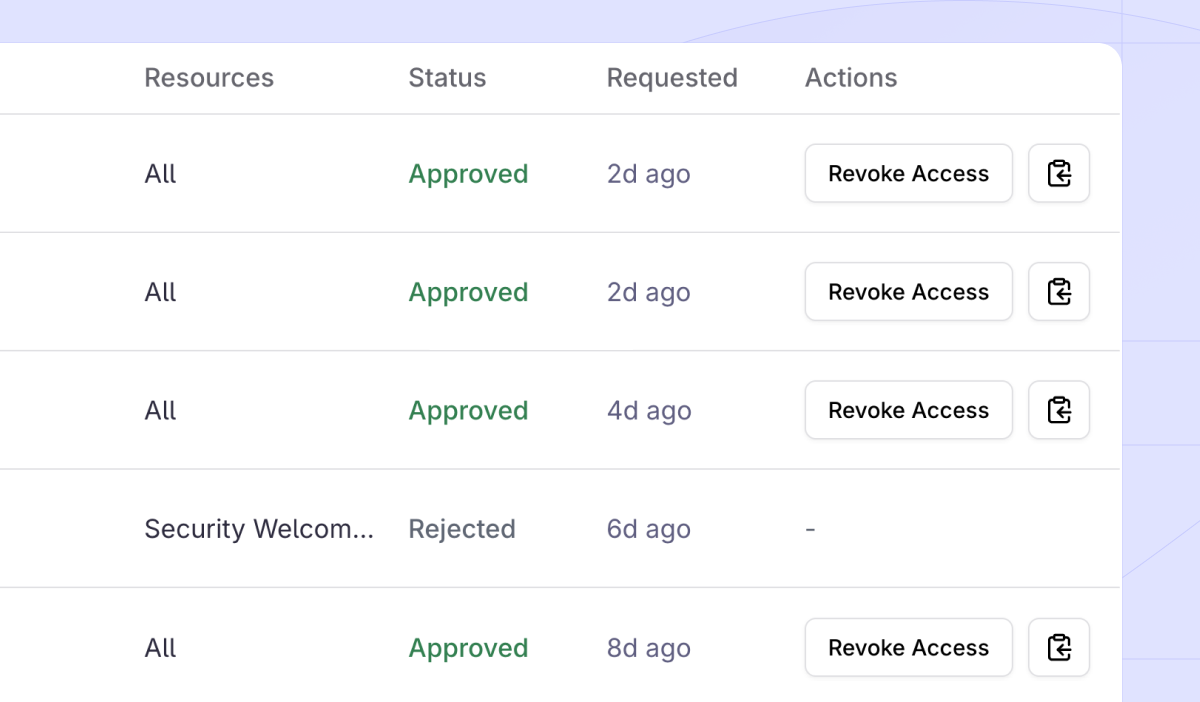
### Make it yours
Your logo. Your colors. Document watermarks. Custom NDAs. We built a trust center that feels like your own. No more generic portals that look like every other vendor.
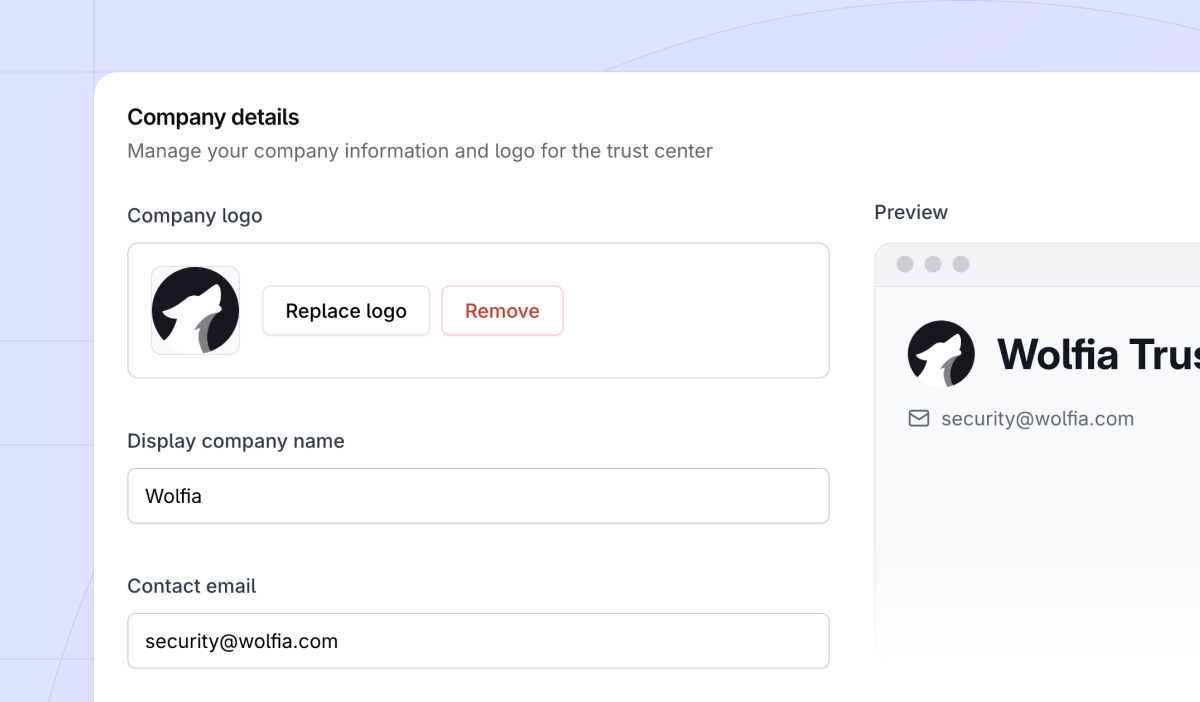
### Organize everything
SOC 2, ISO 27001, policies, controls. All organized exactly how prospects expect to find them. No more digging through folders or searching for documents. Everything is neatly categorized and searchable.
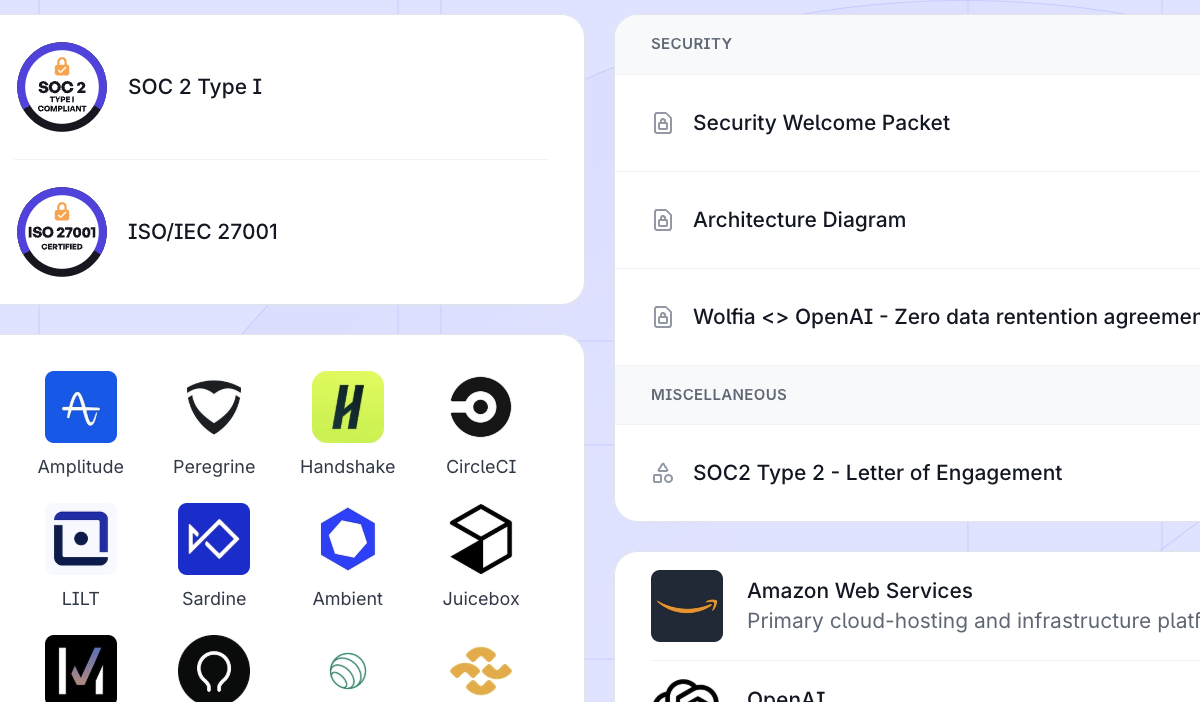
### Never miss a prospect
Instant Slack and email notifications when someone requests access. Respond in minutes with a single click. No more waiting days for security teams to respond to customer requests. Your sales team can keep the momentum going.
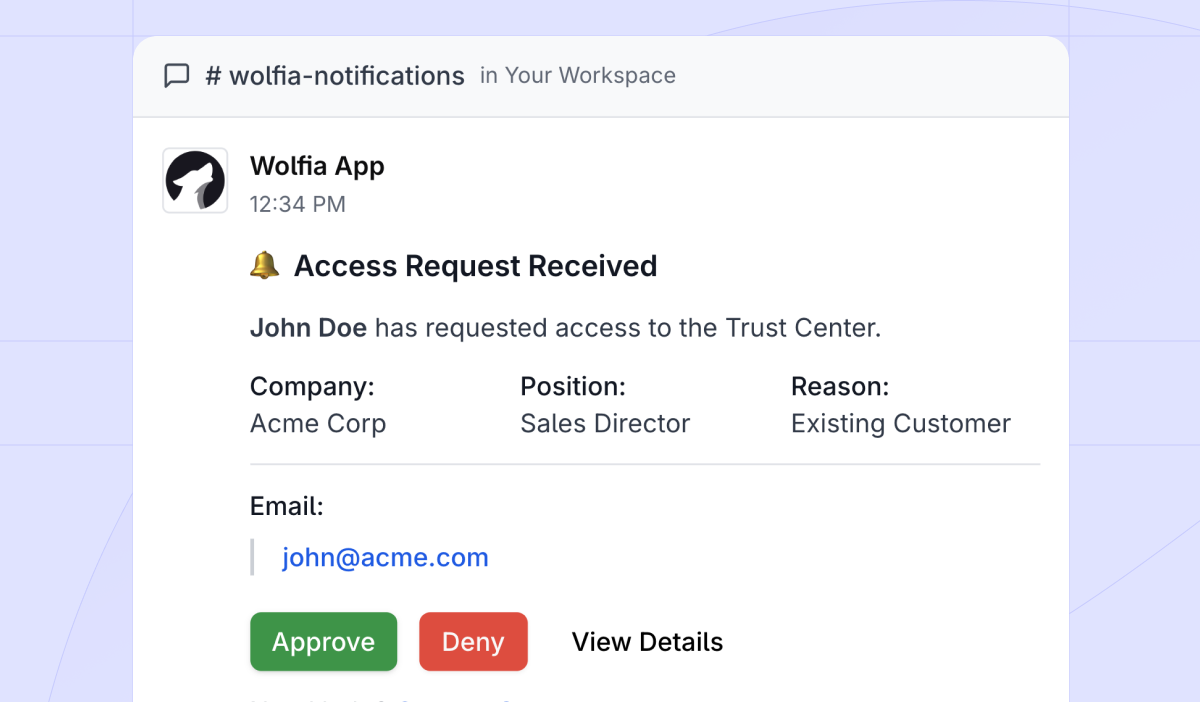
### No technical skills needed
Our editor is genuinely simple. Upload, arrange, publish. That's it.
## Built for every stage of growth
As a startup, you compete against companies 10x your size. They have dedicated security teams and expensive trust centers. But with Wolfia, you level the playing field. Look enterprise-ready from day one. Win deals you "shouldn't" win. One Series A founder told us: "Our Wolfia trust center makes us look like we have a 20-person security team. We've closed three enterprise deals that specifically mentioned our transparency as a differentiator."
For scaling companies, traditional trust center costs explode as you grow as m team members need access. With legacy vendors, success literally costs you more. We think different. Wolfia's trust center scales with you, not against you so you can focus on building trust, not managing costs.
Enterprises switching from legacy vendors find migration surprisingly simple. Amplitude did it in one afternoon and immediately got better features with unlimited access.
## The unified platform advantage
Your trust center is just the beginning. As you experience the value of unified knowledge management, natural expansion emerges. The same knowledge base that powers your trust center also automates questionnaire responses and enables your sales AI. That matters because a portal alone rarely stops a custom request: enterprise buyers routinely [reject the trust center and send their own questionnaire](/blog/buyer-rejects-trust-center-custom-questionnaire), and the same source of truth answers both. The same engine even [redlines the security addenda](/blog/best-ai-tools-security-addenda-review) that arrive once the questionnaire is done.
## Launch your trust center in 30 minutes
Ready to join hundreds of companies building trust with Wolfia? Here's what the actual 30-minute setup looks like:
- **Sign up** (30 seconds) - No credit card required
- **Upload documents** (10 minutes) - Drag and drop your security docs
- **Configure branding** (10 minutes) - Add logo, colors, custom domain
- **Review and launch** (9 minutes) - Our AI organizes everything automatically
- **Share your link** (30 seconds) - You're live!
Launch your Trust Center for free, no credit card required.
---
# o3-mini vs GPT-4o for Technical Sales Accuracy
URL: https://wolfia.com/blog/o3-mini-vs-gpt-4o
Date: 2026-01-21
Summary: A head-to-head benchmark of o3-mini vs GPT-4o on technical sales accuracy, clarity, completeness, and latency for security questionnaire and API-explanation tasks.
Technical sales work (security questionnaires, detailed API explanations, RFP responses) demands answers that are accurate, clear, and well-structured. To see which reasoning model holds up best on these tasks, we benchmarked two advanced models head to head: **o3-mini** and **GPT-4o**. This article breaks down the evaluation, the scoring methodology, and where each model pulls ahead. For the broader stakes behind these tasks, see how [sales engineers answer security questionnaires without blocking on GRC](/blog/sales-engineer-security-questionnaire).
## Evaluation overview
We tested both models on tasks representative of technical sales scenarios, measuring:
- **Accuracy:** Factual correctness (maximum 40 points)
- **Clarity (relevance):** Precision and relevance to queries (maximum 30 points)
- **Completeness:** Thoroughness of responses (maximum 30 points)
- **Total score:** Overall performance (maximum 100 points)
- **Latency:** Response time in seconds
## Performance highlights
- **Accuracy:** GPT-4o averaged slightly higher at 39.2 compared to o3-mini’s 39.0, but o3-mini consistently reached the maximum accuracy score more frequently (73% vs. 47%).
- **Clarity:** o3-mini led with an average clarity score of 29.8 versus GPT-4o’s 29.5, with o3-mini achieving maximum clarity on 87% of tasks, significantly outperforming GPT-4o’s 67%.
- **Completeness:** GPT-4o slightly outperformed o3-mini (29.7 vs. 29.1), demonstrating fewer dips in completeness. o3-mini occasionally dropped scores slightly on complex inputs.
- **Total Score:** GPT-4o’s overall average was slightly higher (98.5 vs. 97.9), but o3-mini reached the maximum total score more often (60% compared to GPT-4o’s 47%).
## Latency insights
Surprisingly, GPT-4o was only marginally faster overall, averaging 42.7 seconds per response compared to o3-mini’s 46.5 seconds. The range of latency was wider for o3-mini (29.5–69.9s) than GPT-4o (29.7–60.8s), yet the median latencies were almost identical (41.3s vs. 41.5s).
## Unique insights
- **Peak performance:** o3-mini excelled notably at the upper performance boundary, consistently hitting maximum clarity (87%) and accuracy (73%) more frequently than GPT-4o. However, its performance showed variability, especially on particularly challenging inputs, suggesting sensitivity to highly complex queries.
- **Consistency vs. excellence:** GPT-4o provided steadier results, rarely scoring below 94 total points. o3-mini, in contrast, demonstrated remarkable highs and occasional lows, reflecting a “high-risk, high-reward” profile.
## Where o3-mini pulls ahead
o3-mini’s exceptional clarity and peak accuracy line up well with what technical sales work demands: concise, precise, and reliable answers. Its ability to consistently achieve maximum clarity and accuracy makes it particularly effective for high-stakes documents such as security questionnaires and technical queries, where precision directly impacts credibility and deal speed. That link between precision and deal speed is not anecdotal: [how AI accuracy affects security questionnaire deal velocity](/blog/how-ai-accuracy-affects-security-questionnaire-deal-velocity) quantifies how each wrong answer adds revision rounds.
The slight latency variability is a reasonable trade-off for that precision, and o3-mini’s leaner profile positions it well for high-volume technical sales workloads.
## Conclusion
Both o3-mini and GPT-4o are highly capable reasoning models. For critical technical sales contexts, where precision and relevance directly shape credibility and deal speed, o3-mini’s consistency at the top of the scoring range gives it the edge in this benchmark. For how the next model generation performs on the same tasks, see our [GPT-5 benchmark on questionnaire performance, latency, and cost](/blog/gpt-5-benchmark-showdown). The model is only one layer, though. In production, citations, scope guardrails, and review workflow are what determine output quality, the criteria that define the [AI agents worth trusting for security questionnaire automation](/blog/best-security-questionnaire-automation-tools-b2b-saas).